Best Healthcare HR Software in 2026: 7 Tools Compared
WLWPLegible EditorsLast verified 22 Nov 2026How we rank6 min read
★ Short answer
Connecteam leads for mobile shift scheduling and GPS time tracking with a free plan for up to 10 users. Homebase fits multi-shift location scheduling from $30/mo per location, while Zoho People offers low-cost HR records from $1.25/user/mo.
How we make this list: we compare pricing pages, product documentation and public user reviews, then re-check every price before each update. No product paid for a place. Disclosure.
Connecteam holds a 4.6/5 rating across 5,320 Capterra reviews and starts at $29/mo for up to 30 users billed annually.
Homebase is rated 4.6/5 across 1,164 Capterra reviews and starts at $30/mo per location on Essentials.
Zoho People starts at $1.25/user/mo billed yearly on Essential HR (minimum five users) and holds a 4.4/5 rating across 384 Capterra reviews.
Gusto starts at $49/mo plus $6/mo per person on Simple and holds a 4.6/5 rating across 4,454 Capterra reviews.
OnPay charges $49/mo base plus $6/worker/mo for Payroll Essentials and holds a 4.8/5 rating across 471 Capterra reviews.
What healthcare teams need in HR software
Healthcare organizations balance round-the-clock shift rosters, hourly and salaried staff, and strict credential and policy tracking. Many clinics and care teams run on mobile phones rather than desktop computers, making shift swaps, GPS clock-ins, and fast announcements essential.
Base HR plans often exclude payroll, time clocks, or compliance add-ons. A platform that looks inexpensive per head can add per-user, per-location, or module fees once you connect timesheets, tax filings, or benefits.
Check how a vendor handles multi-site teams, overtime rules, and document or training tracking before committing. Clear pricing rules and reliable support matter just as much as headcount limits when clinical rosters change week to week.
4.6/5on Capterra (5,320 reviews, checked Nov 2026)
Paid from$29/mo
Best for mobile shift scheduling and GPS time tracking
Entry Paid Plan$29/mo (first 30 users)
Free TierUp to 10 users
Billing ModelPer hub, annual/monthly
Capterra Rating4.6/5 (5,320 reviews)
connecteam.com
Connecteam homepage, captured Nov 2026.
Connecteam is a workforce management and HR platform built for deskless and shift-based teams, including a Small Business Plan that is free for up to 10 users. It combines shift scheduling, GPS time clocks, team chat, and training or document tools across separate hubs.
The trade off is that paid plans start at $29/mo for one hub up to 30 users billed annually, and adding more hubs or users above 30 increases the bill. It suits clinics and care teams that need mobile schedules and time tracking in one app.
What we like
Free plan covers up to 10 users
GPS clock-in, open shifts, and mobile communication tools
Published starting rates for Basic, Advanced, and Expert tiers
Watch out for
Each hub is priced separately
Extra per-user charges apply past 30 users
Some reviewers report occasional app lag or notification delays
Basic at $29/mo (annual) adds payroll integrations and supports up to 30 users per hub.Visit connecteam.com
02
Zoho People
4.4/5on Capterra (384 reviews, checked Nov 2026)
Paid from$1.25/user/mo
Best for low-cost HR records and leave tracking
Entry Paid Plan$1.25/user/mo (yearly)
Minimum Users5 users on paid plans
Free TierAvailable
Capterra Rating4.4/5 (384 reviews)
zoho.com
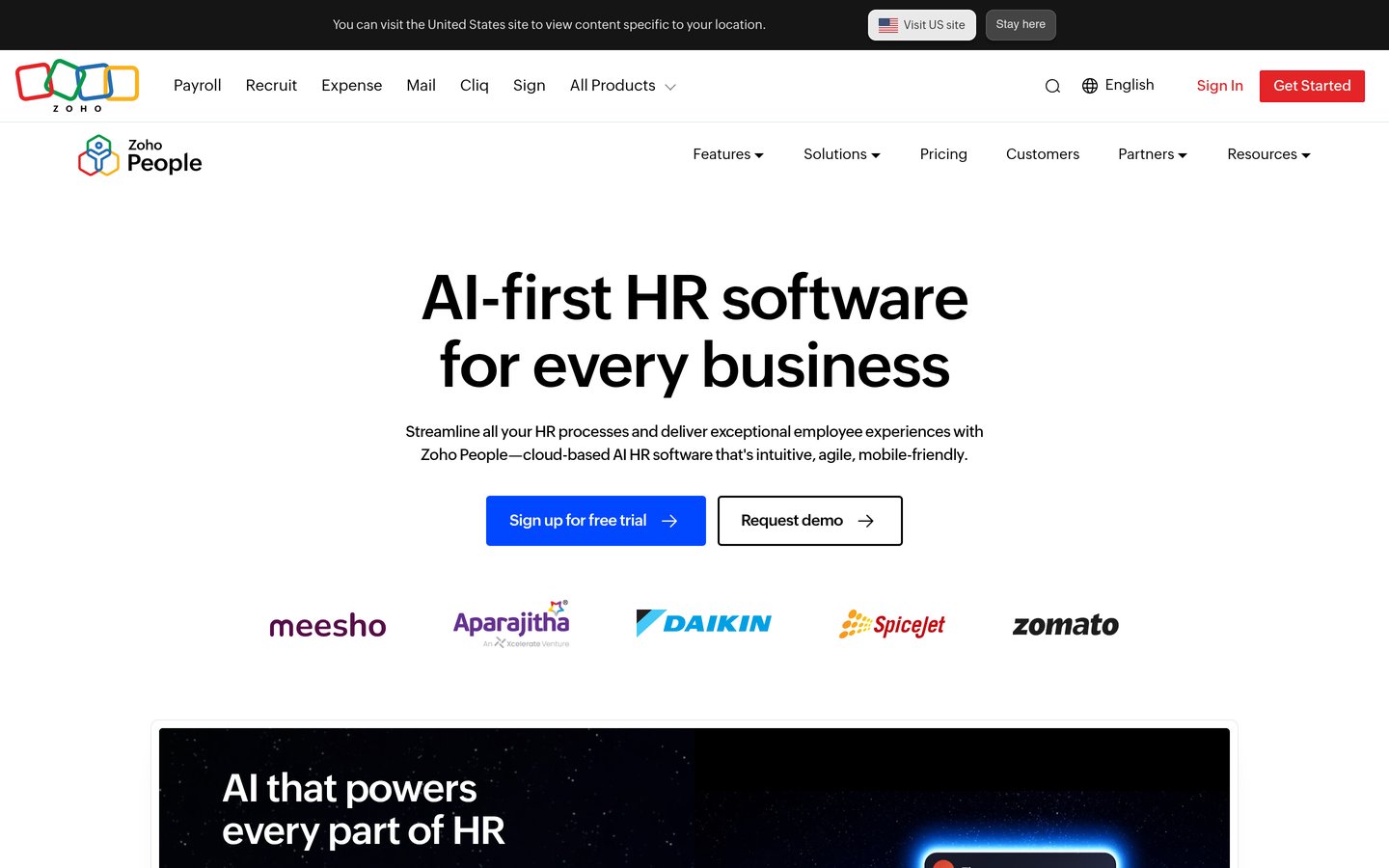
Zoho People homepage, captured Nov 2026.
Zoho People is a cloud HR management system for employee records, onboarding, leave tracking, and attendance, with a free plan and paid tiers starting at $1.25 per user per month on yearly billing. Higher tiers add shift rosters, performance tracking, and learning management.
The trade off is a five-user minimum on paid plans, and payroll or recruiting sit in separate products rather than the base subscription. It suits smaller healthcare practices that want affordable core HR records and leave workflows.
What we like
Low entry rate of $1.25/user/mo on yearly billing
Free plan option available to test core HR tasks
Covers attendance, shift rosters, and employee self-service on higher tiers
Watch out for
Five-user minimum on standard paid plans
Separate apps or subscriptions needed for full payroll and recruiting
Initial permission and workflow setup can take time
Essential HR at $1.25/user/mo (yearly) includes employee profiles, onboarding, documents, and time off.Visit zoho.com
03
Homebase
4.6/5on Capterra (1,164 reviews, checked Nov 2026)
Paid from$30/mo
Best for hourly location scheduling and time clocks
Entry Paid Plan$30/mo per location
Free Tier1 location, up to 10 staff
Payroll Add-OnOptional paid add-on
Capterra Rating4.6/5 (1,164 reviews)
joinhomebase.com
Homebase homepage, captured Nov 2026.
Homebase is a team scheduling and time-tracking platform for hourly workforces, offering a free Basic plan for one location and up to 10 employees. Paid plans start on Essentials at $30/mo per location with unlimited employees and team messaging.
The trade off is that payroll is a separate paid add-on, and multi-location clinics pay per site rather than a flat rate. It suits local clinics and care facilities that prioritize shift calendars and timesheets.
What we like
Free Basic plan for one site and up to 10 employees
Unlimited employees included starting on Essentials at $30/mo
Clear path to add payroll, hiring, or time-off controls later
Watch out for
Payroll costs extra on top of base plans
Per-location pricing adds up across multiple sites
Some reviewers note occasional mobile syncing delays
Essentials at $30/mo per location adds advanced scheduling, time tracking, and team messaging for unlimited staff.Visit joinhomebase.com
04
Gusto
4.6/5on Capterra (4,454 reviews, checked Nov 2026)
Starts at$49/mo
Best for combined payroll and small-practice benefits
Entry Paid Plan$49/mo + $6/mo per person
Free TierNone (demo/trial available)
Payroll FilingsIncluded on Simple
Capterra Rating4.6/5 (4,454 reviews)
gusto.com
Gusto homepage, captured Nov 2026.
Gusto is an online payroll and HR platform for small businesses, starting on the Simple plan at $49/mo plus $6/mo per person. It handles unlimited payroll runs, tax filings, basic PTO policies, and employee self-service onboarding.
The trade off is that per-person fees scale with headcount, and features like multi-state payroll or advanced time and attendance sit on higher tiers or add-ons. It suits small medical or dental offices that want straightforward payroll and benefits.
What we like
Transparent base plus per-person pricing on the Simple plan
Automated tax filings and unlimited payroll runs included
Strong adoption with 4.6/5 across 4,454 Capterra reviews
Watch out for
No free plan, and total cost rises with every added employee
Some time tracking, instant pay, and compliance tools cost extra
Less tailored to complex enterprise shift rosters
Plus ($80/mo + $12/mo per person) and Premium ($180/mo + $22/mo per person) add broader HR, compliance, and pay speed options.Visit gusto.com
05
OnPay
4.8/5on Capterra (471 reviews, checked Nov 2026)
Starts at$49/mo
Best for straightforward payroll and HR add-ons
Entry Paid Plan$49/mo + $6/worker/mo
Free TierNone (first month free)
Modular Add-OnsHR, Time Tracking, Support
Capterra Rating4.8/5 (471 reviews)
onpay.com
OnPay homepage, captured Nov 2026.
OnPay is a payroll and HR platform starting at $49/mo base plus $6 per worker per month for Payroll Essentials. It covers W-2 and 1099 pay runs, federal and state tax filings, and employee onboarding without hidden per-run fees.
The trade off is that HR workflows, time tracking, and live HR support are add-ons or bundles above the payroll base. It suits small healthcare teams that want predictable payroll pricing and helpful onboarding support.
What we like
High user rating of 4.8/5 across 471 Capterra reviews
No extra per-pay-run charges on full-service payroll
Includes benefits administration without an extra broker fee
Watch out for
No permanent free tier
HR tools and time clocks add base and per-worker fees
Fewer third-party integrations than larger HR suites
Add-ons and bundles introduce PTO tracking, certificate expiration tracking, geofenced time clocks, and HR support.Visit onpay.com
06
BambooHR
4.6/5on Capterra (4,030 reviews, checked Nov 2026)
Starts at$10.25/user/mo
Best for structured employee records and onboarding
Entry Paid Plan$10.25/employee/mo (Core)
Free TierNone (free trial available)
Higher TiersPro ($17.50) and Elite ($25)
Capterra Rating4.6/5 (4,030 reviews)
bamboohr.com
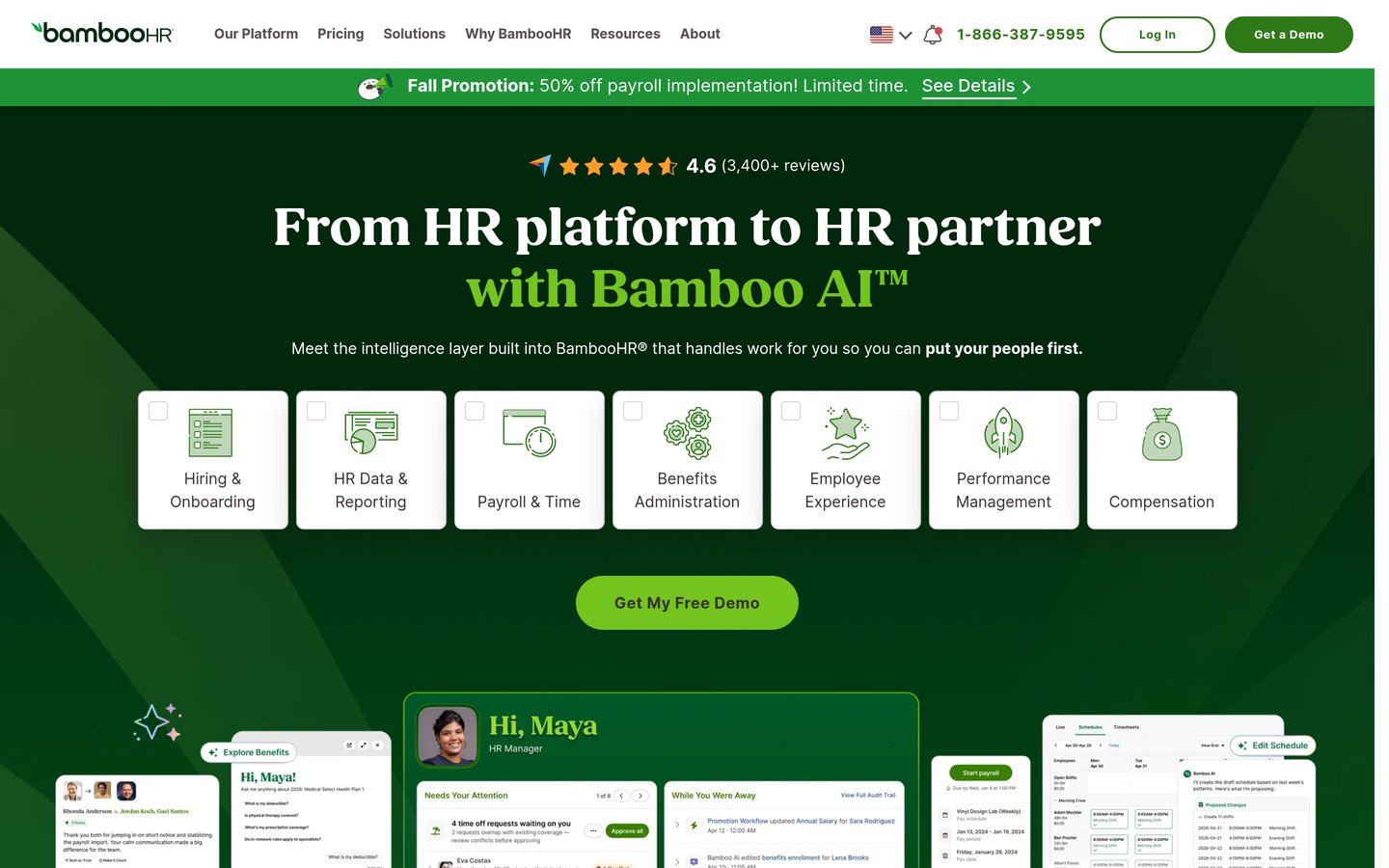
BambooHR homepage, captured Nov 2026.
BambooHR is a core HR platform for employee records, hiring, onboarding, time-off tracking, and reporting, with pricing starting at $10.25 per employee per month on Core. It gives HR teams a clean central directory and self-service portal for staff.
The trade off is that per-employee pricing scales quickly as headcount grows, and modules like payroll or benefits can raise total spend. It suits growing clinics and health organizations that want organized HR records and onboarding.
What we like
Clean interface with 4.6/5 across 4,030 Capterra reviews
Centralizes employee records, documents, hiring, and time-off requests
Clear tiered pricing across Core, Pro, and Elite plans
Watch out for
No free plan, and per-employee fees add up on larger rosters
Payroll, benefits administration, and time tracking are add-ons
Less focused on complex shift-rotation scheduling
Pro ($17.50/employee/mo) and Elite ($25/employee/mo) add performance tools, compensation features, and expanded training.Visit bamboohr.com
07
Workable
4.4/5on Capterra (667 reviews, checked Nov 2026)
Starts at$299/mo
Best for high-volume recruiting and onboarding
Entry Paid Plan$299/mo (annual bundle)
Free TierNone (15-day trial available)
Higher TiersPremier ($599) and Enterprise ($719)
Capterra Rating4.4/5 (667 reviews)
workable.com
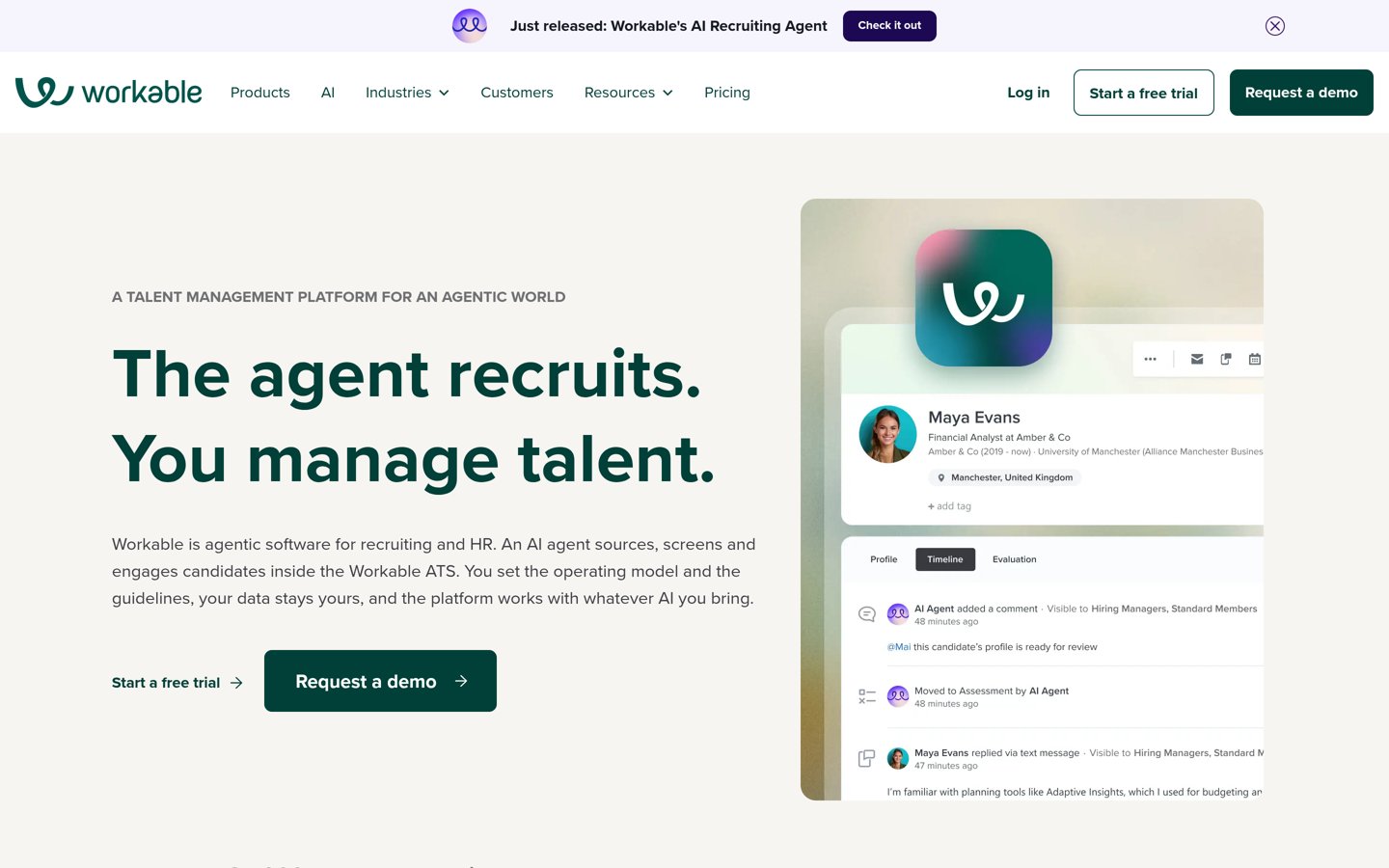
Workable homepage, captured Nov 2026.
Workable is a recruiting and HR platform starting at $299/mo ($3,588/yr billed annually) on its Standard bundle, combining candidate sourcing, applicant tracking, and employee onboarding. It helps teams manage open roles, interview scorecards, and offer workflows in one place.
The trade off is a higher monthly starting price than basic HR tools, plus extra costs for optional add-ons or AI credit packs. It suits healthcare groups hiring frequently across clinical and support roles.
What we like
Strong recruiting pipeline, job distribution, and onboarding workflows
Published annual pricing across Standard, Premier, and Enterprise tiers
Used by 35,000+ companies with 4.4/5 across 667 Capterra reviews
Watch out for
Higher starting cost than small-team HR and payroll tools
Optional extras like texting, video interviews, or assessments cost more
Not a complete time-clock and payroll system on its own
Premier ($599/mo) and Enterprise ($719/mo) expand capabilities for larger hiring teams and complex workflows.Visit workable.com
Shift scheduling vs. core HRIS
Tools like Connecteam and Homebase focus heavily on shifts, mobile clock-ins, and hourly team coordination. Platforms like BambooHR and Zoho People focus more on employee profiles, onboarding, PTO, and HR records.
If your biggest bottleneck is filling open shifts and tracking hours on phones, start with a scheduling-first tool. If your priority is employee files, policies, and hiring workflows, look closely at an HRIS or applicant tracking tool.
How we chose
This shortlist was compiled from established HR, scheduling, and payroll platforms widely used by small and growing businesses, including healthcare teams. Prices, plan tiers, and Capterra review counts and ratings were checked on 22 Nov 2026 from vendor pricing pages and public review listings.
Products without verifiable public pricing or active listings were left out so every entry reflects current terms. No vendor paid for a place, and we do not claim testing for this list.
How to choose healthcare HR software
Follow four practical steps to match a platform to your clinic or care team:
List your core workforce tasks first. Separate shift scheduling and GPS time clocks from payroll, benefits, and recruiting so you do not buy tools that miss your daily workflow.
Calculate total cost at your real headcount. Multiply base fees, per-user charges, and per-location rates by your active staff count rather than looking only at entry numbers.
Check add-on pricing before signing. Confirm whether payroll, time tracking, compliance tools, or extra hubs cost extra on top of the entry plan.
Verify mobile usability for shift staff. Make sure nurses, technicians, and support staff can view schedules, request time off, and clock in easily from their phones.
FAQ
Is there free HR software for small healthcare teams?
Yes. Connecteam offers a Small Business Plan free for up to 10 users, Zoho People lists a free plan, and Homebase offers a free Basic plan for one location and up to 10 employees.
Why do some HR tools charge per employee or per location?
Many platforms scale pricing with headcount or physical sites because support, compliance, and usage rise as you add staff or locations. Always check whether per-user fees apply above a set threshold.
Does payroll usually cost extra on HR platforms?
Often yes. Some tools bundle payroll or offer it on higher tiers, while others charge a separate base fee plus a per-person rate for payroll processing.
What is the difference between annual and monthly billing on these tools?
Annual billing usually lowers the monthly rate compared with paying month to month, though it requires paying upfront for the year. Check refund and seat-change rules before committing.
Can one tool handle hiring, scheduling, and payroll all at once?
Some platforms combine parts of that workflow, while others specialize in one area such as shift scheduling, payroll, or recruiting. Many teams pair a scheduling or HR tool with dedicated payroll.
How should multi-location clinics compare plans?
Compare per-location fees against per-user fees across all active clinics. A plan that looks cheap for one site can become expensive once you add a second or third location.