Homebase is the best HR and scheduling software for retail for most shops, with a free plan covering scheduling and time tracking for up to 10 staff and a 4.6/5 G2 rating. Pick Deputy for demand forecasting, or Gusto if payroll matters more than the rota.
How we make this list: we compare pricing pages, product documentation and public user reviews, then re-check every price before each update. No product paid for a place. Disclosure.
Homebase leads for retail: free scheduling and time clock for up to 10 staff, paid from $30 a month per location.
Deputy and Connecteam are the strongest scheduling-first picks, rated 4.5 and 4.6 out of 5 on G2.
Sling and Humanity are the cheapest paid options, from $2 and $2.75 per user a month.
Gusto is the payroll and HR pick, but it has no built-in rota, so pair it with a scheduler.
Only Homebase, Connecteam, 7shifts and Sling offer a free plan; the rest start with a trial.
What retail HR and scheduling software should cover
Retail rosters change every week. Staff swap shifts, call in sick and pick up extra hours, so a shared spreadsheet falls behind fast.
Good software for a shop covers three jobs: building the rota, tracking hours worked, and keeping basic HR records such as time off and documents.
Price structures differ more than features. Some tools charge per location, some per user and some per hub, so a $29 plan can cost more than a $5 per-user plan once the team grows. Our guide on adding a booking calendar to WordPress covers a related scheduling setup.
Ratings below come from G2, checked on 25 November 2026. Prices are the regular list prices from each vendor's pricing page, not sale prices.
Homebase is an all-in-one team app for hourly retail staff, combining scheduling, a time clock, team messaging, hiring and HR tools. The free Basic plan covers one location and up to 10 employees, with scheduling, time tracking and point-of-sale integrations.
The trade off is that payroll costs extra, at $49 a month plus $6 per employee, and the free plan caps at one location and 10 staff. Essentials costs $30 a month per location, or $24 a month billed annually. It suits single shops and small chains that want scheduling and HR in one app.
Deputy is a scheduling and workforce tool built for shift teams in retail, hospitality and healthcare. Its Lite plan at $5 per user a month covers scheduling, timesheets, time clocking and payroll integrations.
The trade off is per-user pricing, which climbs as headcount grows, and HR features cost $2 more per user a month as an add-on. Core costs $6.50 per user a month and Pro $9. It suits retailers that roster by demand and want accurate labour cost forecasts.
Connecteam is a mobile-first workforce app that combines scheduling, time tracking, team chat and HR tools for deskless teams. Its free Small Business plan covers up to 10 users with full access to its Operations, Communications and HR hubs.
The trade off is hub pricing: scheduling, chat and HR are sold as separate hubs, so using all three costs $29 a month each. Features such as geofencing and automation sit on higher plans. It suits small retailers that run the whole team from phones.
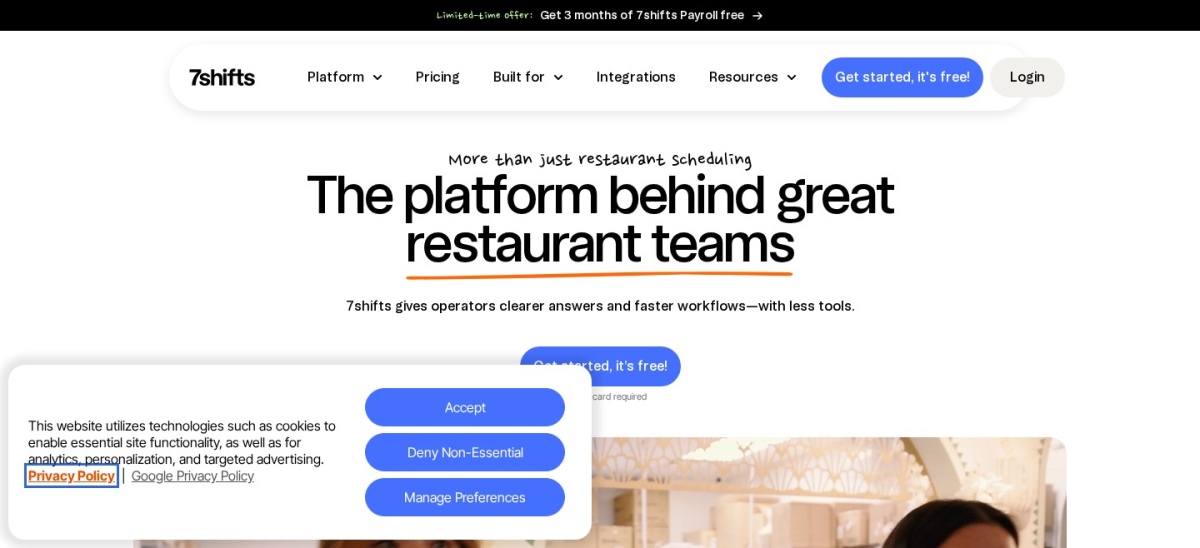
7shifts is a team management app built for shift-based businesses, with scheduling, time clocking, team messaging and labour reporting. Its free Comp plan covers one location and up to 15 employees.
The trade off is its restaurant roots: retail-specific HR is thin, and payroll is an integration rather than built in. Pro at $69.99 a month adds compliance tools and advanced reporting. It suits retailers that plan rosters around sales and labour budgets.
Rippling is an all-in-one HR, payroll and IT platform, with onboarding, benefits, time tracking and payroll in one login. Core starts at $8 per user a month, plus a platform fee, and covers employee records, workflows and reporting.
The trade off is modular pricing: scheduling, payroll and device management are separate add-on modules, so costs rise fast. It is built for mid-market teams rather than single shops. It suits growing retailers that want HR, payroll and IT consolidated.
Gusto is a payroll and HR platform for small businesses, with full-service payroll, automatic tax filing, onboarding and benefits. Simple costs $49 a month plus $6 per person and covers unlimited payroll runs, direct deposit and single-state tax filing.
The trade off is scheduling: Gusto has no built-in rota builder, so retailers pair it with a scheduling app. Plus at $80 a month plus $12 per person adds multi-state payroll and time tracking. It suits retailers that want payroll and HR handled, with scheduling elsewhere.
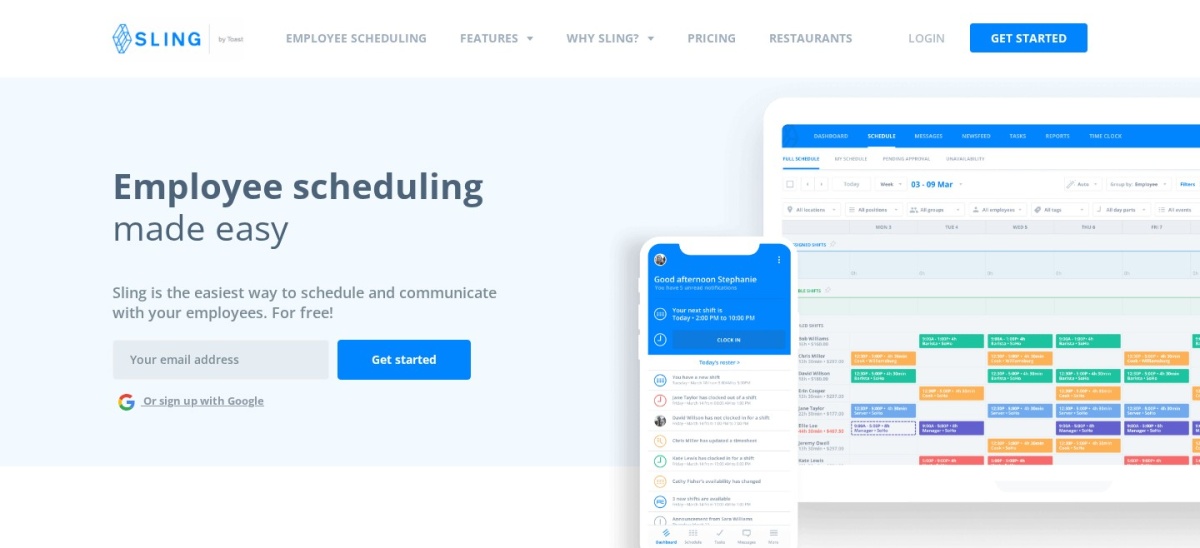
Sling is a scheduling and communication app for shift teams, with drag-and-drop rosters, shift swaps, availability and team chat. Its free plan covers up to 30 users.
The trade off is depth: HR features are light, and the free plan lacks time tracking and reporting. Business at $4 per user a month adds auto-scheduling and sales reports. It suits very small shops that need a free rota and chat in one place.
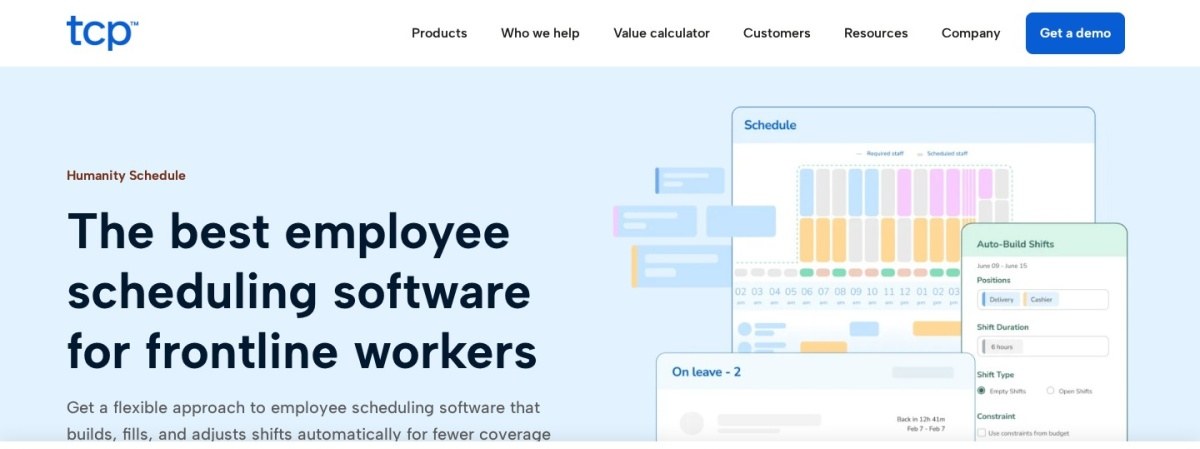
Humanity, from TCP Software, is a scheduling-first platform for shift teams, with drag-and-drop rosters, shift swaps, availability, time-off requests and geofenced clock-in. Essentials costs $2.75 per employee a month billed annually and covers multiple locations.
The trade off is scope: HR and payroll are integrations, not built-in features, and the entry plan caps at 250 employees. Professional at $3.75 per employee a month adds more reporting. It suits retail chains that schedule across many stores.
Free plans cover the basics well. Homebase, Connecteam, 7shifts and Sling all let a small shop build rotas and message staff without paying.
Paid plans mostly add control and reach. You get GPS clock-in, PTO rules, labour forecasts and multi-location rosters.
If you run more than one shop, check the billing unit first. Per-location pricing stays flat as headcount grows, while per-user pricing rises with every hire.
How we chose
We started from the scheduling and HR tools most often shortlisted for retail shift teams, then kept those with a public G2 rating and published pricing.
Prices come from each vendor's pricing page and G2's vendor-supplied pricing, checked on 25 November 2026. Ratings and review counts come from G2 on the same day. Where a vendor shows a sale, the list shows the regular price.
We left out tools with quote-only pricing and no public rating, such as Workforce.com. No vendor paid for a place, and we do not claim hands-on testing for this list.
How to choose HR and scheduling software for retail
Start with how your rota actually runs, then match the tool to the team.
Count heads and locations. A single shop with 8 staff fits a free plan; a chain needs multi-location rosters and per-location pricing.
Decide whether you need HR or just scheduling. If payroll and onboarding matter, pick a tool with HR built in, or pair a scheduler with Gusto.
Check the billing unit. Per-user plans rise with every hire, per-location plans stay flat, and hub plans charge per feature set.
Trial it with a real rota. Build next week's rota, test shift swaps and clock-in, and check the mobile app staff will actually use.
FAQ
What is the best HR and scheduling software for retail?
Homebase is the best pick for most retail shops. Its free plan covers scheduling and time tracking for up to 10 staff, paid plans start at $30 a month per location, and it is rated 4.6 out of 5 on G2.
Is there free HR and scheduling software for retail?
Yes. Homebase, Connecteam, 7shifts and Sling all offer free plans for small teams, covering scheduling and team messaging. Free plans cap headcount or locations, so growing shops usually move to a paid plan.
How much does retail scheduling software cost?
Most tools cost $2 to $5 per user a month, or $29 to $40 a month flat. Homebase charges $30 a month per location, while Deputy starts at $5 per user a month and Gusto at $49 a month plus $6 per person.
Do I need separate HR software if I use a scheduler?
It depends on the tool. Homebase, Connecteam and Gusto include HR features such as onboarding and time-off tracking. Deputy sells HR as an add-on, while 7shifts and Sling focus on scheduling and Rippling sells it as an add-on.
What is the difference between Deputy and Homebase?
Deputy charges per user and leads on auto-scheduling and demand forecasting, starting at $5 per user a month. Homebase charges per location, offers a free plan for up to 10 staff, and bundles more HR tools.
Can retail scheduling software handle multiple locations?
Yes. Homebase, Deputy, Connecteam, Rippling and Humanity all support multi-location rosters. Check the plan: some tools include extra locations only on paid tiers, and per-user pricing rises with each new hire.
SaaS SEO and WordPress specialist with about 8 years of experience. Rakib compares WordPress plugins, themes, hosting and software using public pricing, documentation and user reviews. See how we rank.