Toggl Track is the best hours tracker app for most teams, with a free plan for up to 5 users, unlimited tracking and a 4.6/5 G2 rating from 1,589 reviews. Pick Timely for automatic AI timesheets or Clockify for the cheapest paid plan at $3.99 a seat a month.
How we make this list: we compare pricing pages, product documentation and public user reviews, then re-check every price before each update. No product paid for a place. Disclosure.
Toggl Track leads on balance: a free plan for 5 users, a $9 Starter plan and a 4.6/5 G2 rating from 1,589 reviews.
Timely has the highest G2 rating here at 4.8/5, but no free plan and a 5-user cap on Starter.
Clockify and TimeCamp share the lowest paid price at $3.99 a user a month; TimeCamp's free plan has no user cap.
Harvest is the only pick with invoicing on its free plan, but that plan allows just 1 seat and 2 projects.
Hubstaff and Time Doctor suit teams that want screenshots and activity data, and neither has a free plan.
DeskTime is the cheapest automatic tracker, with Pro at $6.42 a user a month on annual billing.
What to look for in an hours tracker app
An hours tracker app records the time you spend on work, usually with a timer, a timesheet or automatic capture. The best ones turn those hours into reports, invoices or payroll without extra admin.
Free plans differ more than prices do. Some cap users at one or five, while TimeCamp's free plan has no user cap at all. Check the cap before you roll a tool out to a team.
Automatic tracking suits teams that forget timers, while manual timers suit freelancers who bill exact hours. Our guide on handing a site over to a client covers the client side of billing for finished work.
Prices below are the cheapest paid plan per user a month on annual billing, checked on 25 November 2026. Monthly billing costs more on every tool in this list.
Toggl Track is a timer-first hours tracker for freelancers and small teams. The free plan covers up to 5 users with unlimited time tracking, projects, tasks and reports, plus desktop, web and mobile apps and more than 100 integrations.
The trade off is that billable rates, team reports and time estimates need Starter at $9 per user a month on annual billing, and approvals and profitability reports need Premium. It suits small teams that want tracking people will actually keep up with.
What we like
Free plan covers up to 5 users with unlimited tracking
One-click timer on web, desktop and mobile
Clear reports by project, client and team member
More than 100 integrations
Watch out for
No invoicing built in
Billable rates need the Starter plan
Free plan stores data for 6 months only
Starter adds billable rates, team reports and estimatesVisit toggl.com
02
Timely
4.8/5on G2 (498 reviews, checked Nov 2026)
Starts at$9/mo
Best automatic hours tracking
Free planNo, 14-day trial
Cheapest paidStarter, $9/user/mo
G2 rating4.8/5 (498 reviews)
Starter limits5 users, 20 projects
timely.com
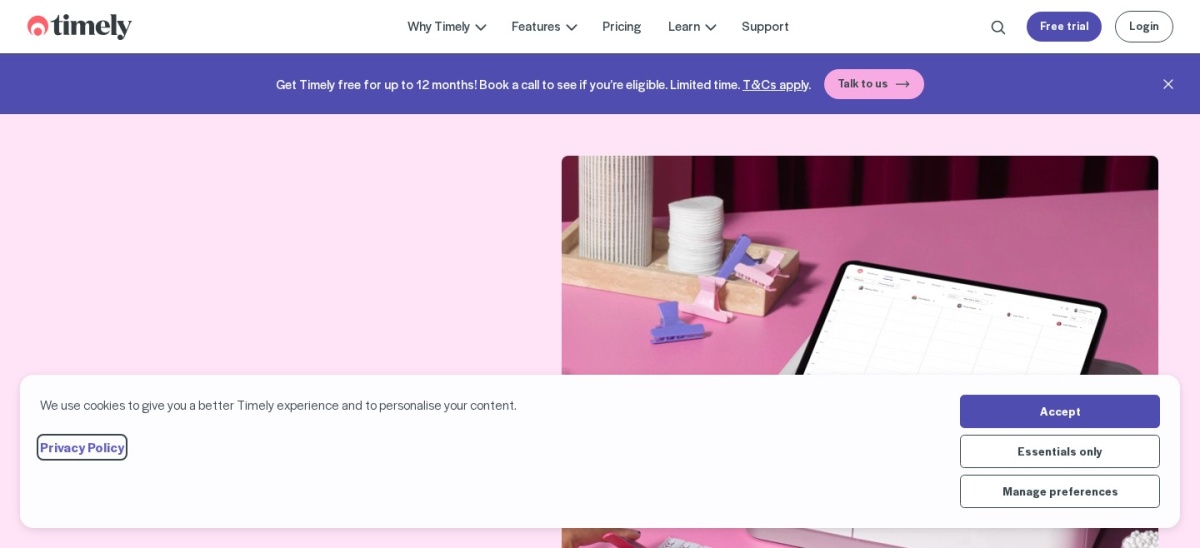
Timely homepage, captured Nov 2026.
Timely is an automatic hours tracker that records the apps, documents and meetings you work in, then drafts AI timesheets from that record. Starter covers up to 5 users and 20 projects, and its draft timesheets aim to catch billable work that manual timers miss.
The trade off is price and the lack of a free plan. Starter costs $9 per user a month on annual billing, and a sixth user forces the whole team onto Premium at $16. It suits billable teams that lose hours to manual entry.
Clockify is a free-first hours tracker with a timer, timesheets, a calendar view and reports. The free plan covers up to 5 users with unlimited tracking, projects and tasks, plus desktop and mobile apps and more than 100 integrations.
The trade off is that the free plan changed in April 2026: reports cover 31 days, exports are PDF only, and billable rates moved to Basic at $3.99 per seat a month on annual billing. It suits small teams that want the most tracking for the least money.
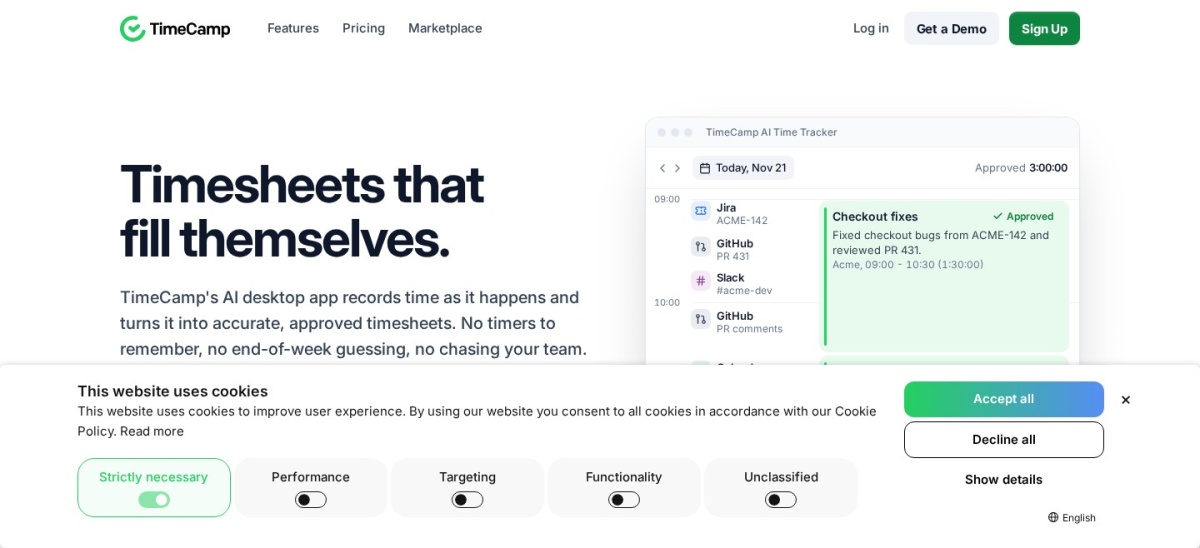
TimeCamp is an hours tracker with billing and attendance built in. Its free plan covers unlimited users and projects with timers, timesheets, automatic tracking and GPS, which no other free plan in this list matches.
The trade off is that invoicing, attendance and time off need Starter at $3.99 per user a month on annual billing, and billable rates and budgets sit higher still. It suits teams that want a free plan without a user cap.
What we like
Only free plan here with unlimited users
Automatic tracking with keyword rules
Invoicing and attendance on paid plans
GPS tracking for field work
Watch out for
Keyword rules need setup before auto-tracking works
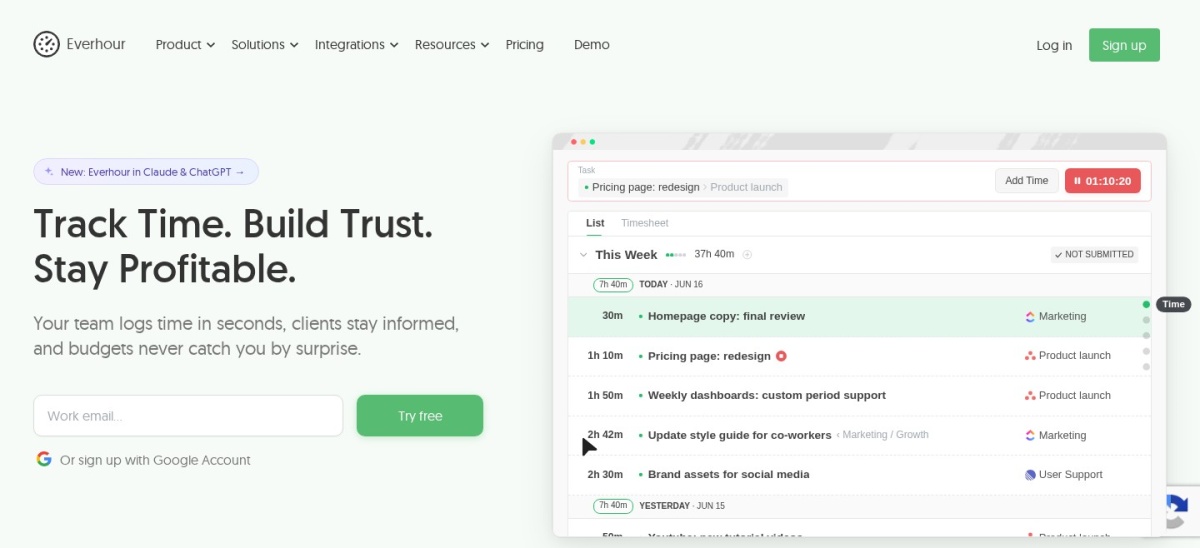
Everhour is a time tracker that lives inside Asana, ClickUp, Jira, Basecamp and Trello, so time is logged against tasks without switching tools. The free plan covers up to 5 users with basic tracking and reporting.
The trade off is that the integrations and budgeting most buyers want sit on the Team plan at $8.50 per user a month on annual billing, with a 5-seat minimum. It suits project teams that already live in a PM tool.
Harvest is a time and expense tracker built around billing: log time and expenses, then turn them into invoices. The free plan covers 1 seat and 2 projects, with time tracking, invoicing and expense tracking included.
The trade off is the free plan's size and the price. One seat and two projects fit a solo freelancer, and Teams costs $9 per seat a month on annual billing. It suits freelancers and small agencies that bill by the hour.
Hubstaff is a time tracker for remote and field teams that pairs hours with activity levels, screenshots and GPS location. Starter covers time tracking, activity, screenshots and basic reports, with a 2-seat minimum.
The trade off is that there is no free plan, only a 14-day trial, and the monitoring can feel intrusive to staff. Starter costs $4.99 per seat a month on annual billing. It suits managers who need proof of work, not just hours.
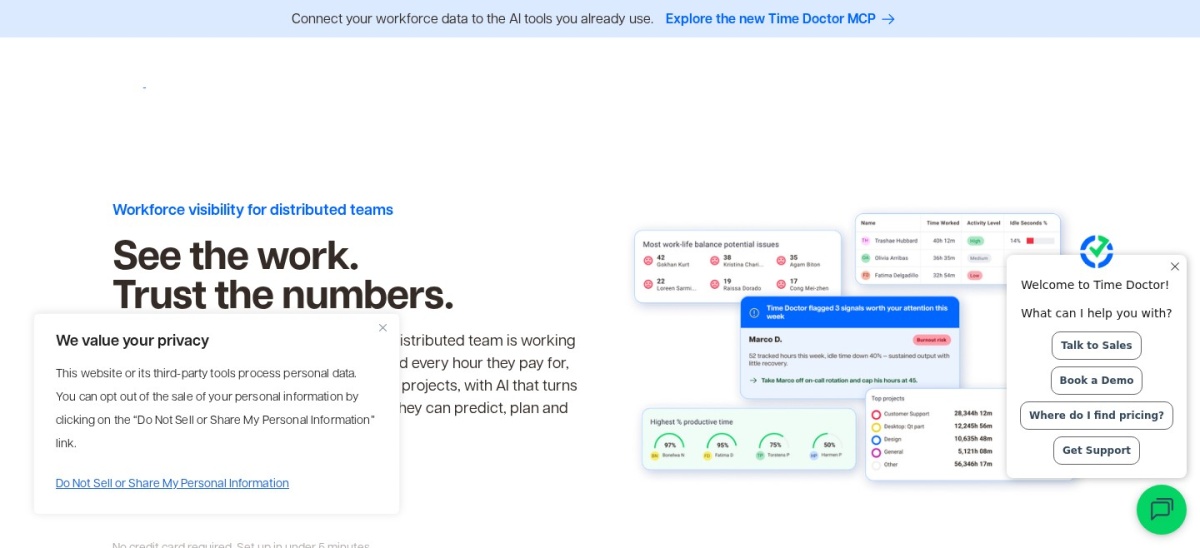
Time Doctor is a time tracker that records hours automatically and pairs them with screenshots, web and app use, and distraction alerts. The Basic plan includes time tracking, screenshots and project tracking, with a 14-day free trial.
The trade off is depth for price. Productivity ratings, payroll and most integrations need Standard at $11.70 per user a month on annual billing, while Basic costs $6.70. It suits distributed teams that need oversight of remote work.
DeskTime is a fully automatic hours tracker: it starts when the computer does and sorts apps and sites into productive and unproductive time. The free Lite plan covers 1 user, and Pro adds app and URL tracking with productivity reports.
The trade off is that screenshots, absence calendars and shift scheduling need Premium at $9.17 per user a month on annual billing, while Pro costs $6.42. It suits teams that want hours logged without anyone starting a timer.
Manual timers give you exact control: start when work starts, stop when it ends. They suit freelancers who bill by the hour and want clean records.
Automatic trackers record apps, documents and meetings in the background, then draft timesheets. They suit teams that lose billable hours to forgotten timers.
The catch is privacy. Automatic tools and screenshot tools record more about the workday, so tell the team what is captured before you switch it on.
How we chose
We started from the most-reviewed hours tracker apps on G2, keeping only established tools with a public rating and a published pricing page.
Prices come from each vendor's pricing page, checked on 25 November 2026. Ratings and review counts come from G2 on the same day. Where a vendor shows a sale, the list shows the regular price.
We left out tools with no public rating and niche trackers built for one industry. No vendor paid for a place, and we do not claim hands-on testing for this list.
How to choose an hours tracker app
Start with who tracks time and how those hours get billed, then match the plan to that.
Count the people who will track time. Free plans cap at 1, 5 or unlimited users. A cap below your team size means paying from day one.
Decide between a timer and automatic capture. Timers suit exact billing; automatic tracking suits teams that forget to start one. DeskTime and Timely capture work without a timer.
Check what happens to the hours. If hours become invoices, Harvest or TimeCamp fit. If they become payroll, Hubstaff or Time Doctor fit better.
Trial the top two with real work. Run both for a week on live projects, then keep the one the team actually opens. A tracker nobody uses records nothing.
FAQ
What is the best hours tracker app?
Toggl Track is the best hours tracker app for most teams. Its free plan covers up to 5 users with unlimited tracking, Starter costs $9 per user a month on annual billing, and it holds a 4.6/5 G2 rating from 1,589 reviews.
Is there a free hours tracker app?
Yes. Clockify, TimeCamp, Everhour, Toggl Track, Harvest and DeskTime all have free plans. TimeCamp's is the most generous, with unlimited users and projects, while Harvest's free plan allows only 1 seat and 2 projects.
Which hours tracker app is best for freelancers?
Toggl Track or Harvest. Toggl Track's free plan covers up to 5 users with unlimited tracking, while Harvest turns tracked hours straight into invoices, which suits freelancers who bill clients by the hour.
Do hours tracker apps track time automatically?
Some do. Timely and DeskTime record apps, documents and meetings in the background and draft timesheets from them. Toggl Track, Clockify and Harvest rely on a timer you start and stop yourself.
How much does an hours tracker app cost?
Paid plans in this list run from $3.99 to $9 per user a month on annual billing. Clockify and TimeCamp are cheapest at $3.99, while Toggl Track, Timely and Harvest start at $9 per user a month.
Can I track hours without monitoring my team?
Yes. Toggl Track, Clockify, Harvest and Everhour record hours without screenshots or activity scores. Hubstaff and Time Doctor add monitoring, so pick a timer-only tool if your team does not want that.
SaaS SEO and WordPress specialist with about 8 years of experience. Rakib compares WordPress plugins, themes, hosting and software using public pricing, documentation and user reviews. See how we rank.