Vercel is the best hosting for React apps with server rendering, with zero-config deploys and preview URLs on every pull request. Cloudflare Pages is the cheapest home for a static React app, while Render suits full-stack apps that need a database as well.
How we make this list: we compare pricing pages, product documentation and public user reviews, then re-check every price before each update. No product paid for a place. Disclosure.
Vercel leads for Next.js teams, with a 4.7 G2 rating and Pro from $20 a seat a month.
Cloudflare Pages is the cheapest static host here, with a free plan and unlimited bandwidth.
Render and Railway cover the full stack, hosting the frontend, API and database in one place.
Vercel's free Hobby plan is for personal, non-commercial use only, so commercial apps need Pro.
Netlify's free plan is credit-limited, and projects pause when the 300 monthly credits run out.
What a React app needs from hosting
A plain React app is static files. Any CDN can serve it, so the cheapest host wins, and Cloudflare Pages, Netlify and Vercel all host a static build for free.
Next.js changes the question. Server rendering, server components and API routes need a runtime, and Vercel is the zero-configuration choice, with Netlify and Cloudflare working through adapters.
Free plans have catches. Vercel's Hobby plan is non-commercial only, Netlify meters its free plan in credits, and Render pauses free web services when traffic stops.
Pick by rendering mode first, then by price. A static single-page app, a server-rendered Next.js app and a full-stack app with a database each have a different best host.
Vercel is the default host for React teams, especially on Next.js, which Vercel builds. Connect a Git repository and every push deploys, every pull request gets a preview URL, and server rendering, edge functions and image optimisation need no configuration.
The trade off is the Hobby plan. It is free with 100 GB of transfer a month, but it is for personal, non-commercial use only, and Pro costs $20 per developer seat a month. It suits React and Next.js teams that want deployment to disappear.
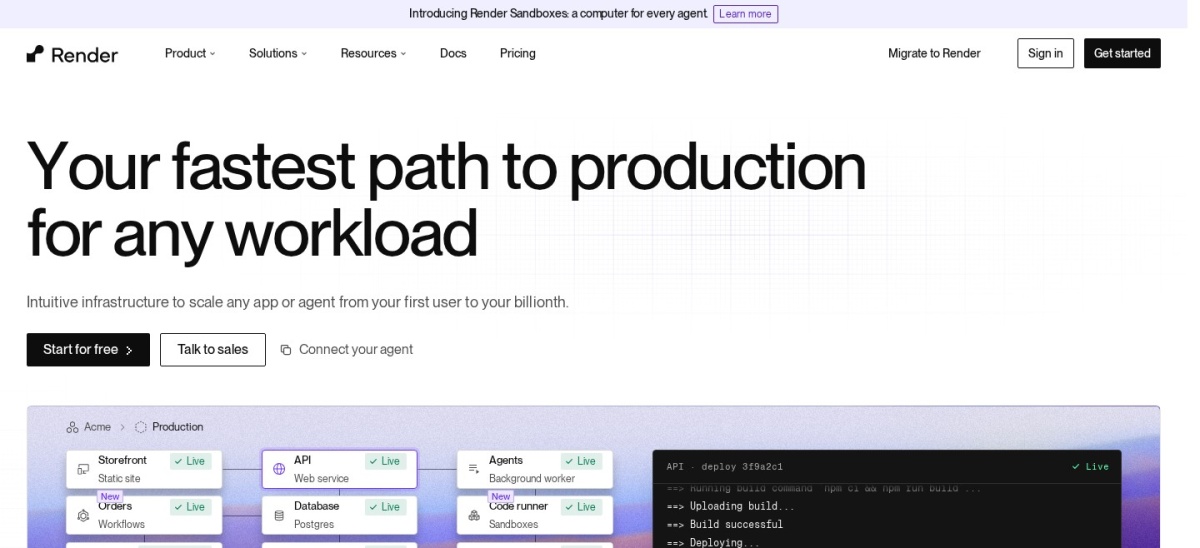
Render is a hosting platform for the whole stack: a static React frontend, a Node.js API, background workers and a Postgres database with one workflow. It suits full-stack React apps where the frontend is only half the project and the API needs a home too.
The trade off is the free tier. Free web services pause when traffic stops, so the first request after a pause is slow, and paid compute starts at $7 a month. It suits teams that want predictable full-stack hosting.
Railway is a usage-based hosting platform for full-stack apps, covering the frontend, API services and databases in one place. It suits teams that want to deploy a React app with a database without managing servers or containers.
The trade off is billing. Railway charges by usage with a $5 a month minimum, so costs move with traffic, and there is no free plan, only a trial. It suits developers who want the whole stack in one dashboard.
Firebase Hosting is Google's static and single-page hosting, and it makes most sense when your app already uses Firebase services. The free Spark tier covers small sites, and the same project can add Auth, Firestore and Cloud Functions as the app grows.
The trade off is the cap. Firebase Hosting stops serving a site once its free transfer runs out, and paid billing is pay-as-you-go, so costs are hard to predict. It suits apps already built on Firebase.
Netlify is a Git-based deploy platform for front-end apps that pioneered the modern deploy workflow. Connect a repository, and every branch and pull request gets a preview. Pricing now runs on credits, with the free plan giving 300 credits a month and Personal costing $9 a month.
The trade off is the credit meter. When the free account uses all 300 credits, projects pause until the next billing cycle, and bandwidth and compute rates doubled in April 2026. It suits front-end teams that want previews, forms and redirects in one dashboard.
Cloudflare Pages is the most generous free home for a static React build or single-page app. The free plan allows 500 builds a month, 20,000 files per site and up to 100 custom domains per project, served from Cloudflare's global network with unlimited bandwidth.
The trade off is the runtime. Pages Functions run on Workers rather than Node by default, so Node-only packages may need changes, and the free plan has one concurrent build. It suits static React sites that may serve substantial traffic.
AWS Amplify is Amazon's hosting for full-stack web apps, with Git-based deploys, a free tier and pay-as-you-go hosting after it. It suits teams already committed to AWS, who can pair a React frontend with Amplify backends and other AWS services.
The trade off is complexity and rating. Amplify is the lowest-rated tool here at 4.2, and its usage-based pricing is hard to model before you deploy. It suits AWS teams that want hosting inside the stack they already run.
A static React app is just files. Vite builds produce HTML, JavaScript and CSS that any CDN can serve, so host it on Cloudflare Pages, Netlify or Vercel for almost nothing.
A Next.js app with server rendering needs a runtime. Server components, API routes and incremental static regeneration need Node.js or a serverless equivalent to run per request.
A full-stack app needs a database too. Render and Railway host the frontend, API and database together, while Vercel and Netlify expect you to bring your own database.
Match the host to the rendering mode. Picking a static host for a server-rendered app, or a server host for a static site, wastes money and time.
How we chose
We started from the hosting platforms with a verifiable G2 or Capterra rating, then kept the seven that cover static React, Next.js server rendering and full-stack apps.
Prices come from vendor pricing pages and review directories, checked on 25 November 2026. Ratings and review counts come from G2 and Capterra on the same day. Where a vendor shows a sale, the list shows the regular price.
We left out tools with no verifiable G2, Capterra or Trustpilot rating. No vendor paid for a place, and we do not claim hands-on testing for this list.
How to choose hosting for your React app
Start with how your app renders, then check the free plan.
Decide how your app renders. A static Vite app needs only a CDN, a Next.js app needs a runtime, and a full-stack app needs a database too.
Check the free plan's real limits. Vercel Hobby is non-commercial only, Netlify pauses when credits run out, and Render pauses idle free services.
Price the paid plan, not the free one. Compare the first paid plan for your team size. Vercel charges per seat, Netlify charges per plan, and Railway charges by usage.
Test with a real deploy. Connect your repository and deploy a preview before you commit. Every host here offers a free plan or trial.
FAQ
What is the best hosting for a React app?
Vercel is the best hosting for React apps that use Next.js, with zero-config server rendering and preview deploys. Cloudflare Pages is the cheapest home for a static React app, while Render suits full-stack apps.
Is there free hosting for React apps?
Yes, all seven hosts here have a free plan or tier. Cloudflare Pages is the most generous for static apps, with unlimited bandwidth, while Vercel Hobby is free for personal, non-commercial projects only.
Can I host a React app for free?
Yes, a static React build can be hosted free on Cloudflare Pages, Netlify or Vercel Hobby. Watch the limits: Vercel Hobby is non-commercial only, and Netlify pauses projects when its 300 monthly credits run out.
What is the best hosting for Next.js?
Vercel is the best hosting for Next.js, since Vercel builds Next.js and its server rendering needs no configuration. Netlify and Cloudflare also run Next.js through adapters, but Vercel is the zero-config choice.
How much does React hosting cost?
Static React hosting starts free on Cloudflare Pages, Netlify and Vercel. Paid plans start at $5 a month for Railway, $7 for Render and $9 for Netlify, while Vercel Pro costs $20 per seat a month.
Do I need a backend for my React app?
Only if your app needs one. A static React app needs no backend at all, while an app with accounts, data or payments needs an API and database, which Render and Railway host alongside the frontend.
SaaS SEO and WordPress specialist with about 8 years of experience. Rakib compares WordPress plugins, themes, hosting and software using public pricing, documentation and user reviews. See how we rank.