EaseUS Partition Master is the best hard drive formatting software for most Windows users, rated 4.9 out of 5 on G2 from 476 reviews, with a free edition that covers everyday formatting and resizing. Pick MiniTool Partition Wizard for its disk benchmark and space analyzer, or GParted if you want a fully free tool that boots from USB.
How we make this list: we compare pricing pages, product documentation and public user reviews, then re-check every price before each update. No product paid for a place. Disclosure.
EaseUS Partition Master leads with a 4.9 out of 5 G2 rating from 476 reviews and a free edition that formats, resizes and clones partitions.
MiniTool Partition Wizard Pro costs $59 a year for 1 PC, and data recovery needs the $109 Pro Platinum tier or above.
AOMEI Partition Assistant Professional is $49.95 a year for 2 PCs, with a lifetime licence on sale at $59.95 instead of $69.95.
Paragon Hard Disk Manager Advanced costs $24.95 a year after a $19.95 first year, and adds full backup imaging to partitioning.
GParted is the only fully free tool here, rated 4.7 out of 5 on SourceForge, but it runs from a bootable USB, not inside Windows.
What to look for in hard drive formatting software
Formatting a drive means wiping its file system and starting fresh, so the first job is not the format itself. Back up anything you want to keep, then pick a tool that formats to the file system your device needs, such as NTFS for Windows, exFAT for shared drives, or FAT32 for older hardware.
Most tools on this list do more than format. They resize, move, merge and clone partitions, convert disks between MBR and GPT, and migrate Windows to a new SSD. If you only need to format one USB stick, the free edition of any tool here is enough.
Free editions differ in where they stop. Some keep OS migration, bootable media and data recovery behind the paid plan, so check the edition table before you download. Our guide to the 3-2-1 backup rule for websites explains the backup habit that makes any format safe, even though it is written for sites.
Prices below are the regular prices from each vendor's pricing page, checked on 25 November 2026. Where a vendor shows a sale, the list shows the regular price and notes the sale in the text.
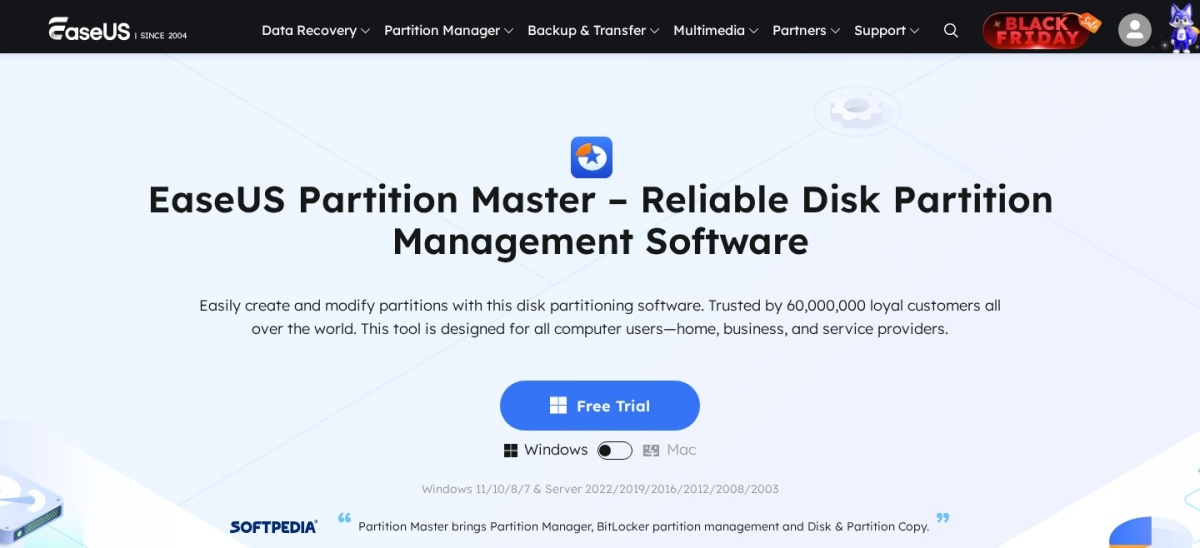
EaseUS Partition Master homepage, captured Nov 2026.
EaseUS Partition Master is a Windows disk manager with a free edition that creates, formats, resizes, moves, merges and clones partitions, and converts data disks between MBR and GPT. It runs on Windows 11 down to XP, plus Windows Server, and EaseUS says 65 million users have downloaded it. It holds a 4.9 out of 5 rating on G2 from 476 reviews, the highest review count in this list.
The trade off is price. The 1-year Pro licence lists at $49.95 a year for 2 PCs, though it was on sale at $39.95 when we checked, and OS migration, partition recovery and WinPE bootable media all need Pro. It suits most home users who want one friendly tool for formatting, resizing and moving to a new SSD.
What we like
Free edition covers formatting, resizing and cloning
One-click AI space adjustment in Pro
Highest G2 review count in this list (476)
30-day money-back guarantee
Watch out for
OS migration and partition recovery need Pro
1-year Pro lists at $49.95, with frequent sales that hide the regular price
Pro adds OS migration, partition recovery and WinPE bootable mediaVisit easeus.com
02
MiniTool Partition Wizard
4.4/5on G2 (56 reviews, checked Nov 2026)
Paid from$59/yr
Best all-round partition toolkit
Free planYes
Paid planPro, $59/yr
PlatformWindows 11/10/8/7
StandoutDisk benchmark, space analyzer
minitool.com
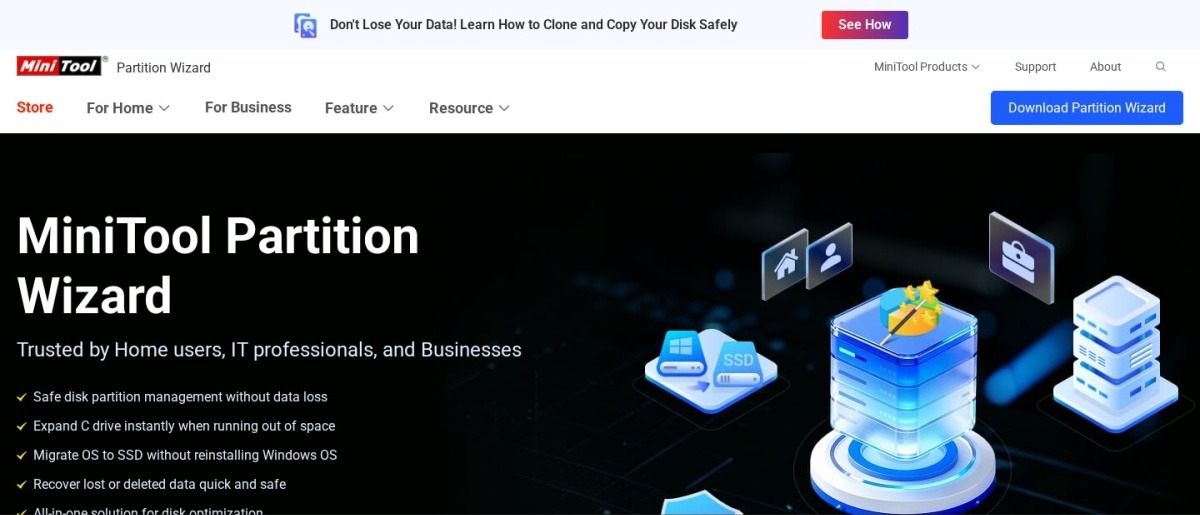
MiniTool Partition Wizard homepage, captured Nov 2026.
MiniTool Partition Wizard is a Windows partition manager on the market since 2009, with a free edition that creates, deletes, formats, moves and resizes partitions and copies disks. It adds a disk benchmark and a space analyzer that show what is using your drive, which the other free editions here do not. It is rated 4.4 out of 5 on G2 from 56 reviews.
The trade off is the tier maze. Pro costs $59 a year for 1 PC and covers OS migration and dynamic disks, but data and partition recovery need Pro Platinum at $109 a year for 3 PCs. It suits users who want one toolkit for partitioning, benchmarking and recovery, and who will read the edition table first.
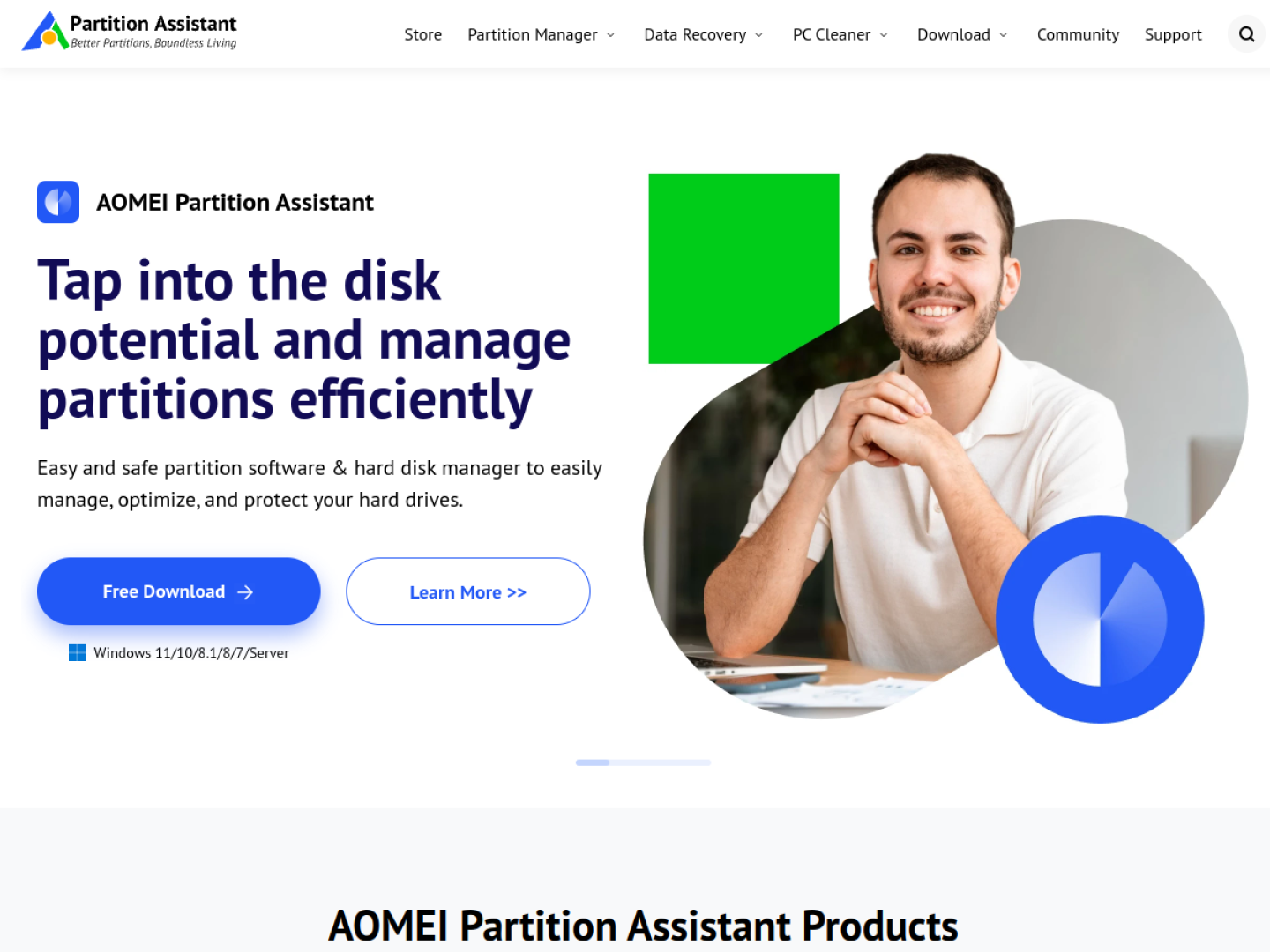
AOMEI Partition Assistant homepage, captured Nov 2026.
AOMEI Partition Assistant is a Windows partition manager with a free Standard edition that resizes, moves, creates, deletes, formats, merges and clones partitions. Its step-by-step wizards walk you through OS migration and disk cloning, and it includes disk health checks and surface tests. It is rated 4.4 out of 5 on G2 from 21 reviews.
The trade off is that the jobs most people install it for are paid. Migrating Windows to an SSD, converting a system disk between MBR and GPT, dynamic disk tools and WinPE bootable media need Professional at $49.95 a year for 2 PCs. It suits beginners who want guided wizards and a clear free starting point.
What we like
Guided wizards for OS migration and cloning
Free Standard edition covers core tasks
Pro licence covers 2 PCs
90-day money-back guarantee
Watch out for
System-disk conversion and dynamic disks need Pro
Interface looks dated next to newer tools
Professional adds OS migration, dynamic disks and WinPE mediaVisit diskpart.com
04
Paragon Hard Disk Manager
4.6/5on G2 (11 reviews, checked Nov 2026)
Paid from$24.95/yr
Best for partitioning plus backup
Free planYes, Basic edition
Paid planAdvanced, $24.95/yr
PlatformWindows 11/10
StandoutBackup imaging included
paragon-software.com
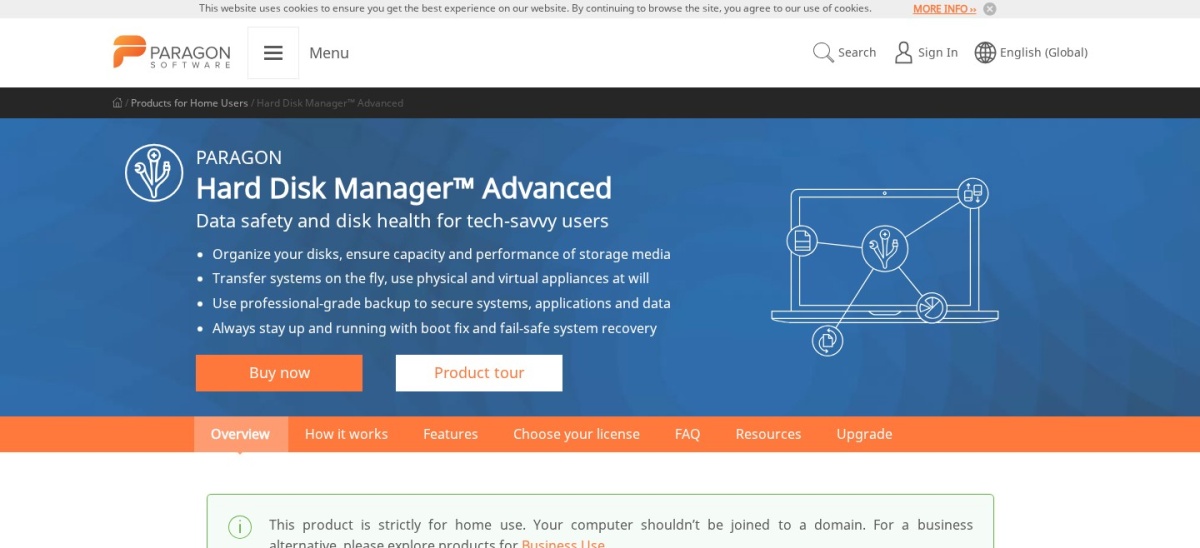
Paragon Hard Disk Manager homepage, captured Nov 2026.
Paragon Hard Disk Manager is a disk suite that pairs partitioning with full backup imaging, cloning, secure wiping and a recovery media builder. The Advanced edition resizes, splits, merges and undeletes partitions, converts between MBR and GPT, and edits sectors. It is rated 4.6 out of 5 on G2 from 11 reviews.
The trade off is the subscription. The 1-year Advanced licence costs $24.95 a year after a $19.95 first year, and Paragon says the product stops working if the subscription lapses, so the $79.95 perpetual licence for 3 PCs is the calmer buy. It suits home users who want partitioning and backup in one purchase, not businesses.
What we like
Backup imaging and partitioning in one tool
Recovery media builder for unbootable PCs
Perpetual 3-PC licence at $79.95
Watch out for
Home edition only; businesses need the Business line
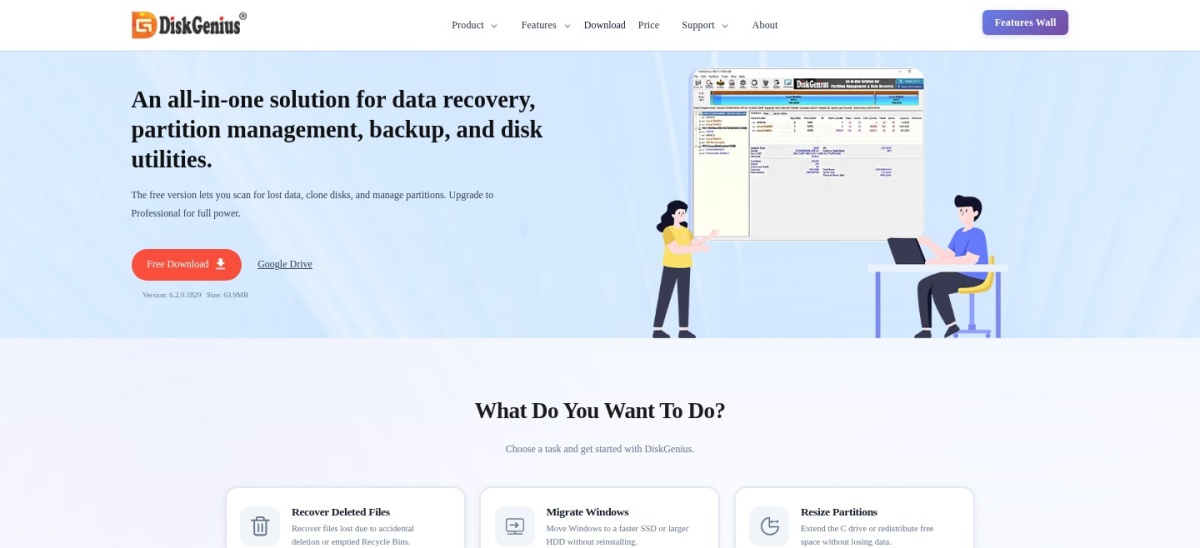
DiskGenius is a Windows utility that combines partition management with file and partition recovery in one window. The free edition resizes, formats, clones and migrates Windows to an SSD, and scans for lost files. It is rated 4.9 out of 5 on G2, though from only 4 reviews.
The trade off is the free recovery cap. The free edition scans and previews lost files but only recovers small files, and full recovery, BitLocker tools and RAID reconstruction need Professional at $99.90 for one year. It suits technicians who want partitioning and recovery in one tool and will pay for the full version.
What we like
Partitioning plus serious data recovery in one tool
Free edition migrates Windows to an SSD
No subscription; one-month, one-year and lifetime licences
4.3/5on Trustpilot (157 reviews, checked Nov 2026)
Paid from$39/yr
Best for fast free resizing with a preview queue
Free planYes, home use
Paid planPro, $39 one-time
PlatformWindows 11/10/8/7
Standout1-second rollback
hdd-tool.com
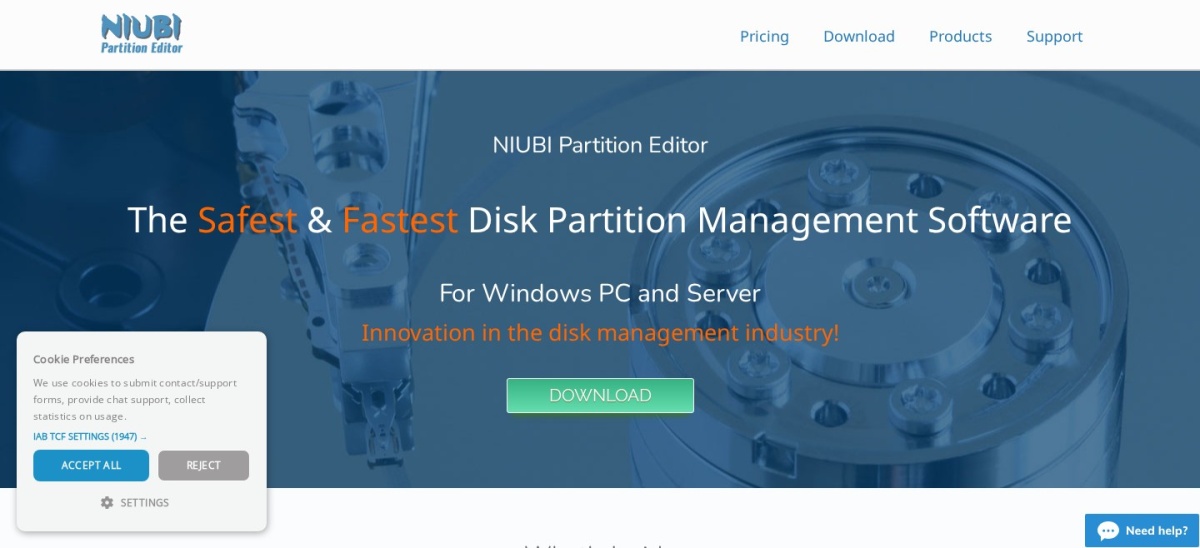
NIUBI Partition Editor homepage, captured Nov 2026.
NIUBI Partition Editor is a Windows partition manager built around safety, with a virtual mode that queues every change for review before anything touches the disk. The free edition for home users covers resizing, formatting, cloning and OS migration, plus cancel-at-will on running jobs. It is rated 4.3 out of 5 on Trustpilot from 157 reviews.
The trade off is the vendor. NIUBI is a small company with email-only support and thin documentation, and its own site shows no prices, with Professional at $39 one-time for 2 PCs from review and reseller listings. It suits home users who want a fast free tool with a preview queue, and technicians who want cheap commercial use.
What we like
Virtual mode previews changes before applying
Free edition covers core jobs for home users
Professional is $39 one-time and allows commercial use
Watch out for
Small vendor with email-only support
No prices shown on the vendor site
Rollback and bootable media need Professional
Professional adds commercial use, bootable media and 1-second rollbackVisit hdd-tool.com
07
GParted
4.7/5on SourceForge (115 reviews, checked Nov 2026)
PriceFree
Best fully free bootable partition editor
Free planYes, fully free
Paid planNone, open source
PlatformLive USB, any PC
StandoutNo install, boots any PC
gparted.org
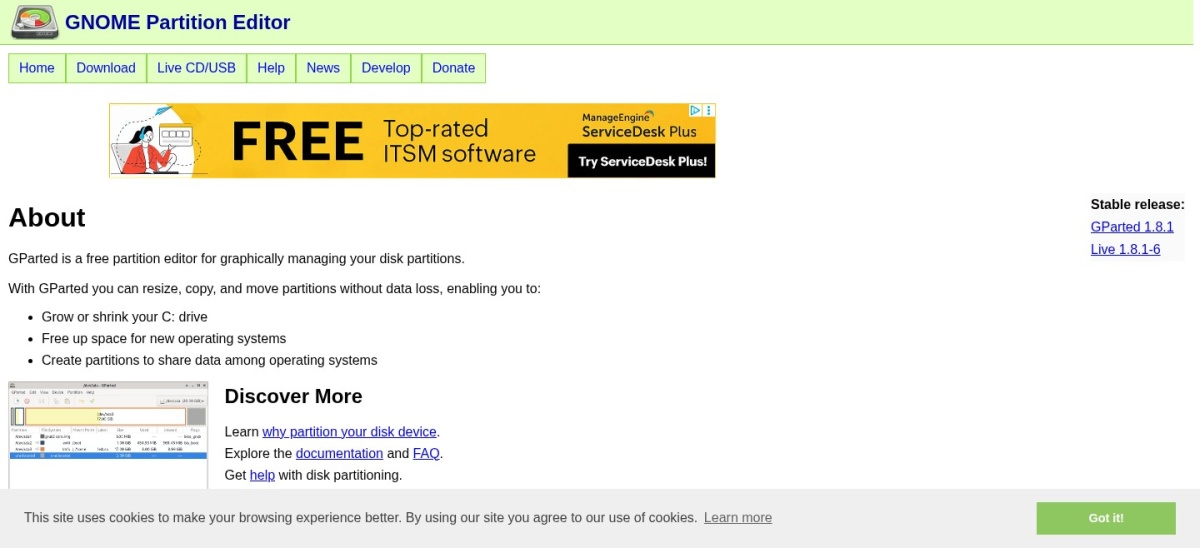
GParted homepage, captured Nov 2026.
GParted is a free, open-source partition editor under the GNU General Public License, with no paid tier and no feature gates. It creates, deletes, resizes, moves, checks and copies partitions across NTFS, FAT, exFAT, ext4, btrfs, XFS and more. It is rated 4.7 out of 5 on SourceForge from 115 reviews.
The trade off is how you run it. There is no Windows installer, so you download GParted Live, write it to a USB stick and boot the PC from it, with at least 1 GB of RAM. It suits technicians and Linux users who want a free tool for rescue jobs, unbootable PCs and disks Windows cannot see.
What we like
Completely free with no paid tier
Works on any PC from a bootable USB
Widest file system support in this list
Watch out for
No Windows installer; you must boot from USB
No commercial support, community help only
There is no paid version; donations support the projectVisit gparted.org
Free vs paid: where the paywall sits
Every tool here has a free version that formats, resizes and deletes partitions. For a one-off format, the free edition is all you need.
Paid plans cluster around the same five jobs: migrating Windows to an SSD, WinPE bootable media, dynamic disk management, BitLocker tools and data recovery. If none of those apply, stay free.
One-time licences usually beat subscriptions in this category. NIUBI Professional costs $39 once, Paragon's perpetual licence is $79.95 for 3 PCs, and DiskGenius sells a lifetime licence at $129.90. You repartition rarely, so a perpetual licence is the calmer buy.
Check the renewal terms before you buy a subscription. Paragon blocks the product when a 1-year licence lapses, while MiniTool Pro renews automatically each year.
Before you format: back up first
Formatting erases every file on the partition, and recovery after a format is never certain. Copy anything you want to keep to another drive before you start.
Check the file system the target device needs. Use NTFS for internal Windows drives, exFAT for drives shared between Windows and Mac, and FAT32 only for older devices that demand it.
If the drive holds your Windows install, do not format it from inside Windows. Boot from a tool like GParted Live or a WinPE disk made by your partition tool, and confirm the right disk is selected before you apply anything.
After the format, check the new partition mounts and shows the full size. A quick surface test from your partition tool will also flag bad sectors before you trust the drive with data.
How we chose
We started from the partition tools that appear most often in technician guides and download lists, then kept the ones with a free edition or a free download and a public price.
Prices come from each vendor's pricing page, checked on 25 November 2026. Ratings and review counts come from G2, Trustpilot or SourceForge on the same day. Where a vendor shows a sale, the list shows the regular price.
We left out Macrorit Partition Expert, which has no public rating on G2, Capterra, Trustpilot or SourceForge, and Acronis Disk Director, which the vendor has moved to end of life. No vendor paid for a place, and we do not claim hands-on testing for this list.
How to choose hard drive formatting software
Start with the job, then check the free edition covers it before you pay anything.
Back up first, then format. Copy anything you want to keep to another drive. See the 3-2-1 backup rule for websites for a backup habit that works for any drive, not just sites.
Match the tool to the disk. NTFS for Windows drives, exFAT for shared drives, and a bootable tool like GParted if Windows will not start.
Check the free edition first. Most free editions format, resize and clone. Pay only if you need OS migration, bootable media or recovery.
Prefer a one-time licence. Repartitioning is a rare job. A $39 one-time licence beats a yearly renewal you will forget to cancel.
FAQ
What is the best hard drive formatting software?
EaseUS Partition Master is the best pick for most Windows users. Its free edition formats, resizes and clones partitions, it is rated 4.9 out of 5 on G2 from 476 reviews, and Pro costs $49.95 a year for 2 PCs.
Is there a completely free hard drive formatting tool?
Yes, GParted is free and open source with no paid tier. It formats and resizes partitions across NTFS, FAT, exFAT, ext4 and more, but it runs from a bootable USB stick rather than inside Windows.
Can I format a drive without losing data?
No. Formatting erases every file on the partition, so copy anything you want to keep to another drive first. Partition tools can resize or move partitions without data loss, but a format itself always wipes the partition.
What file system should I format a drive with?
Use NTFS for internal Windows drives and exFAT for external drives shared between Windows and Mac. FAT32 only suits older devices that demand it, since it cannot hold files larger than 4 GB.
Do I need paid software to format a hard drive?
No. Every tool in this list has a free edition that formats, creates and deletes partitions. Paid plans add OS migration, bootable media, dynamic disk tools and data recovery, which most home users never need.
Why does Paragon Hard Disk Manager block after a subscription ends?
Paragon's 1-year Advanced licence is a subscription, and Paragon says the product stops working when it lapses. If that worries you, buy the $79.95 perpetual licence for 3 PCs instead.
SaaS SEO and WordPress specialist with about 8 years of experience. Rakib compares WordPress plugins, themes, hosting and software using public pricing, documentation and user reviews. See how we rank.