Macrium Reflect is the best hard drive clone software for most Windows users, rated 4.7 out of 5 on G2 from 60 reviews. Pick EaseUS Disk Copy for a simple one-off SSD upgrade, or Clonezilla if you want a free open-source cloner.
How we make this list: we compare pricing pages, product documentation and public user reviews, then re-check every price before each update. No product paid for a place. Disclosure.
Macrium Reflect leads on trust: 4.7 out of 5 on G2 from 60 reviews, at $49.99 a year.
Clonezilla is the only fully free tool here, rated 4.6 out of 5 on SourceForge from 130 reviews.
EaseUS Disk Copy is the simplest paid cloner, with Pro at $29.90 a year or $59.90 for life.
Paragon Hard Disk Manager has the lowest yearly price at $24.95 after a $19.95 first year.
DiskGenius is the dearest yearly plan at $99.90, but it adds full data recovery.
What to look for in a hard drive clone tool
A clone copies every used block of a drive, so the new disk boots exactly like the old one. That is different from a file backup, which copies files but not the operating system or boot records.
Most people clone a drive once, when they move from a hard drive to an SSD or replace a failing disk. For that job, a simple wizard matters more than a long feature list.
Check three things before you pay: whether the tool clones the system disk on your plan, whether it resizes partitions to fit a smaller SSD, and whether it makes bootable rescue media.
Keep a separate backup as well as a clone. Our 3-2-1 backup rule for websites explains why one copy is never enough, and the same logic applies to a cloned drive.
Macrium Reflect is a Windows disk imaging and cloning tool built around full, incremental and differential images. The Home edition clones a disk to a new SSD, migrates Windows, and builds bootable rescue media, with scheduled backups and image verification. A 30-day trial covers the full Home edition.
The trade off is the move to subscription pricing. The old free edition ended with Reflect X, and Home now costs $49.99 a year for one PC, with no bundled cloud storage. It suits Windows users who want a dependable imaging engine and a rescue disk that boots when it matters.
What we like
Fast imaging with incremental and differential backups
Rescue media builder that works on difficult hardware
Image verification catches corrupt backups early
Rated 4.7 out of 5 on G2 from 60 reviews
Watch out for
No free edition anymore, only a 30-day trial
Subscription only for the current Reflect X line
Windows only, with no Mac version
Home adds scheduled imaging and support; no cloud storage includedVisit macrium.com
02
Acronis True Image
4.3/5on G2 (70 reviews, checked Nov 2026)
Starts at$49.99/yr
Best clone tool with security built in
Disk cloningYes, active clone
Universal restoreYes
Cloud backupAdvanced plan
Paid planEssentials, $49.99/yr
acronis.com
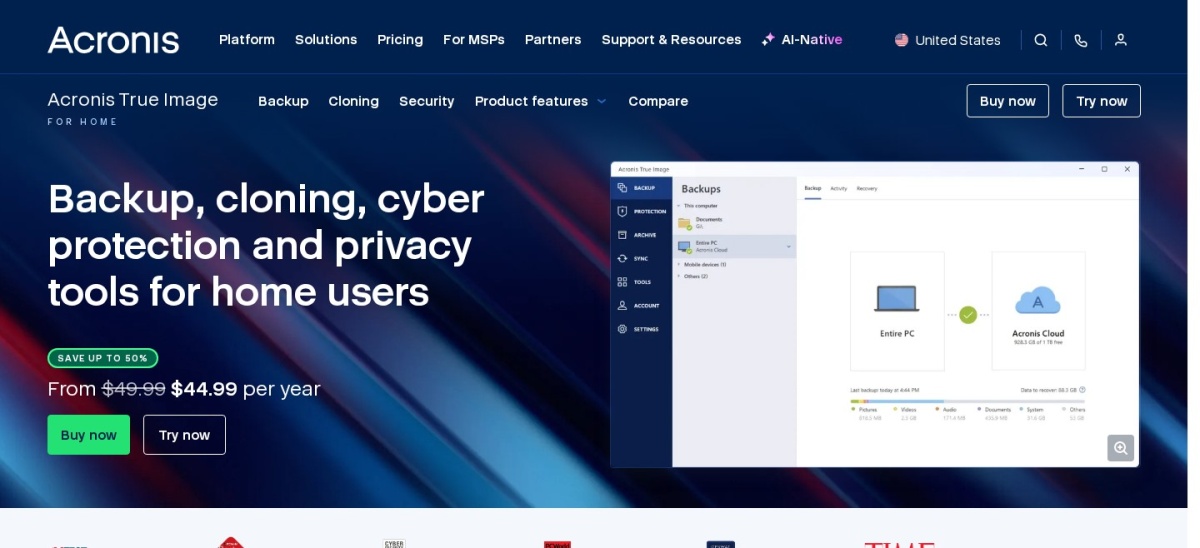
Acronis True Image homepage, captured Nov 2026.
Acronis True Image is a home backup suite that combines full disk imaging with active disk cloning and universal restore to different hardware. The Essentials plan covers local backup and cloning for one computer, with a 30-day trial. It runs on Windows and macOS.
The trade off is that the entry plan is backup only. Anti-malware and cloud backup need the higher Advanced plan, and the site showed Essentials at $44.99 for the first year against a $49.99 regular price. It suits home users who want imaging plus security in one subscription.
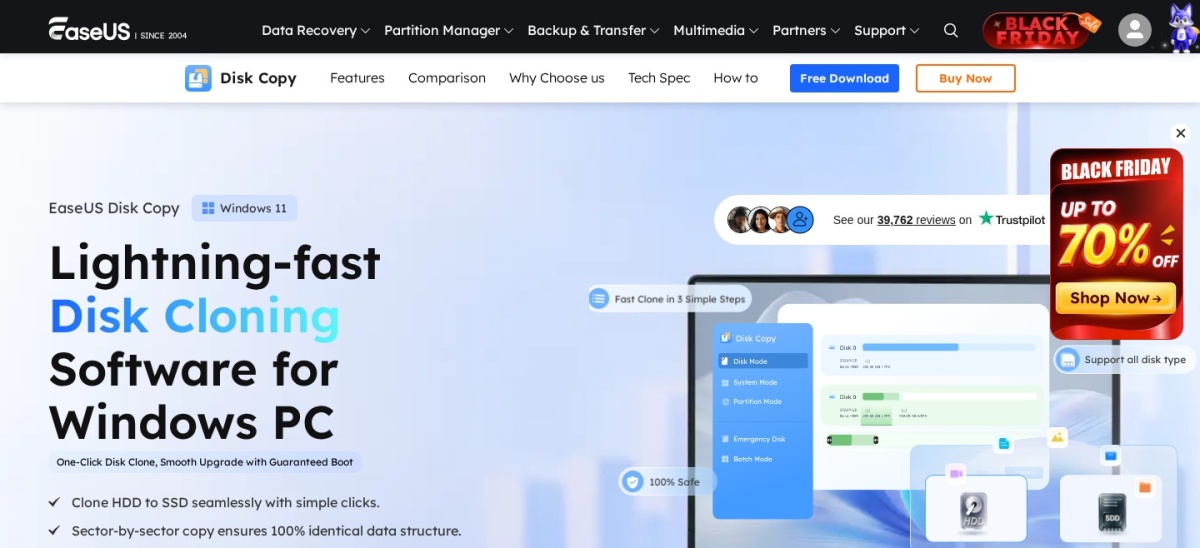
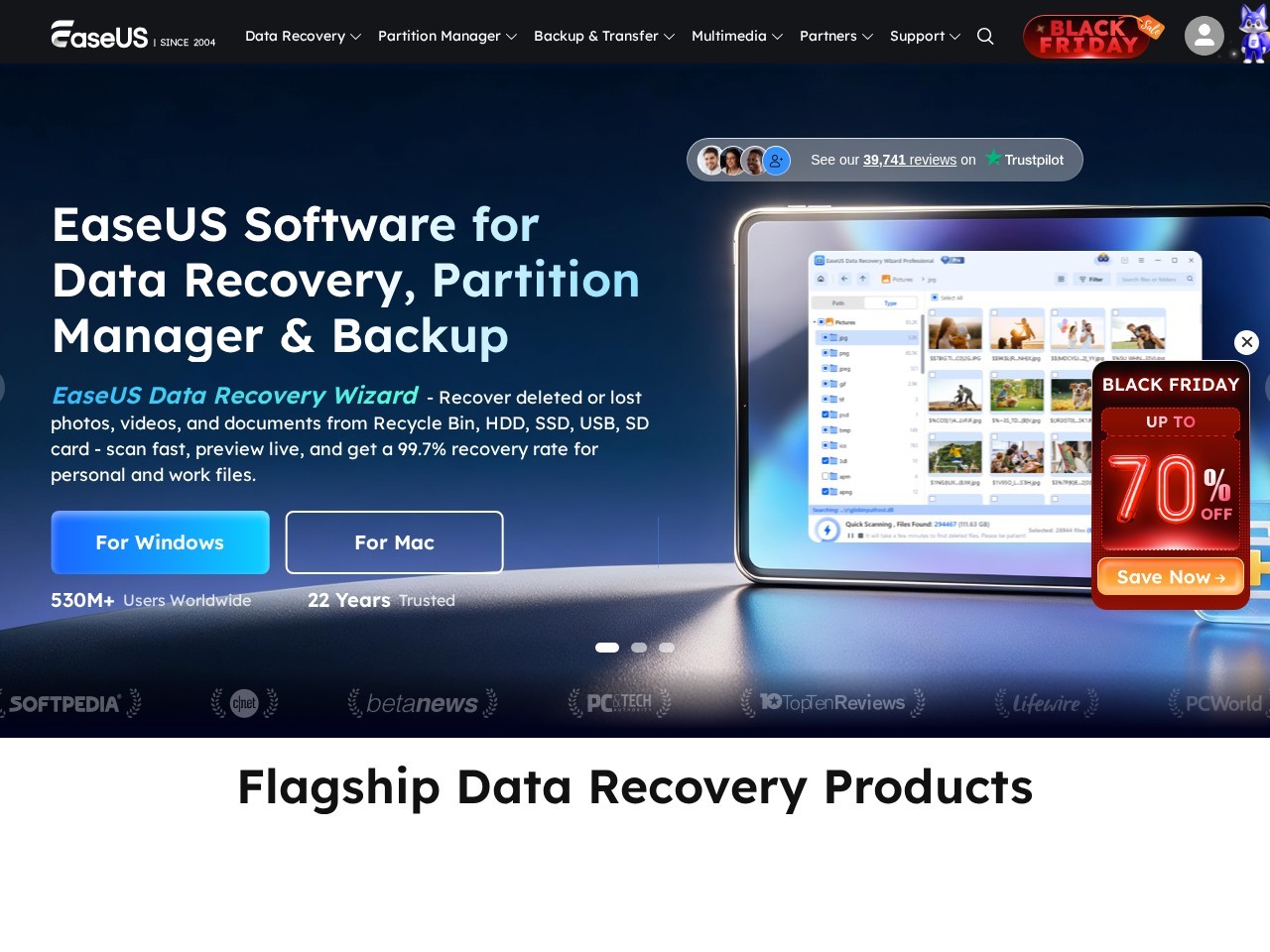
EaseUS Disk Copy is a dedicated disk cloning tool for Windows that copies a whole HDD or SSD in a few clicks. It clones while Windows runs, aligns partitions for SSDs, converts MBR to GPT, and makes sector-by-sector copies. The free edition covers basic cloning, and it is rated 4.5 out of 5 on the EaseUS store from 5,196 reviews.
The trade off is the monthly price. Pro costs $19.90 a month, so the 1-year plan at $29.90 or the $59.90 lifetime licence makes more sense for repeat use. It suits anyone doing a one-off SSD upgrade who wants the simplest possible cloner.
What we like
Wizard-led cloning with almost no setup
Clones while Windows is running
Automatic SSD partition alignment
Free edition for basic clones
Watch out for
Monthly Pro price is high for one-off use
Windows only
Rating comes from the EaseUS store, not G2 or Capterra
4.8/5on Trustpilot (823 reviews, checked Nov 2026)
Paid from$39.95/yr
Best budget backup and clone combo
Free editionYes, data-disk clone
System clonePro only
Universal restorePro
Paid planPro, $39.95/yr
aomeitech.com
AOMEI Backupper homepage, captured Nov 2026.
AOMEI Backupper is a Windows backup tool with disk cloning, system backup and scheduled imaging in one window. The free Standard edition covers file, disk and partition backup plus data-disk cloning, and it is rated 4.8 out of 5 on Trustpilot from 823 reviews of AOMEI Technology.
The trade off is that system cloning needs the paid plan. Professional costs $39.95 a year for one PC, with a $69.95 lifetime licence as an alternative, and the free edition leaves some tools locked. It suits home users who want backup and cloning together at a low price.
What we like
Free edition covers backup and data-disk cloning
System, disk and file backup in one tool
Lifetime licence available for $69.95
Simple interface aimed at home users
Watch out for
System clone needs the $39.95 Pro plan
Trustpilot rating covers AOMEI as a company, not this product alone
EaseUS Todo Backup is a home backup tool that covers system, file and disk backup with disk cloning on the side. The free edition includes bootable rescue media and scheduled backups, which is more than most free tools offer. Home costs $39.95 a year for one PC, and it is rated 4.8 out of 5 on G2 from 133 reviews.
The trade off is overlap with its sibling in this list. Disk Copy is the simpler pure cloner, while Todo Backup is the fuller backup tool, and some features such as Outlook backup need Home. It suits home users who want imaging, cloning and file backup in one free starting point.
What we like
Free edition covers system, disk and file backup
Bootable rescue media included free
Highest G2 rating here, 4.8 from 133 reviews
Perpetual licence at $59.95 for one PC
Watch out for
Two EaseUS cloners in this list can confuse buyers
4.6/5on SourceForge (130 reviews, checked Nov 2026)
PriceFree
Best free open-source cloner
PriceFree, open source
Used-block cloneYes
Multicast deployYes, SE
Paid planNone
clonezilla.org
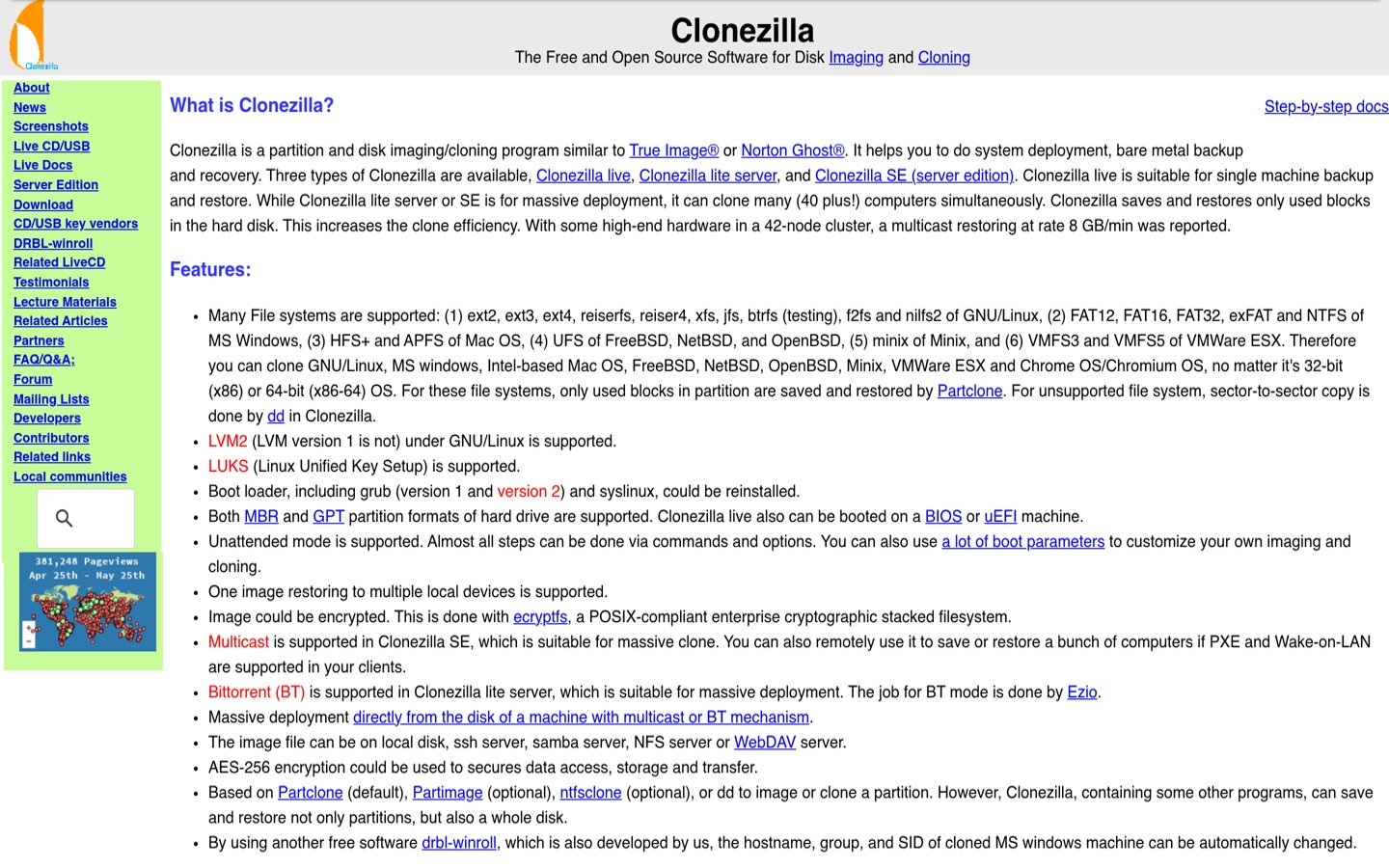
Clonezilla homepage, captured Nov 2026.
Clonezilla is a free, open-source disk imaging and cloning program that saves and restores only the used blocks of a disk. It runs from a bootable USB, clones Windows, Mac and Linux drives, and the server edition can clone more than 40 computers at once. It is rated 4.6 out of 5 on SourceForge from 130 reviews.
The trade off is the interface. Clonezilla uses text menus, there is no incremental backup, and an image cannot be mounted to recover a single file. It suits technicians and confident users who want a free cloner and do not need a graphical interface.
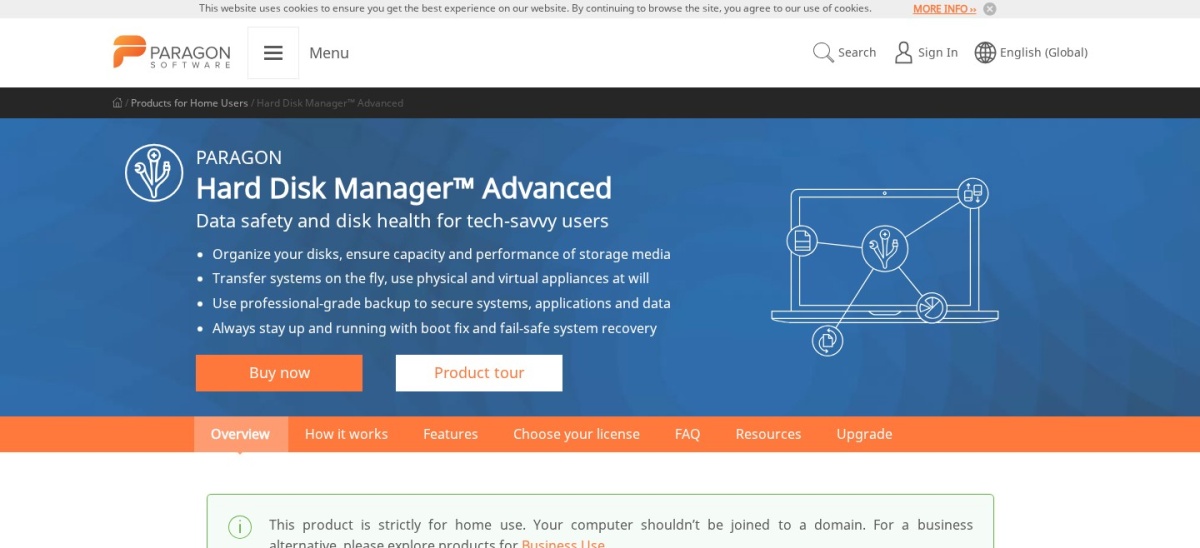
Paragon Hard Disk Manager homepage, captured Nov 2026.
Paragon Hard Disk Manager is an all-in-one Windows suite for backup, partitioning, disk wiping and cloning. Its live transfer moves Windows to a new SSD while you keep working, and the Recovery Media Builder makes a bootable WinPE stick for bare-metal recovery. It is rated 4.6 out of 5 on G2 from 11 reviews.
The trade off is that you buy a suite, not a cloner. The 1-year Advanced licence costs $24.95 a year for one PC after a $19.95 first year, and the full toolset is more than a simple clone job needs. It suits tech-savvy users who also want partitioning and wiping tools.
What we like
Cloning plus partitioning, backup and wiping in one suite
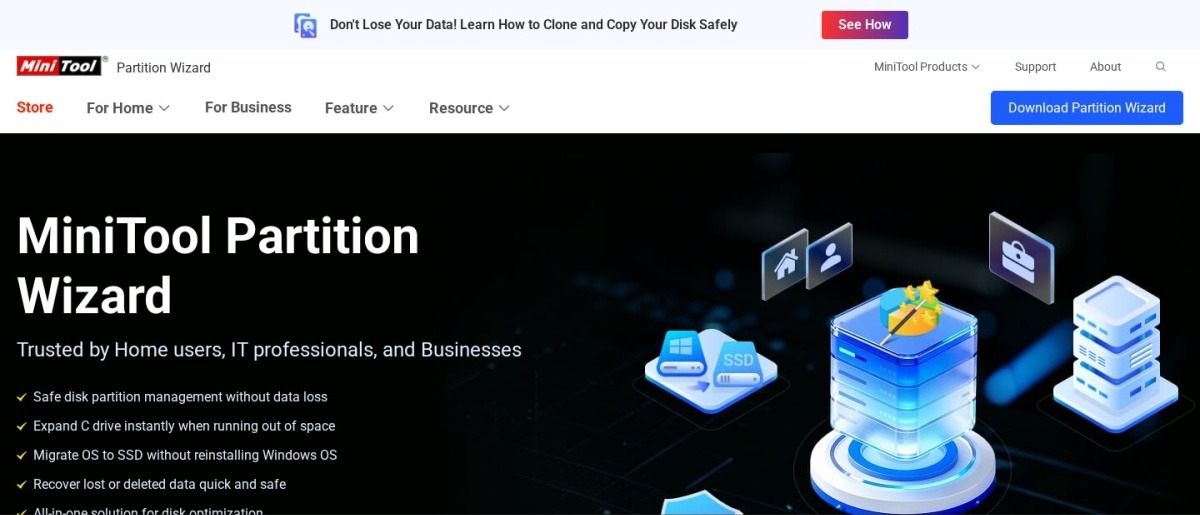
MiniTool Partition Wizard homepage, captured Nov 2026.
MiniTool Partition Wizard is a Windows partition manager with OS migration and disk copy tools alongside the usual resize, format and convert features. The free edition covers basic partition work, and Pro at $59 a year for one PC adds OS migration to an SSD, dynamic disk tools and bootable media. It is rated 4.4 out of 5 on G2 from 56 reviews.
The trade off is that cloning is a side feature. Data recovery needs Pro Platinum at $109 a year, and the perpetual Pro Ultimate edition costs $159 for 5 PCs. It suits users who mainly need partition tools and clone a disk only now and then.
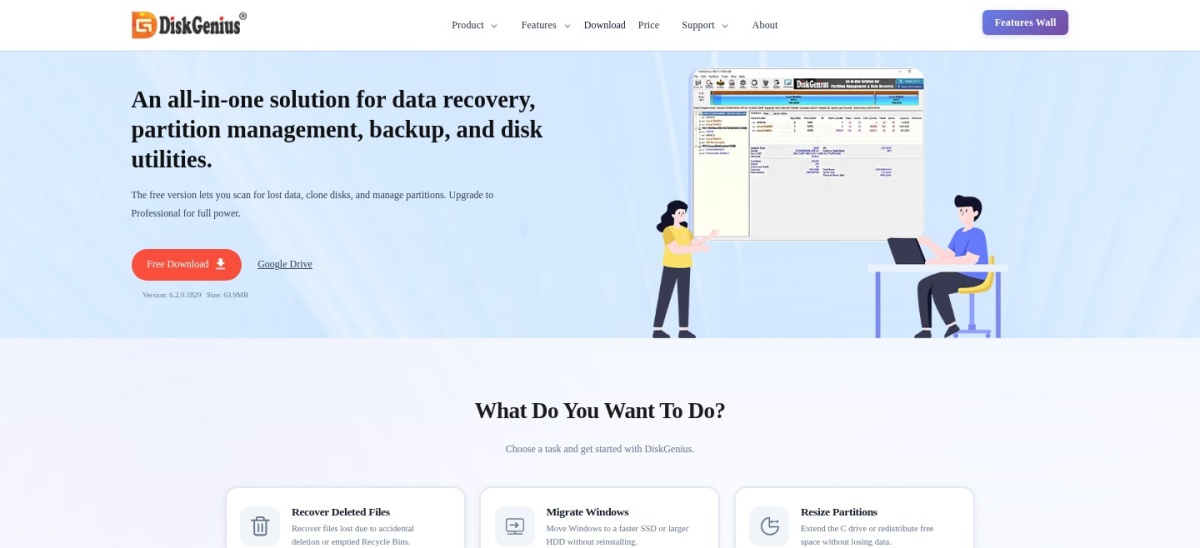
DiskGenius is a Windows utility that combines partition management, data recovery, disk cloning and backup in one window. The free edition covers basic partitioning, cloning and scanning for lost files, while Professional unlocks full recovery and backup. It is rated 3.8 out of 5 on Trustpilot from 36 reviews.
The trade off is price and clarity. A 1-month Professional licence costs $69.90, so the 1-year licence at $99.90 is the sensible paid route, and it is the dearest yearly price in this list. It suits technical users who need recovery tools beside cloning.
What we like
Cloning, recovery and partitioning in one tool
Free edition covers basic cloning
Sector editing and bad-sector checks included
One-time lifetime licence at $129.90
Watch out for
Lowest Trustpilot rating here at 3.8
Only 36 Trustpilot reviews
1-month licence costs almost as much as a year elsewhere
Free tools cover the core job well. Clonezilla clones any system disk at no cost, and the free editions of EaseUS Disk Copy, AOMEI Backupper and Todo Backup handle basic clones.
Paid plans mostly add convenience and safety nets. You get cloning inside Windows, scheduled imaging, rescue media and support when a clone fails to boot.
If the drive holds your only copy of important files, pay for the tool with the best rescue media and support, not the cheapest licence. A failed clone on a dying drive is hard to redo.
How we chose
We started from the cloning tools that appear most often in buyer guides and forums, then kept nine established products with a current homepage and a public price.
Prices come from each vendor's pricing page, checked on 25 November 2026. Ratings come from G2, Capterra, Trustpilot or SourceForge on the same day, and the source is named for each tool. Where a vendor shows a sale, the list shows the regular price.
We left out tools with no public rating anywhere, including Rescuezilla, which is free but has no G2, Capterra, Trustpilot or SourceForge rating we could cite. No vendor paid for a place, and we do not claim hands-on testing for this list.
How to choose a hard drive clone tool
Start with the disk you are moving from, then match the tool to that one job.
Check whether the system disk is covered. Some free editions clone data disks only. Confirm system cloning is included before you start.
Match the target drive size. If the new SSD is smaller than the old drive, you need a tool that resizes partitions during the clone.
Make rescue media first. A bootable USB lets you finish the job even if Windows will not start, so build it before you wipe the old drive.
Clone, then check the new drive boots. Swap the drives and start the computer from the clone before you erase the old disk.
FAQ
What is the best hard drive clone software?
Macrium Reflect is the best pick for most Windows users. It is rated 4.7 out of 5 on G2 from 60 reviews, clones disks and images reliably, and Home costs $49.99 a year with a 30-day trial.
Is there a free hard drive clone tool?
Yes. Clonezilla is completely free and open source, and it clones Windows, Mac and Linux drives from a bootable USB. EaseUS Disk Copy, AOMEI Backupper and Todo Backup also have free editions for basic cloning.
Can I clone a hard drive to a smaller SSD?
Yes, if the used space fits on the smaller drive and the tool resizes partitions during the clone. Macrium Reflect, Acronis True Image, Paragon and EaseUS Disk Copy all handle this, but check the feature is on your plan first.
Will cloning copy Windows and my programs?
Yes. A clone copies the operating system, programs, settings and files together, so the new drive boots like the old one. Keep your licence keys handy, since Windows may ask to reactivate after a hardware change.
Do I need to pay for clone software?
Not always. Free tools such as Clonezilla handle a one-off clone well. Paid tools are worth it when you want cloning inside Windows, scheduled imaging, rescue media and support if a clone fails to boot.
How long does cloning a hard drive take?
It depends on how much data is on the drive and the speed of both disks. A full drive over USB takes much longer than a half-empty SSD, so start the clone when you can leave the computer alone.
SaaS SEO and WordPress specialist with about 8 years of experience. Rakib compares WordPress plugins, themes, hosting and software using public pricing, documentation and user reviews. See how we rank.