Todoist is the best GTD software for most people. Its Pro plan costs $60 a year, with fast capture, projects, labels and filters, and it is rated 4.5 out of 5 on G2. Pick OmniFocus for strict Apple-only GTD and TickTick if you want a calendar, habits and a timer in one app.
How we make this list: we compare pricing pages, product documentation and public user reviews, then re-check every price before each update. No product paid for a place. Disclosure.
Todoist is the best all-round GTD tool: fast capture, 300 projects on Pro and a free plan with 5 projects.
OmniFocus is the strictest GTD app here, with defer dates, Forecast and a weekly Review view, but it is Apple-only.
TickTick is the best value paid plan at $49.99 a year, with a calendar, habit tracker and Pomodoro timer included.
Toodledo is the cheapest paid GTD option at $3.99 a month billed yearly, with deep custom fields and saved searches.
FacileThings is the only app that walks you through each GTD step, but it has no free plan and costs $84 a year.
Microsoft To Do is free with a Microsoft account and has no paid plan, so it costs nothing to run a simple GTD list.
What GTD software should do
Getting Things Done has five steps: capture, clarify, organize, reflect and engage. A good GTD app should make each step easy, not just store a list of tasks.
Look for an inbox for fast capture, projects for outcomes, contexts or tags for where a task can be done, and a weekly review view that shows what is waiting and what is next.
Defer dates matter more in GTD than due dates. A task you cannot start yet should stay out of sight until its start date, so your next-actions list stays short.
Planning your week is the same habit whatever tool you use. Our guide on creating a content calendar shows how a regular planning slot keeps a system current.
Price is the last filter, not the first. Most tools here cost under $100 a year, so pick the one whose lists match how you work, then check the price.
Todoist is a task manager that fits GTD well because capture is fast and organization is flexible. The free Beginner plan includes 5 personal projects, 3 filter views, task reminders and email and calendar links, and Pro raises that to 300 projects and 150 filter views.
The trade off is depth. Todoist has no built-in weekly review view or defer dates, so you build those with filters and due dates. Pro costs $5 a month billed yearly, or $7 billed monthly. It suits most people who want GTD on every device without a steep learning curve.
What we like
Fast natural-language capture on every platform
Free plan covers 5 projects and reminders
150 filter views on Pro for contexts and next actions
Rated 4.5 out of 5 from 866 G2 reviews
Watch out for
No built-in weekly review view
No defer dates, only due dates
Team features need the $96 a year Business plan
Pro adds 300 projects, calendar layout and custom remindersVisit todoist.com
02
OmniFocus
4.6/5on G2 (55 reviews, checked Nov 2026)
Starts at$74.99/once
Best for strict Apple-only GTD
GTD listsInbox, projects, tags, Forecast, Review
Defer datesYes
PlatformsMac, iPhone, iPad, Apple Watch, web
Paid planStandard licence, $74.99 once
omnigroup.com
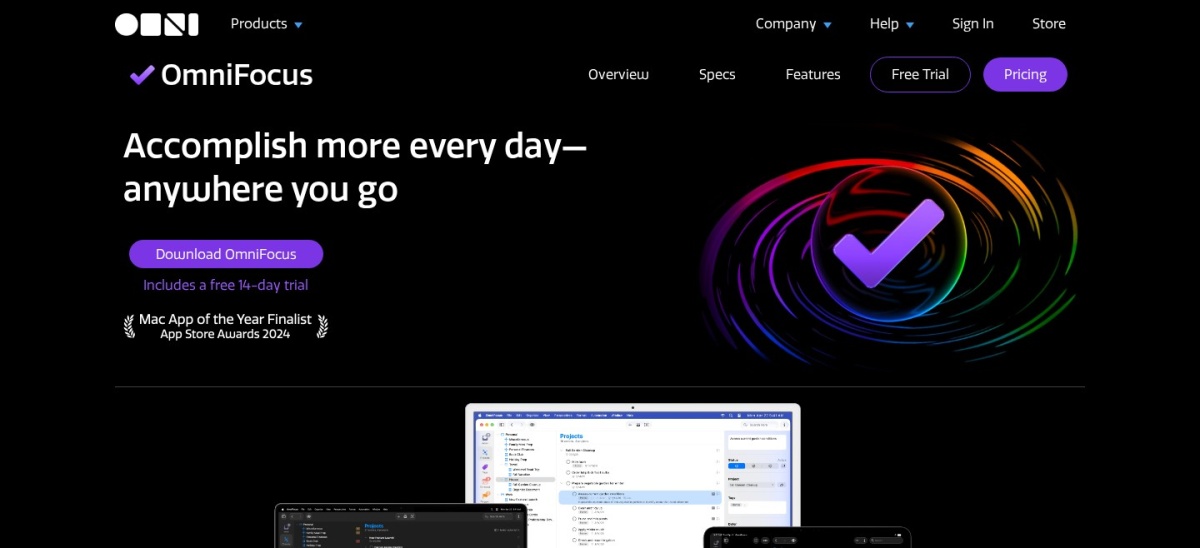
OmniFocus homepage, captured Nov 2026.
OmniFocus is a task manager from The Omni Group built around Getting Things Done, with projects, folders, tags, defer dates, a Forecast view and a dedicated Review view. The Standard licence costs $74.99 once and covers Mac, iPhone, iPad, Apple Watch and Apple Vision Pro.
The trade off is platform and price. It is Apple-only, and web access needs the $99.99 a year subscription or a $4.99 a month web add-on. Custom perspectives need the $149.99 Pro licence. It suits Apple users who want the method enforced, not just supported.
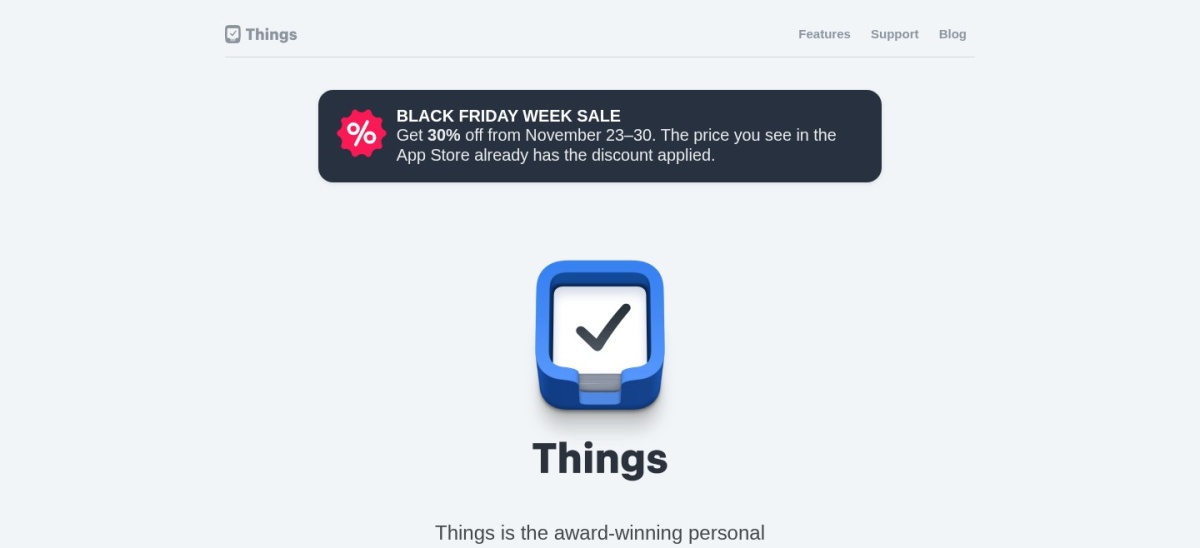
Things 3 is a personal task manager from Cultured Code for Apple devices, built around to-dos, projects, areas and a Today and Upcoming plan. Each app is a one-time purchase: $9.99 for iPhone, $19.99 for iPad and $49.99 for Mac, with Things Cloud sync included at no extra cost.
The trade off is GTD depth. Things 3 has no sequential projects, no Waiting For list and no built-in review, so strict GTD needs tags and start dates as workarounds. It suits Apple users who want a calm, simple list and would rather buy an app than rent one.
TickTick is a task manager with a built-in calendar, habit tracker and Pomodoro timer, so one app can cover capture, planning and focus. The free plan allows 9 lists with 99 tasks each, and Premium raises that to 299 lists with 999 tasks each, with multiple calendars and custom smart lists.
The trade off is GTD structure. TickTick has no built-in Waiting For or Someday lists, so you create them as lists or tags yourself. Premium lists at $49.99 a year, with a lower promotional annual rate sometimes shown at checkout. It suits people who want tasks, calendar and habits in one cheap app.
What we like
Calendar, habits and Pomodoro timer included
Cheapest full paid plan in this list
Generous free plan with 9 lists
Rated 4.5 out of 5 from 114 G2 reviews
Watch out for
No built-in Waiting For or Someday lists
No team or family plan
Annual list price is higher than the promo rate
Premium adds unlimited lists, calendar sync and smart listsVisit ticktick.com
05
Toodledo
4.5/5on G2 (82 reviews, checked Nov 2026)
Paid from$3.99/mo
Best cheap GTD app for power users
GTD listsFolders, contexts, goals, outlines
Free planYes, with basic tasks
PlatformsWeb, iOS, Android
Paid planStandard, $3.99/mo billed yearly
toodledo.com
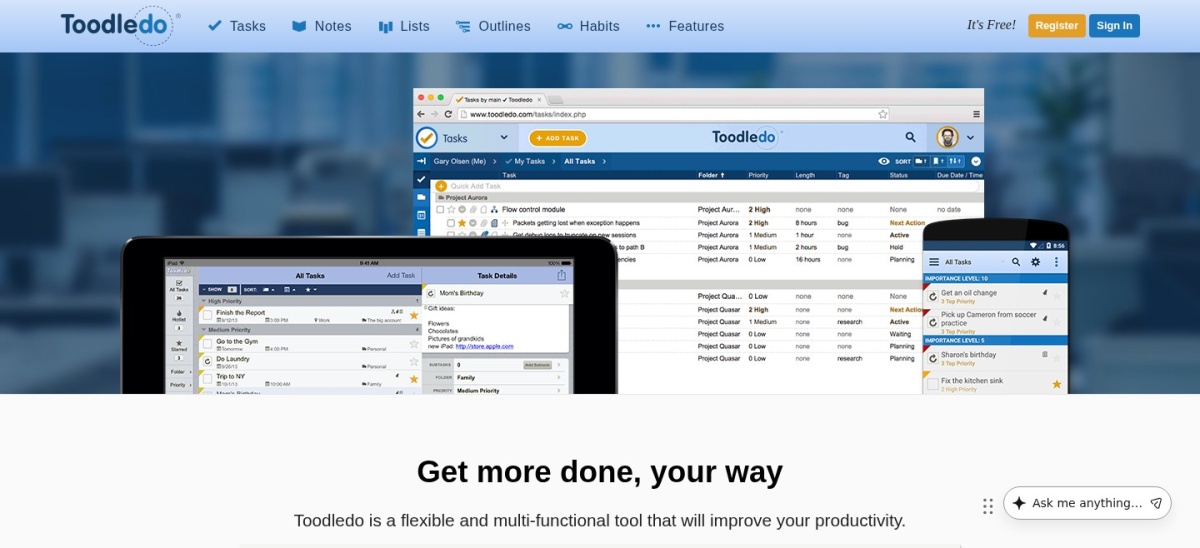
Toodledo homepage, captured Nov 2026.
Toodledo is a long-running online to-do list and task manager with notes, outlines and habit tracking, trusted by more than 3 million people since 2004. The Standard plan costs $3.99 a month billed yearly, or $4.99 billed monthly, and adds subtasks, saved searches, Google Calendar sync and unlimited folders.
The trade off is design. Toodledo looks dated next to Todoist or Things 3, and its many options take time to set up. It suits power users who want custom fields, contexts and saved searches for a strict GTD setup at the lowest paid price here.
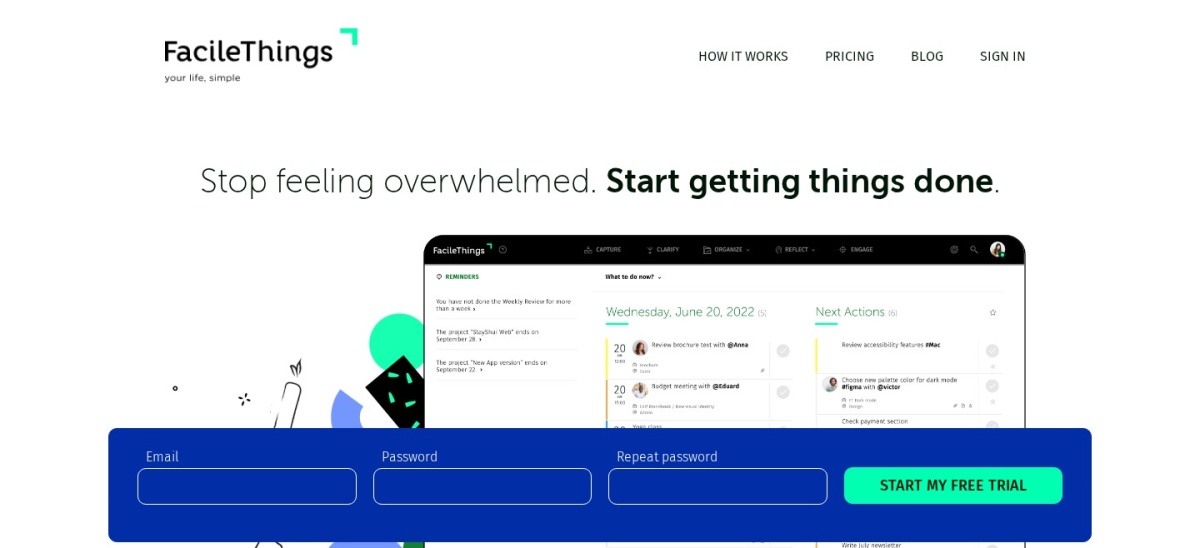
FacileThings is a web-based personal organizer built only for Getting Things Done. It walks you through capture, clarify, organize, reflect and engage as separate steps, with a guided weekly review, Mind Sweep and project planning, plus Google and Outlook calendar links.
The trade off is cost and freedom. There is no free plan, only a 30-day trial, and the single plan costs $7 a month billed yearly at $84, or $12 billed monthly. It suits GTD purists who want the app to keep them honest, and it pushes back if you try to bend the method.
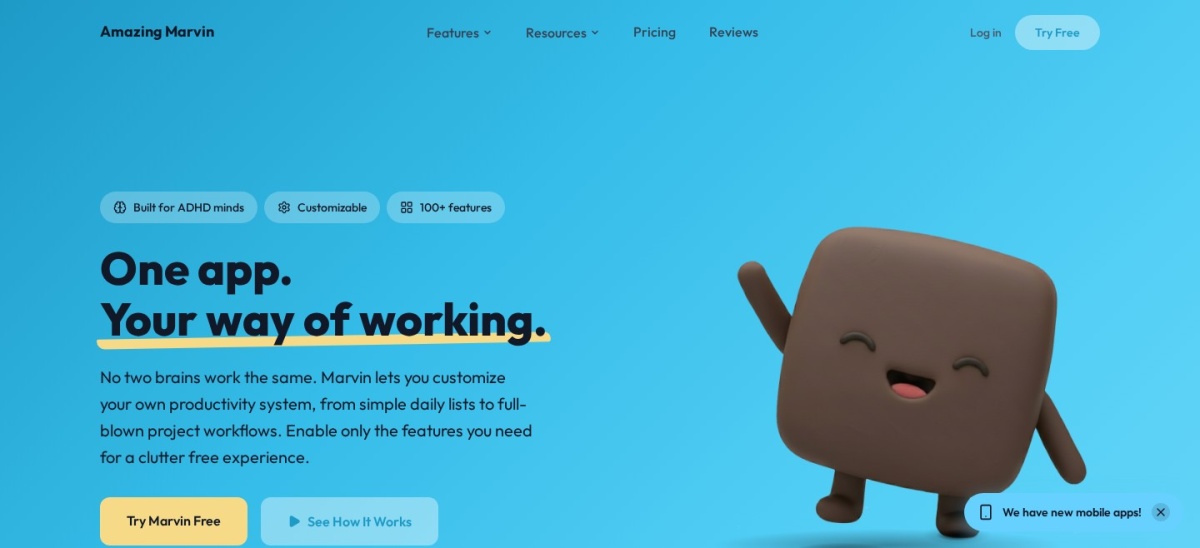
Amazing Marvin is a task manager and daily planner built around behavioural psychology, with more than 100 toggleable features you switch on as needed. The single Pro plan costs $8 a month billed yearly at $96, or $12 billed monthly, after a 14-day trial with no card needed.
The trade off is setup time. Marvin has no free plan and no collaboration features, and the first week can feel overwhelming because so much is configurable. It suits people who want to build their own GTD system piece by piece and keep it the same for years.
ClickUp is a work management platform with tasks, docs, whiteboards, goals and native time tracking in one workspace. The free plan includes unlimited tasks and members with 60 MB of storage, and Core adds unlimited storage, custom fields, goals and 1,000 automation actions a month.
The trade off is size. ClickUp is built for teams, so a solo GTD setup needs more configuration than Todoist or TickTick, and the learning curve is steep. Core lists at $9 per user a month billed yearly against a regular $12. It suits people who run GTD beside team projects.
What we like
Free plan has unlimited tasks and members
Docs, goals and time tracking in one app
Largest review base in this list
Rated 4.6 out of 5 from 13,719 G2 reviews
Watch out for
Heavy for a solo GTD list
Steep learning curve in the first weeks
Most useful features sit behind paid plans
Business at $17 a month billed yearly adds dashboards and timesheetsVisit clickup.com
09
Microsoft To Do
4.4/5on G2 (100 reviews, checked Nov 2026)
PriceFree
Best free GTD app for Microsoft users
GTD listsMy Day, lists, steps, tags
Free planFull app, no paid plan
PlatformsWeb, Windows, Mac, iOS, Android
Paid planNone, free with a Microsoft account
todo.microsoft.com
Microsoft To Do homepage, captured Nov 2026.
Microsoft To Do is a free task app from Microsoft, the successor to Wunderlist, with lists, steps for subtasks, reminders and a My Day view for daily planning. It costs nothing with a Microsoft account, has no paid plan, and syncs with Outlook, so flagged emails appear as tasks and lists show in Teams.
The trade off is GTD depth. To Do has no contexts, defer dates or weekly review view, so strict GTD needs workarounds with lists and tags. It suits people whose email and calendar already live in Outlook and who want a simple free daily list.
Free plans cover GTD capture and basic lists well. Todoist, TickTick, Toodledo, ClickUp and Microsoft To Do all have a usable free plan, and Microsoft To Do has no paid plan at all.
Paid plans mostly add room and views. You get more projects, more lists, calendar layouts, custom filters and saved searches.
The two paid-only apps here, OmniFocus and Things 3, charge once instead of monthly. FacileThings and Amazing Marvin are subscription-only, with a trial first.
If you are new to GTD, start free for a month. Our guide on scheduling posts in WordPress is a useful model for the weekly planning slot GTD needs.
How we chose
We started from the apps GTD guides name most often, then kept only established tools with a public price and a public rating on G2 or Capterra.
Prices come from each vendor's pricing page or a page citing it, checked on 25 November 2026. Ratings come from G2 or Capterra on the same day. Where a vendor shows a sale price, the list shows the regular price.
We left out Nirvana, a pure GTD app, because it has no public rating on G2, Capterra or Trustpilot, only an App Store rating. No vendor paid for a place, and we do not claim hands-on testing for this list.
How to choose GTD software
Start with the devices you use every day, then match the app to how strict your GTD needs to be.
List the devices you use daily. OmniFocus and Things 3 are Apple-only, so Windows or Android users should start with Todoist, TickTick or Toodledo instead.
Decide how strict your GTD must be. Pick OmniFocus or FacileThings for defer dates and a built-in weekly review, or Todoist and TickTick if filters and lists are enough.
Try the free plan or trial for two weeks. Capture every task in the inbox and run one weekly review before you pay, so you learn whether the lists fit your work.
Check the yearly price, not the monthly one. Most paid plans here cost under $100 a year, but monthly billing can add $24 or more over a year on the same plan.
FAQ
What is the best GTD software?
Todoist is the best GTD software for most people. It has fast capture, projects, labels and filters on every device, Pro costs $60 a year, and it is rated 4.5 out of 5 on G2 from 866 reviews.
What is the best GTD app for Apple users?
OmniFocus is the best GTD app for Apple users who want the full method, with defer dates, Forecast and a Review view. Things 3 is the simpler Apple pick, with a calm design and a one-time purchase instead of a subscription.
Is there a free GTD app?
Yes. Microsoft To Do is free with a Microsoft account and has no paid plan. Todoist, TickTick, Toodledo and ClickUp also have free plans, with limits on projects, lists or storage.
What is the cheapest GTD software?
Microsoft To Do costs nothing. Among paid plans, Toodledo Standard is cheapest at $3.99 a month billed yearly, or $47.88 a year, followed by TickTick Premium at $49.99 a year.
Does Todoist support GTD?
Yes, with setup. Todoist has an inbox, projects, labels and filters that map to GTD capture, contexts and next actions. It has no built-in weekly review or defer dates, so you build those with filters and due dates.
Do I need a paid plan for GTD?
No. A free plan covers capture, projects and lists, which is enough to start GTD. Pay when you hit a limit that matters, such as more projects, calendar layouts or saved searches.
SaaS SEO and WordPress specialist with about 8 years of experience. Rakib compares WordPress plugins, themes, hosting and software using public pricing, documentation and user reviews. See how we rank.