Grammarly is the best grammar checker for most writers, rated 4.7 out of 5 on G2 from more than 14,000 reviews, with Pro at $12 a month billed yearly. Pick ProWritingAid for long documents, LanguageTool for writing in several languages, and Wordtune when you mainly need rewrites.
How we make this list: we compare pricing pages, product documentation and public user reviews, then re-check every price before each update. No product paid for a place. Disclosure.
Grammarly leads on review volume: 4.7 out of 5 on G2 from 14,065 reviews, far ahead of every rival here.
ProWritingAid Premium costs $120 a year, with a $399 lifetime option, and suits long documents best.
LanguageTool is the cheapest full checker at $69.90 a year and covers more than 30 languages.
Wordtune Advanced lists at $6.99 a month billed yearly, though the page shows a $4.89 sale price.
Trinka is the academic pick at $80 a year, but its 3.9 G2 rating rests on only 17 reviews.
What to look for in a grammar checker
A grammar checker should catch spelling and grammar errors as you type, wherever you type. The best ones work in a browser, in Word and Google Docs, and in email.
Free plans differ more than prices do. Some cap each check at a few thousand characters, while others cap the number of words a month. Check the free limit before you pay.
Ratings matter here because most of these tools look alike on a pricing page. Our guide on getting Grammarly to work on WordPress shows how the top pick fits into a writing workflow.
Price is usually per user per month, billed yearly. Monthly billing can cost more than twice as much, so the yearly figure is the one to compare.
Grammarly is an AI writing assistant that checks spelling, grammar, clarity and tone as you type in a browser, Word, Google Docs and email. The free plan covers basic corrections and tone detection, plus 100 AI prompts a month.
The trade off is price on short commitments. Pro costs $12 a month billed yearly but $30 a month billed monthly, so occasional users pay far more. It suits anyone who writes every day and wants one checker in every app.
What we like
Checks writing in almost every app
Largest review base in this list
Free plan covers everyday corrections
Pro adds rewrites and plagiarism checks
Watch out for
Monthly billing costs $30, far above the yearly rate
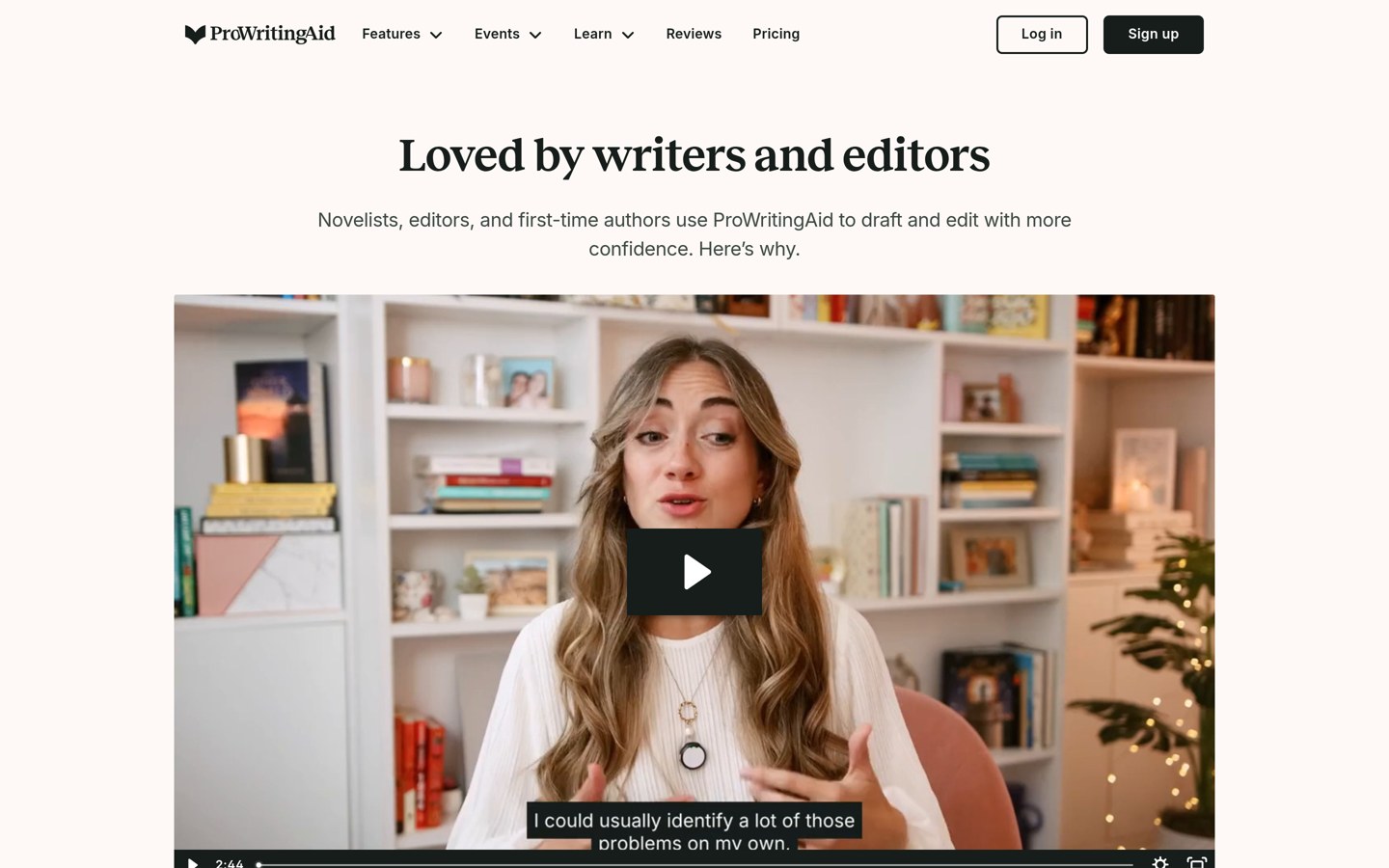
ProWritingAid is a style editor built for long documents such as books, theses and reports. It checks grammar and spelling, then adds more than 20 reports on pacing, repeated words, sentence variety and dialogue.
The trade off is the learning curve. The report suite can feel like a lot for a short email, and Premium costs $30 a month billed monthly. It suits authors and anyone editing long drafts.
What we like
Deepest style reports in this list
Lifetime plan at $399 beats yearly billing in 4 years
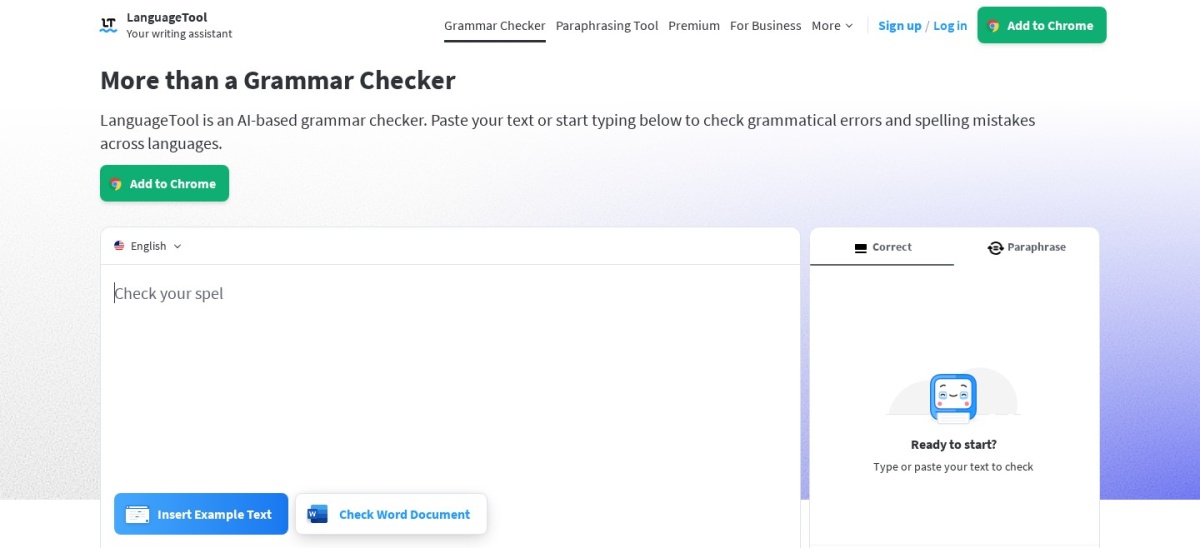
LanguageTool is a grammar, spelling and style checker that works in more than 30 languages, far more than any rival here. The free plan checks 2,000 characters at a time, while Premium raises that to 150,000 characters and adds style suggestions.
The trade off is depth in English. Its English checks are solid but less detailed than Grammarly or ProWritingAid, and monthly billing costs $24.90. It suits writers who switch between languages.
What we like
Widest language cover in this list
Lowest yearly price for a full checker
Browser, Word and Google Docs add-ons
Watch out for
Only 50 Capterra reviews, so the rating is a thin signal
Monthly billing is more than four times the yearly rate
Wordtune is an AI rewriting tool from AI21 Labs. Highlight a sentence and it offers several rewrites that shorten, expand or change the tone, plus unlimited spelling and grammar checks.
The trade off is the daily cap. Advanced allows 30 rewrites a day, and unlimited rewrites need the $9.99 a month Unlimited plan. It suits professionals who polish emails and short copy.
What we like
Rewrites differ in structure, not just wording
Cheapest paid plan among the rewriters here
Free plan includes unlimited grammar checks
Watch out for
30 rewrites a day can run out fast
Page shows a $4.89 sale price, so check the regular rate
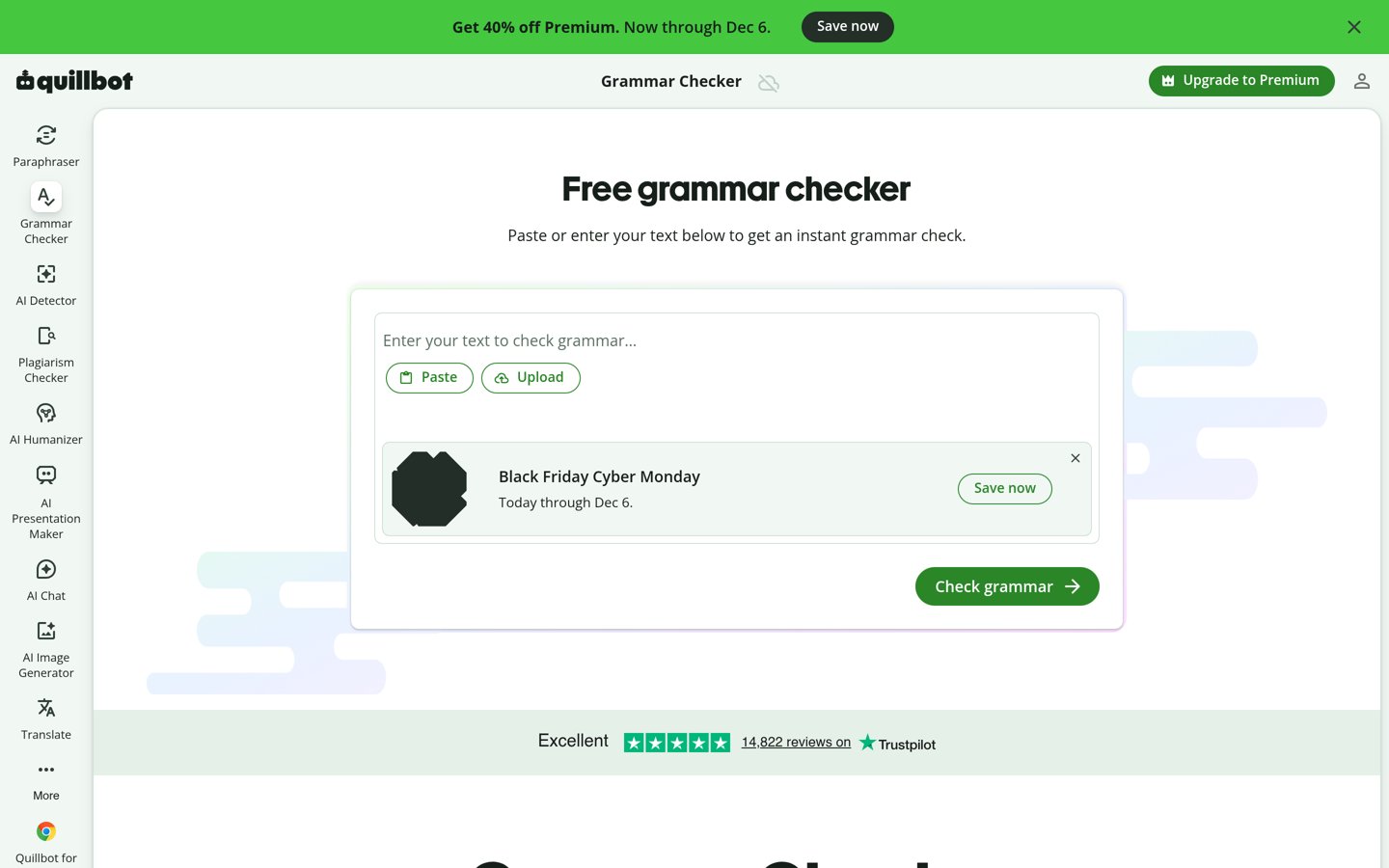
QuillBot is a paraphrasing tool with a grammar checker, summarizer and plagiarism checker built in. The free plan paraphrases 125 words at a time in two modes, while Premium removes the limits and opens nine modes.
The trade off is focus. Grammar checking is one feature among many, and Premium costs $19.95 a month billed monthly. It suits students and writers who reword text often.
What we like
Nine paraphrase modes on Premium
Plagiarism checker included on Premium
Strong Trustpilot rating of 4.8 from 14,000+ reviews
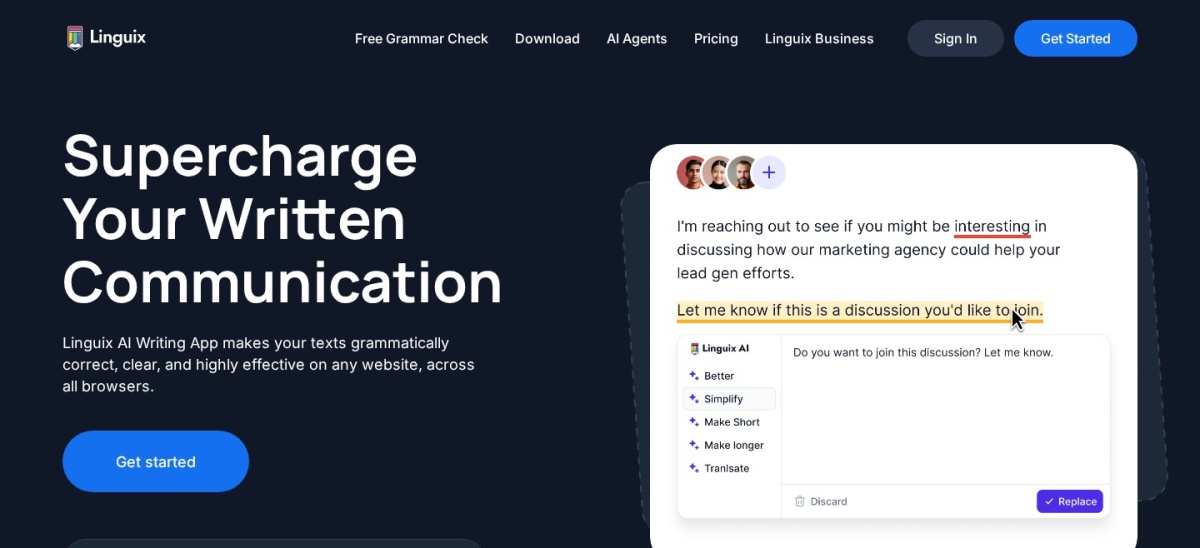
Linguix is an AI writing assistant that checks grammar, spelling and style in seven languages, with shortcuts and a rewriter. The Team plan costs $60 a seat billed yearly, or $10 a seat billed monthly, and adds shared snippets and an admin dashboard.
The trade off is support and polish. Some buyers report slow support and an extension that hangs, and English checks lag Grammarly. It suits small teams that want a low team price.
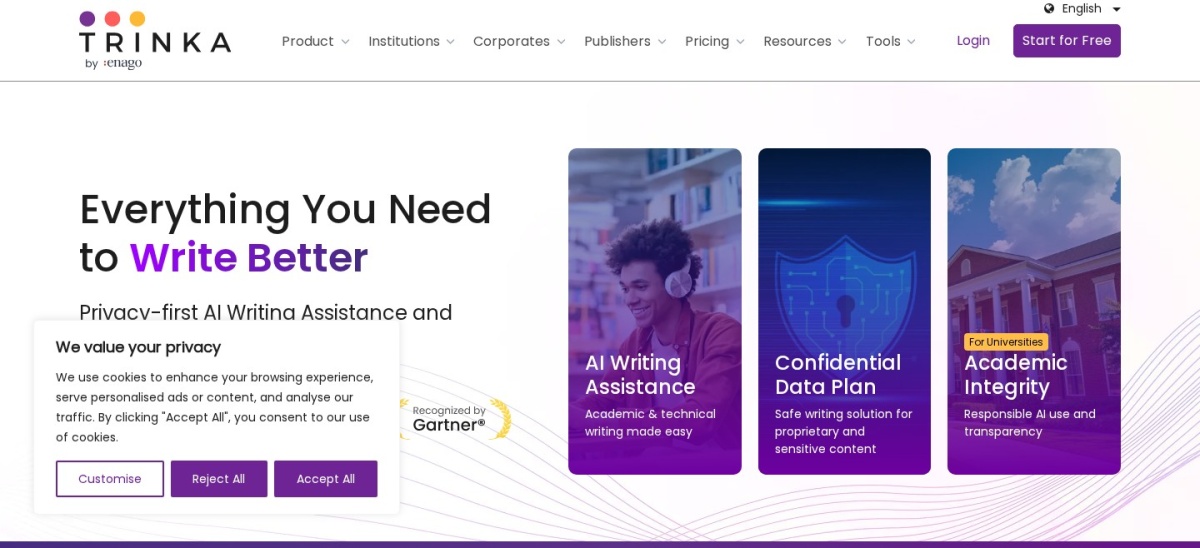
Trinka is a grammar checker built for academic and technical writing. It checks grammar and style against guides such as APA, AMA and IEEE, proofreads whole Word and LaTeX files, and adds a journal finder for submission.
The trade off is the thin rating. Trinka scores 3.9 out of 5 on G2 from only 17 reviews, the lowest here, and plagiarism reports cost credits on top. It suits researchers polishing papers for journals.
What we like
Style rules for academic and technical writing
Proofreads whole files with tracked changes
Journal finder helps pick where to submit
Watch out for
Lowest G2 rating in this list, from 17 reviews
Plagiarism checks cost extra credits
Premium adds unlimited checks and publication checksVisit trinka.ai
08
Ginger
4.4/5on G2 (37 reviews, checked Nov 2026)
Paid from$13.99/mo
Best for sentence rephrasing
Free planYes, basic checks
Paid planPremium, $13.99/mo
RephraserYes, on Premium
Support24/7 live support
gingersoftware.com
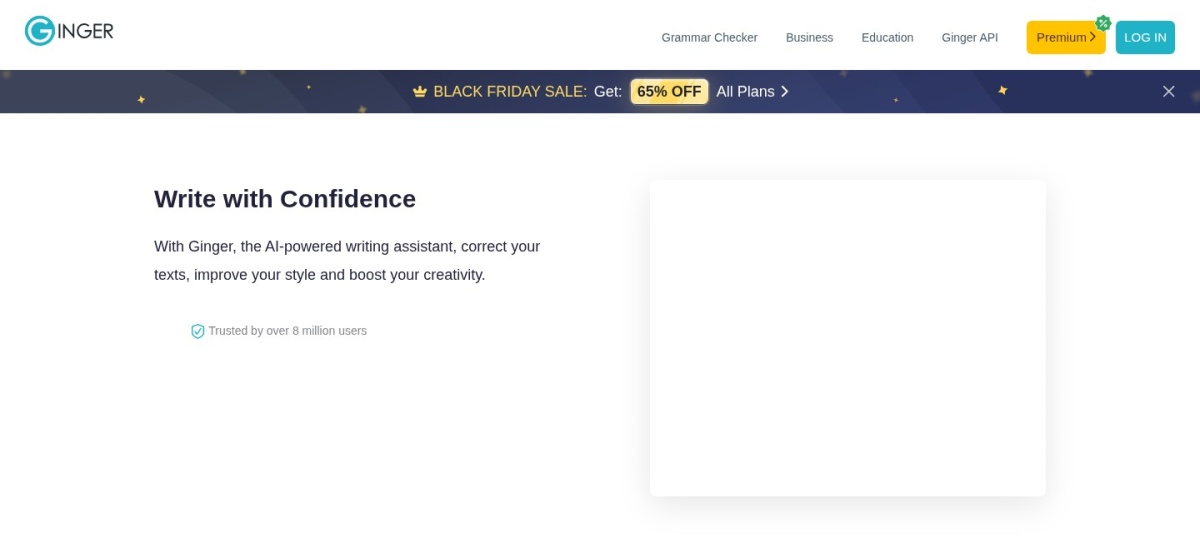
Ginger homepage, captured Nov 2026.
Ginger is a grammar and spelling checker with a sentence rephraser. It works in a browser and in Word, and it offers a free plan with basic corrections.
The trade off is price. Premium lists at $13.99 a month, the highest monthly rate in this list, and the free plan is basic. It suits writers who want rephrasing beside grammar checks.
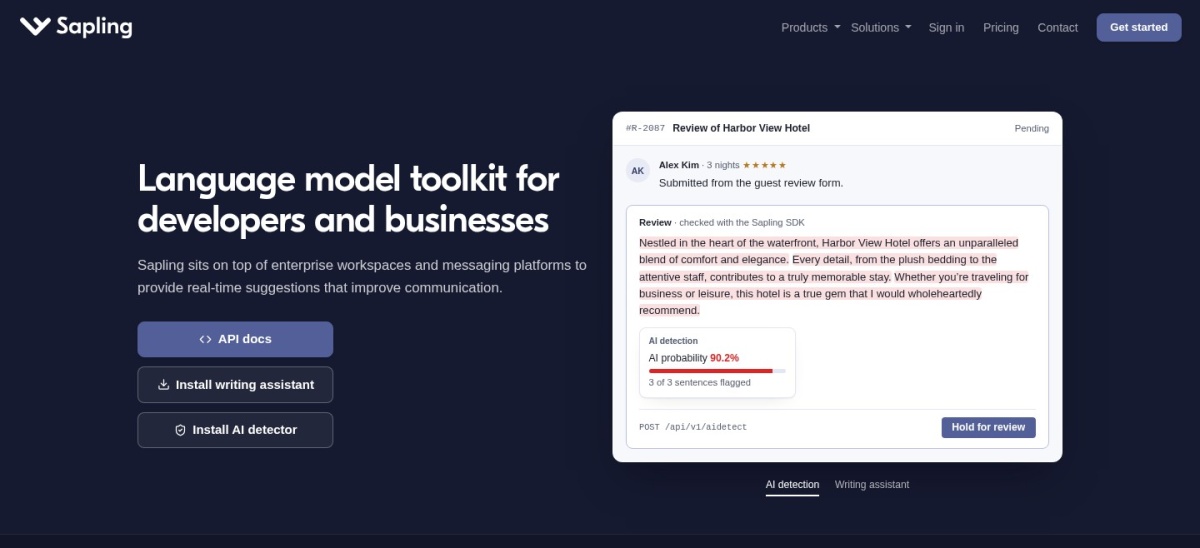
Sapling is an AI writing assistant built for email, chat and support desks. It checks grammar as you type in Gmail, Slack, Google Docs and Word, and adds autocomplete and an AI content detector.
The trade off is the small review base. Sapling scores 4.2 out of 5 on G2 from only 14 reviews, and the detector has flagged human writing as AI. It suits support teams writing in shared inboxes.
Free plans catch everyday typos and grammar slips. Most cap each check or the words you can check each month.
Paid plans mostly add length and rewrites. You get longer checks, unlimited rephrasing, plagiarism checks and style guides.
Wordtune and QuillBot ration rewrites, while LanguageTool and Trinka ration characters and words. Pick the paid plan that lifts the limit you hit first.
For a team, the per-seat price matters more than the single-user price. Linguix Team at $60 a seat a year is the cheapest team option here.
How we chose
We started from the best-known grammar checkers with a free plan and a public rating on G2 or Capterra, then kept nine that cover everyday writing, long documents, several languages and academic work.
Prices come from each vendor's pricing page as reported on 25 November 2026, with the regular yearly rate shown where a sale price appears. Ratings and review counts come from G2 and Capterra on the same day.
We left out tools with no public rating and no published price. No vendor paid for a place, and we do not claim hands-on testing for this list.
How to choose a grammar checker
Start with where you write most, then match the free limit to how much you write.
Check where the tool runs. A checker only helps if it works in your inbox, docs or browser. Pick one that covers the apps you write in every day.
Match the free limit to your volume. Short emails fit most free plans. Long documents need Premium limits, such as LanguageTool at 150,000 characters.
Compare the yearly price, not the monthly one. Monthly billing can cost more than twice the yearly rate. Grammarly Pro is $30 a month billed monthly against $12 billed yearly.
Try the free plan for a week. Use it on real drafts before you pay. See how to write a blog post in WordPress to put it through a full draft.
FAQ
What is the best grammar checker?
Grammarly is the best grammar checker for most writers. It is rated 4.7 out of 5 on G2 from more than 14,000 reviews, works in almost every app, and its free plan covers everyday spelling and grammar corrections.
Is there a good free grammar checker?
Yes. Grammarly, LanguageTool and QuillBot all have free plans that cover basic corrections. LanguageTool is the strongest free option for writers in several languages, with more than 30 languages supported.
Which grammar checker is best for academic writing?
Trinka is built for academic and technical writing, with style rules for APA, AMA, ACS and IEEE, plus a journal finder. Its G2 rating is 3.9 from only 17 reviews, so weigh the specialist features against the thin review base.
How much does Grammarly Pro cost?
Grammarly Pro costs $12 a member a month billed yearly, or $144 a year. Billed monthly it costs $30 a month, so the yearly plan saves $216 a year for one member.
Do grammar checkers work in Word and Google Docs?
Most do. Grammarly, ProWritingAid, LanguageTool, QuillBot, Linguix and Sapling all offer add-ins for Word, Google Docs or a browser extension, so checks appear where you already write.
What is the cheapest grammar checker here?
LanguageTool Premium is the cheapest full checker at $69.90 a year, or $5.83 a month billed yearly. Linguix Team is cheaper per seat at $60 a year, but it is priced for teams rather than single writers.
SaaS SEO and WordPress specialist with about 8 years of experience. Rakib compares WordPress plugins, themes, hosting and software using public pricing, documentation and user reviews. See how we rank.