Best Free WordPress Portfolio Builders in 2026: 7 Plugins Compared
WLWPLegible EditorsLast verified 22 Nov 2026How we rank13 min read
★ Short answer
Visual Portfolio is our top free WordPress portfolio builder, with 50,000+ active installations, a 4.8/5 rating from 343 reviews and a $49/year Pro plan. WPZOOM Portfolio is better for organizing individual projects, while Modula suits photographers who want customizable image galleries.
How we make this list: we compare pricing pages, product documentation and public user reviews, then re-check every price before each update. No product paid for a place. Disclosure.
Visual Portfolio has 50,000+ active installations and a 4.8/5 rating from 343 reviews. Its Personal upgrade costs $49/year.
WPZOOM Portfolio has 20,000+ active installations and a 5/5 rating from 2 reviews. Its standalone Starter plan costs $49/year.
Modula has 100,000+ active installations and a 4.7/5 rating from 619 reviews. Starter regularly costs $78/year.
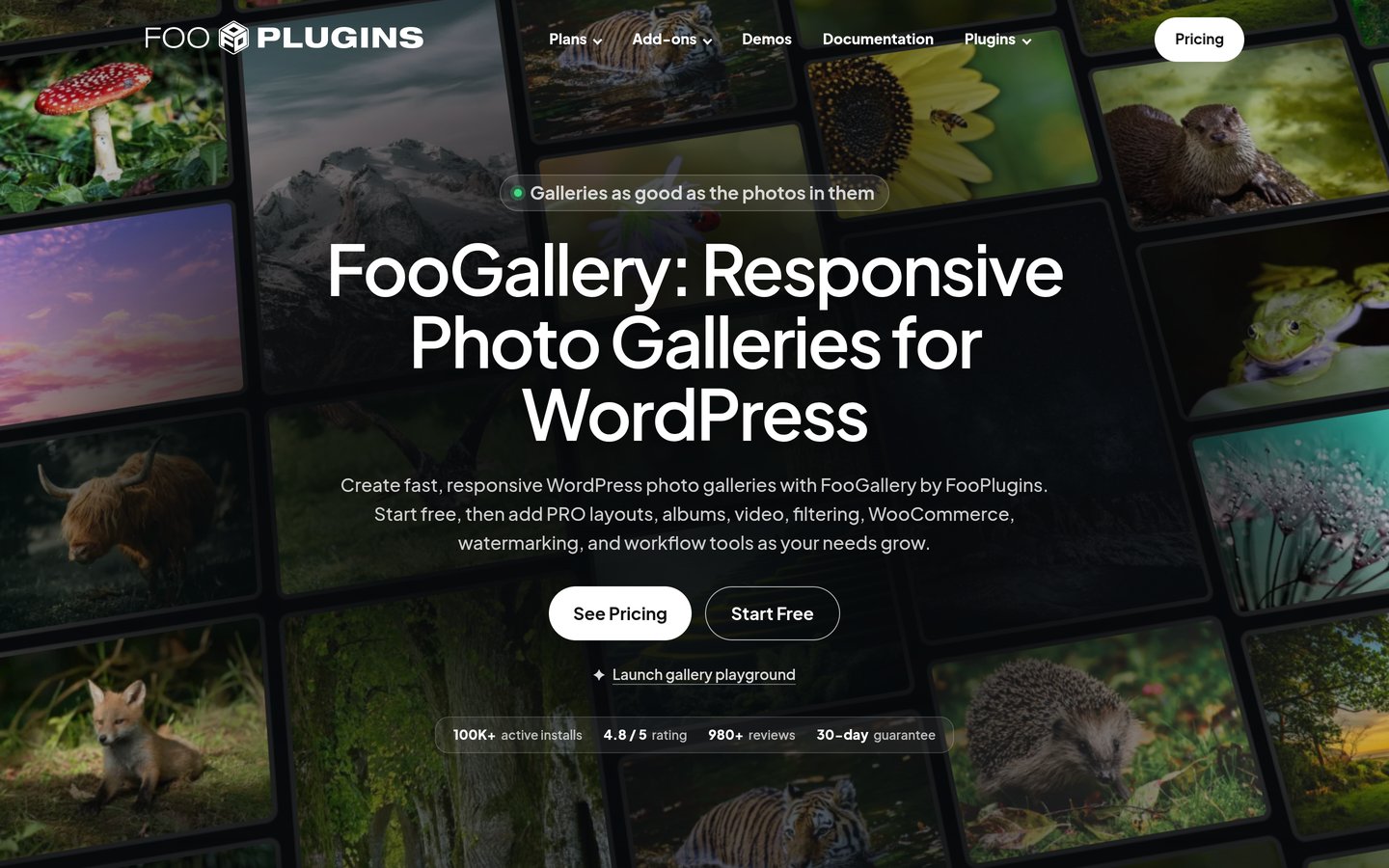
FooGallery has 100,000+ active installations and a 4.8/5 rating from 1,000 reviews. Its regular Starter price is $59.99/year.
Portfolio Filter Gallery has 20,000+ active installations and a 4.8/5 rating from 348 reviews. Premium costs $49 one-time.
Envira Gallery has 100,000+ active installations and a 4.7/5 rating from 1,600 reviews, with Basic at $79/year. Radius Portfolio has 7,000+ installations, with Pro regularly costing $39/year.
What should a free WordPress portfolio builder include?
A WordPress portfolio builder helps photographers, designers, developers and other creative professionals display completed work. Instead of manually arranging every image or project, a portfolio plugin creates consistent layouts that can be reused across pages.
Start with portfolio organization. Some plugins create dedicated project entries with titles, descriptions and categories. Others build image galleries from the WordPress media library. Project-based systems are generally better for detailed case studies, while gallery builders suit visual collections.
Filtering and layout options are important when you have different types of work. A photographer may separate weddings, portraits and commercial projects. A designer might categorize branding, websites and illustrations. Grid, masonry and justified layouts provide different ways to present those collections.
Check how the plugin works with your existing editor. Block editor support makes it easier to add portfolios to WordPress pages, while Elementor widgets and shortcodes can help with other page-building workflows. A plugin should not require replacing your theme just to display projects.
Finally, examine what is genuinely free. Basic grids, responsive layouts and lightboxes are often included, but advanced filters, video support, client proofing, watermarking and premium designs may require paid plans. Compare regular license prices rather than temporary discounts.
For portfolio grids, sliders and project showcases
$39/yr
Free plan
4.6/5
Price ladder: cheapest paid plan per year
List prices, USD, checked Nov 2026
RadiusFREE$39
VisualFREE$49
WPZOOMFREE$49
Filter GalleryFREE$49
FooGalleryFREE$60
ModulaFREE$78
EnviraFREE$79
The 7 best free WordPress portfolio builders
01
Visual Portfolio
4.8/5on WordPress.org (343 reviews, checked Nov 2026)
Paid from$49/yr
Best overall for free WordPress portfolio building
Main purposeProject portfolios and galleries
Active installs50,000+
Editor supportBlocks and Elementor
Paid planPersonal, $49/yr
visualportfolio.com
Visual Portfolio homepage, captured Nov 2026.
Visual Portfolio is a WordPress portfolio and gallery builder with 50,000+ active installations and a 4.8/5 rating from 343 reviews. Its free version supports portfolio projects, responsive image grids, masonry layouts, filters and dynamic content displays. It also provides a WordPress gallery block and an Elementor gallery widget.
The trade off is that advanced responsive settings, additional design controls and premium gallery features require Pro. Personal costs $49 annually for one website. It suits designers, photographers and creative professionals who want both image galleries and organized project portfolios without changing their WordPress theme.
What we like
Dedicated portfolio project management
Responsive grid and masonry layouts
AJAX filtering and sorting
Supports WordPress blocks and Elementor
4.8/5 rating from 343 reviews
Watch out for
Advanced responsive controls require Pro
Premium effects and specialized features cost extra
Complex dynamic portfolios require configuration
Client proofing is not included in the free core
Personal adds advanced design controls, responsive settings, premium features and support for one website.Visit visualportfolio.com
02
WPZOOM Portfolio
5/5on WordPress.org (2 reviews, checked Nov 2026)
Paid from$49/yr
Best for organizing individual creative projects
Main purposeDedicated project portfolios
Active installs20,000+
Editor supportGutenberg and Elementor
Paid planStarter, $49/yr
wpzoom.com
WPZOOM Portfolio homepage, captured Nov 2026.
WPZOOM Portfolio is a WordPress project portfolio plugin with 20,000+ active installations and a 5/5 rating from 2 reviews. Its free version creates a dedicated portfolio content type and provides grid layouts, category filtering and portfolio display options. Projects can be managed separately from regular blog posts.
The trade off is its limited public review history and the need for Pro to access advanced video features, project albums and client proofing. Starter costs $49 annually for one website. It suits designers, agencies and creatives who want detailed project pages rather than a simple collection of images.
What we like
Dedicated portfolio project content type
20,000+ active installations
Category-based project organization
Gutenberg block and Elementor compatibility
Premium adds project albums and video features
Watch out for
Only 2 public WordPress.org reviews
Advanced video tools require Pro
Client proofing is a premium feature
Some project layouts require additional customization
Starter unlocks advanced video displays, project albums, client proofing and premium support.Visit wpzoom.com
03
Modula
4.7/5on WordPress.org (619 reviews, checked Nov 2026)
Paid from$78/yr
Best for photography portfolios and customizable image grids
Main purposePhotography and image portfolios
Active installs100,000+
Free layoutsCustom and grid galleries
Paid planStarter, $78/yr
wp-modula.com
Modula homepage, captured Nov 2026.
Modula is a WordPress image gallery builder with 100,000+ active installations and a 4.7/5 rating from 619 reviews. Its free version helps photographers and designers create responsive image galleries with customizable layouts. It supports image galleries, lightbox displays and visual arrangements suited to creative portfolios.
The trade off is that advanced filtering, additional layouts and premium gallery controls require a paid license. Starter regularly costs $78 annually, although the vendor currently advertises a $27.30 Black Friday price. It suits photographers who want to control the appearance of individual image galleries.
What we like
100,000+ active installations
Customizable image grid layouts
Responsive galleries and lightbox displays
Starter includes additional layouts and filtering
4.7/5 rating from 619 reviews
Watch out for
Advanced filtering requires a paid plan
Album management requires a higher tier
Client proofing and ecommerce tools are not entry-level features
4.8/5on WordPress.org (1,000 reviews, checked Nov 2026)
Paid from$59.99/yr
Best for free image galleries and portfolio albums
Main purposeImage galleries and albums
Active installs100,000+
Free layouts7 gallery layouts
Paid planPro Starter, $59.99/yr
fooplugins.com
FooGallery homepage, captured Nov 2026.
FooGallery is a WordPress image gallery builder with 100,000+ active installations and a 4.8/5 rating from 1,000 reviews. Its free version includes seven gallery layouts, responsive image displays, a built-in lightbox and unlimited galleries and albums. Galleries can be embedded using WordPress blocks or shortcodes.
The trade off is that additional layouts, advanced hover effects and mobile design controls require Pro Starter. Its regular price is $59.99 annually, with a temporary $49.99 promotional price displayed. It suits photographers, artists and portfolio owners who want substantial free gallery features before considering an upgrade.
What we like
Seven free gallery layouts
Unlimited galleries and albums
Built-in lightbox and lazy loading
100,000+ active installations
4.8/5 rating from 1,000 reviews
Watch out for
Advanced gallery filtering requires Pro Expert
Video galleries require a higher paid tier
Image selling requires Pro Commerce
Primarily designed for galleries rather than detailed case studies
Pro Starter adds six premium layouts, hover effects, thumbnail controls and mobile gallery settings.Visit fooplugins.com
05
Portfolio Filter Gallery
4.8/5on WordPress.org (348 reviews, checked Nov 2026)
Paid from$49 one-time
Best budget option for filterable image portfolios
Main purposeFilterable image portfolios
Active installs20,000+
Free layoutsGrid and masonry
Paid license$49 one-time
awplife.com
Portfolio Filter Gallery homepage, captured Nov 2026.
Portfolio Filter Gallery is a WordPress portfolio plugin with 20,000+ active installations and a 4.8/5 rating from 348 reviews. Its free version provides grid and masonry galleries, category filter buttons, a basic lightbox and responsive layouts. These features help visitors browse projects by type without opening separate pages.
The trade off is that multi-level filtering, additional layouts, advanced hover effects and pagination require Premium. The official site lists Premium at $49 as a one-time purchase with lifetime updates and one year of priority support. It suits freelancers and creative businesses needing straightforward portfolio filtering.
4.7/5on WordPress.org (1,600 reviews, checked Nov 2026)
Paid from$79/yr
Best for polished photography portfolio galleries
Main purposePhotography and image galleries
Active installs100,000+
Free versionResponsive gallery builder
Paid planBasic, $79/yr
enviragallery.com
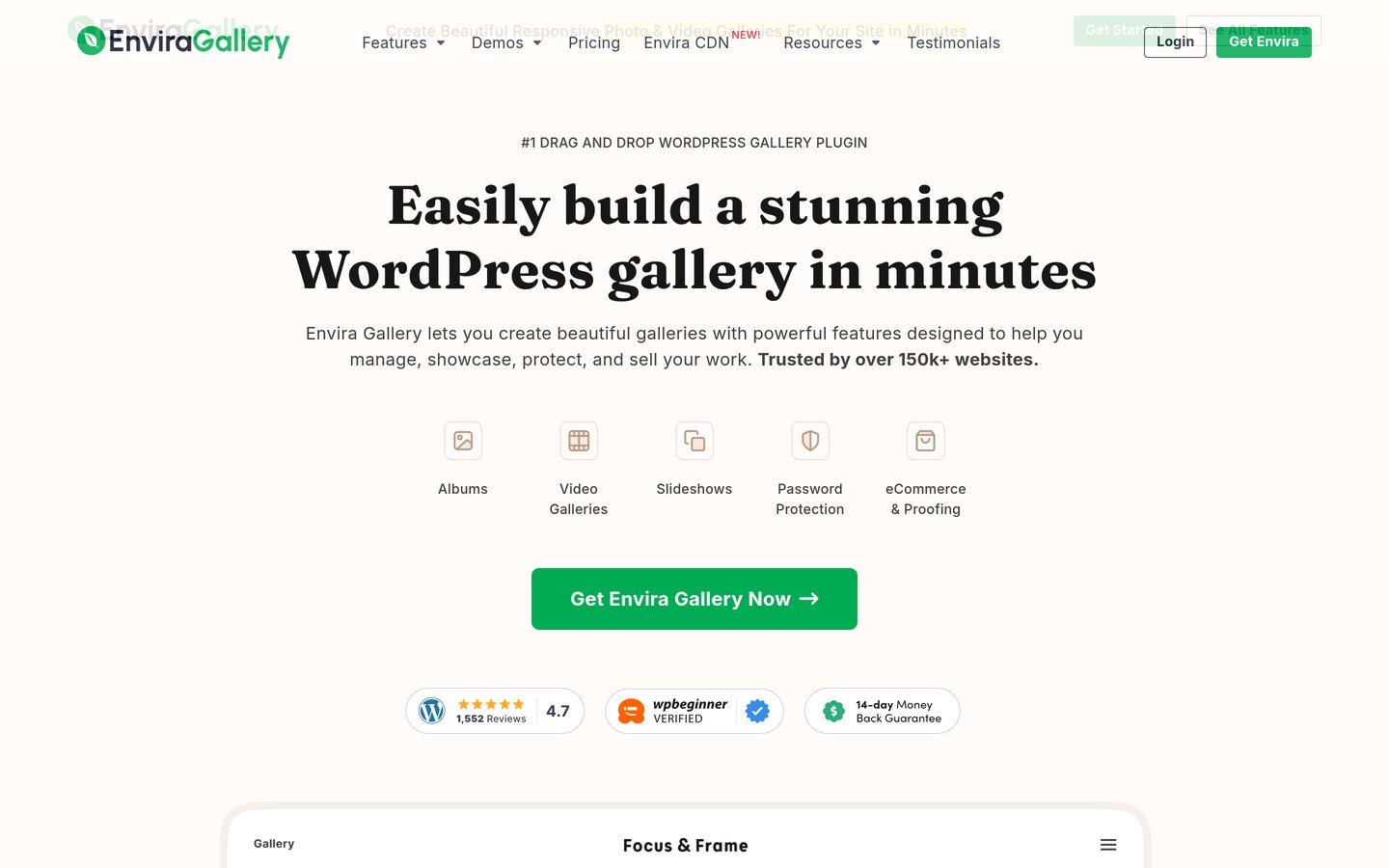
Envira Gallery homepage, captured Nov 2026.
Envira Gallery is a WordPress gallery builder with 100,000+ active installations and a 4.7/5 rating from 1,600 reviews. Its free version provides responsive image galleries and lightbox functionality. Paid versions add more design options, gallery templates and tools for photographers presenting larger collections.
The trade off is that advanced gallery features are divided across paid tiers. Basic normally costs $79 annually, with a $39.50 introductory offer currently advertised. Video galleries, albums and some specialized integrations require higher plans. It suits photographers who want a dedicated gallery builder with an upgrade path.
What we like
100,000+ active installations
Drag-and-drop gallery management
Responsive galleries and lightbox displays
4.7/5 rating from 1,600 reviews
Additional professional gallery features available
Watch out for
Albums and video galleries require higher plans
Advanced integrations cost extra
Regular paid pricing exceeds several alternatives
More gallery-focused than project-management-focused
4.6/5on WordPress.org (38 reviews, checked Nov 2026)
Paid from$39/yr
Best for portfolio grids, sliders and project showcases
Main purposePortfolio grids and sliders
Active installs7,000+
Editor supportGutenberg and Elementor
Paid plan1 Site, $39/yr
radiustheme.com
Radius Portfolio homepage, captured Nov 2026.
Radius Portfolio is a WordPress portfolio plugin with 7,000+ active installations and a 4.6/5 rating from 38 reviews. Its free version provides portfolio layouts, project displays and filtering options. It supports Gutenberg and Elementor, allowing project collections to be added to different WordPress pages.
The trade off is that advanced portfolio layouts, slider variations and expanded display controls require Pro. The single-site annual license regularly costs $39, although a $31 promotional price is currently advertised. It suits freelancers and agencies that want portfolio grids and sliders without adopting a larger gallery system.
What we like
Dedicated portfolio display features
Grid, gallery and slider layouts
Gutenberg and Elementor compatibility
Category-based portfolio organization
Regular single-site Pro price of $39/year
Watch out for
Smaller review and installation base than gallery leaders
Advanced layouts require Pro
Additional customization may be needed for detailed projects
Primarily focused on displaying portfolio items
Pro adds expanded layouts, sliders, filtering controls and premium portfolio display options.Visit radiustheme.com
Portfolio builder vs image gallery: which do you need?
A portfolio builder and an image gallery can look similar, but they organize content differently. A portfolio typically presents completed projects, while a gallery displays collections of images or videos.
Project-focused tools such as Visual Portfolio and WPZOOM Portfolio are useful when each item needs a dedicated page, description or category. This approach works well for graphic designers, web developers, architects and agencies publishing case studies.
Gallery-focused tools such as Modula, FooGallery and Envira Gallery emphasize image presentation. They are useful for photographers, illustrators and artists whose portfolios depend on visual layouts.
Portfolio Filter Gallery and Radius Portfolio provide another approach through filterable grids. These can work for businesses that need visitors to browse projects by service or creative category.
Choose based on the content you plan to publish. If each project needs background information, challenges and results, prioritize project management. If visitors mainly need to browse photographs or artwork, prioritize gallery layouts and image navigation.
What do paid WordPress portfolio builders add?
Free portfolio plugins generally provide basic grids, responsive layouts and methods for embedding projects or galleries. Some also include category filtering and lightboxes.
Paid upgrades commonly add advanced filters, additional layouts, video galleries, specialized hover effects and better controls for large collections.
Visual Portfolio Personal and WPZOOM Portfolio Starter both cost $49 annually. Radius Portfolio's regular single-site Pro price is $39 annually, while FooGallery Pro Starter regularly costs $59.99 annually.
Modula Starter costs $78 annually and Envira Gallery Basic costs $79 annually at their regular rates. Portfolio Filter Gallery takes a different approach with a $49 one-time Premium license.
Photographers who need client proofing, watermarks or image sales should check the specific paid tier. These capabilities are often excluded from the cheapest upgrade even when a vendor advertises them elsewhere on its website.
How we chose
We shortlisted established free WordPress portfolio and gallery plugins suitable for photographers, designers, freelancers, artists and agencies. We considered dedicated project management, image layouts, filtering, editor compatibility and the ability to present work without replacing the website's theme.
We reviewed WordPress.org listings and official developer pricing pages on 22 Nov 2026. Ratings, review counts, active installations and maintenance information came from WordPress.org. Prices reflect the cheapest regular published paid plan rather than temporary discounts. One-time licenses are identified separately from annual subscriptions.
We excluded outdated or closed plugins, products without meaningful public adoption and options whose regular paid prices could not be confirmed. WP Portfolio was not included because it does not provide the same established free portfolio builder offering as the selected plugins. The recommendations are based on published features, pricing, documentation and public reviews. No vendor paid for a place, and this comparison does not include product testing.
How to choose the best free WordPress portfolio builder
Decide how your work should be presented, compare free layouts and filtering features, and check the cost of any professional tools you may need later.
**Choose between project pages and image galleries.** If you need case studies with descriptions and individual URLs, prioritize a dedicated portfolio plugin such as Visual Portfolio or WPZOOM Portfolio. If your work is mainly visual, a gallery-focused plugin such as Modula or FooGallery may be sufficient.
**Check layouts, categories and filtering.** Compare grid, masonry and justified layouts. If your work covers several categories, look for filters that help visitors narrow results. Confirm whether the filtering features you need are included in the free version or require a paid upgrade.
**Match the builder to your WordPress editor.** Check compatibility with Gutenberg, Elementor and your current theme. WordPress blocks can simplify portfolio placement, while shortcodes and Elementor widgets provide other options. Choose a workflow that makes future project updates manageable.
**Compare regular prices and future requirements.** Consider whether you will eventually need video galleries, private client proofing, advanced filtering or image sales. Compare the exact plan that includes those features and check renewal terms, site limits and support coverage before purchasing.
FAQ
What is the best free WordPress portfolio builder?
Visual Portfolio is our top overall choice because it combines project management, responsive galleries, filtering and support for popular WordPress editors. It has 50,000+ active installations and a 4.8/5 rating. WPZOOM Portfolio is another option for detailed projects, while Modula focuses on image presentation.
Can I create a professional portfolio in WordPress for free?
Yes. Free portfolio plugins can create galleries, project grids and category-based displays without requiring a premium theme. You can add descriptions, images and links to individual projects. Advanced features such as client proofing, video displays or specialized layouts may require paid upgrades.
Which free WordPress portfolio plugin is best for photographers?
Modula and FooGallery are good options for photography portfolios. Modula focuses on customizable image grids, while FooGallery includes seven free gallery layouts and a built-in lightbox. Envira Gallery is another established choice with additional photography-related features in its paid plans.
Which WordPress portfolio plugin supports category filtering?
Visual Portfolio, WPZOOM Portfolio, Portfolio Filter Gallery and Radius Portfolio provide ways to organize and filter projects. The available filtering controls vary, with some advanced options requiring paid upgrades. Check whether you need simple category buttons or more complex multi-select filters.
Can I use a portfolio plugin with Elementor?
Yes. Visual Portfolio, WPZOOM Portfolio and Radius Portfolio support Elementor-related display options. Other gallery plugins may provide shortcodes or widgets that can be placed on Elementor pages. Confirm compatibility with your installed versions before relying on a particular layout.
Can I build a portfolio with the WordPress block editor?
Yes. Visual Portfolio and WPZOOM Portfolio provide block-based portfolio displays, while FooGallery supports gallery blocks and shortcodes. This lets you place portfolio sections on pages without switching to a separate page builder. Available editing controls differ between products.
Do free WordPress portfolio builders support video?
Some portfolio plugins offer video support, but the available features vary. WPZOOM Portfolio provides advanced video tools in Pro, while FooGallery reserves video galleries for its Expert plan. Check whether you need embedded videos, video lightboxes, autoplay or self-hosted video files.
Can I sell photographs through a WordPress portfolio plugin?
Some gallery builders support ecommerce integrations through premium plans. FooGallery Commerce includes WooCommerce-related image selling features, while Portfolio Filter Gallery Premium provides WooCommerce integration. Check payment processing, downloadable files, licensing and image protection before setting up sales.
Should I pay for a premium WordPress portfolio plugin?
Start with a free version if it provides the layouts, filtering and navigation you need. Paid plans become more useful for advanced galleries, video, client proofing and image sales. Compare regular annual prices and one-time license options rather than purchasing a larger package for features you will not use.