Best Free WordPress Migration Plugins in 2026: 8 Tools Compared
WLWPLegible EditorsLast verified 22 Nov 2026How we test10 min read
★ Short answer
Migrate Guru is the best free WordPress migration plugin for most sites, moving sites up to 200 GB on its own servers with no file to download, rated 4.9/5 by 1,647 users. Pick Duplicator for a full-site package of any size, or All-in-One WP Migration for the simplest export and import.
How we make this list: we compare pricing pages, product documentation and public user reviews, then re-check every price before each update. No product paid for a place. Disclosure.
Migrate Guru is fully free, handles sites up to 200 GB, and runs the copy on its own servers.
Duplicator packages sites of any size for free and is rated 4.9/5 from 4,941 reviews.
All-in-One WP Migration has 5+ million installs, but free imports are limited by your host's upload size.
WPvivid, UpdraftPlus and Backup Migration include free migration inside a backup plugin.
Prime Mover is the free pick for multisite subsites, with no package size limit.
Paid upgrades start at $45 a year (Backup Migration) and top out at $99 a year for WP Migrate.
What makes a migration go smoothly
A WordPress migration copies the files and database to a new place, then swaps old URLs for new ones. Most failures come from big files, host upload limits and URLs saved inside serialized data.
Migration plugins work in two ways. Package tools such as Duplicator and All-in-One WP Migration build an archive you move yourself. Direct tools such as Migrate Guru copy server to server.
Direct tools avoid upload limits, while package tools double as backups. Either way, keep a full backup of the old site until the new one has run for a week.
Price ladder: cheapest paid upgrade per year ($0 = free or price not listed)
List prices, USD, checked Nov 2026
Migrate GuruFree
Backup Migr.FREE$45
WPvividFREE$49
Prime MoverFREE$59
AIO MigrationFREE$69
UpdraftPlusFREE$70
DuplicatorFREE$79
WP MigrateFREE$99
The 8 best free WordPress migration plugins
01
Migrate Guru
4.9/5on WordPress.org (1,647 reviews, checked Nov 2026)
PriceFree
Best free migration plugin overall
Max site size200 GB
Runs onMigrate Guru servers
Monthly limit5 sites per user
Paid planNone
migrateguru.com
Migrate Guru homepage, captured Nov 2026.
Migrate Guru copies a site from server to server using its own infrastructure, so your old host does no heavy lifting. It handles sites up to 200 GB, estimates under 30 minutes for a 1 GB site, and is rated 4.9 out of 5 from 1,647 reviews.
The trade off is a limit of 5 site migrations per user each month, and the destination needs WordPress installed first. There is no paid version. It suits large sites and shared hosting, where package uploads often fail.
4.9/5on WordPress.org (4,941 reviews, checked Nov 2026)
Paid from$79/yr
Best package-based migration tool
Package sizeAny size, chunked
Migration wizardFree
MultisiteNot supported free
Encrypted archivesFree
duplicator.com
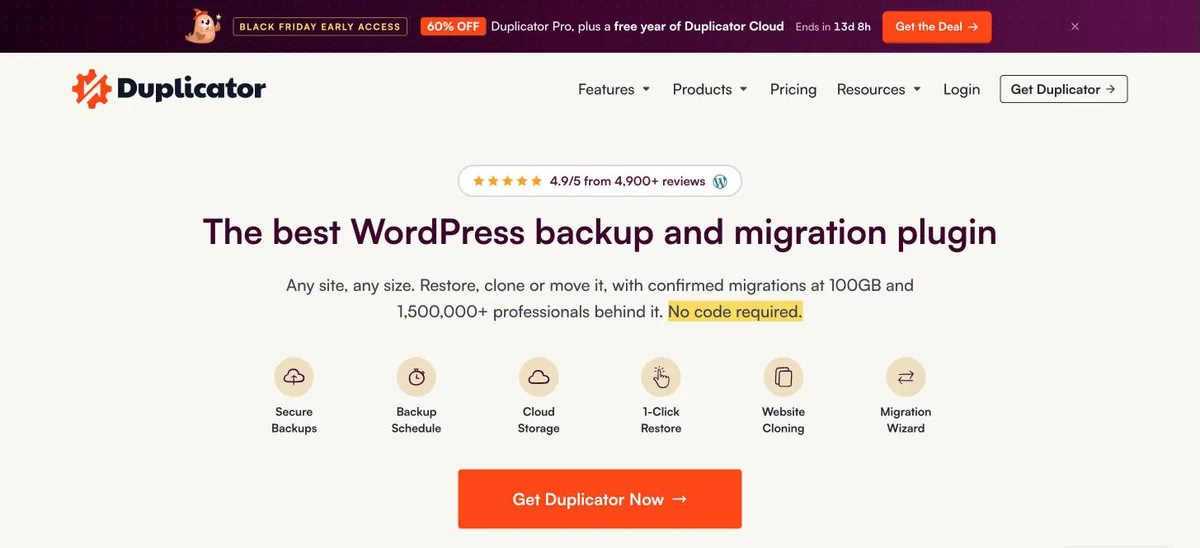
Duplicator homepage, captured Nov 2026.
Duplicator builds a package of your site and an installer that rebuilds it on the new host. It has 1+ million active installs, a 4.9 rating from 4,941 reviews, a chunked engine that handles sites of any size, a migration wizard and encrypted archives.
The trade off is that you move the package yourself, and multisite networks are not supported. Pro adds scheduled backups, cloud storage and staging, starting with Basic at $79 a year for two sites. It suits developers who clone sites between servers.
4.5/5on WordPress.org (7,678 reviews, checked Nov 2026)
Paid from$69/yr
Easiest export and import
Export formatSingle .wpress file
URL replacementAutomatic
Free import limitSet by your host
Database movesMySQL, MariaDB, SQLite
servmask.com
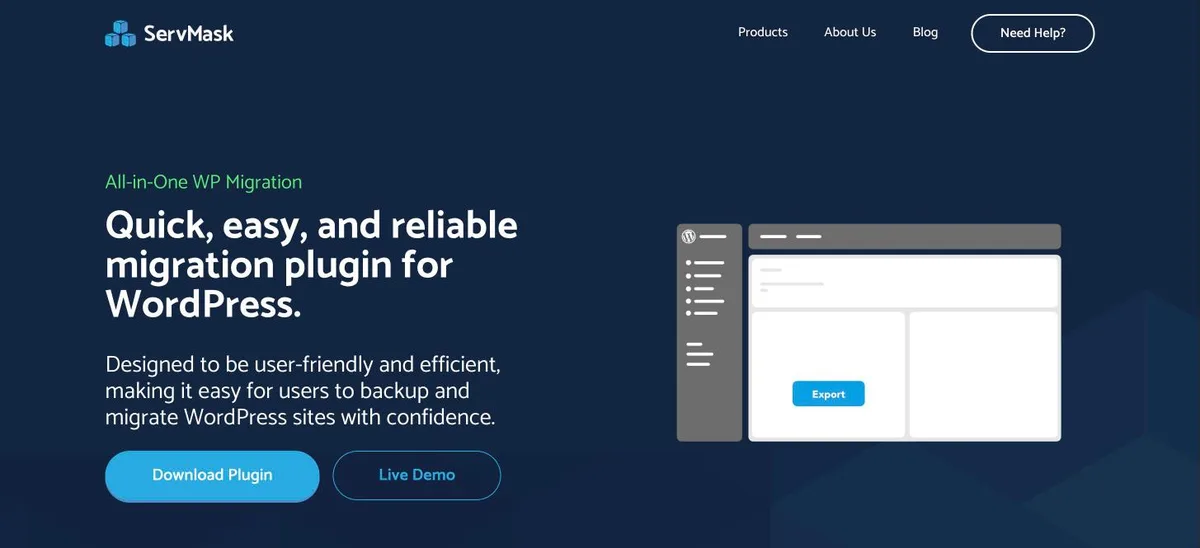
All-in-One WP Migration homepage, captured Nov 2026.
All-in-One WP Migration is the most installed migration plugin, with 5+ million active installs. It exports the whole site into one .wpress file, imports it on the new site, and replaces URLs and paths automatically, even between MySQL, MariaDB and SQLite.
The trade off is that free imports are limited by the upload size your host sets, and 874 of its 7,678 reviews are one-star. The Unlimited Extension removes that limit for $69 a year on up to 50 sites. It suits small sites and beginners.
4.9/5on WordPress.org (1,574 reviews, checked Nov 2026)
Paid from$49/yr
Best free migration plus staging
Free migrationClone to new domain
Free stagingYes
Free cloud storage7 destinations
MultisitePro
wpvivid.com
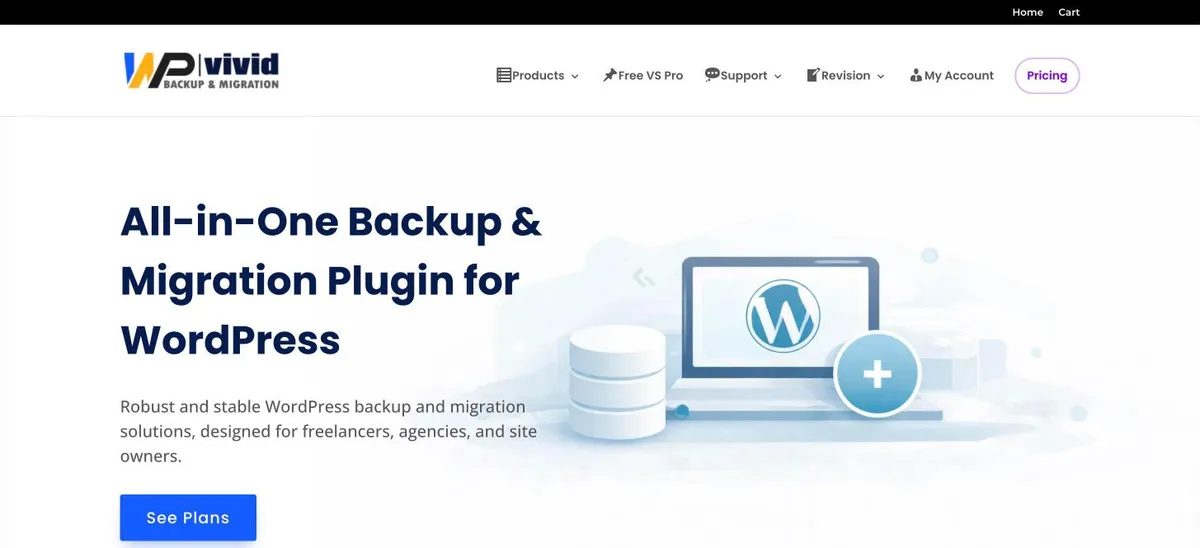
WPvivid homepage, captured Nov 2026.
WPvivid is a backup plugin whose free version also clones and migrates a site to a new domain, which its FAQ confirms is free. It is rated 4.9 out of 5 from 1,574 reviews and adds a free staging site and seven storage destinations.
The trade off is that migrating through remote storage, multisite and restoring from cloud copies are Pro. Pro starts with Blogger at $49 a year for two domains, or $99 once for a lifetime license. It suits owners who want one plugin for backups, staging and the move.
4.8/5on WordPress.org (8,737 reviews, checked Nov 2026)
Paid from$70/yr
Best if you already back up with it
Free migrationRestore with search and replace
Direct site-to-siteMigrator, Premium
Remote storage8 free destinations
Selective restoreYes
updraftplus.com
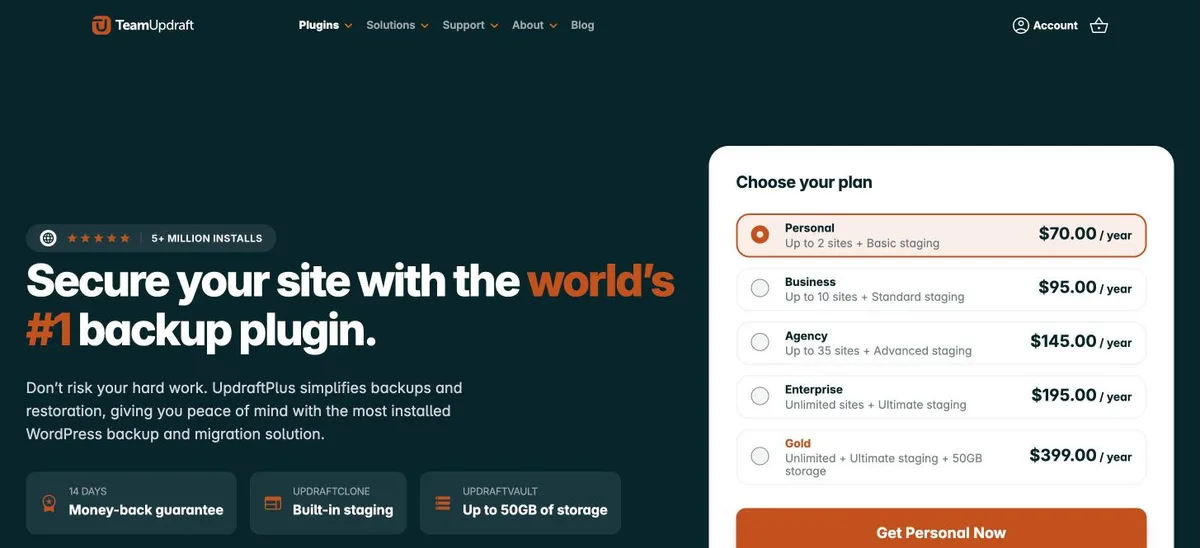
UpdraftPlus homepage, captured Nov 2026.
UpdraftPlus can move a site by restoring its backup on a new host, server or domain, with a built-in search-and-replace engine for URLs. It has 4+ million active installs and a 4.8 rating from 8,737 reviews.
The trade off is that the Migrator, which sends the site directly from the source, is Premium. Premium starts with Personal at $70 a year for up to two sites. It suits owners who already use UpdraftPlus and have a recent backup in cloud storage.
4.9/5on WordPress.org (1,341 reviews, checked Nov 2026)
Paid from$45/yr
Best for quick moves of small sites
Free migrationYes, quick migration option
Free size limit4 GB
StagingFree
Unlimited sizePro
backupbliss.com
Backup Migration homepage, captured Nov 2026.
Backup Migration, also branded BackupBliss, includes free site migration with a quick migration option, plus backups and staging. It is rated 4.9 out of 5 from 1,341 reviews.
The trade off is the 4 GB cap per backup on the free version, which rules out large media libraries. Pro removes the limit and adds cloud uploads from $45 a year for two sites. It suits small business sites moving to a new host.
5/5on WordPress.org (141 reviews, checked Nov 2026)
Paid from$59/yr
Best free option for multisite
Package sizeNo restriction
Multisite subsitesFree
Main site of networkPRO
Scheduled backupsPRO
codexonics.com
Prime Mover homepage, captured Nov 2026.
Prime Mover is rated 5 out of 5 from 141 reviews. The free version has no limits on package size, number of sites or migration mode, and moves single sites and any number of multisite subsites.
The trade off is that exporting the network's main site, direct site-to-site transfer and Dropbox or Google Drive support are PRO, from $59 a year for one site or $179.99 once. It suits agencies that split or merge multisite networks.
4.2/5on WordPress.org (318 reviews, checked Nov 2026)
Paid from$99/yr
Best for developers moving databases
Find and replaceSerialized-safe
ExportsSQL and full-site ZIP
Push and pullPro
WP-CLIexport, find-replace
wordpress.org
WP Migrate Lite homepage, captured Nov 2026.
WP Migrate Lite, from WP Engine, handles the database side of a move. The free version runs find and replace across the database, safe for serialized data, exports SQL files and full-site ZIPs, imports into the Local app, and works on multisite.
The trade off is that push and pull between live sites, media and file transfers are Pro. Basic lists at $99 a year for one site, with a $49 sale price at the time of our check. It suits developers moving sites between local, staging and live.
Resave permalinks, clear every cache, and confirm emails still send from the new server.
Keep the old hosting live for a few days, until DNS has updated everywhere and you have a fresh backup of the new site.
How we chose
We started from migration and backup plugins on WordPress.org with at least 10,000 active installs, then kept those whose free version can move a full site or database.
Ratings, installs and free features come from WordPress.org, checked on 22 November 2026. Paid prices come from each vendor's pricing page on the same day. Where a vendor shows a sale, the list shows the regular price.
No vendor paid for a place, and we do not claim hands-on testing for this list.
How to choose a free migration plugin
Measure your site size first, then pick a tool that fits your hosting limits.
Measure the site. Check the size of uploads and the database. Above about 1 GB, prefer Migrate Guru, Duplicator or Prime Mover.
Check upload limits. All-in-One WP Migration imports are capped by your host. Direct tools avoid uploads entirely.
Test before DNS. Preview the new site on a temporary URL and fix issues before pointing the domain.
FAQ
What is the best free WordPress migration plugin?
Migrate Guru is the best free choice for most sites. It is completely free, moves sites up to 200 GB on its own servers, and is rated 4.9 out of 5 by 1,647 users.
Is All-in-One WP Migration free?
Yes, the core plugin is free and exports sites of any size. Free imports are limited by the upload size your host allows, and the paid Unlimited Extension removes that limit.
Can I migrate a large WordPress site for free?
Yes. Migrate Guru handles sites up to 200 GB, and Duplicator and Prime Mover have no package size limit on their free versions.
How do I migrate a multisite network?
Prime Mover moves multisite subsites for free. Moving the main site of the network needs Prime Mover PRO. Duplicator's free version does not support multisite.
Will migrating change my URLs?
Only if you move to a new domain. Most migration plugins replace old URLs in the database automatically, so links keep working.
Do I need a backup before migrating?
Yes. Keep a full backup of the old site and leave the old hosting running until the new site works and DNS has updated.