TeamGantt is the best free Gantt software for most planners, with a free Personal plan that gives one user a full drag-and-drop Gantt chart for one project with 40 tasks. Pick ClickUp for a free plan with unlimited members, or Zoho Projects for the cheapest paid Gantt chart at $4 a month.
How we make this list: we compare pricing pages, product documentation and public user reviews, then re-check every price before each update. No product paid for a place. Disclosure.
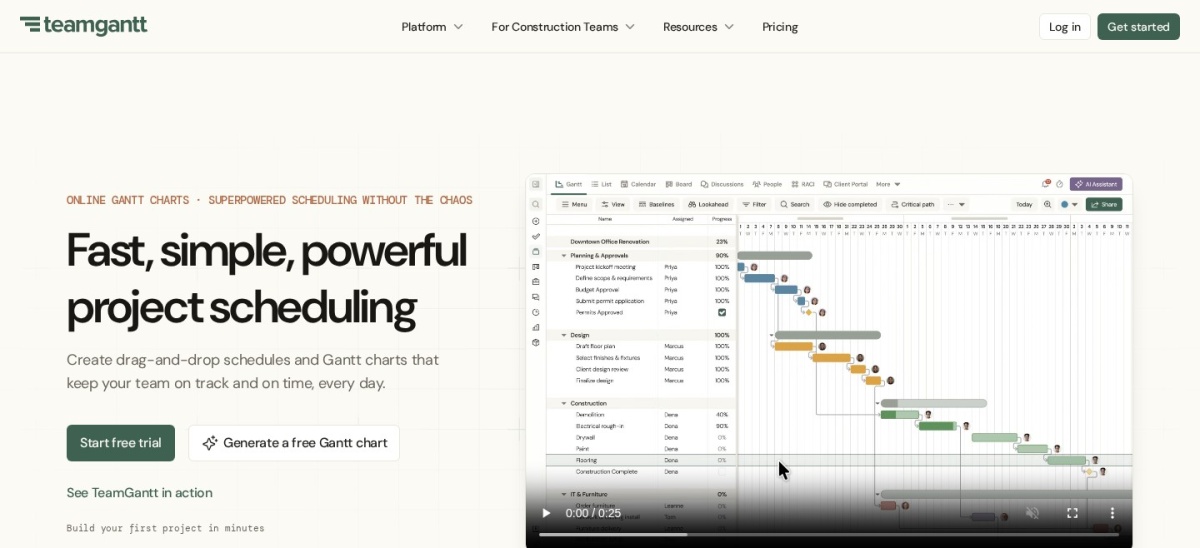
TeamGantt is the only tool here built around the Gantt chart first, and its free plan covers one project with 40 tasks.
ClickUp has the most generous free plan, with unlimited members and tasks, but full Gantt charts start on Core at $12 a month.
Only TeamGantt gives a full Gantt chart free; ClickUp limits Gantt use on its free plan, and the other seven tools charge for the chart.
Zoho Projects has the cheapest paid Gantt chart at $4 a month, while TeamGantt Base costs $59 a month.
Free plans cap users hard: Asana and monday.com stop at 2, TeamGantt at 1, while Wrike and Freedcamp allow unlimited users.
What to check before you pick a free Gantt tool
A Gantt chart shows tasks as bars on a timeline, so you can see what starts when, what depends on what, and what slips. For a small project, a free chart is often enough, and every tool in this list offers a free plan.
The catch is that most free plans do not include the chart itself. Only TeamGantt gives a full Gantt chart free, and ClickUp limits Gantt use on its free plan. The other seven tools charge for the chart, so check which paid tier unlocks it before you commit.
User caps matter as much as price. Asana and monday.com stop their free plans at 2 users, TeamGantt at 1, while Wrike and Freedcamp allow unlimited users free. Our guide on planning a content calendar shows the same habit of dating work and assigning owners, which is what a Gantt chart makes visible.
Prices in this list are the cheapest paid plan that includes a Gantt or timeline view, checked on 25 November 2026. A tool can look cheap on its cheapest tier and still charge more for the chart, so the ladder below compares the Gantt price, not the entry price.
TeamGantt is online scheduling software built around one idea: the Gantt chart. Its free Personal plan gives one user a drag-and-drop chart for one project with up to 40 tasks, including dependencies and a basic timeline. Paid plans charge a flat fee per account, not per user, so collaborators do not raise the bill.
The trade off is the free plan's size. One project and 40 tasks suit a solo planner, but a team outgrows it fast, and the cheapest paid plan, Base, costs $59 a month for 5 projects and 150 tasks each. It suits anyone who plans work as a schedule first and wants the chart, not a full project suite.
What we like
Only tool here with a full Gantt chart on the free plan
Rated 4.8 out of 5 on G2, the highest in this list
Flat fee per account, so collaborators cost nothing extra
Drag-and-drop scheduling with dependencies
Watch out for
Free plan covers 1 user, 1 project and 40 tasks only
Base plan at $59 a month is dear for a small team
Fewer workflow and automation features than broad work tools
ClickUp is an all-in-one workspace for tasks, docs, chat and planning. Its Free Forever plan costs nothing and covers unlimited tasks and members, with 60 MB of storage and one form. Gantt charts are limited on the free plan, and unlimited Gantt charts arrive with the Core plan.
The trade off is price confusion. Core lists at $9 per user a month on yearly billing, with a regular price of $12 struck through, so this list uses the $12 regular price. It suits teams that want one free workspace for everything and will pay once Gantt charts become daily work.
What we like
Free plan has no seat cap and unlimited tasks
Unlimited Gantt charts on the Core plan
Docs, chat, goals and time tracking in one workspace
Rated 4.6 out of 5 on G2 from 14,878 reviews
Watch out for
Gantt charts are limited on the free plan
Wide feature set takes time to learn
Free storage stops at 60 MB for the whole workspace
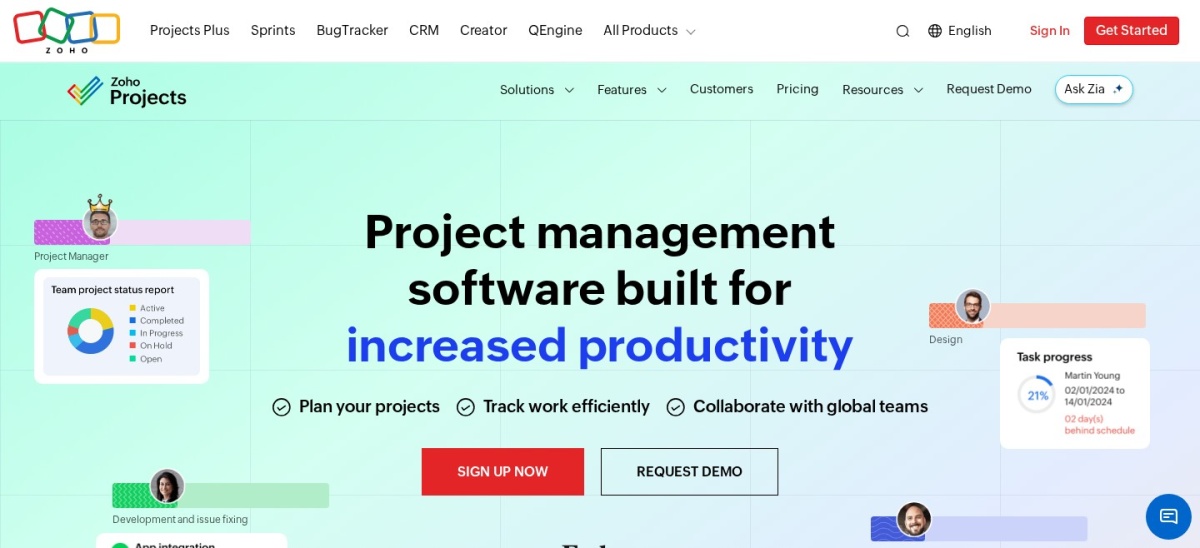
Zoho Projects is a project management tool from Zoho for planning work, assigning tasks and tracking deadlines. Its free plan covers up to 5 users, 3 projects and 5 GB of storage, with subtasks and a whiteboard. The free plan has no Gantt chart view, so the chart starts on Premium.
The trade off is depth. Premium costs $4 per user a month on yearly billing and adds a project-specific Gantt chart, time tracking and unlimited projects. It suits small teams already using Zoho apps that want the cheapest paid Gantt chart in this list.
What we like
Cheapest paid Gantt chart in this list at $4 a month
Free plan covers 5 users and 3 projects
Time tracking and budgeting on Premium
Fits teams already using Zoho apps
Watch out for
No Gantt chart view on the free plan
Free plan covers only 3 projects
Advanced Gantt features need Enterprise at $9 a month
Asana is a work management tool for teams that track projects, owners and deadlines in lists, boards and calendars. Its free Personal plan covers 2 users with unlimited tasks, projects and storage. Timeline and Gantt views are not on the free plan, so the chart starts on Starter.
The trade off is the 2-user cap. Starter costs $10.99 per user a month on yearly billing and adds Timeline and Gantt views, dashboards and unlimited automations. It suits small teams that plan by deadlines and want a polished, structured workspace.
What we like
Clean, structured workspace that is easy to learn
Unlimited tasks, projects and storage on the free plan
monday.com is a visual work platform built around boards, with columns, automations and dashboards. Its free plan covers up to 2 seats, 3 boards and 3 docs. Gantt and Timeline views are not on the free plan or on Basic, so the chart starts on Standard.
The trade off is seat maths. Standard costs $12 per seat a month on yearly billing, and paid plans start at 3 seats, so a small team pays for 3 seats even with 2 people. It suits teams that think in boards and want a visual, low-setup workspace.
Wrike is a work management platform for cross-team projects, with folders, dashboards and approvals. Its free plan covers unlimited users with 200 active tasks, board and table views, and 2 GB of storage for the whole account. Gantt charts are not on the free plan, so the chart starts on Team.
The trade off is the task cap. Team costs $10 per user a month on yearly billing for 2 to 15 users and adds interactive Gantt charts, custom fields and dashboards. It suits teams that need proofing, approvals and structured workflows beside the chart.
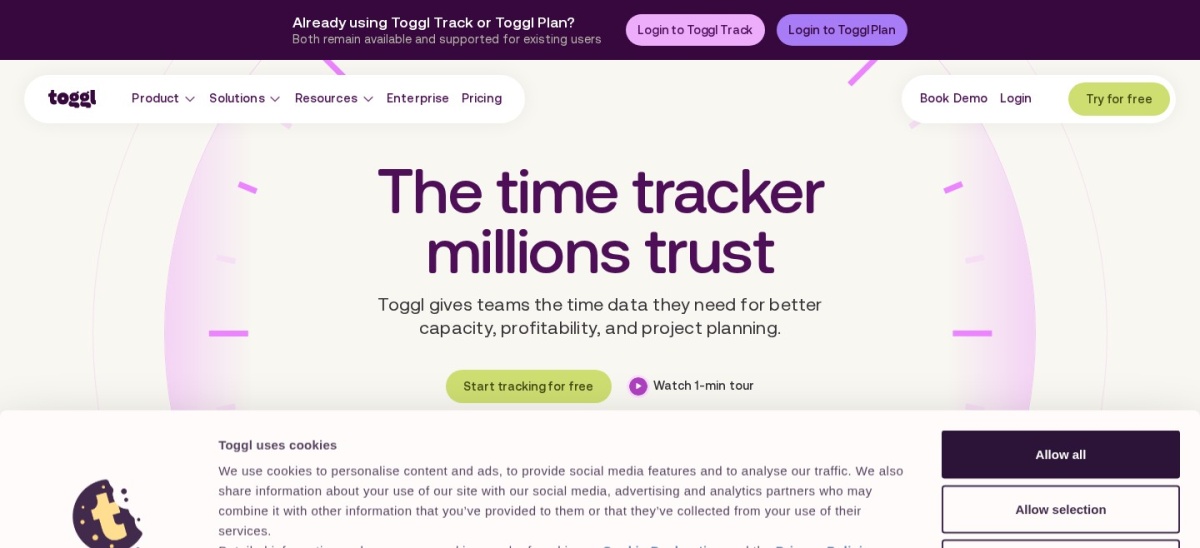
Toggl Plan is a visual planning tool from Toggl for timelines, milestones and team capacity. Its free plan covers a limited number of users with tasks, boards and estimates, plus time tracking. Timeline views and milestones start on Starter, which costs $9 per user a month on yearly billing.
The trade off is scope. Toggl Plan plans time and capacity well, but it has fewer task management features than full project tools, so many teams run it beside another app. It suits small teams that schedule people by the week and track time as they go.
What we like
Clear timeline views for team capacity
Time tracking built in from the start
Milestones on the Starter plan
Rated 4.5 out of 5 on Capterra
Watch out for
No timeline views on the free plan
Fewer task features than full project tools
Free plan user limit is not spelled out on the pricing page
Airtable is a spreadsheet-style database for tracking projects, records and workflows in linked tables. Its free plan covers up to 5 editors, with 1,000 records per base, 1 GB of attachments and 100 automation runs a month. Gantt and Timeline views are not on the free plan, so the chart starts on Team.
The trade off is price. Team costs $20 per seat a month on yearly billing and adds Gantt and Timeline views, 50,000 records per base and 25,000 automation runs. It suits teams that plan from a database and need custom views more than a simple chart.
Freedcamp is a project management tool with tasks, discussions, calendars, milestones and time tracking. Its free plan covers unlimited users, projects and tasks, with a 10 MB limit per file. The Gantt chart view is not on the free plan or on Pro, so the chart starts on Business.
The trade off is the jump. Pro costs $1.49 per user a month on yearly billing, but the Gantt chart waits for Business at $7.49 a month. It suits teams that want a free plan with no user limit and will pay once the chart matters.
Free plans cover the basics well. Most include task lists, boards and a calendar, and a few include a chart.
Paid plans mostly add the chart itself, plus dependencies, baselines and more projects. TeamGantt is the exception: its free plan has the chart, and paying adds projects and collaborators.
If you only plan one project at a time, a free plan can last for years. If you plan several projects with a team, budget for the tier that includes the chart, not the cheapest tier on the page.
How we chose
We started from the best-known project tools with a free plan and a Gantt or timeline view, then kept the nine with a real free tier and published prices.
Prices come from each vendor's pricing page, checked on 25 November 2026, and show the cheapest paid plan that includes a Gantt or timeline view. Ratings come from G2 or Capterra on the same day. Where a vendor shows a sale, the list shows the regular price.
We left out tools with no free plan, such as Smartsheet and Microsoft Project, and tools whose Gantt view needs a separate paid add-on. No vendor paid for a place, and we do not claim hands-on testing for this list.
How to choose free Gantt software
Start with how many people plan, then check whether the free plan includes the chart.
Count the planners, not the viewers. Free plans cap users hard: 1 for TeamGantt, 2 for Asana and monday.com, 5 for Zoho Projects and Airtable. Pick a tool whose free plan fits your whole planning team.
Check the free plan includes a chart. Only TeamGantt gives a full Gantt chart free. If the chart needs a paid tier, price that tier, not the entry tier.
List the features your schedule needs. Dependencies, milestones and a critical path are paid features in most tools. Write down which ones your plan needs before you compare prices.
Try the free plan with a real project. Build one real schedule with dates and dependencies before you pay. A chart that looks good empty can still be slow to edit when it holds 100 tasks.
FAQ
What is the best free Gantt software?
TeamGantt is the best free Gantt software for most planners. Its free Personal plan gives one user a full drag-and-drop Gantt chart for one project with 40 tasks, and it is rated 4.8 out of 5 on G2.
Is there a truly free Gantt chart tool?
Yes. TeamGantt gives a full Gantt chart free for one user and one project with 40 tasks. ClickUp also has a free plan, but Gantt charts are limited there, and most other tools in this list charge for the chart.
Which free Gantt tool is best for a team?
ClickUp, because its Free Forever plan covers unlimited members and tasks with no seat cap. Wrike and Freedcamp also allow unlimited users free, but neither includes a Gantt chart on the free plan.
What is the cheapest paid Gantt chart?
Zoho Projects Premium at $4 per user a month on yearly billing, which adds a project-specific Gantt chart. Freedcamp Business is next at $7.49 a month, and Toggl Plan Starter follows at $9 a month.
Does Asana have a free Gantt chart?
No. Asana's free Personal plan covers 2 users with unlimited tasks and projects, but Timeline and Gantt views start on Starter at $10.99 per user a month on yearly billing.
Can I use a Gantt chart without paying?
Yes, if one project is enough. TeamGantt's free plan covers a single project with 40 tasks, and ClickUp's free plan covers unlimited members with limited Gantt use. For several projects or a team, expect to pay for the chart tier.
SaaS SEO and WordPress specialist with about 8 years of experience. Rakib compares WordPress plugins, themes, hosting and software using public pricing, documentation and user reviews. See how we rank.