Avery Design & Print is the best free envelope printing software for most people, with free envelope templates matched to Avery products and mail merge from a spreadsheet. Pick Canva for designed envelopes, or Microsoft Word for mail merge at scale.
How we make this list: we compare pricing pages, product documentation and public user reviews, then re-check every price before each update. No product paid for a place. Disclosure.
Avery Design & Print is free and built around envelope and label sizes, with mail merge from a spreadsheet.
Canva has the strongest design templates, rated 4.7 out of 5 on G2 from 7,927 reviews, but Pro costs $15 a month.
Microsoft Word is the best choice for mail merge at scale, with Personal at $99.99 a year after a $69.99 first-year offer.
LibreOffice Writer and Zoho Writer are both free and print envelopes without a subscription.
Stamps.com is the only pick here that prints postage as well, at $19.99 a month, so it suits mailing, not design.
What to look for in envelope printing software
An envelope tool needs to do three things well: size the envelope, place the addresses, and print without cutting off the edges. Most of the tools on this list do that, but they start from different places.
Design tools such as Canva and Adobe Express start with a template. Word processors such as Word, LibreOffice Writer and Zoho Writer start with a document and an envelope size. Avery starts with the product you already bought.
Mail merge matters when you send more than a few envelopes. Our guide on printing shipping labels from WooCommerce shows the same idea for parcels: pull names and addresses from a list instead of typing each one.
Free plans cover single envelopes and small runs well. Paid plans mostly add templates, larger mail merges, or postage, so check what the free plan leaves out before you pick.
4.8/5on Trustpilot (551 reviews, checked Nov 2026)
PriceFree
Best free envelope printing overall
Free planYes, free to use
Envelope templatesMatched to Avery sizes
Mail mergeFrom spreadsheets
Paid planNone, free tool
avery.com
Avery Design & Print homepage, captured Nov 2026.
Avery Design & Print is a free online design tool for labels, cards and envelopes, with templates made to fit Avery products. You pick an envelope size, add a return address and a delivery address, then print from your own printer.
The trade off is that it is built around Avery products, so it fits best when you use Avery envelopes or label sheets. It suits anyone who prints envelopes at home or in a small office and wants a free tool that already knows the sizes.
What we like
Free to use with no paid plan
Templates matched to Avery envelope sizes
Mail merge imports names from a spreadsheet
Saves projects to a free Avery account
Watch out for
Built around Avery products
Design options are simpler than Canva
No paid plan; Avery sells the envelopes and labelsVisit avery.com
02
Canva
4.7/5on G2 (7,927 reviews, checked Nov 2026)
Paid from$15/mo
Best for designed envelopes
Free planYes, with limits
Envelope templatesYes, in Canva
Mail mergeNo built-in merge
Paid planPro, $15/mo
canva.com
Canva homepage, captured Nov 2026.
Canva is a design tool with envelope templates you can customise with text, logos and colour, then download as a print file. The free plan covers most templates, and it is rated 4.7 out of 5 on G2 from 7,927 reviews.
The trade off is price and printing. Pro costs $15 a month, and Canva does not print the envelope for you, so you print the file yourself or use a print shop. It suits small businesses that want a branded envelope.
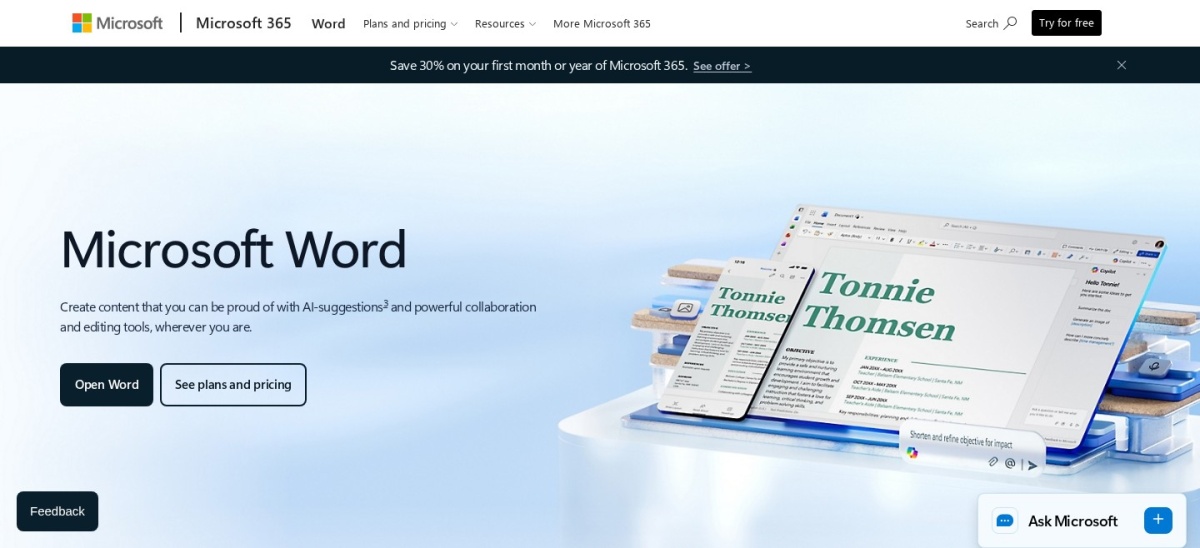
Microsoft Word is a word processor that prints envelopes from its Mailings tab and runs mail merge from Excel or Outlook lists. It is rated 4.7 out of 5 on G2 from 2,076 reviews, and it is the standard choice in most offices.
The trade off is price. The desktop apps need Microsoft 365 Personal at $99.99 a year, after a $69.99 first-year offer, and the free web version has fewer features. It suits offices that already use Word and send envelopes in batches.
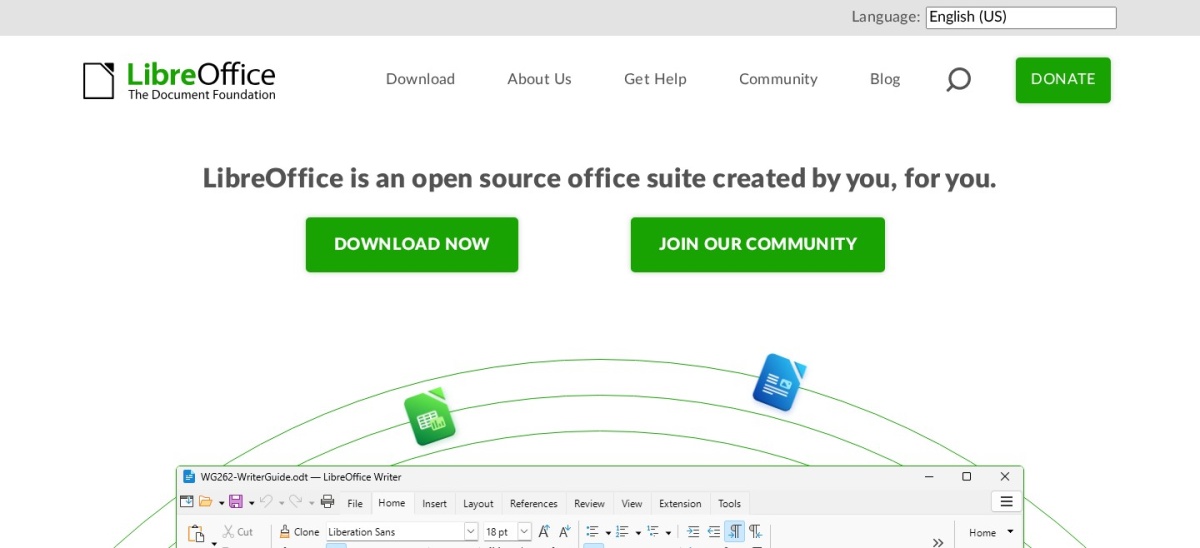
LibreOffice Writer is a free, open-source word processor that prints envelopes and runs mail merge from a spreadsheet. It works offline on Windows, Mac and Linux, and the current release is 26.8.3.
The trade off is polish. The menus look dated next to Word, and support comes from community help and documentation rather than a help desk. It suits anyone who wants a free desktop tool with no account and no subscription.
Adobe Express is a design app for quick graphics, flyers and envelope designs, with templates and stock photos in the free plan. It is rated 4.4 out of 5 on G2 from 1,110 reviews.
The trade off is price. Premium costs $9.99 a month, and features such as background removal and bulk resize need the paid plan. It suits people who already use Adobe tools and want fast, simple envelope designs.
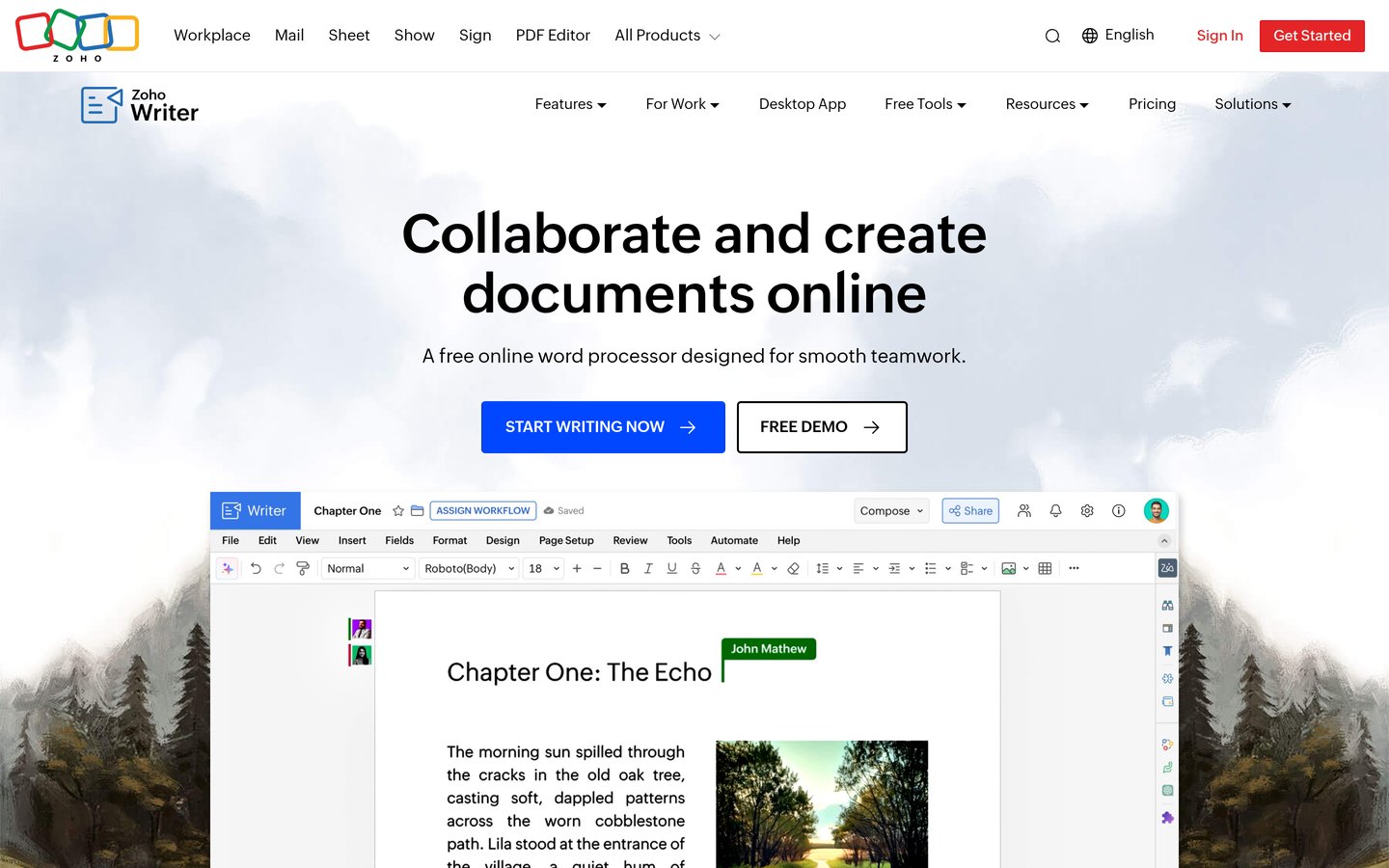
Zoho Writer is a free online word processor for individuals, with document templates, page setup and mail merge for envelopes. It is rated 4.4 out of 5 on G2 from 96 reviews, and it saves work online.
The trade off is that it is an online tool, so you need an internet connection and a Zoho account, and bulk document automation uses paid credits after 200 free credits a month. It suits small teams that write and print envelopes together online.
What we like
Free for individuals with no time limit
Mail merge and document automation
Works in a browser on any device
Watch out for
Needs an internet connection
Bulk automation credits cost extra after the free allowance
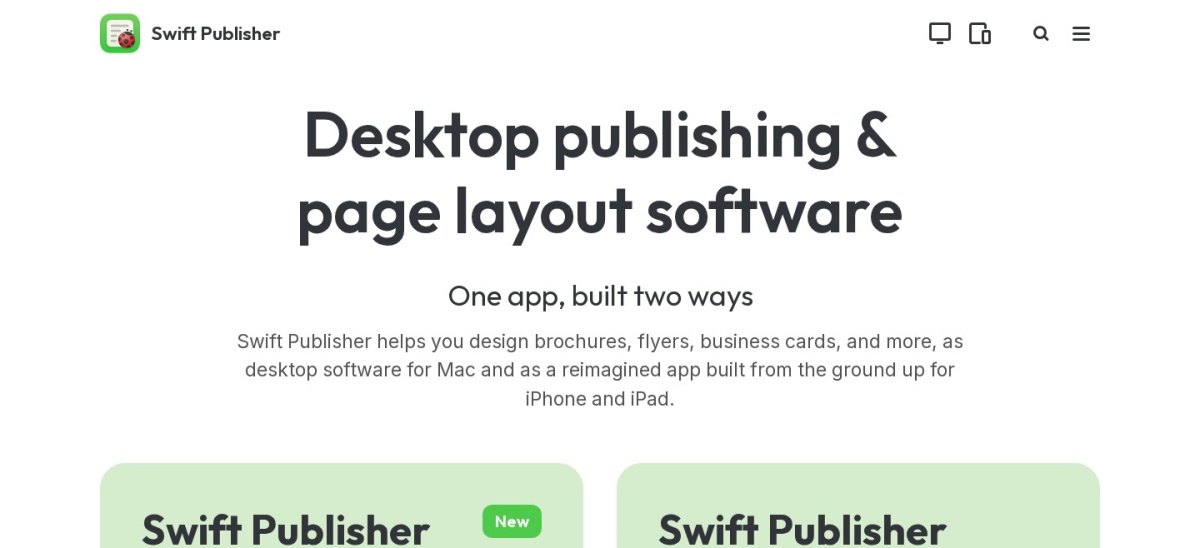
Swift Publisher is a desktop publishing app for Mac, iPhone and iPad, with page layout tools for envelopes, labels, flyers and cards. It is rated 4.4 out of 5 on G2 from 11 reviews, and it includes templates for Avery, Brother and Dymo layouts.
The trade off is platform and price. It is a Mac and iOS app, and unlimited exports and printing need a 1-year subscription at $19.99, or a lifetime licence at $59.99. It suits Mac users who design envelopes and other print work in one app.
What we like
Real page layout tools for print
Templates for Avery, Brother and Dymo layouts
Mac, iPhone and iPad apps share files
Watch out for
Mac and iOS only
Unlimited printing needs the $19.99 a year subscription
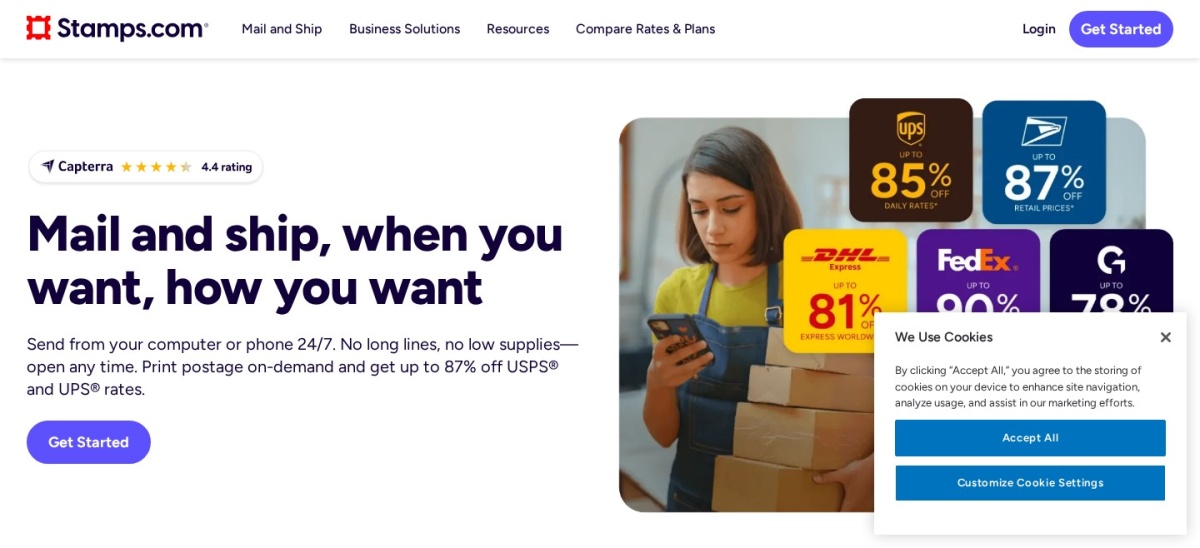
Stamps.com is an online postage service that prints stamps and shipping labels from a computer, with custom envelopes and address checks. It is rated 4.4 out of 5 on G2 from 163 reviews.
The trade off is that it is a mailing service, not a design tool. Plans start at $19.99 a month, and you pay postage on top of the plan. It suits small businesses that mail envelopes every day and want to skip the post office.
Free plans cover the basics well. Most include envelope sizes, address placement and a way to print one envelope at a time.
Paid plans mostly add templates and scale. You get more designs, larger mail merges, or postage printed at home.
If you only send a few envelopes a month, a free tool is enough. For daily mailing, the time saved by mail merge and postage printing is worth more than the plan costs.
How we chose
We started from the tools people actually use to print envelopes: design apps, word processors, desktop publishing apps and one postage service, then kept those with a free plan or a free way to start.
Prices come from each vendor's pricing page or G2 pricing, checked on 25 November 2026. Ratings come from G2 on the same day, except Avery, which uses Trustpilot. Where a vendor shows a sale, the list shows the regular price.
We left out tools with no verifiable price or rating. No vendor paid for a place, and we do not claim hands-on testing for this list.
How to choose free envelope printing software
Measure your envelope first, then match the tool to the job.
Check the envelope size list. A tool only helps if it lists your envelope size. Avery, Word and LibreOffice let you pick a standard size before you type.
Decide if you need mail merge. For more than 20 envelopes, pick a tool that pulls addresses from a spreadsheet. Avery, Word, LibreOffice and Zoho Writer all do this.
Pick design or plain text. Canva and Adobe Express suit printed designs and logos. Word and LibreOffice suit plain return and delivery addresses.
Print one envelope first. Run a single envelope on plain paper, check the edges, then print the batch. Our shipping label printing guide covers the same check for parcels.
FAQ
What is the best free envelope printing software?
Avery Design & Print is the best free pick for most people. It is free, with envelope templates matched to Avery products and mail merge from a spreadsheet, and it is rated 4.8 out of 5 on Trustpilot from 551 reviews.
Can I print envelopes in Microsoft Word?
Yes. Word prints envelopes from its Mailings tab, where you set the size and the return and delivery addresses. For batches, mail merge pulls names and addresses from Excel or Outlook, so you do not type each envelope by hand.
Is there a free way to print envelopes with mail merge?
Yes. Avery Design & Print, LibreOffice Writer and Zoho Writer all offer mail merge for free. Avery imports names from a spreadsheet, LibreOffice works offline on a desktop, and Zoho Writer runs in a browser.
Can Canva print envelopes?
Canva designs envelopes and exports a print file, but it is a design tool first. Download the design as a PDF and print it on your own printer, or take the file to a local print shop for a finished envelope.
What size envelope should I choose?
Measure the envelope you own and pick that size in the tool before you type. A business envelope and a small invitation envelope need different settings, and the wrong size can cut off the address when you print.
Do I need Stamps.com to print envelopes?
No. You only need Stamps.com if you want to print postage at home as well. For design and printing alone, a free tool such as Avery, LibreOffice or Zoho Writer is enough, and you buy stamps as usual.
SaaS SEO and WordPress specialist with about 8 years of experience. Rakib compares WordPress plugins, themes, hosting and software using public pricing, documentation and user reviews. See how we rank.