Glide is the best free app building software for most builders, with a free plan that turns a spreadsheet into a working app and a 4.7 out of 5 G2 rating. Pick Bubble for complex web apps and Adalo for native mobile apps.
How we make this list: we compare pricing pages, product documentation and public user reviews, then re-check every price before each update. No product paid for a place. Disclosure.
Glide is the fastest free start: its free plan builds apps from spreadsheets, but it publishes nothing until you pay $25 a month.
Bubble is the most powerful free builder, with a full database and workflow engine, rated 4.4 out of 5 on G2.
Adalo is the simplest route to native iOS and Android apps, with a free plan for building and testing.
FlutterFlow is the only pick here that lets you download the Flutter code your app is built from.
AppSheet is the cheapest paid route at $5 per user a month, and Core is included in most paid Google Workspace plans.
Every tool here has a free plan, but only Softr publishes a real app without paying; the rest need a paid plan to go live.
What a free app builder should let you do
Free app builders fall into three groups: spreadsheet-to-app tools, native mobile builders and full web-app platforms. The group matters more than the brand, because it decides what you can publish.
Most free plans let you build and test, but not publish. Glide, Bubble, Adalo, FlutterFlow and Thunkable all keep publishing behind a paid plan, so check the cheapest paid tier before you invest weeks in a build.
Look for three limits first: how many apps you can build, how many records or users the free plan allows, and whether you can export your work. A builder that locks your app inside its own platform costs more to leave later.
If your data already lives in a spreadsheet, start there. Our guide on converting a WordPress website into an app shows the same idea: pick the output first, then the tool that produces it.
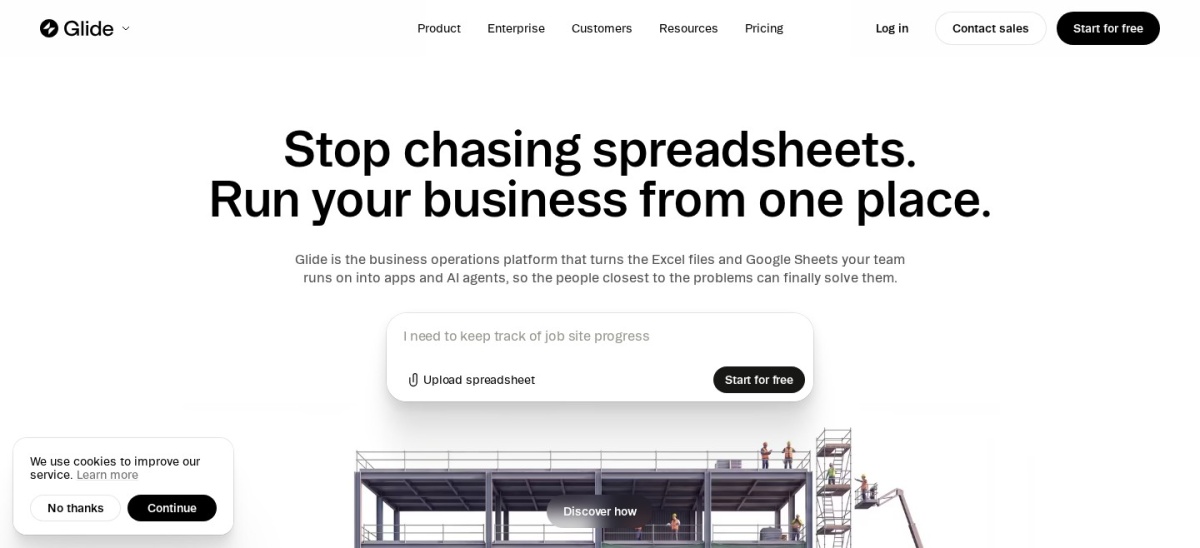
Glide is a no-code builder that turns a spreadsheet into a working web or mobile app. Its free plan includes 10 projects, 2 team members and a limited credit allowance for AI building, with Glide Tables and integrations for Google Sheets, Excel and Airtable.
The trade off is publishing. The free plan publishes no apps at all, so the first usable app needs Basic at $25 a month, which allows 2 published apps. It suits teams that already keep their data in spreadsheets and want an internal tool fast.
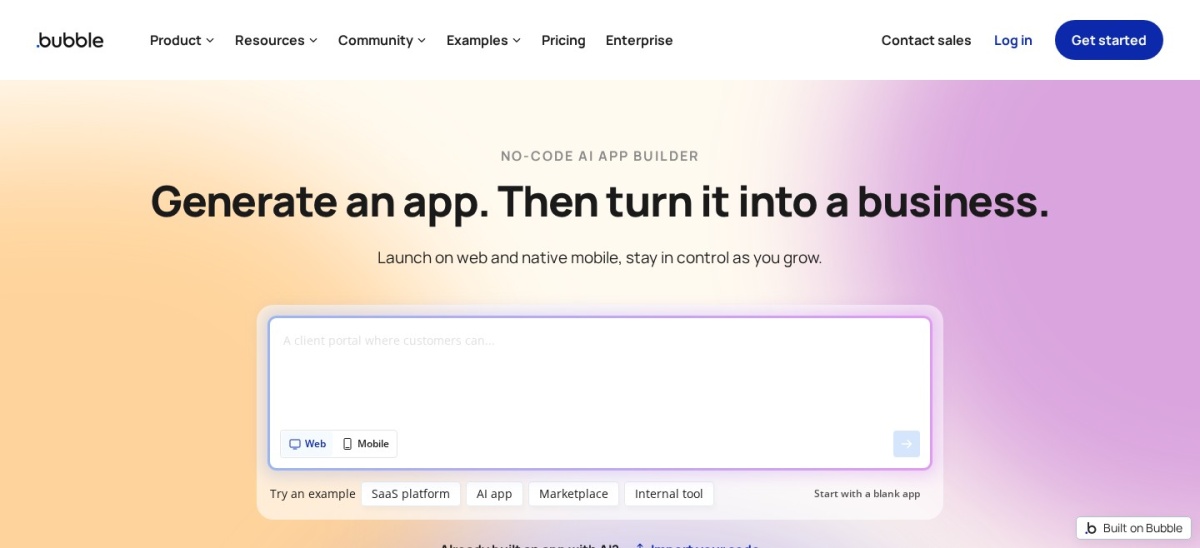
Bubble is a visual programming platform for building full web apps without code. The free plan gives you the visual editor, a built-in database, workflows, the API connector and 50,000 workload units a month, with your app on a Bubble-branded domain.
The trade off is the learning curve and the launch price. Going live with a custom domain needs Starter at $32 a month billed annually, or $39 month to month, and costs rise with workload units as traffic grows. It suits founders building a real product, not a simple form app.
What we like
Most powerful logic and database in this list
Large plugin marketplace extends what apps can do
Free plan includes the full builder
Watch out for
Steeper learning curve than Glide or Adalo
Free apps cannot use a custom domain
Usage is metered, so costs can climb
Starter adds a custom domain and 175,000 workload unitsVisit bubble.io
03
Adalo
4.4/5on G2 (7 reviews, checked Nov 2026)
Paid from$65/mo
Best for native mobile apps
Free planUnlimited test apps, 500 records
PublishingiOS, Android and web
AI buildingAda assistant, 5 prompts a month
Paid planBuilder, $65/mo
adalo.com
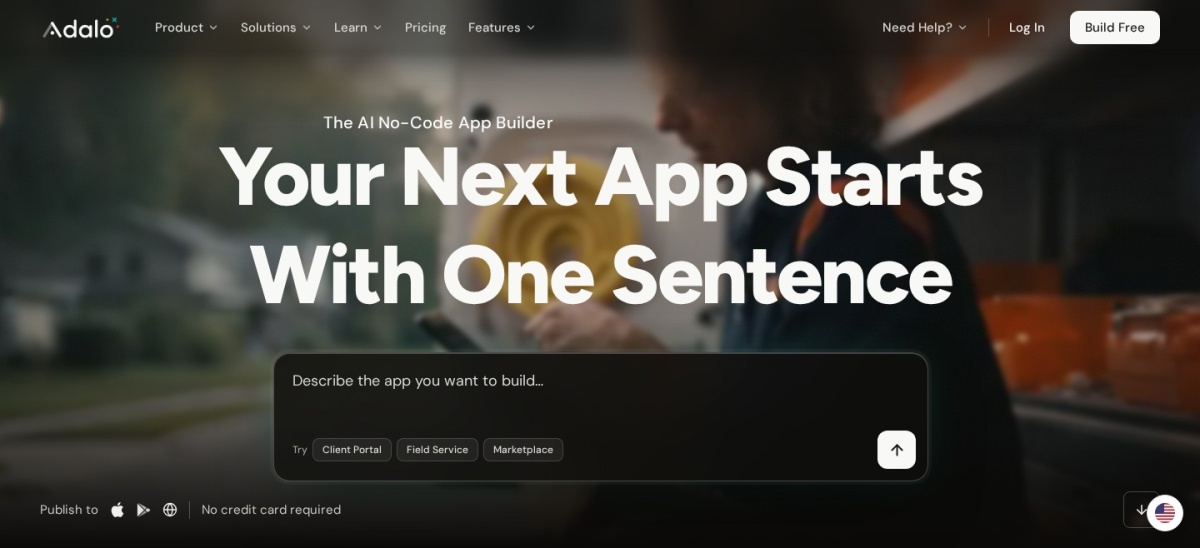
Adalo homepage, captured Nov 2026.
Adalo is a visual builder for native iOS and Android apps plus web apps, all from one project. Its free plan includes unlimited test apps, one app editor, 500 records per app and 5 prompts a month from its Ada AI assistant, with no card required.
The trade off is price. Publishing to the app stores starts on Builder at $65 a month, and the first month is offered at $30, so budget for the regular price. It suits non-technical founders who want a real mobile app in the stores.
What we like
One project publishes to iOS, Android and web
Flat pricing with no usage metering
Built-in database, no third-party database needed
Watch out for
Highest cheapest paid plan in this list at $65 a month
Free plan publishes nothing to the stores
G2 rating rests on only 7 reviews
Builder adds 2 published apps and store publishingVisit adalo.com
04
FlutterFlow
4.5/5on G2 (30 reviews, checked Nov 2026)
Paid from$39/mo
Best for owning your code
Free plan2 projects, no code export
Code exportYes, on paid plans
DataFirebase and Supabase
Paid planBasic, $39/mo
flutterflow.io
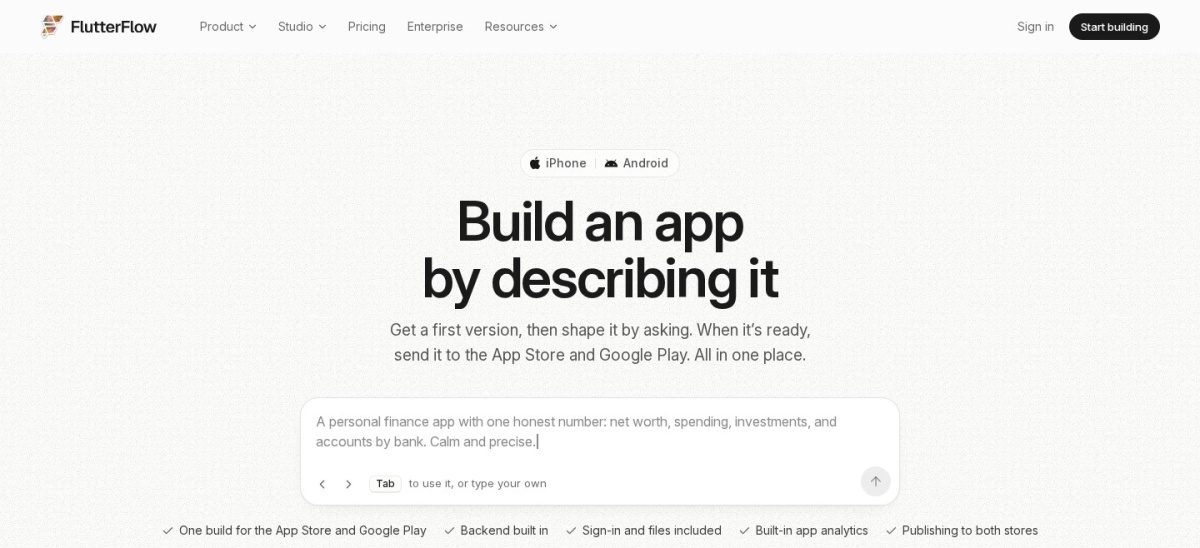
FlutterFlow homepage, captured Nov 2026.
FlutterFlow is a visual builder on top of Google's Flutter framework, so apps run on iOS, Android and the web. The free plan includes 2 projects, the visual editor, Firebase and Supabase integration, 2 API endpoints and web publishing on free subdomains.
The trade off is that the free plan keeps the code. Code download, APK download and one-click store deployment start on Basic at $39 a month, or $29 a month billed annually. It suits builders who want visual speed now and the option to hand real code to a developer later.
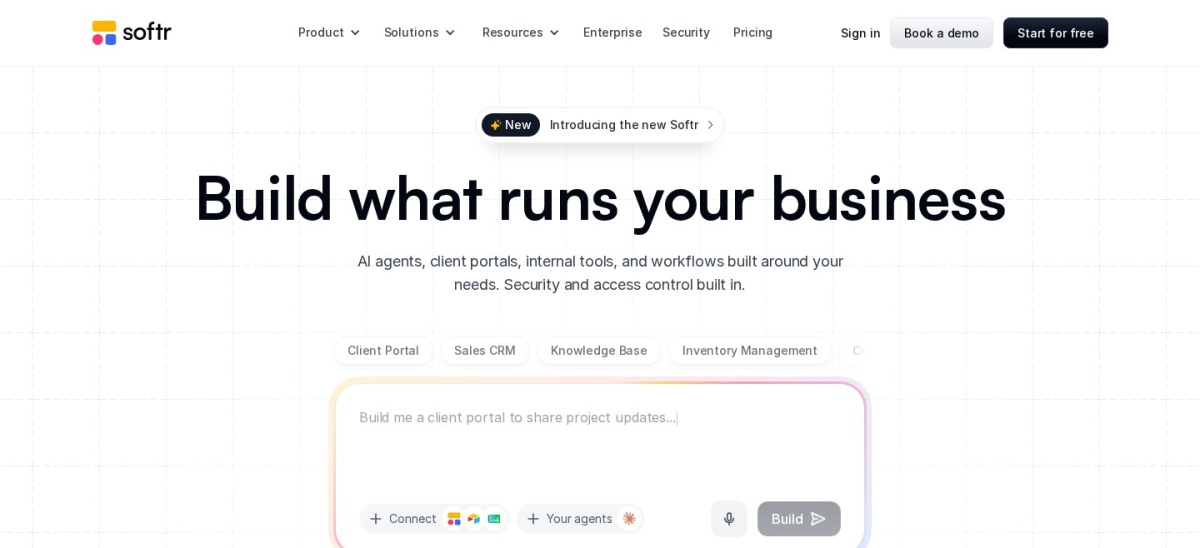
Softr is a no-code builder that turns Airtable, Google Sheets and other databases into web apps, client portals and internal tools. Its free plan includes unlimited apps, 3 builders, 5 app users, 5,000 database records and 500 workflow actions a month.
The trade off is branding and domains. The free plan shows a Softr badge and allows no custom domain, which starts on Basic at $19 a month billed annually, or $25 month to month. It suits teams that already keep data in Airtable and need a portal around it.
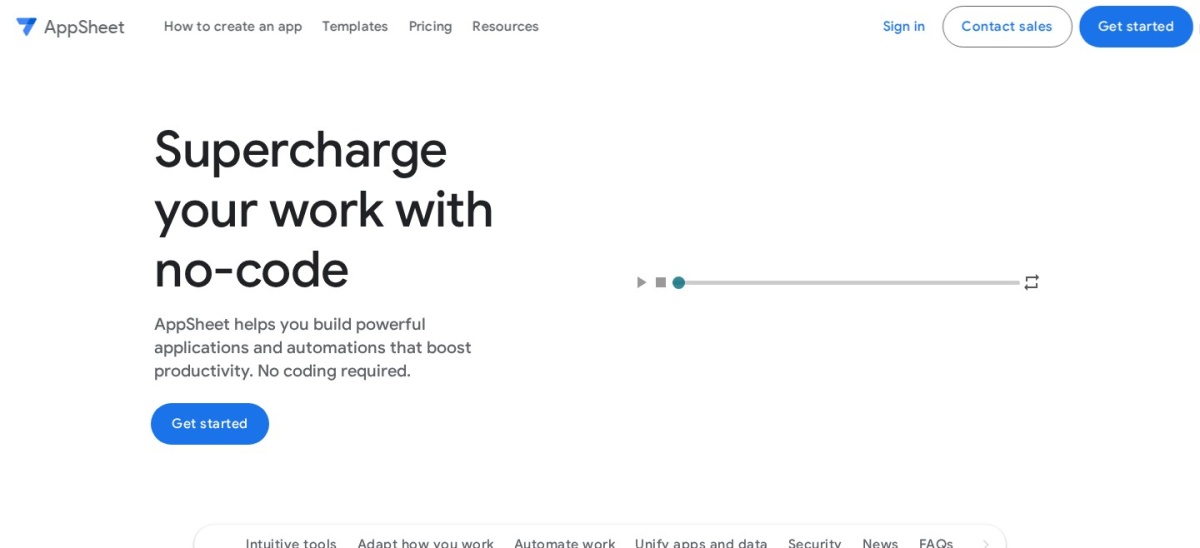
AppSheet is Google's no-code builder for business apps made from spreadsheets and databases. Building and testing is free with up to 10 test users, and the apps support forms, photos, signatures, offline use and automation.
The trade off is deployment. The free tier is for prototypes only, and deploying to a team needs Starter at $5 per user a month, while Core at $10 is included in most paid Google Workspace plans. It suits teams already on Google Workspace that need field and office apps.
What we like
Cheapest paid plan in this list at $5 per user a month
Highest G2 rating here at 4.8 out of 5
Core included in most paid Workspace plans
Watch out for
Free plan cannot deploy to a real team
Per-user pricing grows with every user
Google cut back new development in 2026
Starter adds deployment, Core adds roles and barcode scanningVisit appsheet.com
07
Thunkable
4.4/5on G2 (40 reviews, checked Nov 2026)
Paid from$18/mo
Best for learning app building
Free plan3 public projects, 5 screens each
AI tokens2,000 on Free
PublishingApp stores from Builder
Paid planAccelerator, $18/mo billed annually
thunkable.com
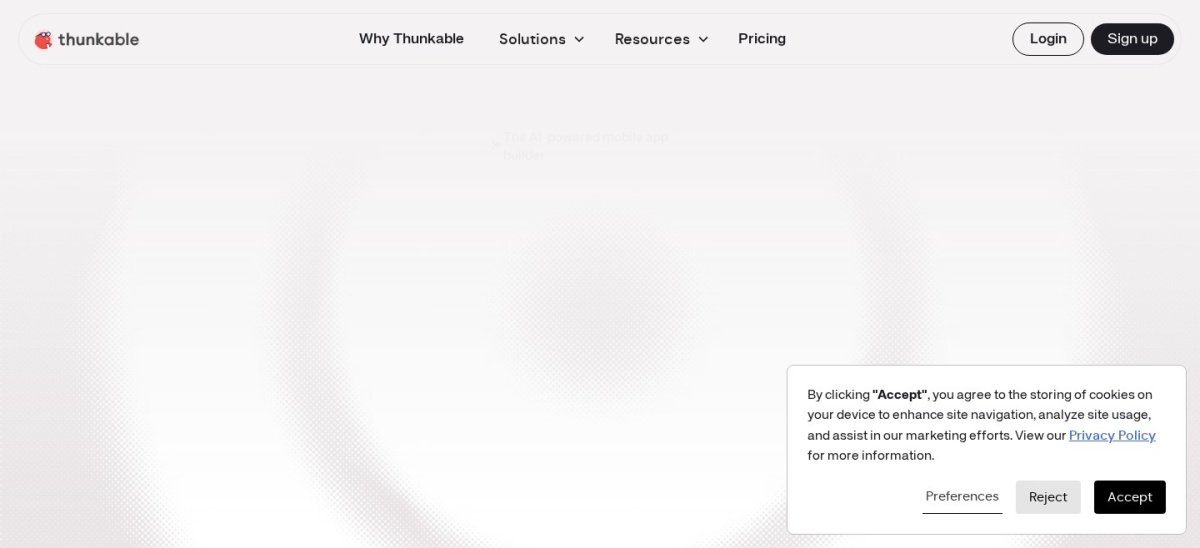
Thunkable homepage, captured Nov 2026.
Thunkable is a block-based builder for native iOS, Android and web apps, aimed at beginners. Its free plan includes 3 public projects with 5 screens each, 2,000 AI tokens and testing through the Thunkable companion app.
The trade off is that free projects are public and cannot go live. Private projects start on Accelerator at $18 a month billed annually, and store publishing starts on Builder at $37 a month billed annually. It suits students and first-time builders learning how apps work.
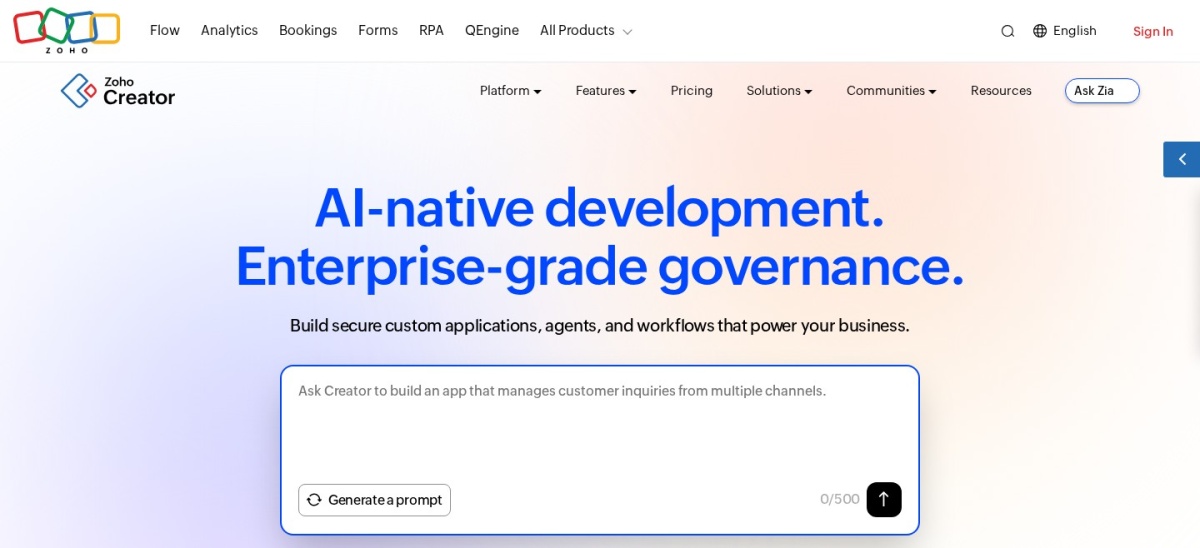
Zoho Creator is a low-code platform for building custom web and mobile apps, with forms, reports and workflow automation. Its free plan includes 1 app, 5,000 records and 250 MB of storage, and new accounts get a 15-day trial of the Professional plan.
The trade off is scope. Standard at $8 per user a month billed annually still allows only 1 app, so unlimited apps need Professional at $20 per user a month. It suits teams already using Zoho CRM or Zoho Books that want apps inside the same suite.
What we like
Deep integration with Zoho CRM and Books
Free plan covers a real single app
Deluge scripting handles deeper logic
Watch out for
Standard still allows only 1 app
Per-user pricing adds up for larger teams
Lowest G2 rating in this list at 4.3 out of 5
Professional adds unlimited apps and full automationVisit zoho.com
09
Appy Pie
4.7/5on G2 (1,388 reviews, checked Nov 2026)
Paid from$16/mo
Best budget AI app builder
Free plan100 AI credits, preview only
PublishingGoogle Play on Basic
AI credits500 a month on Basic
Paid planBasic, $16/mo
appypie.com
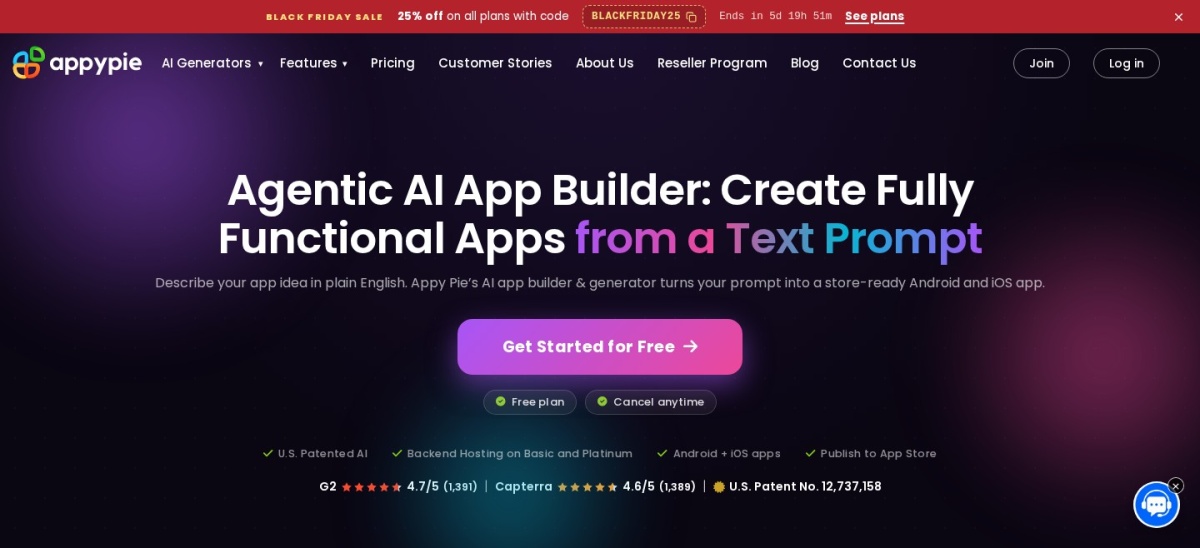
Appy Pie homepage, captured Nov 2026.
Appy Pie is an AI app builder that drafts an app from a plain-language description, with screens, sign-in, a backend and an admin page. Its free plan gives 100 AI credits once, to build and preview an app on your phone, with data kept for up to 30 days.
The trade off is that the free credits do not renew. Publishing to Google Play starts on Basic at $16 a month, and the App Store needs Platinum at $60 a month. It suits small businesses that want a simple native app without learning a builder.
What we like
Cheapest store publishing in this list at $16 a month
Free plans here split into two kinds. Softr and Appy Pie let you publish or preview something real, while Glide, Bubble, Adalo, FlutterFlow and Thunkable are build-and-test sandboxes that publish nothing until you pay.
The cheapest paid plan is not always the cheapest launch. AppSheet costs $5 per user a month, so a team of 10 pays $50 a month, while Adalo costs $65 a month flat no matter how many users the app has.
Check the limit that will stop you first. For Glide it is published apps, for Bubble it is workload units, for Adalo it is the $65 monthly bill, and for AppSheet it is the 10-user prototype cap.
How we chose
We started from the best-known no-code and low-code app builders with a genuine free plan, then kept 9 that cover spreadsheet apps, native mobile apps and full web apps.
Prices come from each vendor's pricing page, checked on 25 November 2026. Ratings come from G2 on the same day, with review counts shown in the notes. Where a vendor shows a first-month offer, the list shows the regular monthly price.
We left out builders with no free plan and builders priced in other currencies. No vendor paid for a place, and we do not claim hands-on testing for this list.
How to choose a free app building software
Decide what the app must do and where it must run before you compare builders.
Pick the output first. Native mobile apps point to Adalo, FlutterFlow or Thunkable. Internal tools and portals point to Glide, Softr or AppSheet.
Check what the free plan publishes. Most free plans build only. If you need users on the app this month, Softr is the only pick here that publishes free.
Count the real monthly cost. Add the paid plan, per-user charges and app store developer accounts. See how to convert a WordPress website into an app for a sense of the launch steps.
Build a small version first. Recreate one core screen and one workflow on the free plan. If that feels hard, a simpler builder will serve you better than a powerful one.
FAQ
What is the best free app building software?
Glide is the best free app builder for most people. It turns a spreadsheet into a working app fast, and it is rated 4.7 out of 5 on G2. Bubble is stronger for complex web apps, and Adalo is better for native mobile apps.
Can I really build an app for free?
Yes, you can build and test an app for free on all 9 tools in this list. Publishing is the catch: most free plans publish nothing, so a live app usually needs a paid plan from $5 to $65 a month.
Which free app builder publishes to the App Store?
None of them publish to the App Store for free. Adalo, FlutterFlow, Thunkable and Appy Pie all publish to the stores, but only on paid plans starting at $16 a month for Appy Pie and $37 a month for Thunkable.
Do I need to know how to code?
No. Every tool in this list is built for people who do not code. Bubble and FlutterFlow have the steepest learning curves, while Glide, Adalo and Thunkable are the easiest places to start.
What is the cheapest way to launch an app?
AppSheet is the cheapest paid start at $5 per user a month, and Appy Pie is the cheapest store publishing at $16 a month. Softr is the cheapest way to publish a web app, since its free plan already publishes.
Can I export my app if I leave?
Usually not. FlutterFlow is the exception here: paid plans let you download the Flutter code. Most other builders keep your app inside their platform, so check the export options before you build.
Is Glide or Bubble better for beginners?
Glide is better for beginners who already use spreadsheets, because an app can be ready in an afternoon. Bubble is better when the app needs complex logic, user roles and a real database, and it rewards a week of learning.
SaaS SEO and WordPress specialist with about 8 years of experience. Rakib compares WordPress plugins, themes, hosting and software using public pricing, documentation and user reviews. See how we rank.