Best Form Plugins for WooCommerce in 2026: 7 Tools Compared
WLWPLegible EditorsLast verified 22 Nov 2026How we rank12 min read
★ Short answer
WPForms is our top general-purpose form plugin for WooCommerce stores, with 5 million+ active installations, a 4.8/5 rating and a free drag-and-drop builder for customer inquiries. Fluent Forms is better for conditional forms and calculations, while ThemeHigh Checkout Field Editor directly customizes WooCommerce checkout fields.
How we make this list: we compare pricing pages, product documentation and public user reviews, then re-check every price before each update. No product paid for a place. Disclosure.
WPForms leads for store inquiries, with 5M+ active installations, a 4.8/5 rating and a regular Basic price of $99/year.
Fluent Forms offers free conditional logic and 25+ input fields, with its regular single-site Pro license costing $79/year.
ThemeHigh Checkout Field Editor has 400,000+ installations, a 4.9/5 rating and a $49/year Pro license for checkout customization.
Forminator has 600,000+ installations and supports free payment forms, calculations and polls; Pro Basic costs $50/year.
Formidable Forms supports complex quote forms and calculations, with Basic regularly priced at $79/year and WooCommerce Product Configurator reserved for Elite.
Everest Forms offers free file uploads and 40+ form fields, while Ninja Forms includes free calculations and paid plans starting at $99/year.
What to look for in a WooCommerce form plugin
WooCommerce includes checkout, account and product-related fields, but stores often need additional forms for customer inquiries, wholesale applications, quotation requests, registrations and personalized orders.
The most important distinction is between general form builders and WooCommerce checkout editors. General form builders collect information through standalone forms. Checkout editors modify fields within WooCommerce's existing checkout process.
Look for conditional logic when forms need to change based on customer answers. Calculated fields are useful for quotations, while file uploads help customers submit artwork, documents or customization instructions.
Check payment functionality carefully. A standalone payment form does not automatically create a WooCommerce order, synchronize inventory or follow WooCommerce's existing checkout workflow.
Finally, verify compatibility with your checkout type. WooCommerce supports classic and block-based checkout experiences, but individual field extensions may offer different capabilities in each.
4.8/5on WordPress.org (14,395 reviews, checked Nov 2026)
Paid from$99/yr
Best general-purpose form builder for WooCommerce stores
Active installs5M+
WordPress rating4.8/5
Form templates2,100+
Cheapest paid planBasic, $99/yr
wpforms.com
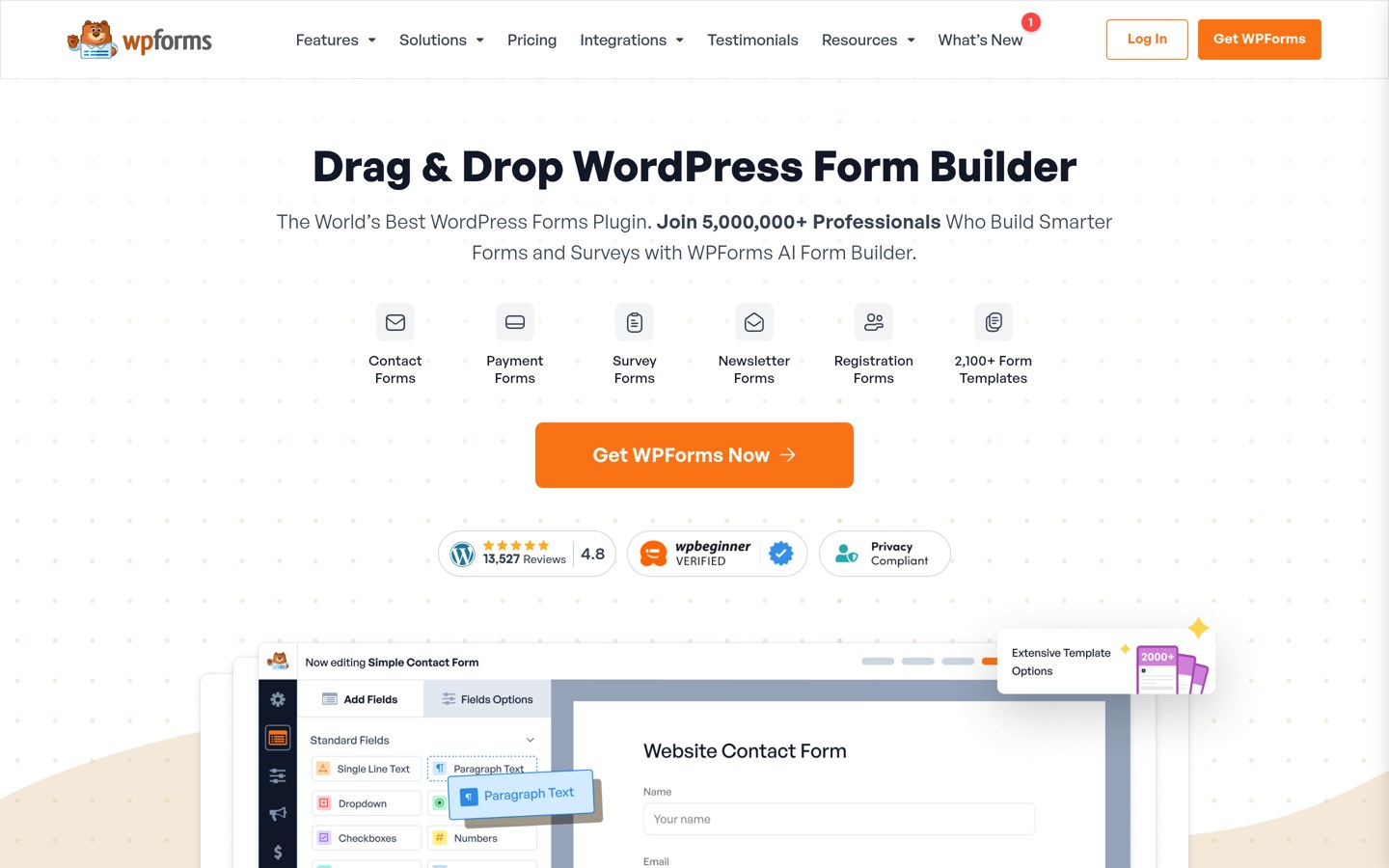
WPForms homepage, captured Nov 2026.
WPForms is a WordPress form builder with 5 million+ active installations and a 4.8/5 rating. Its free version includes a drag-and-drop editor, form templates, customer inquiry forms and payment options, making it useful for collecting questions and requests from WooCommerce shoppers.
The trade off is that conditional logic, file uploads and several advanced integrations require paid plans, starting with Basic at the regular $99/year price rather than its promotional $49.50 offer. It suits stores seeking an accessible form builder alongside their existing WooCommerce checkout.
What we like
Large installation base and extensive public reviews
Drag-and-drop form creation
More than 2,100 advertised form templates
Useful for customer inquiries and lead generation
Premium conditional logic and file upload capabilities
Watch out for
Not a direct WooCommerce checkout field editor
Advanced features require premium access
Entry-level pricing rises after promotional discounts
Basic adds entry management, conditional logic and advanced form fields.Visit wpforms.com
02
Fluent Forms
4.8/5on WordPress.org (812 reviews, checked Nov 2026)
Paid from$79/yr
Best for flexible customer forms and conditional logic
Active installs800,000+
Free input fields25+
Conditional logicFree
Cheapest paid planSingle Site, $79/yr
fluentforms.com
Fluent Forms homepage, captured Nov 2026.
Fluent Forms is a drag-and-drop WordPress form builder with 800,000+ active installations and a 4.8/5 rating. Its free version offers 25+ input fields, conditional logic, form templates, entry exports and Stripe payment functionality for building customer inquiries and simple payment forms.
The trade off is that advanced calculations, multi-step forms and additional integrations require Pro, normally $79/year instead of the advertised $47 first-year offer. It suits WooCommerce businesses that need flexible requests, lead forms and custom customer workflows outside checkout.
What we like
Conditional logic available free
More than 25 free input fields
Free entry management and exports
Premium calculations and multi-step forms
Annual and lifetime licensing options
Watch out for
Not a replacement for WooCommerce's checkout
Advanced calculations require Pro
Custom store workflows may require additional integrations
Pro adds advanced calculations, multi-step forms, more fields and integrations.Visit fluentforms.com
03
Checkout Field Editor
4.9/5on WordPress.org (1,056 reviews, checked Nov 2026)
Paid from$49/yr
Best for customizing WooCommerce checkout forms
Active installs400,000+
Classic checkout fields20 free types
Block checkout fields10 free types
Cheapest paid planSingle Site, $49/yr
themehigh.com
Checkout Field Editor homepage, captured Nov 2026.
Checkout Field Editor is a WooCommerce checkout customization plugin by ThemeHigh, with 400,000+ active installations and a 4.9/5 rating. Its free version supports 20 field types in classic checkout and 10 in block checkout, including text, selection and validation fields.
The trade off is that conditional field displays, additional sections, price-based fields and advanced validation require Pro at $49/year. It suits WooCommerce stores that need to collect specific information during the existing checkout process rather than create separate inquiry forms.
What we like
Direct WooCommerce checkout field customization
Supports classic and block-based checkout
Free field editing, ordering and validation
Premium conditional fields and custom sections
Custom fields can appear in order details
Watch out for
Focused on checkout rather than standalone forms
Conditional fields require Pro
Classic and block checkout features differ
Pro adds conditional sections, price fields, advanced validation and more field types.Visit themehigh.com
04
Forminator
4.8/5on WordPress.org (2,153 reviews, checked Nov 2026)
Paid from$50/yr
Best free form builder for payments and calculations
Active installs600,000+
Payment providersStripe and PayPal
Form calculationsFree
Cheapest paid planPro Basic, $50/yr
wpmudev.com
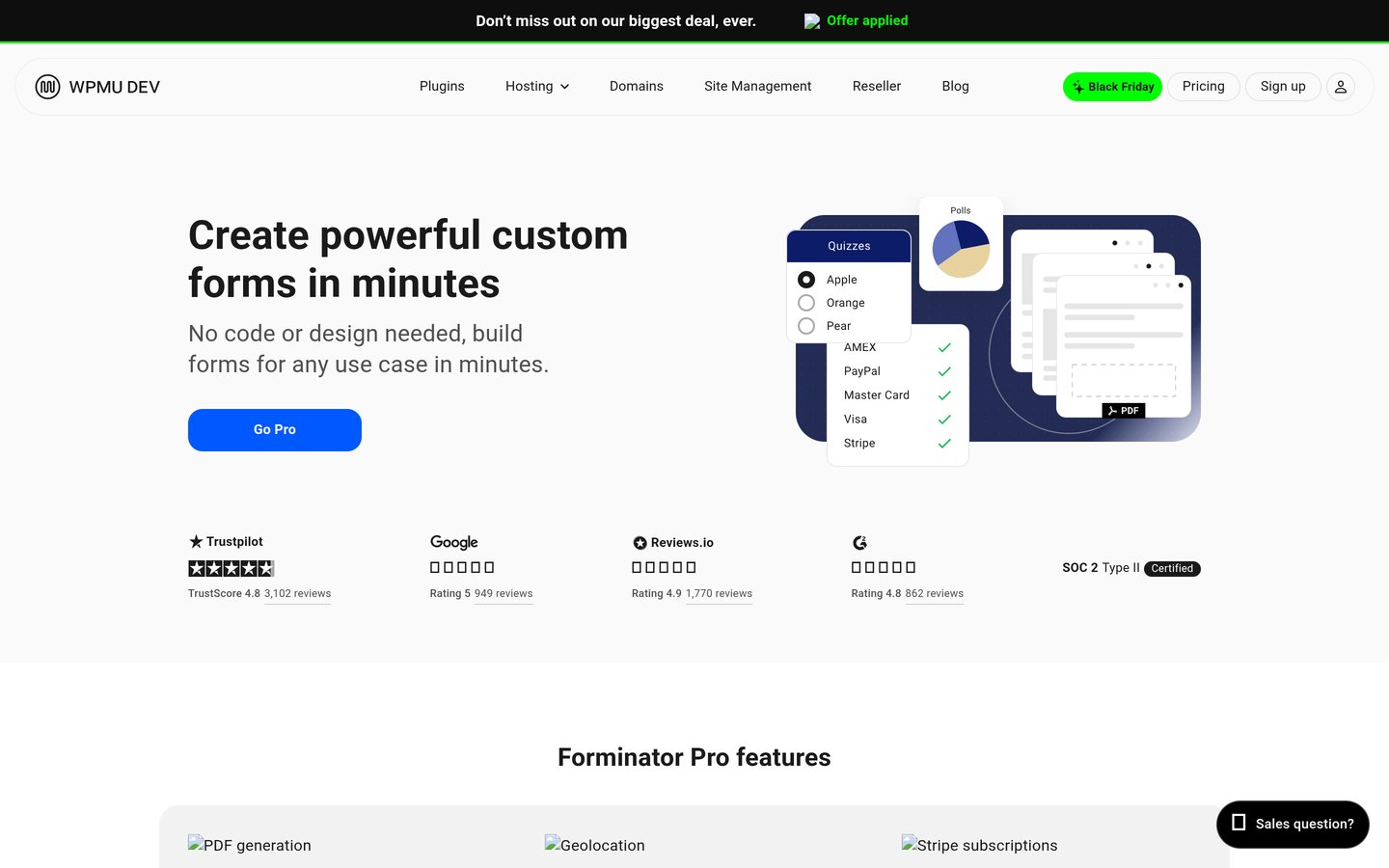
Forminator homepage, captured Nov 2026.
Forminator is a WordPress form builder from WPMU DEV, with 600,000+ active installations and a 4.8/5 rating. Its free version includes custom forms, calculations, polls, quizzes and Stripe and PayPal integrations, making it useful for quotations, registrations and standalone payment requests.
The trade off is that recurring Stripe payments, PDF generation, geolocation and electronic signatures require Pro Basic at $50/year. It suits WooCommerce stores that want separate interactive forms without purchasing advanced form-building features immediately.
What we like
Free payment form integrations
Calculations included without a subscription
Supports polls, quizzes and registrations
Premium PDF generation and signatures
Regular Pro Basic price of $50/year
Watch out for
Standalone payments are separate from WooCommerce orders
Advanced subscriptions require Pro
Multiple form types add configuration complexity
Pro Basic adds Stripe subscriptions, PDF generation, geolocation and signatures.Visit wpmudev.com
05
Formidable Forms
4.8/5on WordPress.org (1,392 reviews, checked Nov 2026)
Paid from$79/yr
Best for complex quotations and product configuration
Active installs300,000+
Free formsUnlimited
Conditional logicBasic
Cheapest paid planBasic, $79/yr
formidableforms.com
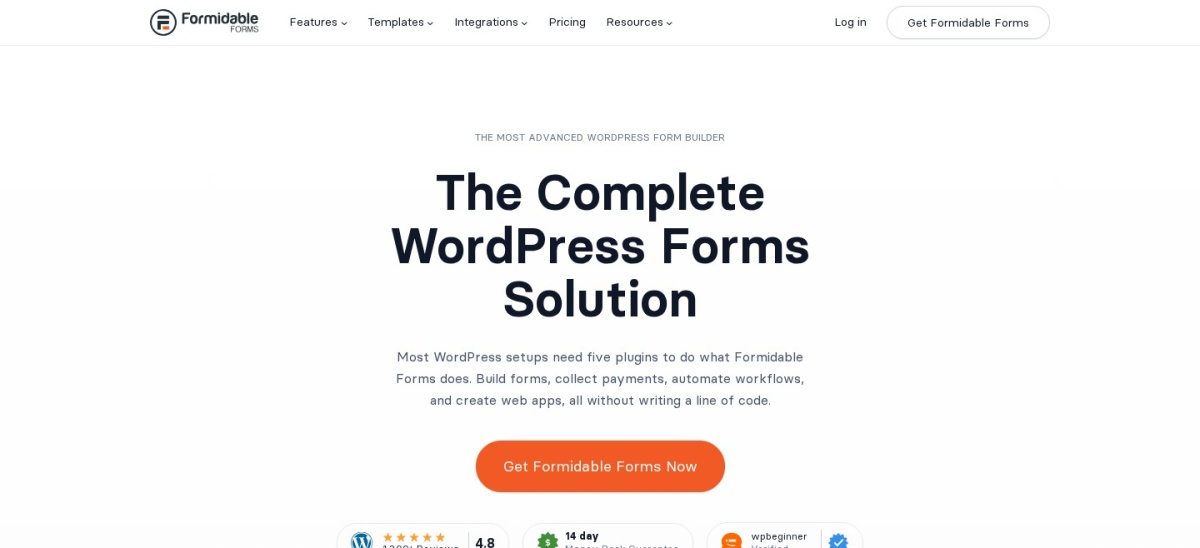
Formidable Forms homepage, captured Nov 2026.
Formidable Forms is a WordPress form builder with 300,000+ active installations and a 4.8/5 rating. Its free version supports unlimited forms, while Basic adds conditional logic, repeating fields, multi-page forms and advanced entry management for customer requests.
The trade off is that its WooCommerce Product Configurator is reserved for Elite, although the cheapest Basic plan normally costs $79/year instead of the current $39.50 promotion. It suits stores with sophisticated quoting needs, provided they budget separately for specialized WooCommerce integration.
What we like
Suitable for complex data collection
Premium conditional and repeating fields
Advanced form calculations in higher tiers
Dedicated WooCommerce Product Configurator in Elite
4.9/5on WordPress.org (375 reviews, checked Nov 2026)
Paid from$69/yr
Best for customer submissions and file uploads
Active installs90,000+
Available form fields40+
File uploadsFree
Cheapest paid planPersonal, $69/yr
everestforms.net
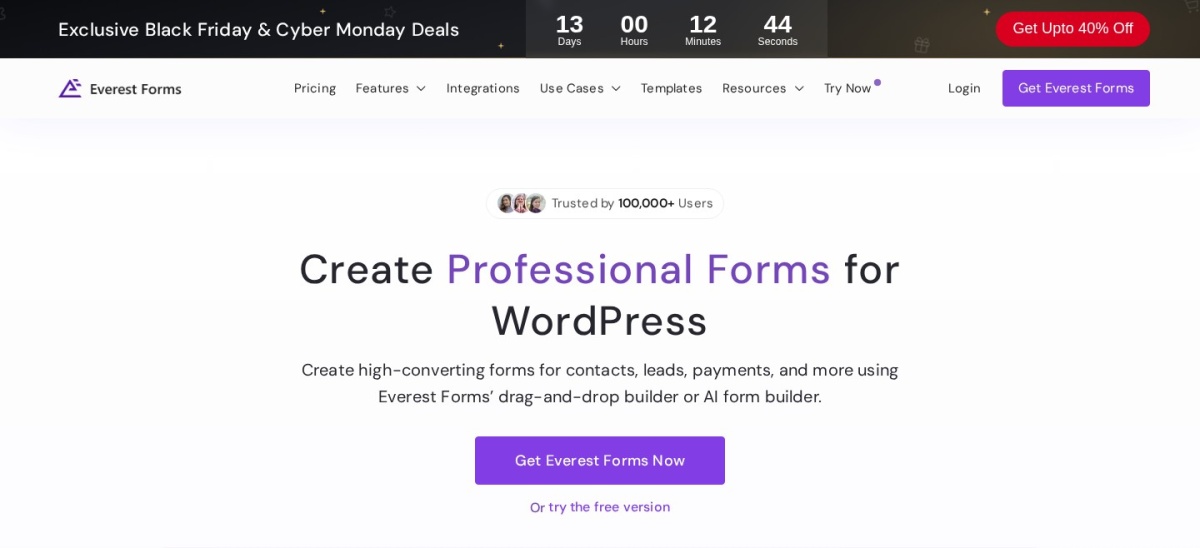
Everest Forms homepage, captured Nov 2026.
Everest Forms is a WordPress form builder with 90,000+ active installations and a 4.9/5 rating. Its free version provides 40+ form fields, file uploads, form entries and an AI form builder, supporting customer inquiries, document submissions and feedback collection.
The trade off is that advanced workflows and integrations require Personal at the regular $69/year price instead of its promotional $49 offer. It suits stores collecting customization files, support requests and customer information through separate forms.
What we like
Free file uploads and entry management
More than 40 advertised form fields
Drag-and-drop and AI-assisted form creation
Premium integrations and workflow controls
Strong WordPress.org rating
Watch out for
Does not directly replace checkout fields
Advanced integrations require premium access
Separate forms need a clear store workflow
Personal adds premium form features, integrations, updates and support.Visit everestforms.net
07
Ninja Forms
4.4/5on WordPress.org (1,398 reviews, checked Nov 2026)
Paid from$99/yr
Best for modular form features and add-ons
Active installs500,000+
Free calculationsYes
Form submissionsUnlimited
Cheapest paid planPlus, $99/yr
ninjaforms.com
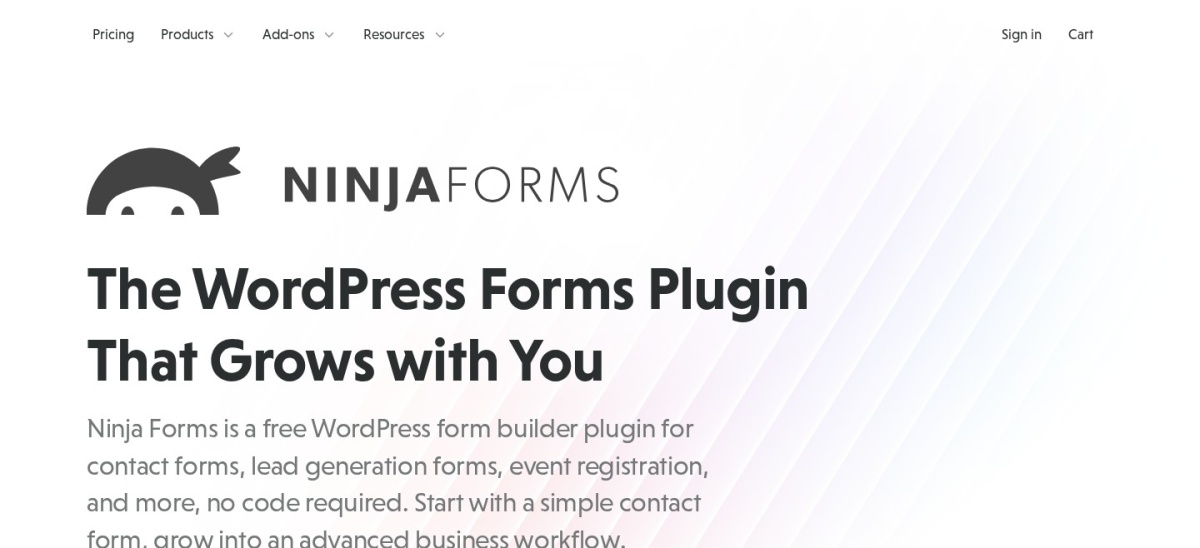
Ninja Forms homepage, captured Nov 2026.
Ninja Forms is a WordPress form builder with 500,000+ active installations and a 4.4/5 rating. Its free version includes unlimited forms and submissions, calculations, signatures, repeatable fields, entry management and spam protection for customer service and quotation workflows.
The trade off is that multi-step forms, file uploads, conditional logic and email marketing integrations require the Plus plan, regularly $99/year instead of its $59.40 introductory price. It suits businesses that want extensive free fields and optional premium features.
What we like
Free calculations and signatures
Unlimited forms and submissions
Repeatable field groups included free
Premium integrations available through add-ons
Flexible modular licensing approach
Watch out for
Advanced integrations require paid access
Not a direct WooCommerce checkout editor
Some workflows need multiple add-ons
Plus adds conditional logic, multi-step forms, uploads and marketing integrations.Visit ninjaforms.com
WooCommerce form builders vs checkout field editors
General-purpose form builders create customer inquiries, registration forms, feedback surveys, quote requests and standalone payment forms. They are useful when a customer needs to submit information outside the normal purchasing process.
Checkout field editors change the information collected during a WooCommerce transaction. They can add business references, delivery instructions, gift details and other fields that become associated with orders.
WPForms, Fluent Forms, Forminator, Everest Forms and Ninja Forms are primarily standalone form builders. ThemeHigh Checkout Field Editor specializes in the actual checkout form.
Choose based on where the information belongs. Use a form builder for pre-sale inquiries and quotations. Use a compatible checkout editor when additional information must accompany an order.
Do payment forms automatically create WooCommerce orders?
A form builder may accept payments through Stripe or PayPal without using the WooCommerce checkout system. This can be convenient for deposits, registrations and simple service payments.
However, a successful payment form submission does not necessarily create a WooCommerce order, reserve product inventory or trigger WooCommerce transactional emails.
For product purchases, check whether the plugin offers a documented WooCommerce integration that creates or updates actual orders. Do not assume that accepting payments is equivalent to supporting the WooCommerce order workflow.
When collecting additional order details, use checkout fields or a verified product configuration integration so customers' information remains connected to the correct transaction.
How we chose
We shortlisted established WordPress form plugins relevant to WooCommerce stores, including general-purpose builders, payment and quotation tools, and dedicated checkout field editors. We compared free features, integrations, documentation and public reviews.
Prices, ratings, review totals, installation counts and maintenance information were checked on 22 Nov 2026 using WordPress.org listings and official vendor pricing pages. Regular prices were used instead of temporary introductory discounts.
We excluded outdated plugins, unverified prices and products without sufficient public adoption. We also distinguished standalone forms from native WooCommerce checkout editing and did not assume payment forms automatically create WooCommerce orders. No vendor paid for a place, and we do not claim independent product testing for this list.
How to choose the best form plugin for WooCommerce
Identify where customers will submit information and how those submissions should connect to your store.
**Choose the form's purpose first.** For customer inquiries or quote requests, consider WPForms or Fluent Forms. For additional checkout questions, use a dedicated WooCommerce field editor. These plugin categories solve different problems.
**Check the free features.** Fluent Forms includes conditional logic and 25+ free input fields, while Forminator includes calculations and payment forms. ThemeHigh supports 20 classic checkout field types and 10 block checkout field types for free.
**Verify order and payment integration.** Determine whether submissions should create WooCommerce orders, update existing orders or simply send notifications. Check the documentation for these exact actions rather than assuming every payment form integrates with WooCommerce.
**Compare regular prices and required tiers.** ThemeHigh Checkout Field Editor starts at $49/year, Forminator Pro Basic costs $50/year and Fluent Forms Pro costs $79/year. Specialized features may require higher tiers even when the entry subscription appears affordable.
FAQ
What is the best form plugin for WooCommerce?
WPForms is our top general-purpose choice for customer inquiries and lead forms because it has a large user base and a drag-and-drop builder. For editing the actual WooCommerce checkout form, ThemeHigh Checkout Field Editor is more appropriate.
Can I add custom fields to WooCommerce checkout?
Yes. ThemeHigh Checkout Field Editor allows you to add, edit, rearrange and validate fields in WooCommerce checkout. Its free version supports both classic and block-based checkout, although available field types and advanced features differ between the two.
Which WooCommerce form plugin is best for product inquiries?
WPForms and Fluent Forms are suitable for customer inquiry forms. Both can collect contact information and questions outside checkout. To associate inquiries with specific products, review whether your setup can pass product identifiers or URLs into the form.
Can a WordPress form plugin create WooCommerce orders?
Not automatically in every case. Many form builders collect submissions or process payments independently. Creating WooCommerce orders requires a compatible integration or custom workflow, so verify exactly how product information, inventory and order records are handled.
Which form plugin offers free conditional logic?
Fluent Forms includes conditional logic in its free version, allowing forms to show fields based on customer answers. Other builders may reserve comparable functionality for paid tiers. Conditional forms are useful when different customers need to provide different information.
Can WooCommerce customers upload files through forms?
Yes. Everest Forms includes file uploads in its free version, while WPForms and Ninja Forms offer file upload capabilities through paid plans. File uploads can collect artwork, documents and customization details, but they require appropriate security and storage settings.
What is the cheapest paid WooCommerce form plugin?
ThemeHigh Checkout Field Editor has the lowest regular entry price in this comparison at $49/year. Forminator Pro Basic costs $50/year, while Everest Forms Personal normally costs $69/year. The cheapest option depends on whether you need checkout editing or standalone forms.
Do WooCommerce form plugins support payment collection?
Several general-purpose plugins support payments. Forminator offers free Stripe and PayPal integrations, and WPForms provides payment functionality. However, standalone payments may not follow WooCommerce's inventory and order management process unless a specific integration connects them.
Do checkout field plugins work with WooCommerce Checkout Blocks?
Some do. ThemeHigh Checkout Field Editor documents support for both classic and block-based checkout. Available field types and placement features may differ, so check your active checkout configuration and verify that the information is saved in order records.