Quizlet is the best flashcard app for most students. Its free plan covers flashcards and community sets, and it is rated 4.8 out of 5 from 1.1 million App Store ratings. Pick Brainscape for certified exam decks and AnkiMobile if you want a one-time purchase with no subscription.
How we make this list: we compare pricing pages, product documentation and public user reviews, then re-check every price before each update. No product paid for a place. Disclosure.
Quizlet has the biggest library of shared study sets and the highest rating count in this list, at 4.8 stars from 1.1 million App Store ratings.
Brainscape is the pick for certified exam decks, with confidence-based scheduling that rates each card from 1 to 5.
Knowt gives the most away free: unlimited Learn rounds, practice tests and a spaced repetition mode, with ads.
AnkiMobile and Flashcards Deluxe are the only one-time purchases here, at $24.99 and $4.99, with no subscription.
Paid plans in this list run from $4.99 a month to $96 a year, and buying inside the iPhone app often costs more than buying on the web.
What makes a flashcard app worth paying for
Flashcards work because of two ideas: active recall and spaced repetition. You try to remember the answer before you flip the card, and the app brings back cards you got wrong sooner than cards you knew.
The best app for you depends on where your cards come from. If you want ready-made decks for a class or an exam, pick an app with a big shared library. If you build your own cards from lecture notes, pick an app that turns notes into cards.
Price is the second question. Most of these apps have a free plan, but the free plan usually caps something: daily cards, AI generation or shared decks. Our guide on creating a quiz in LearnDash shows how quizzes and flashcards fit together in a course.
Ratings matter too, but read them with care. An app with 1.1 million ratings has been used by far more people than one with a few hundred, even if both average 4.5 stars or more.
4.8/5on App Store (1.1M reviews, checked Nov 2026)
Paid from$35.99/yr
Best flashcard app overall
Free planYes, with ads and caps
Spaced repetitionYes
Shared setsMillions
Paid planPlus, $35.99/yr
quizlet.com
Quizlet homepage, captured Nov 2026.
Quizlet is the largest flashcard platform, with more than 60 million students using it and a library of community sets for almost any subject. The free plan covers flashcards and shared sets, with ads, plus limited rounds of Learn and practice tests. Plus removes the caps and the ads.
The trade off is the free plan's caps. Learn is limited to 20 rounds a month and practice tests to 3 a month, so heavy studiers hit the wall fast. Plus costs $35.99 a year on the web, though the same plan is $44.99 a year inside the iPhone app. It suits students who want ready-made sets and do not want to build every deck themselves.
What we like
Largest library of shared study sets
Free plan covers flashcards and Match
AI turns notes into cards and study guides
Watch out for
Free Learn and practice tests are capped
Plus costs more inside the iPhone app, at $44.99 a year
Ads on the free plan
Plus removes caps and ads, and adds unlimited Learn roundsVisit quizlet.com
02
Brainscape
4.8/5on App Store (21,671 reviews, checked Nov 2026)
Paid from$95.88/yr
Best for certified exam decks
Free planYes, own cards free
SchedulingConfidence-based, 1-5
Certified decksPro
Paid planPro, $95.88/yr
brainscape.com
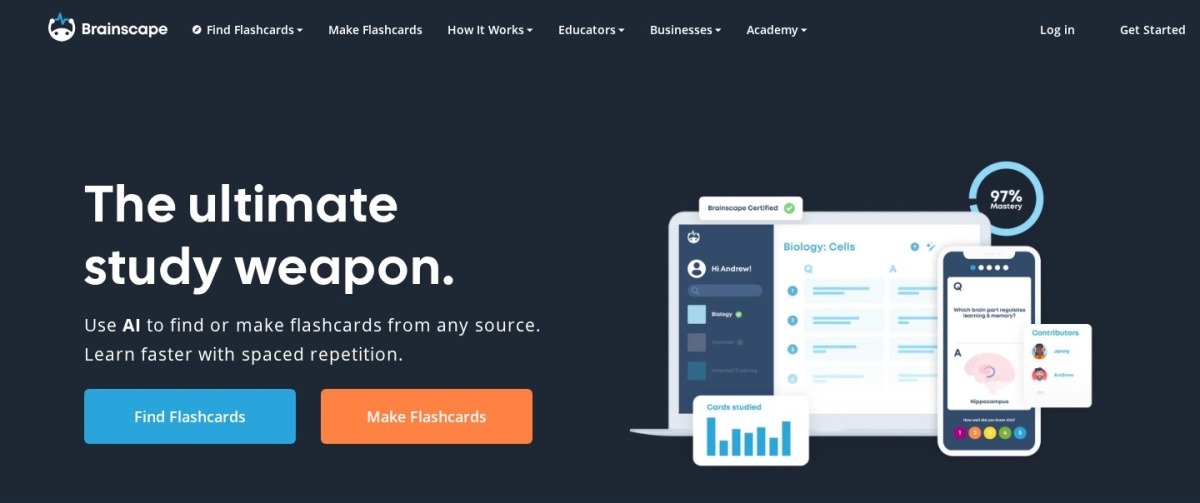
Brainscape homepage, captured Nov 2026.
Brainscape is a flashcard app built around confidence-based repetition. After each card you rate how well you knew it from 1 to 5, and low-rated cards come back sooner. The free plan covers unlimited cards you make yourself, up to 2,500 cards of pre-made content and a limited amount of AI card generation.
The trade off is price. Pro costs $95.88 a year on the web, or $19.99 a month, and certified exam decks, image and sound cards, reverse study and private decks all need Pro. It suits students preparing for a certified exam, such as a medical or finance test, where Brainscape sells a ready-made deck.
4.7/5on App Store (11,400 reviews, checked Nov 2026)
Paid from$95.99/yr
Best free Quizlet-style app
Free planYes, with ads
Learn modeUnlimited rounds
AI summariesUltra
Paid planUltra, $95.99/yr
knowt.com
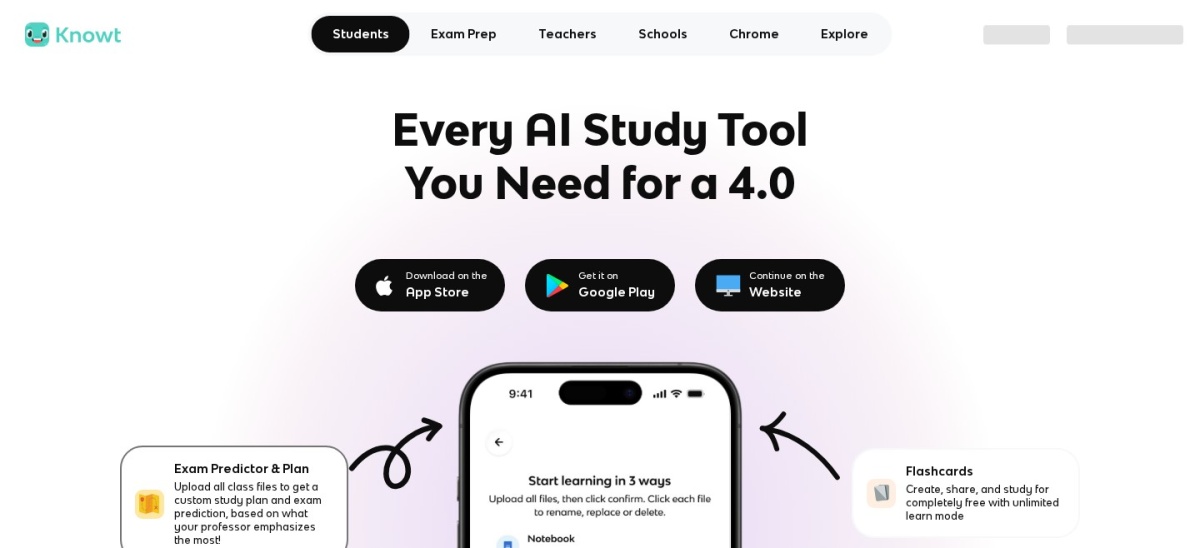
Knowt homepage, captured Nov 2026.
Knowt is a free-first study app that turns notes, PDFs and lecture recordings into flashcards and practice tests. Its free Basic plan includes unlimited flashcards, a Learn mode with unlimited rounds, practice tests, a matching game and a spaced repetition mode. It can also import Quizlet sets, which makes switching easy.
The trade off is ads and AI limits. AI summaries of PDFs, videos and slides, lecture recording summaries and the voice tutor need Ultra, which costs $95.99 a year on the web or $24.99 a month. It suits students who want Quizlet-style study modes free and only pay for heavy AI use.
What we like
Learn mode and spaced repetition are free
Imports Quizlet sets in one click
AI builds cards from notes and PDFs
Watch out for
Ads on the free plan
AI summaries need Ultra
Ultra costs $24.99 if paid monthly
Ultra adds ad-free study, AI summaries and a voice tutorVisit knowt.com
04
RemNote
4.8/5on App Store (1,724 reviews, checked Nov 2026)
Paid from$96/yr
Best for notes and cards together
Free planYes
SchedulingSM-2, FSRS beta
PDF annotation3 free, Pro unlimited
Paid planPro, $96/yr
remnote.com
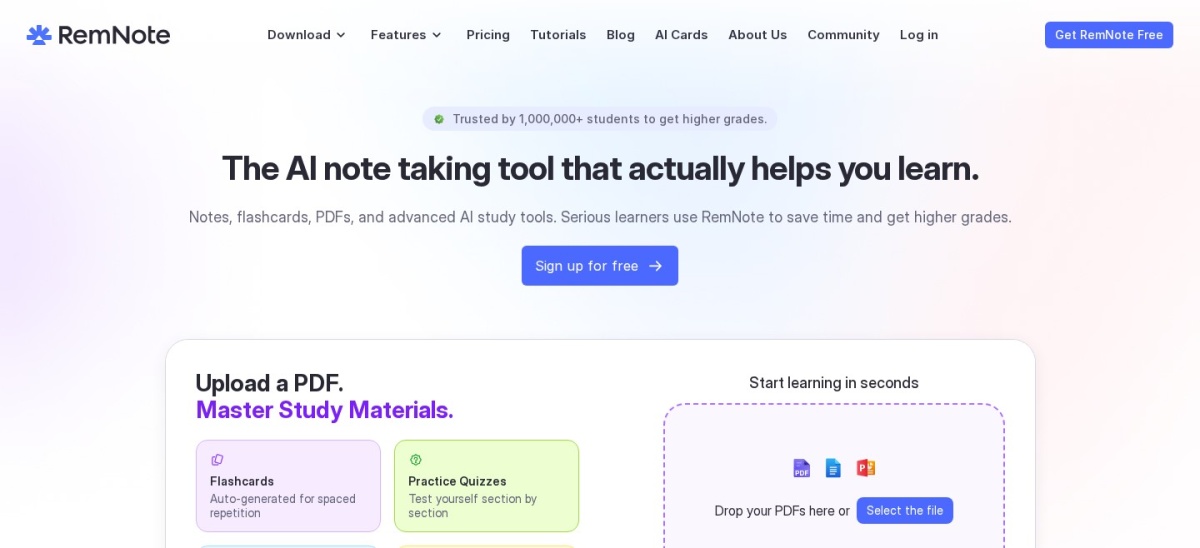
RemNote homepage, captured Nov 2026.
RemNote is a notes app where any line can become a flashcard. You write notes in an outliner, mark a concept, and RemNote turns it into a card and schedules reviews with spaced repetition. The free plan includes unlimited notes and flashcards, unlimited synced devices, 3 annotated PDFs and 5 image occlusion cards.
The trade off is that the study tools sit behind Pro. Unlimited PDF annotation, unlimited image occlusion and exam scheduling need Pro at $96 a year on the web, or $10 a month. It suits students who take lecture notes and want their cards to grow out of those notes.
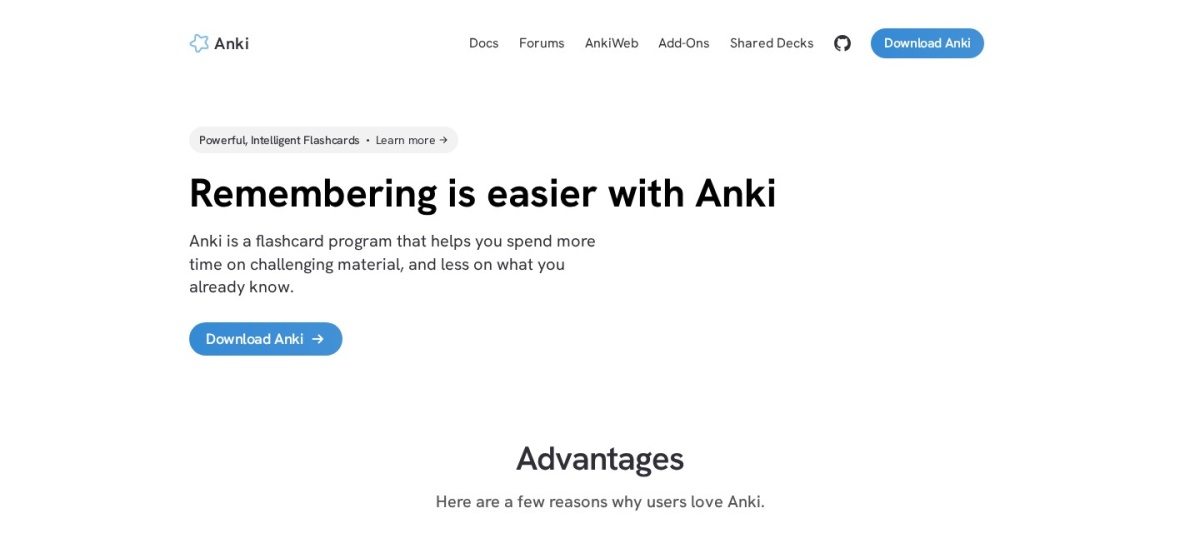
AnkiMobile is the official iPhone and iPad app for Anki, the free spaced repetition program used by more than 15 million learners. It runs the same SM-2 or FSRS scheduling as desktop Anki, syncs free through AnkiWeb, and opens thousands of shared decks. The desktop, Android and web versions are free.
The trade off is the learning curve and the price on iPhone. AnkiMobile costs $24.99 once, with no subscription, and the interface is plain and settings-heavy, with no built-in AI card maker. It suits serious learners who build their own decks and want full control over scheduling.
4.6/5on App Store (14,061 reviews, checked Nov 2026)
Paid from$4.99/mo
Best simple Anki-style phone app
Free plan50 cards a day
SchedulingSpaced repetition
Pre-made decks50,000+
Paid planPremium, from $4.99/mo
noji.io
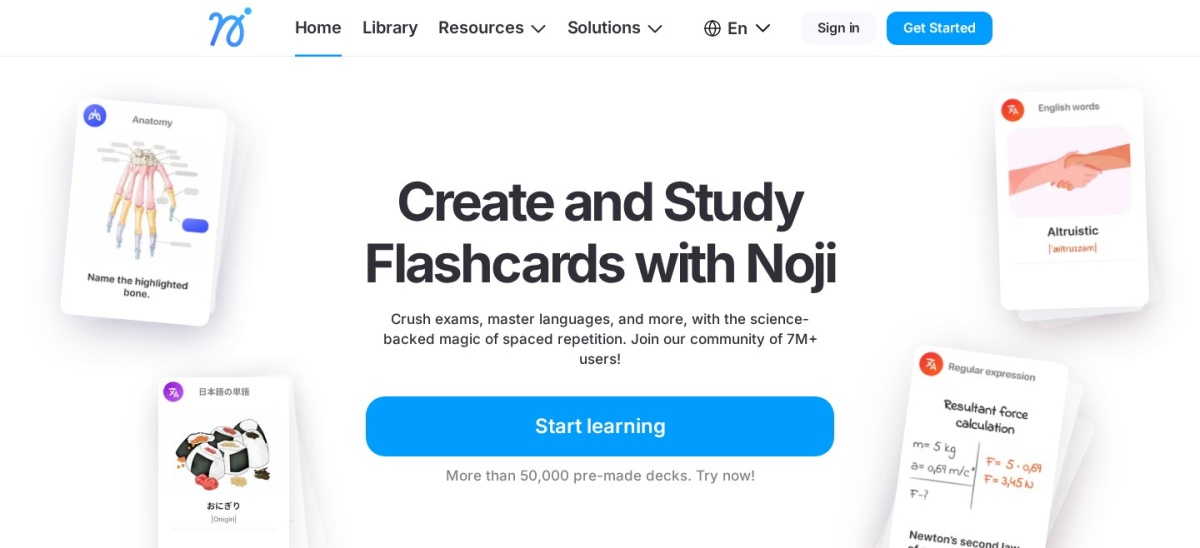
Noji homepage, captured Nov 2026.
Noji is a mobile-first flashcard app, formerly called AnkiPro, with more than 7 million users and 50,000 pre-made decks. It uses spaced repetition with Again, Hard, Good and Easy buttons, imports Anki deck files, and turns PDFs, photos and videos into cards with AI. The free plan covers 50 cards a day with no ads.
The trade off is the daily cap and the name. Free study stops at 50 cards a day, and Premium, from $4.99 a month, removes the cap and adds AI generation, image occlusion and offline study. It is not made by the Anki team. It suits phone-first studiers who want Anki-style reviews without Anki's setup.
What we like
Clean, phone-first interface
50,000+ pre-made decks
Imports Anki decks with progress
Watch out for
Free plan stops at 50 cards a day
Annual prices vary between $17.99 and $89.99 in the App Store
Not affiliated with the Anki project
Premium removes the daily cap and adds AI and offline studyVisit noji.io
07
Mochi
4.6/5on App Store (177 reviews, checked Nov 2026)
Paid from$5/mo
Best for Markdown and offline study
Free planYes, one device
SchedulingOwn algorithm or FSRS
Anki importYes, with history
Paid planPro, $5/mo billed yearly
mochi.cards
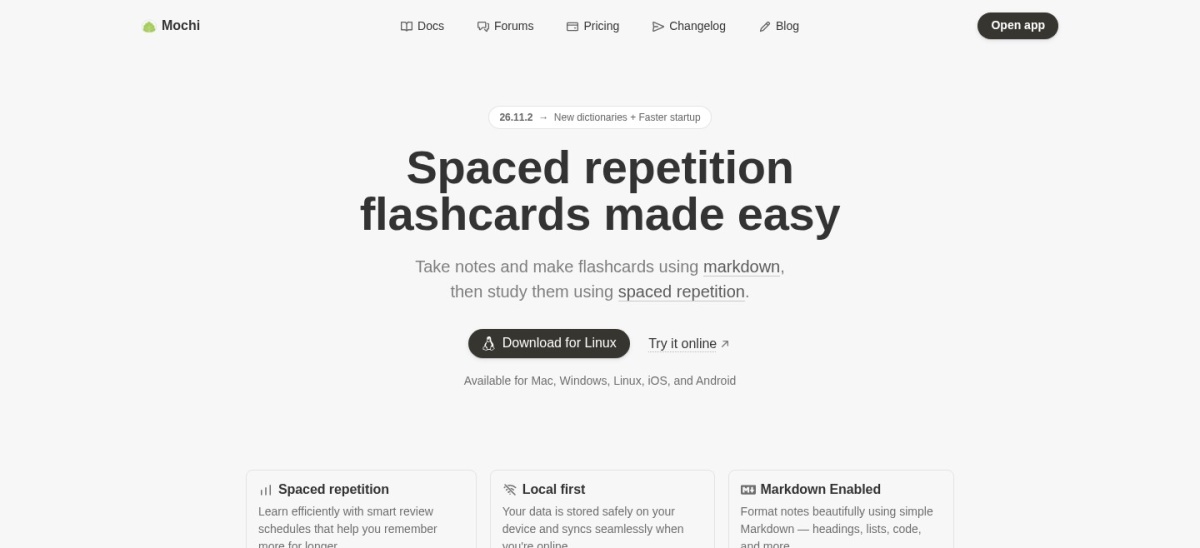
Mochi homepage, captured Nov 2026.
Mochi is a Markdown notes and flashcard app that stores everything on your device. You write notes in Markdown with math formulas, turn lines into cards, and study them offline with spaced repetition, using Mochi's own algorithm or FSRS. The free plan includes unlimited cards and decks with no sign-up.
The trade off is sync. Cross-device sync, 10 GB of storage, deck publishing and larger AI quotas need Pro at $5 a month billed yearly, so free means one device. It suits students who like plain text, work offline and already keep notes in Markdown.
Flashcards Deluxe is a long-running flashcard app, on the App Store since 2009, built for people who make their own decks. Each card can have up to five sides, which suits language learners, and it reads cards aloud offline and plays decks as an audio slideshow. A free Lite version lets you try it first.
The trade off is polish and sharing. The interface looks dated, there is no shared deck library, and decks are built in spreadsheets and imported. The full app costs $4.99 once, with no subscription. It suits learners who already have their material in a spreadsheet and want the cheapest serious option.
Free plans cover the basics well. Most include flashcards, spaced repetition and some shared decks.
Paid plans mostly add limits removed and AI. You get unlimited cards a day, AI card generation and no ads.
One-time purchases are the exception. AnkiMobile and Flashcards Deluxe charge once and never ask again, which suits learners who keep the same app for years.
If you study every day, the yearly plans in this list run from $35.99 to $96. The monthly prices look small, but paying month to month costs far more over a year.
How we chose
We started from the flashcard apps with the largest user bases and the longest track records, then kept those with a working free plan or a one-time price.
Prices come from each vendor's pricing page or App Store listing, checked on 25 November 2026. Ratings and review counts come from the US App Store on the same day. Where a vendor shows a sale, the list shows the regular price.
We left out apps whose websites had closed, such as Cram.com, and apps with no public rating. No vendor paid for a place, and we do not claim to have used these apps ourselves.
How to choose a flashcard app
Start with where your cards come from, then check the free plan's limits before you pay.
Count how many cards you study a day. If you review more than 50 cards a day, free plans with daily caps will slow you down. Pick an app with no daily cap or pay for the upgrade.
Check the shared library for your subject. Search for your exam or course before you commit. A ready-made deck saves hours of typing, but only if the deck is good.
Try the free plan for a week. Make a small deck, study it daily and see whether the scheduling feels right. Switching apps later means moving your decks.
Compare the yearly price, not the monthly one. Monthly billing can cost twice as much over a year. Quizlet Plus is $35.99 a year on the web but $44.99 a year inside the iPhone app.
FAQ
What is the best flashcard app?
Quizlet is the best flashcard app for most students. Its free plan covers flashcards and shared sets, and it is rated 4.8 out of 5 from 1.1 million App Store ratings. Brainscape is the better pick for certified exam decks.
Is Anki really free?
Anki is free on Windows, Mac, Linux and Android, and on the web through AnkiWeb. The only paid piece is AnkiMobile for iPhone and iPad, which costs $24.99 once. That payment funds the whole project, and there is no subscription.
Do I need to pay for spaced repetition?
No. Spaced repetition is free in Quizlet, Knowt, RemNote, Mochi and Noji, and in Anki on every platform. Paid plans usually remove caps on daily cards, AI generation or shared decks, rather than unlocking scheduling itself.
Which flashcard app is best for medical school?
Brainscape and Noji are the strongest picks for medical exams. Brainscape sells certified decks for major exams, and Noji has 50,000 pre-made decks with many anatomy and medical sets. Anki is also popular with medical students who build their own decks.
Can I move my decks from Quizlet to another app?
Yes, in most cases. Knowt imports Quizlet sets in one click, and Noji and Mochi import Anki deck files. Export your sets before you cancel a paid plan, because some apps limit exports on free accounts.
What is the cheapest good flashcard app?
Flashcards Deluxe costs $4.99 once and never charges again, which makes it the cheapest serious option. AnkiMobile costs $24.99 once. If you want a free plan with no payment at all, Knowt and Mochi both offer unlimited cards free.
SaaS SEO and WordPress specialist with about 8 years of experience. Rakib compares WordPress plugins, themes, hosting and software using public pricing, documentation and user reviews. See how we rank.