Best Free File Sync Software in 2026: 9 Tools Compared
WLWPLegible EditorsLast verified 23 Nov 2026How we rank9 min read
★ Short answer
Google Drive is the best free file sync software for most people. Its free plan gives 15 GB shared across Drive, Gmail and Photos, and it is rated 4.7 out of 5 on G2. Pick Dropbox for the most reliable sync engine and MEGA if you want 20 GB free with encryption built in.
How we make this list: we compare pricing pages, product documentation and public user reviews, then re-check every price before each update. No product paid for a place. Disclosure.
Google Drive gives the most free storage of the big three at 15 GB, and its first paid step is $19.99 a year for 100 GB.
Dropbox has the best-regarded sync engine here, but its free plan holds only 2 GB and Plus costs $9.99 a month billed yearly.
MEGA gives 20 GB free with zero-knowledge encryption on every file, the largest free allowance in this list.
pCloud is the only tool here with a lifetime plan: $199 once for 500 GB, which beats its $49.99 yearly plan after four years.
Syncthing and FreeFileSync are fully free and open source, with no cloud and no storage limit beyond your own disks.
Sync.com and MEGA encrypt files before upload on every plan, including free, while Box caps free uploads at 250 MB per file.
What to look for in a free file sync tool
File sync keeps the same files current on every device you own. Change a document on your laptop and the new version appears on your phone without you copying anything by hand.
Free storage is the first limit to check. The tools in this list give between 2 GB and 20 GB free, and the gap matters: 2 GB holds a few hundred documents, while 15 GB or 20 GB covers a photo library too.
The second limit is what happens when you outgrow the free plan. Some tools sell a small 100 GB step for about $20 a year, while others jump straight to 2 TB for $120 a year.
Encryption is the third thing to weigh. A few tools encrypt files on your device before upload, so the provider cannot read them. Our guide on setting up UpdraftPlus remote storage covers the same idea for WordPress backups.
Finally, decide whether you want a cloud service or a local tool. Cloud tools sync through a provider's servers and work when any one device is online. Local tools sync directly between your own devices and store nothing elsewhere.
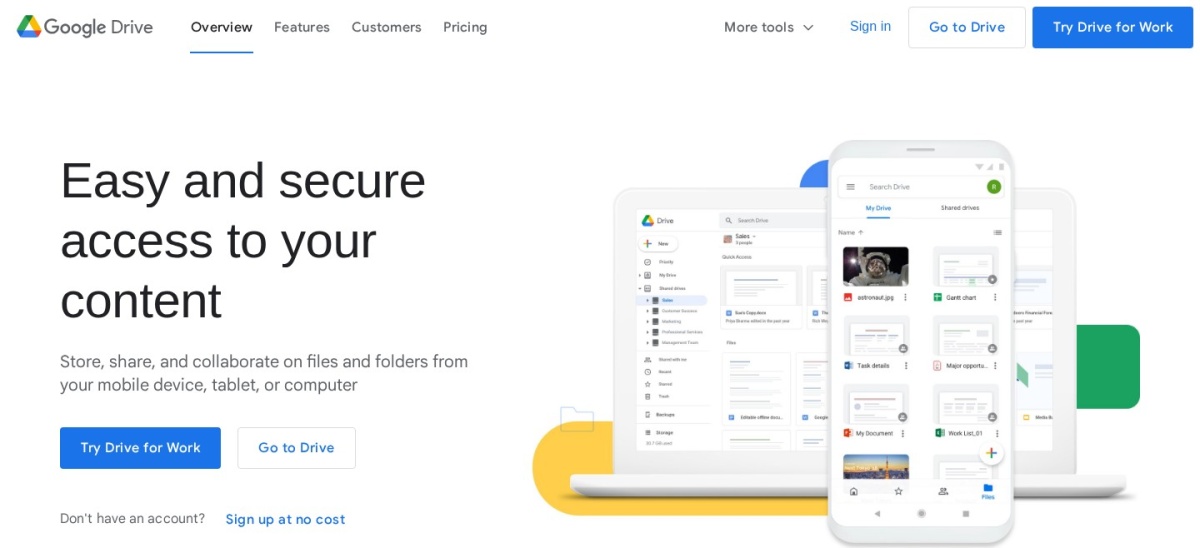
Google Drive is the cloud storage that comes with every Google account, with 15 GB free shared across Drive, Gmail and Photos. The desktop app syncs folders on Windows and Mac, files open in Docs, Sheets and Slides in the browser, and sharing a file is one link with viewer or editor access.
The trade off is the shared quota. Photos and email draw from the same 15 GB, so a full inbox can block your sync. Basic costs $1.99 a month, or $19.99 a year, for 100 GB. It suits anyone already using Gmail or Google Docs who wants the most free space.
Dropbox is the sync service other tools are measured against. Block-level sync uploads only the changed part of a file, so a large document updates fast, and the apps behave the same on Windows, Mac, Linux, iOS and Android. Paid plans keep 30 days of version history on every plan.
The trade off is the free plan. It holds only 2 GB and works on 3 devices, and the next step is Plus at $9.99 a month billed yearly for 2 TB, with no smaller plan in between. It suits people who share large files daily and want sync that rarely stalls.
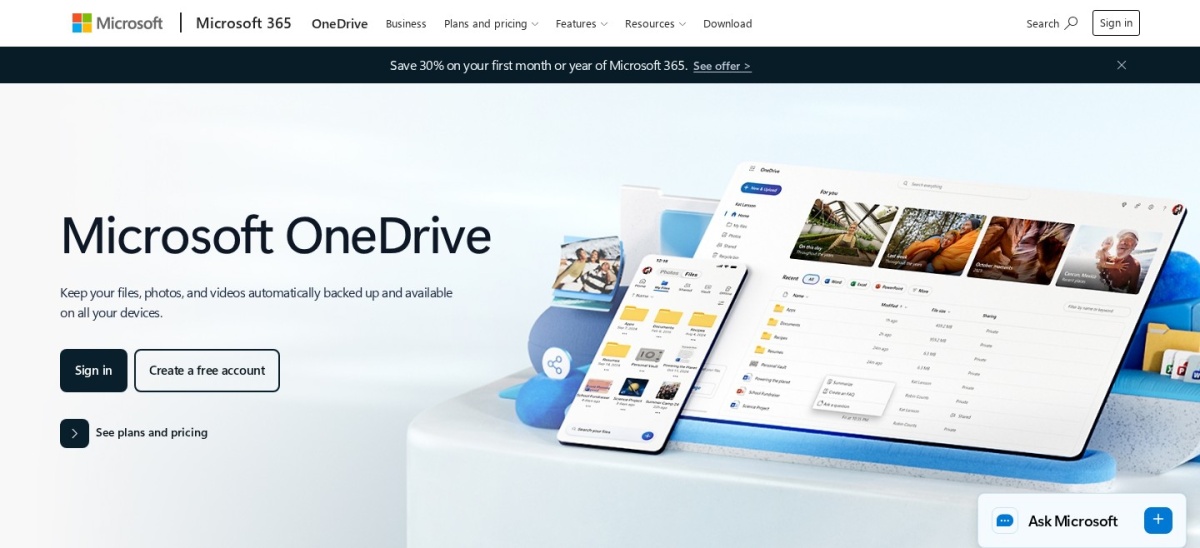
OneDrive is Microsoft's cloud storage, built into Windows and tied to a Microsoft account with 5 GB free. Files On-Demand keeps files visible in Explorer without downloading them, and the Personal Vault adds a second check before opening protected files.
The trade off is the small free tier and the jump to paid. The next step after 5 GB is Microsoft 365 Basic at $1.99 a month, or $19.99 a year, for 100 GB, and the 1 TB plan costs $9.99 a month. It suits Windows users and anyone already paying for Microsoft 365.
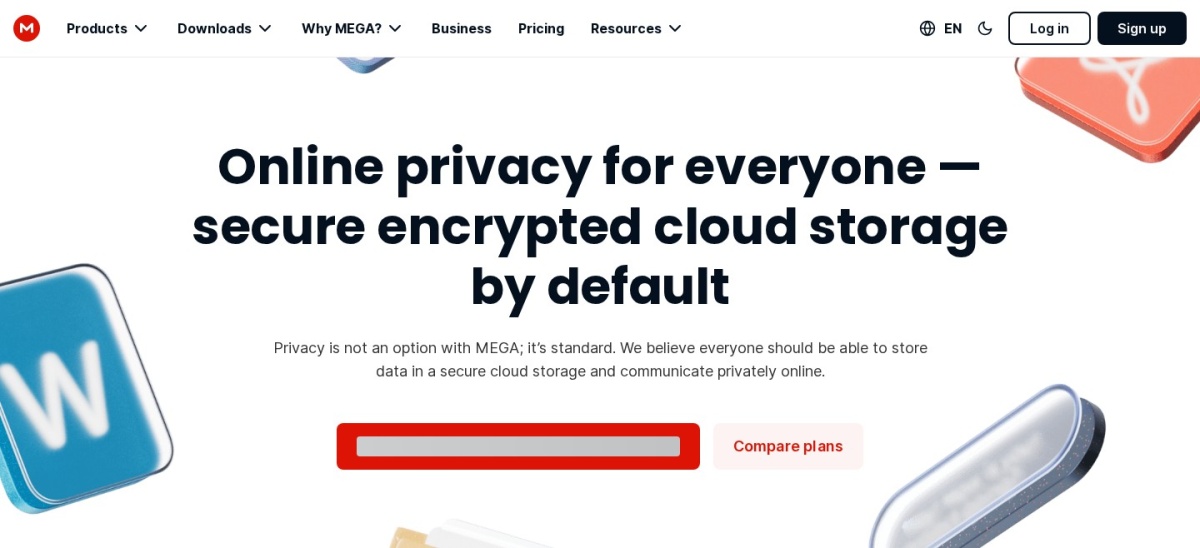
MEGA is a cloud storage service that encrypts files on your device before upload, so only you and the people you share with hold the keys. The free plan gives 20 GB, the largest free allowance in this list, and the apps cover Windows, Mac, Linux, iOS and Android.
The trade off is the transfer quota. Downloads count against a limit that is small on the free plan, and MEGA lists its prices in euros on its own pricing page, with Pro Lite at $4.99 a month billed yearly in US listings. It suits people who want private storage with the most free space.
What we like
20 GB free, the most in this list
Zero-knowledge encryption on every plan
Apps on every major platform, including Linux
Watch out for
Free transfer quota is limited
No document editing built in
Prices are listed in euros on its own site
Pro Lite adds 400 GB for $4.99 a month billed yearlyVisit mega.io
05
pCloud
4.3/5on G2 (166 reviews, checked Nov 2026)
Paid from$49.99/yr
Best lifetime plan
Free storageUp to 10 GB
Paid planPremium, 500 GB
Lifetime plan$199 for 500 GB
Desktop appsWindows, Mac, Linux
pcloud.com
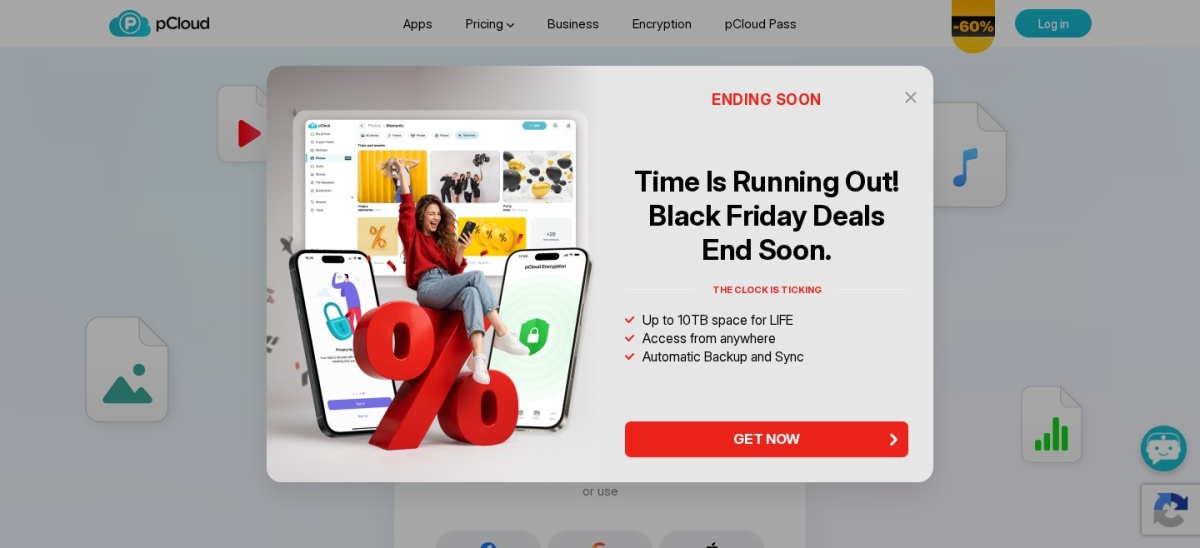
pCloud homepage, captured Nov 2026.
pCloud is a Swiss cloud storage service with apps on Windows, Mac, Linux, iOS and Android. The free plan gives up to 10 GB after completing account steps, a virtual drive shows files without downloading them, and audio and video play straight from storage.
The trade off is encryption. The zero-knowledge Crypto folder is a paid add-on, not part of the standard plans. Premium costs $49.99 a year for 500 GB, or $199 once for lifetime access to the same storage. It suits people who want to stop paying a monthly storage bill.
Sync.com is a privacy-first cloud storage service with end-to-end encryption on every plan, including the free 5 GB plan. Solo Basic costs $8 a month for 2 TB, which undercuts Dropbox Plus for the same storage, and the free plan includes password-protected links and file requests.
The trade off is breadth. There is no Linux desktop app on the free plan, and fewer third-party integrations than Dropbox or Google Drive. It suits freelancers and small firms that handle sensitive files and want encryption without paying extra for it.
Box is a cloud content platform with a free Individual plan for one person: 10 GB of storage, secure sharing links and 5 Box Sign requests a month. It plugs into Microsoft 365 and Google Workspace, so files open in the office apps teams already use.
The trade off is the upload cap. Free uploads stop at 250 MB per file, which rules out video and large design files. Personal Pro costs $10 a month billed yearly for 100 GB and a 5 GB per-file limit. It suits document teams that share Office files with outside clients.
What we like
10 GB free, five times Dropbox
Strong sharing and permission controls
Built-in e-signatures on the free plan
Watch out for
250 MB limit on free uploads
Paid plans are priced for businesses
Only 1 file version on the free plan
Personal Pro adds 100 GB for $10 a month billed yearlyVisit box.com
08
Syncthing
5/5on Capterra (1 reviews, checked Nov 2026)
PriceFree
Best free sync with no cloud
Free storageYour own disks
Cloud involvedNone
EncryptionTLS between devices
PlatformsWindows, Mac, Linux
syncthing.net
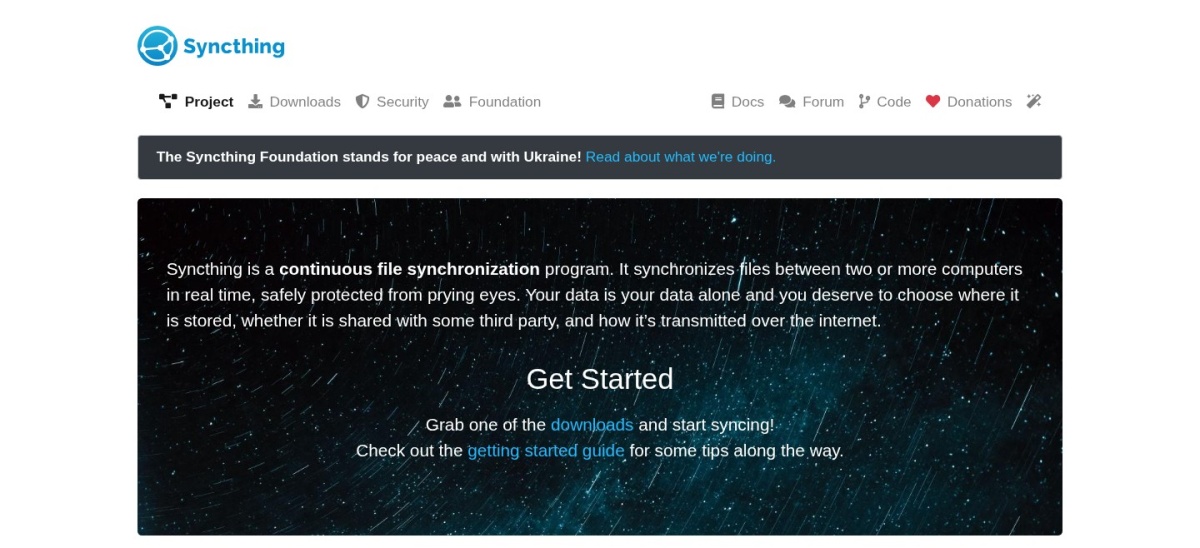
Syncthing homepage, captured Nov 2026.
Syncthing is a continuous file synchronization program that keeps folders identical between two or more of your own computers in real time, with no cloud service in the middle. Every connection uses TLS, only devices you explicitly allow can connect, and the source code is public.
The trade off is that there is no cloud copy. Two devices must be online at the same time to sync, and pairing devices takes more steps than signing into a cloud drive. It suits people who want Dropbox-like sync without storing files on anyone else's servers.
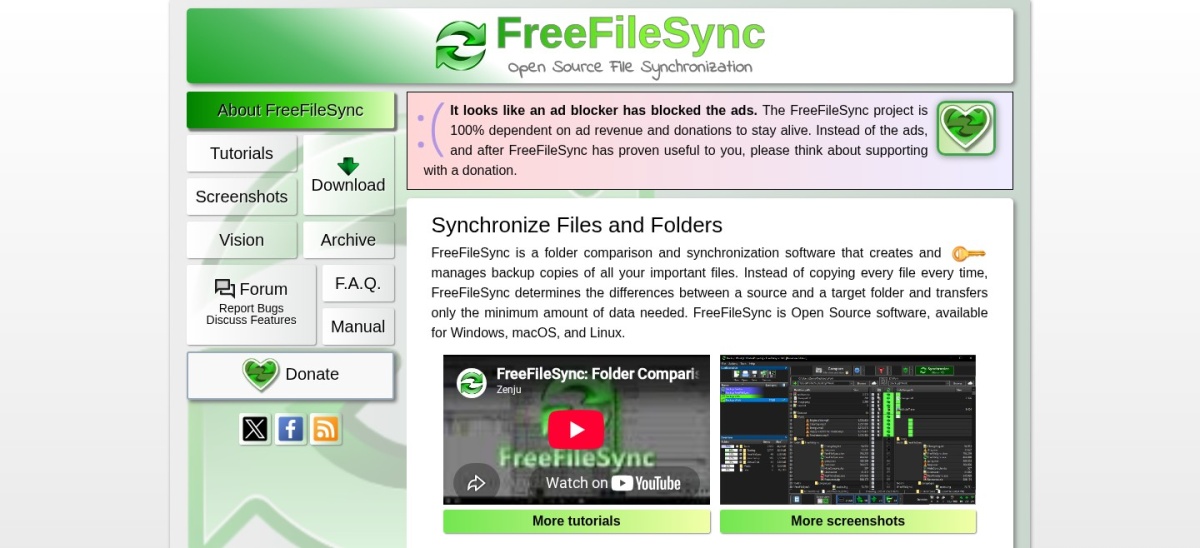
FreeFileSync is a free, open source tool that compares two folders and makes them match, one way or both ways. It shows exactly which files will be copied, updated or deleted before it acts, copies only changed files, and handles external drives, a NAS or a second computer.
The trade off is that it syncs when you run it, not continuously by itself. The included RealTimeSync tool can rerun a sync when files change, though it takes some setting up. It suits anyone copying work to a backup drive or keeping two folders identical.
Cloud tools store a copy on the provider's servers, so a file is there even when your laptop is off. That copy is also a backup if your device is lost, as long as you stay inside the free storage limit.
Local tools keep files only on your own devices and drives. Nothing leaves your home or office, there is no monthly bill and no storage cap, but a file only moves when both devices are on.
Most people should start with a cloud tool. Google Drive or MEGA covers everyday sync, and a local tool like FreeFileSync can copy the same folders to an external drive as a second backup. Our cPanel backups vs plugin backups guide makes the same point for WordPress sites: one copy is not a backup.
If privacy is the priority, pick a tool with encryption before upload, such as MEGA or Sync.com, or go fully local with Syncthing.
How we chose
We started from the file sync tools with a genuinely free plan, not a time-limited trial, and kept those with an established user base and apps on the main desktop platforms.
Prices come from each vendor's pricing page, checked on 23 November 2026. Ratings come from G2 or Capterra on the same day. Where a vendor shows a sale, the list shows the regular price.
We left out tools with no free plan and tools that only sync through a paid subscription. No vendor paid for a place, and we do not claim hands-on testing for this list.
How to choose a free file sync tool
Start with how much you need to sync, then check the limits that will catch you first.
Add up what you need to sync. Count your documents, photos and videos. Under 5 GB, almost any free plan works; over 15 GB, only Google Drive and MEGA fit without paying.
Check the per-file and device limits. Box caps free uploads at 250 MB per file and Dropbox free works on 3 devices. These limits bite sooner than the storage cap.
Decide how private the files are. For sensitive work, pick encryption before upload with MEGA or Sync.com, or keep files off the cloud entirely with Syncthing.
Look at the first paid step before you commit. A 100 GB step costs about $20 a year with Google Drive and OneDrive, while Dropbox jumps to $120 a year for 2 TB.
FAQ
What is the best free file sync software?
Google Drive is the best free pick for most people. Its free plan gives 15 GB shared across Drive, Gmail and Photos, with desktop apps for Windows and Mac, and it is rated 4.7 out of 5 on G2.
Which free file sync tool gives the most storage?
MEGA gives 20 GB free, the most in this list, with zero-knowledge encryption on every file. Google Drive is next at 15 GB, and pCloud gives up to 10 GB after completing account steps.
Is there a fully free file sync tool with no storage limit?
Yes. Syncthing and FreeFileSync are free and open source, and they sync between your own devices and drives, so the only limit is your own disk space. Neither stores files in a cloud.
Can I sync files for free without a cloud account?
Yes. Syncthing syncs directly between your devices with no account and no central server. FreeFileSync copies folders between drives, a NAS or a second computer without any account at all.
What is the cheapest paid upgrade if I outgrow the free plan?
Google Drive and OneDrive both offer 100 GB for $19.99 a year, the cheapest first step in this list. pCloud Premium is $49.99 a year for 500 GB, and MEGA Pro Lite is $4.99 a month billed yearly.
Do free file sync tools encrypt my files?
Some do. MEGA and Sync.com encrypt files on your device before upload on every plan, including free. Google Drive, Dropbox, OneDrive, Box and pCloud encrypt files in transit and at rest on their servers instead.