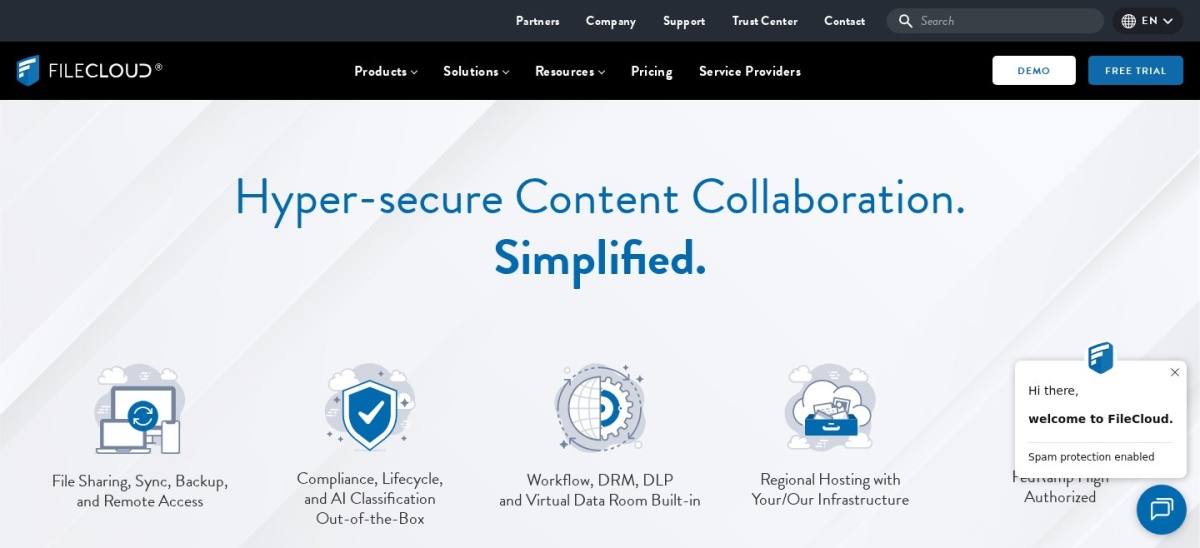
FileCloud is the best file server software for most teams. It pairs self-hosted storage with granular permissions, data leak prevention and compliance controls, rated 4.5 out of 5 on G2, from $7 per user a month. Pick Nextcloud for a free self-hosted server, or Egnyte for governed hybrid storage.
How we make this list: we compare pricing pages, product documentation and public user reviews, then re-check every price before each update. No product paid for a place. Disclosure.
FileCloud is the top pick: self-hosted storage with data leak prevention and compliance controls, rated 4.5/5 on G2, from $7 per user a month.
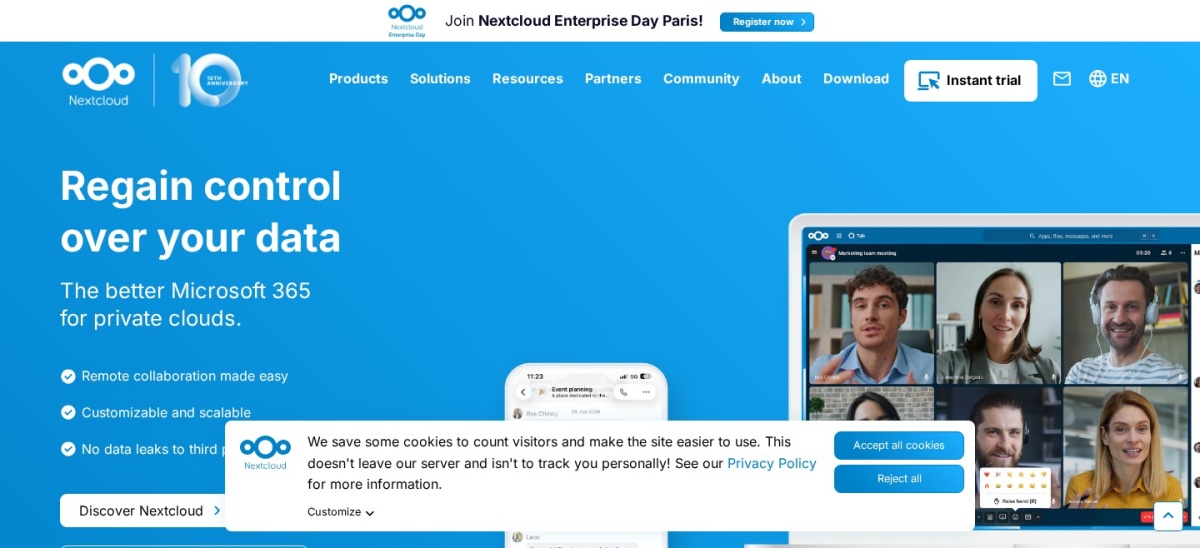
Nextcloud is the best free option: a full open-source file server with no licence fees, though paid support starts at 100 users.
Egnyte is the best governed cloud pick at $10 per user a month, but its Team plan caps at 10 users.
Self-hosted tools (FileCloud, Nextcloud, ownCloud, Seafile) keep files on your storage; the rest are hosted cloud drives.
Paid plans run from $0 to $16.50 per user a month; only ShareFile and Egnyte have no free plan.
What to look for in file server software
A file server is shared storage your team can reach from any device, with folders, permissions and a history of who changed what. It replaces the shared drive on an office computer and the pile of email attachments.
The first choice is where the files live. Self-hosted tools run on your own server or storage, so you control the disks and the data. Hosted tools store files on the vendor's servers, which is simpler but means trusting someone else with your data.
Permissions matter more than storage size. Look for folder-level access, password-protected links, expiry dates and an audit trail, and check who can see a file before you share it. Our guide on setting correct file permissions explains the basics that apply to any server.
Price is usually per user per month, so multiply by your team size. A $5 plan for 20 users costs $100 a month, while a self-hosted free tool costs server time instead. Backups are separate: no file server replaces a backup plan.
FileCloud is a file server platform teams run on their own infrastructure or buy hosted, with file sync, sharing and granular permissions. The Server Essentials plan costs $7 per user a month billed yearly, and it includes data leak prevention, Active Directory integration and ransomware protection. Storage is yours: you supply the disks or cloud bucket.
The trade off is the entry floor. Server plans need at least 20 users, so the real starting cost is $140 a month, and the interface feels dated next to Dropbox or Box. It suits regulated teams in healthcare, defence or finance that need HIPAA, ITAR or CMMC controls on storage they own.
Nextcloud is a free, open-source file server you install on your own hardware or virtual private server. It covers file sync and sharing, password-protected links, collaborative editing with Nextcloud Office and mobile photo backup. The community edition costs nothing, and the code is open for anyone to inspect.
The trade off is support and scale. Paid enterprise support starts at 100 users, so small teams rely on forums and documentation, and setup needs server skill. It suits privacy-minded teams that want full control of their files and no per-user cloud bill.
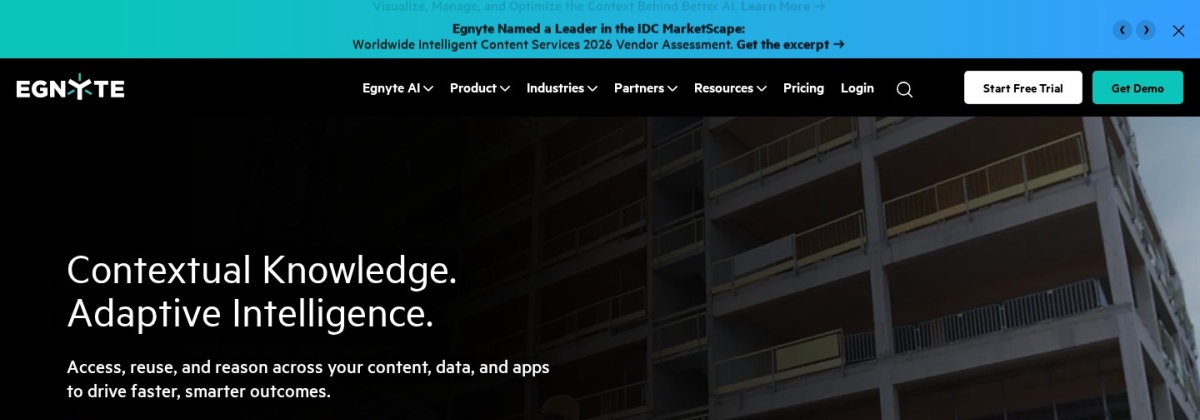
Egnyte is a file platform for mid-size and regulated teams, with shared folders, permission controls and governance tools built in. The Team plan costs $10 per user a month billed yearly for 1 to 10 users, with 1 TB of default online storage, mobile apps and co-editing with Google Workspace and Microsoft 365. There is no free plan.
The trade off is the 10-user cap on Team: larger teams pay $22 per user a month for Business, and the deeper AI and governance features wait until Elite at $48. It suits file-heavy teams in construction, life sciences or finance that need hybrid storage and audit trails.
What we like
Governance and audit tools built in
Hybrid storage with local Smart Cache
Co-editing with Google Workspace and Microsoft 365
Single-document AI Q&A on Team
Watch out for
No free plan
Team caps at 10 users
Deeper AI waits until Elite at $48
Business adds discretionary permissions and wider AIVisit egnyte.com
04
Dropbox Business
4.4/5on G2 (31,453 reviews, checked Nov 2026)
Paid from$15/user/mo
Best for fast, reliable team sync
Entry paid planStandard, $15/user/mo
Storage3 TB team storage
Free planYes, 2 GB Basic
G2 rating4.4/5, 31,453 reviews
dropbox.com
Dropbox Business homepage, captured Nov 2026.
Dropbox Business is the team version of Dropbox, built on the same fast sync engine. The Standard plan costs $15 per user a month billed yearly, with 3 TB of pooled team storage, 180-day file recovery, transfers up to 100 GB and team folders with groups and roles. A free Basic account holds 2 GB.
The trade off is price and control. Standard costs more than Box or OneDrive per user, and files live on Dropbox servers, not your own. It suits teams that share large files with clients often and want sync that just works on every device.
What we like
Fast, reliable sync on every device
Simple sharing links for outside clients
180-day file recovery on Standard
Works with Microsoft 365 and Google Workspace
Watch out for
No self-hosted option
Pricier than Box or OneDrive per user
Advanced tier needed for unlimited storage
Advanced adds unlimited storage and SSO at $24 per user a monthVisit dropbox.com
05
Microsoft OneDrive
4.3/5on G2 (10,359 reviews, checked Nov 2026)
Paid from$5/user/mo
Best value for Microsoft 365 teams
Entry paid planPlan 1, $5/user/mo
Storage1 TB per user
Free planYes, 5 GB
G2 rating4.3/5, 10,359 reviews
microsoft.com
Microsoft OneDrive homepage, captured Nov 2026.
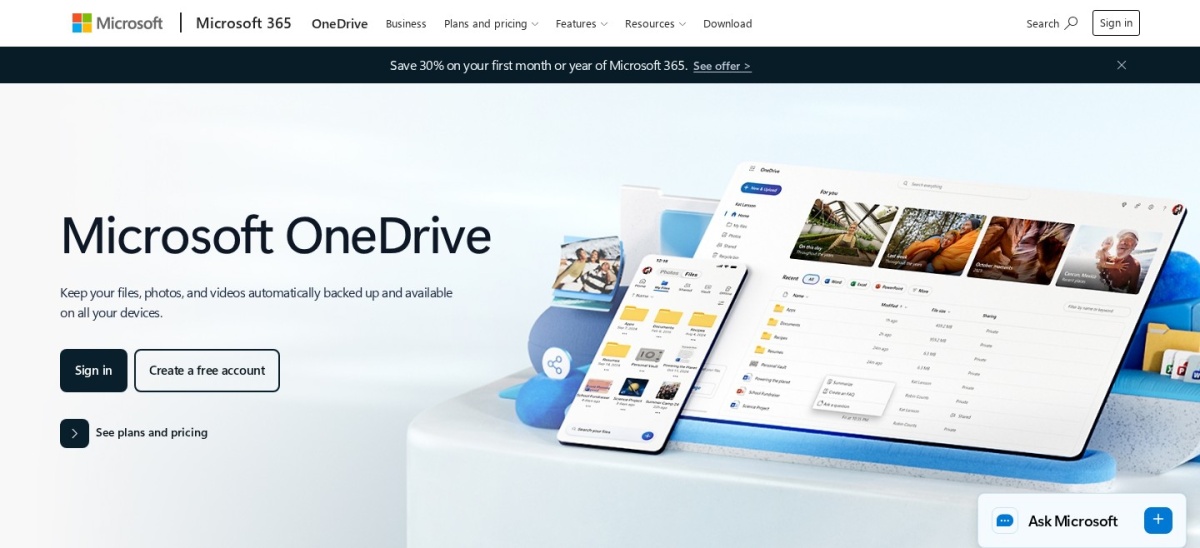
Microsoft OneDrive is the file store inside Microsoft 365, and it works as a light file server for small teams. Plan 1 costs $5 per user a month, with 1 TB of storage per user, file sharing, version history and sync on Windows, Mac and mobile. A free account includes 5 GB.
The trade off is depth. OneDrive is a cloud drive, not a full server: there is no self-hosted option and admin controls are thinner than Egnyte or FileCloud. It suits small teams already on Microsoft 365 that need cheap, simple shared storage.
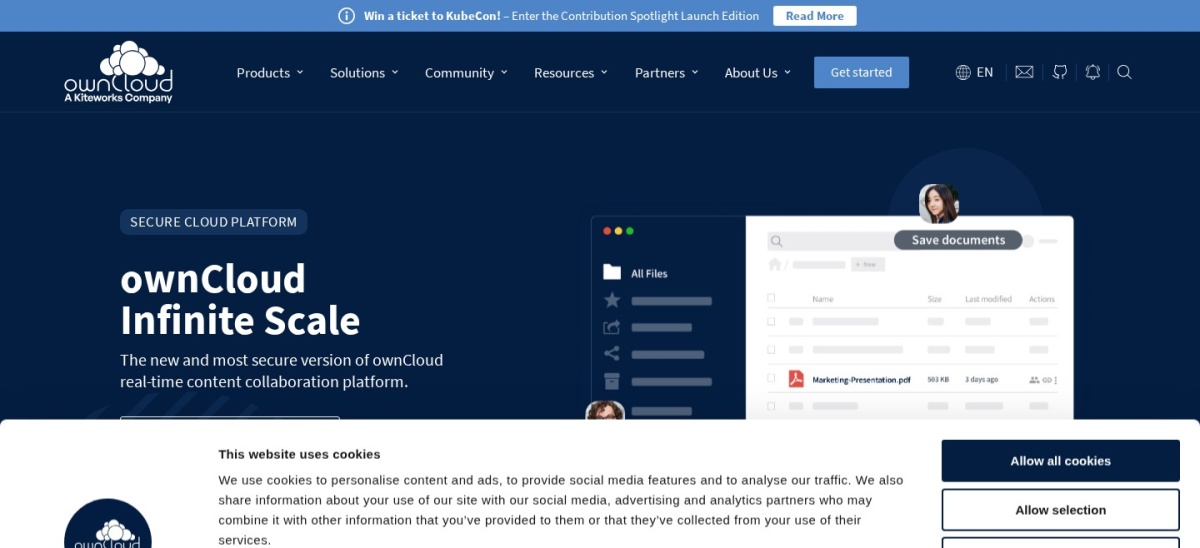
ownCloud is an open-source file platform teams run on their own servers or buy hosted. The free Community edition covers file sync, sharing, access controls and mobile apps, and the paid Standard plan costs $5 per user a month.
The trade off is momentum. ownCloud has a smaller community than Nextcloud, and its own pricing page lists prices in euros, so the $5 figure is the dollar list shown by review sites. It suits small teams that want a simple open-source server without Nextcloud's larger app set.
What we like
Free Community edition, open source
You control the server and storage
Simple sharing with expiry dates and permissions
Low paid entry at $5 per user a month
Watch out for
Smaller community than Nextcloud
Pricing page lists euros, not dollars
Setup needs server skill
Enterprise adds branding, support and more apps at $12 per user a monthVisit owncloud.com
07
Seafile
5/5on Capterra (7 reviews, checked Nov 2026)
Paid from$8/user/mo
Best for fast sync on your own server
Entry paid planPlus Cloud, $8/user/mo
DeploymentSelf-hosted or hosted
Free planYes, Community
Capterra rating5.0/5, 7 reviews
seafile.com
Seafile homepage, captured Nov 2026.
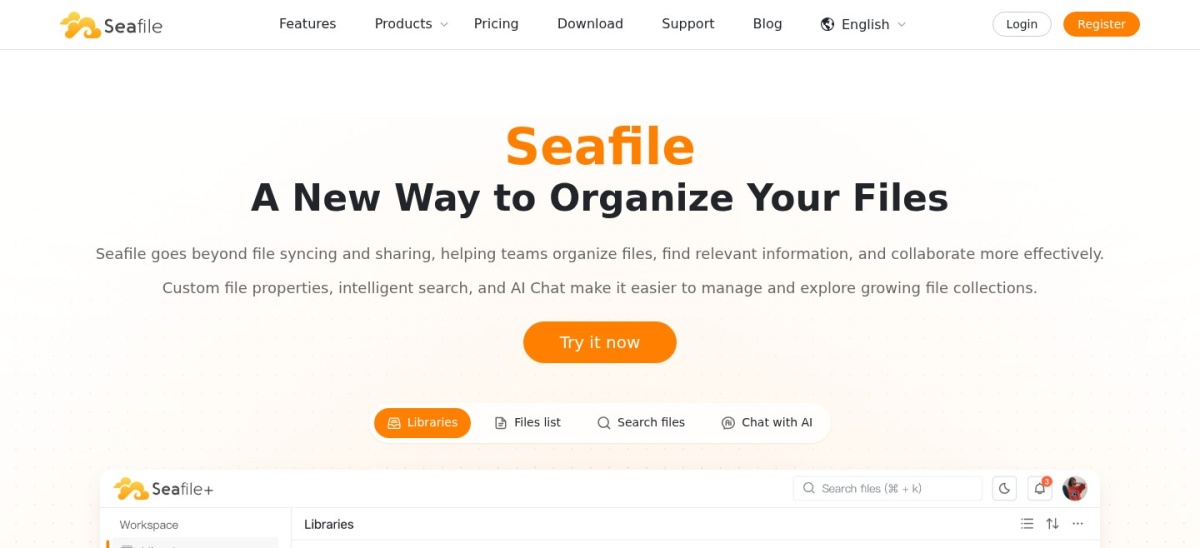
Seafile is an open-source file sync and share platform with a free Community edition you host yourself. It syncs files fast across Windows, Mac, Linux, iOS and Android, with version control, public links and file locking. The hosted Plus Cloud plan costs $8 per user a month, and the self-hosted Professional edition is free for up to 3 users.
The trade off is the thin review base. Seafile holds a 5.0 rating on Capterra, but from only 7 reviews, and the Community edition lacks audit logs, LDAP sync and full-text search. It suits small technical teams that want quick sync on a server they run.
What we like
Very fast file sync
Free Community edition
Runs on Windows, Mac, Linux and mobile
File locking and version control
Watch out for
Only 7 Capterra reviews
Community lacks audit logs and LDAP
Setup and docs take patience
Professional self-hosted adds audit logs and support from $48 per user a yearVisit seafile.com
08
Box
4.2/5on G2 (5,252 reviews, checked Nov 2026)
Paid from$5/user/mo
Best for secure cloud content
Entry paid planBusiness Starter, $5/user/mo
Integrations1,500+ apps
Free planYes
G2 rating4.2/5, 5,252 reviews
box.com
Box homepage, captured Nov 2026.
Box is a cloud content platform with strong security, permissions and workflow tools. The Business Starter plan costs $5 per user a month, with secure sharing, Box AI Q&A on single documents and more than 1,500 integrations. A free personal account is available for light use.
The trade off is the next tier. Business, with unlimited storage, costs $15 per user a month on annual billing, so growing teams pay three times the Starter rate. It suits teams in regulated work that want a polished cloud file store without running a server.
What we like
Strong security and compliance
1,500+ integrations
Box AI built into plans
Polished admin and sharing controls
Watch out for
No self-hosted option
Unlimited storage needs the $15 Business plan
Can feel heavy for simple file sharing
Business adds unlimited storage and e-signatures at $15 per user a monthVisit box.com
09
ShareFile
4.2/5on G2 (1,535 reviews, checked Nov 2026)
Starts at$16.50/user/mo
Best for regulated client portals
Entry paid planAdvanced, $16.50/user/mo
Storage1 TB per licence
Free planNo, trial only
G2 rating4.2/5, 1,535 reviews
sharefile.com
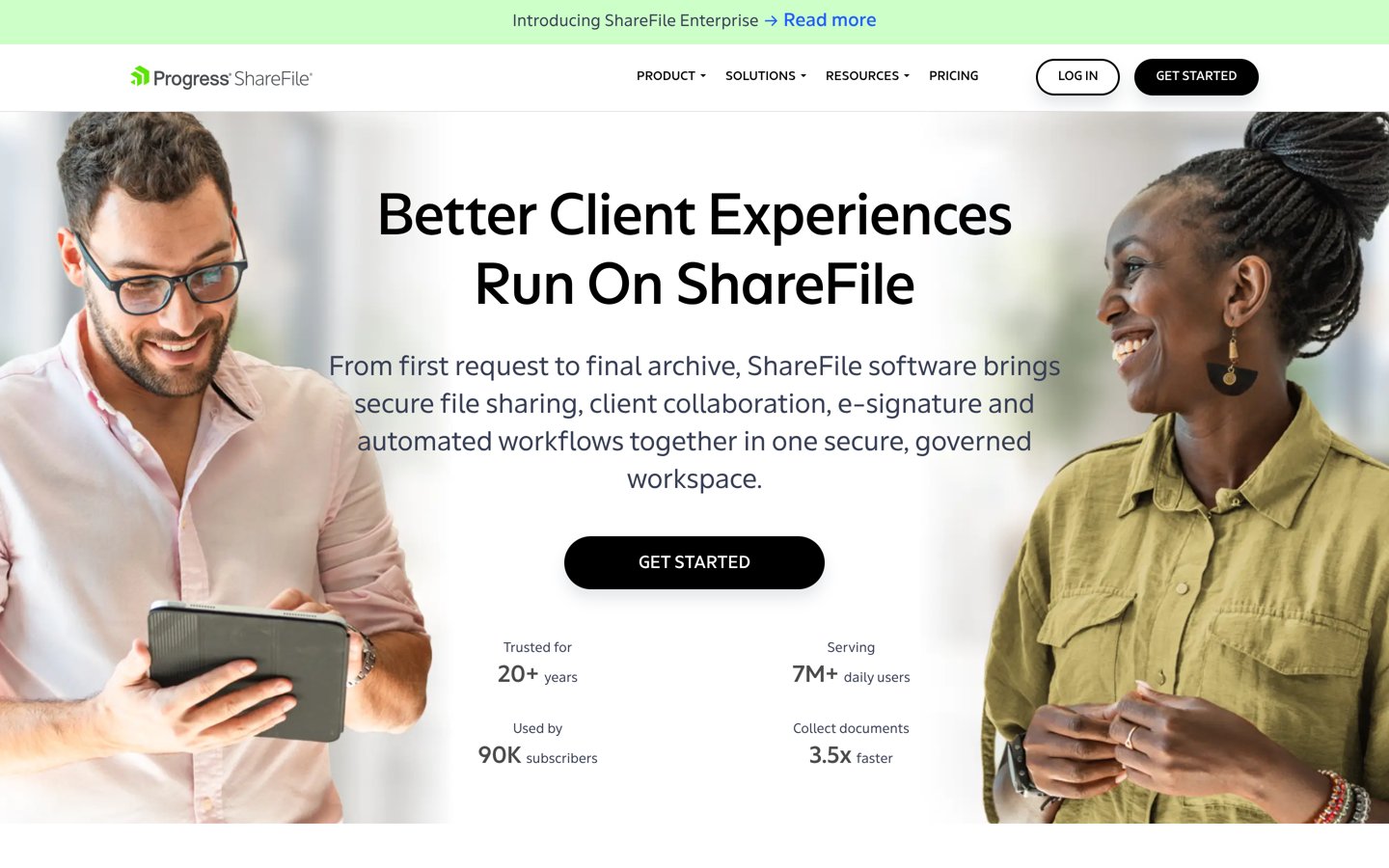
ShareFile homepage, captured Nov 2026.
ShareFile is a secure file-sharing and client-portal platform built for accounting, legal, healthcare and financial firms. The Advanced plan costs $16.50 per user a month billed yearly, with 1 TB of storage per licence, encrypted sharing, a client portal and multi-factor login. Client users are free and unlimited.
The trade off is price. Advanced is the dearest entry plan in this list, every plan needs at least 3 users, and e-signature waits until Premium at $26. It suits firms that send and collect sensitive documents with clients every day.
What we like
Built for regulated professional firms
Client portal with unlimited free clients
HIPAA, FINRA and SEC support on Premium
Encrypted sharing and audit trails
Watch out for
Dearest entry price in this list
3-user minimum on every plan
E-signature needs Premium at $26
Premium adds e-signature and document requests at $26 per user a monthVisit sharefile.com
Self-hosted vs hosted: which fits your team
Self-hosted tools such as FileCloud, Nextcloud, ownCloud and Seafile run on hardware you control. You pay for the server and your own time, and you decide where the data sits.
Hosted tools such as Egnyte, Dropbox, Box and ShareFile run on the vendor's servers. You pay per user, and the vendor handles uptime, patching and backups of the service itself.
Pick self-hosted when data control or compliance rules demand it, and hosted when you want file sharing without running a server. Either way, keep a separate backup, as in our 3-2-1 backup guide.
How we chose
We started from the file server tools most often named in 2026 comparisons, then kept 9 established products with published prices and a public review footprint on G2 or Capterra.
Prices come from vendor-supplied pricing data and pricing pages, checked on 25 November 2026. Ratings are G2 or Capterra scores from the same week. Where a vendor shows a sale, the list shows the regular price.
We left out tools with no published price and niche products with too few reviews to judge. No vendor paid for a place, and we do not claim hands-on testing for this list.
How to choose file server software
Start with where your files must live, then match the tool to your team size.
Decide self-hosted or hosted. If rules or clients demand data on your own storage, pick FileCloud, Nextcloud, ownCloud or Seafile. Otherwise a hosted drive is simpler.
Count your users and multiply. Per-user pricing adds up fast: 20 users at $15 a month is $300 a month. Check minimum user counts too, such as FileCloud's 20-user floor.
Check permissions and audit trails. Make sure the tool can limit folders by team, set link expiry dates and log who opened what before you move files in.
Plan backups separately. A file server is not a backup. Keep a second copy somewhere else, as our 3-2-1 backup rule guide explains.
FAQ
What is the best file server software?
FileCloud is the best pick for most teams. It runs on your own storage, adds granular permissions, data leak prevention and compliance controls, and holds a 4.5 out of 5 rating on G2 from 178 reviews, from $7 per user a month.
Is there a free file server software?
Yes. Nextcloud, ownCloud and Seafile all have free open-source editions you install on your own server. You pay nothing for the software, but you need hardware or a virtual private server, and you handle setup, updates and backups yourself.
What is the difference between a file server and cloud storage?
A file server is shared storage with folders, permissions and access control, whether it runs on your own hardware or in the cloud. Cloud storage is usually one hosted part of that: files live on the vendor's servers, and you rent space per user.
Can I host a file server at home?
Yes, with Nextcloud, ownCloud or Seafile on a spare computer or a small server. It works well for a household or a small team, but keep the machine patched, back the files up elsewhere, and use strong passwords with two-factor login.
How much does file server software cost?
In this list, paid plans run from $5 to $16.50 per user a month, and the free open-source tools cost nothing for the software itself. Remember the total: a $10 plan for 20 users is $200 a month, plus any server or storage costs.
Which file server software is best for small business?
Egnyte Team at $10 per user a month suits small regulated teams, while OneDrive Plan 1 at $5 is the cheapest hosted pick. If you want no monthly bill, Nextcloud on your own server is the strongest free option for a small business.
SaaS SEO and WordPress specialist with about 8 years of experience. Rakib compares WordPress plugins, themes, hosting and software using public pricing, documentation and user reviews. See how we rank.