Cvent Event Diagramming is the best event design software for most planners, with to-scale floor plans, seating charts and a genuinely useful free plan. Canva handles the graphic side, invitations, signage and social posts, with a free plan and the highest G2 rating in this list.
How we make this list: we compare pricing pages, product documentation and public user reviews, then re-check every price before each update. No product paid for a place. Disclosure.
Cvent Event Diagramming is the best event design software overall, with a free plan and a 4.4 out of 5 G2 rating.
Canva is the best pick for event graphics, with a 4.7 out of 5 G2 rating from more than 7,600 reviews.
Prismm leads on 3D visualization but is being retired in June 2027, so new buyers should pick Cvent instead.
Adobe Express and Canva both offer genuinely useful free plans for invitations and signage.
Venue platforms such as Planning Pod and Tripleseat bundle design with bookings, contracts and payments.
What event design software should do
Event design software covers two different jobs: spatial design, meaning floor plans, seating charts and 3D venue walkthroughs, and graphic design, meaning invitations, signage and social posts. Most planners need one tool from each half.
The spatial side is dominated by Cvent, which now owns both Social Tables, renamed Cvent Event Diagramming, and Prismm, formerly AllSeated. The graphic side belongs to Canva and Adobe Express, both with generous free plans. Our guide to event management software compares the wider planning market.
Prices run from free to $375 a month per venue, so match the tool to your event volume before committing. A planner doing a few events a year can live on free plans, while a venue booking weekly needs a platform.
Paid plansStandard $40/mo annual, Pro $150, Premium $320
Venue library6,700+ floor plans
Commitment12 months on paid plans
socialtables.com
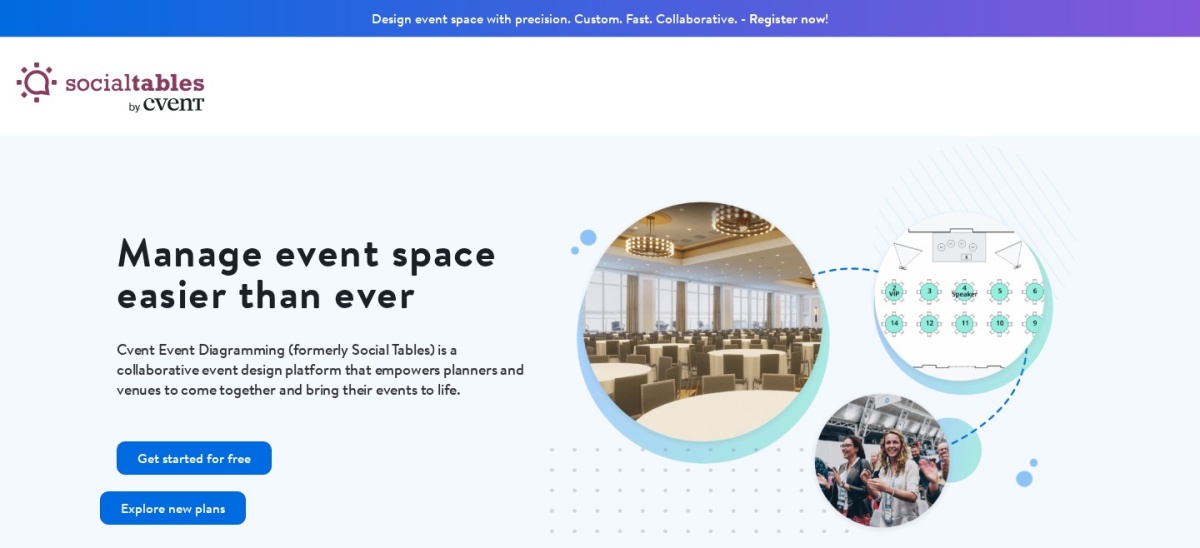
Cvent Event Diagramming homepage, captured Nov 2026.
Cvent Event Diagramming is the industry standard for event floor planning, formerly Social Tables, trusted by more than 96,000 planner users. Planners create to-scale diagrams in minutes from a library of more than 6,700 venue floor plans, manage guest lists with visual seating charts and meal tracking, and share photo-realistic 3D walkthroughs with clients.
The trade off is the paywall on the best features. The free plan covers one user, three events and two diagrams per event, while unlimited events and diagrams sit on the $320 a month Premium tier, and all paid plans need a 12-month commitment. It suits planners and venues that design room setups every week.
Canva is the graphic design tool for non-designers, covering invitations, save-the-dates, programs, table numbers, signage and the social posts that promote the event. Its template library holds thousands of event-specific designs you can customize with your fonts, colors and photos in minutes, and brand kits keep everything consistent across a whole event.
The trade off is scope. Canva does graphics, not spatial design, so you cannot build a floor plan or manage a seating chart here. It suits any event team that needs polished visuals fast, paired with a diagramming tool for the room itself.
What we like
Massive template library for invitations and signage
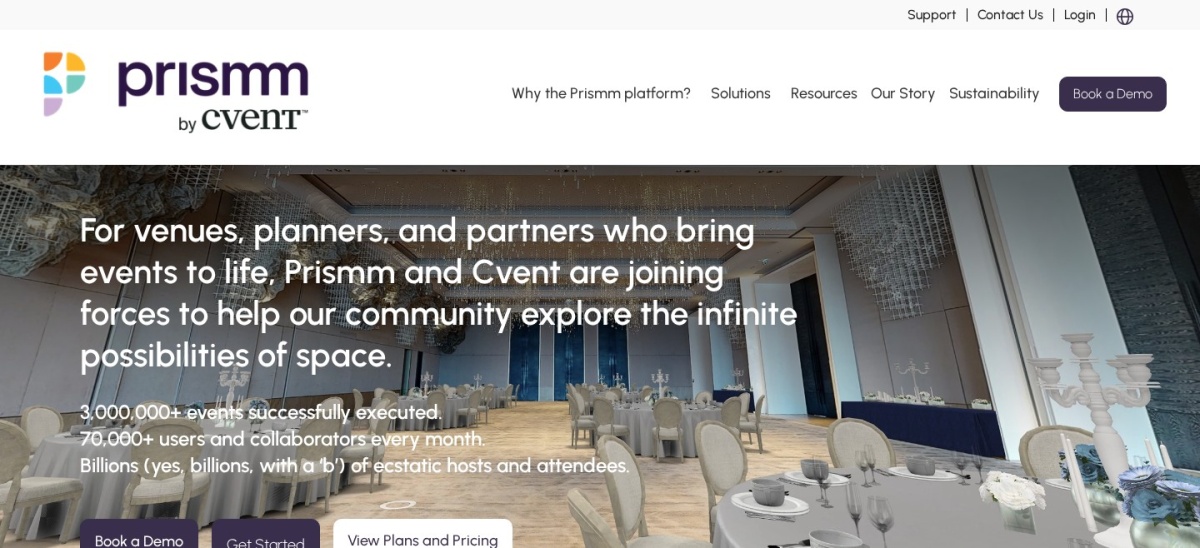
Prismm is a 3D spatial design platform, formerly AllSeated, that turns real venues into dynamic 3D digital twins that planners and clients can walk through from anywhere. Venues build their spaces once, then planners design layouts in 2D or 3D, drop in furniture from a library of 10,000 items, and share virtual tours with clients who may never visit in person.
The trade off is existential. Cvent acquired Prismm in April 2025 and is retiring it: new event creation ended on 26 August 2026 and access closes in June 2027. It suits existing Prismm users planning migration, not new buyers, who should pick Cvent Event Diagramming instead.
Adobe Express is Adobe's answer to Canva, and for event teams already in the Adobe world it is the natural choice. The free plan includes more than 100,000 templates, Adobe Fonts and limited generative AI with no payment card required, and Premium at $9.99 a month adds the full template and stock library, brand kits and one-click resize for every social format.
The trade off is weight. Express runs heavier than Canva on older laptops, and its template library, while large, has fewer event-specific designs. It suits teams that already pay for Creative Cloud, where Express Premium may be included at no extra cost.
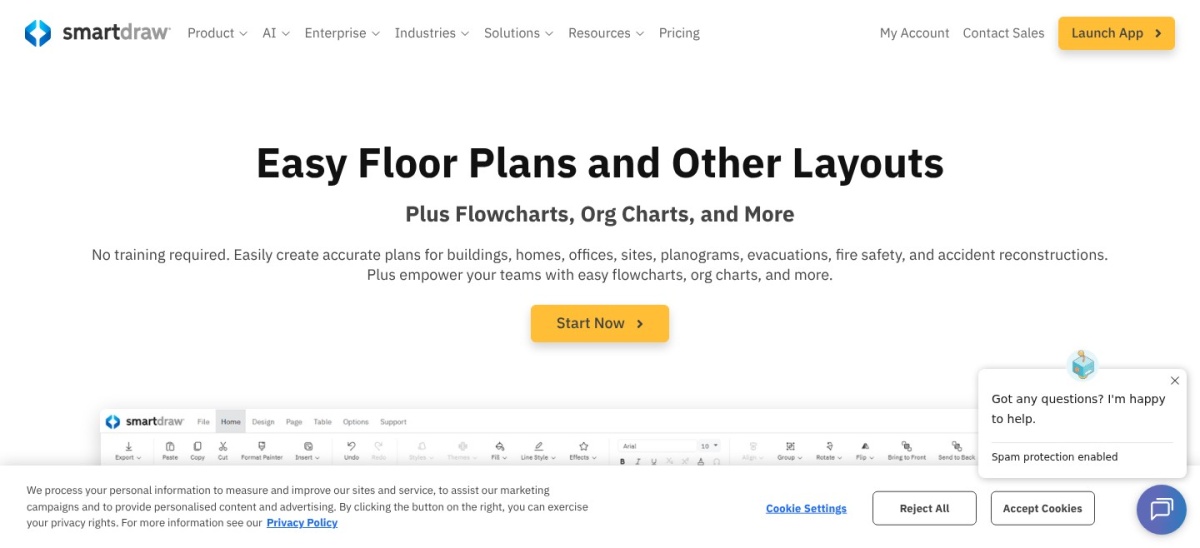
SmartDraw is a general diagramming tool that earns its spot because it is genuinely good at floor plans. Its intelligent formatting builds layouts from thousands of templates and symbols: drag in walls, tables and fixtures and SmartDraw handles alignment, spacing and scaling automatically, in the browser and on Windows and Mac desktops.
The trade off is that this is not event software. There is no seating management, no guest lists, no 3D visualization and no collaboration built for event teams. It suits a planner who needs quick, professional floor plans without the cost of an event platform.
What we like
Intelligent drawing that builds floor plans from templates
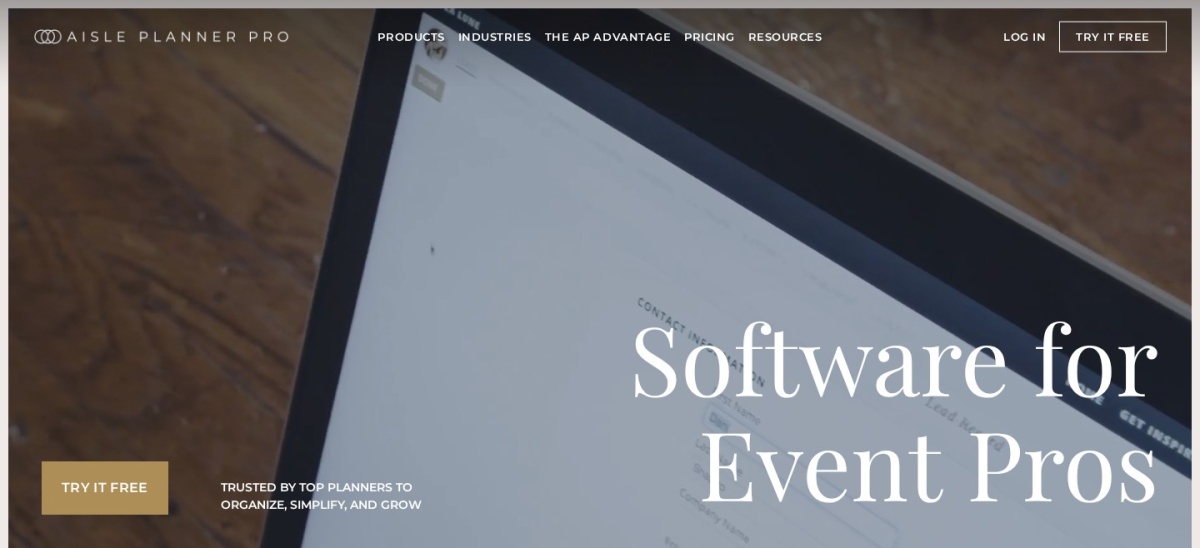
Aisle Planner is the business platform for wedding planners, bundling lead management, proposals and e-signatures, invoicing, timelines, budgets, vendor management, seating charts and guest websites with online RSVP. Every pricing tier includes the full feature set and unlimited users; what changes is how many active projects you can run.
The trade off is the wedding focus. Corporate event planners will find less to love here, and per-project pricing means a busy season costs more. It suits wedding professionals who want design, guest management and business tools in one login.
What we like
Built specifically for wedding and event professionals
Unlimited users on every plan
Seating charts and guest websites included
Watch out for
Priced per active project, so costs grow with volume
Wedding-focused, less suited to corporate events
Layouts start in the project tiers, not Sales Essentials
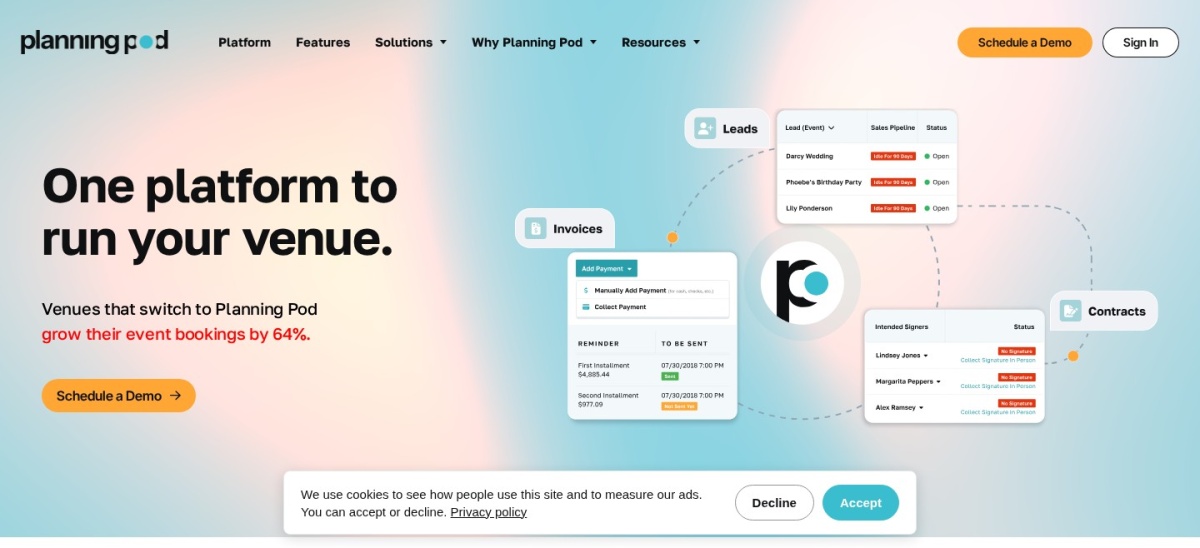
Planning Pod is a venue management platform that bundles floor planning and seating into a complete venue system. Its 30-plus tools cover lead intake, booking calendars, proposals and contracts with e-signatures, payments, banquet event orders and the floor plan designer that builds professional layouts in minutes.
The trade off is price and positioning. Most single-location venues land between $199 and $319 a month, and this is built for venues that book events, not for independent planners designing them. It suits a venue that wants to replace a stack of disconnected apps with one system.
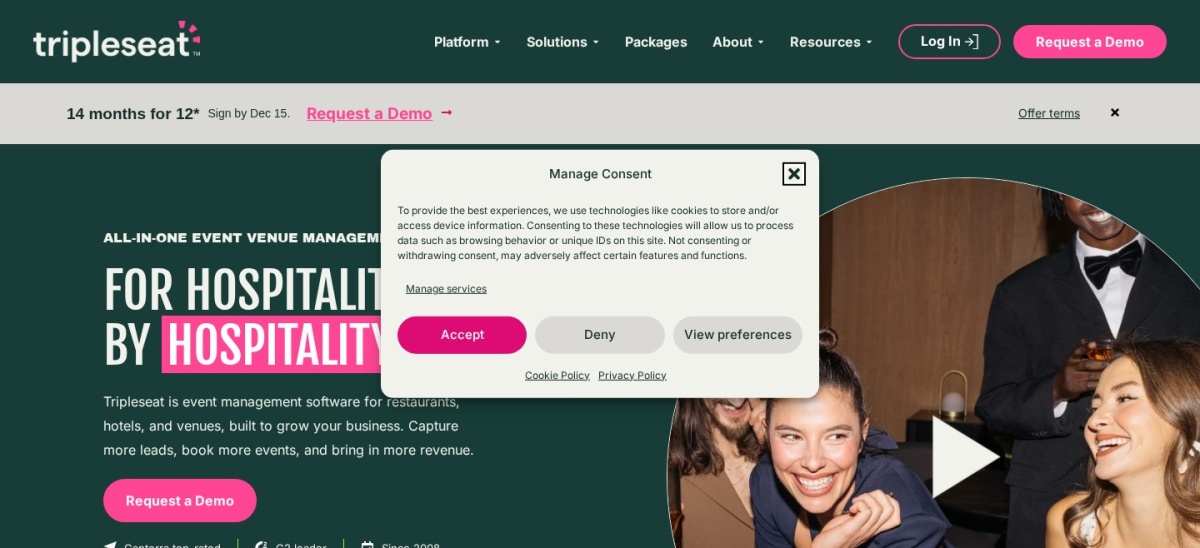
Tripleseat is the leading event management platform for hospitality venues, built by hospitality people. It centralizes every lead, booking and event detail, with proposals, contracts, payments and client communication in one view, and the Floor Plans add-on brings 2D and 3D event design into the platform so the layout lives alongside the booking.
The trade off is the price point. Tripleseat starts at $375 per venue per month with no free trial, and it is priced and built for venues doing serious event volume. It suits established venues that want sales tools and floor plans in one platform.
Spatial tools draw the room: to-scale floor plans, table layouts, seating charts and 3D walkthroughs that show clients exactly how the space will look. Cvent Event Diagramming and Prismm are the standards here.
Graphic tools dress the event: invitations, save-the-dates, programs, table numbers, signage and the social posts that promote it. Canva and Adobe Express own this half, with template libraries in the thousands.
Most planners need both. Pair a diagramming tool with Canva or Adobe Express and you cover the whole package, from the first invitation to the final seating chart.
The Cvent consolidation: Prismm is retiring
Cvent acquired Prismm in April 2025, and the product is being retired. New event creation in Prismm ended on 26 August 2026, and access closes entirely in June 2027, with migrated work becoming view-only inside Cvent.
The practical implication is that the two most recognizable names in banquet diagramming now sit inside one product from one vendor, sold on one contract. If you are currently on Prismm, verify your migration status directly with Cvent and export any floor plans and guest lists you want to keep.
New buyers should shortlist Cvent Event Diagramming rather than starting on Prismm. The 3D visualization that made Prismm famous now lives inside Cvent's platform.
How we chose
We started from the event design tools that appear most often in 2026 comparisons, then kept those with a verifiable rating on G2.
Prices come from each vendor's pricing page, checked on 25 November 2026, except where noted. Cvent Event Diagramming pricing was confirmed on the vendor's own pricing page. Canva's pricing page blocks text fetchers, so its Pro price rests on November 2026 reads of the vendor's pricing page, and Prismm's $35 a month comes from a Capterra listing.
We left out tools with no verifiable rating on G2, Capterra or Trustpilot. No vendor paid for a place, and we do not claim hands-on testing for this list.
How to choose event design software
Start with the job you do most often, then pick the tool built for it.
Split the job in two. Decide whether you need spatial design, graphic design or both, and shortlist one tool from each half rather than hunting for one tool that does everything.
Try the free plan on a real event. Cvent Event Diagramming, Canva and Adobe Express all have free plans. Build one real event end to end before paying.
Check the retirement question. Prismm is being retired in June 2027, so do not start new work there. Confirm any tool's roadmap before committing a venue's floor plan library to it.
Match price to volume. A few events a year fits the free plans or SmartDraw at $6.95 a month. Weekly events justify Cvent Pro or a venue platform such as Planning Pod or Tripleseat.
FAQ
What is the best event design software?
Cvent Event Diagramming is the best event design software for most planners, with to-scale floor plans, seating charts and a free plan that covers three events. Canva is the best pick for the graphic side, and Prismm leads on 3D visualization.
Is Prismm being discontinued?
Yes. Cvent acquired Prismm in April 2025 and is retiring it. New event creation ended on 26 August 2026 and access closes in June 2027, with migrated work becoming view-only inside Cvent Event Diagramming.
How much does event design software cost?
Free plans cover Cvent Event Diagramming, Canva and Adobe Express. Paid plans run from $6.95 a month for SmartDraw to $375 a month per venue for Tripleseat, with most planner tools between $35 and $200 a month.
Can I design event graphics for free?
Yes. Canva and Adobe Express both offer free plans with large template libraries, brand tools and stock photos, which cover invitations, signage and social posts for most small events.
What is the difference between event design and floor plan software?
Event design covers graphics and 3D visualization as well as layouts. Floor plan software focuses on to-scale layouts, seating and site planning, which our guide to floor plan software compares in depth.
SaaS SEO and WordPress specialist with about 8 years of experience. Rakib compares WordPress plugins, themes, hosting and software using public pricing, documentation and user reviews. See how we rank.