Shopify is the best e-commerce platform for most beginners. Its Basic plan costs $29 a month billed yearly, it is rated 4.4 out of 5 on G2 from 5,129 reviews, and it covers hosting, checkout and payments in one place. Pick Squarespace for a design-led store and WooCommerce if you want a free plugin on WordPress hosting you control.
How we make this list: we compare pricing pages, product documentation and public user reviews, then re-check every price before each update. No product paid for a place. Disclosure.
Shopify leads for beginners: a hosted store, checkout and payments in one place, rated 4.4 out of 5 on G2 from 5,129 reviews.
Squarespace is the cheapest hosted start at $19 a month billed yearly, but its Basic plan adds a 2% fee on every sale.
WooCommerce itself is free, but you pay separately for WordPress hosting, a domain and payment processing.
Big Cartel has the lowest paid plan here: Platinum is $12 a month billed yearly, and its free plan covers 5 products.
Watch the fees: Webflow Standard and Squarespace Basic both add a 2% fee on sales on top of card processing.
What a beginner e-commerce platform should cover
A beginner platform should get a store live without code. Hosting, a checkout, payment processing and a way to add products should all work out of the box.
The monthly price is only part of the cost. Card processing runs about 2.9% + 30¢ per sale on most platforms, and Squarespace Basic and Webflow Standard add a 2% fee of their own on top.
Market share is one way to judge staying power. Our guide to ecommerce platform market share shows which platforms power the most stores in 2026.
A free plan suits a first test, but a paid plan is worth it once you sell regularly. A custom domain, no platform branding and no extra fee per sale are the usual reasons to upgrade.
Shopify is a hosted store builder that covers hosting, checkout and payments in one place, so a beginner can launch without touching a server. The Basic plan costs $29 a month billed yearly and includes unlimited products, discount codes and a 3-day free trial, with an introductory $1 a month offer for the first three months.
The trade off is the monthly bill and the cost of extras. Paid apps and a paid theme can push the real cost well above $29 a month, and the 2.9% + 30¢ card rate applies on every online sale. It suits beginners who want one platform to handle the store, the checkout and the payments.
Wix is a drag-and-drop website builder with a store built in, and its Core plan is the cheapest plan that accepts payments. Core costs $29 a month billed yearly and adds basic ecommerce, 50 GB of storage and 5 collaborators, while the free plan lets you build a site but not sell on it.
The trade off is that the cheapest selling plan is basic. Automated sales tax and the fuller marketing suite sit on the Business plan at $39 a month billed yearly. It suits beginners who want a simple store on the same site as their blog or portfolio.
What we like
Easiest drag-and-drop editor in this list
Free plan to build before paying
Core includes 50 GB of storage and scheduling
Watch out for
Selling starts at Core, $29 a month
No automated sales tax on Core
Business plan needed for the fuller marketing suite
Business adds automated sales tax and more storageVisit wix.com
03
Squarespace
4.4/5on G2 (1,137 reviews, checked Nov 2026)
Starts at$19/mo
Best value for a design-led store
Free trial14 days
Transaction fee2% on Basic
Contributors2 on Basic
Paid planBasic, $19/mo
squarespace.com
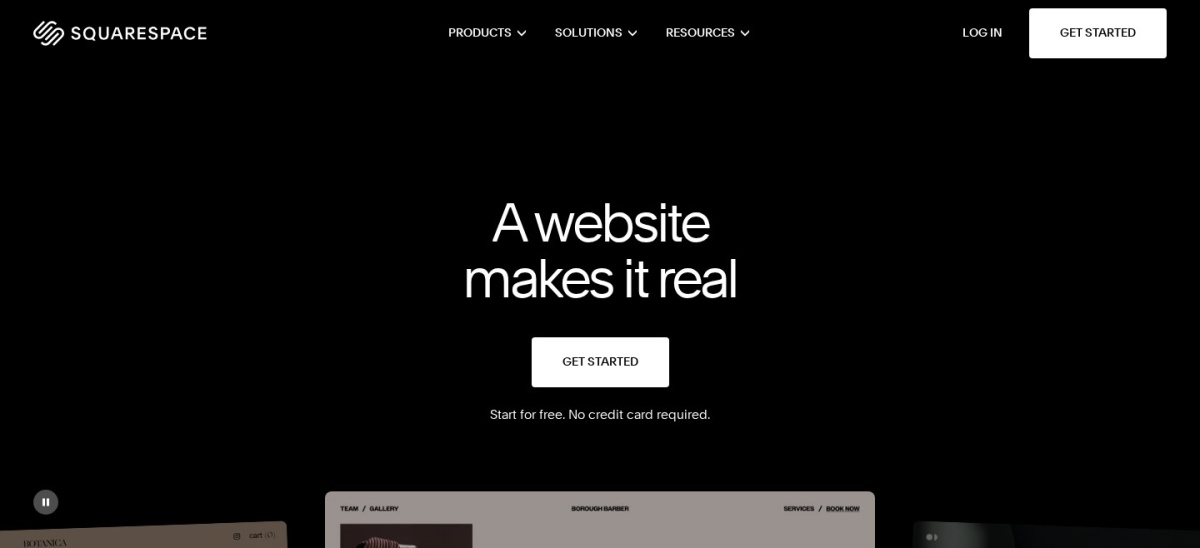
Squarespace homepage, captured Nov 2026.
Squarespace is a hosted builder known for its polished templates, with a store on every plan. Basic costs $19 a month billed yearly, the lowest hosted price in this list, and includes a 14-day free trial, unlimited bandwidth and storage, and card payments at 2.9% + 30¢.
The trade off is the 2% fee on every sale on Basic, plus a 2-contributor limit and no discounts, shipping labels or carrier rates. Core at $29 a month billed yearly drops the fee. It suits design-led sellers with a small catalog who want a store that looks finished from day one.
4.5/5on WordPress.org (4,834 reviews, checked Nov 2026)
PriceFree
Best free route on WordPress
Free pluginYes
Active installs7M+
HostingPaid separately
Paid planExtensions extra
woocommerce.com
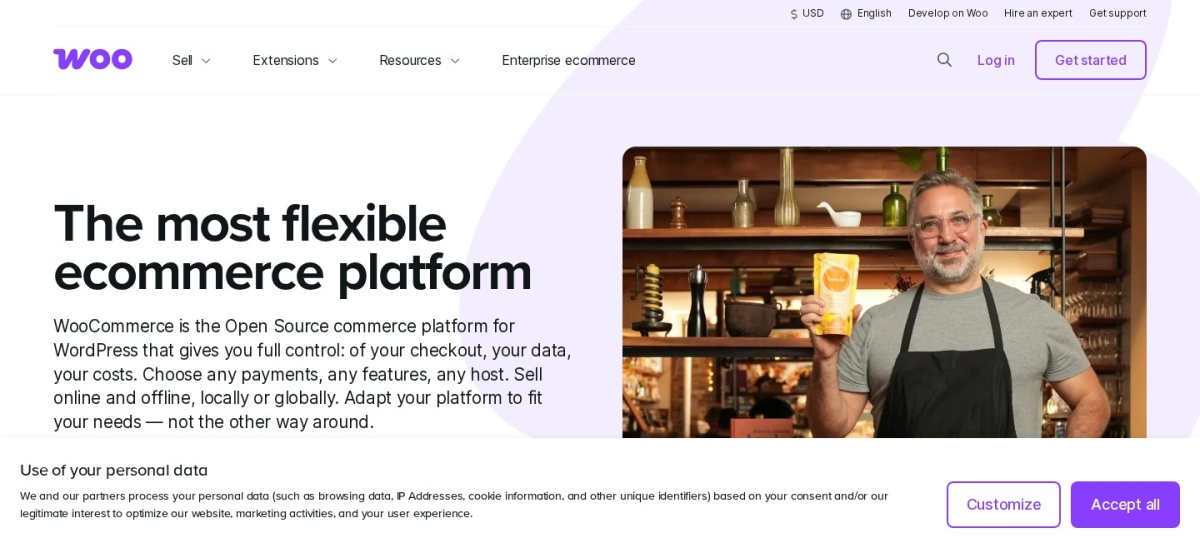
WooCommerce homepage, captured Nov 2026.
WooCommerce is a free WordPress plugin that turns a WordPress site into a store, and it powers more shops than any other tool here, with over 7 million active installs. The plugin itself costs nothing, but you pay separately for WordPress hosting, a domain and payment processing, and you manage updates yourself.
The trade off is the setup work. There is no hosted checkout or support team included, so hosting, security and backups are your job unless your host covers them. It suits beginners who already use WordPress, or who want full control and no monthly platform fee.
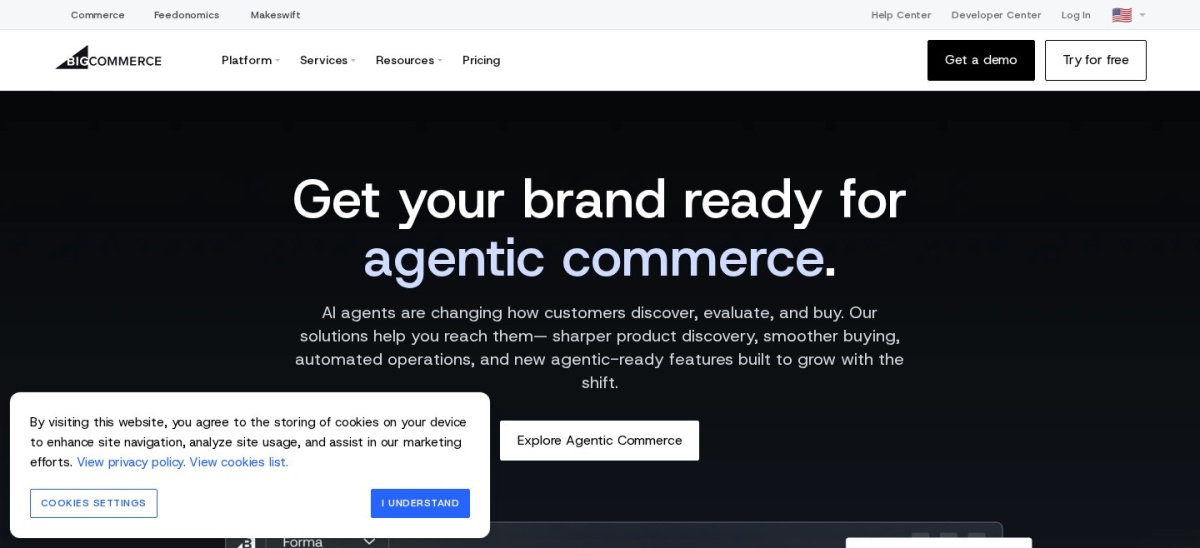
BigCommerce is a hosted platform with no transaction fee on its own gateway and unlimited products, staff accounts and bandwidth on every plan. Core costs $29 a month billed yearly after a 15-day free trial, and it includes a one-page checkout plus selling on Amazon, eBay and social channels.
The trade off is the sales cap. Core covers up to $30,000 in trailing 12-month sales, then the store moves to the Growth plan automatically. It suits beginners who expect to grow and want built-in selling tools without paying for apps.
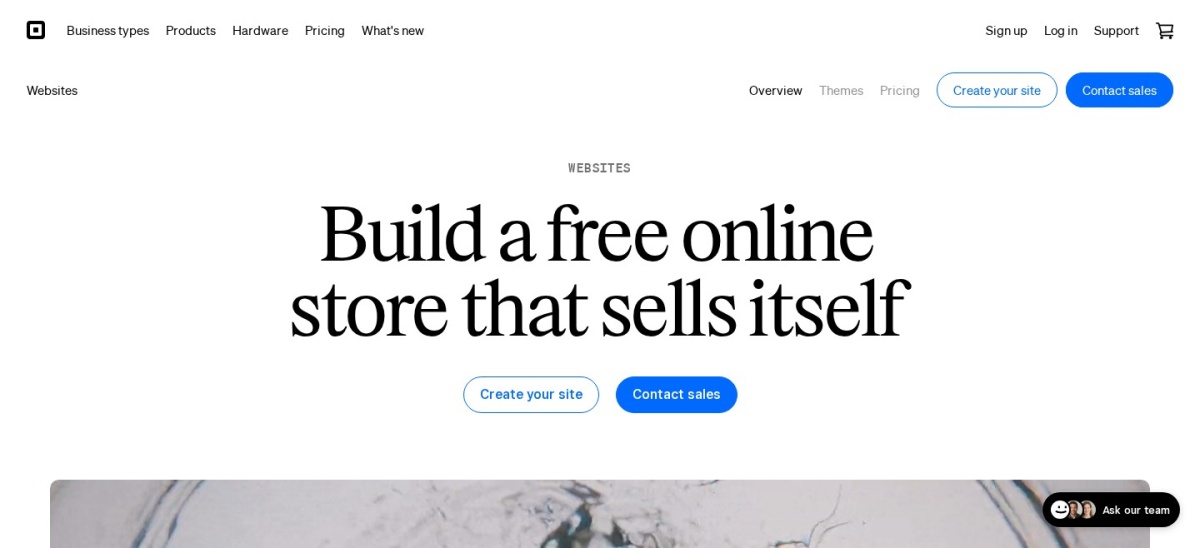
Square Online is the store builder from Square, the payments company, and its free plan sells online with no monthly fee. The free plan includes a store, online ordering and pickup options, and it shares products and payments with Square point of sale if you also sell in person.
The trade off is that the free plan keeps Square branding and the paid Plus plan is where custom domains, reviews and abandoned cart emails live. Square's own pages now show different Plus prices, so check the plan inside your account before paying. It suits sellers who already take Square payments.
Big Cartel is a small hosted store for artists and makers, with a free Gold plan for up to 5 products. Platinum costs $12 a month billed yearly and adds a custom domain, shipping labels, inventory tracking and in-person sales, with no Big Cartel fee on any sale.
The trade off is scale. Platinum's catalog is small next to Shopify or BigCommerce, and there is no blog, no app store and few marketing tools. It suits a maker with a short product list who wants the cheapest paid plan in this list and nothing to configure.
GoDaddy Website Builder homepage, captured Nov 2026.
GoDaddy Website Builder builds a site with AI from a few answers, and its Commerce plan is the one that sells. Commerce lists at $20.99 a month on a one-year term and includes unlimited products, a 0% store transaction fee, card payments at 2.7% + 30¢ and 100,000 marketing emails a month.
The trade off is the renewal price. The $20.99 rate is a first-year price, and renewals are reported at about $34.99 a month, so the second year costs far more. It suits beginners who want a store live the same afternoon and already use GoDaddy for a domain.
What we like
AI builds a first site in minutes
0% store transaction fee
Unlimited products on Commerce
Watch out for
First-year price jumps at renewal
Renewal reported at about $34.99 a month
Fewer design options than Wix or Squarespace
Commerce adds unlimited products and marketplace sellingVisit godaddy.com
09
Webflow
4.4/5on G2 (995 reviews, checked Nov 2026)
Paid from$29/mo
Best for full control over store design
Free planYes, no selling
Products500 on Standard
Transaction fee2% on Standard
Paid planStandard, $29/mo
webflow.com
Webflow homepage, captured Nov 2026.
Webflow is a visual builder that gives near-total control over a store's design, with a content system built in. The Ecommerce Standard plan costs $29 a month billed yearly and covers 500 products, a custom cart and checkout, and payments through Stripe, PayPal, Apple Pay and Google Pay.
The trade off is the learning curve and the 2% Webflow fee on every sale on Standard. The fee disappears on Plus at $74 a month billed yearly, which also lifts the catalog to 5,000 items. It suits design-minded beginners who want a store that looks exactly as they draw it.
What we like
Full visual control over store design
Built-in CMS for a blog beside the store
500 products on the Standard plan
Watch out for
2% fee on every Standard sale
Steeper learning curve than Wix or Squarespace
Plus at $74 a month to remove the fee
Plus removes the 2% fee and lifts the catalog to 5,000 itemsVisit webflow.com
The fees behind the monthly price
Every platform here charges card processing on each sale, usually about 2.9% + 30¢. That fee goes to the card network and the payment processor, not the platform.
Two plans add a second fee. Squarespace Basic takes 2% of each sale and Webflow Standard takes 2%, so a $50 order costs an extra $1 before card fees.
WooCommerce and Big Cartel charge no platform fee, but the payment gateway still takes its cut. Always add the per-sale fees to the monthly price before comparing plans.
How we chose
We started from the best-known hosted store builders and the WordPress route, then kept the nine that a beginner can launch without code.
Prices come from each vendor's pricing page, checked on 25 November 2026. Ratings come from G2, except WooCommerce, which comes from WordPress.org on the same day. Where a vendor shows a sale, the list shows the regular price.
We left out platforms aimed at agencies or developers, and tools without a public rating. No vendor paid for a place, and we do not claim to have used these tools ourselves.
How to choose an e-commerce platform as a beginner
Start with how many products you sell, then check the fees on each sale.
Count your products. A shop with under 50 products fits Big Cartel or Square Online, while a larger catalog suits Shopify or BigCommerce.
Add up the fees per sale. Card processing runs about 2.9% + 30¢, and Squarespace Basic and Webflow Standard add a 2% fee of their own.
Check what the free plan really covers. Some free plans sell online, others only let you build a site. See what a payment gateway does before you pick one.
Try before you pay. Use the free trial or free plan to add real products and run a test checkout before you commit to a year.
FAQ
What is the best e-commerce platform for beginners?
Shopify is the best pick for most beginners. Its Basic plan costs $29 a month billed yearly, covers hosting, checkout and payments in one place, and is rated 4.4 out of 5 on G2 from 5,129 reviews. Wix is the easiest builder, and Squarespace suits design-led stores.
What is the cheapest e-commerce platform for beginners?
WooCommerce is the cheapest way in, because the plugin is free and you only pay for hosting and a domain. The cheapest hosted paid plan here is Big Cartel Platinum at $12 a month billed yearly, and Squarespace Basic is $19 a month billed yearly with a 2% fee on sales.
Can I start an online store for free?
Yes. WooCommerce is a free plugin, Square Online has a free plan that sells online, and Big Cartel's free plan covers 5 products. You still pay card processing on each sale, and a custom domain and hosting cost extra unless the plan includes them.
Do I need to know code to build an online store?
No. Every platform in this list is built for beginners, with drag-and-drop editors or AI setup and ready-made templates. WooCommerce needs the most setup, because you install WordPress, pick hosting and add a payment gateway yourself.
What fees will I pay on each sale?
Card processing is usually about 2.9% + 30¢ per online sale. Squarespace Basic and Webflow Standard add a 2% platform fee on top, while WooCommerce, BigCommerce and Big Cartel charge no platform fee, though the payment gateway still takes its cut.
Is WooCommerce better than Shopify for beginners?
It depends on what you want. WooCommerce is free and gives full control, but you handle hosting, updates and security. Shopify costs $29 a month billed yearly and handles all of that for you, so most beginners get selling faster on Shopify.
SaaS SEO and WordPress specialist with about 8 years of experience. Rakib compares WordPress plugins, themes, hosting and software using public pricing, documentation and user reviews. See how we rank.