Yodeck is the best digital signage software for most restaurants, offering one free screen, over 800 customizable templates and paid subscriptions from $8 per screen monthly. Choose OptiSigns for extensive content integrations or NoviSign for creating restaurant menu boards with customizable templates.
How we make this list: we compare pricing pages, product documentation and public user reviews, then re-check every price before each update. No product paid for a place. Disclosure.
Yodeck offers one free screen and paid subscriptions starting at $96 per screen annually.
OptiSigns supports up to 3 free screens, with Standard costing $108 per screen annually.
NoviSign offers over 500 customizable templates and earns 5.0/5 from 47 G2 reviews.
Play Digital Signage starts at $8 per screen monthly, with a regular 10% annual billing discount.
TelemetryTV starts at $8 per device monthly without a minimum device requirement.
ScreenCloud costs $240 per screen annually and holds a 4.7/5 G2 rating from 455 reviews.
What restaurant digital signage software should cover
Restaurant digital signage software replaces printed menu boards with remotely managed displays. Managers can update prices, advertise specials and schedule promotional content without physically accessing each screen.
Look for daypart scheduling, which switches between breakfast, lunch and dinner menus automatically. This is particularly useful for restaurants offering different products throughout the day.
Content editing matters as much as screen management. Restaurant managers should be able to change menu items, upload food photographs and adjust layouts without specialist design software.
Check offline playback, hardware compatibility and remote device management. A temporary internet outage should not leave customers looking at blank menu boards.
Compare subscriptions per screen rather than per restaurant. Include media players, displays, installation and optional integrations when estimating the full cost.
The 7 best digital signage software platforms for restaurants
01
Yodeck
4.7/5on G2 (3,348 reviews, checked Nov 2026)
Paid from$8/mo
Best restaurant digital signage software overall
Free screens1
Templates800+
SchedulingIncluded
Paid planBasic, $8/screen/mo
yodeck.com
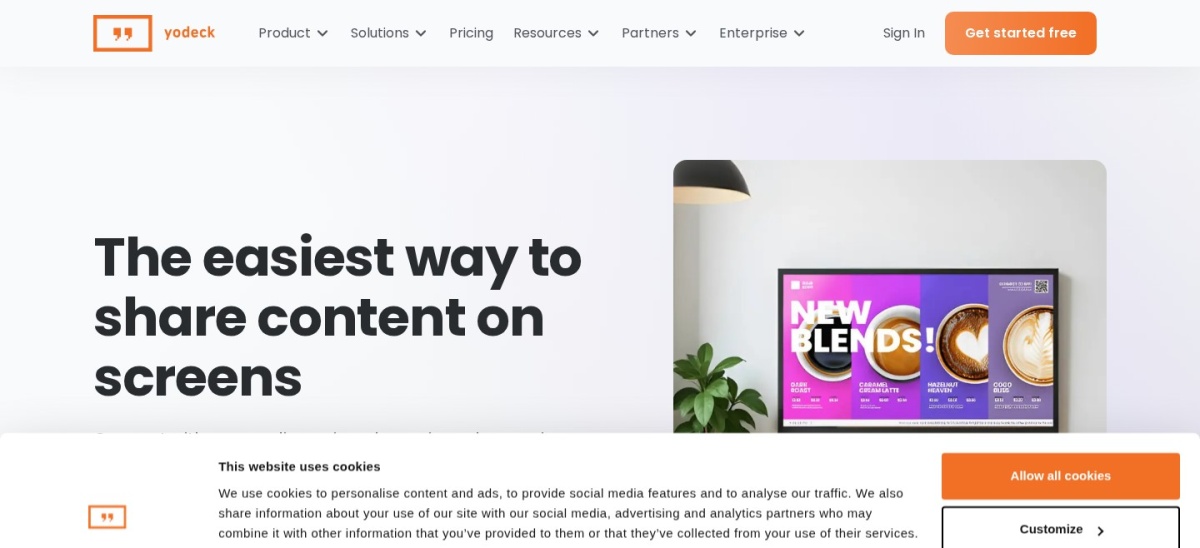
Yodeck homepage, captured Nov 2026.
Yodeck is a cloud-based digital signage platform for managing restaurant menus, promotional displays and other screen content. Its free plan supports one display, while Basic includes more than 800 templates, content scheduling and a visual layout editor.
The trade off is that advanced automation and scheduling require Premium at $12 per screen monthly, while Basic costs $8. Annual Basic subscriptions include a media player, and a temporary 20% Enterprise promotion is available. It suits independent restaurants and growing chains.
What we like
Permanent free single-screen subscription
Affordable per-screen pricing
Media player included with annual subscriptions
Built-in menu design and scheduling tools
Watch out for
Free subscription limited to one screen
Advanced scheduling requires Premium
Enterprise permissions require a higher plan
Basic supports multiple licensed screens, while Premium adds automation and advanced integrations.Visit yodeck.com
02
OptiSigns
4.7/5on G2 (3,959 reviews, checked Nov 2026)
Paid from$9/mo
Best for restaurant content integrations
Free screens3
Apps and integrations100+
Paid cloud storageUnlimited
Paid planStandard, billed annually
optisigns.com
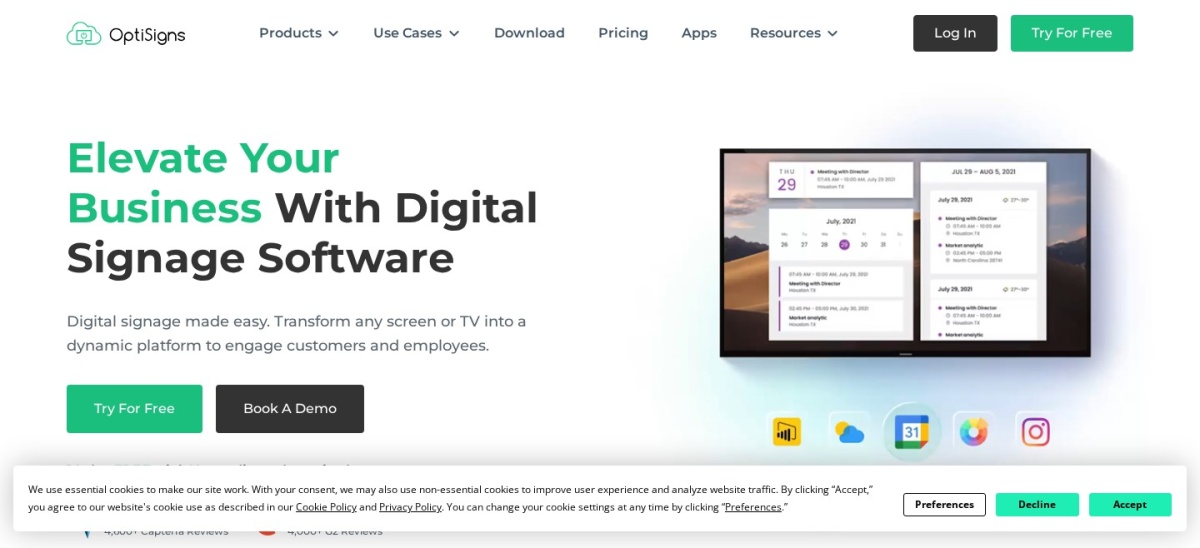
OptiSigns homepage, captured Nov 2026.
OptiSigns is a digital signage platform offering content design, playlists, scheduling and integrations for restaurant displays. Its free subscription supports up to 3 screens on eligible hardware, while Standard provides access to more than 100 integrations and unlimited cloud storage.
The trade off is that free displays carry vendor branding and have hardware restrictions. Standard costs $9 per screen monthly with annual billing or $10 with monthly billing. It suits restaurants that frequently update promotional content and menu layouts.
What we like
Free subscription for multiple screens
Extensive content integration library
Unlimited paid cloud storage
Flexible display management
Watch out for
Vendor branding on free displays
Free plan hardware restrictions
Advanced automation requires higher subscriptions
Standard adds expanded hardware compatibility, storage and content integrations.Visit optisigns.com
03
NoviSign
5/5on G2 (47 reviews, checked Nov 2026)
Starts at$14/mo
Best for customizable restaurant menu boards
Customizable templates500+
Content editorVisual editor
SchedulingIncluded
Paid planBusiness, billed annually
novisign.com
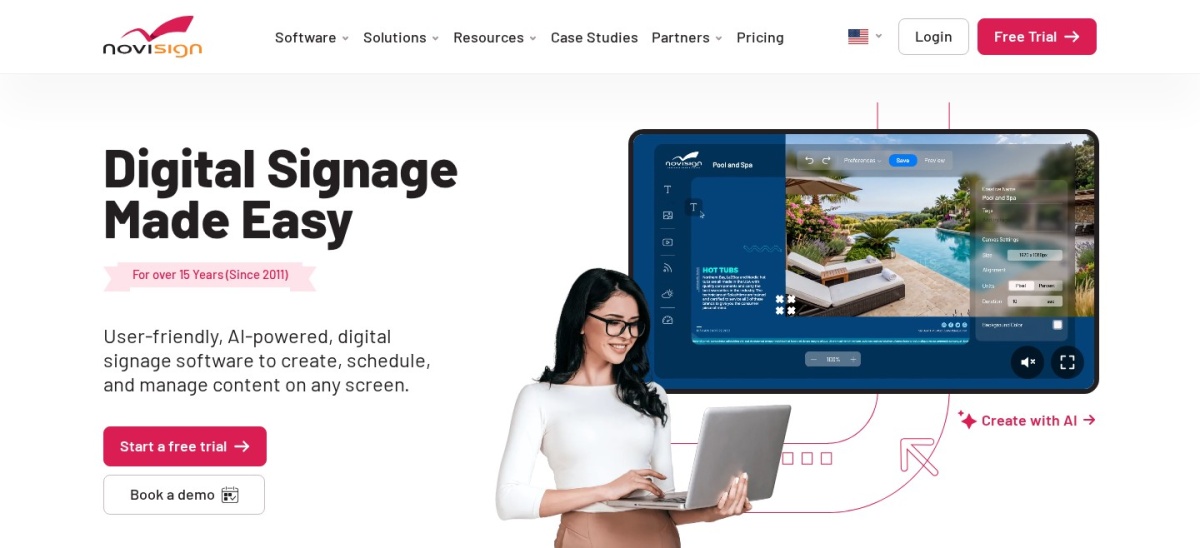
NoviSign homepage, captured Nov 2026.
NoviSign is a digital signage management platform for restaurants, retail businesses and other organizations. Its Business subscription includes more than 500 customizable templates, allowing restaurant managers to create menu boards and promotional displays without starting from scratch.
The trade off is that Business costs $14 per screen monthly when billed annually, making it more expensive than several budget alternatives. Advanced business integrations require expanded subscriptions. It suits restaurants prioritizing professional-looking menu layouts and flexible content design.
What we like
Large customizable template library
Restaurant-focused display applications
Remote content publishing
Excellent public G2 rating
Watch out for
No permanent free subscription
Higher entry price than budget alternatives
Smaller G2 review base than leading competitors
Business includes content creation, customizable templates and screen scheduling.Visit novisign.com
04
Play Digital Signage
4.7/5on G2 (282 reviews, checked Nov 2026)
Paid from$7.20/mo
Best for affordable visual content creation
Free screens1
Regular monthly price$8/screen
Annual billing discount10%
Paid planEssential
playsignage.com
Play Digital Signage homepage, captured Nov 2026.
Play Digital Signage is a screen content management platform with design templates, media storage and scheduling. Its first screen is free with Pro capabilities, while Essential normally costs $8 per screen monthly and includes tools for creating restaurant menus and promotional content.
The trade off is that advanced automation and synchronized displays require Pro at $12 per screen monthly before annual discounts. Essential costs an effective $7.20 monthly with annual billing. The vendor also requests a review within 30 days from free users. It suits budget-conscious restaurants.
What we like
Low regular annual subscription cost
Free first screen
Integrated visual content editor
Support available around the clock
Watch out for
Advanced automation requires Pro
Analytics require the highest subscription tier
Vendor requests reviews from free users
Essential adds paid screen licenses, while Pro provides synchronization and automation.Visit playsignage.com
05
TelemetryTV
4.9/5on Capterra (169 reviews, checked Nov 2026)
Starts at$8/mo
Best for restaurant screen network management
Minimum devicesNone on Entry
Content managementCloud-based
Device cachingSupported
Paid planEntry, $8/device/mo
telemetrytv.com
TelemetryTV homepage, captured Nov 2026.
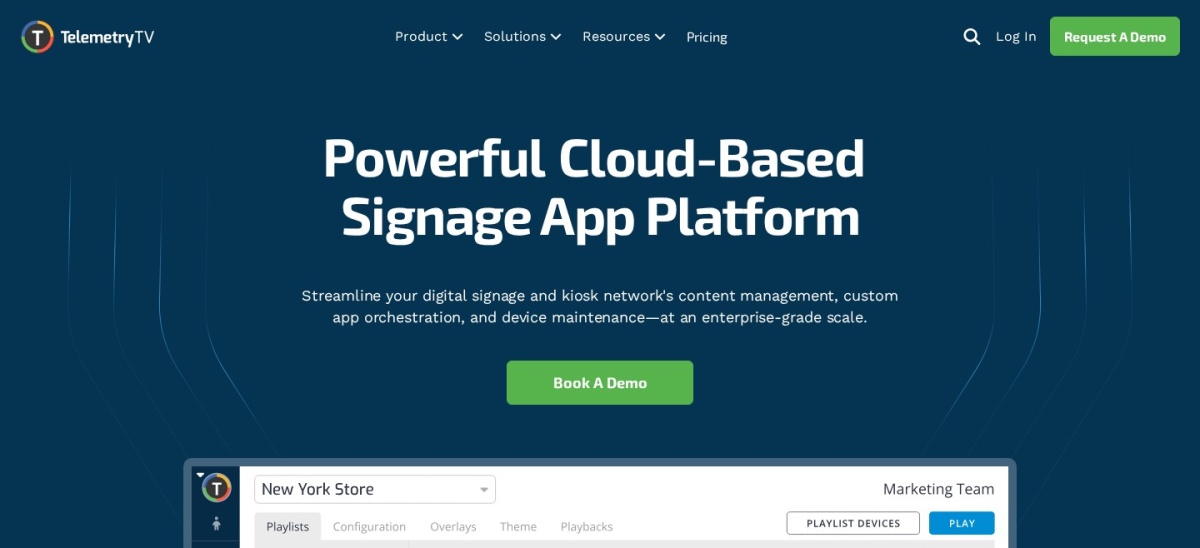
TelemetryTV is a digital signage platform for managing distributed displays, including digital menu boards and quick-service restaurant screens. Entry starts at $8 per device monthly without a minimum device requirement, making it accessible to smaller establishments.
The trade off is that advanced device provisioning, interactive content and network administration capabilities vary by subscription tier. Restaurants with more complex installations should evaluate the higher packages carefully. It suits operators planning to centralize screen management across multiple locations.
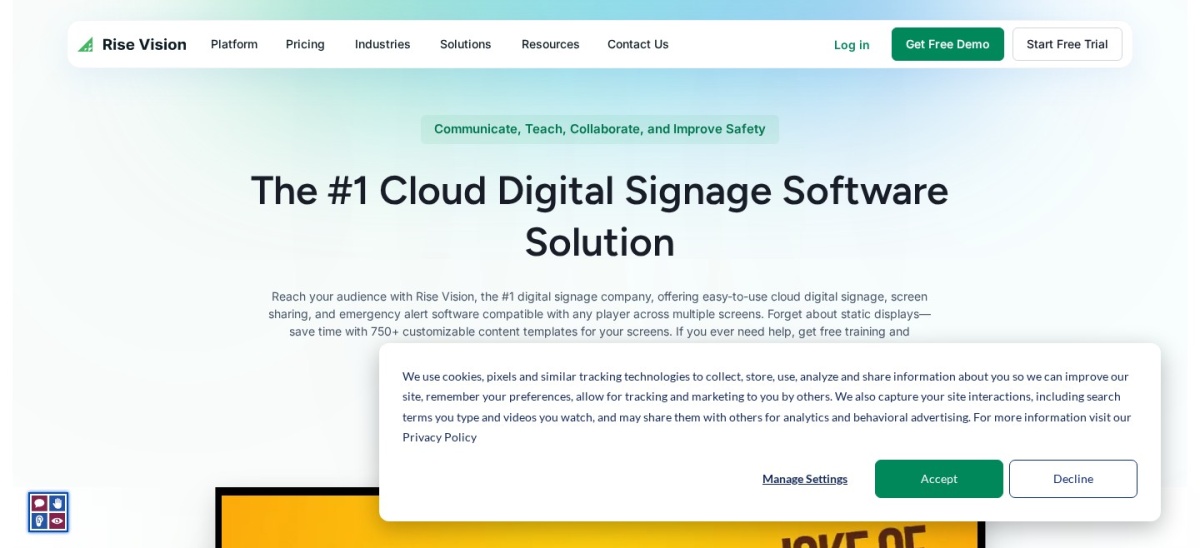
Rise Vision is a digital signage platform offering scheduled presentations, visual content templates and remote publishing. Its Basic subscription includes more than 750 customizable templates, unlimited users, unlimited content storage and offline playback for maintaining displays during connectivity interruptions.
The trade off is that Basic costs $11 per display monthly with annual billing, and many specialized templates target educational organizations. Advanced integrations require higher subscriptions. It suits cafeterias, institutional dining facilities and restaurants seeking scheduled content with offline playback.
What we like
Offline playback included
Unlimited users and content storage
Extensive template library
Scheduling and playlist management
Watch out for
No permanent free subscription
Strong emphasis on educational signage
Advanced integrations require upgrades
Basic includes offline playback, templates, scheduling and unlimited content storage.Visit risevision.com
07
ScreenCloud
4.7/5on G2 (455 reviews, checked Nov 2026)
Starts at$20/mo
Best for multi-location restaurant communications
Built-in apps80+
Editable templates150+
Content managementCloud-based
Paid planCore, billed annually
screencloud.com
ScreenCloud homepage, captured Nov 2026.
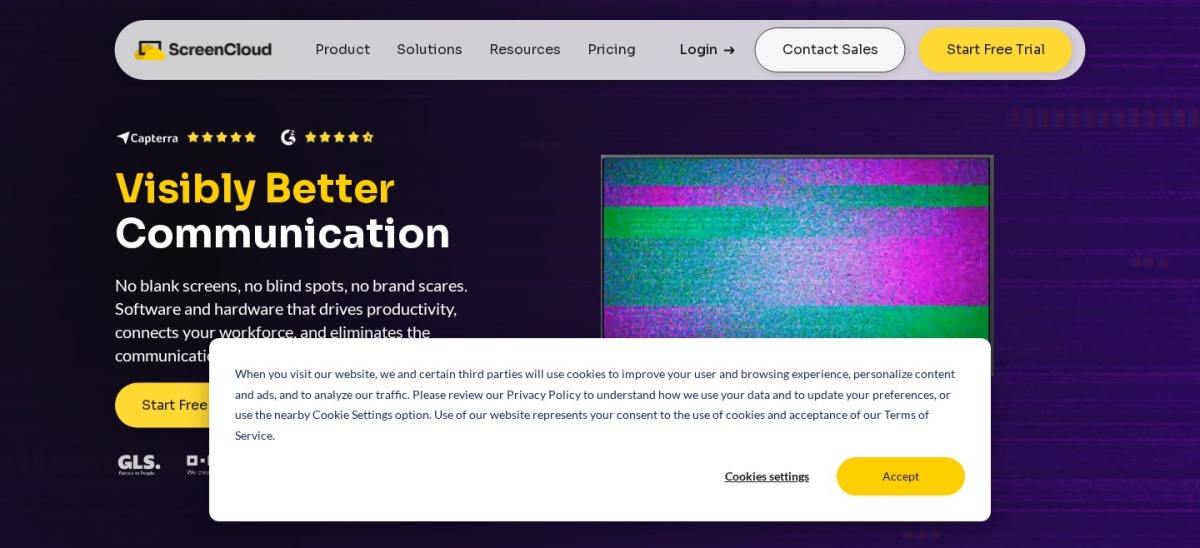
ScreenCloud is a cloud-based digital signage platform for managing content and screens across business locations. It offers more than 80 built-in applications and 150 editable templates, helping restaurant operators distribute promotional graphics, customer-facing information and internal communications.
The trade off is that Core costs $20 per screen monthly with annual billing, making it the most expensive entry subscription in this comparison. Its broader communications capabilities may exceed simple menu board requirements. It suits restaurant groups managing customer-facing and employee displays.
How much does restaurant digital signage software cost?
Entry subscriptions in this comparison range from $86.40 to $240 per screen annually. Yodeck, OptiSigns and Play Digital Signage also provide permanent free options with specific screen limits or restrictions.
A restaurant using 3 paid Yodeck Basic licenses would spend $288 annually on software. The same number of ScreenCloud Core licenses would cost $720 annually.
These figures exclude display purchases, mounting equipment, installation and separately purchased media players. Some annual subscriptions include hardware benefits that can reduce initial installation expenses.
Why daypart scheduling matters for restaurant menu boards
Daypart scheduling allows restaurants to display different menus according to the time of day. Breakfast menus can automatically switch to lunch offerings, followed by dinner menus or evening promotions.
Restaurants should also check whether the platform supports location-specific schedules. Branches with different opening hours, prices or product availability may require independent playlists and publishing permissions.
How we chose
We selected established digital signage platforms suitable for restaurant menu boards, promotional displays, content scheduling and remote screen administration. Restaurant usability, subscription costs and public customer reviews informed the rankings.
Pricing and ratings were checked on 25 Nov 2026 using official vendor pricing pages, G2 and Capterra. Annual figures represent the regular entry subscription for one screen or device, including standard annual billing discounts where available. TelemetryTV reviews appear under TelemetryOS on Capterra.
We excluded discontinued platforms, hardware-only vendors and products without established review histories. Free trials were not counted as permanent free subscriptions. No vendor paid for a place, and we do not claim testing for this list.
How to choose digital signage software for your restaurant
Compare your restaurant's display requirements, menu update frequency and available hardware before selecting a digital signage subscription.
Calculate your screen requirements. Count menu boards, promotional displays, waiting-area screens and employee communication displays that require individual licenses.
Evaluate menu design and scheduling. Check customizable templates, menu editing controls, recurring playlists and automatic breakfast, lunch and dinner transitions.
Confirm hardware and integration compatibility. Review supported media players, smart TVs, operating systems and any required POS integrations before purchasing equipment.
Compare the complete annual cost. Include software licenses, hardware, mounting, installation, optional integrations and technical support when comparing providers.
FAQ
What is the best digital signage software for restaurants?
Yodeck is our overall pick because it combines affordable screen licenses, a permanent free option and flexible content scheduling. OptiSigns is useful for extensive integrations, while NoviSign specializes in customizable visual signage content.
Is there free digital signage software for restaurants?
Yes. Yodeck and Play Digital Signage offer a free first screen, while OptiSigns supports up to 3 eligible free displays. Check branding restrictions, available features and hardware compatibility before selecting a free subscription.
How much does digital signage software cost for restaurants?
Paid subscriptions in this comparison start at an effective $7.20 per screen monthly for Play Digital Signage with annual billing. Other entry plans range from $8 to $20 monthly, excluding hardware and installation expenses.
Can I use a regular TV as a digital restaurant menu board?
Yes. Many digital signage platforms support ordinary televisions through compatible external media players or dedicated smart TV applications. Confirm supported operating systems, display orientation and suitability for extended operating hours before purchasing equipment.
Can restaurant digital signage automatically change menus?
Yes. Scheduling features allow restaurants to switch between breakfast, lunch and dinner menus automatically. More advanced platforms also support recurring promotions, location-specific playlists and conditional content changes depending on the selected subscription.
Does restaurant digital signage work without internet access?
Some platforms cache published content locally so displays continue operating during internet interruptions. Rise Vision includes offline playback in Basic. Live data, remote updates and internet-dependent content generally require an active connection.
SaaS SEO and WordPress specialist with about 8 years of experience. Rakib compares WordPress plugins, themes, hosting and software using public pricing, documentation and user reviews. See how we rank.