Best Database Plugins for WordPress in 2026: 9 Tools Compared
WLWPLegible EditorsLast verified 22 Nov 2026How we test11 min read
★ Short answer
WP-Optimize is the best database plugin for WordPress, with 1M+ installs, a 4.8 rating and cleanup plus caching for $49 a year. Advanced Database Cleaner is best for deep cleanup at $39 a year, while Better Search Replace is free and best for migrations.
How we make this list: we compare pricing pages, product documentation and public user reviews, then re-check every price before each update. No product paid for a place. Disclosure.
WP-Optimize leads with 1M+ installs and a 4.8 rating from 2,617 reviews.
Advanced Database Cleaner has 28 cleanup tools and the highest rating among cleaners at 4.9.
Five of the 9 plugins are completely free, including Query Monitor and WP-Sweep.
WP Reset takes database snapshots before changes, so you can undo a bad update.
Better Search Replace handles serialized data safely during migrations.
Always back up before cleaning a database, since every cleaner here can delete data.
What do database plugins do?
A WordPress database collects revisions, drafts, transients, spam comments and leftover tables from deleted plugins. That bloat slows queries and grows backups, so cleanup plugins remove the dead weight.
The tools here cover four jobs: cleaning (WP-Optimize, Advanced Database Cleaner, WP-Sweep), search and replace (Better Search Replace), reset and snapshots (WP Reset), and diagnostics (Query Monitor). Backup tools (WP-DBManager, WP Database Backup) cover the safety net.
Most database plugins are free. WP-Optimize Premium starts at $49 a year, Advanced Database Cleaner Pro at $39 a year, and WP Reset Pro at $79 a year. The free versions handle the core jobs for most sites.
If your site feels slow, read our guide on how-to-speed-up-wordpress first, since a bloated database is only one possible cause.
4.8/5on WordPress.org (2,617 reviews, checked Nov 2026)
Paid from$49/yr
Best overall database plugin
Price$49/yr
Installs1M+
Rating4.8 (2,617 reviews)
Updated18 Nov 2026
teamupdraft.com
WP-Optimize homepage, captured Nov 2026.
WP-Optimize is a performance plugin from TeamUpdraft that cleans the database, caches pages and compresses images in one place. The free version removes revisions, drafts, transients and spam comments, and it can schedule cleanups to run on their own. Premium adds lazy loading, preload key requests, flexible cleanup schedules and unused-image deletion.
The trade off is the free version covers the database job, but caching and image compression are basic next to dedicated tools, and the premium features cost $49 a year. It suits a site owner who wants one plugin for cleanup, caching and images instead of three.
What we like
Most installs in this list (1M+)
Cleanup, cache and images in one plugin
Scheduled cleanups run on their own
14-day money-back on Premium
Watch out for
Premium needed for lazy loading and preload
Cache is basic next to dedicated cache plugins
Free version cleans the database; Premium starts at $49 a year for 2 sites.Visit teamupdraft.com
02
Advanced Database Cleaner
4.9/5on WordPress.org (1,964 reviews, checked Nov 2026)
Paid from$39/yr
Best for deep database cleanup
Price$39/yr
Installs100K+
Rating4.9 (1,964 reviews)
Cleanup tools28
sigmaplugin.com
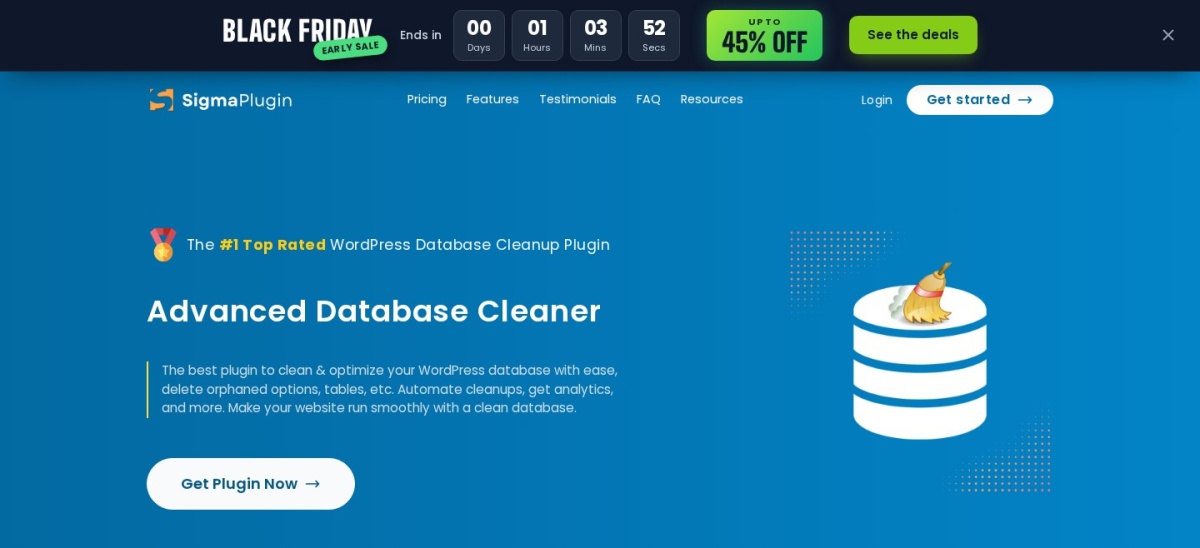
Advanced Database Cleaner homepage, captured Nov 2026.
Advanced Database Cleaner is a dedicated cleanup plugin from SigmaPlugin with 28 cleanup tools. It removes revisions, auto-drafts, expired transients, unused post and user meta, and Action Scheduler leftovers, and it finds orphaned tables and options from deleted plugins. Premium adds scheduled cleanups, database analytics and a remote scan that checks items against a cloud database.
The trade off is the interface shows a lot of technical detail, so beginners should read each item before deleting it, and the free version has no scheduling. It suits a site with years of leftover data from deleted plugins and themes.
What we like
28 cleanup tools, the most here
Finds orphaned tables and options
Highest rating among cleaners (4.9)
Preview before you delete
Watch out for
No scheduling in the free version
Technical interface may overwhelm beginners
Free version cleans on demand; Pro starts at $39 a year for 1 site.Visit sigmaplugin.com
03
Better Search Replace
4.3/5on WordPress.org (546 reviews, checked Nov 2026)
PriceFree
Best for migrations and URL changes
PriceFree
Installs1M+
Rating4.3 (546 reviews)
Dry runYes
bettersearchreplace.com
Better Search Replace homepage, captured Nov 2026.
Better Search Replace is a migration plugin from Delicious Brains that finds and replaces text, URLs and other data across the whole database. It handles serialized data safely, which matters because a plain search can break serialized strings, and it offers a dry run so you can preview changes before running them. You can pick which tables to change and run it on Multisite networks.
The trade off is the free version does the search and replace only; backups, imports and saved profiles need the Pro version, whose price we could not confirm on the vendor site. It suits anyone moving a site to a new domain or switching to HTTPS.
4.8/5on WordPress.org (1,014 reviews, checked Nov 2026)
Paid from$79/yr
Best for snapshots and safe resets
Price$79/yr
Installs300K+
Rating4.8 (1,014 reviews)
SnapshotsYes
wpreset.com
WP Reset homepage, captured Nov 2026.
WP Reset is a reset and recovery plugin from WebFactory that takes snapshots of the database before changes, so you can roll back if an update breaks the site. It can reset the whole database or only chosen tables, and it bundles plugin and theme collections for setting up new sites fast. The free version covers resets and snapshots; Pro adds cloud snapshots, staging and white labelling.
The trade off is the regular price is $79 a year for one site, currently $49 on sale, which is steep for a tool you may use rarely. It suits developers and agencies who test plugins and themes on live sites and need an undo button.
What we like
Snapshots before every change
Reset the whole database or chosen tables
Emergency recovery script included
Plugin and theme collections for new sites
Watch out for
Regular price $79 a year for 1 site
Free version has no cloud snapshots
Free version resets and snapshots; Pro is $79 a year (currently $49 on sale).Visit wpreset.com
05
Query Monitor
4.9/5on WordPress.org (470 reviews, checked Nov 2026)
PriceFree
Best for finding slow queries
PriceFree
Installs200K+
Rating4.9 (470 reviews)
Updated27 Oct 2026
querymonitor.com
Query Monitor homepage, captured Nov 2026.
Query Monitor is a free developer tool from John Blackbourn that shows every database query a page runs, including slow queries, duplicate queries and which plugin or theme ran each one. It also shows hooks, HTTP requests, PHP errors and block editor data in the admin bar. It does not clean or change anything; it tells you where the problem is.
The trade off is it is a diagnostic tool only, so you still need a cleaner to fix what it finds, and its output is technical. It suits developers tracking down a slow page or a plugin that hammers the database.
4.7/5on WordPress.org (138 reviews, checked Nov 2026)
PriceFree
Best lightweight free cleaner
PriceFree
Installs100K+
Rating4.7 (138 reviews)
Updated24 Aug 2026
wordpress.org
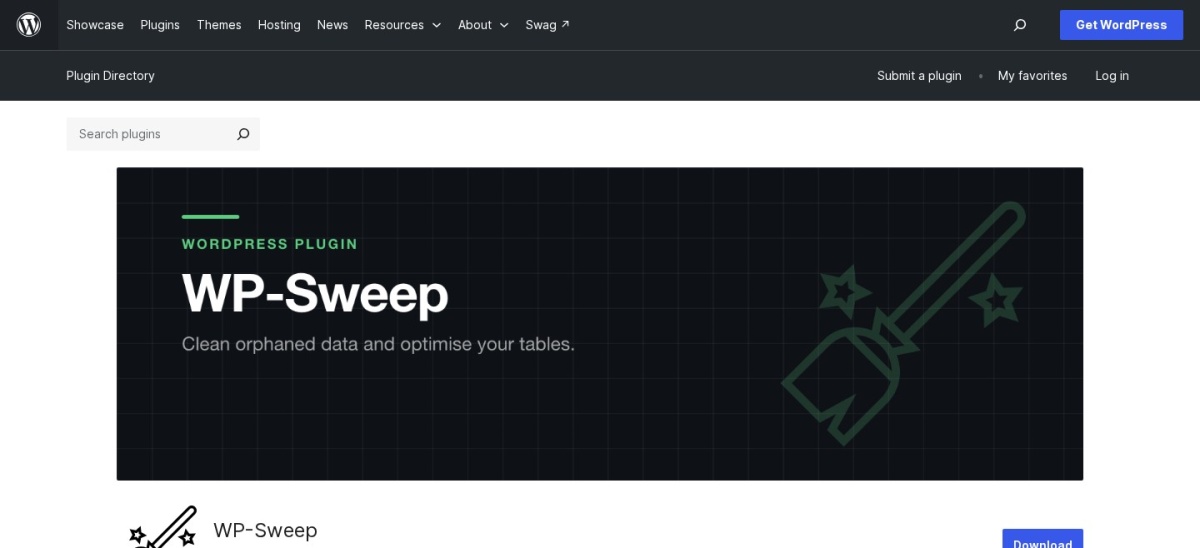
WP-Sweep homepage, captured Nov 2026.
WP-Sweep is a free cleanup plugin from Lester Chan that removes revisions, auto-drafts, deleted and unapproved comments, orphaned meta and expired transients. It uses WordPress delete functions instead of direct SQL queries, which is the safer way to remove data. The plugin shows a count for each item before you clean it.
The trade off is it has no scheduling and no table optimization, so cleanups are manual and it will not shrink table overhead. It suits a small site that wants a simple, safe cleanup with no paid version to upsell.
4.7/5on WordPress.org (181 reviews, checked Nov 2026)
PriceFree
Best for revision cleanup
PriceFree
Installs50K+
Rating4.7 (181 reviews)
Updated21 May 2026
wordpress.org
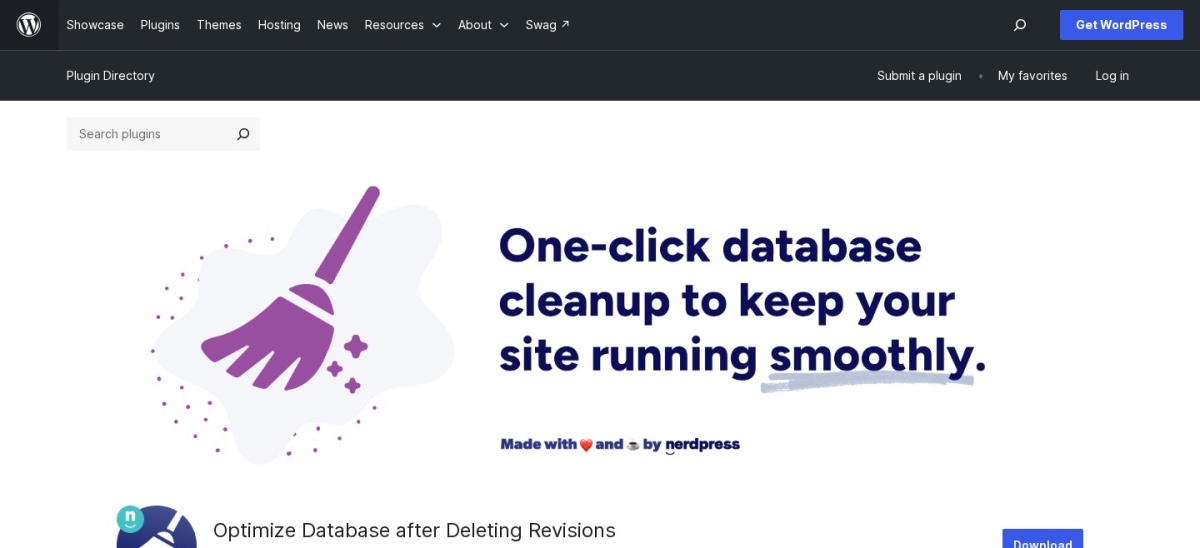
Optimize Database after Deleting Revisions homepage, captured Nov 2026.
Optimize Database after Deleting Revisions is a free plugin from Rolf van Gelder that deletes post revisions, drafts, auto-drafts, trashed posts and comments, spam and transients, then optimizes the database tables. It can run on a schedule and keep a set number of recent revisions if you want them. The plugin logs what it deleted after each run.
The trade off is it does one job only, so you still need another tool for orphaned tables or options, and its last update was May 2026, the oldest here. It suits a site drowning in post revisions from years of editing.
4.4/5on WordPress.org (95 reviews, checked Nov 2026)
PriceFree
Best for running SQL in the admin
PriceFree
Installs50K+
Rating4.4 (95 reviews)
Updated09 Aug 2026
wordpress.org
WP-DBManager homepage, captured Nov 2026.
WP-DBManager is a free database tool from Lester Chan that backs up, restores, repairs and optimizes the database from the WordPress admin. It can run SQL queries, drop or empty tables, and schedule automatic backups to email or the server. It is the only tool here that lets you run raw SQL without leaving WordPress.
The trade off is the rating is 4.4, the lowest here, from only 95 reviews, and running raw SQL can break a site if a query is wrong. It suits a site owner comfortable with SQL who wants backups and queries in one place.
4.5/5on WordPress.org (102 reviews, checked Nov 2026)
PriceFree
Best free database backup
PriceFree
Installs20K+
Rating4.5 (102 reviews)
Updated17 Nov 2026
wordpress.org
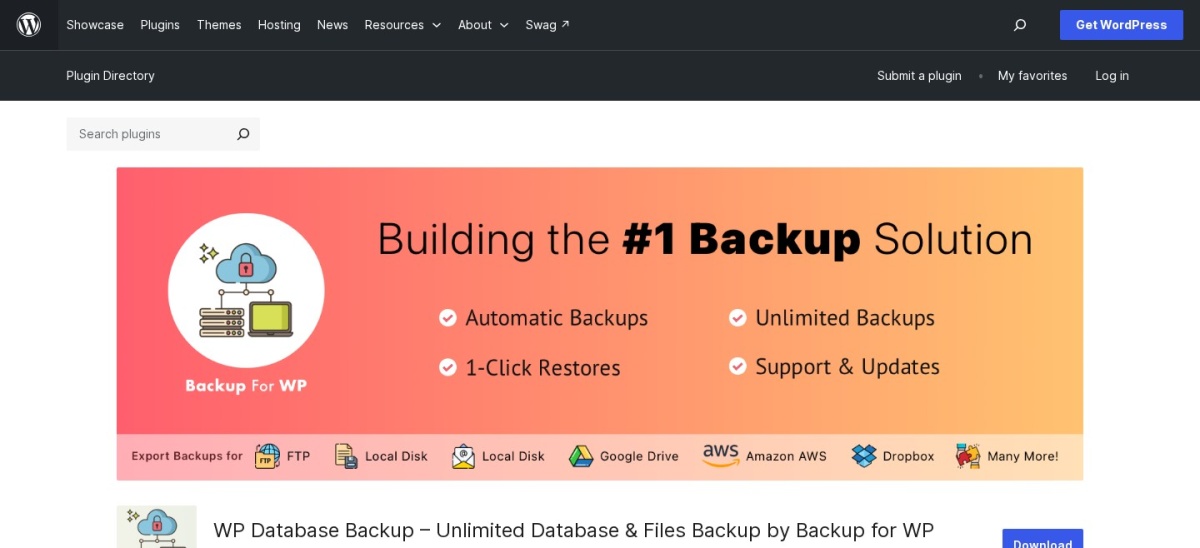
WP Database Backup homepage, captured Nov 2026.
WP Database Backup is a free plugin from Backup for WP that creates and restores database backups in one click. It supports scheduled backups and stores them locally or on Google Drive and Dropbox. A cloud storage add-on costs $1 per 50GB per site per month, with a 14-day free trial.
The trade off is it backs up the database only in the free version, so files need a separate backup, and it has the fewest installs here at 20,000. It suits a site that wants a simple database backup before running a cleanup.
What we like
One-click backup and restore
Scheduled backups included
Stores on Google Drive and Dropbox
Cloud storage add-on from $1 per 50GB
Watch out for
Database only, no file backups in free version
Fewest installs in this list (20K+)
Free on WordPress.org; cloud storage add-on is $1 per 50GB per site per month.Visit wordpress.org
Should you back up before cleaning the database?
Yes, always. Cleanup plugins delete data, and a wrong click can remove content you wanted. WP Reset takes a snapshot before changes, and WP-DBManager and WP Database Backup can back up the database first.
The trade off is a backup takes a few minutes and some disk space. That is cheap insurance next to rebuilding lost posts or losing a site to a bad cleanup.
Do you need a paid database plugin?
For most sites, no. The free versions of WP-Optimize, WP-Sweep and Better Search Replace handle cleanup, search and replace and basic caching. Five of the 9 tools here are completely free.
Paid versions add scheduling, analytics, cloud snapshots and priority support. Advanced Database Cleaner Pro at $39 a year is the cheapest paid upgrade here, and it suits sites with years of leftover data.
How we chose
We started from the WordPress.org plugin directory and checked every candidate's rating, review count, active installs, version and last update date. Only plugins updated in 2026 with a rating made the list.
Prices were checked on 22 Nov 2026 on each vendor's own pricing page. Ratings and installs come from the WordPress.org plugin API. No vendor paid for a place, and we do not claim hands-on testing for this list.
We left out Search & Replace from Inpsyde because Better Search Replace covers the same job with ten times the installs, and we left out backup-only plugins such as UpdraftPlus, which are covered in our backup guides.
How to choose a database plugin
Pick the plugin that fits your job in four steps:
Name the job. Cleaning needs WP-Optimize or Advanced Database Cleaner, migrations need Better Search Replace, and finding slow queries needs Query Monitor.
Back up first. Take a database backup with WP-DBManager or WP Database Backup before you delete anything, and use WP Reset snapshots if you test changes often.
Check the update date. A plugin updated in the last few months is more likely to work with the latest WordPress. Optimize Database after Deleting Revisions was last updated in May 2026, the oldest here.
Start free, upgrade later. The free versions handle the core jobs. Pay for Advanced Database Cleaner Pro or WP-Optimize Premium only when you need scheduling, analytics or cloud snapshots.
FAQ
What is the best database plugin for WordPress?
WP-Optimize is the best overall pick, with 1M+ installs, a 4.8 rating from 2,617 reviews and cleanup plus caching for $49 a year. Advanced Database Cleaner is best for deep cleanup at $39 a year, and Better Search Replace is free and best for migrations.
Are WordPress database plugins free?
Most are. Five of the 9 plugins here are completely free, including Query Monitor, WP-Sweep and WP-DBManager. WP-Optimize Premium starts at $49 a year, Advanced Database Cleaner Pro at $39 a year, and WP Reset Pro at $79 a year.
Can a database plugin break my site?
Yes, if it deletes data you still need. Cleanup tools remove revisions, transients and orphaned tables, which is usually safe, but always back up first and use the preview or dry run where the plugin offers one.
What is the difference between WP-Optimize and Advanced Database Cleaner?
WP-Optimize combines database cleanup with caching and image compression, while Advanced Database Cleaner focuses only on the database with 28 cleanup tools, orphaned table detection and analytics. Pick WP-Optimize for all-round speed, Advanced Database Cleaner for deep cleanup.
How do I move a WordPress site to a new domain?
Use Better Search Replace to find the old domain in the database and replace it with the new one, using a dry run first to preview the changes. It handles serialized data safely, which a plain search and replace can break.
Do I need Query Monitor on a live site?
Only while debugging. Query Monitor shows slow and duplicate queries, but it adds overhead of its own, so enable it to find a problem, fix the problem, then deactivate it. It is a developer tool, not something to leave running.