Best CRM for Service-Based Businesses in 2026: 8 Tools Compared
WLWPLegible EditorsLast verified 22 Nov 2026How we rank13 min read
★ Short answer
HubSpot is the top CRM for service-based businesses, offering a free plan for up to 2 users and 1,000 contacts alongside connected sales and ticketing pipelines. Field service teams needing dispatch and invoicing should pick Jobber, while agencies running on Google Workspace fit best with Copper.
How we make this list: we compare pricing pages, product documentation and public user reviews, then re-check every price before each update. No product paid for a place. Disclosure.
HubSpot, Zoho CRM, and Freshsales offer permanent free tiers supporting 2 to 3 users before requiring paid upgrades.
Entry paid plans range from $108/yr per user on Freshsales Growth to $708/yr on Housecall Pro Basic.
monday CRM lists a $12/seat/mo annual entry rate, but its 3-seat minimum sets the real floor at $432/yr.
Field service platforms like Jobber ($348/yr annual) bundle quoting, dispatch, and invoicing that generic sales CRMs omit.
Pipedrive Growth ($468/yr per seat) and Copper Professional ($708/yr per seat) lock email automation behind mid-tier upgrades.
What service-based businesses need in a CRM
Service-based businesses sell expertise, labor, or recurring maintenance rather than physical inventory. Unlike transactional retail, your revenue depends on tracking multi-step consultations, sending accurate estimates, and handing off won deals to delivery teams without losing client context.
A general sales pipeline works well for agencies, consultants, and legal or accounting firms that manage relationships over email and calls. However, home and commercial contractors—such as HVAC, plumbing, or landscaping crews—need built-in job scheduling, technician dispatch, and mobile payment collection.
Pricing structures also vary widely across CRM vendors. Per-seat SaaS tools appear inexpensive at first glance, yet seat minimums, contact caps, and paid automation add-ons can triple your annual bill once your team expands beyond two or three staff members.
4.5/5on Capterra (4,486 reviews, checked Nov 2026)
Paid from$20/mo
Best for all-in-one client lifecycle management
Free tierUp to 2 users, 1,000 contacts
Entry paid planStarter at $20/seat/mo
Automation50 workflows on Starter
BillingMonthly or annual
hubspot.com
HubSpot homepage, captured Nov 2026.
HubSpot is a unified CRM platform combining contact management, deal pipelines, meeting scheduling, and customer ticketing. Its permanent free tier supports up to 2 users and 1,000 contacts with shared inbox tools and basic invoicing, making it an accessible starting point for consultancies and agencies.
The trade off is the steep price jump once you outgrow basic tools. Starter lists at $20 per seat monthly ($240/yr, with promotional new-customer rates sometimes lower), while sequences and advanced automation require Professional at $90/seat/mo annually plus a $1,500 onboarding fee. It suits growing service teams wanting marketing, sales, and support in one database.
What we like
Permanent free tier covers 2 users and 1,000 contacts
Connects sales deals directly to service support tickets
Built-in meeting scheduler and customer invoicing on entry tiers
Large marketplace of native integrations
Watch out for
Sales Hub Professional jumps to $90/seat/mo plus a $1,500 onboarding fee
Lacks native crew dispatch or GPS route optimization
Credit limits apply to automated prospecting features
Starter removes HubSpot branding and unlocks 15 pipelines, 50 workflows, and 500 monthly credits.Visit hubspot.com
02
Jobber
4.6/5on Capterra (1,500 reviews, checked Nov 2026)
Starts at$29/mo
Best for home and field service contractors
Free tier14-day trial only
Entry paid planCore at $29/mo (annual)
Included users1 user ($29/mo per extra user)
Core toolsQuotes, scheduling, invoicing
getjobber.com
Jobber homepage, captured Nov 2026.
Jobber is a field service CRM built for trades, cleaning, landscaping, and maintenance businesses. Its Core plan starts at $29/mo billed annually ($348/yr, or $49/mo month-to-month) for 1 user and covers online booking, quote creation, job scheduling, client history, and online invoice payments.
The trade off is per-user scaling and gated automations. Adding extra staff costs $29/mo per user, and automated client reminders, QuickBooks sync, and job checklists require the Connect plan at $99/mo billed annually ($1,188/yr). It suits solo contractors and small field crews prioritizing fast quote-to-invoice scheduling.
What we like
Combines client history, quoting, dispatch, and payments in one app
Client hub lets customers approve quotes and pay invoices online
Transparent flat starting rate for solo operators
Mobile app supports field updates and tap-to-pay collection
Watch out for
No free plan beyond a 14-day trial
Automated reminders and QuickBooks sync require the $99/mo Connect tier
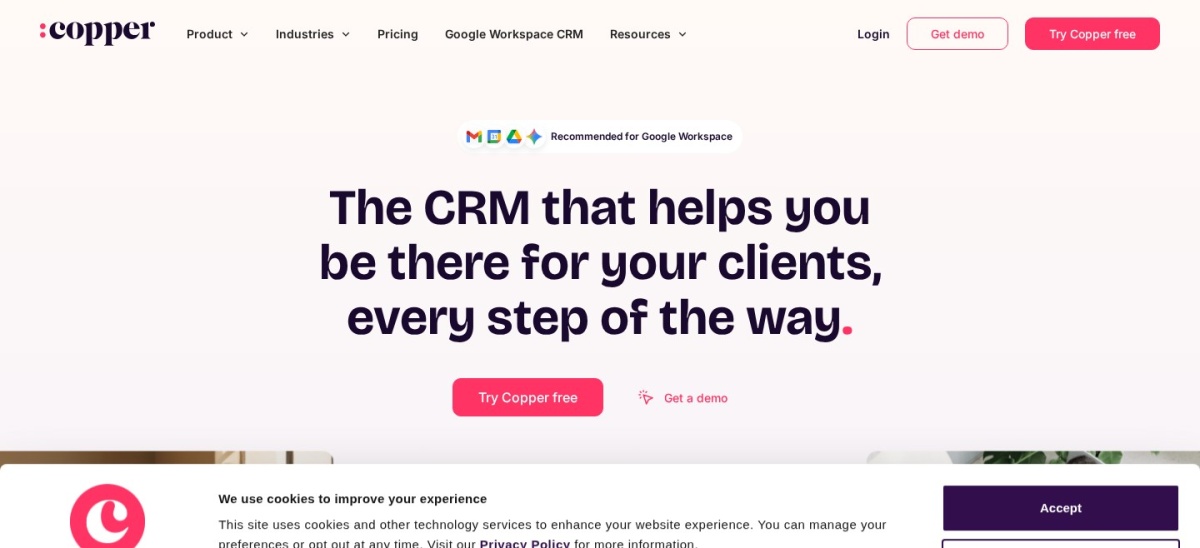
Copper is a relationship-focused CRM designed specifically for Google Workspace teams. Starting at $23 per seat monthly billed annually ($276/yr, or $29/mo monthly), Basic embeds directly into Gmail and Google Calendar to log emails, sync meetings, and link Drive files alongside deal and project pipelines.
The trade off is that Basic caps records at 2,500 contacts and omits workflow automation, bulk email, and QuickBooks or Slack integrations. Unlocking those tools requires Professional at $59/seat/mo annually ($708/yr). It suits consultancies, recruiters, and agencies whose teams live inside Gmail.
What we like
Chrome extension lets teams manage pipelines directly inside Gmail
Automatically logs emails, calendar events, and Google Drive files
Includes post-sale project pipelines on every tier
Minimal setup time for Google Workspace organizations
Watch out for
No native support for Microsoft 365 or Outlook
Basic plan caps contacts at 2,500 and excludes workflow automation
No free plan after the 14-day trial
Professional raises contact limits to 15,000 and unlocks workflow automation, bulk email, and native integrations.Visit copper.com
04
Pipedrive
4.5/5on Capterra (2,973 reviews, checked Nov 2026)
Starts at$14/mo
Best for visual sales pipeline tracking
Free tier14-day trial only
Entry paid planLite at $14/seat/mo (annual)
Deal capacity2,500 open deals per seat
Project trackingAdd-on or included in Premium
pipedrive.com
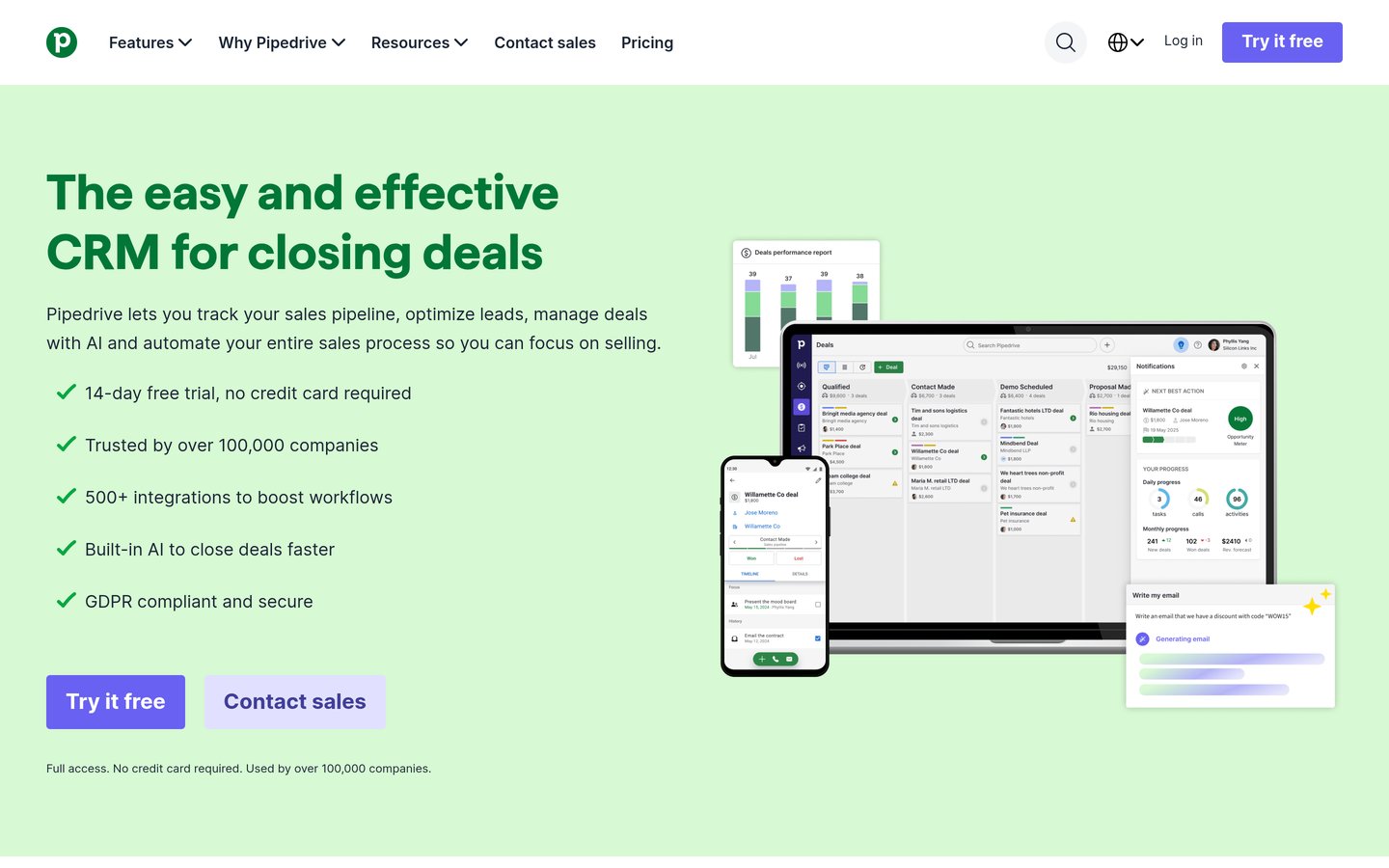
Pipedrive homepage, captured Nov 2026.
Pipedrive is an activity-driven sales CRM built around visual kanban deal stages and follow-up reminders. Its Lite plan costs $14 per seat monthly billed annually ($168/yr, or $24/mo monthly) and includes lead and deal pipelines, calendar sync, meeting briefs, and AI report generation.
The trade off is that full two-way email sync, sequences, and workflow automations are absent on Lite, starting instead on Growth at $39/seat/mo annually ($468/yr). Post-sale project boards also cost extra unless you buy Premium at $59/seat/mo. It suits outbound service teams focused on closing deals.
Low $168/yr annual entry price per seat with no user minimum
Built-in AI report builder and call transcript summaries on Lite
Dedicated Projects add-on bridges closed deals to client delivery
Watch out for
No permanent free tier
Two-way email sync and automations require the $39/seat/mo Growth tier
Quotes, e-signatures, and web forms require add-ons or Premium
Growth adds full email sync with open tracking, email sequences, meeting scheduling, and 50 active automations.Visit pipedrive.com
05
Zoho CRM
4.3/5on Capterra (7,010 reviews, checked Nov 2026)
Paid from$14/mo
Best for budget customization and app suites
Free tierUp to 3 users, 5,000 records
Entry paid planStandard at $14/user/mo (annual)
Record limit100,000 records on Standard
EcosystemConnects to Zoho Books & Projects
zoho.com
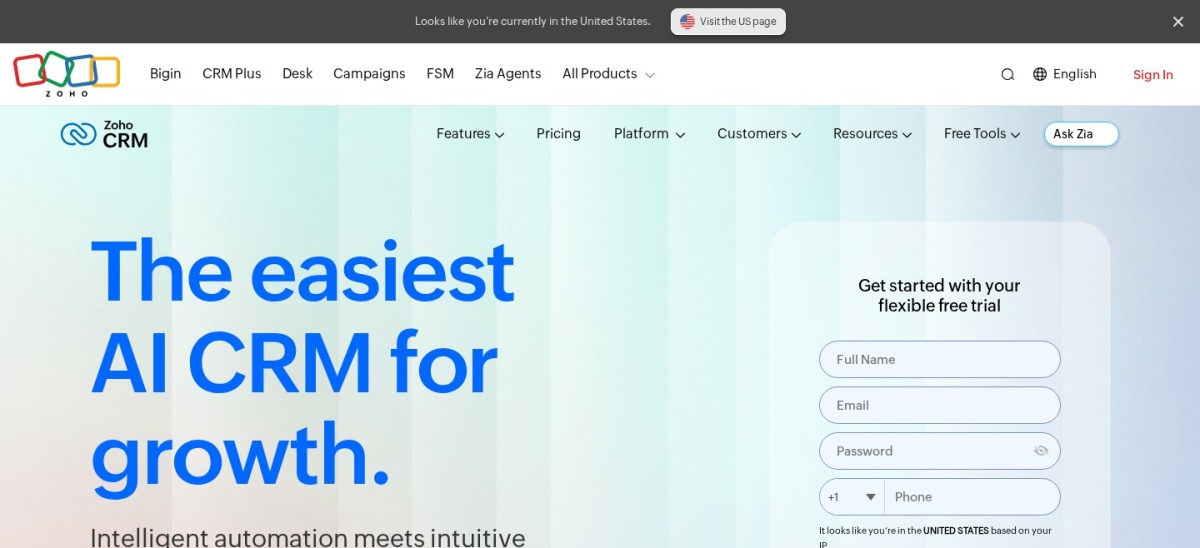
Zoho CRM homepage, captured Nov 2026.
Zoho CRM is a customizable sales platform that connects directly with Zoho Books, Zoho Projects, and Zoho Bookings. Its free edition supports up to 3 users and 5,000 records, while the Standard plan costs $14 per user monthly billed annually ($168/yr, or $20/mo monthly) for 100,000 records and custom dashboards.
The trade off is administrative complexity and gated project or inventory modules. Setting up custom fields, scoring rules, and cross-app syncs takes configuration time, and inventory or web-to-case forms require Professional at $23/user/mo annually ($276/yr). It suits cost-conscious service firms already using Zoho apps.
What we like
Free plan covers up to 3 users with basic workflow rules
Native connections to Zoho Books invoicing and Zoho Projects delivery
High customization with custom modules, fields, and forecasting
Affordable $168/yr annual entry tier for small teams
Watch out for
Interface feels dense and requires admin setup time
Free tier caps total storage at 5,000 records (10 MB)
Phone and chat support channels cost extra on lower tiers
Standard expands capacity to 100,000 records and adds sales forecasting, mass email, and custom dashboards.Visit zoho.com
06
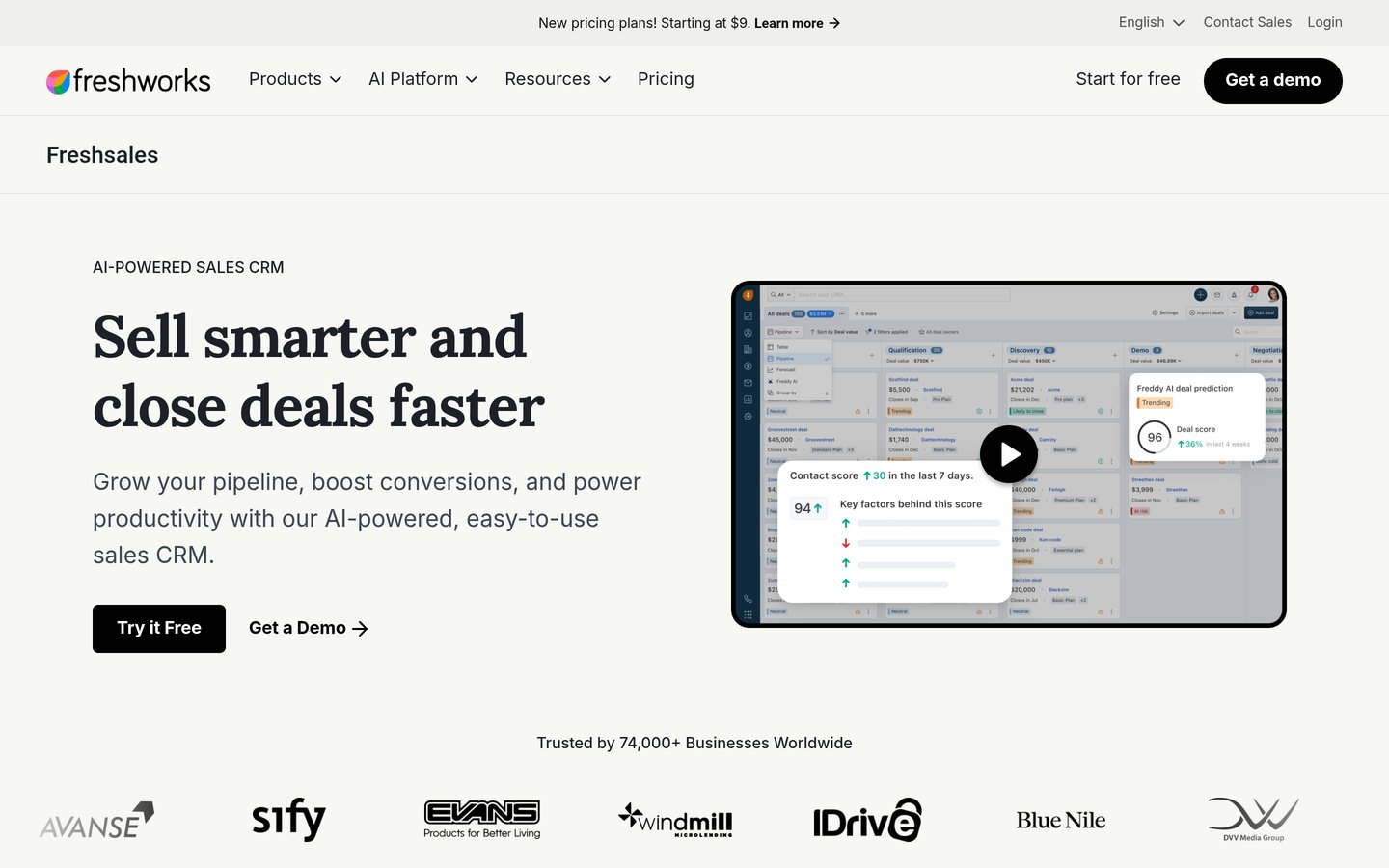
Freshsales
4.5/5on Capterra (630 reviews, checked Nov 2026)
Paid from$9/mo
Best low-cost entry with built-in phone
Free tierUp to 3 users
Entry paid planGrowth at $9/user/mo (annual)
Storage2 GB per user on Growth
SupportConnects with Freshdesk
freshworks.com
Freshsales homepage, captured Nov 2026.
Freshsales is a sales CRM from Freshworks that combines contact management, visual deal pipelines, and built-in phone and email channels. It offers a free tier for up to 3 users, while its Growth plan starts at $9 per user monthly billed annually ($108/yr) with custom fields, sales dashboards, and 2 GB storage per user.
The trade off is that AI lead scoring, sales sequences, and multiple pipelines are reserved for Pro at $39/user/mo annually ($468/yr). Teams also need separate Freshdesk licenses for full helpdesk ticketing. It suits small service businesses wanting the lowest paid annual seat cost.
What we like
Cheapest paid entry tier on this list at $108/yr per user billed annually
Free plan supports up to 3 users with basic contact and deal tracking
Built-in cloud telephony and email sync keep client calls logged
Integrates cleanly with Freshdesk for post-sale support tickets
Watch out for
Sales sequences and multiple pipelines require the $39/user/mo Pro tier
Strict account-to-contact hierarchy takes adjustment during data entry
File attachment size limits apply on lower plans
Growth unlocks custom fields, visual sales pipelines, basic workflow automations, and 2 GB file storage per user.Visit freshworks.com
07
monday CRM
4.7/5on Capterra (539 reviews, checked Nov 2026)
Starts at$12/mo
Best for custom client onboarding boards
Free tier14-day trial only
Entry paid planBasic at $12/seat/mo (annual)
Seat minimum3 seats required ($432/yr floor)
Quotes & invoices20 per month on Basic
monday.com
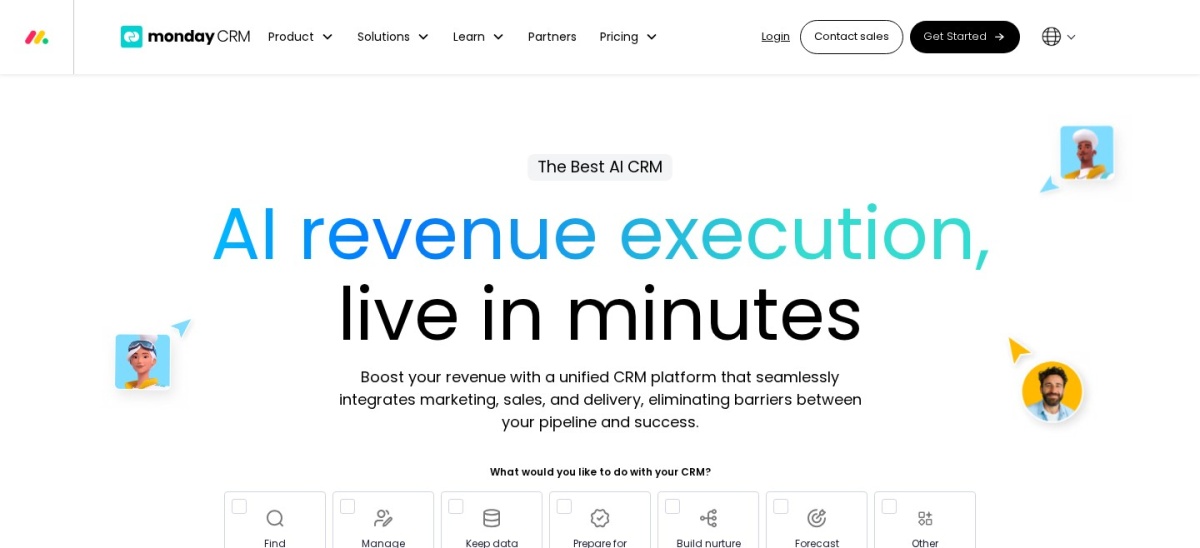
monday CRM homepage, captured Nov 2026.
monday CRM adapts monday.com's color-coded work boards into a flexible system for lead intake, deal tracking, and post-sale client onboarding. Basic lists at $12 per seat monthly billed annually ($144/yr per seat, or $18/mo monthly) with unlimited pipelines, customizable boards, and 20 quotes or invoices per month.
The trade off is a strict 3-seat minimum—making the true entry cost $432/yr—plus missing two-way email sync on Basic. You must upgrade to Standard at $17/seat/mo annually ($612/yr for 3 seats) for centralized email sync and 250 monthly automations. It suits agencies blending sales with project boards.
What we like
Highly visual boards transition won deals straight into client delivery
Includes built-in quote and invoice generation on every paid plan
No-code column customization fits non-standard service workflows
Strong user ratings for interface clarity and ease of navigation
Watch out for
3-seat minimum pushes actual starting spend to $432/yr
Centralized email sync and automations start on the $17/seat/mo Standard tier
Basic plan caps quotes and invoices at 20 per month
Standard adds two-way Gmail and Outlook sync, 250 monthly automations, and 50 quotes or invoices per month.Visit monday.com
08
Housecall Pro
4.7/5on Capterra (2,749 reviews, checked Nov 2026)
Starts at$59/mo
Best for mobile dispatch and online booking
Free tier14-day trial only
Entry paid planBasic at $59/mo (annual)
Included users1 user on Basic (5 on Essentials)
AccountingQuickBooks sync on Essentials+
housecallpro.com
Housecall Pro homepage, captured Nov 2026.
Housecall Pro is an all-in-one field service CRM built for residential contractors, cleaners, and repair technicians. Its Basic plan costs $59/mo billed annually ($708/yr, or $79/mo month-to-month) for 1 user, providing job scheduling, dispatching, digital estimates, invoicing, and online customer booking.
The trade off is a higher starting price and paid add-ons for essential tools. QuickBooks integration and automated customer postcards require Essentials at $149/mo annually ($1,788/yr for up to 5 users), while visual sales proposals and vehicle GPS tracking cost extra. It suits home service operators prioritizing mobile booking.
What we like
Customer-facing online booking and automated arrival text alerts
Highly rated iOS and Android field apps with offline viewing
Flat-rate Essentials tier covers up to 5 users without per-seat fees
Built-in financing options and digital payment collection
Watch out for
No QuickBooks integration on the $59/mo Basic plan
Sales proposals, recurring service plans, and GPS tracking cost extra on lower tiers
Highest entry price on this list at $708/yr
Essentials covers up to 5 users and adds QuickBooks sync, automated marketing, and live phone support.Visit housecallpro.com
General sales CRM vs. field service software
Choosing between a general CRM like HubSpot or Copper and a field service platform like Jobber or Housecall Pro comes down to where your work happens. Professional services—agencies, IT consultants, accountants, and law firms—sell through proposals and recurring retainers, making email sync, deal stages, and post-sale project boards the top priorities.
Mobile trades and home service businesses operate on tight appointment windows. If your staff drives between client sites, a general sales CRM forces you to bolt on third-party scheduling and invoicing apps, whereas field service software handles dispatch, on-site estimates, and tap-to-pay collection out of the box.
How we chose
We evaluated leading CRM and field service platforms used by agencies, consultants, and home service contractors, focusing on active maintenance, transparent public pricing, and clear post-sale handoff features.
All prices, user limits, ratings, and review counts were verified directly from official vendor pricing pages and Capterra product profiles on 22 Nov 2026.
We excluded enterprise-only systems without published pricing—such as ServiceTitan and FieldPulse—as well as discontinued tools or CRMs lacking reliable customer support records. No vendor paid for a place, and we do not claim testing for this list.
How to choose a CRM for your service business
Match your CRM selection to how your team wins, schedules, and bills clients:
Separate relationship sales from field dispatch. Pick a pipeline CRM like HubSpot, Copper, or Pipedrive if you close deals over email and calls, or choose Jobber or Housecall Pro if you dispatch technicians to physical addresses.
Calculate your true multi-seat annual cost. Multiply the regular annual per-user rate by your full staff count and check for hidden floors, such as monday CRM's 3-seat minimum or paid QuickBooks add-ons.
Verify where email sync and automations unlock. Many entry tiers omit two-way inbox sync or automated follow-ups, forcing upgrades to mid-tier plans like Pipedrive Growth ($39/seat/mo) or Copper Professional ($59/seat/mo).
Test the deal-to-delivery handoff on a trial. Import 20 real client records during a 14-day trial to verify that won quotes convert cleanly into project tasks, schedules, and invoices without duplicate data entry.
FAQ
What is the best free CRM for a service-based business?
HubSpot offers the strongest free CRM for service businesses, supporting up to 2 users and 1,000 contacts with deal pipelines, shared inbox tools, and basic invoicing. Zoho CRM and Freshsales also provide permanent free tiers for up to 3 users if you need an extra seat.
Do service businesses need a field service CRM or a standard CRM?
Desk-based service businesses like agencies, consultants, and financial advisors work best with standard CRMs such as Copper or Pipedrive. Businesses that send technicians to client locations—like HVAC, cleaning, or landscaping—benefit more from field service CRMs like Jobber or Housecall Pro.
Which CRM integrates best with Gmail and Google Workspace?
Copper offers the tightest Google Workspace integration, running directly inside a Gmail sidebar to log emails, sync calendar meetings, and attach Google Drive files automatically without manual data entry.
What is the cheapest paid CRM for a small service team?
Freshsales Growth is the lowest-priced paid option on our list at $9 per user per month billed annually ($108/yr), followed by monday CRM Basic at $12/seat/mo annually—though monday CRM requires a 3-seat minimum ($432/yr total).
Can these CRMs send quotes and collect client payments?
Jobber and Housecall Pro include built-in quoting, invoicing, and online card payments on every plan. HubSpot and monday CRM also include basic invoicing on entry tiers, while Pipedrive and Zoho CRM require higher tiers or connected apps for full billing.