Best Contact Center Automation in 2026: 7 Tools Compared
WLWPLegible EditorsLast verified 22 Nov 2026How we rank6 min read
★ Short answer
Genesys Cloud CX leads for omnichannel call routing and AI orchestration at $75 per user per month billed annually, holding a 4.4 out of 5 rating across 1,589 G2 reviews. For smaller teams prioritizing fast setup or lower entry prices, CloudTalk starts at $25 per user per month and Aircall starts at $30 per seat per month.
How we make this list: we compare pricing pages, product documentation and public user reviews, then re-check every price before each update. No product paid for a place. Disclosure.
Genesys Cloud CX holds a 4.4/5 rating across 1,589 G2 reviews with entry pricing from $75/user/mo billed annually.
Talkdesk starts at $85/user/mo for Digital Essentials and holds a 4.4/5 rating across 2,610 G2 reviews.
CloudTalk starts at $25/user/mo billed annually and holds a 4.4/5 rating across 2,039 G2 reviews.
Aircall starts at $30/seat/mo billed annually and includes AI Voice Agents alongside 250+ integrations.
Zendesk offers Support Only starting at $19/user/mo billed annually with a 4.3/5 rating across 7,131 G2 reviews.
What to look for in contact center automation
Contact center automation combines interactive voice menus, skills-based call routing, AI virtual agents, and automated wrap-up workflows so support teams spend less time on repetitive tasks. The right fit depends on whether your volume centers on inbound voice queues, outbound sales dialing, or written tickets and messaging.
Seat pricing is only part of the total bill across contact center tools. Vendors frequently charge extra for telephony minutes, AI voice or transcription usage, SMS segments, or advanced workforce management modules.
Minimum seat counts and contract terms also separate SMB phone tools from enterprise suites. Always check whether annual billing is required for published per-user rates and which CRM integrations are included at the base tier.
For high-volume voice and outbound campaign centers
$119/mo
No free plan
4.2/5
Price ladder: cheapest paid plan per year
List prices, USD, checked Nov 2026
Zendesk$228
CloudTalk$300
JustCall$348
Aircall$360
Genesys$900
Talkdesk$1,020
Five9$1,428
The 7 best contact center automation
01
Genesys Cloud CX
4.4/5on G2 (1,589 reviews, checked Nov 2026)
Starts at$75/mo
Best for omnichannel orchestration and custom routing flows
Entry planGenesys Cloud CX 1
Billing basisAnnual commitment
G2 rating4.4 / 5 (1,589)
Core focusVoice, routing & AI
genesys.com
Genesys Cloud CX homepage, captured Nov 2026.
Genesys Cloud CX is a cloud contact center platform built around experience orchestration, IVR, call routing, and AI virtual agents across voice and digital channels. Its entry tier starts at $75 per user per month on an annual commitment, with 24/7 support included.
The trade off is that telephony minutes, AI usage tokens, and a $2,000 monthly platform minimum can push costs above the $900 per-seat yearly rate. It suits mid-market and enterprise teams that need deep routing logic and broad CRM integrations.
What we like
Flexible call flows, IVR, and open APIs for custom integrations
Strong 4.4/5 score across 1,589 G2 reviews for reliability and routing
Includes 24/7 support without an extra support fee
Watch out for
Steep configuration learning curve for complex setups
Telephony minutes and AI usage add to base seat pricing
Higher tiers add digital channels, workforce management, and analytics.Visit genesys.com
02
Talkdesk
4.4/5on G2 (2,610 reviews, checked Nov 2026)
Starts at$85/mo
Best for AI-assisted workflows and regulated industries
Entry planDigital Essentials
Voice tierVoice Essentials ($105/mo)
G2 rating4.4 / 5 (2,610)
Core focusCXA, routing & AI
talkdesk.com
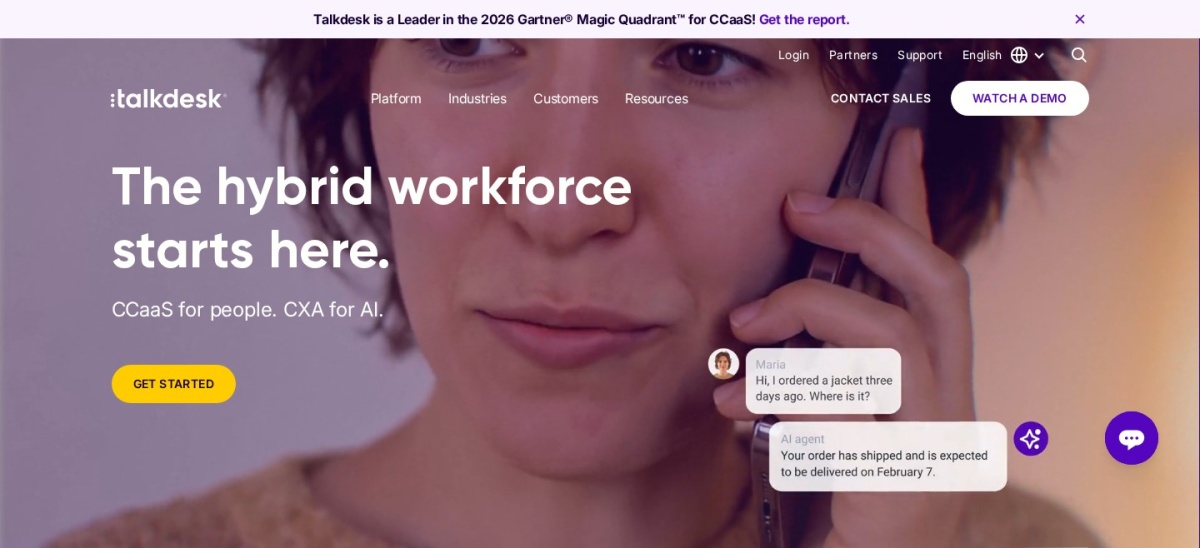
Talkdesk homepage, captured Nov 2026.
Talkdesk is a cloud contact center platform offering AI virtual agents, real-time agent guidance, studio routing flows, and analytics. Digital Essentials starts at $85 per user per month for email, chat, SMS, and social messaging, while Voice Essentials starts at $105 per user per month.
The trade off is that voice engagement, workforce management, and industry editions cost more than the base digital tier. It suits teams that want guided workflows, AI quality tools, and structured reporting.
What we like
2,610 G2 reviews averaging 4.4/5 with strong marks for ease of use
Built-in workflow studio, routing, and AI assistant features
Dedicated tiers for digital, voice, and industry-specific needs
Best for ticket-driven teams automating email and chat
Entry planSupport Team
Billing basisAnnual billing
G2 rating4.3 / 5 (7,131)
Core focusTickets & omnichannel AI
zendesk.com
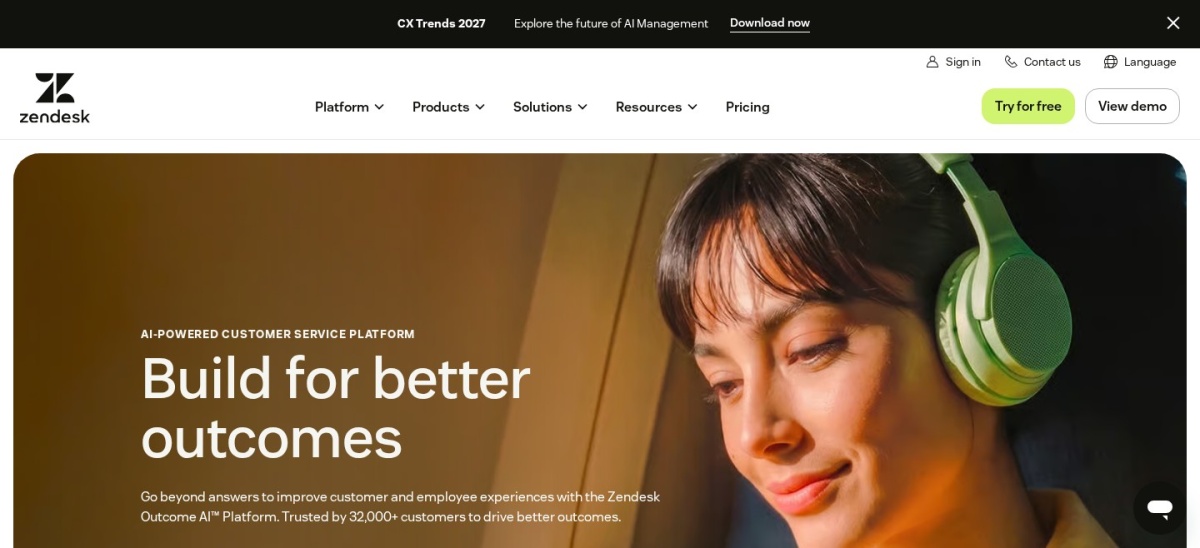
Zendesk homepage, captured Nov 2026.
Zendesk is a customer service and ticketing platform that centralizes email, messaging, chat, and voice with automation and AI workflows. Its Support Only plan starts at $19 per user per month billed annually, with Suite plans starting at $55 per user per month.
The trade off is that voice-first operations and advanced AI add-ons or automated resolution fees can increase total spend. It suits support teams organized around tickets and multi-channel queues.
What we like
Low entry seat price at $19/user/mo billed annually on Support Only
Large review base with 7,131 G2 reviews and a 4.3/5 rating
Mature ticketing workflows, macros, and third-party integrations
Watch out for
Add-ons and usage-based AI charges can stack up
Less focused on heavy outbound dialing than dialer platforms
Higher plans and add-ons unlock full suite channels, AI copilot, and analytics.Visit zendesk.com
04
Aircall
4.3/5on G2 (1,687 reviews, checked Nov 2026)
Starts at$30/mo
Best for fast cloud phone setup and CRM integrations
Entry planEssentials
Billing basisAnnual billing
Integrations250+ apps
Core focusVoice, IVR & AI agents
aircall.io
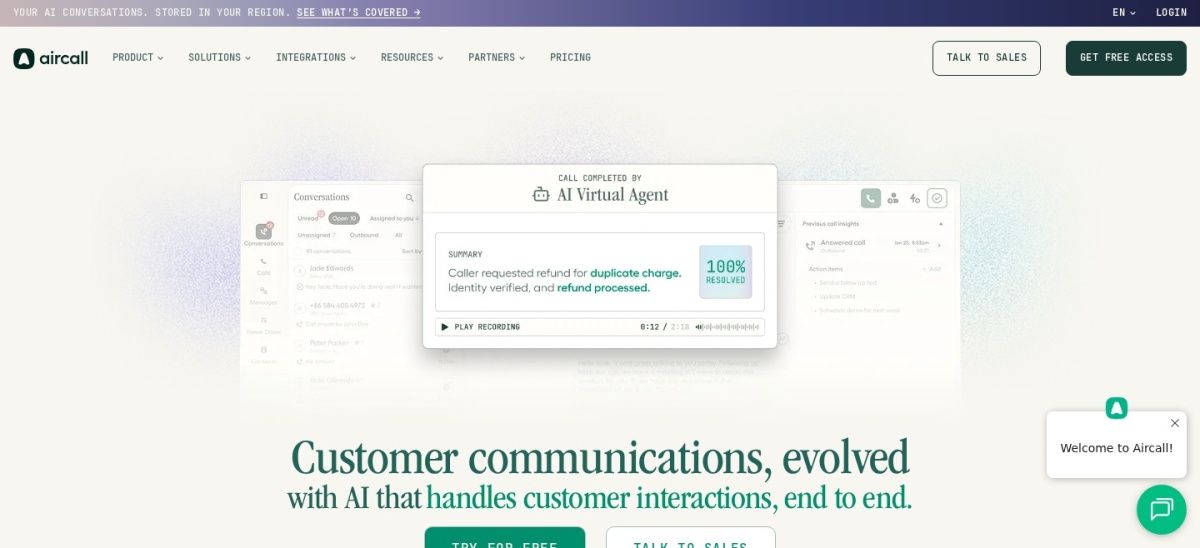
Aircall homepage, captured Nov 2026.
Aircall is a cloud phone and customer communication platform offering IVR, call routing, call recording, AI transcripts, and AI voice agents. Essentials starts at $30 per seat per month billed annually and includes US and Canada calling plus 250+ integrations.
The trade off is a 3-seat minimum, extra costs for AI add-ons or minute bundles, and gating of features like Salesforce integration to higher tiers. It suits small and mid-size sales and support teams that value quick setup.
What we like
Quick setup with an intuitive interface and 250+ integrations
Includes call recording, transcripts, IVR, and entry voice agent minutes
Straightforward annual pricing starting at $30/seat/mo
Watch out for
3-seat minimum increases cost for very small teams
AI Assist Pro and advanced CRM options cost extra
Upper tiers and add-ons expand team routing, live call coaching, and AI features.Visit aircall.io
05
CloudTalk
4.4/5on G2 (2,039 reviews, checked Nov 2026)
Starts at$25/mo
Best for outbound calling and CRM-connected sales teams
Entry planStarter
Billing basisAnnual billing
G2 rating4.4 / 5 (2,039)
Core focusCloud calling & dialers
cloudtalk.io
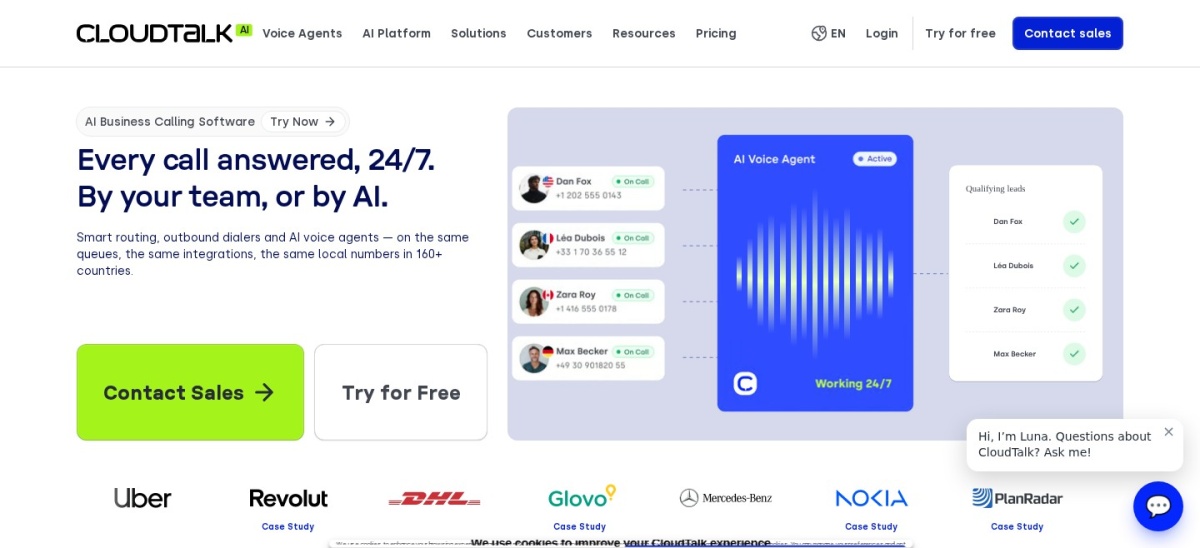
CloudTalk homepage, captured Nov 2026.
CloudTalk is a cloud business calling platform with call flows, virtual numbers, dialers, call recordings, and CRM integrations. Starter begins at $25 per user per month billed annually, with higher tiers unlocking broader calling regions and power dialing.
The trade off is that SMS and messaging run on separate usage credits, and phone support is restricted to higher tiers. It suits sales and support teams that rely heavily on phone outreach and CRM syncing.
What we like
Affordable annual entry price at $25/user/mo
Holds a 4.4/5 rating across 2,039 G2 reviews
Useful call flow builder, recordings, and CRM integrations
Watch out for
Messaging is billed separately from calling plans
Phone support requires upgrading to higher tiers
Higher plans add power dialing, expanded calling regions, and phone support.Visit cloudtalk.io
06
JustCall
4.3/5on G2 (2,396 reviews, checked Nov 2026)
Starts at$29/mo
Best for combined calling, SMS workflows, and CRM syncing
Entry planTeam
Billing basisAnnual billing
G2 rating4.3 / 5 (2,396)
Core focusCalls, SMS & workflows
justcall.io
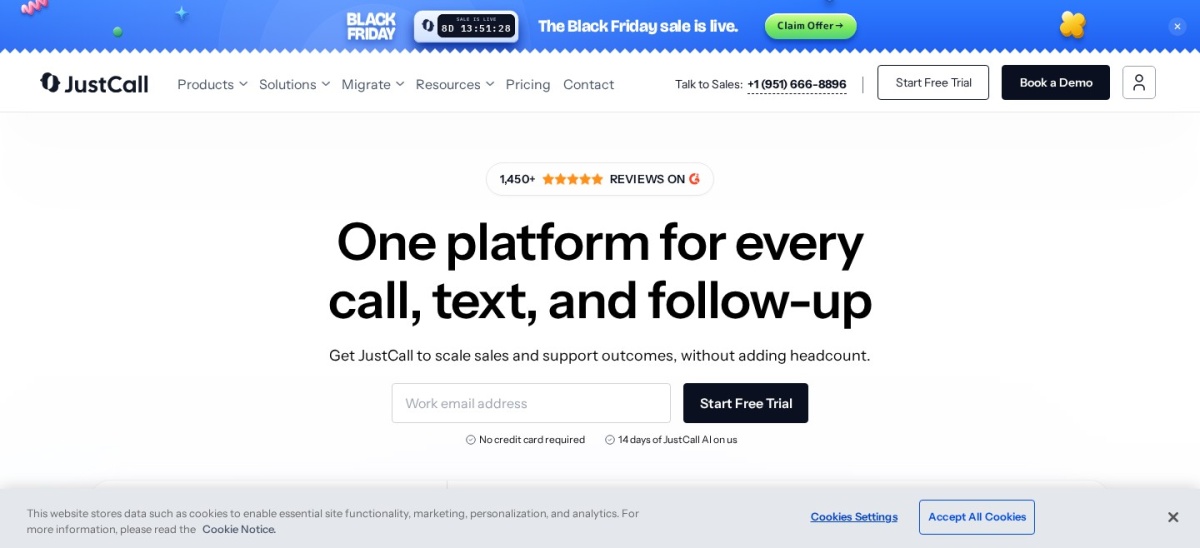
JustCall homepage, captured Nov 2026.
JustCall is a cloud communication platform covering voice calls, SMS, workflow automations, call recording, and AI insights. Its Team plan starts at $29 per user per month billed annually, with higher tiers adding more automation and coaching features.
The trade off is that SMS segments, extra numbers, and specialized AI add-ons carry usage or add-on charges beyond base seat rates. It suits teams combining phone calls, text follow-ups, and CRM workflows.
What we like
Starts at $29/user/mo billed annually on the Team plan
4.3/5 rating across 2,396 G2 reviews with strong CRM integration feedback
Combines calling, SMS, and workflow automation in one workspace
Watch out for
Usage limits and add-ons require tracking across minutes and SMS
Reviewers note occasional billing and plan structure friction
Higher tiers and add-ons expand workflow automation, AI coaching, and voice agents.Visit justcall.io
07
Five9
4.2/5on G2 (687 reviews, checked Nov 2026)
Starts at$119/mo
Best for high-volume voice and outbound campaign centers
Entry planDigital ($119/mo)
Voice + AI tierCore ($159/mo)
G2 rating4.2 / 5 (687)
Core focusDialers, routing & AI
five9.com
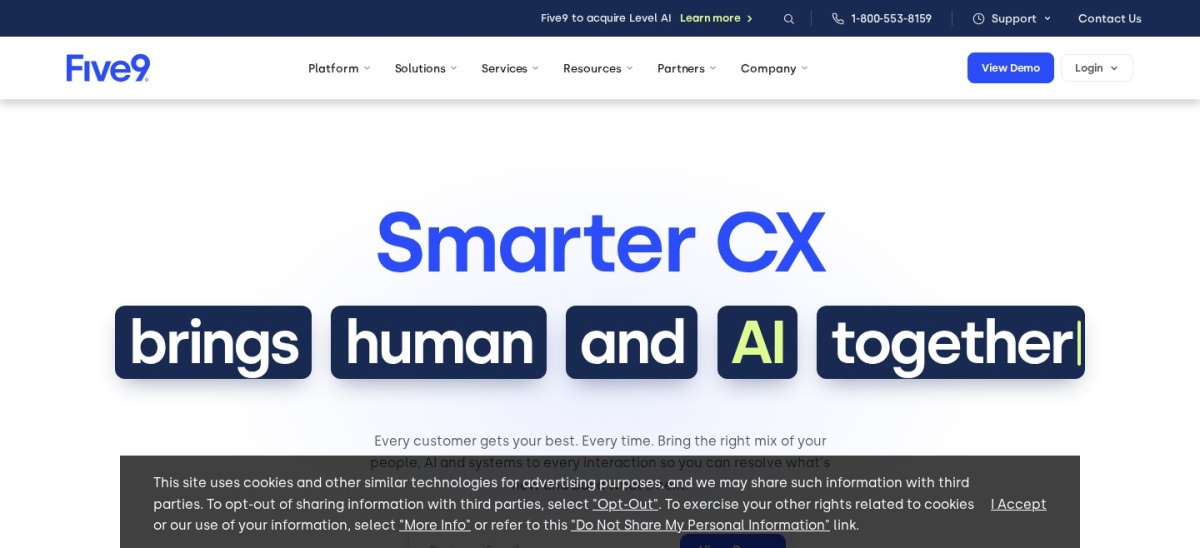
Five9 homepage, captured Nov 2026.
Five9 is a cloud contact center platform offering inbound and outbound dialers, routing, call recording, and AI summaries, transcription, and agent assist. Digital starts at $119 per seat per month and Core starts at $159 per seat per month.
The trade off is higher seat pricing, potential seat minimums, and extra usage charges for channels and AI minutes. It suits larger contact centers running heavy voice traffic and outbound campaigns.
What we like
Established dialer, routing, and blended inbound/outbound capabilities
Includes AI summaries, live transcription, and agent assist on published tiers
4.2/5 rating across 687 G2 reviews
Watch out for
Higher starting seat price than small-business phone tools
Admin controls and reporting can feel complex for new teams
Higher tiers and add-ons expand advanced AI, workforce engagement, and CRM adapters.Visit five9.com
How per-seat plans compare with usage add-ons
Most contact center platforms charge a monthly rate per agent seat, with discounts for annual commitments. That baseline keeps staffing costs predictable when call volume is steady.
However, voice minutes, SMS messages, and AI automation often sit on separate meters or higher tiers. Teams should estimate monthly call and message volume alongside agent count before choosing a plan.
How we chose
We selected established contact center and customer communication platforms with public pricing tiers and active user reviews across voice, messaging, and workflow automation. Because standalone WordPress plugins are not the primary software used for full contact center automation, we evaluated cloud contact center and business communication tools.
All prices, ratings, and review counts were checked on 22 Nov 2026 using G2 review pages and vendor pricing and documentation pages. Where a platform lists multiple tiers, we recorded the lowest published paid plan and noted higher tiers or add-ons where relevant.
We excluded products that lacked clear public entry pricing or verifiable third-party review counts on our checked pages. No vendor paid for a place, and we do not claim testing for this list.
How to choose contact center automation
Follow these four steps to narrow down the right platform for your team.
Map your primary channels first. Decide whether your team handles mostly phone calls, outbound campaigns, or written tickets and chat before comparing tiers.
Check seat minimums and contract terms. Confirm whether a vendor requires annual billing or a minimum number of seats to unlock advertised rates.
Account for minutes, SMS, and AI extras. Review how voice minutes, messaging credits, and AI assistants are billed so add-ons do not surprise your budget.
Verify CRM and helpdesk fit. Make sure your CRM or ticketing system integrates cleanly on the plan tier your team actually plans to buy.
FAQ
What does contact center automation typically automate?
Contact center automation handles call menus, skills-based routing, call recording, transcripts, basic customer questions through AI virtual agents, and post-call or ticket follow-ups. Human agents still step in for complex or sensitive issues.
Why do advertised per-user prices differ from the final bill?
Many platforms price base seats separately from phone minutes, SMS segments, AI add-ons, or higher-tier routing features. Annual billing discounts and seat minimums can also change the total cost.
Is a dedicated contact center platform better than a helpdesk?
Dedicated contact center platforms usually fit teams with heavy phone queues, dialers, or call routing rules, while helpdesks often fit teams centered on email, chat, and tickets. Some platforms span both, depending on the plan you select.
How important are CRM integrations when picking a tool?
CRM integrations save agents from manual call logging and give reps customer context during live interactions. Check whether your required CRM integration is included on the entry tier or gated to a higher plan.
Should small teams choose enterprise contact center suites?
Small teams often prefer lighter tools with faster setup and lower per-seat starting prices rather than complex enterprise suites. Enterprise platforms make more sense when you need advanced routing, workforce management, or large-scale governance.
What should I check before signing an annual contract?
Confirm seat counts, included minutes or channels, cancellation terms, and which support channels are included on your tier. Testing workflows during a trial or pilot can also help catch setup gaps early.