Best Conference Room Scheduling Software in 2026: 9 Tools Compared
WLWPLegible EditorsLast verified 24 Nov 2026How we rank13 min read
★ Short answer
Skedda is the best conference room scheduling software for most offices, with per-space pricing from $249 a month in the US and a 4.8 out of 5 G2 rating. Pick Envoy if visitor check-in matters most, or Joan if you want battery-powered displays on every door.
How we make this list: we compare pricing pages, product documentation and public user reviews, then re-check every price before each update. No product paid for a place. Disclosure.
Skedda leads at 4.8 out of 5 on G2, with US pricing from $249 a month for 35 spaces and unlimited users.
Envoy Reservations costs $5 per bookable resource a month, but every plan also needs an unpublished platform fee.
Joan starts at $51 a month, and every plan includes all features, though panels cost from $399 each.
Deskbird at $3.75 per active user a month and Kadence at $4 are the cheapest per-user options in this list.
Robin and Teem publish no price, so budget them by quote and expect enterprise-level totals.
What to look for in conference room scheduling software
Double bookings usually come from calendars that do not talk to the room. A good tool syncs both ways with Outlook or Google Calendar, so a booking made anywhere shows up everywhere.
Room displays matter more than dashboards. A panel on the door shows live availability and lets anyone book or release a room in a few taps, without opening an app.
Pricing models differ wildly: per-user, per-room, per-space flat or per-device. Model your headcount and room count against each before comparing headline prices.
No-show protection is worth checking. Tools that release a room when nobody checks in keep the calendar honest. Our guide on adding a booking calendar to WordPress covers the same booking basics for a smaller setup.
The 9 best conference room scheduling software tools
01
Skedda
4.8/5on G2 (283 reviews, checked Nov 2026)
Starts at$249/mo
Best conference room scheduling software overall
Entry planPlus, $249/mo
Spaces included35
Calendar syncMicrosoft 365, Google
Free trial14 days
skedda.com
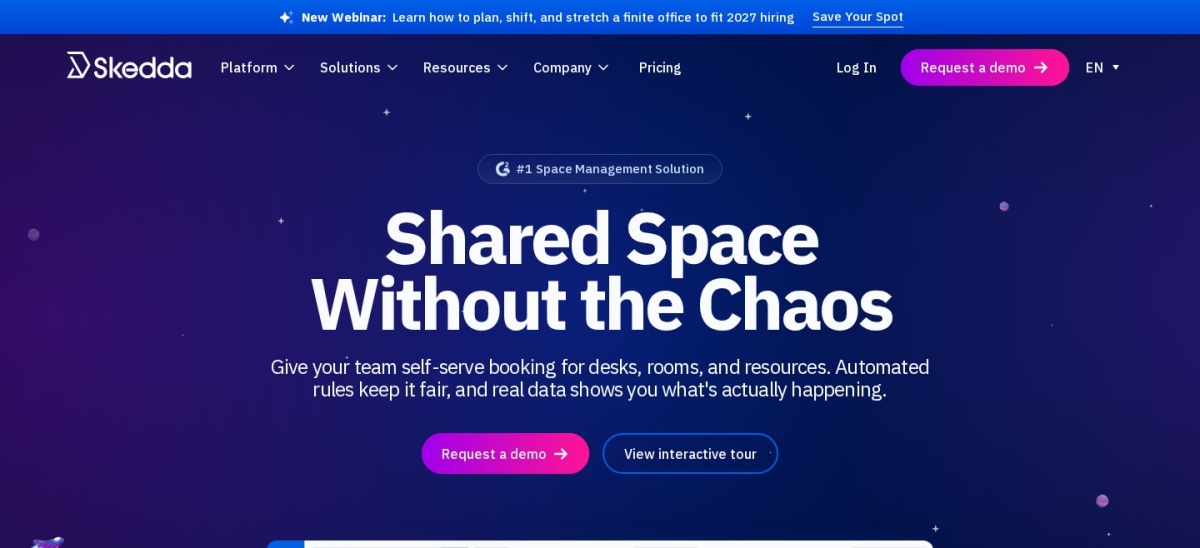
Skedda homepage, captured Nov 2026.
Skedda is a space booking platform that covers desks, meeting rooms and other shared spaces with interactive floor plans. The US Plus plan starts at $249 a month billed annually for 35 spaces, with unlimited users and bookings, two-way sync with Microsoft 365 and Google Workspace, and booking rules with quotas and approvals.
The trade off is price by region. The $99 Starter plan with 15 spaces is listed for EMEA and APAC only, so US buyers start at Plus, and visitor management is a $99 a month add-on. It suits offices with more staff than rooms that want predictable per-space billing.
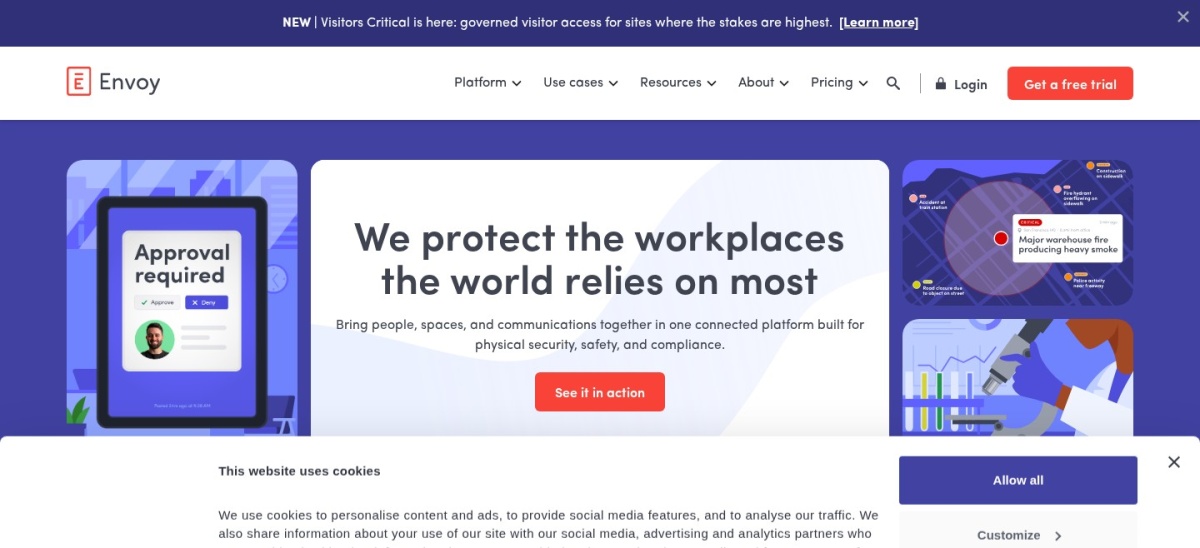
Envoy is a workplace platform that sells room booking as its Reservations module, beside visitor sign-in, deliveries and screens. Reservations costs $5 per bookable resource a month billed annually, covers desks, rooms and parking, and adds room displays with walk-up booking, check-in and auto-release for no-shows.
The trade off is the platform fee. Every Envoy module sits on top of a required platform layer whose price is not published, so $5 a resource is not the total bill. It suits offices that already run Envoy Visitors and want rooms on the same system.
What we like
Lowest published per-resource price in this list
Visitor sign-in and rooms on one platform
Room displays with walk-up booking and check-in
Auto-release frees rooms after no-shows
Watch out for
Platform fee is not published
Annual billing only, no monthly option
Visitors kiosk runs on iPad only
Visitors Premium adds branding and compliance workflowsVisit envoy.com
03
OfficeRnD
4.6/5on G2 (158 reviews, checked Nov 2026)
Starts at$99/mo
Best for hybrid offices billed by room
Entry planStart, $99/mo
Users includedUp to 150
Meeting rooms$8/mo each
Free trialYes
officernd.com
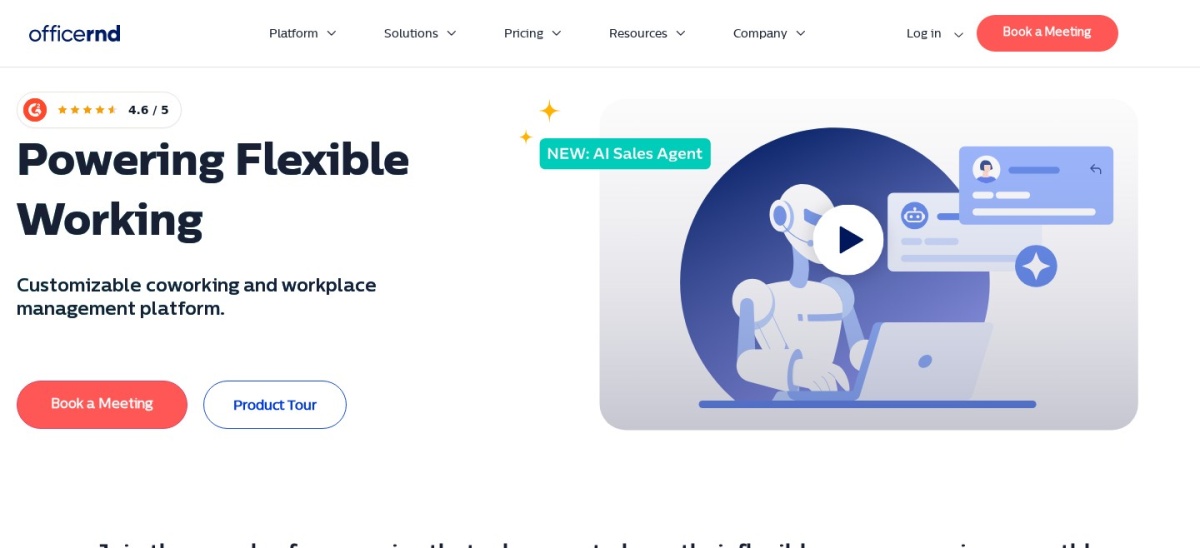
OfficeRnD homepage, captured Nov 2026.
OfficeRnD is a hybrid workplace platform for desk and room booking, built around Microsoft 365, Google Workspace, Teams and Slack. The Start plan costs $99 a month on annual billing for up to 150 users, with meeting room bookings, recurring bookings, interactive maps and check-in with auto-release.
The trade off is the per-room meter. Rooms cost $8 a month each on top of the $99 base, so a room-heavy office pays well above the headline price. It suits hybrid offices with more staff than desks that want the bill tied to rooms, not headcount.
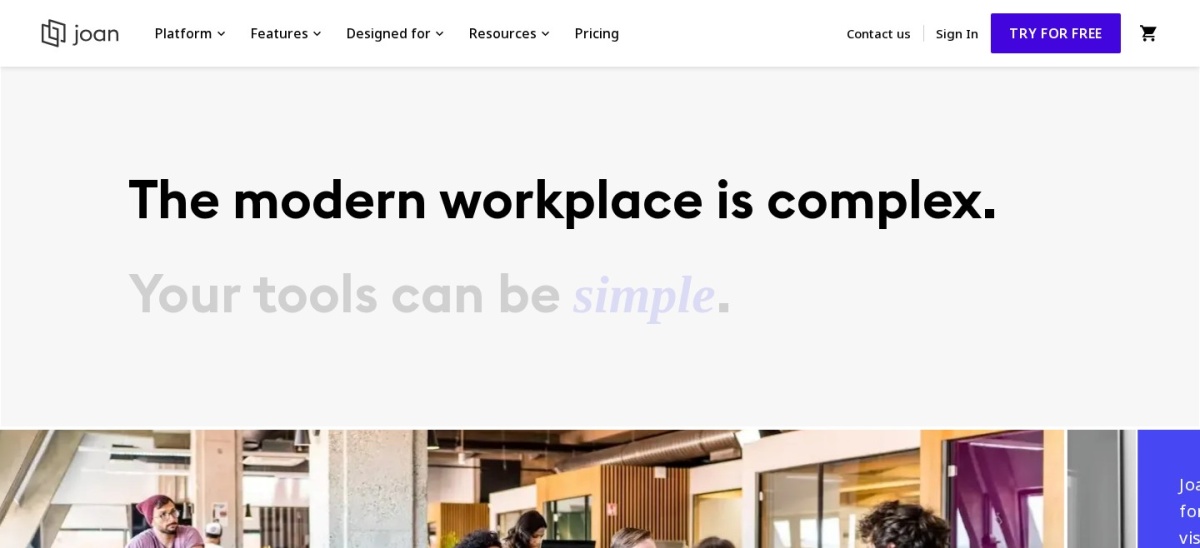
Joan is a meeting room booking platform built around its own battery-powered ePaper displays that mount on the door with no cabling. Plans start at $51 a month billed annually with 20 users and 2 device licenses included, and every plan includes room booking, desk booking, visitors and analytics.
The trade off is hardware. Each room needs a display bought separately, from $399 for the Joan 6 RE to $899 for the Joan 13 Pro, and extra device licenses cost $10.99 a month. It suits offices that want live availability visible at every door.
What we like
Battery displays need no cabling or drilling
All features included at every tier
People booking from Outlook or Google are not billed
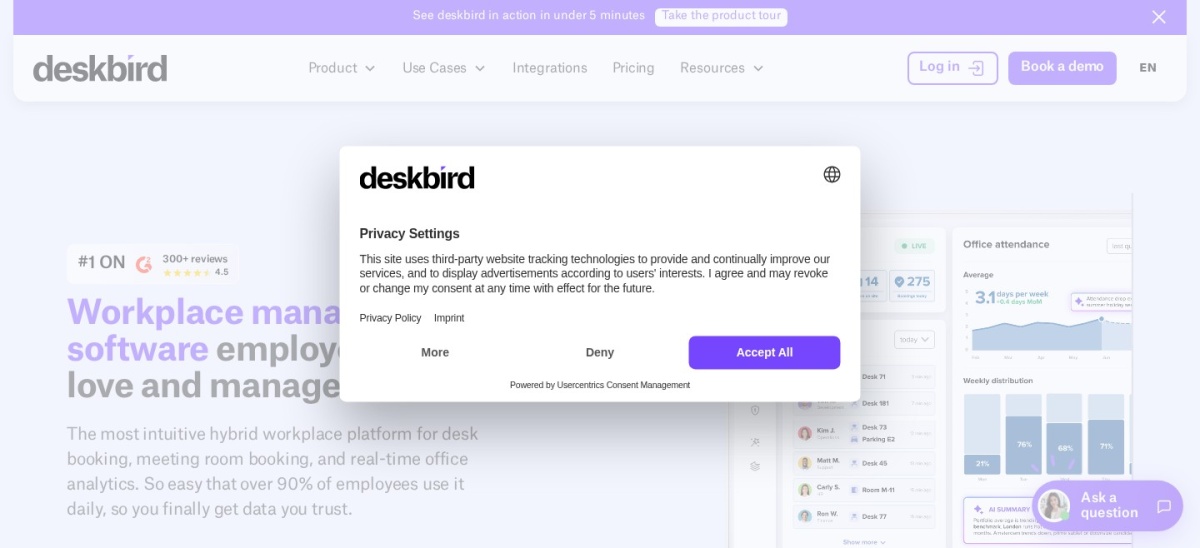
Deskbird is a hybrid workplace platform with a mobile-led approach to desk and room booking. The Business plan costs $3.75 per active user a month on annual billing, and includes interactive floor plans, native mobile apps, Microsoft Teams integration and automatic desk booking.
The trade off is the currency split. G2 lists the same Business plan at €2.75 per user a month, so confirm the dollar figure in a quote before budgeting. It suits Teams-first offices that want a low per-user price with a strong mobile app.
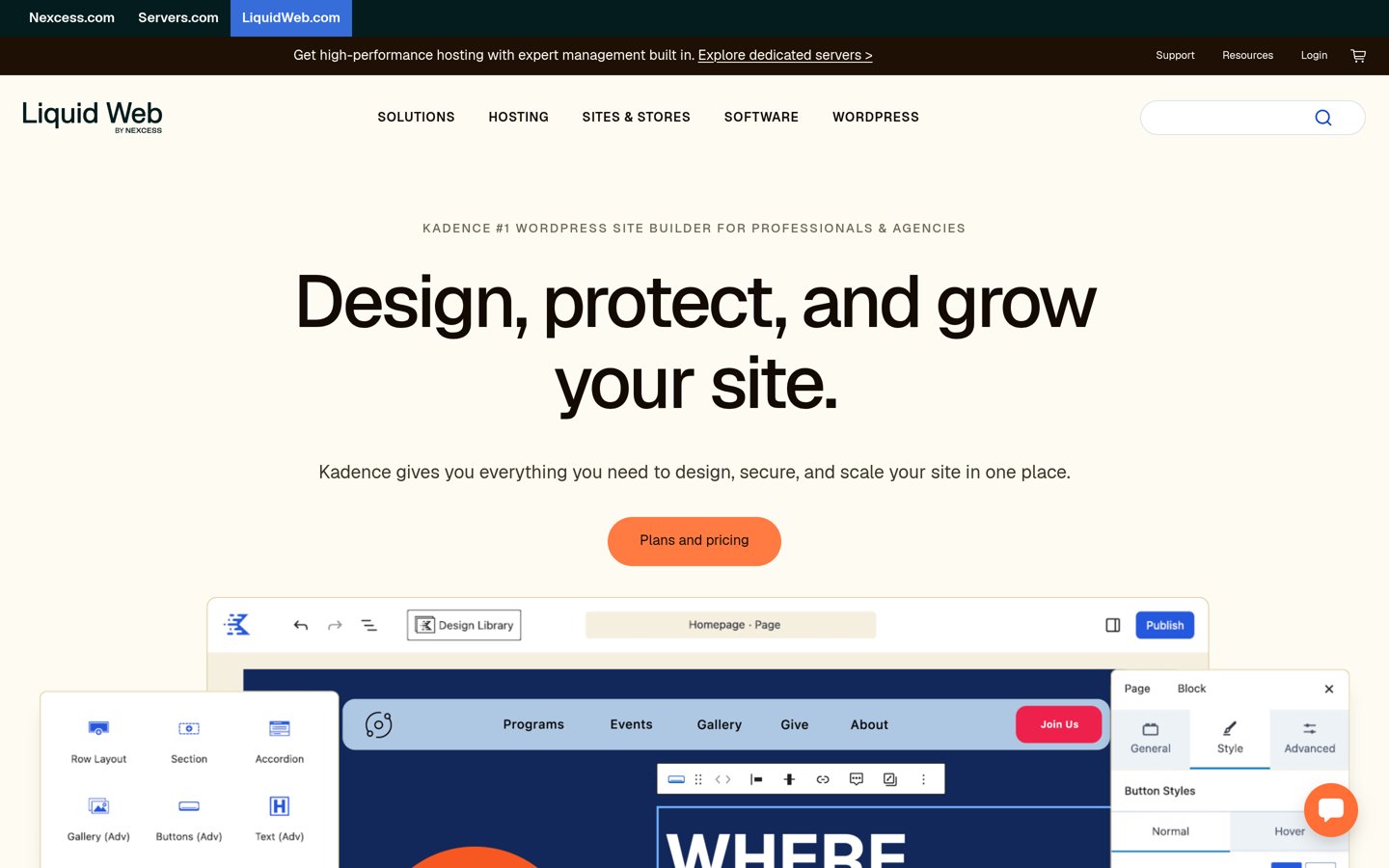
Kadence is a workplace platform built around hybrid planning, with room and desk booking tied to team in-office schedules. The Standard plan costs $4 per user a month, with unlimited active users, desks and rooms, interactive office maps, team neighbourhoods and booking inside Microsoft Teams.
The trade off is the price source. The $4 figure comes from Kadence's own listing on G2, and its website now routes pricing through sales, so confirm it in a quote. It suits hybrid teams that plan office days in Teams and want rooms booked beside desks.
Yarooms is a workplace platform with one flat monthly price for desk and room booking, with no per-user charge. The Starter plan costs $99 a month for up to 20 users at one location, and covers room booking, desk booking, floor plans and a visitor log.
The trade off is the ceiling. Starter caps at 20 spaces and one location, visitor management costs another $99 a location a month, and the Teams app arrives on Business at $399 a month. It suits small offices that want one flat number and no per-user meter.
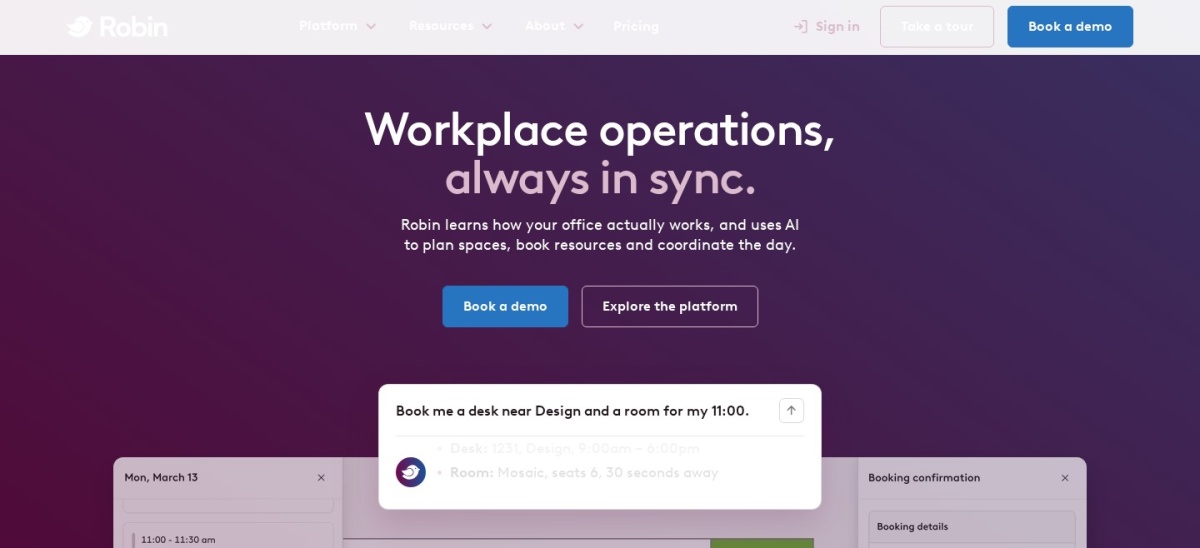
Robin is a workplace platform for room scheduling, desk booking and space analytics aimed at mid-market and enterprise offices. It syncs with Outlook and Google Calendar, shows interactive floor maps, and tracks booking patterns, no-show rates and peak use by room, floor and building.
The trade off is price. Robin publishes no pricing, and G2 reports a $15,000 annual starting price, so small teams should expect an enterprise-level quote. It suits large, multi-site offices that make space decisions from utilization data.
Teem is the room-booking product inside the Eptura suite, built first for meeting rooms and still strongest there. Staff book from Outlook, Google Calendar or a mobile app, a flightboard shows the day at a glance, and lobby check-in welcomes guests beside the booking.
The trade off is access. Eptura publishes no price for Teem, and the standalone G2 listing holds only 3 reviews, so buyers rely on a sales quote and the wider Eptura Workplace score. It suits offices already running Eptura products that want room booking in the same family.
What we like
Built first for meeting rooms
Flightboard shows the whole day at a glance
Lobby check-in for guests included
Meeting analytics track no-shows and ghost meetings
Per-space, per-user or per-room: which pricing model fits
Per-space pricing suits offices with more staff than rooms. Skedda charges by space, so a 200-person team sharing 35 rooms pays the same as a 50-person team.
Per-user pricing suits small teams that use every seat. Deskbird at $3.75 and Kadence at $4 per user a month stay cheap until headcount grows past the room count.
Per-room and per-device pricing suit display-led rollouts. OfficeRnD adds $8 a room a month, Joan adds $10.99 a device a month, and both need hardware in the budget too.
How we chose
We started from the room scheduling tools that appear most often in buyer shortlists, then kept nine with an established product, a public rating and a real room-booking focus.
Prices come from each vendor's pricing page or its G2 listing, checked on 24 November 2026. Ratings and review counts come from G2 on the same day. Where a vendor shows a regional price, the list shows the US figure and notes the difference.
We left out tools with no public rating or no room-booking product. No vendor paid for a place, and we do not claim to have used these tools ourselves.
How to choose conference room scheduling software
Start with how many rooms you run, then match the pricing model to that count.
Count rooms, not people. Per-space and per-room tools bill on rooms, so count bookable rooms first. Per-user tools bill on staff, so count who actually comes in.
Check the calendar sync. Book a test room from Outlook or Google Calendar and confirm it appears on the display. Two-way sync is the feature that stops double bookings.
Price the displays too. Add panels, tablets or ePaper screens to the quote. A cheap subscription with $399 panels per room can cost more than a pricier all-in plan.
Ask about no-show release. Confirm the tool frees a room when nobody checks in, and how long the grace period is. Without it, ghost meetings block rooms all day.
FAQ
What is the best conference room scheduling software?
Skedda is the best pick for most offices. It is rated 4.8 out of 5 on G2, charges per space rather than per user, and its US Plus plan starts at $249 a month for 35 spaces with unlimited users.
How much does conference room scheduling software cost?
Entry prices in this list run from $3.75 per active user a month on Deskbird to $249 a month on Skedda. Robin and Teem publish no price, so budget them by quote, and add display hardware to every estimate.
Do I need a display outside every room?
No, but it helps in busy offices. A display shows live availability and lets anyone book or release a room at the door. Joan sells battery ePaper displays from $399 each, while other tools run on tablets you already own.
Does room scheduling software work with Outlook and Google Calendar?
Yes, every tool in this list syncs with Outlook or Google Calendar. Two-way sync matters most: a booking made in the calendar should appear on the room display, and a booking made at the door should appear in the calendar.
What happens when nobody shows up for a meeting?
Most tools release the room after a grace period if nobody checks in. Skedda, Envoy, OfficeRnD and Robin all offer check-in with auto-release, though the feature sits on higher plans in some tools.
Can I try conference room scheduling software before paying?
Yes. Skedda, Joan and Yarooms offer free trials of 14 to 30 days, and most others offer a trial or a demo. Robin and Teem are quote-only, so ask sales for a trial during the quote process.