Best Color Correction Software in 2026: 9 Tools Compared
WLWPLegible EditorsLast verified 24 Nov 2026How we rank12 min read
★ Short answer
DaVinci Resolve is the best color correction software for most people, with a professional Color page free and a 4.7 out of 5 G2 rating from 221 reviews. Pick Premiere Pro for grading inside an agency edit, Final Cut Pro for a one-time Mac purchase, or Lightroom for RAW stills.
How we make this list: we compare pricing pages, product documentation and public user reviews, then re-check every price before each update. No product paid for a place. Disclosure.
DaVinci Resolve gives a full professional Color page free, with Studio at $295 once for AI tools and more.
Premiere Pro grades inside the edit with Lumetri, but costs $22.99 a month with no end date.
Final Cut Pro is the cheapest pro NLE to own long term at $299.99 once, but it is Mac only.
Lightroom and Capture One are the stills picks: Lightroom at $11.99 a month, Capture One at $18 a month with tethering.
Filmora at $49.99 a year and PowerDirector at $79.99 a year are the budget video options; Dehancer adds film looks for about $29 a month.
What color correction software should cover
Color correction fixes exposure, white balance and shot-to-shot matching so footage looks natural and consistent. Grading adds the creative look on top. Most buyers need correction first and a look second.
The tools split three ways: full platforms such as Resolve, Premiere and Final Cut that edit and grade in one app; stills editors such as Lightroom and Capture One; and look plugins such as Dehancer that finish a grade started elsewhere.
Price models differ as much as the tools. Resolve is free with a $295 one-time Studio upgrade, Final Cut costs $299.99 once, and the rest are subscriptions from $11.99 to $29 a month. A one-time purchase often costs less than two years of a subscription.
Stills need a different finish from video: after grading, export in a modern format, as our guide to serving WebP and AVIF images explains. For video, check that your editor exports the format your platform needs before you commit.
DaVinci Resolve is a full editing, effects and audio app built around a dedicated Color page, and the free download includes primary and secondary corrections, curves, qualifiers, tracking and HDR grading. It exports up to 4K at 60fps with no watermark, and the paid Studio version costs $295 once.
The trade off is the learning curve and the hardware. Resolve wants a real GPU and its panels reward study, while noise reduction and some AI tools stay in Studio. It suits editors and colorists who want professional grading without a subscription.
Adobe Premiere Pro is the desktop editor most agencies and production teams already use, and its Lumetri Color panel covers exposure, white balance, curves, color wheels and LUTs without leaving the timeline. The single-app plan costs $22.99 a month on an annual plan, with a 7-day trial.
The trade off is the subscription, which never ends, and color tools that lag behind Resolve for heavy secondary work and complex tracking. It suits editors who share projects with other Adobe users and grade as part of the edit.
What we like
Lumetri Color is fast and capable in the timeline
Huge preset and LUT ecosystem
Round-trips cleanly with After Effects and Audition
Watch out for
Subscription-only, with no perpetual licence
Color tools lag Resolve for complex grading work
Creative Cloud All Apps adds Photoshop, After Effects and moreVisit adobe.com
03
Final Cut Pro
4.4/5on G2 (87 reviews, checked Nov 2026)
Starts at$299.99/one-time
Best one-time purchase for Mac editors
Color toolsWheels, curves, HDR
Price$299.99 one-time
Free trial30 days
PlatformsMac only
apple.com
Final Cut Pro homepage, captured Nov 2026.
Final Cut Pro is Apple's editor for Mac and iPad, sold as a one-time purchase of $299.99 with a 30-day trial through Apple Creator Studio. Its color wheels, curves, hue and saturation curves and HDR tools cover in-timeline grading, and it runs fast on Apple silicon.
The trade off is that it runs only on Mac, and its plugin ecosystem is thinner than Premiere or Resolve. It suits Mac-based editors and YouTubers who want to pay once and own the app.
What we like
One-time purchase, no subscription
Color wheels, curves and HDR tools built in
Fast on Apple silicon
Watch out for
Mac only
Smaller plugin ecosystem than Premiere or Resolve
Apple Creator Studio adds Motion, Compressor and more for $12.99 a monthVisit apple.com
04
Adobe Lightroom
4.6/5on G2 (3,299 reviews, checked Nov 2026)
Starts at$11.99/mo
Best for RAW stills and photo color
RAW editingYes, with catalog
Monthly price$11.99, 1TB plan
Free trial7 days
PlatformsMac, Windows, mobile
adobe.com
Adobe Lightroom homepage, captured Nov 2026.
Adobe Lightroom is a photo editor built around RAW development, a catalog and cloud sync across desktop, tablet and phone. The Lightroom plan costs $11.99 a month with 1TB of storage, and its color grading panel, AI masking and denoise cover stills work end to end.
The trade off is that it edits photos, not video timelines, and the subscription never ends. It suits photographers who grade large batches of RAW stills and want edits synced everywhere.
What we like
Best photo catalog and cloud sync in this list
Strong AI masking and denoise
Wide camera support and large preset ecosystem
Watch out for
Subscription only, with no one-time purchase
No video timeline grading
Photography plan at $19.99 a month adds Photoshop and Lightroom ClassicVisit adobe.com
05
Capture One
4.5/5on G2 (79 reviews, checked Nov 2026)
Starts at$18/mo
Best for studio tethering and exact color
Tethering550+ cameras
Monthly price$18, annual plan
Free trial7 days
Perpetual licence$349
captureone.com
Capture One homepage, captured Nov 2026.
Capture One is the studio photographer's editor, known for tethered capture, live view and a Color Editor with skin tone tools. The Pro subscription costs $18 a month on an annual plan, with a $349 perpetual licence for photographers who prefer to buy once.
The trade off is price and scope: it costs more than Lightroom over time, and its catalog and AI masking are thinner. It suits commercial and fashion shoots where tethered speed and exact color matter most.
Wondershare Filmora is a beginner-friendly editor for Windows and Mac with timeline editing, color tools and LUT support. The free version exports with a watermark, and the Basic annual plan costs $49.99 a year with watermark-free 4K export and continuous upgrades.
The trade off is depth: its color tools cover everyday correction but not the node grading or HDR finishing of Resolve. It suits creators who want quick, good-looking color without learning a professional suite.
PowerDirector is CyberLink's video editor for Windows and Mac, with a free Essential version and a 365 subscription at $79.99 a year. It includes color matching across clips, LUT support and AI tools, and PCMag named it Best Overall video editor of 2026.
The trade off is that the free version restricts advanced AI tools and some export options, and the full feature set needs the subscription. It suits creators who want a fast, guided editor with solid color tools.
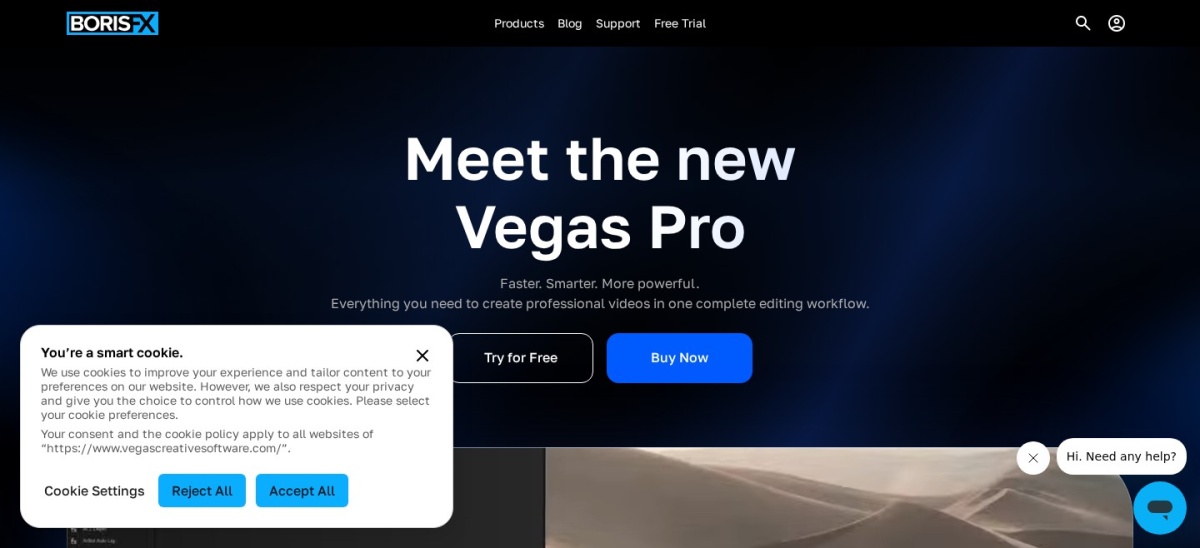
VEGAS Pro is a Windows editor from Boris FX with color wheels, curves, white balance and LUT support built into the timeline. The Pro subscription costs $99.95 a year, and a perpetual licence costs $219.95, with a free trial and no free plan.
The trade off is the ecosystem: fewer tutorials, plugins and colorists use it than the Adobe or Blackmagic worlds, and it runs only on Windows. It suits Windows editors who want to cut and grade in one fast app.
What we like
Capable color tools inside a fast editor
Now developed under Boris FX
Subscription or perpetual licence on offer
Watch out for
Windows only
Color community and tutorials are thinner than Premiere or Resolve
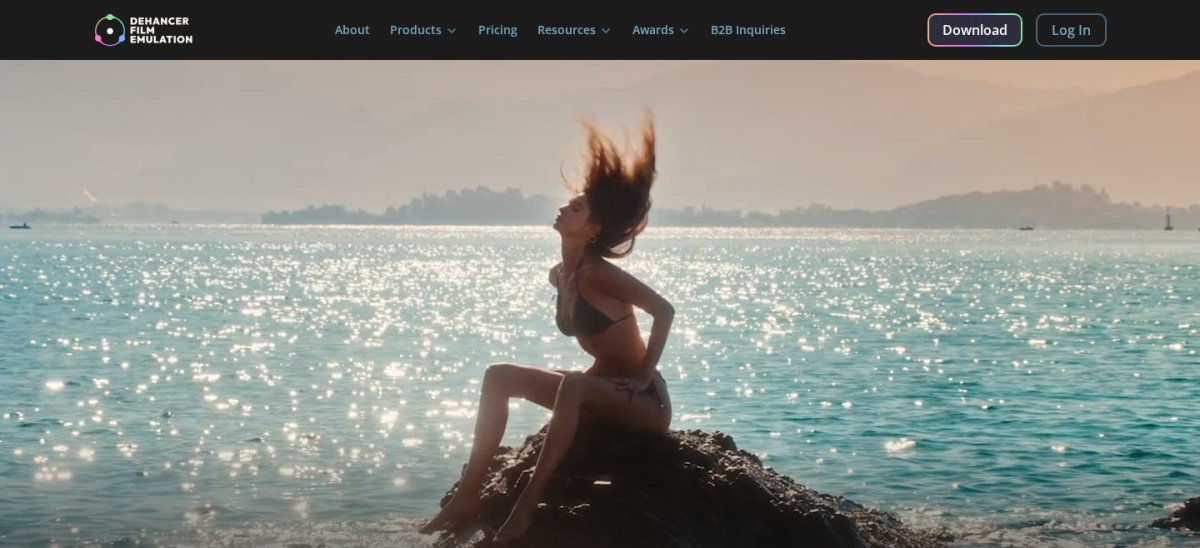
Dehancer is a film emulation plugin for DaVinci Resolve, with 60-plus film profiles and 130-plus camera profiles plus grain, halation, bloom and print effects. It costs about $29 a month billed annually, with a $449 lifetime licence, and a trial is available.
The trade off is that it is a finisher, not a fixer: you still need to balance exposure and white balance first, and heavy effect stacks slow renders. It suits editors who want an analog film look inside Resolve.
What we like
60-plus film profiles and 130-plus camera profiles
Grain, halation and bloom modeled with care
Works in Resolve, Photoshop and Lightroom
Watch out for
A look plugin, not a full grading platform
Can be heavy on render times with everything enabled
Lifetime licence costs $449 for editors who grade with film looks dailyVisit dehancer.com
Platform or plugin: which to buy first
Buy the platform first. Correction belongs in Resolve, Premiere, Final Cut or a stills editor, because that is where exposure, white balance and matching happen.
Add a look plugin only after correction works. Dehancer adds film character fast, but it cannot fix bad exposure or mismatched cameras.
If you already own an editor with good color tools, a plugin is the cheaper upgrade. If you own nothing, start with Resolve free and spend later only on the gaps you feel.
How we chose
We started from the color correction tools that working editors and colorists name most often, then kept nine with published pricing and public user ratings on G2 or the App Store.
Prices come from each vendor's pricing page or, where the page does not render prices in text, from price checks published in November 2026, checked on 24 November 2026. Ratings come from G2 on the same day, except Dehancer, whose rating comes from the App Store. Where a vendor shows a sale, the list shows the regular price.
We left out tools with no public user rating, including Colourlab AI, FilmConvert and 3D LUT Creator, even though each publishes a price. No vendor paid for a place, and we do not claim to have used these tools ourselves.
How to choose color correction software
Match the tool to the footage you actually grade, not to the longest feature list.
Decide whether you grade video or stills. Video belongs in Resolve, Premiere, Final Cut, Filmora, PowerDirector or VEGAS Pro. Stills belong in Lightroom or Capture One, which are built around RAW files and catalogs.
Check the price model over three years. A $22.99 monthly subscription costs about $828 over three years, while Resolve Studio at $295 once or Final Cut at $299.99 once stop costing money after the first payment.
Try the free version or trial first. Resolve is free, Filmora and PowerDirector have free versions, and the rest offer trials from 7 to 30 days. Grade your own footage before paying.
Buy the look last. Correction tools fix exposure and matching; a plugin such as Dehancer only adds character on top. Get the correction right first, then spend on the finish.
FAQ
What is the best color correction software?
DaVinci Resolve is the best pick for most people. Its free version includes a professional Color page with curves, qualifiers, tracking and HDR grading, and it is rated 4.7 out of 5 on G2 from 221 reviews. Studio costs $295 once for the rest.
What is the best free color correction software?
DaVinci Resolve again. The free download grades real client work with no watermark and exports up to 4K. Filmora and PowerDirector also have free versions, but Filmora watermarks exports and PowerDirector restricts advanced tools.
Do I need separate color software if I use Premiere Pro?
Usually not. Premiere's Lumetri Color panel handles most grading work, including exposure, white balance, curves and LUTs. Editors step out to Resolve mainly for complex secondary work, HDR finishing, or when working with a dedicated colorist.
What is the difference between color correction and color grading?
Correction is technical: fixing exposure, white balance and matching shots so footage looks natural and consistent. Grading is creative: applying a look or style on top of corrected footage. This list covers tools for both jobs.
Are film emulation plugins worth it?
If you want an analog look, yes. Dehancer models real film stocks with grain, halation and color response that are hard to build by hand. Plugins are finishers, though: correct your footage first, then apply the look.
Can I color grade on a laptop?
Yes, with limits. Resolve, Premiere and Final Cut all run on modern laptops, especially Apple silicon machines. Heavy noise reduction, complex tracking and 4K timelines still push a laptop hard, so proxies and patience help.