Scratch is the best coding tool for kids for most families because it is completely free and teaches coding logic with visual blocks. Pick Tynker for a guided path from blocks to Python, and Kodable for children aged 4 to 11.
How we make this list: we compare pricing pages, product documentation and public user reviews, then re-check every price before each update. No product paid for a place. Disclosure.
Scratch is completely free and is the best first step for creative projects, rated 3.5 out of 5 on Google Play from 1,739 ratings.
Tynker is the strongest paid progression, rated 4.6 out of 5 on the App Store from 18K ratings, at $119.99 a year for its tablet and web plan.
Kodable is built for ages 4 to 11 and is rated 4.7 out of 5, at $9.99 a month billed yearly.
Hopscotch is a free iPad app for making games, rated 4.5 out of 5 from 15K ratings, with Pro at $79.99 a year.
Five of the nine tools are completely free, and the cheapest paid plans run from $78 to $348 a year.
What to look for in a coding tool for kids
Age range matters more than brand. A tool built for ages 4 to 7 uses pictures and simple blocks, while a tool for ages 9 and up can introduce typed code such as Python or JavaScript.
Start with blocks, then move to text. Blocks teach loops, conditions and variables without syntax errors, so a child can build something that works on the first day.
A free plan should be genuinely usable. Some tools in this list are completely free, while others only give a few free lessons before asking for a subscription.
Check what the paid plan adds before paying. Our guide on how to code in WordPress shows how a guided path looks once a child moves past simple blocks.
3.5/5on Google Play (1,739 reviews, checked Nov 2026)
PriceFree
Best coding tool for kids overall
Age range8 to 16
Coding styleVisual blocks
PlatformsWeb, tablet
Paid planNone, free
scratch.mit.edu
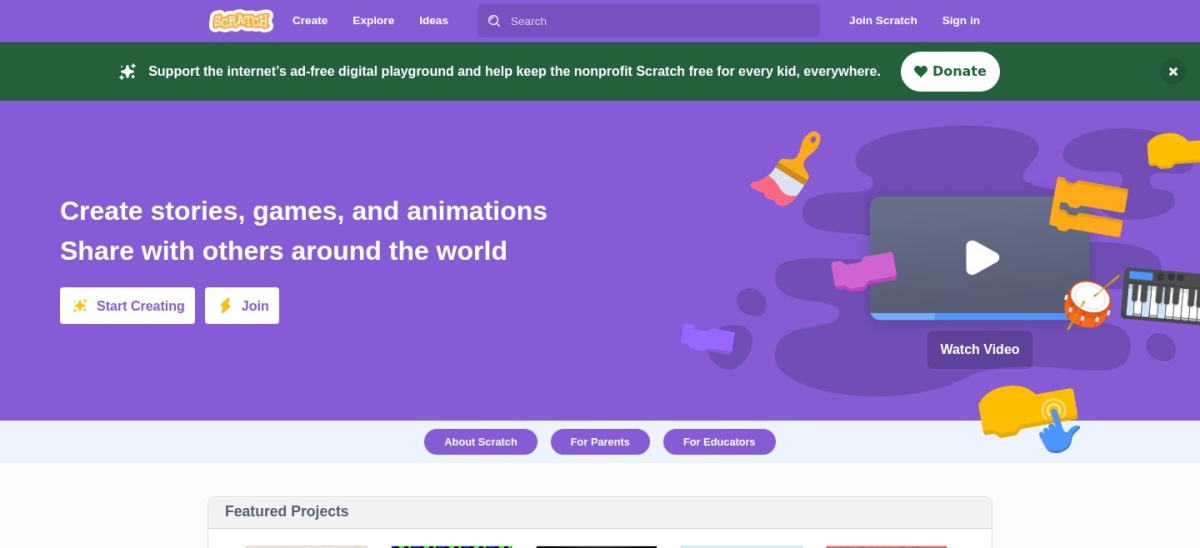
Scratch homepage, captured Nov 2026.
Scratch is a free block-coding platform from MIT that lets children build animations, games and interactive stories by snapping visual blocks together. It runs in a browser with no install, and its shared project community gives children endless ideas to remix.
The trade off is that Scratch teaches block logic, not a typed language, so a child ready for Python will need a second tool later. It suits ages 8 to 16 who want to make things and learn loops, conditions and variables by building.
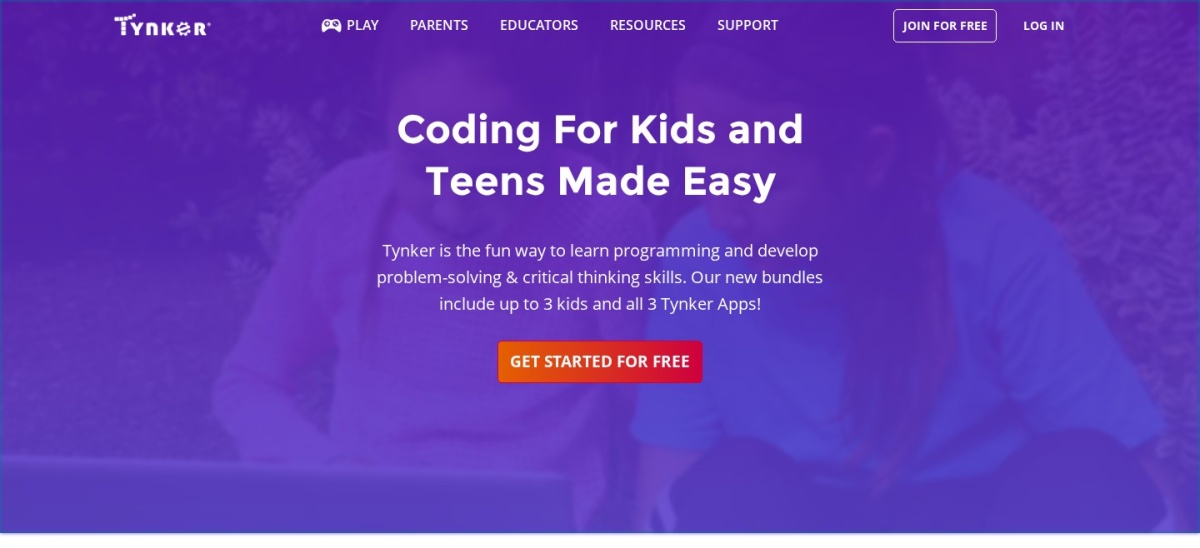
Tynker is a coding platform for ages 5 to 18 that starts with visual blocks and moves into Python, JavaScript and HTML through games, apps and Minecraft mods. Children earn badges and certificates, and a parent dashboard tracks progress across courses.
The trade off is price and the small free tier. The tablet and web plan costs $119.99 a year, and live classes cost extra. It suits a family ready to pay for a gradual, structured path from blocks to typed code.
What we like
Clear path from blocks to Python and JavaScript
Games, apps and Minecraft mods keep children engaged
Parent dashboard with progress tracking
Watch out for
Free tier is small
Live classes cost extra
Web pricing differs from App Store pricing
Paid plans add full courses and the parent dashboardVisit tynker.com
03
Kodable
4.7/5on App Store (21,000 reviews, checked Nov 2026)
Paid from$9.99/mo
Best for ages 4 to 11
Age range4 to 11
Coding styleGames and blocks
GradesKindergarten to grade 5
Paid plan$9.99/mo billed yearly
kodable.com
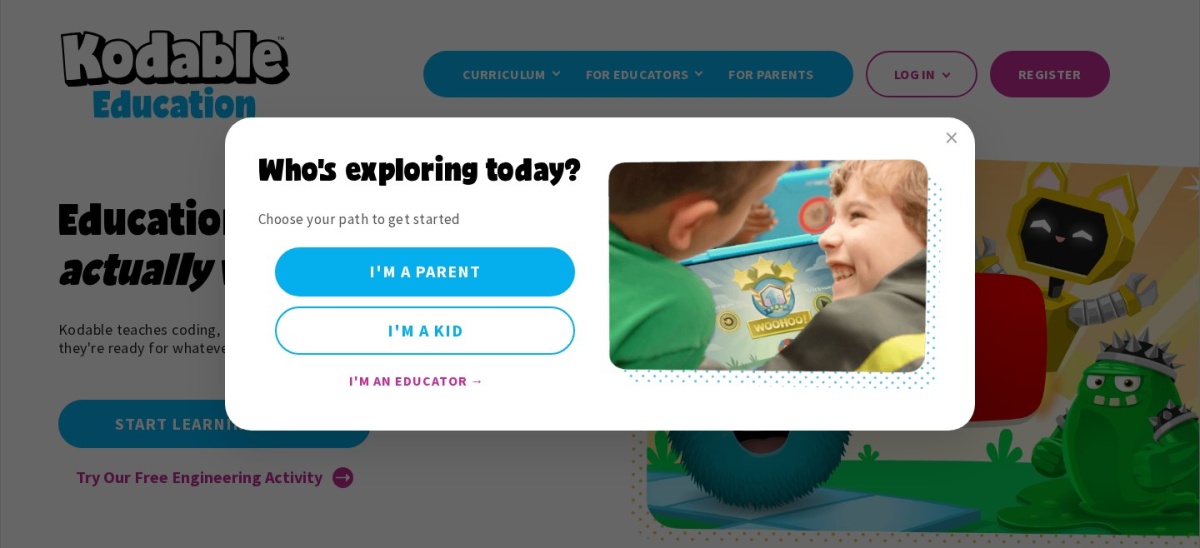
Kodable homepage, captured Nov 2026.
Kodable is a coding platform for kindergarten through grade 5 that teaches coding concepts through self-guided games, characters and levels. Its interface works for children who cannot yet read fluently, and progress tracking shows parents how a child is doing.
The trade off is depth. Kodable costs $9.99 a month billed yearly, or $24.99 a month if paid monthly, and its content aims at younger children only. It suits parents of a 4 to 11 year old starting out.
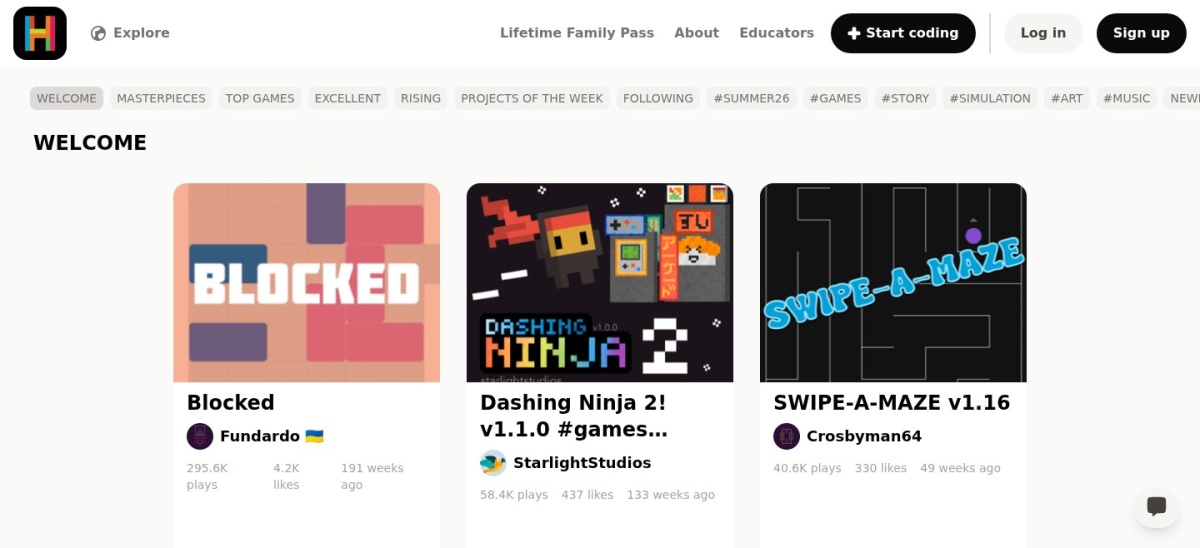
Hopscotch is a free iPad app that lets children build games and animations by dragging blocks together, then share them with a community of young creators. It is designed for touch screens, so a child can build a game without a keyboard.
The trade off is that it is an iPad-first app, and premium creation tools need Hopscotch Pro at $9.99 a month or $79.99 a year. It suits a child aged 7 to 13 with an iPad who wants to make and share games.
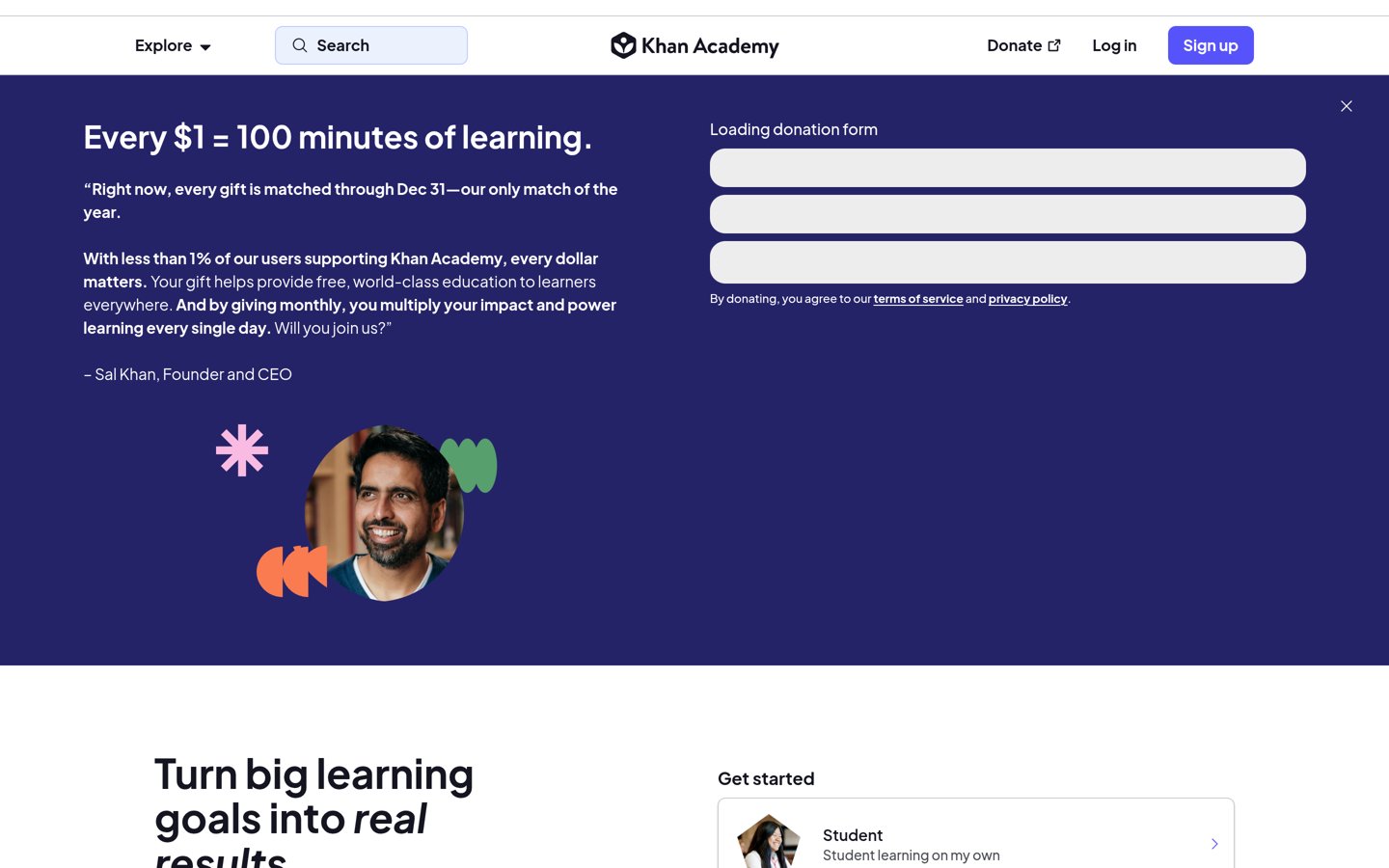
Khan Academy is a free learning platform whose computer science courses teach JavaScript, HTML, CSS and SQL through video lessons and interactive programs. Mastery badges and energy points track progress, and the academic approach suits a student who wants structured learning.
The trade off is motivation. The style suits ages 11 and up best, with less game motivation than the game-based tools in this list, and no live help beyond community forums. It suits a teen who wants free, serious computer science.
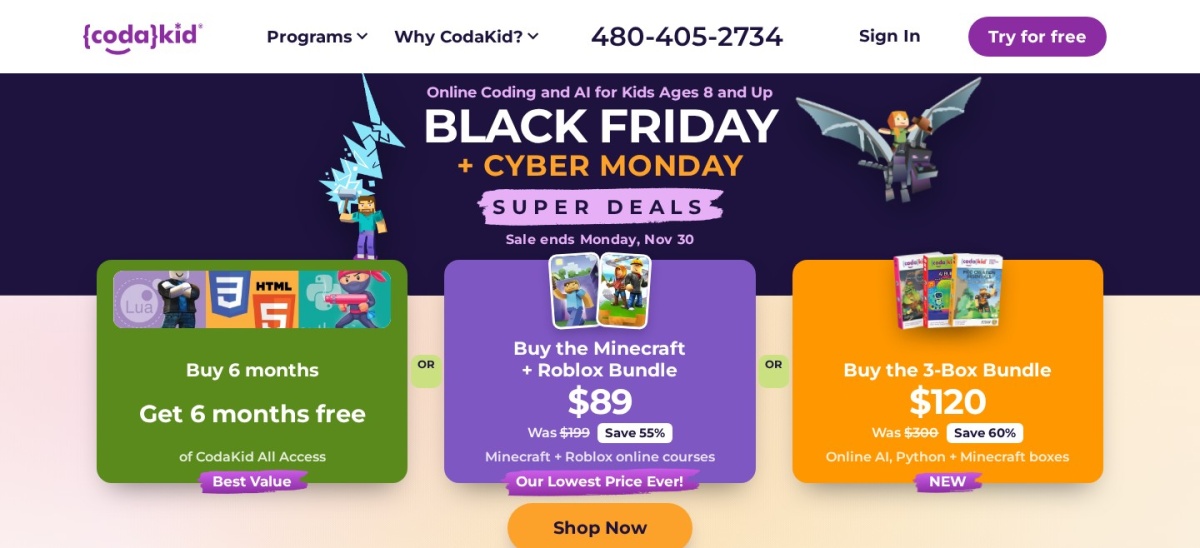
CodaKid is an online coding academy that teaches Python, JavaScript, Java, Lua and HTML through game development, AI projects and web apps, using professional tools. Self-paced courses include more than 85 courses and 750 video tutorials, with certificates and a live help desk.
The trade off is price and the lack of a free plan. Self-paced courses cost $29 a month, and private lessons cost $249 a month. It suits a committed learner aged 7 to 15 who has already enjoyed free coding and now wants depth.
What we like
Real Python, JavaScript, Java and Lua through projects
3.9/5on App Store (1.9K reviews, checked Nov 2026)
PriceFree
Best free coding app for ages 5 to 7
Age range5 to 7
Coding stylePicture blocks
PlatformsiPad, Android tablet
Paid planNone, free
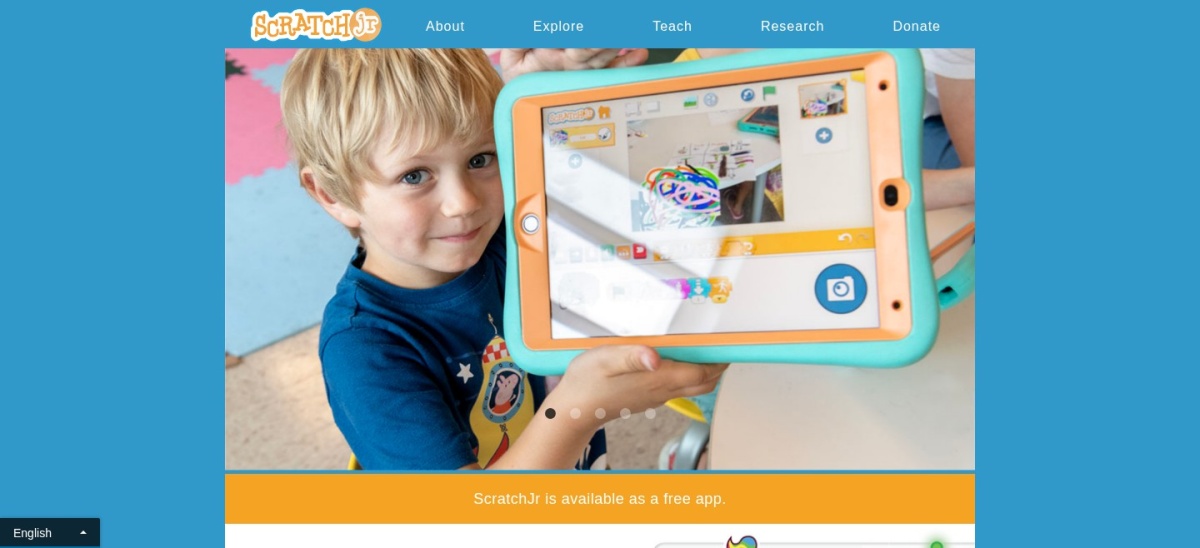
scratchjr.org
ScratchJr homepage, captured Nov 2026.
ScratchJr is a free app from the Scratch Foundation that introduces children aged 5 to 7 to programming with picture blocks. Children program their own interactive stories and games, with no ads and no in-app purchases.
The trade off is that it is a first step only. Children outgrow ScratchJr quickly and will need Scratch or another tool from age 8. It suits a 5 to 7 year old making a first program on a tablet.
4.7/5on Google Play (13,886 reviews, checked Nov 2026)
PriceFree
Best free JavaScript puzzles on a phone
Age range8 and up
Coding styleShort puzzles
LanguageJavaScript
Paid planNone, free
grasshopper.app
Grasshopper homepage, captured Nov 2026.
Grasshopper is a free app from Google that teaches JavaScript fundamentals through short, game-like puzzles on a phone. Lessons take a few minutes each, and the app builds from basic concepts toward making animations.
The trade off is depth and age fit. Grasshopper is aimed at beginners of any age rather than young children only, and it covers JavaScript basics rather than a full curriculum. It suits an older child, aged 8 and up, ready for short daily JavaScript practice.
CodeMonkey is a game-based coding platform for ages 4 to 14 that teaches through puzzles where a child writes code to guide a monkey through each level. It moves from blocks to CoffeeScript, HTML and CSS, then Python, with rising difficulty across courses.
The trade off is that there is no free plan, only a free trial, and home plans start at $78 a year. It suits a 4 to 14 year old who learns best through games and is ready to move from blocks toward typed code.
Five tools in this list are completely free, and they cover the first steps well. Scratch, ScratchJr, Khan Academy and Grasshopper cost nothing, and Hopscotch has a working free version.
Paid plans mostly add structure and depth. Tynker and Kodable add guided courses and parent tracking, while CodaKid adds real languages, professional tools and live help.
Start free and pay only after a child shows interest. A week on Scratch or ScratchJr tells a parent more than any plan page, and a paid plan is worth it only when the free lessons run out.
How we chose
We started from the best-known coding tools for kids, including Scratch, Tynker, Kodable, Hopscotch, CodeMonkey and CodaKid, then kept those with a clear age range and a published price or a free plan.
Prices come from each vendor's pricing page, App Store listing or a published comparison, checked on 25 November 2026. Ratings come from the App Store, Google Play or G2 on the same day, and the source is shown for each tool.
We left out Code.org and Blockly, which have no public numeric rating, and we left out tools aimed at adults. No vendor paid for a place, and we do not claim to have used these tools ourselves.
How to choose a coding tool for kids
Start with the child's age and interest, then pick one tool and try its free tier for a week.
Match the age range first. Ages 4 to 7 suit Kodable, ScratchJr and CodeMonkey games. Ages 8 and up handle Scratch and Hopscotch, and ages 9 and up can try real text languages.
Pick blocks first, text code second. Blocks teach logic without syntax errors. Move to Python or JavaScript through Tynker, CodaKid or Grasshopper once loops and conditions make sense.
Try the free tier before paying. Start with Scratch or ScratchJr and watch whether the child returns to it. Pay only when the free lessons run out or the child asks for more.
Check safety and screen time together. Review what a child shares in a community, set account privacy together, and keep sessions short and regular, around 20 to 30 minutes for younger kids.
FAQ
What is the best coding tool for kids?
Scratch is the best pick for most families because it is completely free and teaches coding logic with visual blocks. Tynker is the best paid next step for a guided path from blocks to Python, and Kodable is the best pick for ages 4 to 11.
At what age should a child start coding?
Ages 4 to 5 can start with visual games like Kodable and ScratchJr, ages 8 and up handle Scratch and Hopscotch well, and ages 9 and up can try real text languages through Tynker, CodaKid or Grasshopper. Interest matters more than the exact age.
Should my child learn blocks or real code first?
Blocks first for most kids under 10, since blocks teach logic without syntax errors. Move to real Python or JavaScript around ages 9 to 12 through Tynker, CodaKid or Grasshopper, once the child understands loops and conditions.
Are there any completely free coding tools for kids?
Yes. Scratch, ScratchJr, Khan Academy and Grasshopper are completely free, and Hopscotch has a working free version. Start with one of these before paying for a subscription, and pay only when the free lessons run out.
Is Tynker worth paying for?
Tynker is worth it for a family that wants a structured path from blocks to Python and JavaScript, with a parent dashboard and badges. Its tablet and web plan costs $119.99 a year, so try the free tier first and pay only if the child uses it regularly.
Do kids need a computer, or is a tablet enough?
A tablet is enough for ScratchJr, Hopscotch, Kodable and Grasshopper, which are built for touch screens. Real text coding and larger projects are easier with a keyboard, so a computer helps from ages 9 and up.
SaaS SEO and WordPress specialist with about 8 years of experience. Rakib compares WordPress plugins, themes, hosting and software using public pricing, documentation and user reviews. See how we rank.