Best Cloud Contact Center Software in 2026: 7 Tools Compared
WLWPLegible EditorsLast verified 22 Nov 2026How we rank13 min read
★ Short answer
CloudTalk is our top cloud contact center software pick for growing teams, starting at $25 per user monthly with annual billing and offering IVR, queues and call recording. JustCall is a strong alternative for teams combining calls and SMS, while Aircall suits businesses that rely on CRM integrations.
How we make this list: we compare pricing pages, product documentation and public user reviews, then re-check every price before each update. No product paid for a place. Disclosure.
CloudTalk starts at $25 per user monthly on annual billing, with its Starter plan supporting a single license.
JustCall Team costs $29 per user monthly with annual billing and requires at least 2 licenses.
Aircall Essentials costs $30 per license monthly with annual billing and includes 250+ integrations.
RingCX Standard starts at $65 per user monthly, covering voice and more than 20 digital channels.
Genesys Cloud CX 1 starts at $75 per user monthly, while CX 2 costs $115 for expanded omnichannel capabilities.
Talkdesk Digital Essentials costs $85 per user monthly, while Five9 Digital starts at $119 per seat monthly.
What to look for in cloud contact center software
Cloud contact center software manages customer conversations through internet-hosted systems instead of traditional on-premises telephone infrastructure. Agents can handle calls from browsers or desktop applications, while supervisors manage routing, queues and performance reporting.
Start with automatic call distribution (ACD) and interactive voice response (IVR). These features direct incoming calls to suitable agents and allow customers to select departments or self-service options before speaking with someone.
Next, evaluate communication channels. Some affordable platforms concentrate on calling and SMS, while broader contact center suites combine voice, email, live chat, messaging and social conversations in a shared agent workspace.
Look closely at integrations and reporting. CRM synchronization, call recordings, queue dashboards and agent performance metrics can reduce manual administration. AI transcription, automated summaries and coaching are useful additions, but they may require higher-priced licenses.
Finally, calculate total ownership costs. Per-user pricing, minimum licenses, annual contracts, calling allowances, phone numbers and optional AI features can substantially change the amount your business pays.
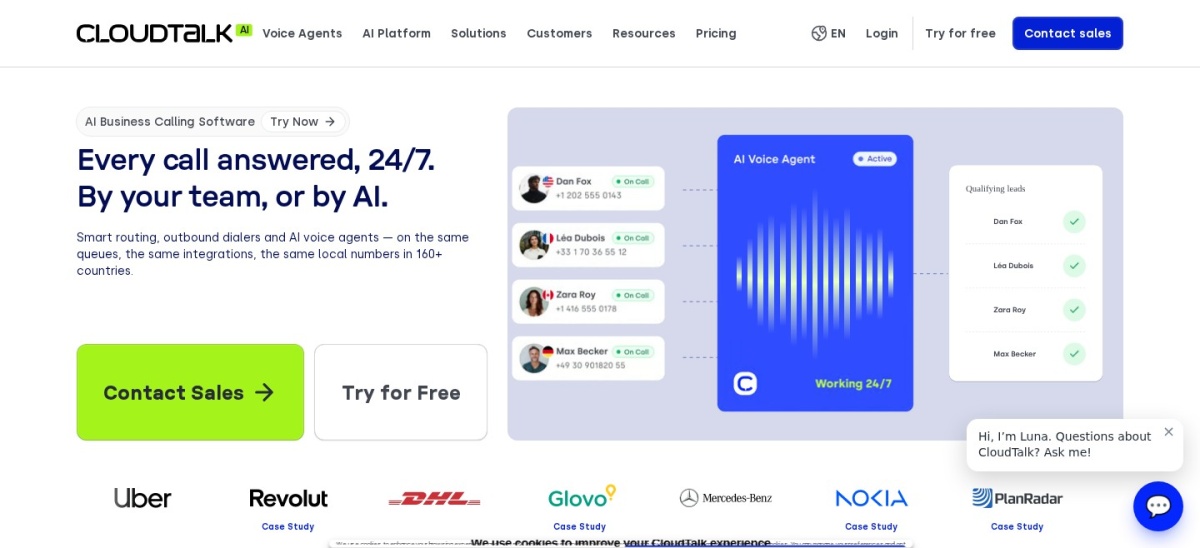
CloudTalk is a cloud-based calling platform for sales and customer support teams, with Starter priced at $25 per user monthly on annual billing. It offers IVR, call queues, recording and browser-based calling. The platform also provides access to integrations with CRM and helpdesk applications, plus a 14-day trial.
The trade off is that advanced routing, automation and AI features can require higher plans or paid add-ons. Starter costs $25 per user monthly on annual billing, while Essential starts at $29 and Expert at $49. It suits growing teams that need structured call handling without purchasing a larger enterprise contact center suite.
What we like
Low starting price for cloud calling
Single-user subscriptions supported
IVR, queues and call recording
CRM and helpdesk integrations
Watch out for
Advanced features may require higher tiers
AI conversation intelligence costs extra
International calling and extra numbers can increase costs
Annual billing required for the lowest advertised rate
Essential adds more routing and integration capabilities; Expert expands dialing and analytics.Visit cloudtalk.io
02
JustCall
4.3/5on G2 (2,399 reviews, checked Nov 2026)
Starts at$29/mo
Best for sales teams combining calling and SMS
Starting planTeam, $29/user/mo
Minimum licenses2
CRM integrations100+
Free trial14 days
justcall.io
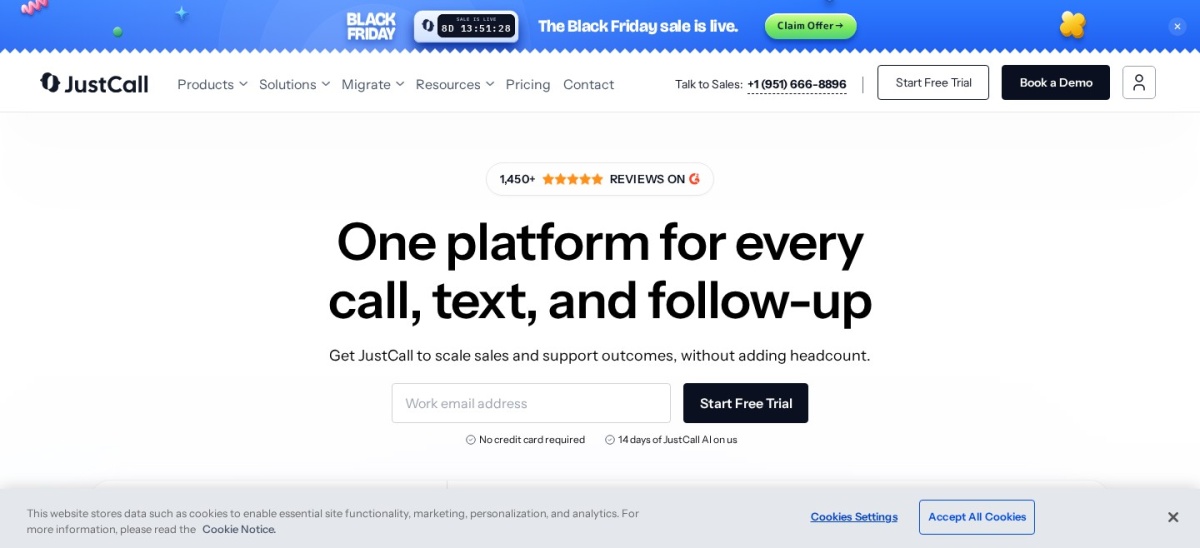
JustCall homepage, captured Nov 2026.
JustCall is a cloud business communications platform combining voice calls, SMS, call routing and CRM integrations. Its Team plan costs $29 per user monthly with annual billing and requires at least 2 licenses. It includes IVR, team analytics, a messaging suite and access to more than 100 CRM and data integrations.
The trade off is that the Team plan emphasizes foundational communications rather than the complete automation and AI coaching available in higher tiers. Team costs $29 per user monthly, while Pro starts at $49 with annual billing. It suits sales and support teams that regularly switch between calling, texting and CRM follow-ups.
What we like
Voice and SMS in a shared platform
More than 100 CRM and data integrations
IVR and team performance reporting
Workflow and API capabilities
Watch out for
Minimum subscription of 2 licenses
Advanced automation requires an upgrade
Some AI features are paid add-ons
Messaging allowances and calling terms require review
Pro adds expanded workflow automation and additional communication capabilities.Visit justcall.io
03
Aircall
4.4/5on G2 (1,703 reviews, checked Nov 2026)
Starts at$30/mo
Best for CRM-connected customer support
Starting planEssentials, $30/license/mo
Minimum licenses3
Integrations250+
AI Voice Agents50 minutes included
aircall.io
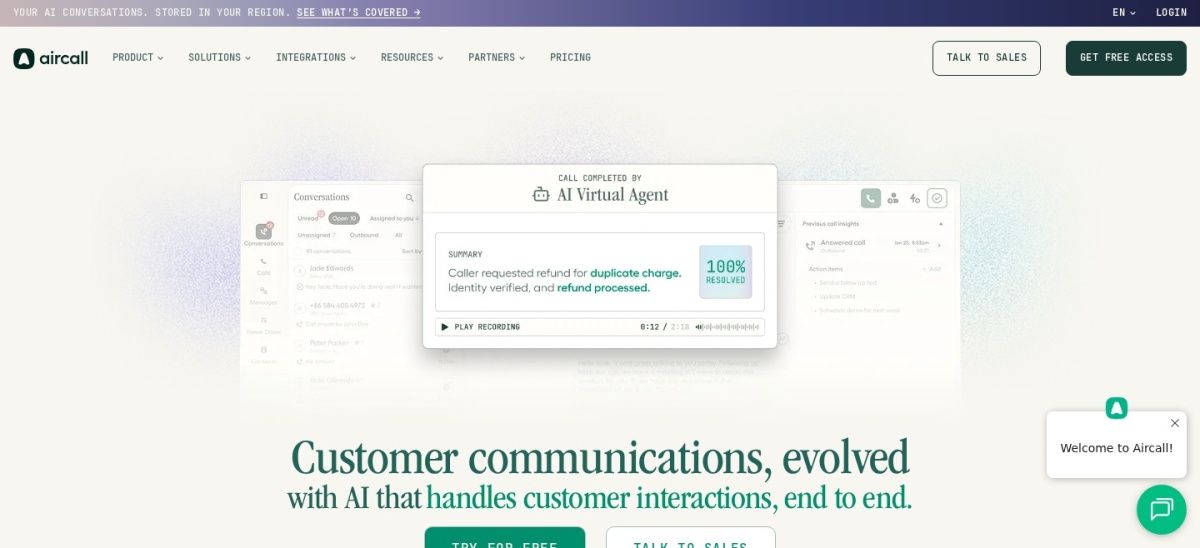
Aircall homepage, captured Nov 2026.
Aircall is a cloud business calling platform designed to connect customer conversations with CRM and helpdesk records. Essentials starts at $30 per license monthly with annual billing and includes IVR, call recordings, AI transcripts, SMS and basic analytics. It also offers more than 250 integrations and an allowance of 50 AI Voice Agent minutes monthly.
The trade off is that Essentials requires at least 3 licenses, while advanced routing, power dialing and deeper analytics sit in higher plans. Essentials costs $30 per license monthly, and Professional starts at $50 with annual billing. It suits customer-facing teams that depend on accurate CRM records and shared calling workflows.
What we like
More than 250 integrations
Call recording and AI transcripts included
IVR and basic analytics
Shared team inbox
Watch out for
Minimum of 3 paid licenses
Advanced routing requires Professional
Additional AI usage can cost extra
Not a complete enterprise omnichannel suite at entry level
Professional adds advanced analytics, smart routing, Power Dialer and conversation intelligence.Visit aircall.io
04
RingCX
4.4/5on G2 (149 reviews, checked Nov 2026)
Starts at$65/mo
Best for unified voice and digital support
Starting planStandard, $65/user/mo
Digital channels20+
RoutingACD, IVR, skills-based
BillingAnnual
ringcentral.com
RingCX homepage, captured Nov 2026.
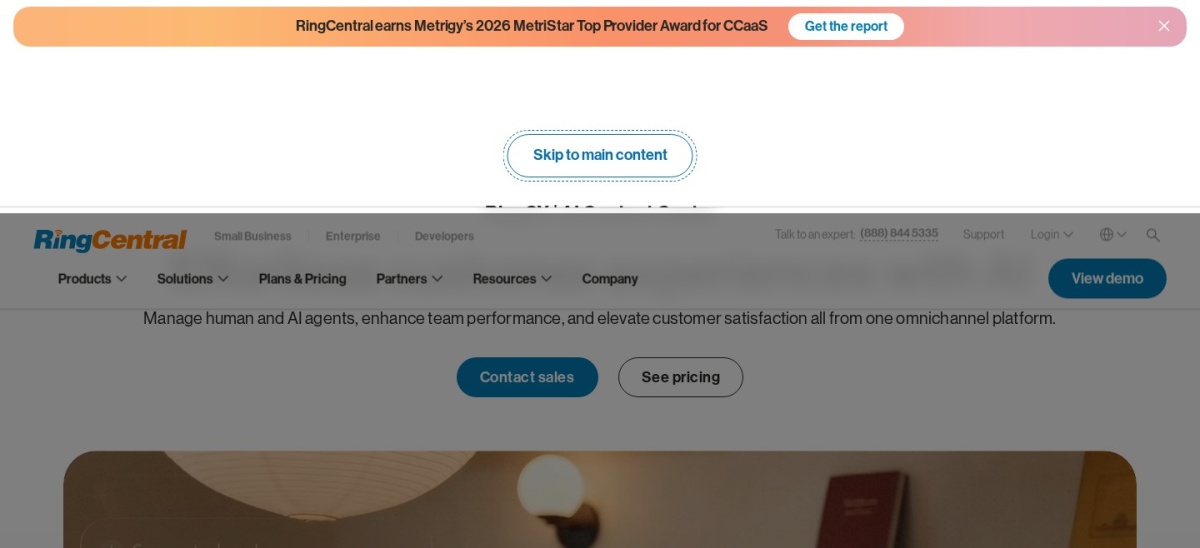
RingCX is RingCentral's cloud contact center platform for handling voice and digital customer conversations. Standard costs $65 per user monthly with annual billing and supports voice alongside more than 20 digital channels. It includes automatic call distribution, IVR, skills-based routing and agent screen recording.
The trade off is that AI quality management and agent assistance require Professional at $95 per user monthly, while advanced workforce capabilities sit higher. Standard starts at $65 per user monthly on annual billing. It suits service teams that need voice and digital channel coverage within a contact center license.
What we like
Voice and more than 20 digital channels
ACD and skills-based routing
IVR and agent screen recording
Integration with RingCentral communications
Watch out for
AI quality management requires an upgrade
Workforce management belongs to higher tiers
Additional AI services can increase costs
Advanced enterprise capabilities need separate evaluation
Professional adds AI quality management and agent assistance; Elite adds workforce tools.Visit ringcentral.com
05
Genesys Cloud CX
4.4/5on G2 (1,589 reviews, checked Nov 2026)
Starts at$75/mo
Best for enterprise contact center operations
Starting planCloud CX 1, $75/user/mo
BillingAnnual
RoutingACD and speech IVR
Omnichannel tierCloud CX 2, $115/user/mo
genesys.com
Genesys Cloud CX homepage, captured Nov 2026.
Genesys Cloud CX is an enterprise contact center platform combining customer interaction routing, reporting, automation and workforce capabilities. Cloud CX 1 starts at $75 per user monthly with annual billing. The voice-focused entry tier includes call routing, speech-enabled IVR, outbound campaigns, analytics and interaction recording.
The trade off is that broader digital channel handling and quality assurance are associated with higher tiers, including Cloud CX 2 at $115 per user monthly. Cloud CX 1 costs $75 per user monthly before applicable additional services. It suits organizations managing complex voice operations and planning a transition toward omnichannel support.
What we like
Enterprise voice routing capabilities
Speech-enabled IVR
Outbound campaign management
Interaction recording and analytics
Watch out for
Higher entry price than phone-focused alternatives
Broader digital capabilities require an upgrade
Implementation can require specialist planning
Additional services may affect total costs
Cloud CX 2 adds digital channels, omnichannel routing and quality assurance capabilities.Visit genesys.com
06
Talkdesk
4.4/5on G2 (2,610 reviews, checked Nov 2026)
Starts at$85/mo
Best for digital customer engagement
Starting planDigital Essentials, $85/user/mo
Voice planVoice Essentials, $105/user/mo
ChannelsEmail, chat, SMS, social
Workforce tierElite, $165/user/mo
talkdesk.com
Talkdesk homepage, captured Nov 2026.
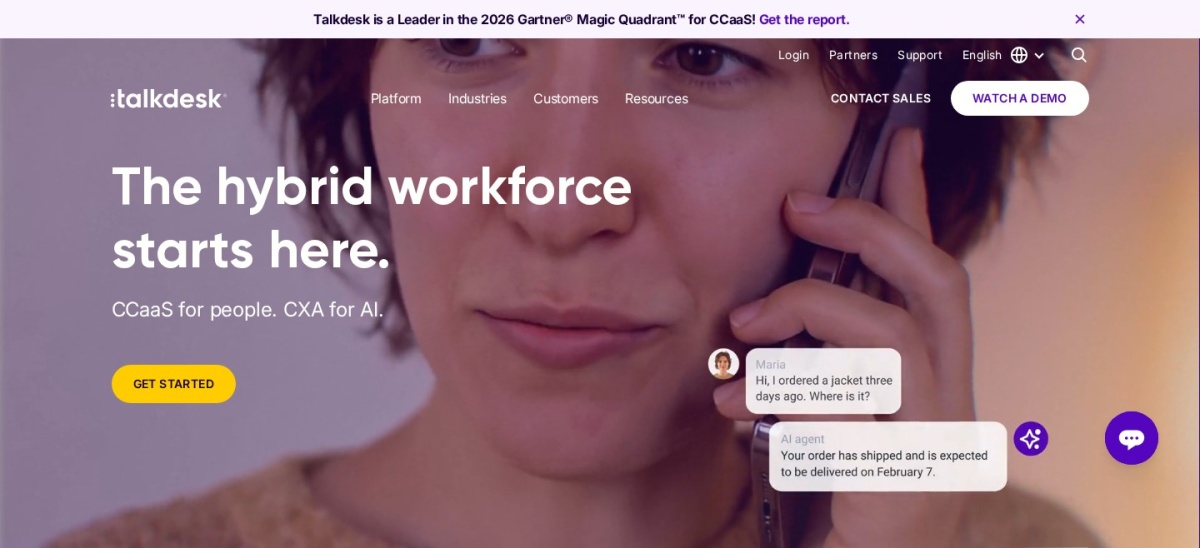
Talkdesk is a cloud contact center platform offering separate entry packages for digital and voice engagement. Digital Essentials costs $85 per user monthly and includes email, chat, SMS, social messaging, routing, APIs and live dashboards. Voice Essentials starts at $105 per user monthly and focuses on calling, speech recognition and voice reporting.
The trade off is that the cheapest $85 package is digital-focused rather than a full voice-and-digital suite. Voice Essentials costs $105 per user monthly, while Elite costs $165 and adds workforce management capabilities. It suits organizations that want to choose their primary communication channel before expanding into broader contact center operations.
What we like
Dedicated digital and voice packages
Routing and automation capabilities
APIs and live dashboards
Workforce management available in Elite
Watch out for
Cheapest package does not include the full voice offering
Higher pricing than smaller business phone platforms
Workforce tools require Elite
Some advanced capabilities require sales consultation
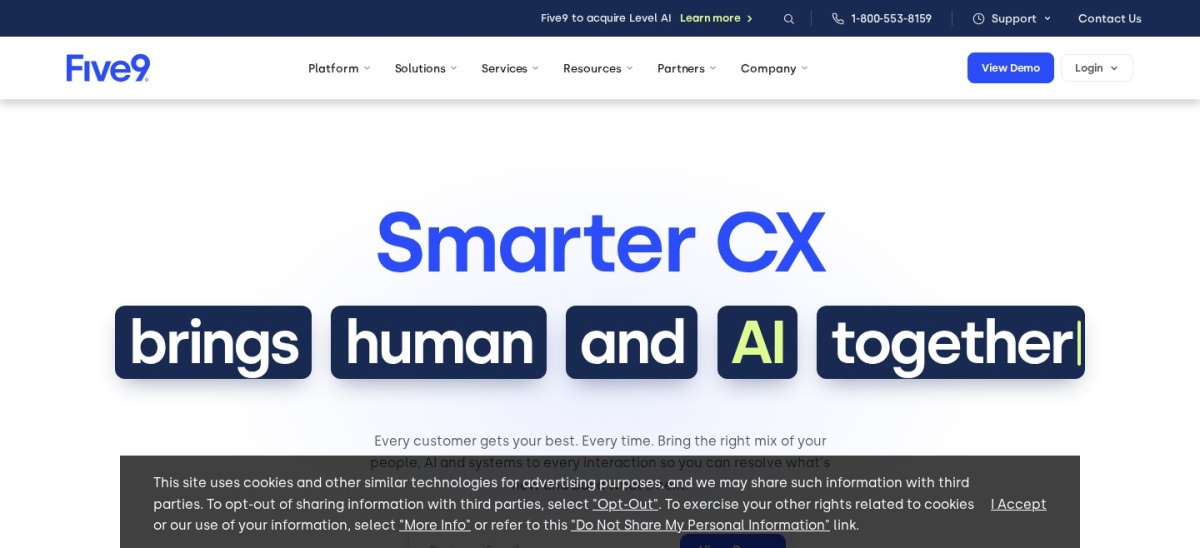
Five9 is an enterprise cloud contact center platform offering customer engagement, automation and workforce management solutions. Its Digital bundle starts at $119 per seat monthly and focuses on digital interactions. The published bundle comparison includes digital messaging capabilities, AI features, analytics and available integrations.
The trade off is that the $119 Digital bundle is not the complete voice contact center offering, so organizations requiring blended calling must evaluate a suitable higher package. Pricing is quoted per seat, with additional services depending on deployment needs. It suits larger service operations seeking configurable digital engagement and enterprise contact center capabilities.
What we like
Established enterprise contact center platform
Digital communication and automation capabilities
AI summaries and interaction insights
CRM and workforce engagement options
Watch out for
Digital entry package is not a full voice solution
Cloud contact center pricing is usually based on agent licenses, billed monthly or annually. The comparison starts at $25 per user monthly for CloudTalk and reaches $119 per seat monthly for Five9's entry Digital package.
Annual billing often produces a lower monthly equivalent. Aircall Essentials costs $30 per license monthly with annual billing, but its minimum license requirement makes the starting account cost higher than the displayed per-user figure.
Some vendors separate voice and digital packages. Talkdesk lists Digital Essentials at $85 and Voice Essentials at $105 per user monthly. Five9 also provides a digital-focused entry bundle rather than including every voice capability at its lowest published price.
Additional charges may include phone numbers, international minutes, AI usage, quality management, workforce planning and implementation. Compare a complete quote against your required channels and agent count before committing.
Cloud contact center software vs business phone systems
A cloud business phone system primarily supports calling, extensions, voicemail, conferencing and basic routing. It can be sufficient for teams handling a manageable volume of customer calls.
Contact Center as a Service, or CCaaS, adds capabilities such as advanced queue management, skills-based routing, supervisor monitoring, agent analytics, quality management and communication across digital channels.
CloudTalk, JustCall and Aircall offer accessible phone-focused packages with contact center features. RingCX, Genesys Cloud CX, Talkdesk and Five9 provide broader contact center operations, although their entry packages differ in channel coverage.
Choose according to the complexity of your customer workflows rather than product category alone. A small support team may need call queues and CRM logging, while a larger operation may require workforce forecasting and omnichannel reporting.
How we chose
We selected established cloud contact center providers with active commercial products, public pricing information and substantial independent customer reviews. The comparison covers phone-focused platforms for smaller teams and broader contact center suites intended for organizations with complex service operations. We compared official feature descriptions, product documentation and G2 review profiles.
Prices and ratings were checked against publicly available vendor and G2 pages for the article dated 22 Nov 2026. We used the cheapest published paid package, generally reflecting standard annual-billing rates where specified, and calculated annual equivalents by multiplying monthly license prices by 12. We also examined minimum licenses, channel coverage, routing, recording, integrations, AI functionality and support.
We excluded platforms without a sufficiently clear published entry price and avoided presenting business phone subscriptions as complete omnichannel contact center packages. Where the cheapest package covers digital rather than voice interactions, that limitation is stated. Public reviews informed the comparison but were not treated as proof of product performance. No vendor paid for a place, and we do not claim testing for this list.
How to choose cloud contact center software
Identify your team's communication requirements, then compare routing capabilities, integrations and total licensing costs before committing to a platform.
Define your customer communication channels. Determine whether your team primarily handles phone calls, SMS, email, live chat or social messages. Phone-focused platforms can be more economical, while omnichannel suites are better suited to teams that need shared routing across different channels.
Match routing features to call volume. Look for IVR, automatic call distribution, skills-based routing, call queues and callback options. Higher-volume teams should also consider supervisor monitoring, real-time dashboards and workforce management.
Check integrations and automation. Confirm compatibility with your CRM, helpdesk and existing communication tools. Review whether call logging, transcription, summaries and workflow automation are included or require higher-priced licenses.
Calculate your complete annual cost. Multiply the per-agent monthly price by your license count and contract duration. Include minimum seats, extra numbers, usage charges, AI add-ons and implementation expenses when comparing vendor quotes.
FAQ
What is cloud contact center software?
Cloud contact center software is an internet-hosted system for managing customer communications, including calls and potentially email, chat, SMS and social messaging. It typically provides call routing, agent workspaces, reporting and supervisor tools without requiring traditional on-premises telephone infrastructure.
What is the best cloud contact center software?
CloudTalk is our top pick for growing teams because its Starter plan begins at $25 per user monthly with annual billing and includes essential calling features. JustCall is worth considering for calling and SMS workflows, while Aircall stands out for its extensive integration catalog.
How much does cloud contact center software cost?
Prices vary by feature coverage and licensing model. CloudTalk starts at $25 per user monthly on annual billing, RingCX starts at $65, and Genesys Cloud CX 1 starts at $75. Enterprise deployments can cost more once advanced AI, workforce management and implementation services are included.
What is the difference between a cloud call center and a cloud contact center?
A cloud call center primarily manages telephone conversations, including inbound support and outbound calling. A cloud contact center can also coordinate email, chat, messaging and other digital channels. Both may include routing, recording and reporting, but their available channels and management capabilities vary.
Can small businesses use cloud contact center software?
Yes. CloudTalk supports a single Starter license, while JustCall Team requires at least 2 licenses and Aircall Essentials requires at least 3. Smaller businesses should prioritize affordable routing, simple administration and CRM integration before paying for enterprise workforce management or advanced AI capabilities.
Does cloud contact center software include AI?
Many platforms offer AI transcription, call summaries, agent assistance, sentiment analysis and automated voice interactions. Some features are included in entry subscriptions, while others require additional licenses or usage-based charges. Compare exact allowances and plan requirements before treating AI capabilities as included.
Which cloud contact center software is best for CRM integration?
Aircall is a strong option for CRM-connected teams because its Essentials package advertises more than 250 integrations. JustCall lists more than 100 CRM and data integrations, while CloudTalk also integrates with established CRM and helpdesk systems. Confirm that your required integration works with the selected plan.
What features should a cloud contact center include?
Core features include IVR, call queues, automatic call distribution, agent availability management, recordings and performance reporting. Teams handling multiple channels may additionally need shared inboxes and omnichannel routing. Larger operations can benefit from workforce forecasting, quality management, analytics and supervisor coaching.
Is cloud contact center software suitable for remote teams?
Yes. Cloud-hosted contact centers allow authorized agents to work through supported browsers, desktop software or mobile applications. Supervisors can monitor queues and performance remotely. Reliable internet access, suitable headsets, access permissions and clear security procedures remain important for distributed teams.