Best Cloud Based Inventory Management Software in 2026: 7 Tools Compared
WLWPLegible EditorsLast verified 22 Nov 2026How we rank5 min read
★ Short answer
Zoho Inventory leads for small businesses with a free plan up to 50 orders per month and paid plans starting at $29 per month billed annually. For simple visual stock tracking, BoxHero offers a free tier for up to 100 items, while inFlow Inventory fits teams wanting unlimited products and orders on paid plans.
How we make this list: we compare pricing pages, product documentation and public user reviews, then re-check every price before each update. No product paid for a place. Disclosure.
#2 Best simple tracker
BoxHero
Free for 100 items; Business plan $30/mo ($288/yr)
Zoho Inventory starts with a free tier for 50 orders/month and paid Standard plans at $29/mo billed annually.
BoxHero includes a free Personal plan for up to 100 items and a Business plan at $30/mo ($288/yr).
inFlow Inventory starts at $99/mo billed annually ($129/mo monthly) with unlimited products and orders.
Odoo provides a free one-app plan for unlimited users, with Standard plans starting at $31.10/user/mo.
Cin7 Core starts at $349/mo for 5 users, 2 integrations, and 6,000 sales orders per year.
Fishbowl starts at $229/mo billed annually on Essentials for 2 users with QuickBooks Online and Xero sync.
What to look for in cloud inventory management software
Cloud inventory software centralizes stock counts, purchase orders, and sales channels in a browser or mobile app instead of relying on spreadsheets or local servers.
Most platforms cap lower tiers by monthly order volume, tracked items, warehouse locations, or team seats, so your real bill depends on how fast your catalog and headcount grow.
Check whether accounting sync, barcode label printing, kitting, or lot traceability sit in the base subscription or require add-ons and higher tiers.
Factor in one-time setup costs and hardware expenses such as barcode scanners or label printers before committing to an annual contract.
The 7 best cloud based inventory management software
01
Zoho Inventory
4.4/5on G2 (93 reviews, checked Nov 2026)
Paid from$29/mo
Best for small teams and budget order tracking
Free tier50 orders/mo, 1 user
Entry paid plan500 orders/mo, 3 users
Billing$29/mo billed annually
Add-onsExtra users, orders, locations
zoho.com
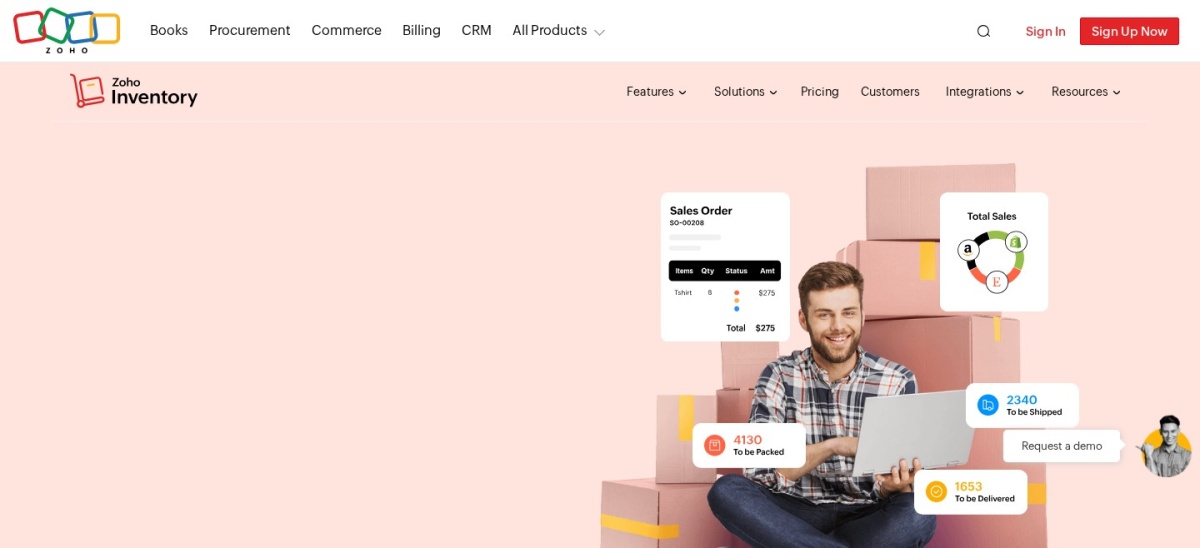
Zoho Inventory homepage, captured Nov 2026.
Zoho Inventory is a cloud order and stock management platform that connects sales channels, warehouses, and Zoho apps. Its free plan covers up to 50 orders and 50 invoices per month for 1 user and 1 warehouse.
The trade off is that order and user caps rise across tiers, with the Standard plan at $29 per month billed annually ($348/yr) for 500 orders and 3 users. It suits small online sellers and teams already inside the Zoho ecosystem.
What we like
Free plan available for low-volume sellers
Clear per-organization pricing with predictable tiers
Strong fit alongside Zoho Books and Zoho CRM
Supports barcode scanning and purchase orders
Watch out for
Monthly order limits apply on lower plans
Extra users and order blocks cost more
Paid plans raise monthly order limits, add team seats, and unlock multi-warehouse and higher-volume workflows.Visit zoho.com
02
BoxHero
4.4/5on G2 (11 reviews, checked Nov 2026)
Paid from$30/mo
Best for simple barcode and visual stock counts
Free tier100 items, 1 member
Business plan1,000 items, 3 members
Annual billing$288/yr ($24/mo equiv.)
Monthly billing$30 per team/month
boxhero.io
BoxHero homepage, captured Nov 2026.
BoxHero is a cloud stock tracking app focused on fast barcode scanning, low-stock alerts, and mobile and desktop counts. Its Personal plan is free for 1 member, 1 location, and up to 100 items.
The trade off is that team collaboration and larger catalogs require the Business plan at $30 per month ($288 billed annually), with add-ons for extra members, items, and locations. It suits small teams that want straightforward stock counts over heavy ERP workflows.
What we like
Free Personal tier for solo tracking up to 100 items
Mobile barcode scanning and label tools
Simple interface with fast team adoption
Watch out for
Item, member, and location caps require paid add-ons
Less suited to complex manufacturing workflows
The Business plan expands capacity to 1,000 items, 3 members, and 3 locations with reporting and alerts.Visit boxhero.io
03
Sortly
4.3/5on G2 (27 reviews, checked Nov 2026)
Paid from$49/mo
Best for visual folder and QR code tracking
Free tierUp to 100 unique items
Entry paid planAdvanced at $49/mo
Annual discount20% off yearly plans
Higher tiersUltra at $149/mo, Premium $299/mo
sortly.com
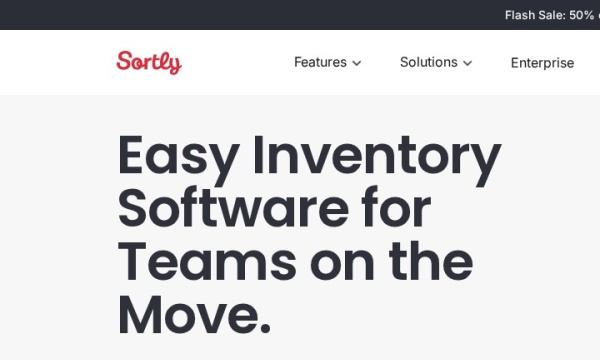
Sortly homepage, captured Nov 2026.
Sortly is a visual inventory app built around photos, custom folders, and QR or barcode labels for supplies, equipment, and stockrooms. Its free plan covers up to 100 unique items with no expiration.
The trade off is that paid plans start at $49 per month on Advanced ($588/yr at monthly list rates, with a 20% annual discount and first-year promos noted on its pricing page). It suits teams tracking physical items and supplies visually rather than running high-volume order fulfillment.
What we like
Visual photo and folder organization is easy to scan
Free plan covers up to 100 unique items
QR code and barcode label workflows
Watch out for
Item caps climb steeply on higher tiers
Lighter order and manufacturing depth than dedicated OMS tools
Paid plans raise unique item limits, add team seats, and unlock broader operational and reporting tools.Visit sortly.com
04
inFlow Inventory
4.4/5on G2 (58 reviews, checked Nov 2026)
Starts at$99/mo
Best for unlimited products and orders in SMBs
Free tier14-day trial only
Annual billing$99/mo Lite (20% off)
Monthly billing$129/mo Lite
Core allowanceUnlimited products and orders
inflowinventory.com
inFlow Inventory homepage, captured Nov 2026.
inFlow Inventory is a cloud inventory and order management system for wholesale, retail, and light assembly businesses. Every plan includes unlimited products, sales, purchases, and integrations after a 14-day trial.
The trade off is that there is no free plan and Lite starts at $99 per month billed annually ($129/mo monthly), with extra team seats and optional or required onboarding packages adding cost. It suits growing small businesses that want flat-rate tiers without per-order caps.
What we like
Unlimited products, sales, and purchase orders on plans
Flat-rate tiers rather than per-seat pricing
Supports barcode workflows and B2B showroom options
Watch out for
No free plan after the 14-day trial
Extra seats, add-ons, and onboarding raise total cost
Higher tiers and add-ons expand team seats, warehouse features, manufacturing BOMs, and traceability.Visit inflowinventory.com
05
Odoo
4.2/5on G2 (374 reviews, checked Nov 2026)
Paid from$31.10/mo
Best for modular ERP and multi-app growth
Free tierOne App Free, unlimited users
Standard rate$31.10/user/mo ($24.90 yr 1)
Monthly rate$38.90/user/mo Standard
HostingOdoo Online included
odoo.com
Odoo homepage, captured Nov 2026.
Odoo is a modular business suite whose Inventory app handles double-entry stock moves, warehouses, and replenishment on Odoo Online. Its One App Free plan lets you use a single app with unlimited users at no subscription fee.
The trade off is that adding more apps or moving to Standard costs $31.10 per user per month ($24.90/user/mo for year one on new users, or $38.90/mo monthly), and configuration takes time. It suits teams that want inventory connected to accounting, sales, or manufacturing under one roof.
What we like
One App Free plan includes unlimited users for one app
Connects inventory directly with accounting, sales, and MRP
Hosted on Odoo Online without separate base hosting fees
Watch out for
Per-user pricing adds up across larger teams
Steeper setup and learning curve than single-purpose apps
Paid plans unlock all Odoo apps, custom workflows, and higher-tier deployment and support options.Visit odoo.com
06
Fishbowl
4/5on G2 (275 reviews, checked Nov 2026)
Starts at$229/mo
Best for QuickBooks-linked warehouse control
Free tierNo free plan
Entry paid planEssentials at $229/mo annual
Included users2 users on Essentials
Accounting syncQuickBooks Online & Xero
fishbowlinventory.com
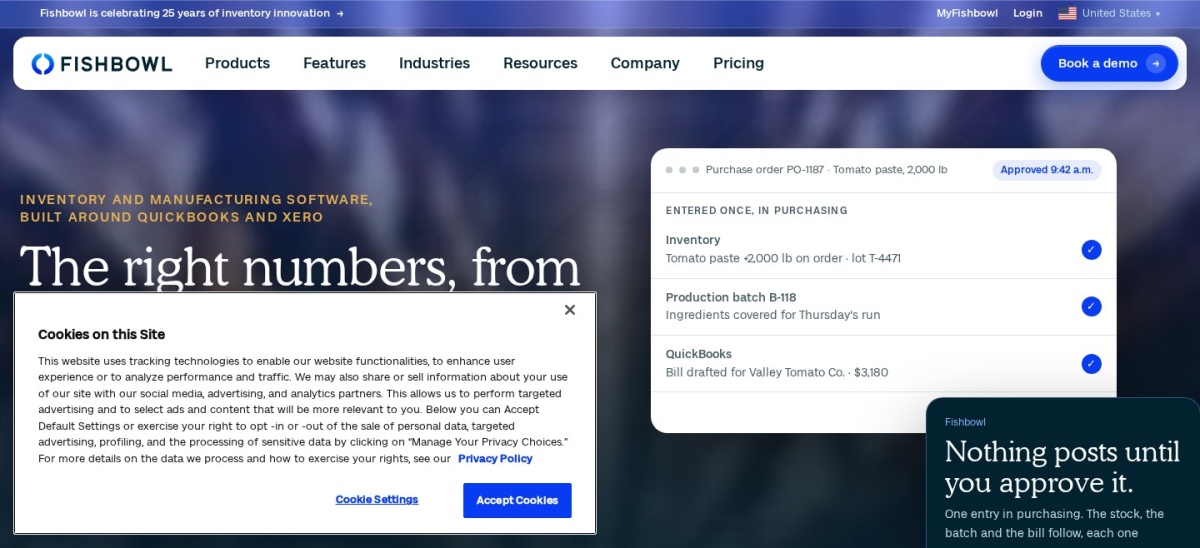
Fishbowl homepage, captured Nov 2026.
Fishbowl is an inventory and warehouse platform built around barcode tracking, reorder points, and accounting sync with QuickBooks Online and Xero. Its Essentials tier starts at $229 per month billed annually ($2,748/yr) for 2 users.
The trade off is that Essentials starts at 2 users and higher tiers like Growth ($429/mo) or Scale ($729/mo) add multichannel selling, fulfillment, and traceability plus implementation costs. It suits warehouse and product teams tied closely to QuickBooks.
What we like
Direct QuickBooks Online and Xero synchronization
Mobile barcode scanning and reorder point controls
Clear path into warehouse and manufacturing tiers
Watch out for
Higher starting cost than basic small-business trackers
Implementation and add-ons increase year-one spend
Higher plans add more users, fulfillment workflows, multichannel integrations, and lot or serial traceability.Visit fishbowlinventory.com
07
Cin7 Core
4.3/5on G2 (353 reviews, checked Nov 2026)
Starts at$349/mo
Best for multichannel retail and wholesale sync
Free tierFree trial (no free plan)
Entry paid planStandard at $349/mo
Order allowance6,000 sale orders/year
Users & apps5 users, 2 integrations
cin7.com
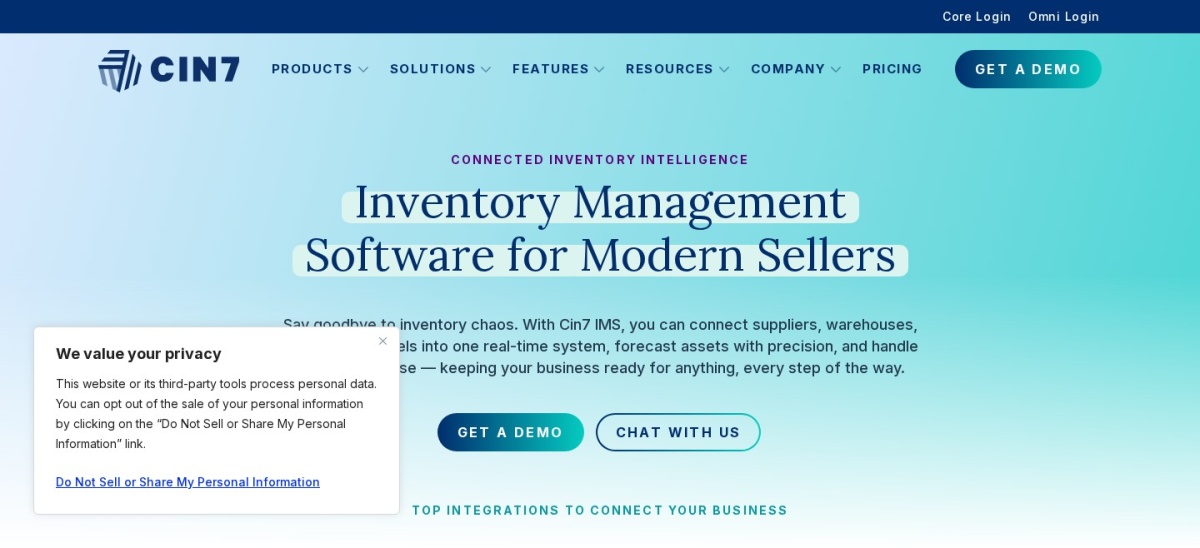
Cin7 Core homepage, captured Nov 2026.
Cin7 Core is a cloud inventory and order management system for brands selling across ecommerce stores, marketplaces, and wholesale channels. Standard starts at $349 per month ($4,188/yr) with 5 users, 2 app integrations, and 6,000 sales orders per year.
The trade off is that integration slots, order volumes, and add-ons like B2B portals or POS sit on higher tiers or extra fees. It suits multichannel product businesses that have outgrown entry-level tools.
What we like
Built for multichannel ecommerce, wholesale, and fulfillment
Includes 5 users and 6,000 annual orders on Standard
Scales up to Pro ($599/mo) and Advanced ($1,199/mo)
Watch out for
Higher entry price than small-business inventory apps
Extra integrations and add-ons increase monthly cost
Pro and Advanced tiers raise user and order limits and add MRP or advanced warehouse management.Visit cin7.com
Watch order caps, seats, and setup fees
A low starting price often comes with limits on monthly orders, catalog items, or team logins. Once a store crosses those thresholds, moving up a tier or buying add-ons can change the math quickly.
Always check whether accounting sync, barcode label printing, or onboarding is included in the base subscription before signing an annual plan.
How we chose
We selected established cloud inventory management platforms with active development, public pricing, and verified user review profiles.
Pricing tiers, free plan limits, and G2 ratings and review counts were checked on 22 Nov 2026 from each vendor's pricing page and G2 listing.
We excluded discontinued tools and custom-quote-only enterprise suites where a published starting price was not available.
No vendor paid for a place, and we do not claim testing for this list.
How to choose cloud inventory software
Follow four practical steps to match a cloud inventory system to your daily operations.
Count your monthly orders and SKUs. Compare your current order volume and item count against each plan's caps so you do not outgrow the tier in a few months.
Map your sales and accounting stack. Check how cleanly the tool syncs with your storefront, marketplaces, and accounting software so stock counts stay accurate without manual exports.
Check team seats and locations. List everyone who needs access across warehouses, stockrooms, or storefronts, and verify whether the plan charges per user or per organization.
Add up true first-year costs. Include annual billing terms, extra seats or integrations, barcode hardware, and any onboarding fees before making your final choice.
FAQ
What is the best cloud inventory management software for a small business?
Zoho Inventory is a strong starting point for small teams because it offers a free plan up to 50 orders per month and paid plans starting at $29 per month billed annually. If you only need simple item counts, BoxHero is another practical option.
Is there free cloud inventory management software?
Yes, several tools offer free tiers with usage limits. Zoho Inventory covers up to 50 orders per month, BoxHero includes a free Personal plan for up to 100 items, and Odoo offers one app free for unlimited users.
Should I choose per-user pricing or flat-rate plans?
Flat-rate or per-organization plans work well when order volume or item counts are your main constraint, while per-user pricing fits smaller teams that rarely add logins. Always calculate cost at your expected team size rather than just one seat.
What hidden costs should I check before buying?
Watch for limits on monthly orders, extra team seats, paid integrations, barcode scanners or printers, and onboarding fees. A low base rate can rise noticeably once add-ons are included.
When should a business upgrade from a basic tracker?
Move to a fuller order and warehouse platform when you sync multiple sales channels, manage purchase orders and backorders across locations, or need tighter accounting and fulfillment workflows.
Do annual plans always save money?
Annual billing usually lowers the monthly rate compared with paying month to month, as seen with Zoho Inventory, BoxHero, inFlow Inventory, and Odoo. Only commit annually after confirming the workflow fits your team.