Homebase is the best cloud based employee scheduling software for most small teams. Its free Basic plan covers one location with up to 10 employees and includes scheduling and a time clock, rated 4.6/5 on G2. Pick Deputy for forecasting across sites and Sling for the widest free plan, up to 30 users.
How we make this list: we compare pricing pages, product documentation and public user reviews, then re-check every price before each update. No product paid for a place. Disclosure.
Homebase is the only pick with a free plan that includes a time clock, for one location and up to 10 employees.
Six of the 9 tools have a free plan, but only Sling and ZoomShift cover more than 15 people free, at 30 and 20 users.
Deputy has no free plan at all, and its monthly plans carry a $30 minimum invoice.
The cheapest paid step is Sling Premium at $1.70 per user a month billed yearly, ahead of ZoomShift Starter at $2.
Connecteam charges per hub, not per user, so one hub costs $29 a month for the first 30 users and three hubs cost $87.
7shifts is the only restaurant-only tool here, with a free plan for up to 15 employees at one location.
What cloud scheduling software should cover
Cloud scheduling replaces the paper rota and the group chat. Managers build the week online, staff see shifts on their phones, and swaps and time-off requests happen in the app instead of by text.
A good tool should cover the rota, availability and shift swaps as a minimum. A time clock, labor cost tracking and payroll links are the next tier, and most tools in this list charge extra for at least one of them.
Free plans differ more than paid plans do. Some include a time clock, some stop at the rota, and every free plan caps headcount or locations, so check the cap before you invite the team. Our guide on scheduling posts in WordPress shows the same plan-ahead habit in a different setting.
Pricing models are not directly comparable. Per-user tools get dearer with every hire, per-location tools stay flat as you hire, and Connecteam charges a flat fee per hub for the first 30 users.
The 9 best cloud based employee scheduling software tools
01
Homebase
4.6/5on G2 (648 reviews, checked Nov 2026)
Paid from$24/mo
Best cloud scheduling software overall
Free plan1 location, up to 10 staff
Cheapest paid planEssentials, $24/location/mo
Time clockYes, basic on free plan
PayrollAdd-on, $49/mo + $6/employee
joinhomebase.com
Homebase homepage, captured Nov 2026.
Homebase is a cloud scheduler for hourly teams that also handles time tracking, team messaging and hiring. Its free Basic plan fits one location with up to 10 employees and covers basic scheduling, basic time tracking and point-of-sale links. Staff can swap shifts and claim open shifts from their phones.
The trade off is price by location. Essentials costs $24 a location a month billed yearly, $30 month to month, and adds advanced scheduling and GPS time tracking, while payroll costs $49 a month plus $6 per employee paid. It suits a single shop, cafe or clinic that wants a free rota and a time clock in one app.
What we like
Free plan includes a time clock, not just a rota
Per-location pricing stays flat as you hire
Payroll add-on uses the same timesheets
Rated 4.6 out of 5 on G2 from 648 reviews
Watch out for
Free plan stops at one location and 10 staff
Payroll costs extra on every plan
Multi-location teams pay per location
Plus adds an AI scheduling assistant at $56 a location a month billed yearlyVisit joinhomebase.com
02
Deputy
4.5/5on G2 (974 reviews, checked Nov 2026)
Starts at$5/mo
Best for forecasting across sites
Free planNo, trial only
Cheapest paid planLite, $5/user/mo
Auto-schedulingCore, $6.50/user/mo
Minimum invoice$30/mo on monthly plans
deputy.com
Deputy homepage, captured Nov 2026.
Deputy is a cloud workforce tool for hourly teams that pairs scheduling with a time clock, timesheets and leave management. Lite costs $5 per user a month billed yearly and covers basic scheduling, timesheets, shift swaps and payroll links. Core adds auto-scheduling, demand forecasting and wage budgets at $6.50 per user a month.
The trade off is the monthly floor. Monthly plans carry a $30 minimum invoice, so a team of two still pays $30 a month, and payroll and HR cost extra as add-ons. It suits multi-site teams that want forecasting and compliance tools beside the rota.
What we like
Demand forecasting and wage budgets from Core
One per-user price across scheduling and time
Rated 4.5 out of 5 on G2 from 974 reviews
Shift swap and find-replacement tools on Lite
Watch out for
No free plan, only a trial
$30 minimum invoice on monthly plans
Payroll and HR are paid add-ons
Pro adds single sign-on and 24/7 chat at $9 per user a month billed yearlyVisit deputy.com
03
Connecteam
4.6/5on G2 (3,505 reviews, checked Nov 2026)
Paid from$29/mo
Best for deskless and field teams
Free planUp to 10 users, all hubs
Cheapest paid planOperations Basic, $29/mo
Users coveredFirst 30 users per hub
Extra user$0.80/mo on Operations Basic
connecteam.com
Connecteam homepage, captured Nov 2026.
Connecteam is a mobile-first app for deskless teams that puts scheduling in its Operations hub beside a GPS time clock, forms and tasks. The Small Business plan is free for up to 10 users across all three hubs. Operations Basic costs $29 a month billed yearly and covers the first 30 users.
The trade off is hub pricing. Scheduling, chat and HR are sold as separate hubs, so a team that wants all three pays $29 a month per hub before extra-user fees. It suits field crews and multi-site teams that want one app for shifts, chat and checklists.
What we like
Free for up to 10 users with every hub included
Flat fee for the first 30 users per hub
Largest G2 review base here, 3,505 reviews
GPS time clock with geofencing built in
Watch out for
Three hubs at Basic cost $87 a month
Scheduling alone still needs a paid hub past 10 users
Per-user fees start at the 31st user
Advanced adds repeating shifts and up to 10 geofence sites at $49 a month billed yearlyVisit connecteam.com
04
When I Work
4.4/5on G2 (418 reviews, checked Nov 2026)
Starts at$2.50/mo
Best for simple per-user pricing
Free planNo, 14-day trial
Cheapest paid plan$2.50/user/mo, 1 location
Multi-location$5/user/mo
Time clockGPS with geofencing
wheniwork.com
When I Work homepage, captured Nov 2026.
When I Work is a focused scheduler for shift-based teams in restaurants, retail and healthcare. Its single-location plan costs $2.50 per user a month and includes auto-scheduling, shift swaps, a GPS time clock with geofencing and team messaging. More than 200,000 workplaces run their schedules on it.
The trade off is scope. The entry plan covers standard labor reports only, and custom reporting sits on the $5 multi-location plan, while seats are billed in bundles of five or ten. It suits a single-site team that wants simple per-user billing and a strong mobile app.
What we like
Lowest per-user entry price for a full scheduler
Time clock and messaging included in every plan
Rated 4.4 out of 5 on G2 from 418 reviews
14-day trial needs no credit card
Watch out for
No free plan, only a 14-day trial
Custom reports need the $5 plan
Seats are billed in bundles, not one by one
Premium adds an API and single sign-on at $8 per user a monthVisit wheniwork.com
05
7shifts
4.5/5on G2 (130 reviews, checked Nov 2026)
Paid from$39.99/mo
Best for restaurants
Free planComp, 1 location, up to 15 staff
Cheapest paid planEssentials, $39.99/location/mo
Headcount cap30 staff on Essentials
Payroll$39.99/location + $6/employee
7shifts.com
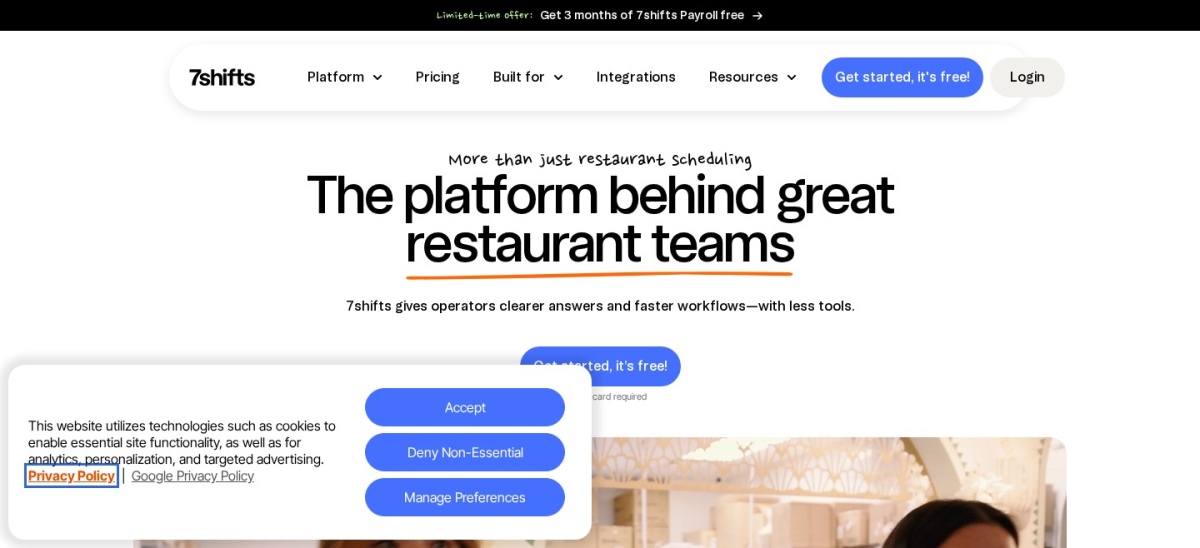
7shifts homepage, captured Nov 2026.
7shifts is a restaurant-only scheduler that pairs the rota with a time clock, labor cost tools and payroll. The free Comp plan covers one location with up to 15 employees. Essentials costs $39.99 a location a month billed yearly for up to 30 employees and adds advanced scheduling and a basic time clock.
The trade off is the headcount cap. A location with 31 staff cannot use Essentials and starts at Pro, $79.99 a location a month billed yearly, while tip management costs $49.99 extra unless Premium bundles it. It suits restaurants that schedule against sales and tip pools.
What we like
Built only for restaurants, with sales-based forecasts
Free plan covers up to 15 staff, more than Homebase
Rated 4.5 out of 5 on G2 from 130 reviews
50+ restaurant POS integrations
Watch out for
Each plan caps headcount, only Premium is unlimited
Payroll and tip management cost extra below Premium
No use outside restaurants
Premium bundles payroll and tip management at $134.99 a location a month billed yearlyVisit 7shifts.com
06
Sling
4.4/5on G2 (88 reviews, checked Nov 2026)
Paid from$1.70/mo
Best free plan for up to 30 users
Free planUp to 30 users
Cheapest paid planPremium, $1.70/user/mo
Time clockPremium and up
Kiosk clock-inBusiness, $3.40/user/mo
getsling.com
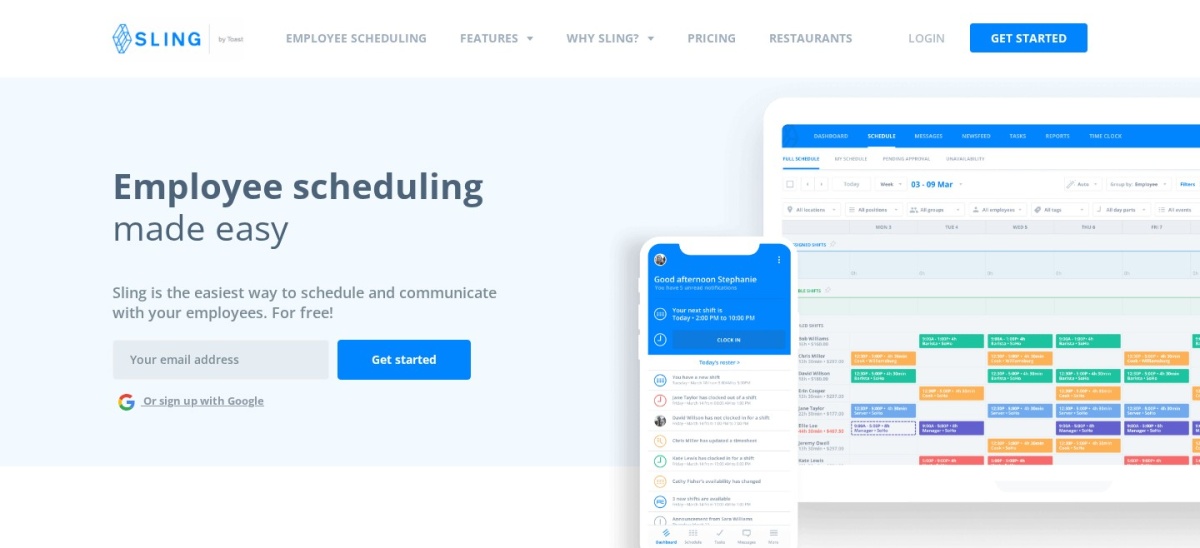
Sling homepage, captured Nov 2026.
Sling is a simple scheduler for small hourly teams that covers shifts, time-off requests and team messaging. Its free plan covers up to 30 users with scheduling, templates, open shifts and private messages. Premium costs $1.70 per user a month billed yearly and adds a mobile time clock and labor cost tracking.
The trade off is the clock. The free plan has no time tracking, and kiosk clock-in, PTO management and payroll reports wait for Business at $3.40 per user a month billed yearly. It suits a team of up to 30 that wants a free rota first and a cheap clock later.
What we like
Widest free plan here, up to 30 users
Cheapest paid step in this list at $1.70 a user
Rated 4.4 out of 5 on G2 from 88 reviews
Shift swaps and time-off requests are free
Watch out for
No time clock on the free plan
Kiosk clock-in and PTO need Business
Free plan stops at 30 users; the 31st forces a paid plan
Business adds PTO management and payroll reports at $3.40 per user a month billed yearlyVisit getsling.com
07
ZoomShift
4.8/5on G2 (46 reviews, checked Nov 2026)
Paid from$2/mo
Best for a plain free schedule
Free planEssentials, up to 20 members
Cheapest paid planStarter, $2/user/mo
Free schedule limit2 weeks ahead, 1 location
Time clockStarter and up
zoomshift.com
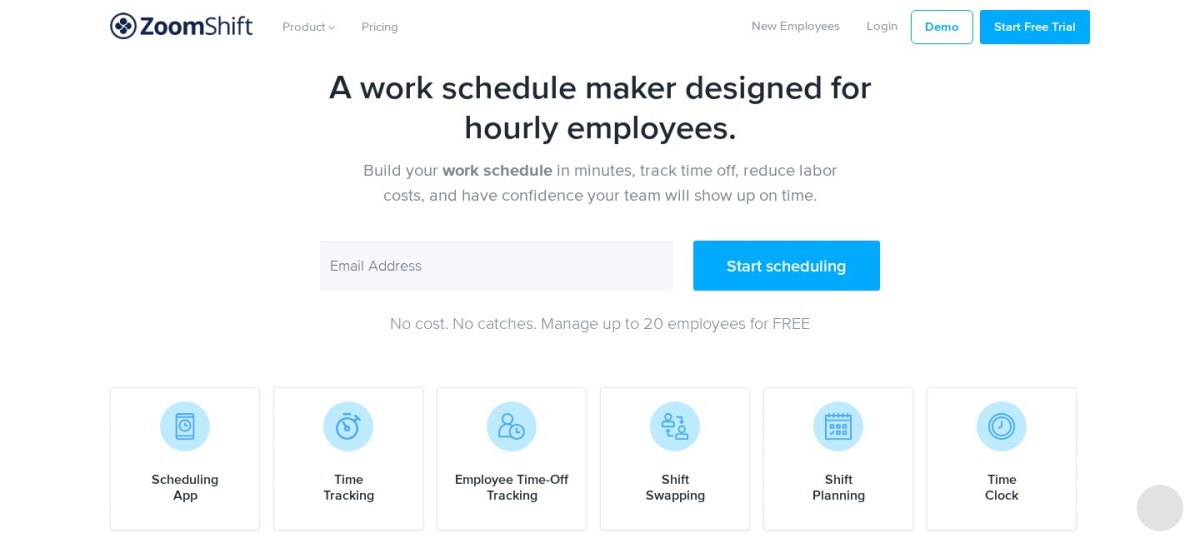
ZoomShift homepage, captured Nov 2026.
ZoomShift is a plain scheduler for small hourly teams that builds a rota in minutes and sends shift reminders. The free Essentials plan covers up to 20 active members at one location and schedules up to two weeks ahead. Starter costs $2 per user a month billed yearly and adds a time clock, timesheets and shift swaps.
The trade off is depth. The free plan has no time clock or timesheets, and auto-scheduling waits for Premium at $4 per user a month billed yearly. It suits a single-site cafe or shop that wants a free schedule with reminders and little else.
What we like
Free for up to 20 staff, double the Homebase cap
Highest G2 rating here, 4.8 out of 5
Shift confirmation and reminders on the free plan
No minimum spend on paid plans
Watch out for
Free plan schedules only two weeks ahead
No time clock or timesheets until Starter
Only 46 G2 reviews, the thinnest base here
Premium adds auto-scheduling and geofenced clock-ins at $4 per user a month billed yearlyVisit zoomshift.com
08
Planday
4.5/5on G2 (88 reviews, checked Nov 2026)
Starts at$2.99/mo
Best for working-time rules
Free planNo, 30-day trial
Cheapest paid planStarter, $2.99/user/mo
Minimum users5 on Starter, 10 on Plus
Plus plan$4.49/user/mo + $15/mo fee
planday.com
Planday homepage, captured Nov 2026.
Planday is a workforce platform for hospitality, retail and healthcare teams that pairs scheduling with time tracking and payroll reporting. Starter costs $2.99 per user a month with a five-user minimum and covers scheduling, simple time tracking and working-time warnings. Plus adds leave management and payroll links at $4.49 per user a month plus a $15 monthly fee.
The trade off is the fine print. Users are billed in bundles of five, so a team of eight pays for ten, and Plus carries a $15 monthly fee on top of the per-user price. It suits shift teams that need working-time rules and payroll-ready reports.
What we like
Working-time warnings on the entry plan
Longest trial here, 30 days with no card
Rated 4.5 out of 5 on G2 from 88 reviews
Payroll links to Xero, QuickBooks and Sage
Watch out for
No free plan, only a 30-day trial
Users are billed in bundles of five
Plus adds a $15 monthly fee on top
Pro is custom-priced and adds auto-scheduling and custom permissionsVisit planday.com
09
Humanity Schedule
4.3/5on G2 (1,129 reviews, checked Nov 2026)
Starts at$2.75/mo
Best for large frontline teams
Free planNo, 30-day trial
Cheapest paid planEssentials, $2.75/employee/mo
Employee cap250 on Essentials
ProfessionalFrom $3.75/employee/mo
tcpsoftware.com
Humanity Schedule homepage, captured Nov 2026.
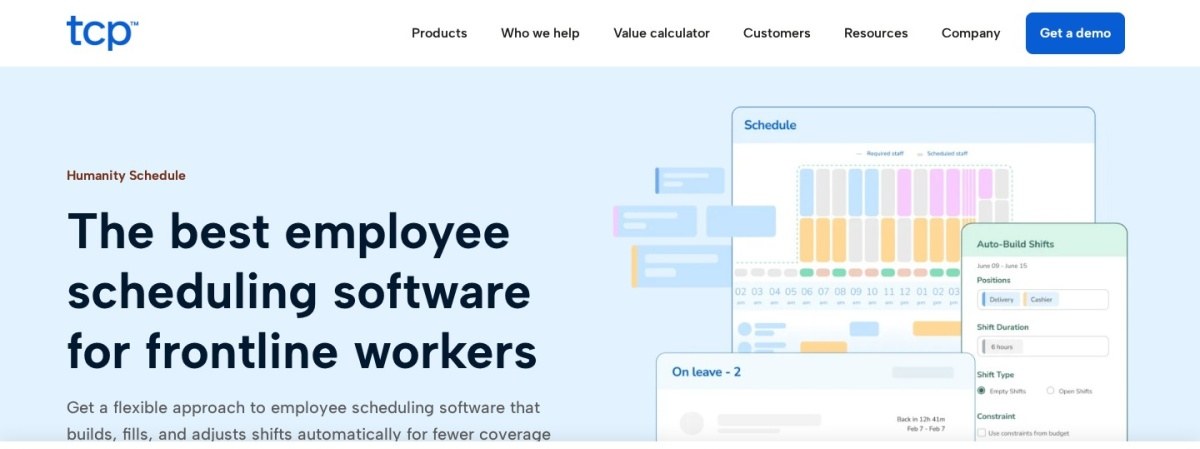
Humanity Schedule is the scheduling product of TCP Software, built for frontline teams in healthcare, retail and education. Essentials costs $2.75 per employee a month billed yearly for up to 250 employees and covers drag-and-drop scheduling, shift swaps, availability and a geofenced clock-in. Professional adds auto-fill and demand-based scheduling from $3.75.
The trade off is that the cheapest plan is scheduling only. Time and attendance from TimeClock Plus is a separate product, and add-ons such as the open API sit on Professional. It suits larger frontline teams that need rules, skills and certification tracking beside the rota.
What we like
Essentials covers up to 250 employees
Rules, skills and certification tracking on Professional
Six of the 9 tools have a free plan, and the caps are the real difference. Sling covers 30 users, ZoomShift 20, 7shifts 15, and Homebase and Connecteam 10 each.
A free plan without a time clock is a rota, not a workforce tool. Homebase and Connecteam include a clock free, while Sling, ZoomShift and 7shifts keep it behind a paid plan.
Paid plans mostly add the clock, forecasting and payroll links. If you only need the rota, the free plan of Sling or ZoomShift can run a small team for nothing.
Watch the billing unit before you compare prices. A $2 per-user plan costs $50 a month for 25 staff, while a $30 per-location plan costs $30 no matter how many staff work there.
How we chose
We started from the scheduling tools most often shortlisted for hourly teams, then kept the 9 with published prices or a free plan and a public G2 rating.
Prices come from each vendor's pricing page, checked on 24 November 2026, using the billed-yearly monthly rate where the page shows one. Ratings and review counts come from G2 on the same day. Where a vendor shows a sale, the list shows the regular price.
We left out tools with quote-only pricing and no free plan. No vendor paid for a place, and we do not claim hands-on testing for this list.
How to choose cloud based employee scheduling software
Start with your headcount and your locations, then match the billing model to them.
Count staff per location, not just in total. Per-location tools stay flat as you hire, while per-user tools rise with every hire. A 25-person team pays $50 a month on a $2 per-user plan.
Check what the free plan leaves out. A free rota without a time clock means a second tool or manual timesheets. Homebase and Connecteam include a clock free.
List the add-ons you will actually buy. Payroll, tip management and extra hubs are often separate charges. See how to add a booking calendar to WordPress for the same add-up-the-extras habit.
Trial the top two with a real week of shifts. Build a full week, test a swap and a time-off request, and check the mobile app your staff will use every day.
FAQ
What is the best cloud based employee scheduling software?
Homebase is the best pick for most small teams. Its free Basic plan covers one location with up to 10 employees and includes scheduling and a time clock, and it is rated 4.6 out of 5 on G2 from 648 reviews.
Is there really free employee scheduling software?
Yes. Six tools in this list have a free plan, including Sling for up to 30 users, ZoomShift for up to 20, 7shifts for up to 15, and Homebase and Connecteam for up to 10 each.
How much does employee scheduling software cost?
Paid plans start at $1.70 per user a month billed yearly on Sling Premium, or $24 a location a month on Homebase Essentials. Most per-user tools in this list cost $2 to $5 per user a month.
Which scheduling tool is best for restaurants?
7shifts is built only for restaurants, with sales-based labor forecasts, tip management and payroll. Homebase is the cheaper pick for a single restaurant that wants a free plan and a time clock.
Do I need a time clock as well as a scheduler?
Most teams do, because the schedule alone cannot prove who worked. Homebase and Connecteam include a clock on their free plans, while Sling and ZoomShift charge for it.
Can staff swap shifts themselves?
Yes, in most tools here. Homebase, Deputy, When I Work, 7shifts, Sling, ZoomShift and Humanity all let staff request swaps or claim open shifts, usually with manager approval.
SaaS SEO and WordPress specialist with about 8 years of experience. Rakib compares WordPress plugins, themes, hosting and software using public pricing, documentation and user reviews. See how we rank.