Autodesk Fusion is the best CAM software for CNC for most shops, combining CAD and CAM in one $680-a-year subscription rated 4.5/5 by 536 G2 reviewers. Pick SolidCAM for SOLIDWORKS-based 5-axis work, or GibbsCAM if you want the lowest yearly starting price at $550.
How we make this list: we compare pricing pages, product documentation and public user reviews, then re-check every price before each update. No product paid for a place. Disclosure.
Autodesk Fusion is the only pick with CAD and CAM in one subscription, plus a free plan for personal use, at $680 a year.
SolidCAM and SolidWorks CAM both run inside SOLIDWORKS; SolidCAM adds iMachining and deeper 5-axis strategies.
GibbsCAM has the lowest yearly starting price in this list at $550 a year.
Mastercam, CAMWorks and RhinoCAM publish no price, so budget for a quote plus yearly maintenance.
PowerMill starts at $668 a month, which suits mold and die shops rather than small router shops.
What to look for in CAM software for CNC
CAM software turns a 3D model into toolpaths and G-code that a CNC machine can run. The model comes from CAD, and the CAM side picks the cutting tools, speeds and cutting order.
The number of axes matters most. A 3-axis router needs far less than a simultaneous 5-axis mill, and 5-axis modules are usually the priciest add-on in any package.
Every tool in this list needs a post-processor matched to your machine and control. Ask the vendor for your exact machine before you buy, since a missing post can stall a purchase for weeks.
If you only need a few finished parts, making them yourself may cost more than ordering them. Our guide on connecting Printify to WooCommerce shows one way to sell physical products without running a machine yourself.
Autodesk Fusion is CAD, CAM, CAE and PCB design in one cloud subscription. The CAM side covers milling, turning and cutting, and the $680-a-year plan includes 2.5-axis, 3-axis and 3+2 toolpaths, plus a free plan for personal, non-commercial use.
The trade off is advanced machining. Simultaneous 5-axis work and some automation need the Manufacturing Extension at extra cost, so the headline price is a floor, not the ceiling. It suits small shops and product teams that want one subscription for design and machining.
What we like
CAD and CAM in one subscription
Free plan for personal use
Largest review base in this list, 536 G2 reviews
Cloud collaboration built in
Watch out for
Simultaneous 5-axis needs a paid extension
Cloud-based, so offline work is limited
Manufacturing Extension adds simultaneous 5-axis and automationVisit autodesk.com
02
SolidCAM
4.3/5on G2 (38 reviews, checked Nov 2026)
Starts at$1,600/mo
Best CAM for SOLIDWORKS shops
Host CADSOLIDWORKS
iMachiningYes
CAM axes2.5 to 5-axis
Starting price$1,600/mo
solidcam.com
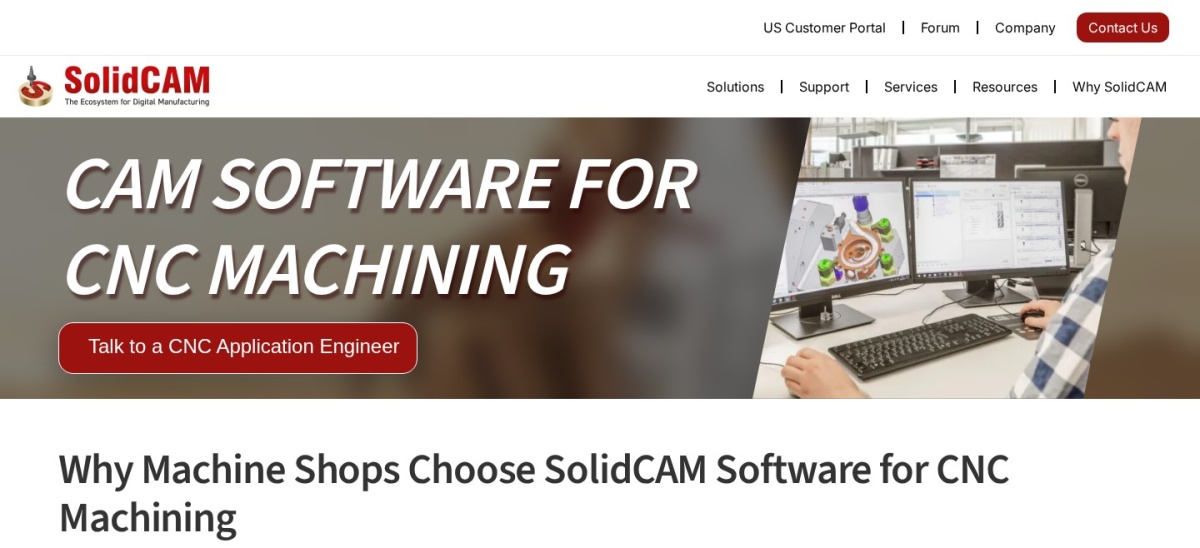
SolidCAM homepage, captured Nov 2026.
SolidCAM is a CAM add-in that runs inside SOLIDWORKS, so design changes flow straight into toolpaths without an export step. It covers milling, turning and multi-axis work, and its iMachining wizard sets speeds and feeds from the toolpath, stock and tool material.
The trade off is price. SelectHub lists SolidCAM from $1,600 a month, the highest starting price in this list, and you still need a SOLIDWORKS licence underneath it. It suits established shops cutting hard materials or complex parts in SOLIDWORKS.
SolidWorks CAM is the CAM add-in built into SOLIDWORKS, powered by CAMWorks. Standard covers 2.5-axis milling with automatic feature recognition and a technology database, and it is bundled with an active SOLIDWORKS subscription at no extra cost.
The trade off is range. Turning, 3+2 positioning and VoluMill high-speed toolpaths need the Professional upgrade, and SelectHub lists the product from $995 per seat per year. It suits SOLIDWORKS users who want CAM without leaving their CAD.
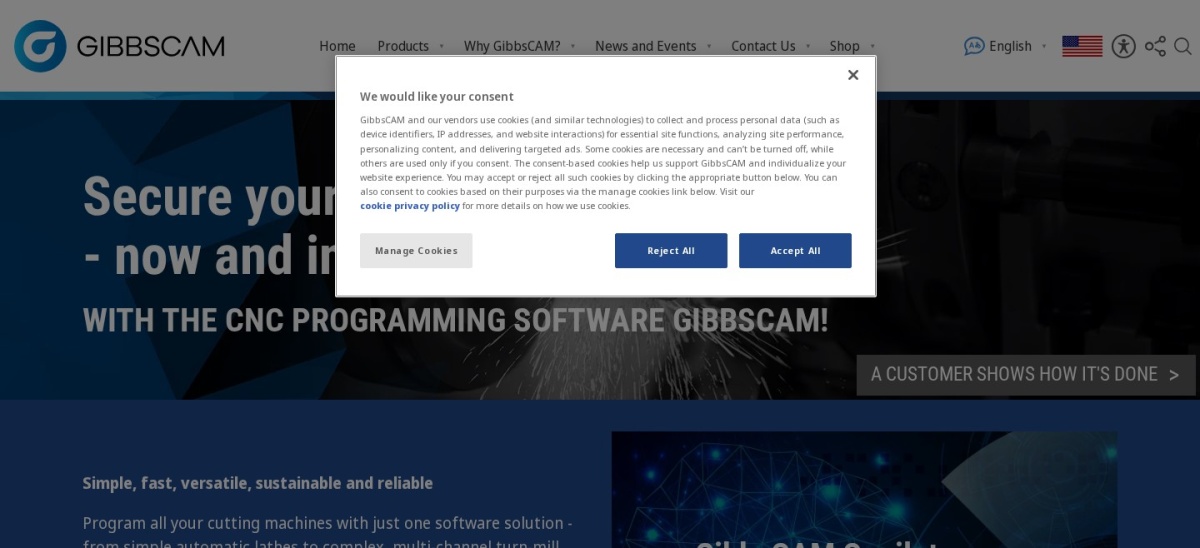
GibbsCAM is a standalone CAM tool for mills, lathes and multi-task machines, with modules for 5-axis and tombstone work. Reviewers praise its plain interface and short learning curve, and it holds a 4.3 out of 5 G2 rating from 22 reviews.
The trade off is ecosystem size. Fewer third-party posts and fewer programmers arrive already knowing it than with Mastercam, and modules beyond the $550-a-year starting price add cost. It suits small to mid-sized shops that value programming speed over the biggest installed base.
What we like
Easy to learn, per G2 reviewers
Lowest yearly starting price in this list
Covers mill, turn and 5-axis in one tool
Watch out for
Smaller ecosystem than Mastercam
Runs on-premise only, with no cloud option
Paid modules add 5-axis, tombstone and multi-task machiningVisit gibbscam.com
05
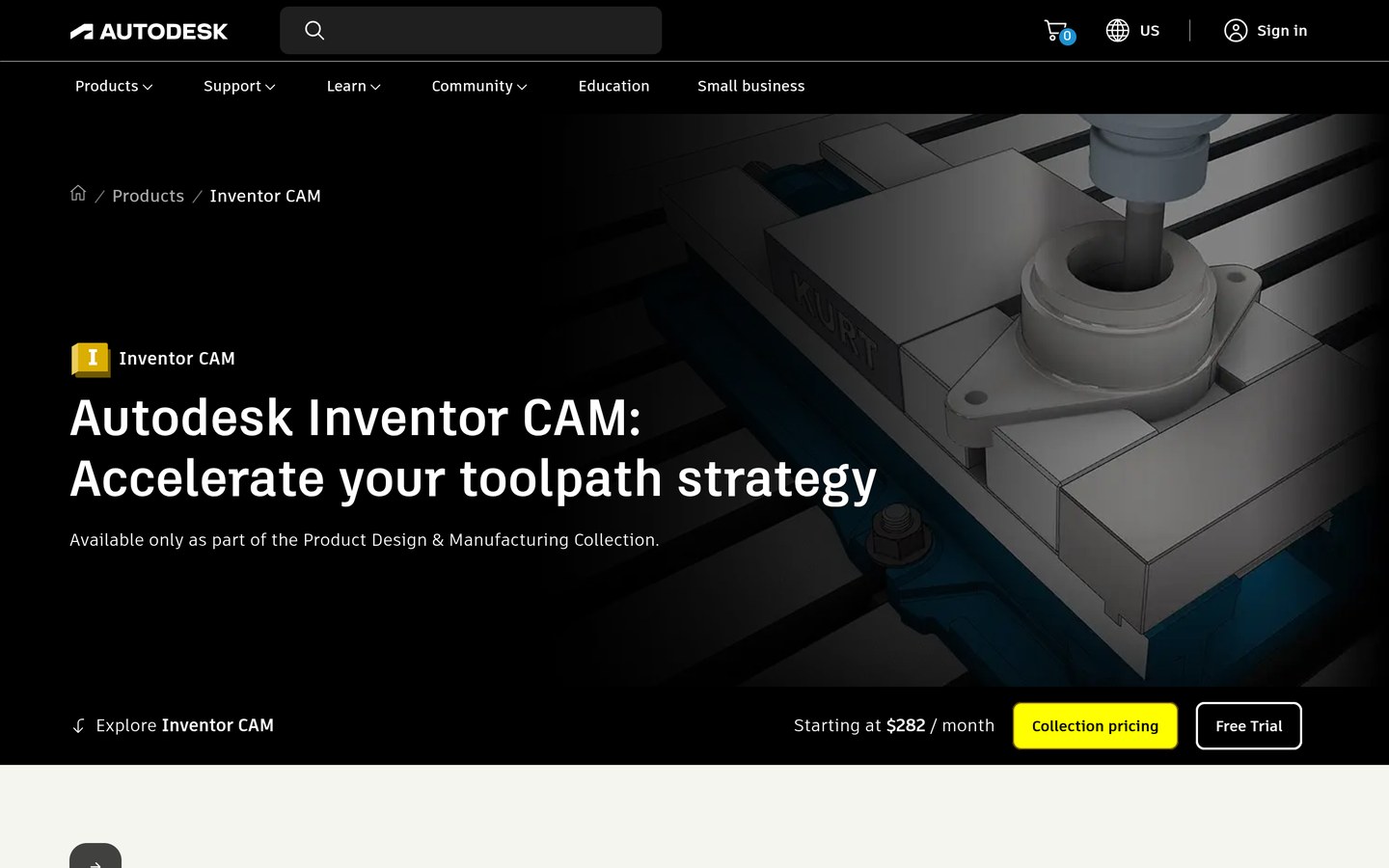
Autodesk Inventor CAM
4.3/5on G2 (18 reviews, checked Nov 2026)
Starts at$282/mo
Best CAM for Inventor users
Host CADInventor
CAM axes2.5 to 5-axis
Sold asCollection only
Starting price$282/mo
autodesk.com
Autodesk Inventor CAM homepage, captured Nov 2026.
Autodesk Inventor CAM is the current name for Autodesk's HSM machining technology, sold as the CAM side of Inventor. It covers 2.5- to 5-axis milling and turning inside Inventor, and G2 rates the HSM product 4.3 out of 5 from 18 reviews.
The trade off is how it is sold. It is available only as part of the Product Design and Manufacturing Collection, starting at $282 a month, with no standalone licence. It suits Inventor users who want integrated CAM without leaving their CAD.
What we like
Integrated CAM inside Inventor
2.5- to 5-axis milling and turning
Free trial available
Rated 4.3 out of 5 on G2
Watch out for
Collection-only, no standalone licence
Monthly price adds up to $3,384 a year
The Collection adds Inventor, AutoCAD and other Autodesk toolsVisit autodesk.com
06
Autodesk PowerMill
4.2/5on G2 (17 reviews, checked Nov 2026)
Starts at$668/mo
Best CAM for molds and 5-axis work
CAM axes3 to 5-axis
Best forMolds and dies
AutomationYes, macros
Starting price$668/mo
autodesk.com
Autodesk PowerMill homepage, captured Nov 2026.
Autodesk PowerMill is expert CAM for high-speed and 5-axis machining of large molds, tools, dies and complex 3D parts. It adds macro automation for repeat work, and Autodesk lists it from $668 a month with a free trial.
The trade off is cost and focus. At $8,016 a year it is far too much for a small router shop, and reviewers note bugs and slow updates. It suits mold and die shops where 5-axis work and automation pay for the subscription.
Mastercam is the most widely used CAM software in this list, with a post library that covers most machines and controls. It covers 2- to 5-axis milling, turning and mill-turn work, and holds a 4.1 out of 5 G2 rating from 26 reviews.
The trade off is price and learning curve. Mastercam is sold by quote through resellers, with yearly maintenance on top, and reviewers note a steep learning curve for advanced features. It suits job shops that need programmers and posts everywhere.
CAMWorks is a CAM add-in for SOLIDWORKS built on automatic feature recognition and a technology database. It picks toolpaths from the features it finds, which reviewers say cuts programming time, and it holds a 4.1 out of 5 G2 rating from 18 reviews.
The trade off is price and limits. CAMWorks publishes no price, so you buy through a reseller by quote, and reviewers note feature limits in some tool options. It suits SOLIDWORKS shops that want feature-based machining with less hand programming.
RhinoCAM is a CAM plug-in for Rhino 3D, from MecSoft, that turns Rhino models into toolpaths for 2.5- to 5-axis machining. It ships with a post-processor generator for custom machines and holds a 4.0 out of 5 G2 rating from 17 reviews.
The trade off is dependence on Rhino. You need a Rhino 3D licence underneath it, pricing is by quote with no public starting price, and G2 reviewers rate setup only 4.0 out of 10. It suits Rhino users machining freeform and architectural parts.
Most professional CAM software is sold by quote, not from a price list. Mastercam, CAMWorks and RhinoCAM all fall in this group, and their resellers price by module and seat count.
Expect a one-off licence fee plus yearly maintenance for updates and support. GibbsCAM is the exception here, with a listed starting price of $550 a year.
Always trial the software on one of your own parts before you sign. A quote that looks high can still be good value if the post-processor for your machine is ready and tested.
How we chose
We started from G2's computer-aided manufacturing category and kept nine tools with a published G2 rating and a clear CNC machining focus.
Prices come from Autodesk's own pages for Fusion, PowerMill and Inventor CAM, and from SelectHub's listed starting prices for SolidCAM, SolidWorks CAM and GibbsCAM, all checked on 25 November 2026. Ratings and review counts come from G2 on the same day. Where a vendor publishes no price, the list shows Quote.
We left out tools with no rating on G2, Capterra or Trustpilot, including Vectric VCarve and Carbide Create. No vendor paid for a place, and we do not claim to have used these tools ourselves.
How to choose CAM software for CNC
Match the software to your machine, your CAD and your budget before you pay for anything.
List the machines and axes you program. A 3-axis router needs far less than a simultaneous 5-axis mill. Do not pay for 5-axis modules you will not run.
Check which CAD it lives in. SolidCAM, SolidWorks CAM and CAMWorks need SOLIDWORKS, RhinoCAM needs Rhino 3D, and Fusion and Mastercam bring their own CAD.
Confirm a post-processor for your machine. Ask the vendor or reseller for your exact machine and control before you buy. A missing post can stall a purchase for weeks.
Trial it on a real part. Run the free trial on one of your own parts, from model to posted G-code, before you sign a quote.
FAQ
What is the best CAM software for CNC?
Autodesk Fusion is the best pick for most shops. It combines CAD and CAM in one $680-a-year subscription, is rated 4.5 out of 5 by 536 G2 reviewers, and has a free plan for personal use. SolidCAM suits SOLIDWORKS shops that need deeper 5-axis work.
How much does CAM software cost?
Listed starting prices run from $550 a year for GibbsCAM to $668 a month for PowerMill, while Fusion costs $680 a year. Mastercam, CAMWorks and RhinoCAM are quote-only, so expect a licence fee plus yearly maintenance on top of the quote.
Is there free CAM software for CNC?
Fusion has a free plan for personal, non-commercial use, and Inventor CAM, PowerMill and RhinoCAM offer free trials. The other tools in this list have no free plan, so a trial or a paid licence is the only way to run them.
What is the difference between CAD and CAM software?
CAD software designs the part as a 3D model, while CAM software turns that model into toolpaths and G-code for a CNC machine. Some tools, like Fusion, include both sides in one subscription; others, like SolidCAM, plug into a separate CAD program.
Do I need 5-axis CAM software?
Only if your machine has five axes or your parts need undercuts and complex angles. Most router and 3-axis mill work is covered by 2.5- and 3-axis toolpaths, so do not pay for 5-axis modules until a real job needs them.
Which CAM software works with SOLIDWORKS?
SolidCAM, SolidWorks CAM and CAMWorks all run inside SOLIDWORKS. SolidWorks CAM Standard is bundled with a SOLIDWORKS subscription, while SolidCAM and CAMWorks are separate products with their own licences and prices.
SaaS SEO and WordPress specialist with about 8 years of experience. Rakib compares WordPress plugins, themes, hosting and software using public pricing, documentation and user reviews. See how we rank.