Canva is the best calendar creator software for most users, with a 4.7/5 G2 rating from 7,924 reviews and customizable calendar templates. Choose Adobe Express for designs using Adobe Stock assets or PicMonkey for affordable photo calendar creation and image editing.
How we make this list: we compare pricing pages, product documentation and public user reviews, then re-check every price before each update. No product paid for a place. Disclosure.
Canva earns 4.7/5 from 7,924 G2 reviews and offers free calendar templates.
Adobe Express Premium costs $9.99 monthly and includes more than 30,000 fonts.
PicMonkey Basic costs $72 annually, making it an affordable option for photo calendars.
PosterMyWall Premium costs $109 annually and includes unlimited high-quality downloads.
Venngage Free supports 5 designs, while Premium removes the design limit.
Visme Starter costs $147 annually and supports JPG, PNG and PDF downloads.
What calendar creator software should offer
Calendar creator software helps users design personalized monthly planners, wall calendars, desk calendars and promotional materials without starting from a blank page.
Look for editable calendar grids, customizable fonts, image uploads and flexible page dimensions. These features make it easier to create calendars for different audiences.
Print-ready downloads are important when selling calendars or producing branded merchandise. Check whether PDF exports and high-resolution images require a paid subscription.
Design-based calendar makers differ from appointment scheduling software. They primarily create visual calendars rather than automatically managing meetings, reminders or recurring events.
Canva is an online design platform with customizable calendar templates, photo uploads and printable layouts. Its free subscription provides access to more than 1.6 million templates across its design categories.
The trade off is that premium assets and advanced design features require Pro at a regular $18 monthly rate, with a temporary introductory discount advertised. It suits creators producing personalized calendars, planners and branded merchandise.
What we like
Customizable calendar templates
PDF and image downloads
Beginner-friendly editing
Free design tools
Watch out for
Premium assets require payment
Calendar dates may need manual adjustments
Pro adds premium templates, background removal and additional brand kits.Visit canva.com
02
Adobe Express
4.4/5on G2 (1,110 reviews, checked Nov 2026)
Paid from$9.99/mo
Best for typography and stock photography
Calendar templatesCustomizable
Premium fonts30,000+
Generative credits250/month on Premium
Paid planPremium
adobe.com
Adobe Express homepage, captured Nov 2026.
Adobe Express is a browser-based design application for creating personalized calendars, posters and promotional graphics. Its free version includes editable templates, while Premium provides access to more than 30,000 fonts.
The trade off is that the complete premium asset library and advanced editing features require a $9.99 monthly subscription. It suits creators who prioritize typography, stock photography and consistent visual designs.
What we like
Dedicated calendar maker
Adobe Stock integration
Customizable design templates
Desktop and mobile access
Watch out for
Some templates require Premium
Limited automatic calendar date generation
Premium unlocks additional stock assets, fonts and editing features.Visit adobe.com
03
PicMonkey
4.4/5on G2 (422 reviews, checked Nov 2026)
Starts at$72/yr
Best for personalized photo calendars
Free trial7 days
Basic storage1 GB
Basic exportsJPG and PNG
Paid planBasic
picmonkey.com
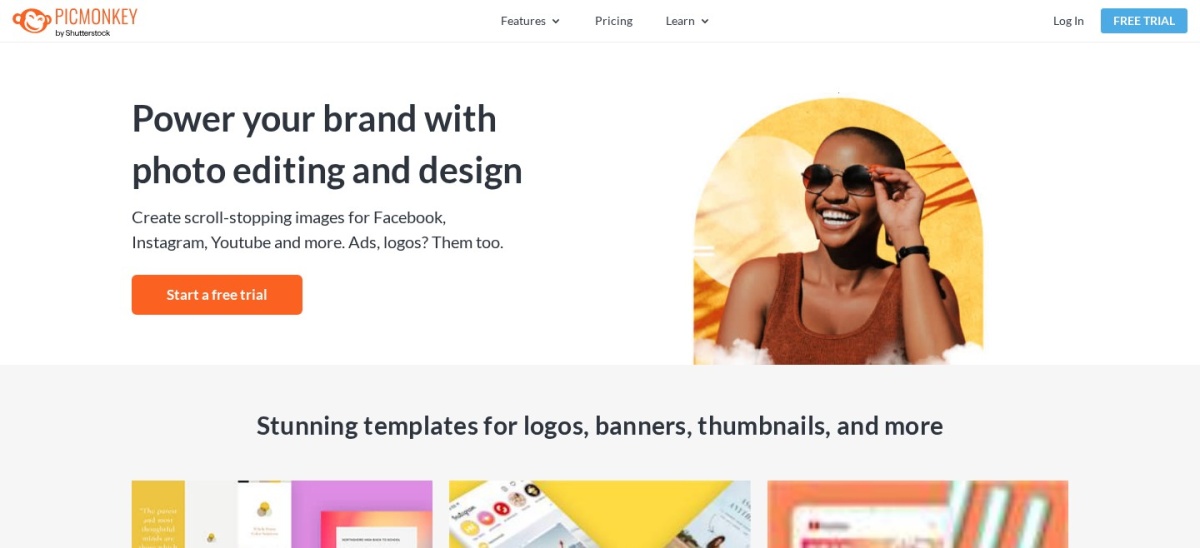
PicMonkey homepage, captured Nov 2026.
PicMonkey is a photo editing and graphic design application with a dedicated calendar maker. Its Basic subscription costs $72 annually and includes 1 GB of cloud storage, design templates and image editing tools.
The trade off is the absence of a permanent free plan, while PDF downloads require Pro rather than the $72 Basic subscription. It suits photographers and creators producing personalized photo calendars.
What we like
Photo enhancement tools
Affordable annual subscription
Customizable calendar layouts
Cloud-based project storage
Watch out for
No permanent free subscription
PDF downloads require Pro
Basic adds downloadable designs, image editing and cloud storage.Visit picmonkey.com
04
PosterMyWall
4.7/5on G2 (71 reviews, checked Nov 2026)
Paid from$109/yr
Best for promotional and event calendars
Design templates4M+ across categories
Premium downloadsUnlimited high-quality downloads
Premium brand kits1
Paid planPremium
postermywall.com
PosterMyWall homepage, captured Nov 2026.
PosterMyWall is a graphic design and marketing platform for promotional calendars, event schedules and social media graphics. Its free plan provides access to a library of more than 4 million design templates.
The trade off is that unlimited high-quality downloads require Premium at $109 annually or $13 monthly. It suits businesses and creators publishing event calendars alongside other marketing materials.
What we like
Large design template library
Event marketing features
Free design editor
Individual premium downloads available
Watch out for
High-quality downloads require payment
Advanced branding requires higher subscriptions
Premium adds high-quality downloads, a brand kit and scheduling tools.Visit postermywall.com
05
Visme
4.5/5on G2 (514 reviews, checked Nov 2026)
Paid from$147/yr
Best for professional business calendars
Free projectsUnlimited
Calendar layoutsCustomizable templates
Starter downloadsJPG, PNG and PDF
Paid planStarter
visme.co
Visme homepage, captured Nov 2026.
Visme is a visual content creation platform for business calendars, planners, presentations and reports. Its free Basic plan supports unlimited projects, while Starter costs $147 annually and unlocks premium design assets.
The trade off is that downloadable PDF and image files require the paid Starter subscription, with advanced brand management reserved for Business. It suits organizations producing professional calendars and visual planning documents.
What we like
Professional calendar layouts
Unlimited free projects
Multiple paid export formats
Visual planning tools
Watch out for
Free download restrictions
Brand kits require Business
Starter unlocks premium templates and JPG, PNG and PDF downloads.Visit visme.co
06
Venngage
4.7/5on G2 (137 reviews, checked Nov 2026)
Paid from$19/mo
Best for illustrated calendars and planners
Free designs5
Premium designsUnlimited
Premium exportsPNG and high-resolution PNG
Paid planPremium
venngage.com
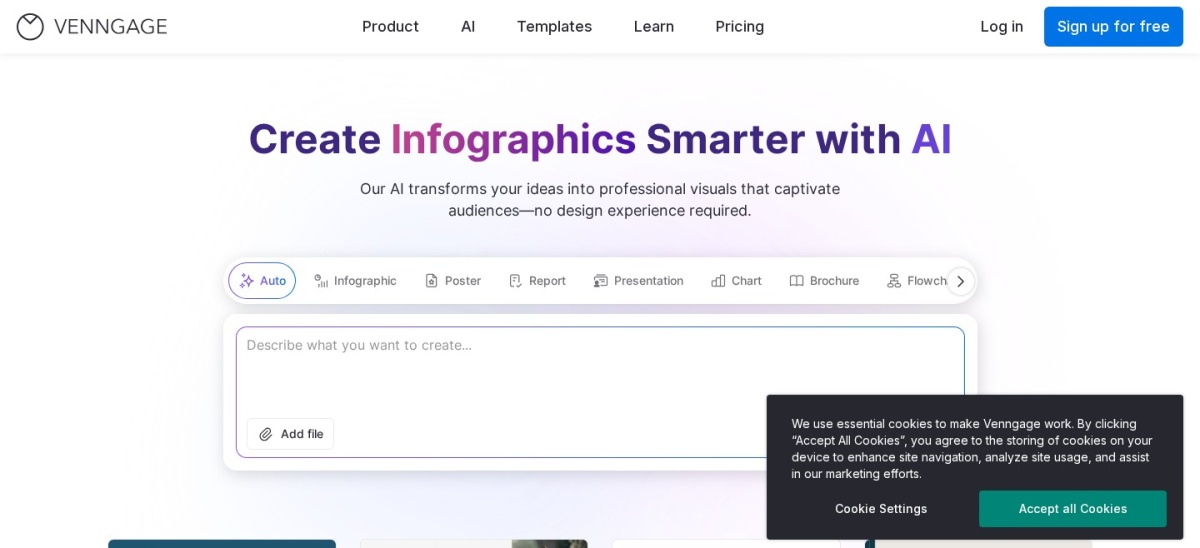
Venngage homepage, captured Nov 2026.
Venngage is an online design platform with customizable weekly and monthly calendar templates. Its free plan supports 5 designs, while Premium removes that limit and enables high-resolution PNG exports.
The trade off is that Premium lists at a regular $19 monthly rate, with a discounted $10 rate displayed, and PDF exports require Business. It suits creators designing illustrated schedules and informational calendars.
What we like
Dedicated online calendar maker
Customizable icons and graphics
Free design allowance
High-resolution paid exports
Watch out for
Free plan limits saved designs
PDF export requires Business
Premium adds unlimited designs, premium graphics and PNG downloads.Visit venngage.com
07
Template.net
4.3/5on G2 (21 reviews, checked Nov 2026)
Paid from$11/mo
Best for editable calendar documents
Starter templatesApproximately 1M across categories
Monthly Starter credits1,450
Export formatsPNG, PDF, Word and others
Paid planStarter, billed annually
template.net
Template.net homepage, captured Nov 2026.
Template.net is a template-based design and document creation platform with a free calendar generator. Its Starter plan includes approximately 1 million templates across categories and 1,450 monthly credits.
The trade off is that extended template access and AI generation require Starter at $11 monthly with annual billing. It suits businesses and creators who need editable calendars in several document formats.
What we like
Dedicated calendar generator
Editable document templates
Multiple export formats
Business and personal calendar layouts
Watch out for
AI generation uses credits
Advanced template access requires payment
Starter adds expanded template access, AI credits and multiformat exports.Visit template.net
Creating calendars for printing and resale
Choose your finished calendar dimensions before designing. Leave enough room for binding, trimming and handwritten notes, and verify that calendar dates align with the correct weekdays.
Review commercial usage rights for templates, stock photographs and fonts before selling calendar designs. Confirm that your printer accepts the available export format and resolution.
How we chose
We selected established design platforms offering calendar templates, personalized layouts, photo editing or dedicated calendar generation features. Rankings prioritize calendar creation flexibility, affordability and public customer ratings.
The editorial check date is 22 Nov 2026. Pricing and review pages were accessed on 25 Nov 2026, so historical figures for the editorial date could not be independently confirmed. Annual prices use confirmed regular rates or standard annual subscriptions.
We excluded scheduling-only applications, products without confirmable subscription prices and tools with insufficient public reviews. No vendor paid for a place, and we do not claim testing for this list.
How to choose calendar creator software
Compare your preferred calendar format, customization requirements and printing needs before choosing a design platform.
Choose your calendar format. Decide whether you need a wall calendar, desk calendar, monthly planner or promotional event schedule.
Check customization options. Look for editable dates, fonts, colors, image placement and page dimensions that match your design requirements.
Review download restrictions. Confirm whether printable PDF files, high-resolution images and watermark-free downloads require a paid subscription.
Compare pricing and licensing. Calculate subscription costs and check commercial usage permissions if you intend to sell your finished calendars.
FAQ
What is the best calendar creator software?
Canva is our top recommendation because it combines customizable calendar templates, accessible editing tools and printable downloads. Its free subscription is suitable for many personal and promotional calendar projects.
Is there free software for creating calendars?
Yes. Canva, Adobe Express, PosterMyWall, Visme and Venngage provide free design options. However, some restrict premium templates, downloadable files or the number of designs you can create.
Which software is best for creating photo calendars?
PicMonkey is a suitable option because it combines photo editing with customizable calendar layouts. Canva and Adobe Express also support personal photo uploads, decorative elements and printable calendar designs.
Can I create calendars to sell online?
Yes. Calendar creation platforms can produce designs for digital downloads or physical products. Check commercial licensing requirements for every template, image, font and graphic used before selling your finished calendar.
Can calendar creator software export printable PDF files?
Yes. Canva, Adobe Express, Visme and Template.net support PDF exports. Some applications reserve this feature for paid subscriptions, so check export availability before completing a calendar project.
SaaS SEO and WordPress specialist with about 8 years of experience. Rakib compares WordPress plugins, themes, hosting and software using public pricing, documentation and user reviews. See how we rank.