DVDFab Blu-ray Creator is the best Blu-ray creator for most people, with 200+ input formats, themed menus and a $46.99 yearly plan. Pick Leawo Blu-ray Creator for the most menu templates on Mac and Windows, or AnyMP4 Blu-ray Creator for 4K authoring at the lowest price.
How we make this list: we compare pricing pages, product documentation and public user reviews, then re-check every price before each update. No product paid for a place. Disclosure.
DVDFab Blu-ray Creator takes the most formats (200+) and builds themed menus, chapters and subtitles for $46.99 a year.
Leawo Blu-ray Creator is the template leader, with 40+ menu templates and 180+ input formats for $39.95 a year.
AnyMP4 Blu-ray Creator is the cheapest dedicated authoring tool at $39 a year, with 4K UHD output to BD-25 and BD-50 discs.
Nero Burning ROM and Ashampoo Burning Studio are the cheapest one-time buys at $55.95 and $30, aimed at burning and archiving rather than menu design.
CyberLink's Trustpilot score is 1.5 out of 5 from 135 reviews, driven by billing and support complaints rather than the burning features.
What a Blu-ray creator should cover
A Blu-ray creator turns video files into a disc that plays in a standard Blu-ray player, with menus, chapters and subtitles. That is different from copying a disc or burning a data disc, which only stores files.
The tools here split into two groups. Dedicated authoring tools such as DVDFab, Leawo and AnyMP4 design menus and chapters. General burners such as Nero, Ashampoo and Power2Go burn discs well but offer less menu control.
Check the format list before you buy. Most tools take MP4, MKV and AVI, but older camera formats and 4K HEVC vary by tool. Our guide on embedding videos in WordPress covers the same file-format question for the web.
Prices in this list are the regular prices from each vendor's store, checked on 24 November 2026. Several vendors run Black Friday sales this week, so the price at checkout may be lower than the figure shown here.
4.4/5on Trustpilot (727 reviews, checked Nov 2026)
Starts at$46.99/yr
Best Blu-ray creator overall
Input formats200+
Menu templatesThemed library
OutputDisc, ISO, folder
Paid plan1 year, $46.99
dvdfab.cn
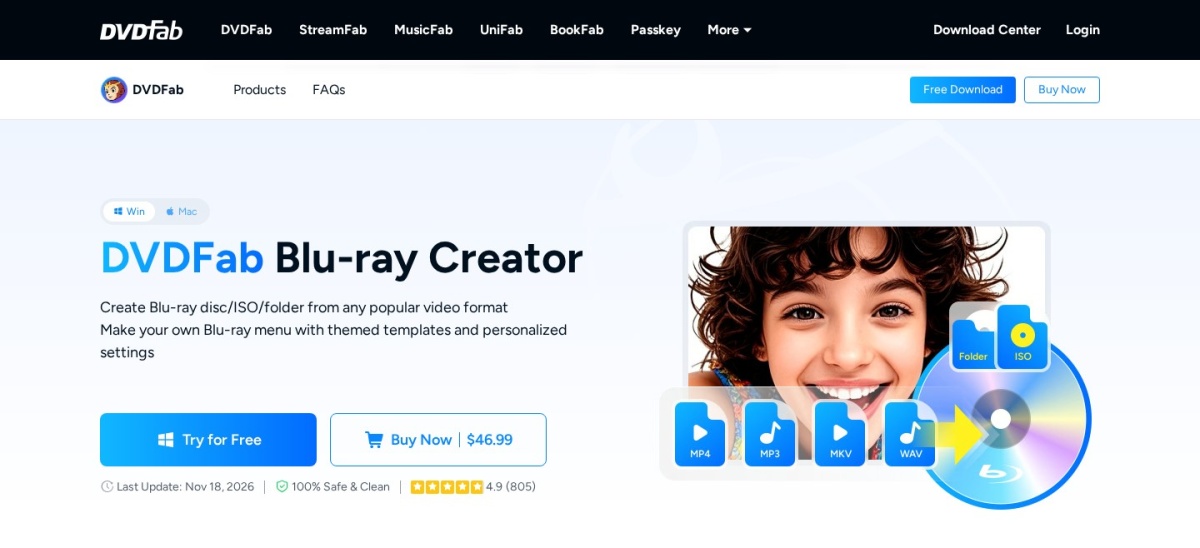
DVDFab Blu-ray Creator homepage, captured Nov 2026.
DVDFab Blu-ray Creator is a dedicated authoring tool that turns video files into Blu-ray discs, ISO files or folders. It accepts more than 200 video formats, builds menus from a themed template library, and adds chapters, subtitles and basic edits such as crop, trim and watermark. It runs on Windows and Mac, and the trial lets you try the workflow before paying.
The trade off is price and sales noise. The 1-year licence lists at $46.99, and the store runs frequent sales that cut the lifetime price, so the figure you see at checkout changes often. It suits anyone authoring discs regularly who wants the widest format support in this list.
What we like
Widest format support in this list at 200+ formats
Themed menu templates with chapters and subtitles
Burns to disc, ISO or folder on Windows and Mac
Watch out for
1-year licence costs more than Leawo
Store sales make the checkout price hard to predict
Interface packs in many features, which can feel busy
4.3/5on Trustpilot (158 reviews, checked Nov 2026)
Starts at$39.95/yr
Best for menus and templates
Input formats180+
Menu templates40+
OutputDisc, ISO, folder
Paid plan1 year, $39.95
leawo.org
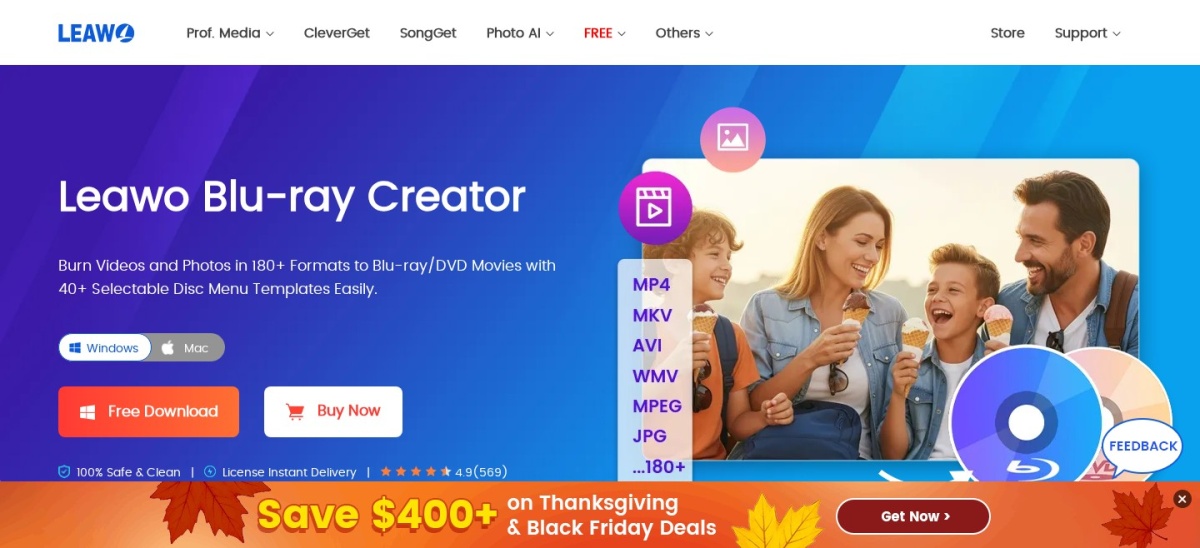
Leawo Blu-ray Creator homepage, captured Nov 2026.
Leawo Blu-ray Creator is a dedicated authoring tool for Windows and Mac that burns video and photos to DVD or Blu-ray. It accepts 180+ formats, offers 40+ menu templates, and includes a built-in editor for trimming, cropping, watermarks and 3D effects. Output goes to BD-25 or BD-50 discs, folders or ISO files.
The trade off is the trial. The free trial only burns the first 5 minutes of each video, so a full project needs the $39.95 yearly licence or the $59.95 lifetime licence. It suits home-movie makers who want the most menu templates without a steep learning curve.
What we like
Most menu templates here, at 40+
Windows and Mac versions at the same price
Built-in editor covers trim, crop and 3D effects
Watch out for
Trial only burns the first 5 minutes of each video
Yearly licence, not a one-time purchase
Lifetime licence costs $59.95, half as much again as the yearly plan
4.2/5on Trustpilot (239 reviews, checked Nov 2026)
Starts at$39/yr
Best budget dedicated authoring
OutputBD-25/50, folder, ISO
4K supportYes, UHD
Menu templates20+
Paid plan1 year, $39
anymp4.com
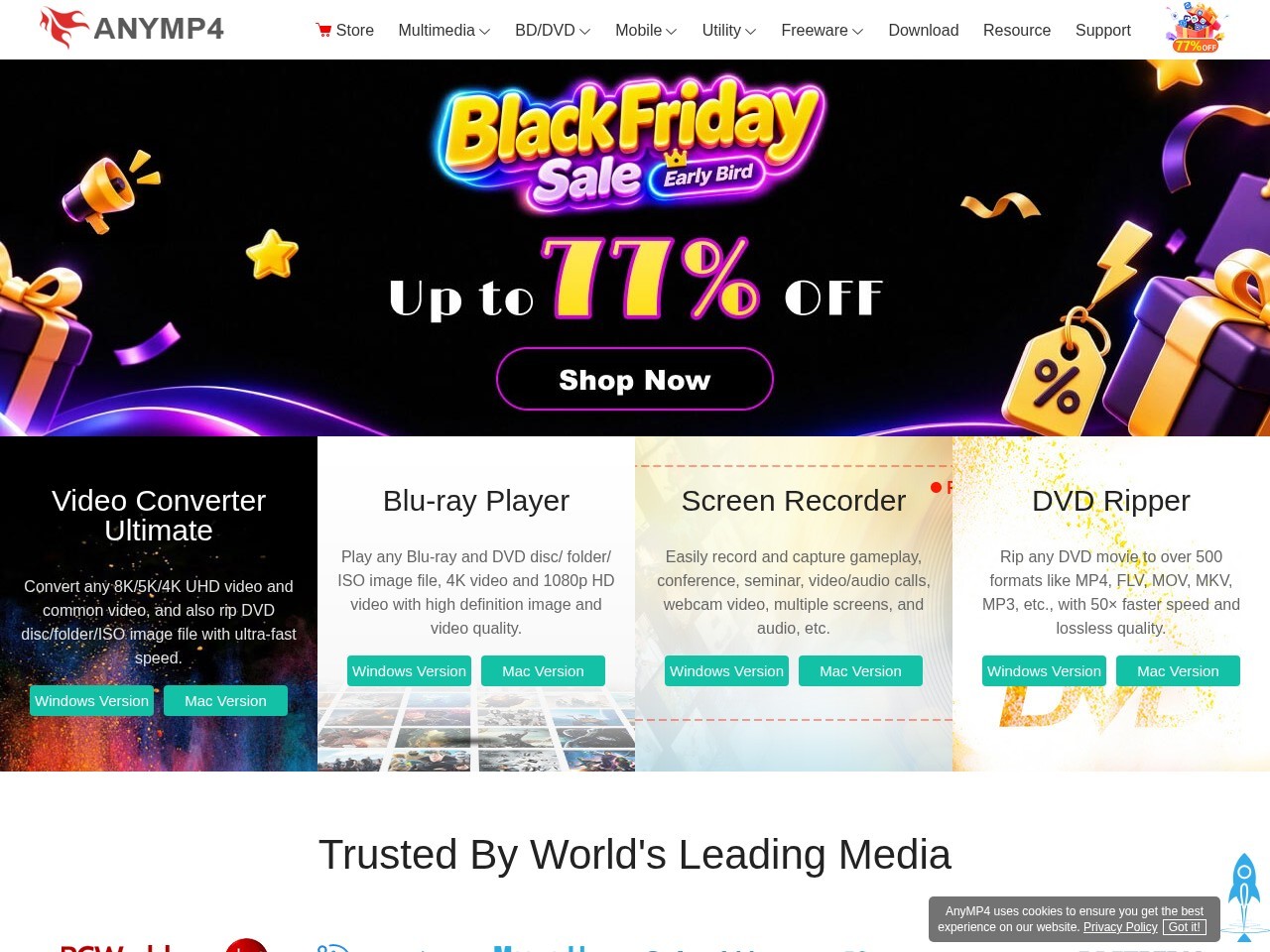
AnyMP4 Blu-ray Creator homepage, captured Nov 2026.
AnyMP4 Blu-ray Creator is a dedicated authoring tool for Windows and Mac that burns video to BD-25 and BD-50 discs, folders or ISO files. It supports 4K UHD output, 500+ input formats and menu templates, plus a built-in editor for clipping, cropping, watermarks and subtitle tracks. A free trial is available.
The trade off is confusing pricing. Listings show a $39 yearly licence, a $12.50 monthly option and a lifetime licence near $40 to $50, so check the term before paying. It suits budget buyers who want 4K authoring without a yearly subscription.
What we like
Cheapest dedicated authoring at $39 a year
4K UHD output to BD-25 and BD-50 discs
Built-in editor for clips, watermarks and subtitles
Watch out for
Pricing page shows conflicting monthly, yearly and lifetime figures
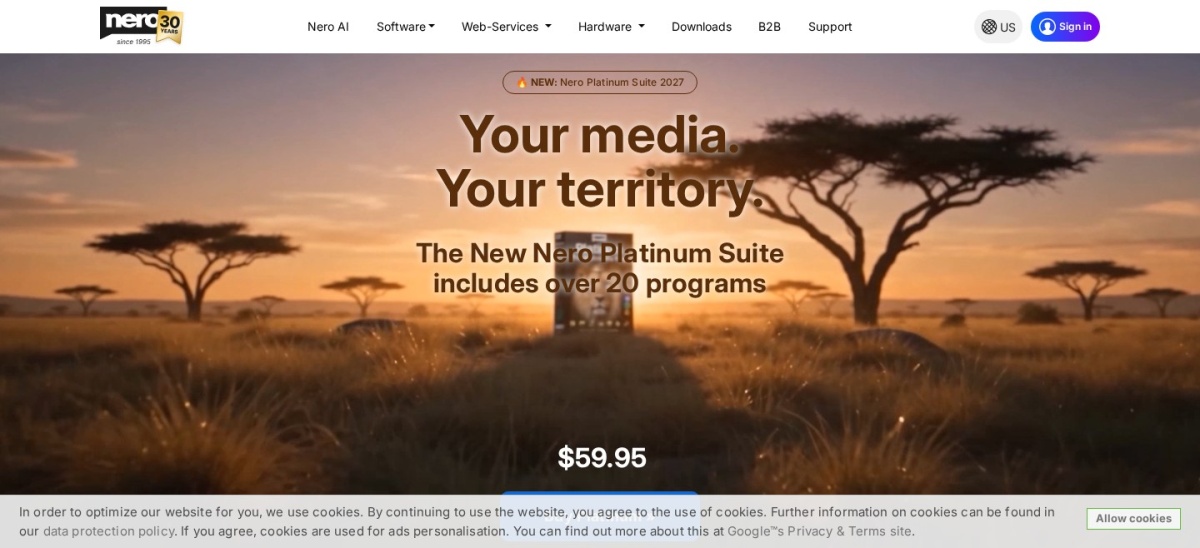
Nero Burning ROM is the longest-running disc burner in this list, for Windows only. It burns data, audio and video discs on CD, DVD and Blu-ray, copies discs, creates ISO images and rips audio CDs. SecurDisc 4.0 adds 256-bit encryption, digital signatures and extra redundancy for archives.
The trade off is that it is a burner, not a menu authoring tool. It lists at $55.95 as a one-time purchase, with the vendor currently discounting it to $44.76, and a free trial is available. It suits anyone archiving files or delivering finished discs where reliability matters more than menus.
What we like
SecurDisc 4.0 encryption and disc redundancy
M-Disc support for long-life archives
30 years of burning history behind the brand
Watch out for
No menu authoring; that needs the separate Nero Video app
Windows only
Full feature set is more than occasional burners need
4.7/5on Trustpilot (21,331 reviews, checked Nov 2026)
Starts at$30/once
Best value all-round burner
Disc typesCD, DVD, Blu-ray
BackupsPassword-protected
Video supportH.265/HEVC
Paid planOne-time, $30
ashampoo.com
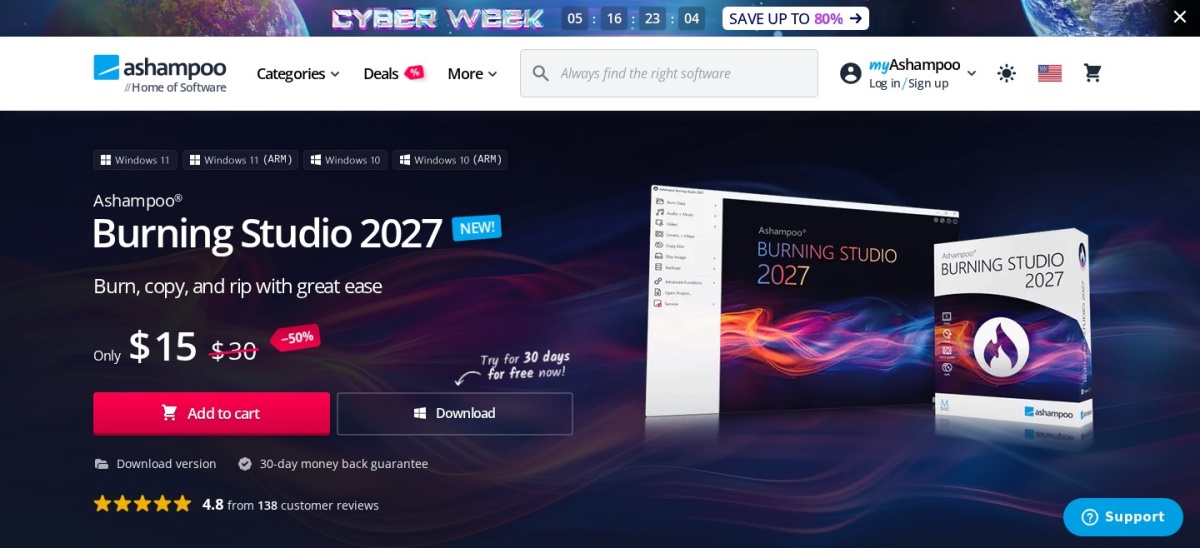
Ashampoo Burning Studio homepage, captured Nov 2026.
Ashampoo Burning Studio is a Windows burner that covers CD, DVD and Blu-ray discs, including M-Disc and BDXL media. It burns data, music and video discs, copies and rips discs, makes ISO images and password-protects backups. The 2027 version arrived in October 2026 with a 30-day free trial.
The trade off is menu depth. It burns video discs but does not match the dedicated authoring tools for menu design, and the $30 list price is currently halved to $15 in a sale. It suits anyone who wants a cheap, well-rated all-round burner for data and video discs.
What we like
Cheapest one-time price here at $30
Highest brand rating in this list, 4.7 on Trustpilot
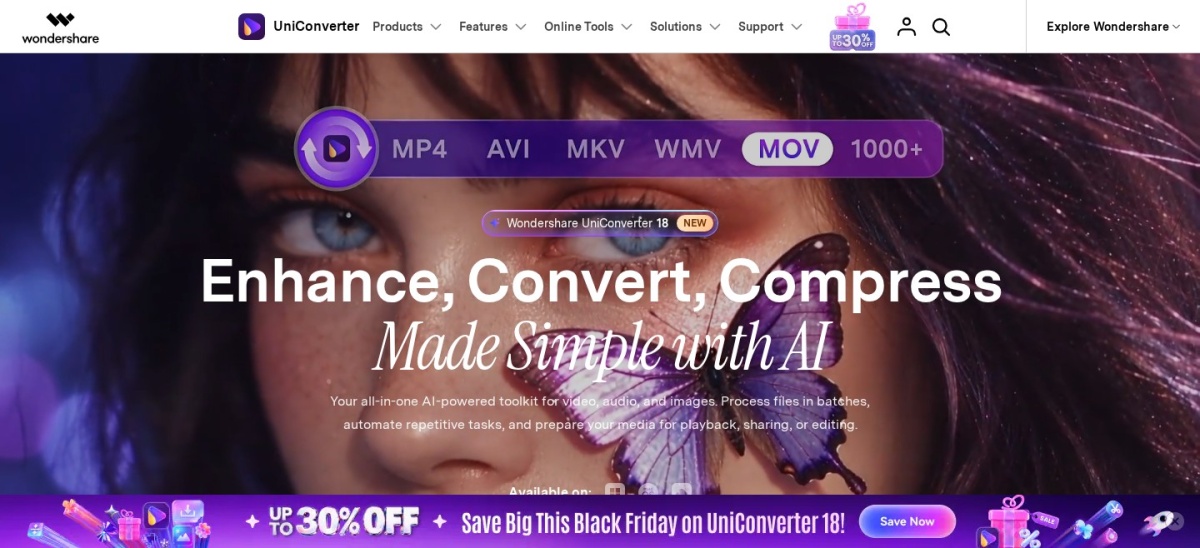
Wondershare UniConverter homepage, captured Nov 2026.
Wondershare UniConverter is an all-in-one media toolkit for Windows and Mac, not a dedicated authoring tool. It converts 1000+ formats, compresses 4K and 8K video, records the screen and burns DVDs and Blu-rays with templates. The free trial converts and burns one third of each video's length.
The trade off is that Blu-ray burning is a side feature, and the price is unclear: the yearly card shows $45.99 while the store's comparison table shows $39.99. It suits creators who already need conversion and compression and only burn discs occasionally.
What we like
1000+ formats, the widest conversion range here
Compression, recording and AI tools in the same app
Windows and Mac versions
Watch out for
Blu-ray burning is a side feature, not the focus
Yearly price differs between the store card and its own table
4.5/5on Trustpilot (332 reviews, checked Nov 2026)
Starts at$49.95/once
Best simple menu maker on Windows
Input formats300+
Output qualityUp to 4K
Menu templatesYes, custom
Paid planOne-time, $49.95
videobyte.org
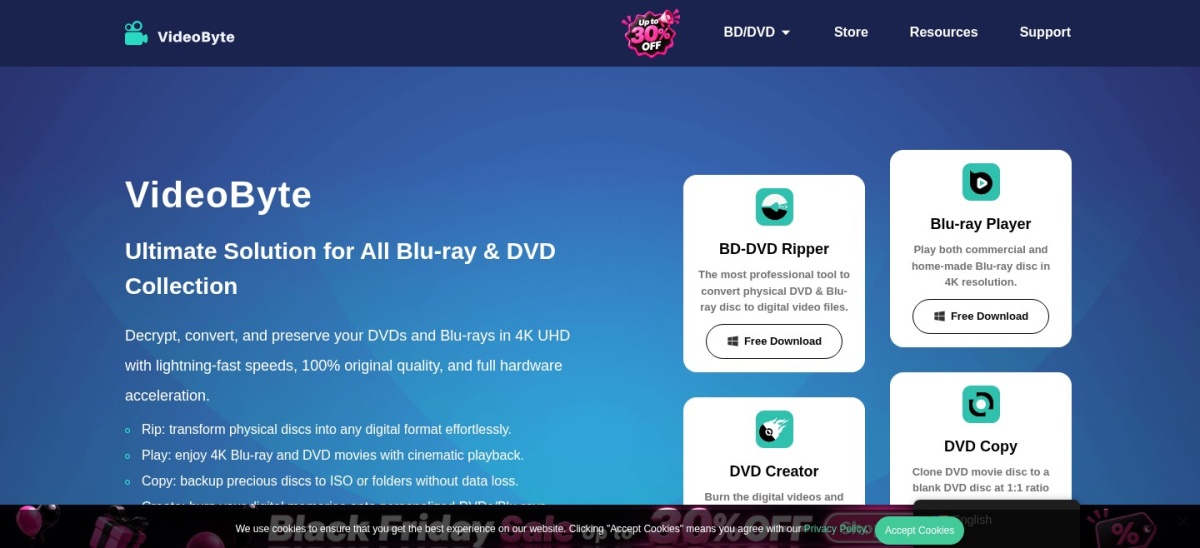
VideoByte DVD Creator homepage, captured Nov 2026.
VideoByte DVD Creator is a Windows and Mac authoring tool that burns video to DVD and Blu-ray discs, folders or ISO files. It accepts 300+ formats, outputs up to 4K, and includes menu templates plus a built-in editor for trimming, audio, subtitles and chapters. Blu-ray authoring works on Windows only; the Mac version is DVD-only.
The trade off is the trial and the pricing. The trial adds a watermark and limits projects, and official pages disagree on whether it lasts 10 or 30 days. The single licence costs $49.95 one-time. It suits Windows users who want simple menus without learning a pro tool.
What we like
300+ formats with output up to 4K
Custom menus with a built-in editor
One-time licence, no subscription needed
Watch out for
Blu-ray authoring is Windows-only; Mac is DVD-only
1.5/5on Trustpilot (135 reviews, checked Nov 2026)
Paid from$69.99/once
Best for backups plus burning
Disc typesCD, DVD, Blu-ray, BDXL
Menu authoringYes, custom menus
Encryption256-bit
Paid planPlatinum, $69.99
cyberlink.com
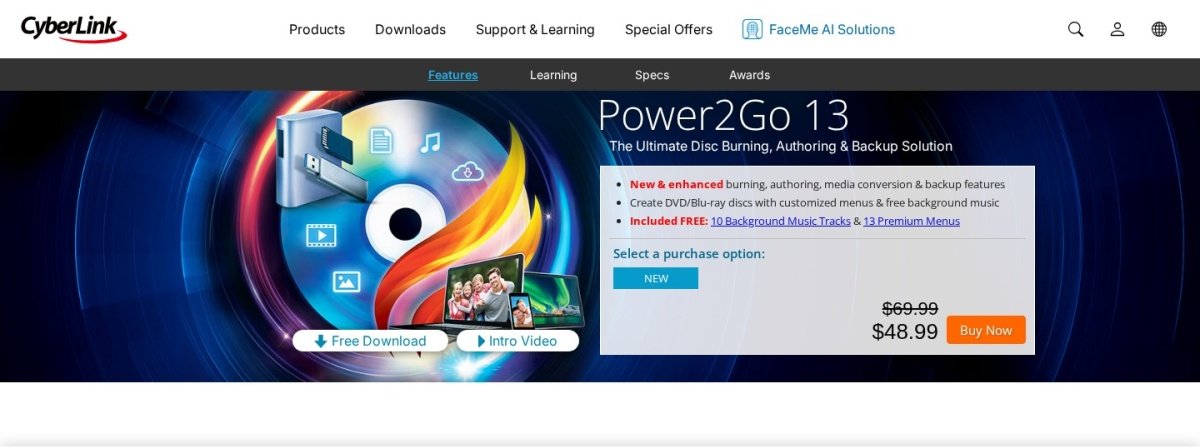
CyberLink Power2Go homepage, captured Nov 2026.
CyberLink Power2Go is a Windows burning suite that covers CD, DVD, Blu-ray and BDXL discs up to 128GB. The Platinum edition (version 13) authors DVD and Blu-ray discs with customised menus, converts media and backs up the system with 256-bit encryption. A free Essentials edition covers basic burning.
The trade off is the vendor's reputation. CyberLink scores 1.5 out of 5 from 135 Trustpilot reviews, with most complaints about billing, refunds and support rather than the burning itself. Platinum lists at $69.99 one-time, currently $48.99 on sale. It suits Windows users who want burning, menus and backup in one purchase.
What we like
Burns BDXL discs up to 128GB
Custom menus plus system backup in one suite
Free Essentials edition for basic burning
Watch out for
CyberLink scores 1.5 out of 5 on Trustpilot
Windows only
Platinum price drops often, so $69.99 is rarely paid
No tool in this list is fully free for Blu-ray authoring. Power2Go Essentials is the only free edition, and it covers basic burning without the Platinum menu tools.
Trials are limited in different ways. Leawo burns only the first 5 minutes of each video, and VideoByte adds a watermark to trial output.
Sales run often in this category. DVDFab, Ashampoo and Power2Go all show lower prices at checkout this week, so the regular price in this list is the figure to compare, not the sale price.
If you only need to burn files to a disc, a free tool such as ImgBurn covers data discs and ISO files, but it builds no menus. For a finished disc with a title screen, a paid authoring tool is needed.
How we chose
We started from the dedicated Blu-ray authoring tools and the general disc burners that still support Blu-ray in 2026, then kept the eight with a live product page, a published price and a public rating.
Prices come from each vendor's pricing or store page, checked on 24 November 2026, with the regular price shown where a sale was running. Ratings come from G2 or Trustpilot on the same day.
We left out TMPGEnc Authoring Works 7, which has no public rating on G2, Capterra or Trustpilot, along with tools with no published price, discontinued products and ripping tools, which belong in a different list. No vendor paid for a place, and we do not claim hands-on testing for this list.
How to choose a Blu-ray creator
Start with the disc you need to make, then match the tool to it.
Decide whether you need menus. If the disc only stores files, a burner such as Ashampoo or Power2Go is enough. If it must play in a Blu-ray player with a title screen, pick a dedicated authoring tool.
Check your video formats first. Most tools take MP4, MKV and AVI, but 4K HEVC and older camera formats vary. Confirm your files are on the tool's format list before paying.
Check the platform. Nero and Power2Go are Windows-only. Leawo, DVDFab, AnyMP4 and UniConverter also run on Mac, while VideoByte only authors Blu-ray on Windows.
Try the trial on a short clip. Burn a 5-minute test disc first. It shows whether the menus, chapters and subtitles work on your player before you buy the full licence.
FAQ
What is the best Blu-ray creator software?
DVDFab Blu-ray Creator is the best pick for most people. It accepts 200+ video formats, builds themed menus with chapters and subtitles, and costs $46.99 a year. Leawo is the best alternative for menu templates, and AnyMP4 is the cheapest way into 4K authoring.
Can I create Blu-ray discs on a Mac?
Yes, with Leawo Blu-ray Creator, DVDFab Blu-ray Creator, AnyMP4 Blu-ray Creator or Wondershare UniConverter, which all offer Mac versions. Nero and Power2Go are Windows-only, and VideoByte only authors Blu-ray on Windows.
Is there a free Blu-ray creator?
There is no fully free authoring tool in this list. Power2Go Essentials burns basic discs for free, and most paid tools offer a trial. ImgBurn is free for data discs and ISO files, but it builds no menus.
What is the difference between a Blu-ray creator and a Blu-ray ripper?
A creator turns video files into a playable Blu-ray disc with menus. A ripper does the reverse, copying a disc to video files. The two jobs need different tools, and this list covers creators only.
Do I need a special drive to burn Blu-ray discs?
Yes. You need a Blu-ray writer drive and blank BD-R or BD-RE discs, in 25GB single-layer or 50GB dual-layer sizes. A DVD writer cannot burn Blu-ray discs, and BDXL media needs a drive that supports it.
How much does Blu-ray creator software cost?
Prices in this list run from $30 one-time for Ashampoo Burning Studio to $69.99 one-time for CyberLink Power2Go Platinum. Yearly licences cost $39 to $46.99, and several vendors run sales that lower the price at checkout.
Can I burn 4K video to a Blu-ray disc?
Yes, with AnyMP4 Blu-ray Creator or VideoByte DVD Creator, which both list 4K output. Check that your player supports the disc format, and expect long encoding times for 4K projects.
SaaS SEO and WordPress specialist with about 8 years of experience. Rakib compares WordPress plugins, themes, hosting and software using public pricing, documentation and user reviews. See how we rank.