Best Backlog Management Tool in 2026: 9 Tools Compared
WLWPLegible EditorsLast verified 24 Nov 2026How we rank13 min read
★ Short answer
Jira is the best backlog management tool for most software teams, with Standard at $8.48 per user a month, a free plan for up to 10 users and a 4.3 out of 5 G2 rating. Pick Linear for a faster, lighter tracker and Productboard when customer feedback should set the order of work.
How we make this list: we compare pricing pages, product documentation and public user reviews, then re-check every price before each update. No product paid for a place. Disclosure.
Jira leads for software teams: a free plan for up to 10 users, Standard at $8.48 per user a month, and a 4.3 out of 5 G2 rating from 7,964 reviews.
Linear is the fastest option here, with a free plan for 250 issues and Standard at $10 per user a month.
ClickUp's regular Core price is $12 per user a month; the $9 figure on its pricing page is a sale price.
Productboard and Aha! Roadmaps are the only picks built for product strategy first, and Aha! costs $59 per user a month.
Every tool except Aha! has a free plan, and the cheapest paid plans start at $8.48 per user a month.
What a backlog tool should do
A backlog is a ranked list of work that is not done yet. A good tool keeps that order visible, so the team always knows what comes next and why.
Look for drag-and-drop ranking, clear owners and dates, and a way to split large work into small items. Sprint planning, a board view and a roadmap help once the list grows past a dozen items.
Feedback matters too. The best backlog tools link each item to the customer request or goal behind it, so a feature is never just a title on a card.
Price is per person in most of these tools, so a small difference adds up fast. Our guide on planning a content calendar shows the same habit of ranking work before the week starts.
Jira is Atlassian's issue tracker for software teams, built around a prioritized backlog, boards and sprints. The free plan covers up to 10 users with 2 GB of storage, while Standard adds 250 GB of storage, user roles and 400 automation steps per user each month.
The trade off is setup time. Jira has many settings, so a small team can spend a week shaping workflows, fields and permissions before the first sprint. It suits software teams that run Scrum or Kanban at scale and want one place for the backlog, the board and the release plan.
What we like
Deepest backlog, sprint and release planning in this list
Free plan for up to 10 users
Large user base, so help and integrations are easy to find
Watch out for
Setup takes longer than the lighter tools here
Per-user price falls with team size, so small teams pay the highest rate
Linear is a fast issue tracker for product and engineering teams, with a clean backlog, cycles, projects and roadmaps. The free plan covers unlimited members with 250 active issues, and Standard removes the issue cap and adds full roadmaps, cycles, triage and priority support.
The trade off is price clarity. Older pages list Standard at $8 per user a month, while newer checks put it at $10, so confirm the figure on the pricing page before you budget. It suits small engineering teams that want speed and a short learning curve.
What we like
Very fast interface with keyboard shortcuts
Free plan covers unlimited members
Cycles, triage and roadmaps included on paid plans
Watch out for
Only 125 G2 reviews, a much smaller base than Jira or Asana
ClickUp is an all-in-one workspace where the backlog sits beside docs, goals, chat and time tracking. The Free Forever plan includes unlimited tasks and members with 60 MB of storage, and the Core plan adds unlimited storage, Gantt charts, custom fields and 1,000 automations a month.
The trade off is the sale price. ClickUp's page shows Core at $9 per user a month, with a regular price of $12, so the $9 figure is a discount, not the list price. It suits teams that want one tool for the backlog, docs and reporting instead of three separate apps.
What we like
Most features per dollar in this list
Free plan with unlimited tasks and members
Sprints, goals and docs in one workspace
Watch out for
Many settings can feel cluttered at first
Sprint automations need the higher Business plan
Business adds advanced dashboards and 10,000 automations a monthVisit clickup.com
04
Productboard
4.3/5on G2 (250+ reviews, checked Nov 2026)
Paid from$19/mo
Best for feedback-driven backlogs
Free plan50 feedback notes
Backlog viewsRoadmap, board
Sprint planningNo, roadmap focus
Paid planEssentials, $19/maker/mo
productboard.com
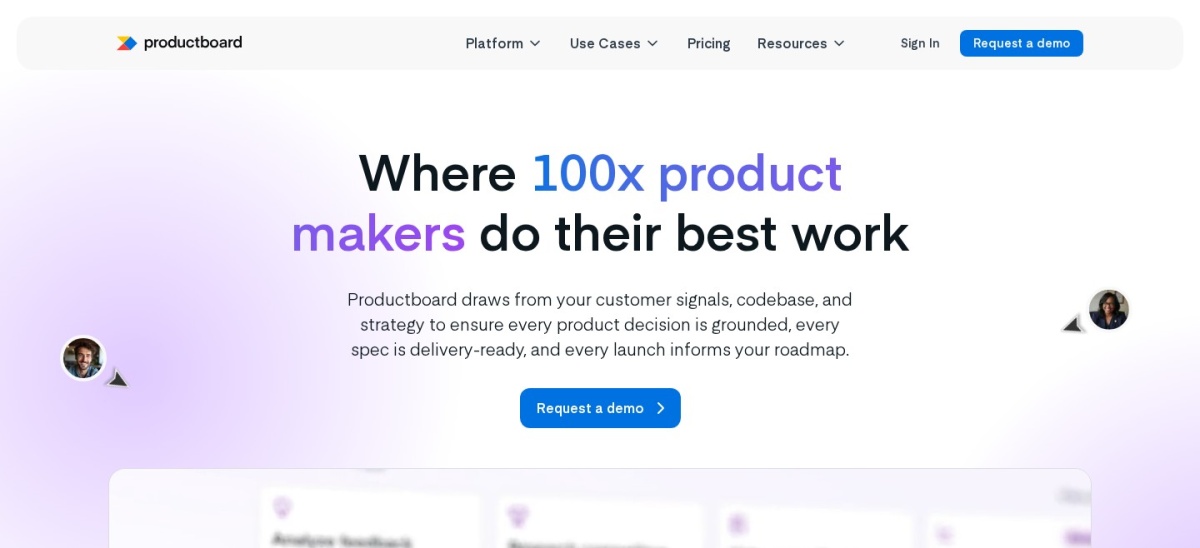
Productboard homepage, captured Nov 2026.
Productboard is a product management platform that turns customer feedback into a ranked backlog and a visual roadmap. The free Starter plan covers 50 feedback notes for one maker, and paid plans add unlimited feedback, prioritization scores, custom formulas and a product portal.
The trade off is cost and price clarity. Paid plans start at $19 per maker a month on annual billing, and the pricing page now lists Business and Enterprise plans without dollar figures. It suits product teams whose backlog order must follow customer evidence, not opinion.
What we like
Strongest link between feedback and backlog order
Clear roadmaps for stakeholders
Viewers are free, only makers are billed
Watch out for
No sprint planning, so delivery needs another tool
Per-maker price rises fast as the product team grows
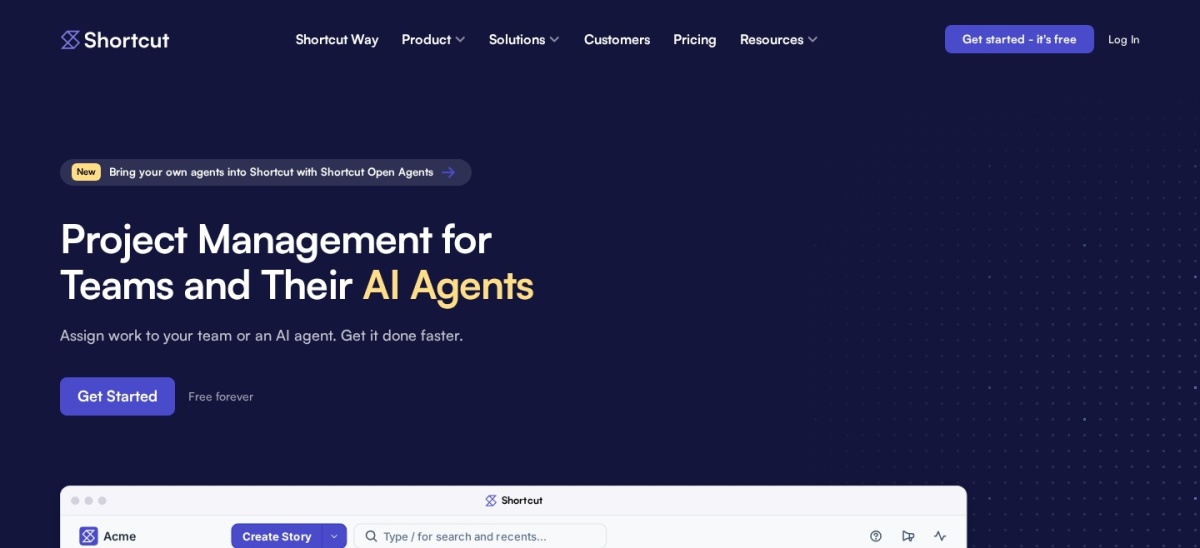
Shortcut, formerly Clubhouse, is a tracker for software teams built on stories, epics and iterations, its name for sprints. The free plan covers up to 10 users with Kanban boards, a roadmap, docs and reports, and Team adds work-in-progress limits, automations and more workflows.
The trade off is scale. Shortcut keeps small teams fast, but it has fewer portfolio and admin controls than Jira or Aha! Roadmaps. It suits software teams of up to about 20 people that find Jira heavy and want a backlog, sprints and docs in one place.
What we like
Free plan covers sprints for up to 10 users
Burndown and flow reports included
Simple model that engineers learn fast
Watch out for
Only 169 G2 reviews, a thin base for the rating
Fewer admin and portfolio controls than Jira
Business adds unlimited teams, objectives and advanced reportsVisit shortcut.com
06
Aha! Roadmaps
4.4/5on G2 (365 reviews, checked Nov 2026)
Starts at$59/mo
Best for strategy-led roadmaps
Free planNo, 30-day trial
Backlog viewsRoadmap, board
Sprint planningNo, roadmap focus
Paid planPremium, $59/user/mo
aha.io
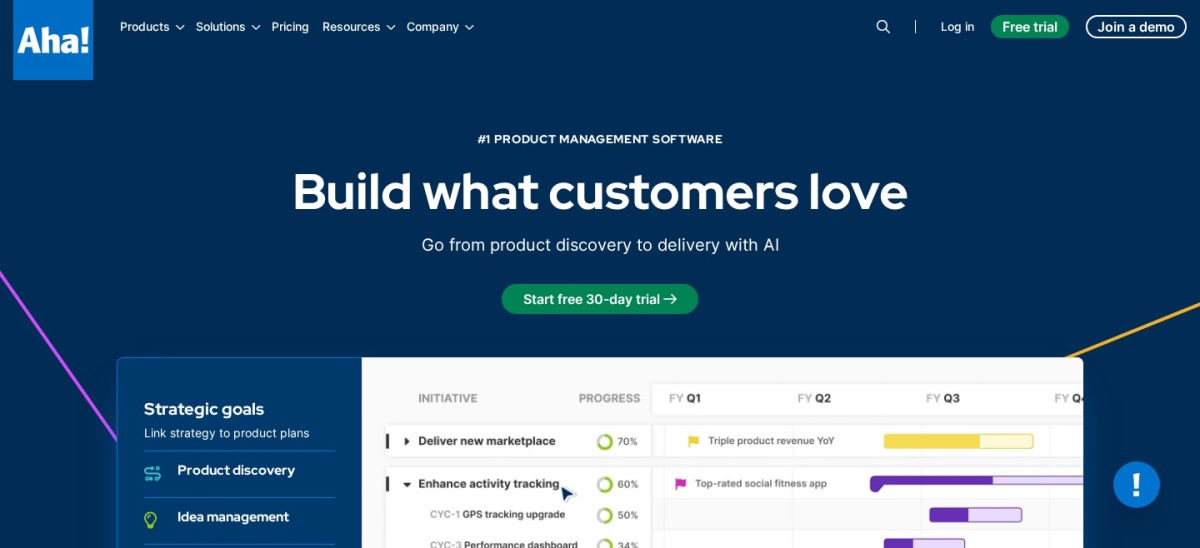
Aha! Roadmaps homepage, captured Nov 2026.
Aha! Roadmaps is a strategy-first tool that links goals, ideas and features into a visual roadmap. The Premium plan costs $59 per user a month on annual billing and includes idea portals, whiteboards, scoring, dependencies and a 30-day trial of Enterprise features.
The trade off is price. At $59 per user a month it is the most expensive tool in this list, and there is no free plan, only the trial. It suits product leaders who must show executives why each feature is on the roadmap and in what order.
What we like
Clearest link from strategy to roadmap
Idea portals with unlimited portal users
Scoring and dependencies built in
Watch out for
Most expensive tool in this list
No free plan, only a 30-day trial
Enterprise adds free viewers and only charges for contributorsVisit aha.io
07
Asana
4.4/5on G2 (13,660 reviews, checked Nov 2026)
Paid from$10.99/mo
Best for mixed technical teams
Free planUp to 2 users
Backlog viewsList, board, timeline
Sprint planningNo native sprints
Paid planStarter, $10.99/user/mo
asana.com
Asana homepage, captured Nov 2026.
Asana is a work management tool where a backlog can live as a list, board or timeline project with custom fields and dependencies. The Personal plan is free for up to two users, and Starter adds Timeline and Gantt views, dashboards, forms and unlimited automations.
The trade off is agile depth. Asana has no native sprints, so teams run them with custom fields or sections instead. It suits mixed teams of technical and non-technical people who coordinate launches, campaigns and product work in one place.
What we like
Easy for non-technical teammates to follow
Timeline, Gantt and dashboards on Starter
Unlimited free guests on paid plans
Watch out for
No native sprint planning
Free plan covers only two users
Advanced adds portfolios, goals and resource managementVisit asana.com
08
monday.com
4.7/5on G2 (17,422 reviews, checked Nov 2026)
Paid from$9/mo
Best visual backlog boards
Free planUp to 2 seats
Backlog viewsBoard, table, timeline
Sprint planningStandard plan and up
Paid planBasic, $9/seat/mo
monday.com
monday.com homepage, captured Nov 2026.
monday.com is a visual work platform where a backlog is a board of items with owners, dates, priorities and status columns. The free plan covers up to two seats, and Basic adds unlimited items, unlimited free viewers and 5 GB of storage.
The trade off is seat bundles. Paid plans have a 3-seat minimum and sell seats in fixed bundles, so a team of four pays for five seats. It suits visual teams that want a board anyone can read at a glance, with stakeholders watching for free.
Notion is a flexible workspace where a backlog is a database with views for table, board, timeline and calendar. The free plan covers unlimited pages and blocks for one person, and Plus adds unlimited file uploads, 30-day page history and 100 guests.
The trade off is setup. Notion gives you building blocks, not a ready-made backlog, so a team must design its own fields, views and workflow. It suits small teams that already live in Notion for docs and want the backlog beside their notes.
What we like
Backlog, docs and wiki in one workspace
Guests are never billed on any plan
Very flexible database views
Watch out for
No ready-made backlog or sprint workflow
Large pages can feel slow
Business adds Notion AI, SAML SSO and 90-day historyVisit notion.com
Weekly grooming: keep the backlog short
A backlog grows fast when nothing leaves it. Once a week, remove items that no longer matter and split any item that is too large to finish in one sprint.
Rank the top ten items only. Everything below that line is a parking lot, not a promise, and it should not take up planning time.
Check each top item for an owner, a clear result and a link to the goal behind it. An item with none of those three is not ready for a sprint.
How we chose
We started from the tools most often named for backlog work in product and engineering teams, then kept nine with a clear backlog view and published pricing.
Prices were checked on 24 November 2026. Jira, ClickUp, Aha! Roadmaps and Asana prices come from their official pricing pages, while Linear, Productboard, Shortcut, monday.com and Notion prices were confirmed from recent checks of their pricing pages. Ratings come from G2 on the same day. Where a vendor shows a sale, the list shows the regular price.
We left out tools with no published price and tools built only for one narrow job, such as a standalone voting board. No vendor paid for a place, and we do not claim to have used these tools ourselves.
How to choose a backlog management tool
Start with who will use the backlog every day, then match the tool to their work.
Count the people who will edit the backlog. Per-person pricing means a tool that looks cheap at $9 a seat costs $90 a month for ten people, before any higher plan is needed.
Decide if you run sprints. Jira, Linear, ClickUp and Shortcut have sprints built in. Productboard and Aha! Roadmaps plan roadmaps instead, so delivery needs a second tool.
Check the free plan limits. A free plan that caps issues or users can force a paid upgrade sooner than expected. Jira covers 10 users, Shortcut covers 10 users, and Linear caps at 250 issues.
Try the top two for one sprint. Run a real sprint in each, then keep the one the team updates without being asked. The best backlog tool is the one that stays current.
FAQ
What is the best backlog management tool?
Jira is the best pick for most software teams. Its Standard plan costs $8.48 per user a month, the free plan covers up to 10 users, and it is rated 4.3 out of 5 on G2 from 7,964 reviews.
What is the cheapest backlog management tool?
Jira Standard at $8.48 per user a month and Shortcut Team at $8.50 are the cheapest paid plans here. Both have free plans too, Jira for up to 10 users and Shortcut for up to 10 users.
Is there a free backlog management tool?
Yes. Eight of the nine tools here have a free plan, including Jira, Linear, ClickUp, Productboard, Shortcut, Asana, monday.com and Notion. Only Aha! Roadmaps has no free plan, offering a 30-day trial instead.
Do I need Jira to manage a backlog?
No. Linear and Shortcut cover backlogs and sprints for smaller teams with less setup, and ClickUp covers the backlog plus docs and goals. Jira fits best when several teams share one backlog.
What is the difference between a backlog and a roadmap?
A backlog is a ranked list of work to do, while a roadmap shows when larger pieces of work should ship. Productboard and Aha! Roadmaps focus on roadmaps, while Jira and Linear focus on the backlog itself.
Can a backlog tool replace a project manager?
No. A tool keeps the list visible and ranked, but someone still has to decide what matters most, remove stale items and keep the list short each week.