Asana Rules is the best Asana automation for most teams, because native rules run inside Asana with no connector and Starter costs $10.99 per user a month. Pick Zapier for the widest app library and Make for visual multi-step flows at $9 a month.
How we make this list: we compare pricing pages, product documentation and public user reviews, then re-check every price before each update. No product paid for a place. Disclosure.
Asana Rules is the only option here that runs inside Asana with no connector, and Starter includes unlimited automations at $10.99 per user a month.
Zapier connects Asana to 9,000+ apps, the widest library here, but Professional starts at $19.99 a month for 750 tasks.
Make gives the cheapest paid plan among the general connectors at $9 a month for 10,000 credits, with routers and filters included.
n8n is the highest rated tool here at 4.7 out of 5 on G2, and its self-hosted edition is free with no execution cap.
IFTTT is the cheapest paid option at $3.49 a month, but it suits simple one-step applets, not multi-step business flows.
Unito is the only two-way sync in the list, keeping Asana tasks aligned with Jira, but Basic starts at $65 a month.
How Asana automations work
Asana automations fall into two groups. Native Rules run inside Asana and react to task changes, while connectors such as Zapier and Make move data between Asana and other apps.
Start with what Asana already does. Rules can assign work, move tasks between sections, set due dates and post comments when a status changes, and Starter includes unlimited automations.
Connectors earn their place when work leaves Asana. Common flows send completed tasks to Slack, create Asana tasks from form replies, or sync Asana with a CRM or support desk.
Price follows volume, not seats, for most connectors. Zapier and Make charge by tasks or credits used, so a busy team should estimate monthly runs before picking a plan.
Asana is a work management platform where tasks live in projects with assignees, due dates and custom fields. Its native Rules builder automates routine steps such as assigning work when a status changes, moving tasks between sections and posting comments, with 70+ templates to start from.
The trade off is that rules only act inside Asana. Anything that must reach email, chat or another app needs a connector, and rules are capped at 50 per project. It suits teams that already live in Asana and want automation with no second bill.
What we like
No connector, API key or per-run fee
Unlimited automations on Starter
70+ rule templates and a custom builder
Free Personal plan for up to 2 users
Watch out for
Rules cannot reach apps outside Asana
Capped at 50 automations per project
Advanced rules and AI need higher plans
Starter adds unlimited automations, timeline and Gantt viewsVisit asana.com
02
Zapier
4.5/5on G2 (2,157 reviews, checked Nov 2026)
Paid from$19.99/mo
Best for the widest app library
Asana appYes, triggers and actions
Free plan100 tasks/mo
Apps9,000+
Paid planProfessional, $19.99/mo
zapier.com
Zapier homepage, captured Nov 2026.
Zapier is a no-code automation platform that connects apps with workflows called Zaps. The free plan covers 100 tasks a month and two-step Zaps, while paid plans add multi-step Zaps, premium apps and webhooks. It lists 9,000+ app integrations, the widest library in this list.
The trade off is price at volume. Professional starts at $19.99 a month billed yearly ($29.99 billed monthly) for 750 tasks, and costs climb as task use grows. It suits small businesses that want the widest app coverage and the simplest setup.
What we like
Widest app library in this list
Simplest setup for non-technical users
Multi-step Zaps and webhooks on paid plans
Watch out for
Costs climb fast as task volume grows
Free plan limits Zaps to two steps
750 tasks a month is thin for busy teams
Professional adds multi-step Zaps, premium apps and webhooksVisit zapier.com
03
Make
4.6/5on G2 (470 reviews, checked Nov 2026)
Paid from$9/mo
Best value for multi-step flows
Asana appYes, scenarios
Free plan1,000 credits/mo
Credits on Core10,000/mo
Paid planCore, $9/mo
make.com
Make homepage, captured Nov 2026.
Make is a visual automation platform where workflows, called scenarios, are built on a drag-and-drop canvas with routers and filters. The free plan gives 1,000 credits a month and 2 active scenarios. Core costs $9 a month billed yearly for 10,000 credits and unlimited scenarios.
The trade off is the learning curve. The canvas is more involved than Zapier, and credit counting takes time to learn. It suits small businesses that need multi-step logic and branching without paying Zapier prices.
What we like
Lowest paid price among the general connectors
Routers and filters for branching logic
Unlimited scenarios on Core
1-minute scheduling on Core
Watch out for
Steeper learning curve than Zapier
Free plan allows only 2 active scenarios
Credit counting takes time to learn
Core adds unlimited scenarios and 1-minute schedulingVisit make.com
04
n8n
4.7/5on G2 (327 reviews, checked Nov 2026)
Paid from$20/mo
Best for technical teams
Asana nodeYes, triggers and actions
Free planSelf-hosted, unlimited
Cloud Starter2,500 executions/mo
Paid planStarter, $20/mo
n8n.io
n8n homepage, captured Nov 2026.
n8n is an open-source workflow automation tool with a node-based builder and code steps for custom logic. The free Community edition runs on your own server with no execution cap. Cloud Starter costs $20 a month billed yearly for 2,500 executions.
The trade off is setup and skill. Self-hosting needs a server and upkeep, and the builder suits technical users more than beginners. It suits small businesses with a technical owner who want control over data and costs.
What we like
Free self-hosted edition with no execution cap
Code steps for custom logic
Highest G2 rating in this list at 4.7
No per-seat pricing on cloud plans
Watch out for
Self-hosting needs a server and upkeep
Harder to learn than Zapier or Make
Cloud Starter caps at 5 concurrent runs
Cloud Starter adds hosted runs and 5 concurrent executionsVisit n8n.io
05
Pabbly Connect
4.5/5on Capterra (86 reviews, checked Nov 2026)
Paid from$16/mo
Best budget pick for high volume
Asana appYes, triggers and actions
Free plan100 tasks/mo
Tasks on Standard10,000/mo
Paid planStandard, $16/mo
pabbly.com
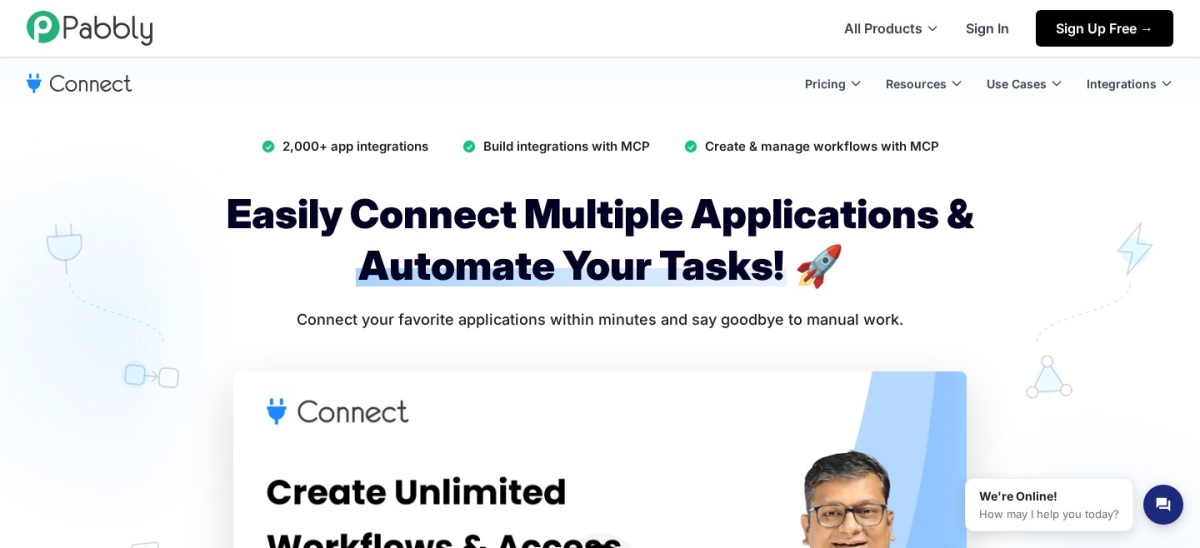
Pabbly Connect homepage, captured Nov 2026.
Pabbly Connect is a no-code automation platform that links apps with multi-step workflows, filters, routers and webhooks. The free plan covers 100 tasks a month. Standard costs $16 a month billed yearly for 10,000 tasks, with unlimited workflows on every plan.
The trade off is polish and support. Its interface feels older than Zapier or Make, and support can be slow on lower plans. It suits small businesses on a fixed budget that run high task volumes and want a predictable monthly bill.
What we like
Lowest cost per task in this list
Triggers and filters do not use tasks
Unlimited workflows on every plan
10,000 tasks a month on Standard
Watch out for
Interface feels older than rivals
Support scores trail Zapier and Make
Advanced features need the Unlimited plan
Standard adds 10,000 tasks a month and unlimited workflowsVisit pabbly.com
06
IFTTT
4.5/5on G2 (117 reviews, checked Nov 2026)
Paid from$3.49/mo
Best for simple one-step applets
Asana serviceYes, applets
Free plan2 applets
Applets on Pro20
Paid planPro, $3.49/mo
ifttt.com
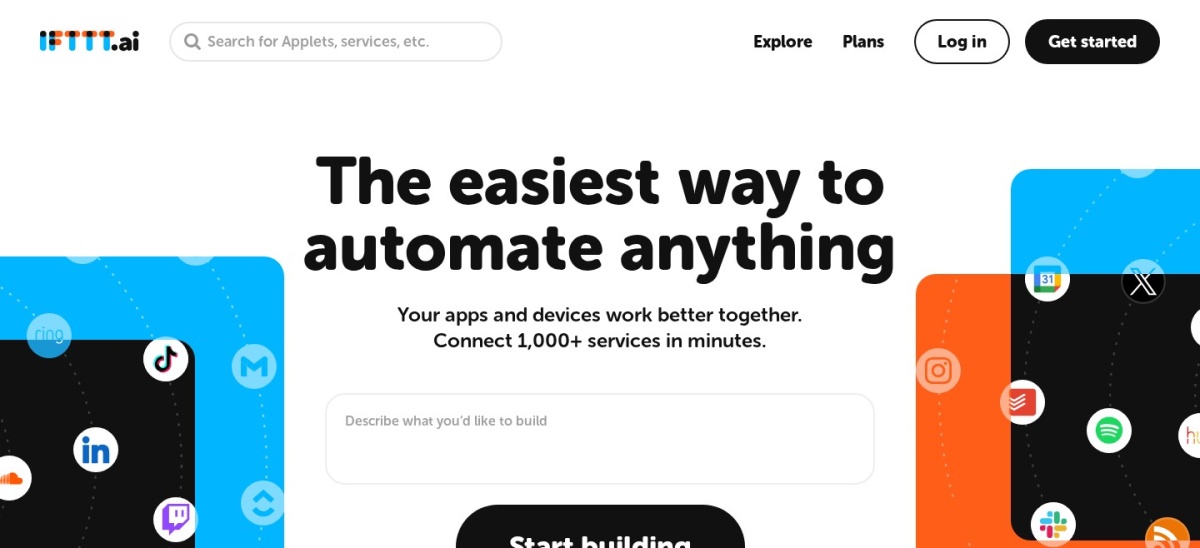
IFTTT homepage, captured Nov 2026.
IFTTT is the simplest automation tool here, linking apps with one-step applets built on an if-this-then-that pattern. The free plan covers 2 applets. Pro costs $3.49 a month for 20 applets, multi-action applets, faster polling and webhooks.
The trade off is depth. There is no branching logic or data transformation, and polling delays of 1 to 15 minutes persist even on paid plans. It suits personal use and light Asana alerts, not multi-step business workflows.
What we like
Cheapest paid plan in this list
An applet takes about a minute to build
Strong on consumer apps and connected devices
Watch out for
No branching or multi-step logic
Polling delays of 1 to 15 minutes
Free plan covers only 2 applets
Pro adds 20 applets, multi-action steps and webhooksVisit ifttt.com
07
Activepieces
4.8/5on G2 (142 reviews, checked Nov 2026)
Paid from$20/mo
Best open-source Asana connector
Free plan1,000 credits/mo
Paid planPlus, $20/mo
Billing unitPer run
Integrations770+
activepieces.com
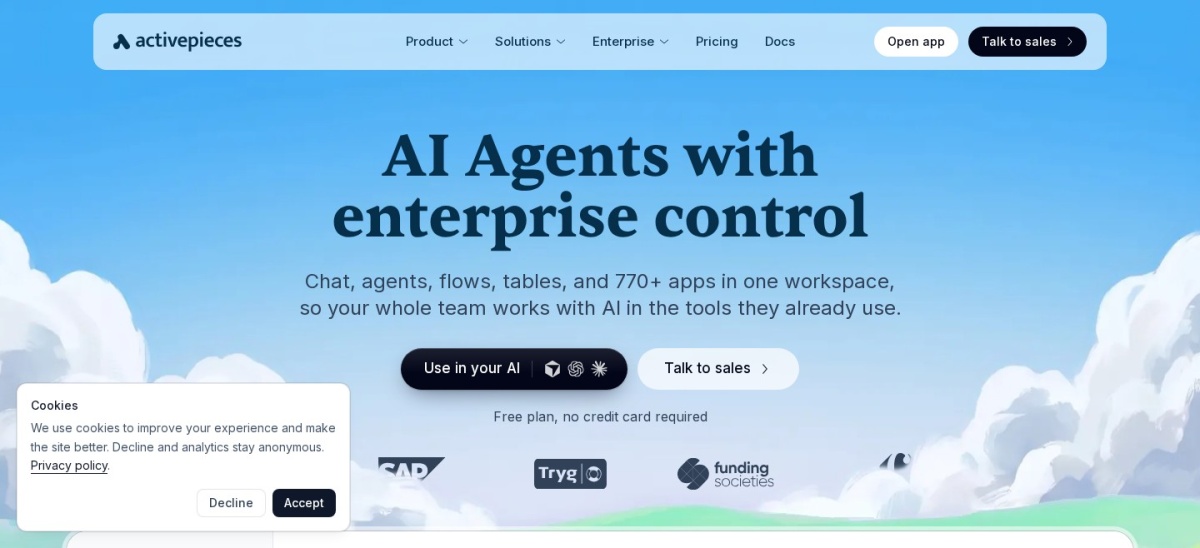
Activepieces homepage, captured Nov 2026.
Activepieces is an open-source automation platform with a drag-and-drop builder, AI agents and tables. The free cloud plan covers 1,000 credits a month, and the Community edition is free to self-host. Plus costs $20 a month flat and adds 10 times the free plan credits.
The trade off is a smaller app library. It lists 770+ integrations, far fewer than Zapier or Make, so niche apps may need its HTTP step. It suits small businesses that want flat pricing and a self-hosted option without n8n's setup effort.
Zoho Flow is an integration platform that connects more than 1,000 cloud and on-premises applications through visual workflows. Its free plan includes 100 tasks monthly, basic applications and 5 flows. Standard provides 5,000 monthly tasks, custom functions, workflow logic and 60-day flow history.
The trade off is that Standard starts at $25 a month billed yearly, while premium applications, on-premises integration and automatic reruns are reserved for Professional. It suits teams already on Zoho CRM, Books or Desk that want Asana in the same flow.
What we like
Deep links across Zoho CRM, Books and Desk
Custom functions and workflow logic on Standard
1,000+ app integrations
Free plan covers 100 tasks a month
Watch out for
Smallest G2 review base here at 21 reviews
Premium apps need the Professional plan
Thinner catalog outside the Zoho ecosystem
Standard adds 5,000 tasks and custom functionsVisit zoho.com
09
Unito
4.5/5on G2 (90 reviews, checked Nov 2026)
Starts at$65/mo
Best two-way sync for Asana
Sync typeTwo-way, live
Free planNo, trial only
Pricing basisItems in sync
Paid planBasic, $65/mo
unito.io
Unito homepage, captured Nov 2026.
Unito is a no-code two-way sync platform that keeps work items aligned across Asana, Jira, Azure DevOps and other tools. A change on either side flows to the other, so two teams can each work in their own tool. It is the only true two-way sync in this list.
The trade off is price and pricing clarity. Basic starts at $65 a month flat, and the official pricing page now shows no dollar prices, with exact pricing shown in the app during a trial. It suits teams that must keep Asana and Jira in sync every day.
What we like
True two-way sync, not one-way triggers
Keeps Asana and Jira aligned in real time
No-code setup with no custom code
Rated 4.5 out of 5 from 90 G2 reviews
Watch out for
Most expensive entry price in this list
No free plan, trial only
Official site hides exact prices behind a trial
Basic adds two-way sync across standard connectorsVisit unito.io
Native rules vs connectors: which to use
Native Rules are the fastest way to automate inside one Asana workspace. They need no extra account, no API key and no per-run fee, and they keep working when a connector has an outage.
Their limit is reach. A rule can only act on work inside Asana, so anything that needs Gmail, Slack, a CRM or a spreadsheet needs a connector beside it.
A practical split is to keep in-Asana work on Rules and use one connector for everything that crosses apps. Recurring work benefits most: teams that publish on a schedule can plan it in a content calendar and let Asana rules handle the handoffs, due dates and reminders.
How we chose
We started from tools that automate Asana in one of three ways: native Rules inside Asana, general connectors with an Asana app, or two-way sync tools built for project apps.
Prices come from each vendor's pricing page, checked on 25 November 2026. Ratings and review counts come from G2 on the same day, except Pabbly Connect, which comes from Capterra. Where a vendor shows a sale, the list shows the regular price.
We left out tools with no public rating and tools that publish no price, including Relay.app, which shut down in September 2026. No vendor paid for a place, and we do not claim to have used these tools ourselves.
How to choose an Asana automation tool
Match the tool to where the work happens, then check the monthly volume before you pay.
List the flows that repeat every week. Write down the trigger and the action for each one. If every step stays inside Asana, native Rules may cover it with no extra tool.
Count monthly runs before picking a plan. Zapier counts tasks and Make counts credits, so estimate how often each flow fires. A plan that fits 100 runs a month may not fit 5,000.
Check the Asana app or connector first. Confirm the exact trigger you need exists, such as a task moving sections or a custom field changing, before you pay for a plan.
Keep one owner per flow. Name one person to watch each automation and fix it when it fails. Shared flows with no owner are the ones that break quietly.
FAQ
What is the best Asana automation?
Asana Rules is the best choice for most teams, because it runs inside Asana with no connector and Starter includes unlimited automations at $10.99 per user a month. It covers assignments, status moves, due dates and notifications for work that stays in Asana.
Does Asana have built-in automation?
Yes. Asana Rules automate routine steps such as assigning a task when its status changes or moving it between sections. Starter includes unlimited automations, with 70+ templates and a custom rule builder, while the free Personal plan covers up to 2 users.
Is Zapier or Make better for Asana?
Zapier is better for simple flows and the widest app coverage, with 9,000+ apps and a gentle setup. Make is better for multi-step flows with branches and filters, and Core costs $9 a month against $19.99 for Zapier Professional.
Can I automate Asana for free?
Yes, in part. Asana has a free Personal plan for up to 2 users, and Zapier, Make, n8n, Pabbly Connect, IFTTT, Activepieces and Zoho Flow all offer free plans. Free plans cap tasks, credits or runs, so busy teams usually need a paid plan.
What is the cheapest Asana automation tool?
IFTTT Pro is the cheapest paid plan here at $3.49 a month, but it suits simple one-step applets. Make Core at $9 a month is the cheapest paid plan that handles multi-step Asana workflows with branching and filters.
Do I need a connector if I only use Asana?
No. If every trigger and action stays inside Asana, native Rules cover the work with no extra account or fee. Add a connector only when a flow must reach email, chat, a CRM, a form or another app outside Asana.
SaaS SEO and WordPress specialist with about 8 years of experience. Rakib compares WordPress plugins, themes, hosting and software using public pricing, documentation and user reviews. See how we rank.