Google Classroom is the best app for most teachers. It is free for qualifying schools, handles assignments, grading and parent updates in one place, and is rated 4.5 out of 5 on G2. Pick ClassDojo for parent communication and Kahoot for live quiz games.
How we make this list: we compare pricing pages, product documentation and public user reviews, then re-check every price before each update. No product paid for a place. Disclosure.
Google Classroom costs nothing for qualifying schools and covers assignments, grading and class updates in one place.
ClassDojo stays free for teachers and schools; only the family subscription, ClassDojo Plus, is paid.
Kahoot! Bronze is the cheapest paid upgrade here at $36 a year; Blooket Plus costs $59.88 a year.
Quiz tools split by style: Kahoot! runs live whole-class games, Blooket turns review into a game, and Edpuzzle builds lessons around video.
Canva Education is free for K-12 teachers, so classroom design does not need a Pro subscription.
Every tool here has a free plan, and paid upgrades run from $36 to $165 a year.
What a teacher app should cover
A teacher app should save time, not add admin. The best ones handle a daily job — assignments, parent messages, quizzes or grading — without a second login for students.
Start with the hub. Google Classroom is free for qualifying schools and holds assignments, grades and announcements, while ClassDojo covers parent communication and behavior points for younger classes.
Then add one engagement tool, not five. Kahoot! runs live whole-class games, Blooket turns review into a game students replay, and Edpuzzle builds lessons around video. Our guide on creating a quiz in LearnDash shows the same quiz-first thinking for WordPress classrooms.
Price matters because most of these come out of a teacher's own pocket. Every tool here has a free plan, and paid upgrades run from $36 to $165 a year.
Google Classroom is the free hub where most K-12 teachers run their classes. It sits inside Google Workspace for Education Fundamentals, which costs nothing for qualifying schools, and covers assignments, grading, announcements and class materials in one stream, with Docs, Drive and Meet built in.
The trade off is depth. There is no built-in gradebook with weighted categories, and the fuller analytics and admin controls sit in Education Plus at $6 per user per year. It suits schools already on Google Workspace that want one free place for daily classwork.
What we like
Free for qualifying schools
Assignments, grading and feedback in one place
Deep Docs, Drive and Meet integration
Rated 4.5 out of 5 on G2
Watch out for
No full gradebook on the free tier
Needs a school Workspace account for the full setup
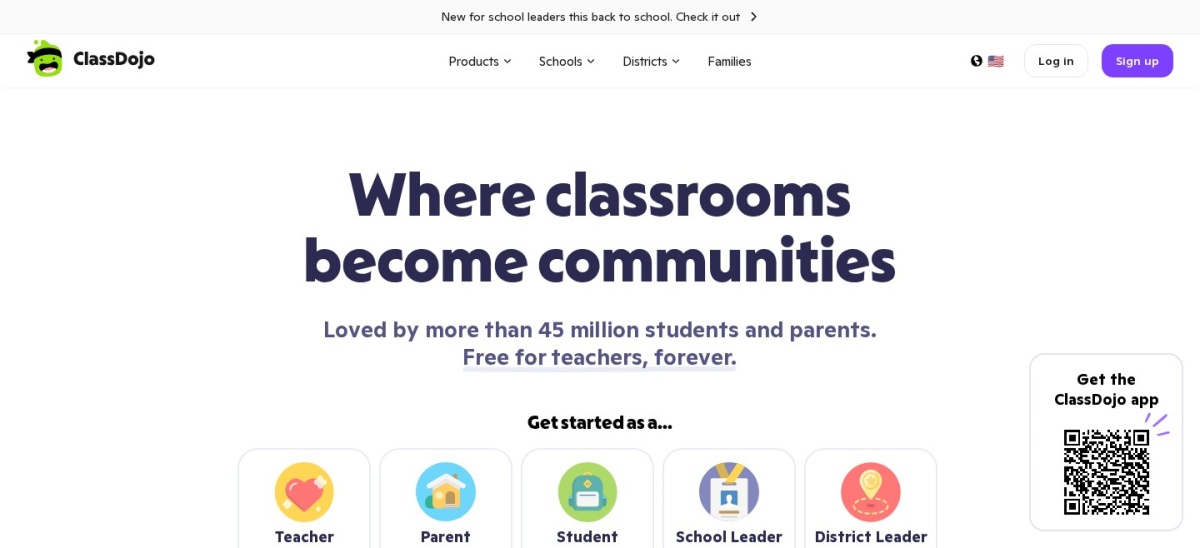
ClassDojo is the behavior and communication app most US elementary classrooms use to keep families in the loop. Teachers award behavior points, share class stories and message parents in one feed, and the core app is free for teachers and schools with no paywalls.
The trade off is the paid layer. ClassDojo Plus, sold to families rather than teachers, adds at-home reward charts and detailed progress reports, and its price varies by region and signup date, recently listed at $59.99 a year. It suits elementary teachers who want parents involved every day.
What we like
Free for teachers and schools
Parent messaging and class stories in one feed
Custom behavior points students respond to
Rated 4.5 out of 5 on G2
Watch out for
Plus pricing varies by region and signup date
Detailed progress reports sit behind the family plan
Aimed at younger students, less useful in high school
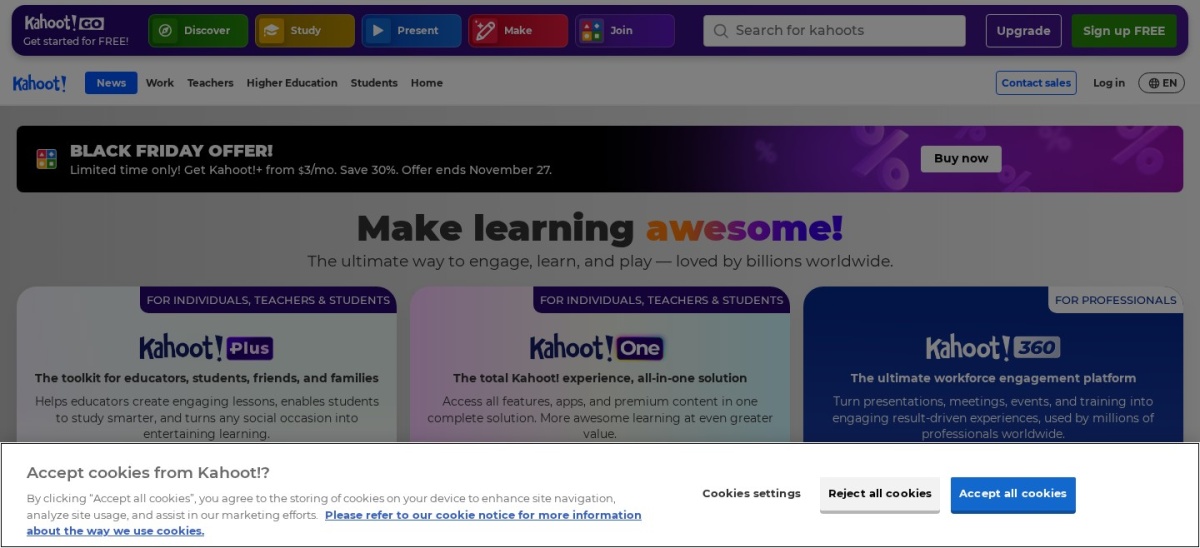
Kahoot! is the live quiz game that turns review into a whole-class contest. Students join with a game PIN, answer on their own devices and watch the leaderboard update, while the free plan covers games of up to 10 players.
The trade off is the player cap. Bronze at $3 a month billed annually lifts the cap to 50 players, and larger games need Silver or Gold, which are on sale at the time of writing. It suits teachers who run fast, competitive review sessions.
Nearpod turns slides into interactive lessons with polls, quizzes and virtual field trips, so students respond during the lesson instead of after it. The free Silver plan covers live and self-paced delivery with real-time reports, plus a library of ready-made lessons.
The trade off is that the AI question generator and larger classes need Gold at $159 a year, and storage caps bite on video-heavy lessons. It suits teachers who want ready-made lessons plus live interaction in one place.
Edpuzzle turns a video into a lesson by adding questions that stop the video until the student answers. The free Basic plan covers 20 interactive activities and 10 supported assignments, and teachers can use videos from the library or upload their own.
The trade off is the assignment cap. Pro Teacher at $13.75 a month billed annually adds unlimited activities and 120 supported assignments a year, while the free plan runs out fast for daily use. It suits teachers who assign video homework and want to know who actually watched.
Canva is the design tool teachers use for posters, slides, worksheets and class newsletters. Canva Education is free for K-12 teachers and students and includes Pro features, thousands of lesson templates and premium fonts, images and graphics.
The trade off is that teachers outside K-12 do not qualify for the free Education plan, and Pro at $120 a year is the fallback for everyone else. It suits any teacher who makes their own classroom materials instead of buying them.
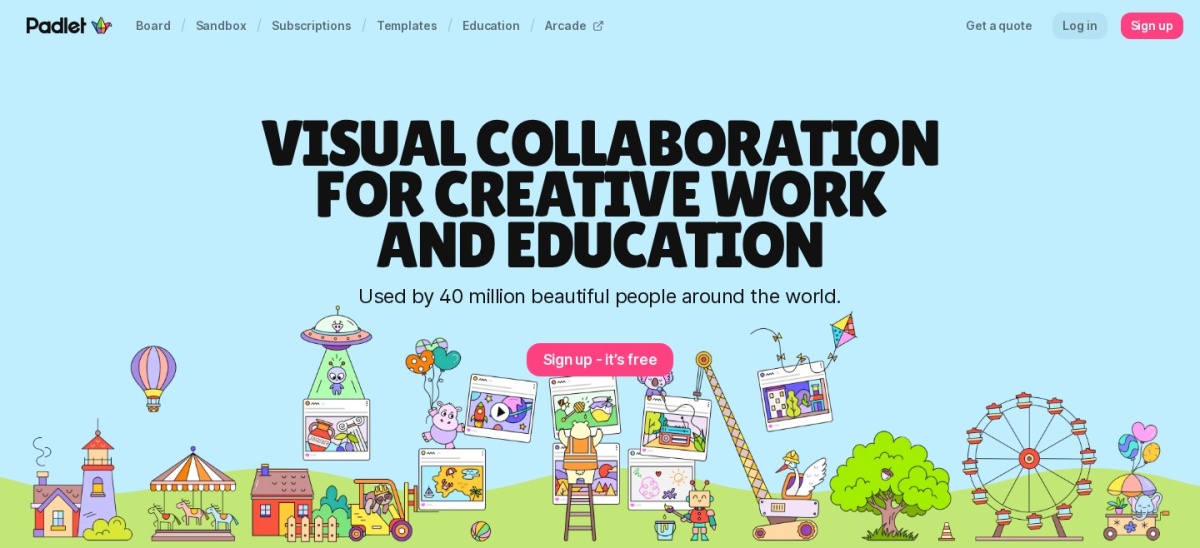
Padlet is a wall where students post text, images, video and links for the whole class to see. The free Neon plan covers 3 padlets with 20MB uploads, and boards work for discussions, exit tickets and shared resource walls.
The trade off is the board limit. Platinum at $15 a month, or $120 a year, lifts the cap to unlimited padlets with 500MB uploads, and the old Gold plan is no longer sold to new subscribers. It suits teachers who run daily class discussions and galleries.
What we like
Easy to set up and share
Boards fit discussions, galleries and exit tickets
Blooket is a game-based review platform where students answer questions to play modes like Tower Defense, Gold Quest and Café. The free Starter plan covers 60 players a game, and teachers can build question sets or use sets shared by other teachers.
The trade off is that the free plan limits reports and locks nine Plus-only modes, while Plus at $4.99 a month billed annually raises the cap to 300 players and adds folders, audio questions and homework up to 365 days. It suits younger classes where review needs to feel like a game.
What we like
Students ask to play it again
Many game modes keep review fresh
No student account needed to join
Rated 4.9 out of 5 on G2
Watch out for
Only 15 G2 reviews, a small base
Gameplay can distract from the questions
Free reports are limited
Plus adds 300 players and nine extra modes for $59.88 a yearVisit blooket.com
09
Brisk Teaching
4.7/5on Chrome Web Store (730 reviews, checked Nov 2026)
Paid from$8.33/mo
Best for grading inside Google Docs
Free tools20+
Works inGoogle Docs, Slides
Paid planPro, $99.99/yr
Districts10,000+
briskteaching.com
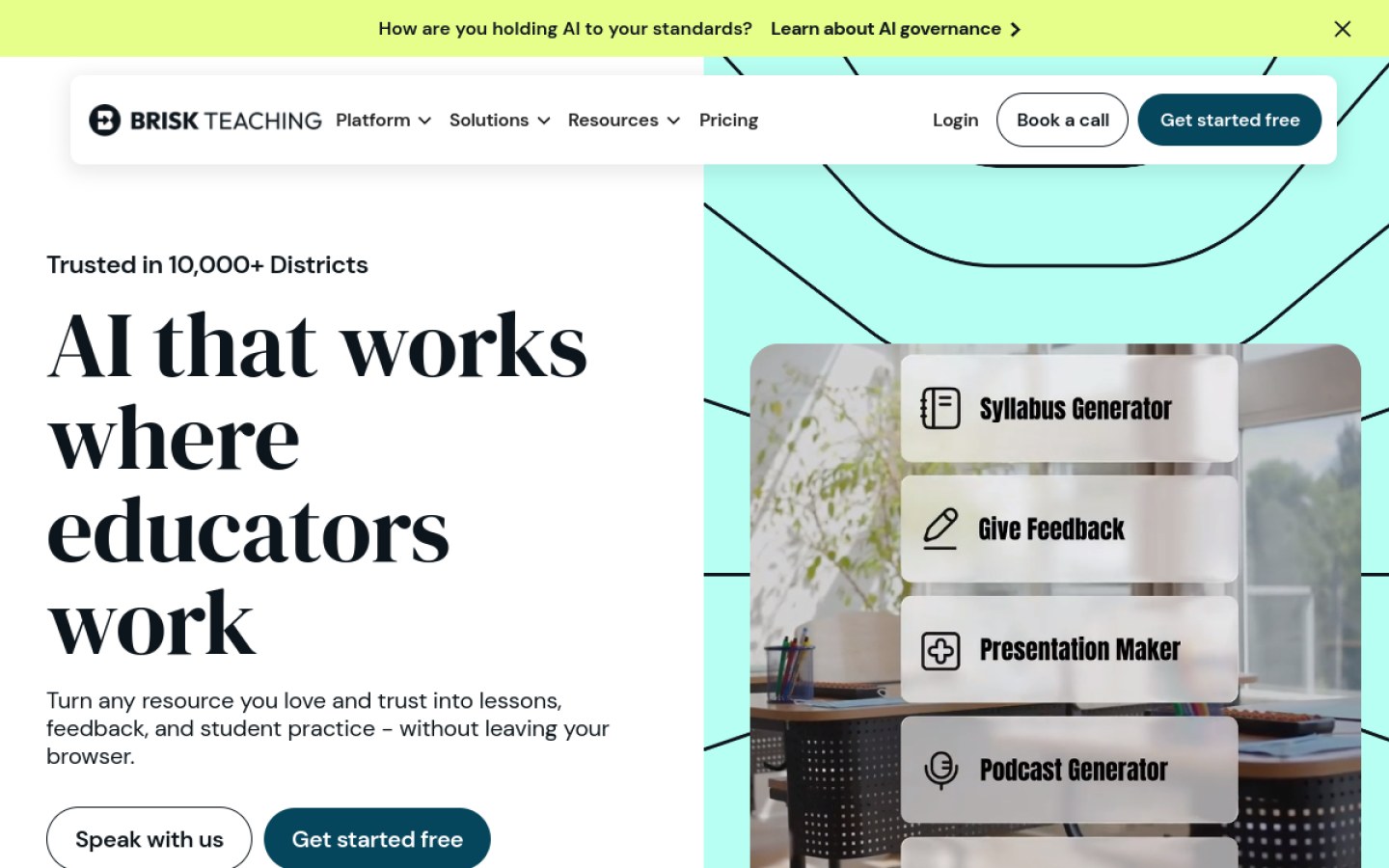
Brisk Teaching homepage, captured Nov 2026.
Brisk Teaching is a browser extension that brings AI tools into Google Docs, Slides, Forms and Microsoft apps, so you plan and give feedback inside the document where the lesson lives. The free plan includes 20+ tools with daily usage caps and a 14-day Premium trial.
The trade off is that the strongest model and targeted feedback need Educator Pro at $99.99 a year. It only works in a browser, so there is no standalone app. It suits teachers who already live in Google Workspace and want feedback and planning in one place.
Free plans cover the basics well. Most include the core classroom job — assignments, messaging, quizzes or boards — with a cap on players, boards or activities.
Paid plans mostly add room and reports. You get more players per game, more padlets or activities, and deeper data on who did the work.
Canva Education is the exception that proves the rule. Verified K-12 teachers get Pro features free, so there is no paid step at all for most classroom design.
If a tool is for one class, the free plan is usually enough. Pay when the cap hits every week, not when a feature list looks long.
How we chose
We started from the apps teachers name most often for classroom work — hubs, communication, quizzes, video lessons, boards and design — then kept the nine with a real free plan and a public rating.
Prices come from each vendor's pricing page, checked on 25 November 2026, with the regular price shown where a sale is running. Ratings come from G2, the App Store or the Chrome Web Store on the same day; Nearpod's rating and price were carried from a sibling listicle and matched against a second source after search quota blocked a fresh check.
We left out tools with quote-only school pricing and no public individual price. No vendor paid for a place, and we do not claim to have used these tools ourselves.
How to choose an app for your classroom
Start with the job you do every day, then check the cap that will hit first.
Pick the hub first. If your school runs Google Workspace, Google Classroom is the free default. If it runs Microsoft, look for tools that sit inside Teams instead.
Match the tool to the age group. ClassDojo and Blooket fit elementary classes; Edpuzzle and Brisk Teaching fit older students who write and watch video for homework.
Check the free cap before you commit. Kahoot! caps free games at 10 players, Padlet at 3 boards and Edpuzzle at 10 supported assignments. Count your class against those caps first.
Try the free plan for a full unit. One lesson will not show the caps. Run a whole unit, then pay only if the limit hits every week.
FAQ
What is the best app for teachers?
Google Classroom is the best app for most teachers. It is free for qualifying schools, covers assignments, grading and announcements in one place, and is rated 4.5 out of 5 on G2 from 1,564 reviews.
Is Google Classroom really free?
Yes, for qualifying schools. Google Workspace for Education Fundamentals, which includes Classroom, is listed at no cost, and it covers Docs, Drive, Gmail and Meet as well. Paid Education Plus adds analytics and admin controls for $6 per user per year.
Is ClassDojo free for teachers?
Yes. ClassDojo is free for teachers and schools with no paywalls, and its Help Center says so directly. The only paid part is ClassDojo Plus, a family subscription that adds at-home features and detailed progress reports.
What is the cheapest paid teacher app?
Kahoot! Bronze is the cheapest paid upgrade in this list at $3 a month billed annually, or $36 a year, and it lifts the free player cap from 10 to 50. Blooket Plus is next at $4.99 a month billed annually.
Should I pick Kahoot! or Blooket?
Pick Kahoot! for fast live games where the whole class answers together on a timer. Pick Blooket when review should feel like a game students replay, with modes like Tower Defense and homework that stays open up to 365 days.
Do teachers need Canva Pro?
No, if you teach K-12. Canva Education is free for verified K-12 teachers and students and includes the Pro features most classroom design needs. Teachers outside K-12 fall back to Pro at $120 a year.
Which app is best for parent communication?
ClassDojo is the strongest pick for parent communication in elementary school. It combines messaging, class stories and behavior points in one feed, and parents use the same free app teachers do.
SaaS SEO and WordPress specialist with about 8 years of experience. Rakib compares WordPress plugins, themes, hosting and software using public pricing, documentation and user reviews. See how we rank.