Strides is the best app for goal setting for most people. Its Target trackers hold a value and a date, and a pace line shows whether you are on track, rated 4.8/5 from about 19,000 App Store ratings. Pick TickTick for tasks, habits and a calendar in one app, and Todoist for the fastest way to capture tasks.
How we make this list: we compare pricing pages, product documentation and public user reviews, then re-check every price before each update. No product paid for a place. Disclosure.
Strides is the only app here built first around a measurable goal with a target value and a deadline.
TickTick has the highest App Store rating in this list at 4.9/5 from about 47,000 ratings, and Premium costs $49.99 a year.
Todoist has the largest rating base here at 4.8/5 from about 131,000 ratings, but it retired its Goals beta in July 2026.
Streaks costs $5.99 once with no subscription, the cheapest paid option in this list.
Seven of the 8 apps have a free plan. Paid plans run from $5.99 once to $120 a year for Notion Plus.
What a goal-setting app should do
A goal that is only a sentence is hard to track. A good goal-setting app lets you set a number to reach and a date to reach it by, so you can see whether you are ahead or behind.
The daily work matters as much as the target. Habits and tasks should sit beside the goal, so a finished week of work shows up as progress instead of disappearing into a separate list.
A chart beats a checkbox for a long goal. A pace line shows how much you still need to do each day, which is why Strides and a few others stand out from plain habit trackers.
4.8/5on App Store (19,274 reviews, checked Nov 2026)
Paid from$39.99/yr
Best app for goal setting overall
Goal typesTarget, Habit, Average, Milestone
Pace lineYes, with daily amount needed
Free plan3 trackers
Paid planStrides Plus, $39.99/yr
stridesapp.com
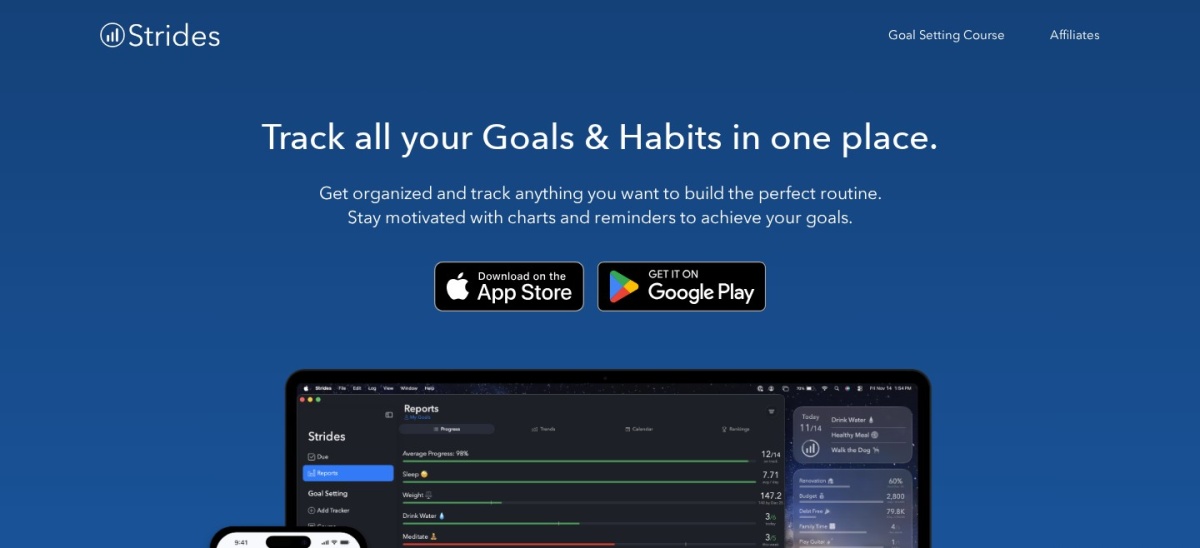
Strides homepage, captured Nov 2026.
Strides is a goal and habit tracker built first for Apple devices and now also on Android, with four tracker types. A Target tracker holds a value to reach and a date to reach it by, and a pace line shows whether you are on track. The free plan covers 3 trackers, and Strides Plus unlocks unlimited trackers, sync between devices, tags and data export.
The trade off is that Strides cannot link a habit or a task to a target, so each tracker stands alone, and there is no web app. Plus costs $4.99 a month or $39.99 a year, with a lifetime plan also sold. It suits people who log numbers themselves and want to know the pace they need each day.
What we like
Four tracker types, including targets with a date
Pace line shows the daily amount still needed
Rated 4.8/5 from about 19,000 App Store ratings
Runs on iPhone, iPad, Mac, Apple Watch and Android
4.9/5on App Store (46,959 reviews, checked Nov 2026)
Paid from$49.99/yr
Best for tasks, habits and calendar in one
Measurable goalNo, habits and tasks only
Built-in calendarYes
Free plan9 lists, 5 habits
Paid planPremium, $49.99/yr
ticktick.com
TickTick homepage, captured Nov 2026.
TickTick is a task manager with a habit module and a calendar built in, so you do not need to sync one from another app. Tasks nest up to five levels deep, habits are a separate module you switch on, and a Pomodoro timer with focus statistics is included. The free plan covers 9 lists with 99 tasks each and 5 habits.
The trade off is that TickTick has no goal with a target and a deadline, so a habit can have an amount per day but no total to reach. Premium costs $4.99 a month or $49.99 a year and raises the limits to 299 lists, 299 habits and full calendar views. It suits people who want tasks, habits and a calendar in one place.
4.8/5on App Store (130,703 reviews, checked Nov 2026)
Paid from$60/yr
Best for capturing tasks fast
Measurable goalNo, Karma task targets only
Natural-language entryYes
Free plan5 personal projects
Paid planPro, $60/yr
todoist.com
Todoist homepage, captured Nov 2026.
Todoist is a task manager built around capture speed, with natural-language input that reads a date out of a sentence as you type it. It runs on iPhone, iPad, Mac, Windows, Linux, Android and the web, with projects, sections and subtasks nested several levels deep. The free plan covers 5 personal projects, 3 filter views and 1 week of activity history.
The trade off is that Todoist is not a goal tracker. It retired its web-only Goals beta on 13 July 2026, and its only goals now are Karma targets that count tasks finished each day or week. Pro costs $7 a month or $60 a year and adds 300 projects, a calendar layout and task duration. It suits people whose real problem is that tasks never get written down.
4.8/5on App Store (90,688 reviews, checked Nov 2026)
Paid from$10/mo
Best for building your own goal system
Built-in goalNo, you design it
Progress barYes, from a number field
Free planYes, for individuals
Paid planPlus, $10/member/mo yearly
notion.com
Notion homepage, captured Nov 2026.
Notion is a page editor with databases underneath, so you can model goals, subgoals, habits and reviews however you like and show the same data in many views. A number field can display as a progress bar, and rollups can total numbers from another database. A large template library means you rarely start from a blank page.
The trade off is upkeep. Notion has no built-in goal, every goal is a database row you design, and no chart can show progress toward a target value. Plus costs $12 a month, or $10 a month billed yearly, and adds unlimited file uploads and more. It suits people who enjoy building their own system and will keep it running.
What we like
Databases and links between them are free for one person
4.6/5on App Store (7,142 reviews, checked Nov 2026)
Paid from$29.99/yr
Best for habits on every device
Measurable goalYes, numeric goal tracking
Automatic loggingApple Health, Fitbit, Strava
Free plan3 habits
Paid planPlus, $29.99/yr
habitify.me
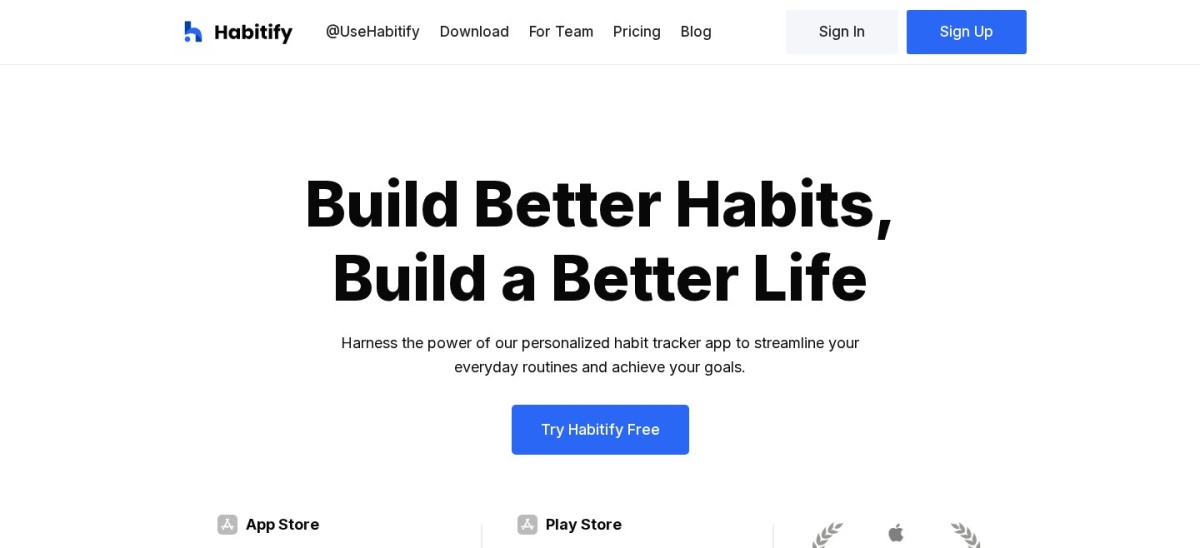
Habitify homepage, captured Nov 2026.
Habitify is a habit tracker, goal tracker and daily routine planner that runs on iPhone, iPad, Mac, Apple Watch, Android, Wear OS and the web, all synced. It can log habits for you from Apple Health, Fitbit, Strava and Screen Time, and Pro adds advanced timers including Pomodoro. The free plan covers 3 habits with cross-platform sync included.
The trade off is the tier structure. Plus at $29.99 a year lifts the habit and reminder limits, while Pro at $49.99 a year adds automation, health integrations and advanced timers. It suits people whose habits span phone, watch and laptop and who want the same data everywhere.
4.7/5on App Store (10,090 reviews, checked Nov 2026)
Paid from$9/mo
Best for goals inside your work tool
Measurable goalYes, number and task targets
Habit trackerNo
Free planGoals as a 100-use trial
Paid planCore, $9/user/mo yearly
clickup.com
ClickUp homepage, captured Nov 2026.
ClickUp is a work platform for tasks, docs and projects, and goals are one feature inside it. A ClickUp goal has a due date and one or more targets, and a number target tracks a figure from where you start to the value you want. Tasks, subtasks and whole lists can count toward a target, and finishing them raises the goal percentage.
The trade off is that ClickUp has no habit tracker, so there are no streaks and no daily check-ins, and plans are priced per seat for teams. On the free plan, Goals is a trial of 100 uses in total. Core costs $12 a month, or $9 a month billed yearly. It suits people whose work already lives in ClickUp.
4.8/5on App Store (27,355 reviews, checked Nov 2026)
Starts at$5.99/yr
Best paid-once habit tracker
Measurable goalNo, habits only
Habit limit24 tasks
Apple HealthYes, auto-complete
Paid plan$5.99 once, no subscription
streaks.app
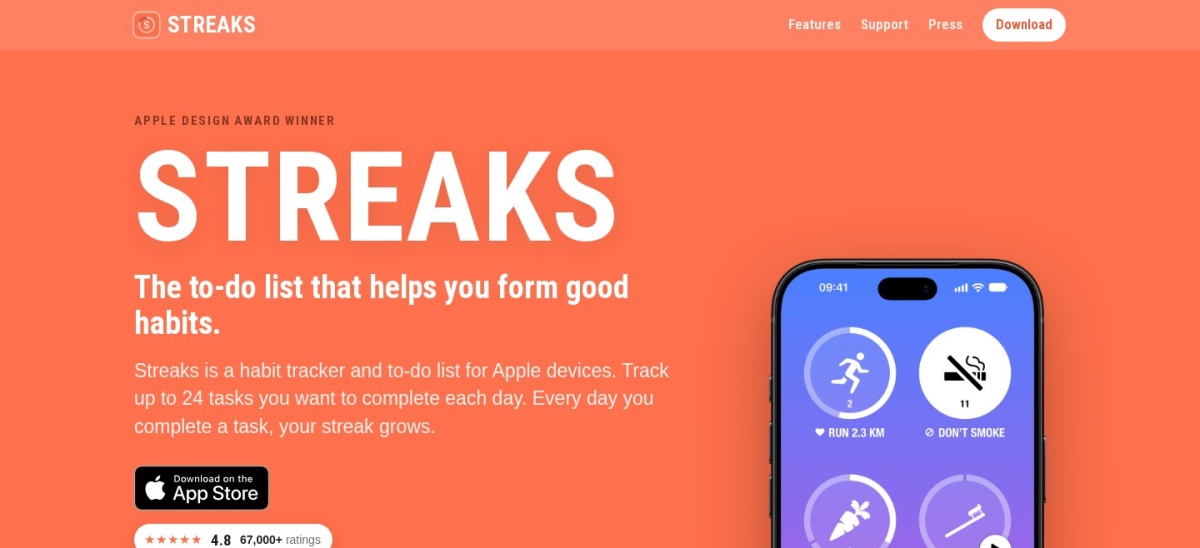
Streaks homepage, captured Nov 2026.
Streaks is an Apple-only habit tracker built around an unbroken chain of completions, and it won an Apple Design Award. You can track up to 24 habits, and a habit linked to Apple Health ticks itself off once Health records the number you set. One purchase covers iPhone, iPad, Watch, Mac and Apple Vision Pro, with iCloud sync.
The trade off is scope. A Streaks habit has no end date, so it never finishes, and habits repeat on set days or a count per period, never toward a total. It costs $5.99 once, with no subscription and no in-app purchases. It suits Apple users who want a simple chain and a single payment.
4.8/5on App Store (5,345 reviews, checked Nov 2026)
Paid from$4.99/mo
Best for simple daily yes-or-no tracking
Measurable goalNo, habits only
Daily markYes, No or Skip
Free plan3 habits
Paid planPremium, from $4.99/mo
wayoflifeapp.com
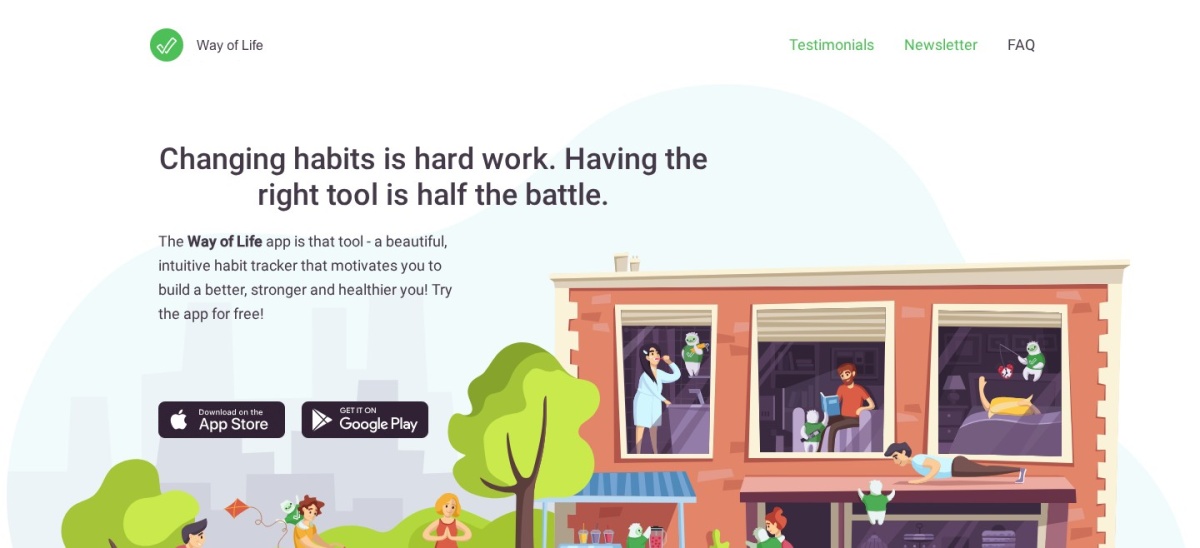
Way of Life homepage, captured Nov 2026.
Way of Life is a habit tracker where you mark each day Yes, No or Skip, and a Skip records a deliberate rest day so it does not count against you. Each habit keeps a journal and trend charts running over weeks, months or years, with reminders, notes and export to CSV, Excel or JSON. The free plan covers 3 habits.
The trade off is that Way of Life has no goals and no tasks, only habits, and the Android app is an older version with far fewer features. Premium unlocks unlimited habits from $4.99 a month. It suits people who want one question a day per habit and a clear view of long-run patterns.
Free plans cover the basics well. Most include a few habits or goals, reminders and a chart or streak view.
Paid plans mostly add room and sync. You get unlimited trackers, sync across devices, tags and data export.
The cheapest paid route here is Streaks at $5.99 once, then Habitify Plus at $29.99 a year and Strides Plus at $39.99 a year.
If you only need to track three habits, a free plan may be enough for months. Pay when the habit limit, not the features, starts to slow you down.
How we chose
We started from the apps named most often in goal-setting and habit-tracker roundups, then kept those with a public App Store rating and a clear price.
Prices come from each vendor's pricing page or App Store listing, checked on 25 November 2026. Ratings and review counts come from the US App Store on the same day. Where a vendor shows a sale, the list shows the regular price.
We left out apps with no public numeric rating and apps that are team software with no personal plan. No vendor paid for a place, and we do not claim to have used these apps ourselves.
How to choose a goal-setting app
Start with the kind of goal you actually set, then pick the app that measures it.
Decide whether your goal has a number. If it does, pick Strides, ClickUp or Notion. If it is a daily habit, pick Streaks, Way of Life or Habitify instead.
Check which devices you use. Streaks is Apple only, Strides has no web app, and TickTick, Todoist and Notion run almost everywhere.
Try the free plan first. Most of these apps let you track 3 to 5 habits or projects free. Pay only when the free limit blocks you.
Keep habits and tasks in the same place as the goal. If the work lives in a separate app, progress stops showing up. See how to schedule posts in WordPress for the same planning habit applied to publishing.
FAQ
What is the best app for goal setting?
Strides is the best app for goal setting for most people. Its Target trackers hold a value and a date, and a pace line shows whether you are on track, rated 4.8 out of 5 from about 19,000 App Store ratings.
Is there a free goal-setting app?
Yes. Seven of the 8 apps here have a free plan, including Strides with 3 trackers, TickTick with 9 lists and 5 habits, and Habitify with 3 habits. Streaks is the only app here with no free version.
Can Todoist track goals?
Not as measurable goals. Todoist retired its web-only Goals beta on 13 July 2026, and its only goals now are Karma targets that count tasks finished each day or week, not progress toward an outcome.
What is the cheapest goal-setting app?
Streaks is the cheapest paid option at $5.99 once, with no subscription. Among yearly plans, Habitify Plus costs $29.99 a year and Strides Plus costs $39.99 a year.
Which goal-setting app works on Android?
Strides, TickTick, Todoist, Notion, Habitify, ClickUp and Way of Life all run on Android. Streaks is Apple only, with no Android app or web app.
Do I need a paid plan to set goals?
No. Strides lets you track 3 goals free, ClickUp offers Goals as a 100-use trial on its free plan, and Notion lets one person build a goal system free. Pay when you need more trackers, sync or export.
SaaS SEO and WordPress specialist with about 8 years of experience. Rakib compares WordPress plugins, themes, hosting and software using public pricing, documentation and user reviews. See how we rank.