Best Appointment Scheduling WordPress Plugins in 2026: 7 Tools Compared
WLWPLegible EditorsLast verified 22 Nov 2026How we rank12 min read
★ Short answer
Simply Schedule Appointments is our top WordPress scheduling plugin for straightforward client bookings, with a 5/5 rating from 155 reviews and a free Basic edition. LatePoint is better for businesses needing advanced scheduling and payments, while FluentBooking offers team calendars and online meeting integrations at $79/year.
How we make this list: we compare pricing pages, product documentation and public user reviews, then re-check every price before each update. No product paid for a place. Disclosure.
Simply Schedule Appointments has 50K+ active installations and a 5/5 rating; Plus renews at $129/year.
LatePoint has 100K+ active installations and a 4.9/5 rating; its regular Starter price is $99/year.
FluentBooking has 20K+ active installations, and its Solo plan regularly costs $79/year for one website.
Bookly has 60K+ active installations and a 4.4/5 rating; Pro regularly costs $99/year or $129 one-time.
MotoPress Appointment Booking offers a $49/year license and supports multiple employees, services, and locations.
Easy Appointments offers a $39 Personal extension license, while Booking Calendar costs $79 one-time for its Personal edition.
What to look for in an appointment scheduling WordPress plugin
An appointment scheduling plugin allows customers to reserve available times directly through your WordPress website. It can replace manual email coordination and help businesses organize services, staff availability, customer details, and booking confirmations.
Start with your scheduling requirements. Individual consultants may only need a booking calendar and email confirmations. Salons, studios, and service businesses may require several employees, locations, appointment durations, and separate availability schedules.
Calendar integration is important when appointments must appear alongside existing commitments. Check whether the plugin supports Google Calendar, Outlook, or other systems, and whether synchronization works in both directions.
Payment handling also varies. Some plugins accept payments in their free versions, while others reserve Stripe, PayPal, deposits, and payment automation for higher plans. Check supported gateways before choosing an upgrade.
Finally, compare recurring license costs, staff limits, notifications, cancellation rules, and booking form customization. A plugin with affordable entry pricing may require a higher tier for essential business features.
For appointments mixed with rentals and reservations
$79 one-time
Free plan
4.8/5
Price ladder: cheapest paid plan per year
List prices, USD, checked Nov 2026
Easy ApptsFREE$39
MotoPressFREE$49
FluentBookFREE$79
Booking CalFREE$79
LatePointFREE$99
BooklyFREE$99
SSAFREE$129
The 7 best appointment scheduling WordPress plugins
01
Simply Schedule Appointments
5/5on WordPress.org (155 reviews, checked Nov 2026)
Paid from$129/yr
Best overall for straightforward appointment booking
Free appointmentsUnlimited appointment types
Free editionBasic
Premium license1 website
Paid planPlus Edition
simplyscheduleappointments.com
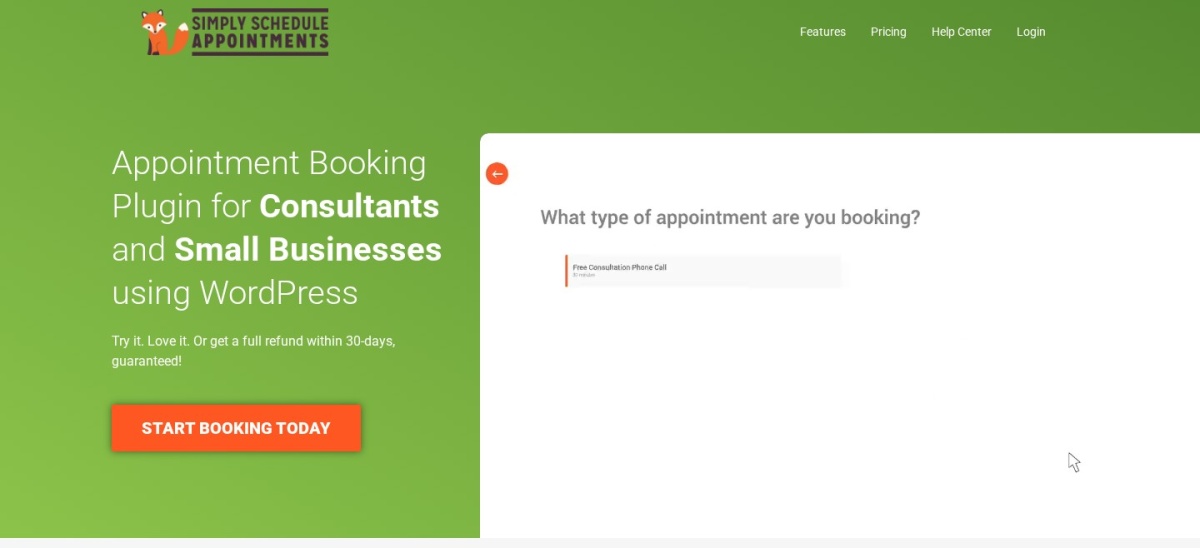
Simply Schedule Appointments homepage, captured Nov 2026.
Simply Schedule Appointments is a WordPress booking plugin with 50,000+ active installations and a 5/5 rating from 155 reviews. Its free Basic edition includes unlimited appointment types, booking calendars, availability settings, and email notifications. Customers can select available times and submit reservations directly through a website.
The trade off is that Google Calendar integration, group bookings, custom booking fields, and online meeting integrations require Plus, regularly $129/year. A $99 introductory offer is currently advertised. It suits consultants, freelancers, and service businesses wanting a straightforward scheduling system.
4.9/5on WordPress.org (109 reviews, checked Nov 2026)
Paid from$99/yr
Best for appointment-based businesses with teams
Booking typesAppointments and events
Premium featuresAll features on every paid plan
Premium license1 website
Paid planStarter
latepoint.com
LatePoint homepage, captured Nov 2026.
LatePoint is a WordPress appointment and event booking plugin with 100,000+ active installations and a 4.9/5 rating. Its free version supports appointment scheduling and booking management. The paid system provides employee calendars, payment integrations, recurring appointments, notifications, and scheduling automation.
The trade off is that advanced scheduling and business management features require a premium license. Starter regularly costs $99/year for one website, with a $69 promotional offer available. It suits salons, consultants, studios, and businesses that need employees, customers, and payments managed together.
What we like
High public rating
Supports appointment and event bookings
Premium plans include the full feature set
Calendar and payment integrations
Recurring appointments and automation
Watch out for
Advanced functions require a paid license
More configuration than simple booking calendars
Annual updates and support require renewal
Starter unlocks premium scheduling, payment gateways, recurring bookings, and business automation.Visit latepoint.com
03
FluentBooking
4.7/5on WordPress.org (46 reviews, checked Nov 2026)
Paid from$79/yr
Best for online meetings and collaborative scheduling
Booking typesIndividual and team meetings
Premium calendarsUnlimited
Premium license1 website
Paid planSolo
fluentbooking.com
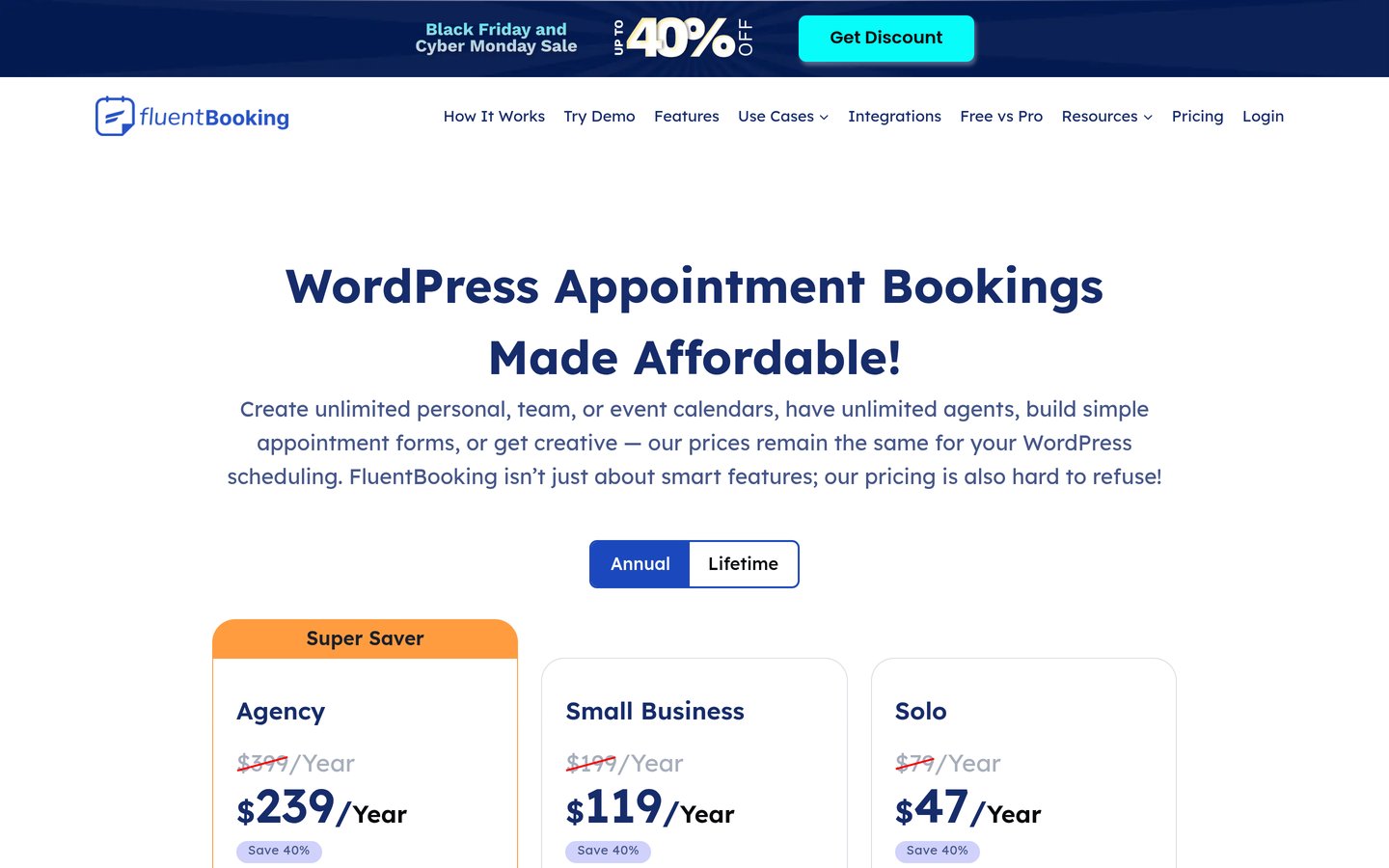
FluentBooking homepage, captured Nov 2026.
FluentBooking is a WordPress scheduling plugin with 20,000+ active installations and a 4.7/5 rating. Its free version supports appointment booking, meeting availability, and scheduling calendars. It is particularly suitable for consultants, sales teams, coaches, and businesses organizing virtual meetings.
The trade off is that advanced integrations, payment collection, and expanded team scheduling require Pro. The Solo license regularly costs $79/year for one website, although a $47 promotional first-year price is advertised. It suits businesses wanting WordPress-based meeting scheduling and integrations with other Fluent products.
What we like
Free meeting scheduling features
Suitable for consultants and sales teams
Premium Google Calendar and meeting integrations
Team scheduling capabilities
Integrates with FluentCRM and Fluent Forms
Watch out for
Several integrations require Pro
Smaller review history than established alternatives
Advanced configurations may require additional setup
Solo adds advanced calendar integrations, online payments, team scheduling, and priority support.Visit fluentbooking.com
04
Bookly
4.4/5on WordPress.org (587 reviews, checked Nov 2026)
Paid from$99/yr
Best for customizable service appointment workflows
Booking featuresServices, appointments and customers
Free editionBookly Free
Premium license1 website
Paid planPro
booking-wp-plugin.com
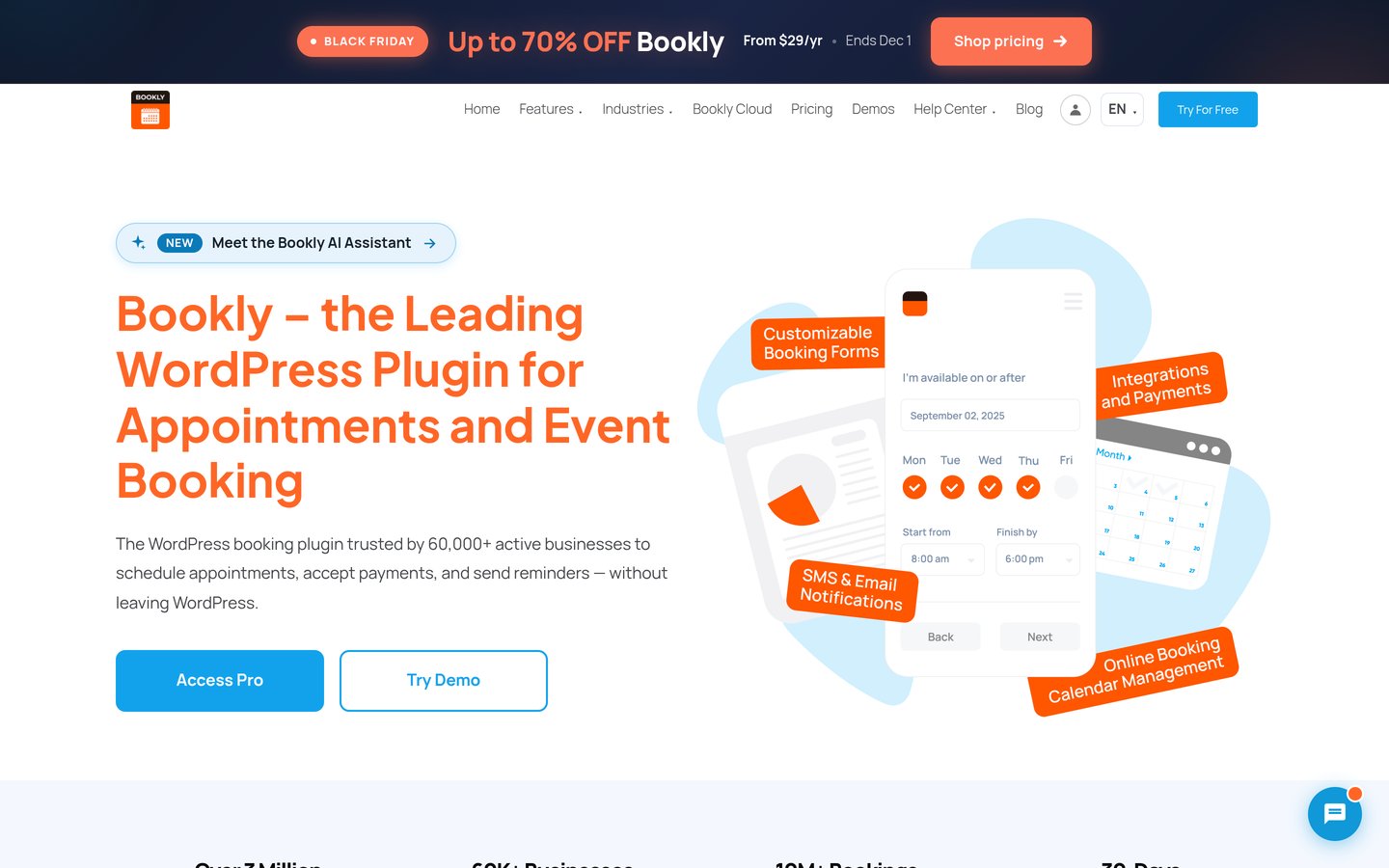
Bookly homepage, captured Nov 2026.
Bookly is a WordPress scheduling plugin with 60,000+ active installations and a 4.4/5 rating from 587 reviews. Its free version provides a booking interface, customer management, appointment records, and service scheduling. Businesses can organize reservations through WordPress rather than relying entirely on an external scheduling platform.
The trade off is that advanced payment integrations, recurring appointments, calendar synchronization, and additional scheduling capabilities require paid features. Pro regularly costs $99/year for one website, with a $29 promotional price advertised. It suits service businesses wanting customizable appointment workflows and a choice of license options.
What we like
Established WordPress booking plugin
Free appointment management
Customizable booking interface
Premium payment and calendar integrations
Annual and lifetime licensing options
Watch out for
Advanced integrations require paid features
Some functionality depends on the selected edition
Extensive configuration options can take time to learn
Pro expands booking management, integrations, notifications, and premium scheduling capabilities.Visit booking-wp-plugin.com
05
MotoPress Appointment
4.5/5on WordPress.org (21 reviews, checked Nov 2026)
Paid from$49/yr
Best for service businesses managing staff and locations
Booking typesIndividual and group appointments
Free managementServices, employees and locations
Premium license1 website
Paid planAppointment Booking
motopress.com
MotoPress Appointment homepage, captured Nov 2026.
MotoPress Appointment is a WordPress scheduling plugin with 2,000+ active installations and a 4.5/5 rating from 21 reviews. Its free version supports services, employees, locations, appointment calendars, and group booking capacity. It also includes booking administration and customer reservation management.
The trade off is that premium booking features, integrations, and support require the $49/year paid license. Some specialized functions, including video conferencing and additional payment integrations, use separately priced extensions. It suits salons, instructors, and service providers managing multiple employees or appointment types.
What we like
Free employee and location management
Supports individual and group appointments
Service-specific availability calendars
Affordable annual premium license
Responsive booking forms
Watch out for
Smaller public review history
Specialized integrations may require extensions
Advanced workflows need more configuration
The paid license adds premium booking capabilities, updates, and support; specialized addons are separate.Visit motopress.com
06
Easy Appointments
4.3/5on WordPress.org (131 reviews, checked Nov 2026)
Paid from$39/site
Best for affordable multi-service scheduling
Booking structureLocations, workers and services
Free featuresBooking forms and email notifications
License coverage1 year of updates
Paid planPersonal Extension
easy-appointments.com
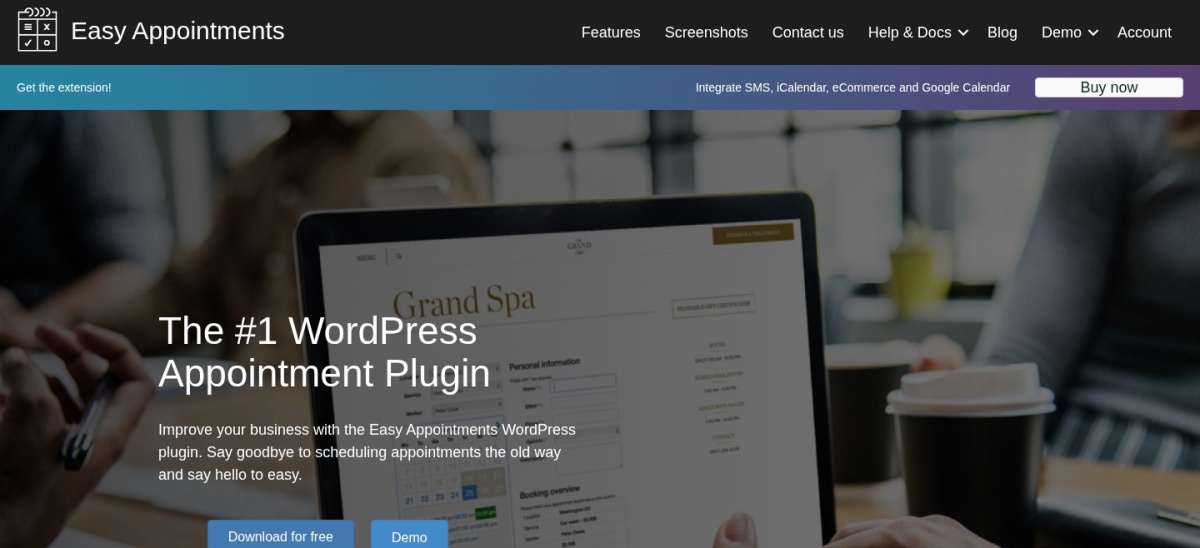
Easy Appointments homepage, captured Nov 2026.
Easy Appointments is a WordPress booking plugin with 10,000+ active installations and a 4.3/5 rating. Its free version supports appointment forms, employee schedules, locations, service availability, and email notifications. Businesses can configure booking relationships between employees, services, and locations.
The trade off is that Google Calendar synchronization, PayPal payments, SMS integrations, and WooCommerce connections require the Personal extension. The license costs $39 for one website with one year of updates rather than an automatically renewing subscription. It suits small service businesses seeking affordable scheduling.
What we like
Free staff, service and location scheduling
Flexible availability configuration
Responsive appointment forms
Low-cost premium extension
Optional Google Calendar and WooCommerce integrations
Watch out for
Some integrations require the paid extension
Interface is less polished than newer alternatives
Updates beyond the included period require a new license
Personal adds calendar, SMS, payment, and WooCommerce integrations with one year of updates.Visit easy-appointments.com
07
Booking Calendar
4.8/5on WordPress.org (657 reviews, checked Nov 2026)
Paid from$79 one-time
Best for appointments mixed with rentals and reservations
Booking typesAppointments, rentals and events
Free featuresBooking forms and availability
License modelOne-time purchase
Paid planPersonal, 1 website
wpbookingcalendar.com
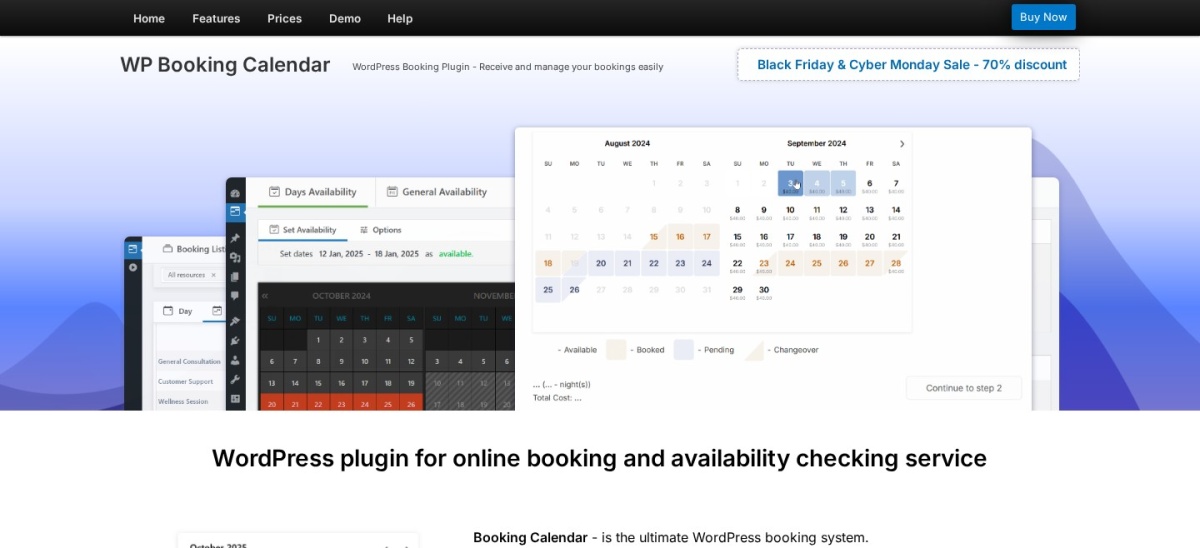
Booking Calendar homepage, captured Nov 2026.
Booking Calendar is a WordPress reservation plugin with 40,000+ active installations and a 4.8/5 rating from 657 reviews. Its free version supports full-day bookings, time-slot appointments, availability calendars, booking approvals, and email notifications. It can manage services, consultations, rentals, and other reservations.
The trade off is that advanced resource management and payment processing require paid editions. Personal costs $79 one-time for one website, with a temporary discount advertised. It includes six months of updates, with optional paid extensions afterward. It suits businesses managing appointments alongside other reservation types.
What we like
Free date and time-slot reservations
Booking approval and notification tools
Prevents conflicting bookings
Supports appointments and rentals
One-time premium purchase
Watch out for
Online payments require higher editions
Several paid editions complicate comparison
Updates beyond the included period cost extra
Personal adds multiple booking resources and advanced booking form controls; higher editions add payments.Visit wpbookingcalendar.com
Essential features for appointment scheduling websites
A reliable appointment scheduler should display current availability and prevent conflicting reservations. Customers need a clear process for choosing services, dates, times, and relevant staff members.
Staff scheduling becomes important when several employees provide different services. LatePoint, MotoPress Appointment, and FluentBooking support workflows involving employees or team availability, although individual features depend on the license.
Calendar synchronization can reduce scheduling conflicts between WordPress and external calendar applications. Simply Schedule Appointments Plus provides Google Calendar integration, while FluentBooking offers additional integrations through its premium version.
Automatic notifications help customers remember appointments. Check whether email, SMS, cancellation links, and rescheduling tools are included in the version you plan to use.
If customers must pay when booking, confirm supported gateways, deposits, refund controls, and payment reporting before purchasing. Not every plugin includes these features in its cheapest paid plan.
Annual subscriptions generally include updates and support while the license remains active. Simply Schedule Appointments Plus costs $129/year at its regular rate, while FluentBooking Solo costs $79/year.
Some plugins offer one-time licenses. Booking Calendar Personal costs $79 with an initial update period, while Bookly advertises both annual and lifetime licensing.
Additional costs may include SMS delivery, payment processing, separate integrations, and premium extensions. These charges should be considered alongside the plugin license.
Evaluate the complete cost of your required workflow instead of comparing only entry prices. A higher plan may be necessary for payments, staff management, or calendar synchronization.
How we chose
We reviewed established WordPress appointment scheduling plugins using official WordPress.org listings, vendor feature documentation, and pricing pages. The shortlist emphasizes customer booking experiences, staff availability, calendar integration, payments, notifications, and reservation management.
Ratings, review counts, installation figures, maintenance information, and official prices were checked on 22 Nov 2026. We used regular prices rather than promotional offers and distinguished annual subscriptions from one-time licenses and limited update periods.
We excluded closed plugins, products without reliable regular pricing, and tools lacking sufficient public adoption or recent maintenance. BookingPress was excluded because its WordPress.org listing is closed, while Amelia's pricing page did not expose a verifiable regular Starter price. No vendor paid for a place, and this comparison relies on published product information and public reviews.
How to choose the best WordPress appointment scheduling plugin
Identify how customers book your services, then compare scheduling rules, payment requirements, team management, and premium upgrade costs.
**Define your appointment structure.** Determine whether you need individual appointments, group classes, consultations, or recurring sessions. Simple schedules may work with a free plugin, while complex services need flexible employee and duration settings.
**Check staff availability and calendar integrations.** Confirm whether each employee can maintain an independent schedule. Look for Google Calendar or Outlook synchronization if appointments must coordinate with existing calendars.
**Review payment and notification requirements.** Check whether customers can pay online, receive reminders, reschedule appointments, and cancel bookings. Identify which capabilities require higher licenses or paid extensions.
**Compare regular prices and long-term maintenance.** Consider annual renewals, one-time licenses, update periods, and additional integration costs. Choose a plugin that meets your essential requirements without requiring unnecessary premium features.
FAQ
What is the best appointment scheduling WordPress plugin?
Simply Schedule Appointments is our top overall recommendation for straightforward appointment booking. It has a 5/5 WordPress.org rating from 155 reviews and offers a free Basic edition. LatePoint is particularly suitable for more advanced employee scheduling, payments, and business management.
Can I schedule appointments in WordPress for free?
Yes. Simply Schedule Appointments, LatePoint, FluentBooking, Bookly, and Easy Appointments offer free versions. These provide different combinations of calendars, booking forms, notifications, and appointment management. Advanced integrations and online payments may require premium licenses.
Which WordPress booking plugin is best for multiple employees?
LatePoint, MotoPress Appointment, and FluentBooking are suitable options for businesses managing several employees. Compare individual staff calendars, work schedules, service assignments, and team booking rules. Some features require paid plans, so confirm the exact limits before upgrading.
Can WordPress appointment plugins accept online payments?
Yes. Several appointment booking plugins support Stripe, PayPal, or other payment gateways through premium features. Bookly, LatePoint, and MotoPress Appointment offer payment capabilities. Check whether deposits, refunds, payment confirmation, and your preferred gateway are included in the selected plan.
Which appointment plugin integrates with Google Calendar?
Simply Schedule Appointments Plus includes Google Calendar integration, while FluentBooking offers Google Calendar functionality in its premium version. Other booking plugins also provide calendar synchronization. Confirm whether synchronization is one-way or two-way and how conflicting events are handled.
What is the cheapest WordPress appointment scheduling plugin?
Easy Appointments offers a Personal extension license for $39 with one year of updates. MotoPress Appointment Booking costs $49/year for its single-site license. Both also offer free versions, but their premium features differ significantly.
Can customers cancel or reschedule appointments online?
Many scheduling plugins support cancellation and rescheduling, but availability depends on the product and plan. Review customer booking management, cancellation deadlines, email notifications, and how changes update employee calendars before choosing a system.
Is Bookly better than LatePoint?
Bookly is an established option with customizable booking workflows and several licensing choices. LatePoint emphasizes integrated business scheduling with premium features available across its paid plans. The better option depends on employee management, payment gateways, calendar requirements, and total licensing costs.
Do appointment scheduling plugins prevent double bookings?
Established appointment plugins generally manage availability and block conflicting reservations within their configured schedules. External calendar conflicts may require synchronization. Confirm that staff availability, appointment buffers, cancellations, and overlapping services are handled correctly before accepting customer reservations.