Cronometer is the best app to track macros for most people, with custom gram targets, a free barcode scanner and verified food data, rated 4.8 out of 5 from 100,000 App Store ratings. Pick MacroFactor for weekly adaptive targets, or Lose It! for the easiest start.
How we make this list: we compare pricing pages, product documentation and public user reviews, then re-check every price before each update. No product paid for a place. Disclosure.
Cronometer is the best free macro tracker: custom gram targets, a free barcode scanner and verified data at $0.
MyNetDiary logs fastest and tracks up to 108 nutrients, with free gram targets and no ads.
MacroFactor is the only app here that recalculates your targets every week from your own data.
Lose It! and Carb Manager share the cheapest paid plan at $39.99 a year, but Lose It! keeps macros and barcode scanning in Premium.
MyFitnessPal has the biggest database at about 20 million foods, but Premium costs $79.99 a year.
What to look for in a macro tracking app
Macros are protein, carbohydrates and fat, measured in grams against a daily target. An app earns its place by making those grams easy to set, log and check, day after day.
Free custom targets matter most. Some apps let you set gram targets free, while others charge for them, so check whether the free plan fixes grams or only shows percentages.
Database accuracy beats database size. Verified entries from research-grade sources give steadier numbers than crowdsourced lists, where one food can appear with five different calorie counts.
Price spans $0 to $79.99 a year across this list. Start free where you can, and pay only when a locked feature, such as adaptive targets or barcode scanning, is one you will use daily.
4.8/5on App Store (100K reviews, checked Nov 2026)
Paid from$59.99/yr
Best macro app overall
Free custom macro targetsYes, grams or %
Barcode scannerFree
Nutrients trackedUp to 95
Paid planGold, $59.99/yr
cronometer.com
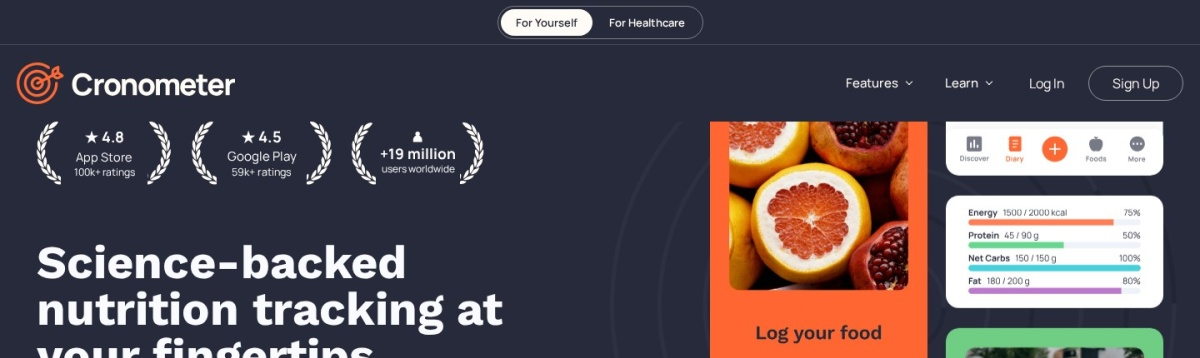
Cronometer homepage, captured Nov 2026.
Cronometer is a nutrition tracker built on verified food data from USDA and NCC reference databases, with about 1.2 million foods. The free plan covers calorie and macro tracking, custom gram targets, a barcode scanner and up to 95 nutrients, which is more depth than most free trackers offer.
The trade off is the interface. It packs charts, device sync and micronutrient detail into dense screens, so new users need a few days to feel at home. Gold costs $59.99 a year and adds photo and voice logging, a fasting timer and a day-by-day macro scheduler. It suits people who want accurate numbers and do not mind a clinical layout.
4.8/5on App Store (166K+ reviews, checked Nov 2026)
Paid from$59.99/yr
Best for fast logging
Free custom macro targetsYes, grams or %
Barcode scannerFree
Nutrients trackedUp to 108
Paid planPremium, $59.99/yr
mynetdiary.com
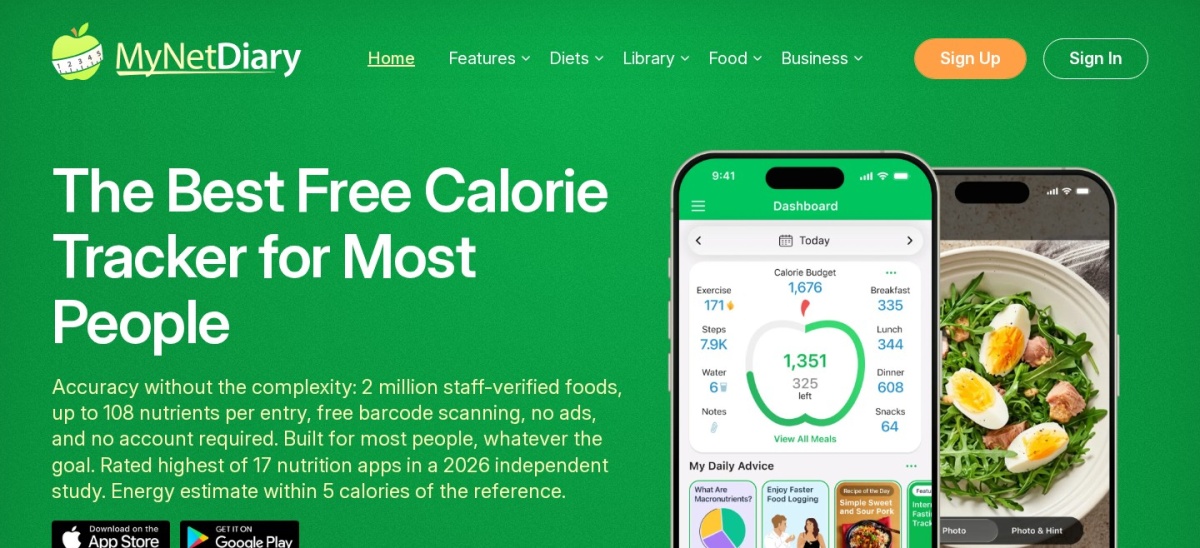
MyNetDiary homepage, captured Nov 2026.
MyNetDiary is a food tracker with a staff-verified database of more than 2 million foods and tracking for up to 108 nutrients per entry. Custom macro targets in grams or percentages, barcode scanning and voice logging are free, with no ads, and a January 2026 logging test found it needed the fewest actions to log a week of meals.
The trade off is that the smartest features sit in Premium. Advanced Autopilot, which adjusts targets as weight changes, plus macro cycling and preset diet splits cost $59.99 a year. It suits people who want quick logging and verified data without paying for the basics.
MacroFactor is a nutrition app that estimates real energy expenditure from logged food and weigh-ins, then adjusts calorie and macro targets at weekly check-ins. It has no free tier, only a 7-day trial, and its verified database holds about 1.36 million foods.
The trade off is price and patience. At $71.99 a year it costs more than most rivals, and the adaptive targets only work if food and weight are logged consistently. It suits lifters and dieters running a cut, bulk or recomposition who want the plan to respond to their own data.
4.8/5on App Store (782K reviews, checked Nov 2026)
Paid from$39.99/yr
Best for beginners
Free custom macro targetsPremium only
Barcode scannerPremium only
Nutrients tracked28 in Premium
Paid planPremium, $39.99/yr
loseit.com
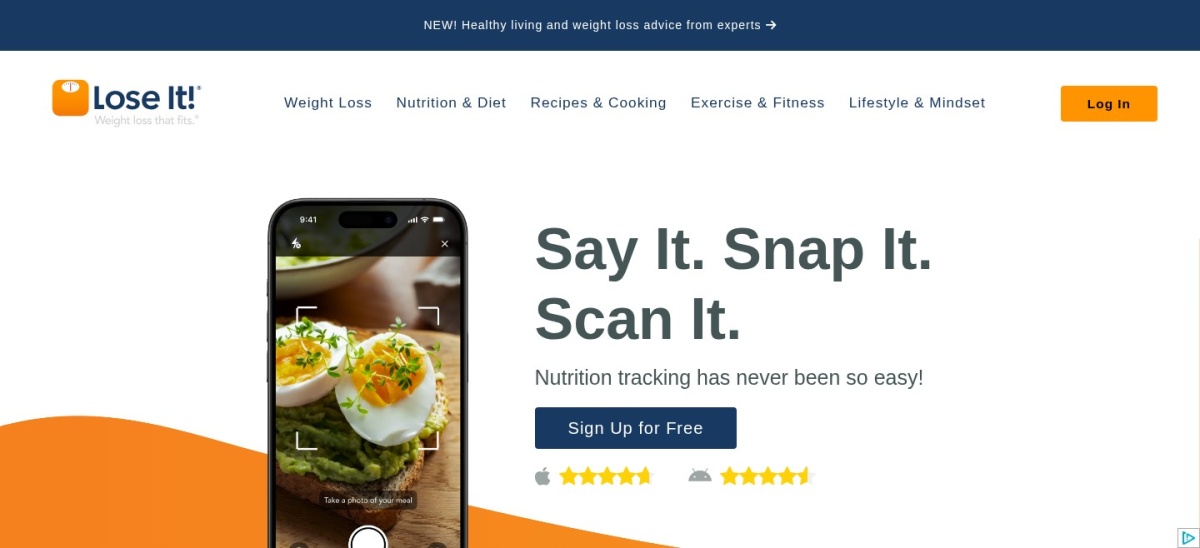
Lose It! homepage, captured Nov 2026.
Lose It! is the friendliest tracker in this list, with a clean design, a quiz-based setup and social challenges that help the habit stick. The free plan covers basic calorie tracking, while Premium at $39.99 a year unlocks custom macro targets, barcode scanning and photo logging.
The trade off is accuracy and paywalls. Its database of 50 million-plus items is mostly user-submitted, and a 2018 study found it had the lowest agreement with research-grade software of the apps tested. It suits first-time trackers who want the easiest start and one of the cheapest paid plans in this list.
What we like
Easiest app in this list to learn
Joint-cheapest paid plan at $39.99 a year
Social challenges for motivation
Lifetime licence also offered
Watch out for
Macros and barcode need Premium
Crowdsourced database varies in accuracy
Lightest nutrient detail in this list
Premium adds macro targets, barcode scanning and photo loggingVisit loseit.com
05
MyFitnessPal
4.7/5on App Store (2.4M reviews, checked Nov 2026)
Paid from$79.99/yr
Best for finding any food
Free custom macro targetsPercentages free; grams in Premium
Barcode scannerPremium only
Nutrients tracked21
Paid planPremium, $79.99/yr
myfitnesspal.com
MyFitnessPal homepage, captured Nov 2026.
MyFitnessPal is the best-known food tracker, with a database of about 20 million foods and 2.4 million App Store ratings. The free plan covers calorie and macro logging, while Premium at $79.99 a year adds gram-level macro targets, barcode scanning, voice logging and an ad-free app.
The trade off is trust and price. Most entries are user-submitted, so the same food can appear with several different calorie counts, and Premium is the priciest standard plan in this list. It suits people who eat a lot of packaged or restaurant food and want the widest coverage.
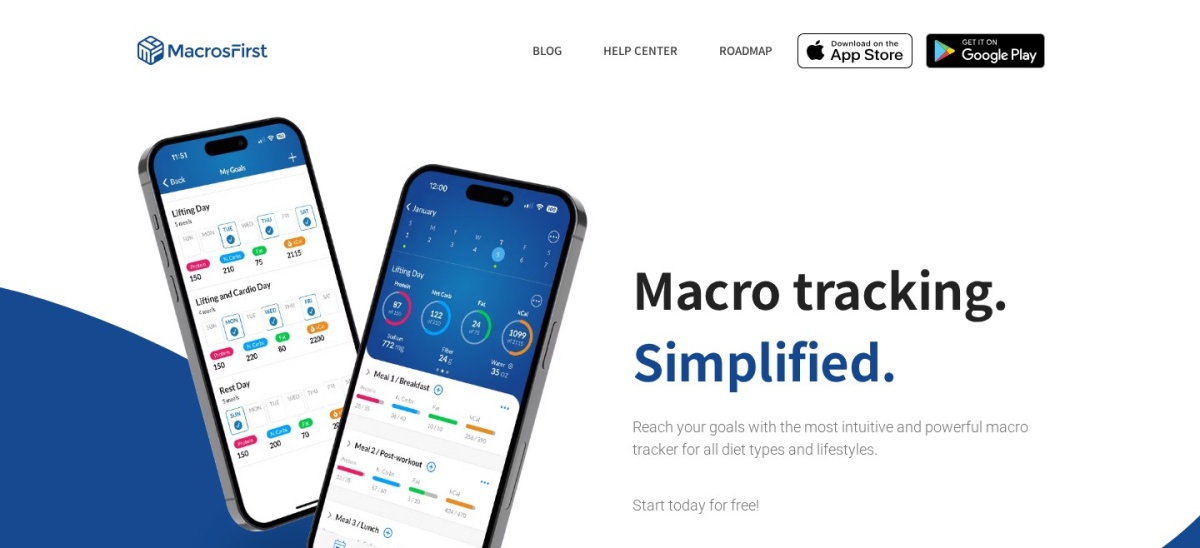
MacrosFirst is an app built around macros from the start, with daily and per-meal gram targets and a clean layout that stays out of the way. The free version covers barcode and label scanning plus macro tracking by meal, and it holds a 4.9 rating from about 23,000 App Store reviews.
The trade off is depth and price. It does not match Cronometer on micronutrients, and the top Premium tier lists at $79.99 a year, so the paid version is dear for a simple logger. It suits people who want a macro-first layout without a steep learning curve.
4.8/5on App Store (737K reviews, checked Nov 2026)
Paid from$39.99/yr
Best for keto and low-carb
Free custom macro targetsYes, free
Barcode scannerFree
Food database1M+ foods
Paid planPremium, $39.99/yr
carbmanager.com
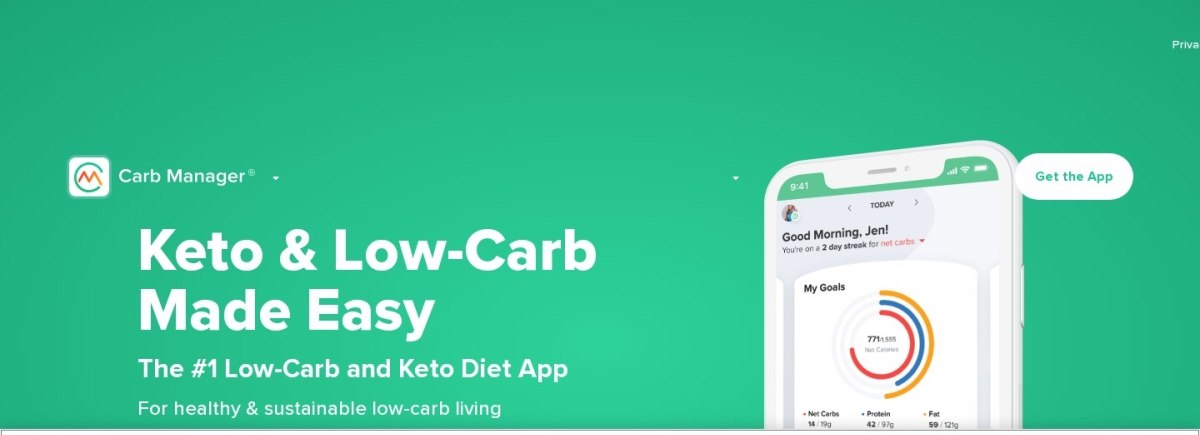
Carb Manager homepage, captured Nov 2026.
Carb Manager is a diet tracker built around low-carb eating, with net carbs front and centre on every screen. The free plan covers basic net-carb tracking, unlimited barcode scanning and macro targets, and its database holds more than 1 million foods.
The trade off is focus. Outside keto and low-carb eating it offers less than general trackers, and full nutrient tracking, meal plans and glucose and ketone logs need Premium at $39.99 a year. It suits keto and low-carb eaters who count net carbs first.
Free plans cover the core job well. Cronometer, MyNetDiary and MacrosFirst all let you set gram targets and scan barcodes without paying.
Paid plans mostly add speed and coaching. You get photo and voice logging, adaptive targets that move with your weight, and meal plans.
The dearest paid plan here is $79.99 a year, and the cheapest is $39.99. A free tier that covers your targets is worth more than a paid tier full of features you never open.
If you track for a month and still log most days, that is the point to pay. Until then, the free tier tells you whether the habit will stick.
How we chose
We started from the macro trackers that appear most often in 2026 roundups and app store charts, then kept the seven with a real macro focus, a working free tier or trial, and a published price.
Prices come from App Store listings and vendor pricing pages as quoted in October and November 2026 roundups, checked on 25 November 2026. Ratings and review counts come from the App Store on the same date. Where a vendor shows a sale, the list shows the regular price.
We left out photo-only estimators and apps with no published price. No vendor paid for a place, and we do not claim to have used these tools ourselves.
How to choose a macro tracking app
Start with your goal, then test the free tier for a week before paying for anything.
Decide whether you need grams or percentages. Fixed gram targets hold your protein steady when calories change. If the app only sets percentages free, it may not fit a lifting plan.
Check the free tier first. Log three normal days without paying. If barcode scanning or gram targets sit behind a paywall, you will feel it at once.
Match the database to how you eat. Verified databases suit weighed home cooking, while the biggest crowdsourced database suits packaged and restaurant food.
Pay only for a feature you will use daily. Adaptive targets, photo logging and meal plans are worth the subscription only if they change how often you log.
FAQ
What is the best app to track macros?
Cronometer is the best pick for most people. Its free plan includes custom gram targets, a barcode scanner and verified food data, and it is rated 4.8 out of 5 from 100,000 App Store ratings. MyNetDiary is the closest runner-up for faster logging.
Can I track macros for free?
Yes. Cronometer, MyNetDiary, MacrosFirst, Lose It! and MyFitnessPal all track macros without paying. The catch is usually gram targets or barcode scanning: Cronometer and MyNetDiary include both free, while Lose It! and MyFitnessPal charge for them.
What is the cheapest macro tracking app?
Lose It! Premium and Carb Manager Premium are the cheapest paid tiers in this list, both $39.99 a year. For $0, Cronometer gives the most, with free gram targets, a barcode scanner and verified data.
Is MacroFactor worth paying for?
It is worth it if you log food and weight consistently and want targets that adjust weekly without manual maths. At $71.99 a year with no free tier, it is poor value if you only need a food log or track a few days a week.
Do macro tracking apps work offline?
Some do. MacroFactor offers an offline mode, according to its help pages. Most others need a connection to search their food database or sync, so check offline support before a trip without signal.
Which app is best for keto macro tracking?
Carb Manager is the best pick for keto macro tracking. It puts net carbs first on every screen and adds keto meal plans, fasting tools and glucose logs in Premium. MyNetDiary offers a keto diet plan in Premium as a second option.
SaaS SEO and WordPress specialist with about 8 years of experience. Rakib compares WordPress plugins, themes, hosting and software using public pricing, documentation and user reviews. See how we rank.