Libby is the best app to read books for free for most readers, lending ebooks and audiobooks from your local library at no cost and rated 4.9 out of 5 on Google Play. Pick Kindle for the largest store and free samples, or Hoopla for instant borrows with no waitlists.
How we make this list: we compare pricing pages, product documentation and public user reviews, then re-check every price before each update. No product paid for a place. Disclosure.
Libby is the best free pick: library ebooks and audiobooks at no cost, rated 4.9 out of 5 on Google Play.
Hoopla has no waitlists on most titles, but each library sets a monthly borrow limit.
Kindle and Google Play Books are free to install, but most new books are bought one at a time.
Kobo Plus Read costs $7.99 a month, the cheapest paid plan in this list, while Kindle+ and Everand cost $11.99 a month.
ReadEra is the best free reader for files you already own, with no ads and no account needed.
Everand and Wattpad have the lowest ratings here, 3.4 and 3.7 out of 5 on Google Play.
What a free reading app should offer
Free reading apps fall into three groups. Library apps lend books with a library card, stores sell books one at a time, and file readers open ebooks you already own.
A library app is the cheapest route to new books. Libby and Hoopla both lend ebooks and audiobooks for free, but the choice depends on what your library offers.
Stores are free to install, but the books are not. Kindle, Google Play Books, Apple Books and Kobo all sell titles one at a time, and some offer a paid subscription on top. Our guide on free vs premium WordPress plugins covers the same free-versus-paid split in another market.
Check the free catalogue before you pay. A subscription only saves money if the books you want are included in it.
4.9/5on Google Play (669,000 reviews, checked Nov 2026)
PriceFree
Best app to read books for free overall
Free ebooksYes, library loans
Free audiobooksYes, library loans
Library card neededYes
Paid planNone
libbyapp.com
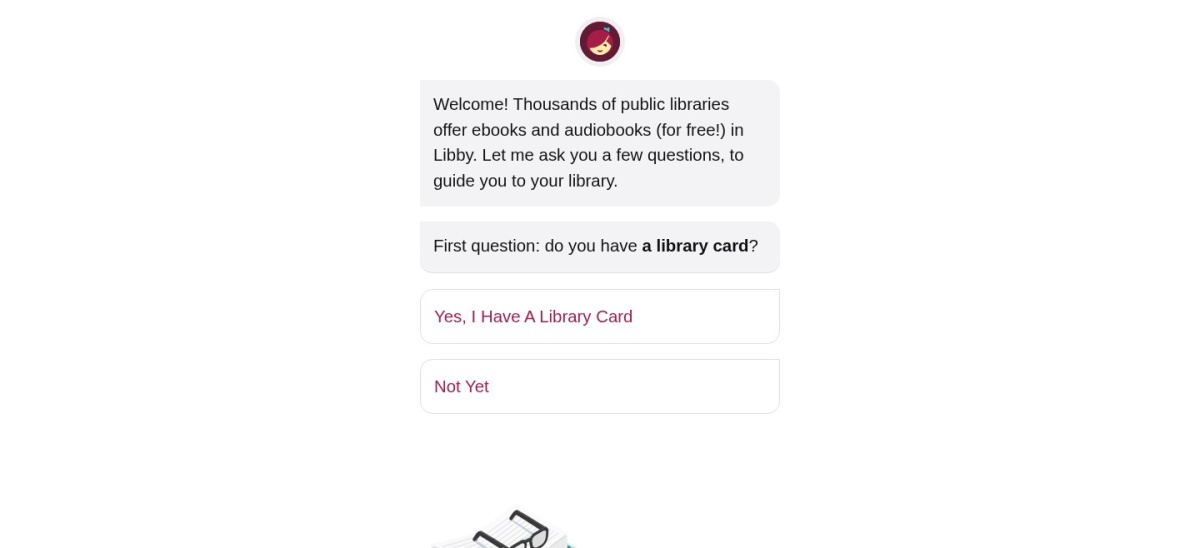
Libby homepage, captured Nov 2026.
Libby is the library app by OverDrive, and it lends ebooks, audiobooks and magazines from public libraries. A library card is all it takes, and borrowed books return themselves when the loan ends, so there are no late fees.
The trade off is waiting. Popular titles can have long hold queues, and each library sets its own loan limits. It suits readers whose library uses OverDrive and who plan ahead with holds.
4.8/5on Google Play (4,142,067 reviews, checked Nov 2026)
Paid from$11.99/mo
Best for the largest ebook store
Free ebooksSamples and free titles
Free audiobooksNo, Kindle+ only
Library loansYes, via OverDrive
Paid planKindle+, $11.99/mo
amazon.com
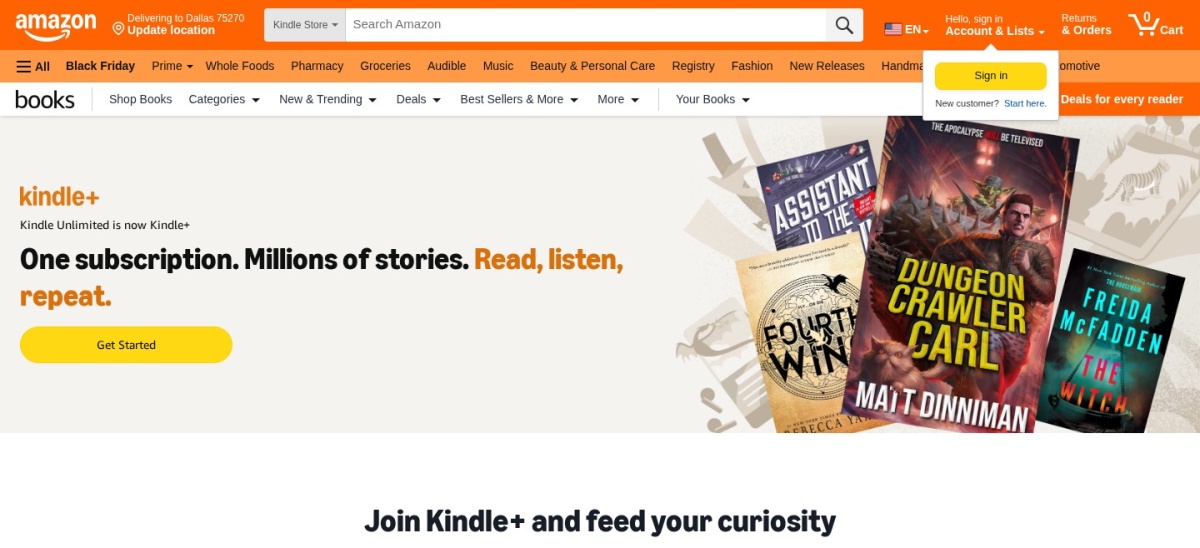
Kindle homepage, captured Nov 2026.
Kindle is Amazon's free reading app, and it opens the largest ebook store in this list. It offers free samples, a rotating set of free titles, and library loans through OverDrive, plus syncing across phone, tablet and Kindle devices.
The trade off is price. Most new books are bought one at a time, and Kindle+ costs $11.99 a month for its subscription catalogue. It suits readers who already buy from Amazon and want one library everywhere.
What we like
Largest ebook store in this list
Free samples for most titles
Syncs across phone, tablet and Kindle
Watch out for
Most new books cost money
Buying books in the app is limited on iPhone
Kindle+ adds a subscription catalogue for $11.99 a monthVisit amazon.com
03
Google Play Books
4.7/5on Google Play (2,910,000 reviews, checked Nov 2026)
PriceFree
Best for buying books without a subscription
Free ebooksFree titles and samples
Free audiobooksSamples only
Own EPUB uploadYes
Paid planNone, pay per book
play.google.com
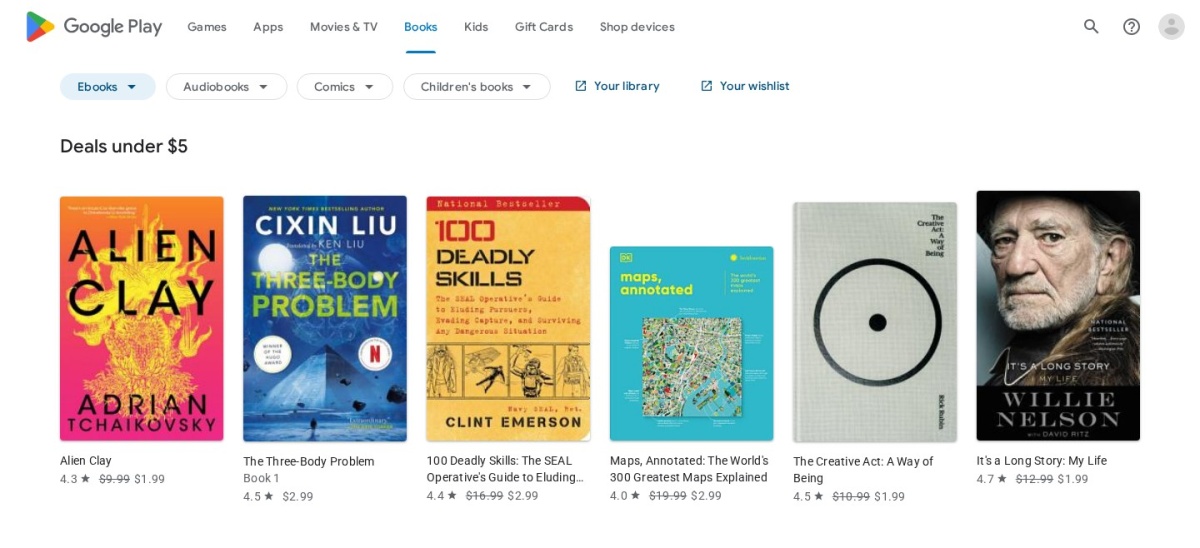
Google Play Books homepage, captured Nov 2026.
Google Play Books is Google's free reading app for ebooks, comics and audiobooks. It sells books one at a time with no subscription, and it lets you upload your own EPUB and PDF files to read across your devices.
The trade off is that free reading is limited. Most full books cost money, and audiobooks are sold per title. It suits Android readers who buy a few books a year and want their own files in the same app.
4.6/5on Google Play (194,000 reviews, checked Nov 2026)
PriceFree
Best for instant borrows with no waitlists
Free ebooksYes, library loans
Free audiobooksYes, library loans
WaitlistsNo, on most titles
Paid planNone
hoopladigital.com
Hoopla homepage, captured Nov 2026.
Hoopla is a free library app from Midwest Tape that lends ebooks, audiobooks, comics, movies and music with a library card. Most titles are ready to borrow at once, with no waitlist, and there are no ads and no subscription.
The trade off is the monthly limit. Each library sets how many titles you can borrow per month, and the catalogue is smaller than Libby for new releases. It suits readers who want a book now instead of joining a hold queue.
4.6/5on App Store (146,600 reviews, checked Nov 2026)
PriceFree
Best free reader on iPhone and iPad
Free ebooksFree titles and samples
Free audiobooksSamples only
Own EPUB uploadYes
Paid planNone, pay per book
apple.com
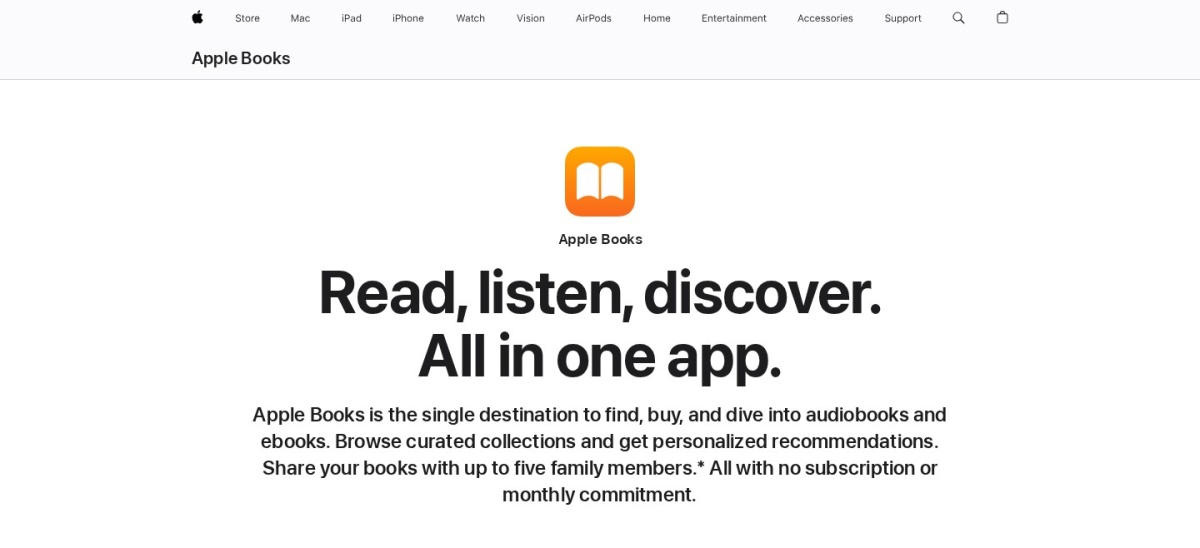
Apple Books homepage, captured Nov 2026.
Apple Books is Apple's free reading app, and it comes preinstalled on iPhone, iPad and Mac. It offers free public-domain ebooks and samples, sells ebooks and audiobooks one at a time, and shares books with up to five family members.
The trade off is that it only runs on Apple devices. There is no Android app, and most new books are bought one at a time. It suits iPhone and iPad owners who want a reader that is already on the device.
4.5/5on Google Play (241,000 reviews, checked Nov 2026)
Paid from$7.99/mo
Best for a cheap reading subscription
Free ebooksFree titles and samples
Free audiobooksSamples only
Kobo Plus Read$7.99/mo
Paid planKobo Plus, from $7.99/mo
kobo.com
Kobo Books homepage, captured Nov 2026.
Kobo Books is Rakuten Kobo's free app for ebooks and audiobooks, and it syncs with Kobo e-readers. The store sells titles one at a time, and Kobo Plus adds a subscription catalogue of more than 1.3 million ebooks and 100,000 audiobooks.
The trade off is that the cheapest plans cover one format. Kobo Plus Read or Listen each cost $7.99 a month, and both together cost $9.99 a month. It suits readers who own a Kobo e-reader or want the cheapest subscription here.
What we like
Cheapest subscription in this list
Syncs with Kobo e-readers
Large subscription catalogue
Watch out for
Most new books cost money
Kobo Plus is not offered in every country
Kobo Plus Read & Listen adds both formats for $9.99 a monthVisit kobo.com
07
ReadEra
4.9/5on Google Play (1,390,000 reviews, checked Nov 2026)
PriceFree
Best free reader for your own ebook files
Free ebooksYes, your own files
FormatsEPUB, PDF, MOBI and more
AdsNone
Paid planPremium, one-time
readera.org
ReadEra homepage, captured Nov 2026.
ReadEra is a free offline reader for books and documents you already own. It opens EPUB, PDF, MOBI, AZW3, FB2 and Word files with no ads, no account and no in-app purchases in the free version.
The trade off is that it sells no books. You have to supply your own files, and there is no cloud sync between devices. It suits readers with a collection of free ebooks who want a clean reader.
3.7/5on Google Play (4,665,790 reviews, checked Nov 2026)
Paid from$4.99/mo
Best for free original stories and fanfiction
Free storiesYes, ad-supported
Free ebooksOriginal stories only
Offline readingPremium only
Paid planPremium, from $4.99/mo
wattpad.com
Wattpad homepage, captured Nov 2026.
Wattpad is a free social storytelling app where writers publish original stories and fanfiction. Most stories are free to read with ads, and readers can vote and comment on chapters as writers post them.
The trade off is quality and ads. Stories vary in editing, free reading shows ads, and some popular stories are locked behind paid Coins. It suits readers who enjoy romance, fanfiction and new writers.
What we like
Huge catalogue of free original stories
New chapters arrive as writers post them
Comments and votes from other readers
Watch out for
Lowest store rating among the free apps here
Ads in free reading; some stories need Coins
Premium removes ads and adds offline stories from $4.99 a monthVisit wattpad.com
09
Everand
3.4/5on Google Play (540,000 reviews, checked Nov 2026)
Starts at$11.99/mo
Best for one ebook or audiobook a month
Free ebooksNo, trial only
Standard plan$11.99/mo, 1 unlock
Catalogue1.5M+ ebooks and audiobooks
Paid planStandard, $11.99/mo
everand.com
Everand homepage, captured Nov 2026.
Everand is a reading subscription from Scribd with more than 1.5 million ebooks and audiobooks. The Standard plan costs $11.99 a month and gives 1 unlock a month, with Plus at $16.99 a month for 3 unlocks.
The trade off is that it is not a free app. There is no free plan beyond a trial, and unlocked titles are lost if you cancel. It suits readers who finish about one book a month and want ebooks and audiobooks in one place.
Free library apps cover new releases best. Libby and Hoopla lend current books at no cost, and the only price is a library card and sometimes a wait.
Free stores cover classics best. Apple Books, Kindle and Google Play Books all offer free public-domain titles and samples, but new books are bought one at a time.
Paid plans mostly add choice and speed. A subscription removes waitlists and ads, but only saves money if the books you want are in its catalogue.
Start free, then pay for one gap. Add a subscription only when you keep hitting the same limit, such as hold queues or ads.
How we chose
We started from the reading apps with the largest public ratings on Google Play and the App Store, then kept those that offer free books without a required purchase.
Prices come from each vendor's pricing page, checked on 25 November 2026. Kindle+ costs $11.99 a month, Kobo Plus starts at $7.99 a month, Everand Standard costs $11.99 a month, and Wattpad Premium starts at $4.99 a month. Ratings and review counts come from Google Play and the App Store on the same day.
We left out audiobook-only apps and apps with no public rating. No vendor paid for a place, and we do not claim to have used these tools ourselves.
How to choose an app to read books for free
Start with a library card, then add one store or reader for the gaps.
Check your library first. Ask your library whether it offers Libby or Hoopla. One card can unlock thousands of free ebooks and audiobooks.
Pick one store for buying. Choose Kindle, Google Play Books, Apple Books or Kobo based on your phone. Buying in two stores splits your library.
Add a file reader only if you have files. ReadEra is worth installing if you already own EPUB or PDF books. Skip it if you only read from a store or library.
Pay only for a repeated limit. Subscribe when you keep hitting the same wall, such as hold queues or ads, and check that your next book is included first.
FAQ
What is the best app to read books for free?
Libby is the best app to read books for free for most readers. It lends ebooks and audiobooks from your local library at no cost, and it is rated 4.9 out of 5 on Google Play from about 669,000 reviews.
Can I read books for free on the Kindle app?
Yes, but only in part. The Kindle app is free and offers free samples and a rotating set of free titles, plus library loans through OverDrive. Most new books are bought one at a time, or borrowed through Kindle+ for $11.99 a month.
Is Libby really free?
Yes. Libby is free to install and free to use with a library card from a participating library. Your library pays for the loans, so there is no subscription and no charge for borrowing ebooks or audiobooks.
What is the difference between Libby and Hoopla?
Both lend free books with a library card. Libby has a larger catalogue of new releases but uses hold queues for popular titles. Hoopla has no waitlists on most titles, but each library sets a monthly borrow limit.
Do I need a subscription to read free books?
No. Library apps such as Libby and Hoopla are free with a card, and stores offer free titles and samples without a subscription. A subscription only helps if you read often and the books you want are in its catalogue.
Which free reading app works offline?
Most of them do once a book is downloaded. Libby, Hoopla, Kindle, Google Play Books and Apple Books all allow offline reading of borrowed or bought books, and ReadEra works fully offline with your own files.
SaaS SEO and WordPress specialist with about 8 years of experience. Rakib compares WordPress plugins, themes, hosting and software using public pricing, documentation and user reviews. See how we rank.