Empower Personal Dashboard is the best free starting point for financial independence, with net worth, investing and retirement views at no cost. Pick Monarch Money for a shared household plan, YNAB to change spending habits, and PocketSmith to forecast decades ahead.
How we make this list: we compare pricing pages, product documentation and public user reviews, then re-check every price before each update. No product paid for a place. Disclosure.
Empower Personal Dashboard is the best free starting point, with net worth, investing and retirement tools at $0.
Monarch Money is the strongest paid all-in-one at $99.99 a year, built for two people sharing one household view.
YNAB is the only method-first pick: give every dollar a job, with users saving $600 on average in the first month.
PocketSmith forecasts cash flow up to 60 years ahead, but its Trustpilot score is only 2.8 from 16 reviews.
Tiller feeds bank data into spreadsheets you own for $99 a year, with no ready-made dashboard.
What an app for financial independence should cover
Financial independence means your investments can cover your spending, and the first step is seeing the whole picture: every account, debt and asset in one place. These apps track net worth over time, which is the number that tells you whether you are getting closer.
The tools split into trackers and budgeters. Empower, Monarch and PocketSmith show net worth and forecasts, while YNAB changes how you spend each month. Most people need one tracker and, if spending is the problem, one budgeter beside it.
This guide is general information, not financial advice. Investment and budgeting choices depend on your own situation, so consider professional advice for large decisions. Our guide on budget planning software covers the planning side in more depth.
Prices here are yearly subscriptions except where noted, and free plans are genuinely free: Empower's dashboard costs nothing, and PocketSmith's free plan covers two accounts. Advisory fees are separate and charged as a share of assets, not a flat price.
4.8/5on App Store (417,000 reviews, checked Nov 2026)
PriceFree
Best free net worth and retirement view
Free planYes, dashboard free
Advisory fee0.89% of assets a year
Retirement plannerYes
Advisory minimum$100,000
empower.com
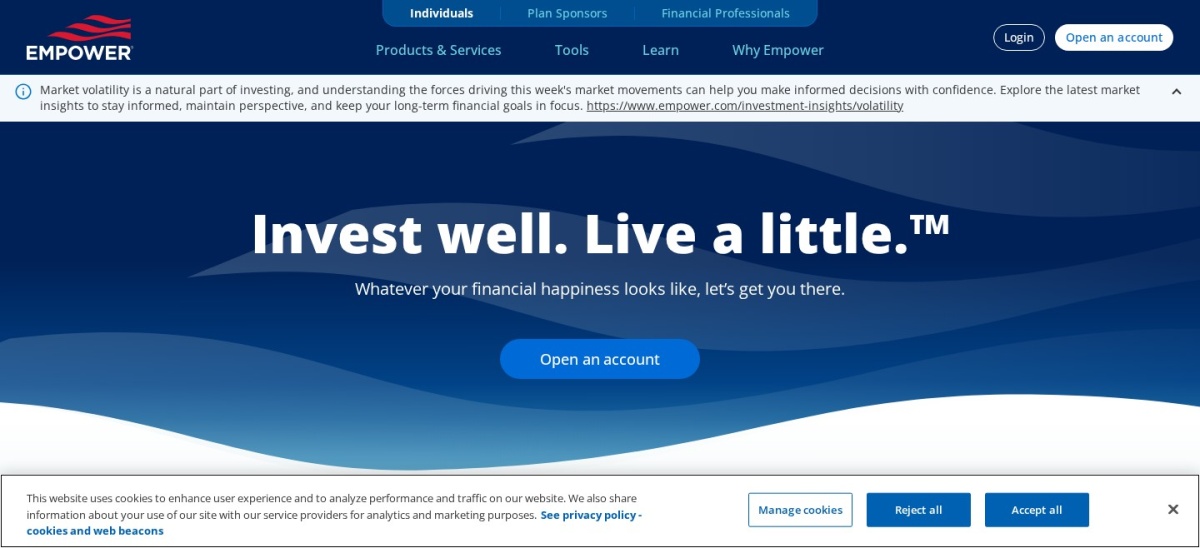
Empower Personal Dashboard homepage, captured Nov 2026.
Empower Personal Dashboard is the free starting point in this list, linking bank, card, loan, investment and retirement accounts into one net worth view. Its retirement planner and fee analyzer are the strongest free tools here, and the dashboard itself costs nothing.
The trade off is the sales pitch. Empower sells wealth management on top, with advisory fees from 0.89% of assets a year and a $100,000 minimum, so expect calls about advice. It suits US investors who want a free full-picture dashboard.
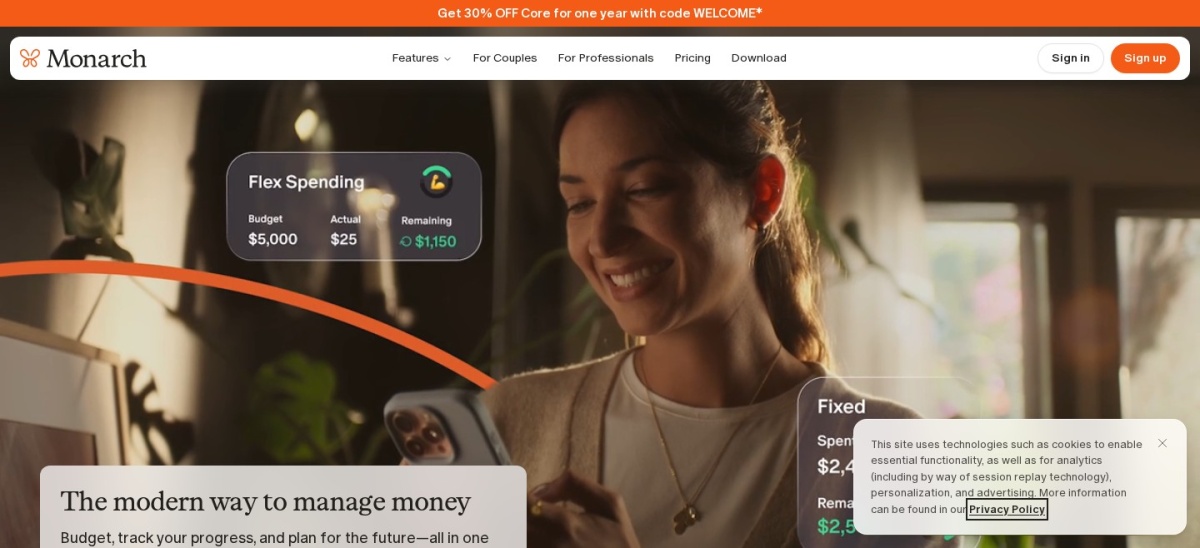
Monarch Money is the strongest paid all-in-one in this list, combining budgeting, transactions, goals, investments and net worth in one household dashboard. Two people can share one account at no extra cost, and it links more than 13,000 institutions.
The trade off is price and reach. Core costs $99.99 a year after a 7-day trial, with no free plan, and it works only in the US and Canada. It suits couples and households that want one shared view of everything.
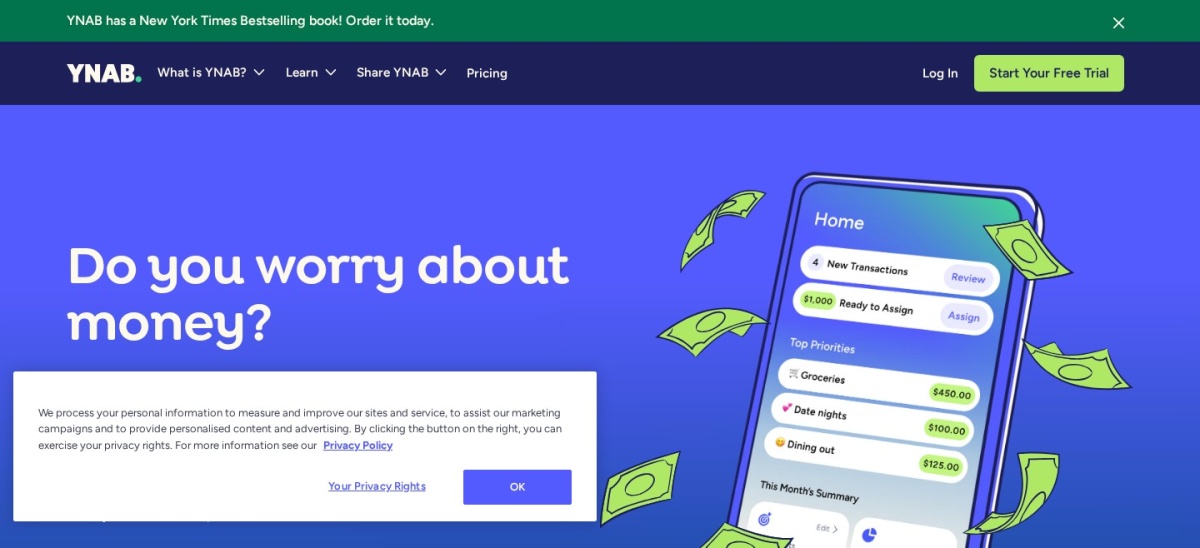
YNAB is the budgeting method in this list, asking you to give every dollar a job before you spend it and to move money between categories when plans change. Users report saving $600 in the first month on average, and the app shares with up to six people.
The trade off is the learning curve. Zero-based budgeting demands a mindset shift and daily attention, and YNAB is weak on investment and net worth tracking next to Empower or Monarch. It suits savers who want behavior change, not just tracking.
What we like
Method that changes spending habits
Average user saves $600 in the first month
Shares with up to six people
34-day trial, the longest here
Watch out for
$109 a year with no free plan
Weak investment and net worth tracking
Needs daily attention to work
Monthly plan is $14.99 if you pay month to monthVisit ynab.com
04
Quicken Classic
4.3/5on G2 (78 reviews, checked Nov 2026)
Starts at$6.99/mo
Best for deep records and long histories
Free planNo, 30-day guarantee
PlatformsWindows, Mac
Bill payYes
Paid planDeluxe, $6.99/mo
quicken.com
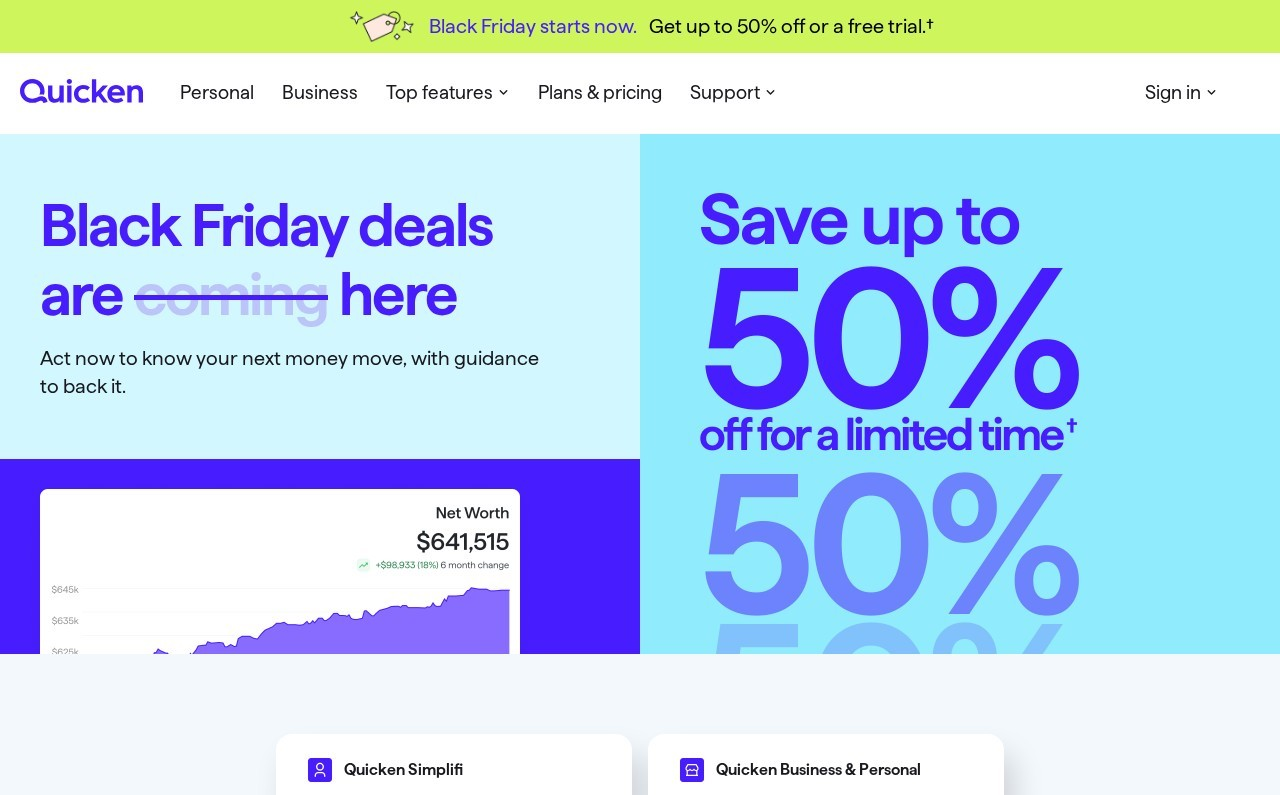
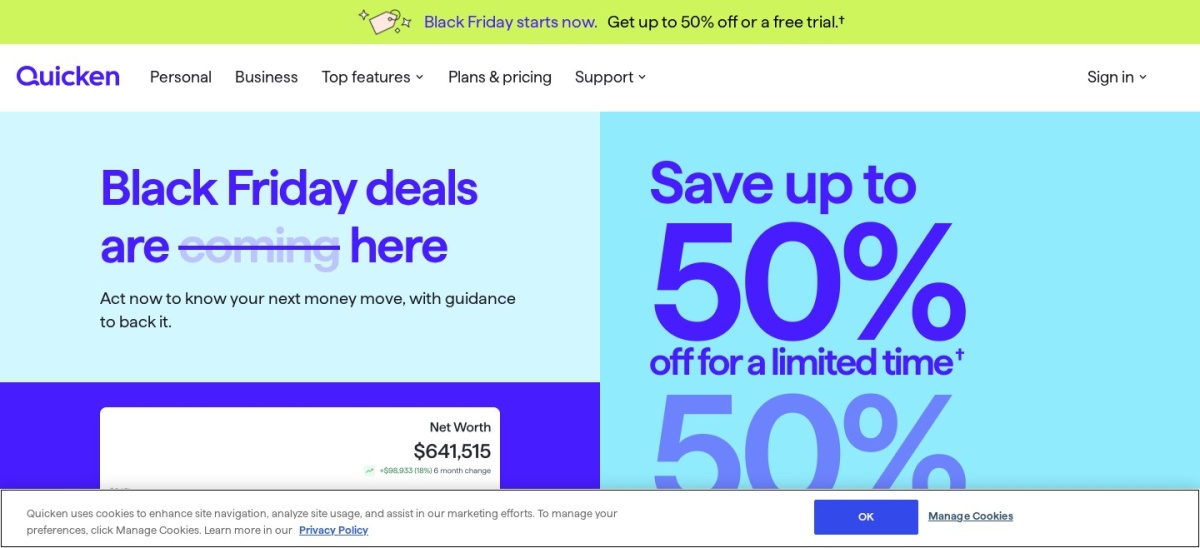
Quicken Classic homepage, captured Nov 2026.
Quicken Classic is the deepest tool in this list, with budgeting, banking, investments, property and tax planning refined over decades on the desktop. It holds a 4.3 out of 5 G2 rating from 78 reviews, the largest review base here.
The trade off is that it is desktop software. Deluxe costs $6.99 a month billed annually, and the interface shows its age next to Monarch or Simplifi. It suits people with long histories and detailed investment records to keep.
4/5on Trustpilot (5,100 reviews, checked Nov 2026)
Starts at$6.99/mo
Best simple cloud budgeting and tracking
Free planNo, 30-day guarantee
Spending planYes
PlatformsWeb, iOS, Android
Paid plan$6.99/mo
simplifi.quicken.com
Quicken Simplifi homepage, captured Nov 2026.
Quicken Simplifi is the simplest cloud pick in this list, turning linked accounts into spending plans, cash flow views and savings goals without a desktop program. It works on the web, iPhone and Android, so a household need not share one kind of device.
The trade off is price clarity. The standard price is $6.99 a month billed annually at $83.88 a year, after a $47.88 first-year promotion for new members. It suits people who want Quicken's brand without the desktop.
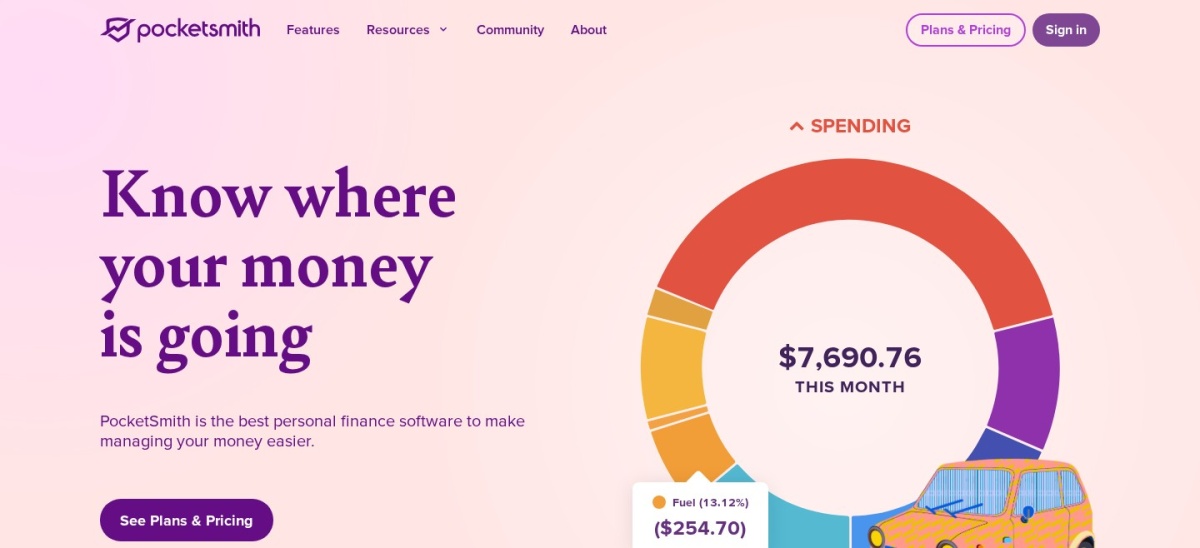
PocketSmith is the forecasting pick in this list, putting income, spending and bills on a calendar that projects balances up to 60 years ahead on its top plan. The free plan covers two accounts with manual imports and a six-month forecast.
The trade off is its Trustpilot record. It scores 2.8 out of 5 from only 16 reviews, with complaints about glitchy feeds and slow support, and the paid plans start at $9.99 a month. It suits planners who think in decades and can handle a learning curve.
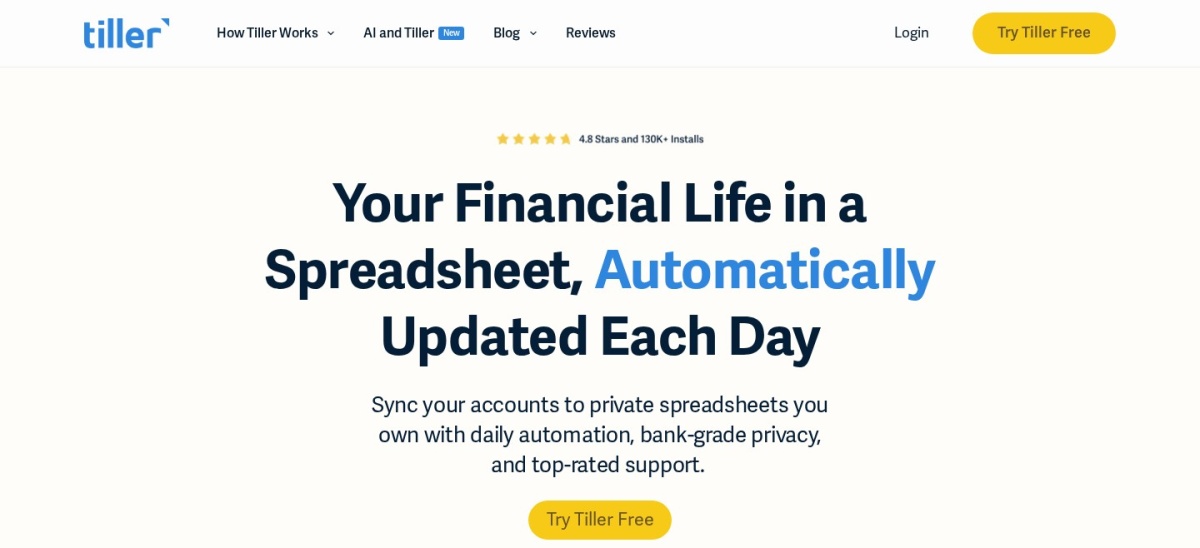
Tiller is the spreadsheet pick in this list, feeding bank transactions daily into Google Sheets or Excel templates you own and control. It connects more than 20,000 institutions and lets you build exactly the views you want.
The trade off is that you build it yourself. Tiller costs $99 a year after a 30-day trial, with no free tier and no ready-made dashboard, so it suits spreadsheet lovers, not people who want an app that decides for them.
Take your yearly spending and multiply it by 25. That is the rough nest egg the 4% rule points to: spend 4% a year and the pot should last for decades.
The number moves with your spending, not your salary. Cutting $500 a month from spending cuts $150,000 from the target, which is why budgeting apps matter more than return-chasing.
Track the gap, not just the balance. Your savings rate, the share of income you invest, decides how fast the number falls, and these apps show both figures side by side.
How we chose
We started from the apps that 2026 guides name most for net worth tracking and FIRE planning, then kept those with a published price and a verifiable rating.
Prices come from each vendor's pricing page, checked through comparisons that verified them in September and October 2026. Where a vendor shows a sale, the list shows the regular price.
We left out Kubera, Copilot Money and Boldin because no G2, Capterra or Trustpilot rating could be verified for them. No vendor paid for a place, and we do not claim hands-on testing for this list.
How to choose an app for financial independence
Start with what you want the app to do, then match the tool to that job.
Add up everything you own and owe. Link every account or list balances by hand, so the net worth figure is real. A tracker that misses a loan or a property is guessing.
Set a target date, not just a number. Pick the year you want work to become optional, then let the forecast show what saving rate gets you there.
Fix spending before chasing returns. YNAB's method works because the gap between income and spending is what you invest. A 1% better return matters less than a higher savings rate.
Recheck the plan every quarter. Net worth moves with markets and life. Revisit the forecast four times a year and adjust the savings rate, not the goal.
FAQ
What is the best app for financial independence?
Empower Personal Dashboard is the best free starting point, with net worth, investing and retirement views at no cost. Monarch Money is the strongest paid all-in-one at $99.99 a year, and YNAB is best if spending habits are the problem.
How much money do I need for financial independence?
A common rule is 25 times your yearly spending, which comes from the 4% withdrawal rule: spend 4% of your investments a year and the pot should last. These apps track your progress toward that number, but the rule is a guide, not a promise.
Is Empower really free?
Yes, the Personal Dashboard is free, with net worth, cash flow, budgeting, retirement planning and fee analysis included. Empower makes money from optional wealth management, which costs from 0.89% of assets a year with a $100,000 minimum.
What happened to Mint?
Mint shut down in March 2024, and most of its users moved to Monarch Money or Empower. Monarch is the closest replacement for shared budgeting and net worth in one app, while Empower is the free option for tracking investments.
Can I track crypto and property in these apps?
Monarch and Empower track property and some crypto through linked accounts, and PocketSmith handles multiple currencies. If most of your wealth sits outside public markets, check the asset coverage before you pay.
Do I need a paid app to reach financial independence?
No. Empower's free dashboard and PocketSmith's free plan cover net worth tracking without paying. Paid apps add budgeting depth, forecasting and household sharing, which help if spending or planning is the bottleneck.
SaaS SEO and WordPress specialist with about 8 years of experience. Rakib compares WordPress plugins, themes, hosting and software using public pricing, documentation and user reviews. See how we rank.