Best AI Tools for Stock Market Analysis in 2026: 8 Tools Compared
WLWPLegible EditorsLast verified 24 Nov 2026How we rank13 min read
★ Short answer
TrendSpider is the best AI tool for stock market analysis for most traders. Its automated trendlines, multi-timeframe scans and no-code backtesting earn 4.8 out of 5 on Trustpilot from 972 reviews, while Trade Ideas suits day traders who want live Holly AI signals and Koyfin covers dashboards for $9.99 a month.
How we make this list: we compare pricing pages, product documentation and public user reviews, then re-check every price before each update. No product paid for a place. Disclosure.
TrendSpider leads for chart automation: automated trendlines, multi-timeframe scans and no-code backtesting, rated 4.8 out of 5 on Trustpilot from 972 reviews.
Trade Ideas is the only tool here with live AI signals that name an entry, a stop and a target, but Holly needs Premium at $254 a month.
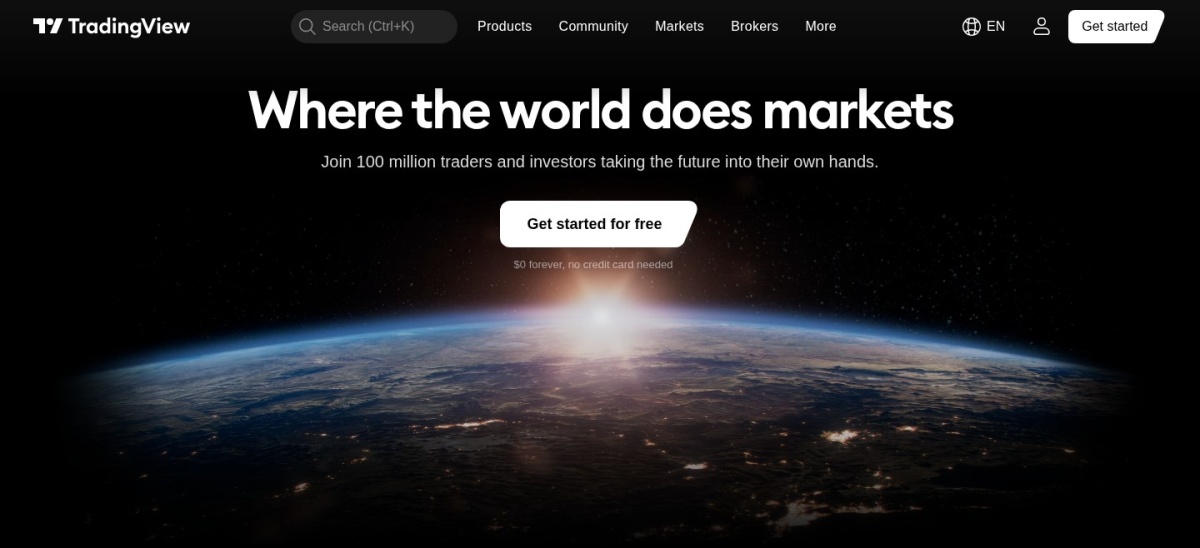
TradingView is the cheapest way into paid charting at $14.95 a month, with a free Basic plan and 4.5 out of 5 on G2 from 75 reviews.
Koyfin and Stock Rover cover research and screening for under $10 a month, while AltIndex adds sentiment scores for $29 a month.
No tool in this list can predict returns. Scores and backtests are research inputs, so paper-trade any signal before risking real money.
What AI stock tools actually do
AI tools for stock market analysis fall into three groups: chart automation, live signals and scores. Chart tools draw trendlines and scan for setups, signal tools watch the market as it moves, and scoring tools rank stocks so you can shortlist names to research.
The score or signal is only a starting point. A high AI score does not mean a stock will rise, and a backtested robot result does not show what it will do next month. Use these tools to narrow a list, then read the filings, earnings and valuation yourself before acting.
Price matters more than it first looks. Several tools in this list charge monthly, and the yearly bill can pass $1,000 on the top tiers, while add-ons for real-time data and extra AI messages push the cost higher. A sale price is not the regular price, so check what the plan costs after the first term.
This is not financial advice. Use these tools to research and compare, and make investment decisions with your own judgement or a licensed adviser.
4.8/5on Trustpilot (972 reviews, checked Nov 2026)
Starts at$59/mo
Best for chart automation
AI assistantSidekick, 25 messages/mo
BacktestingYes, no code
Real-time US dataYes, non-pro
Free planNo, paid trial
trendspider.com
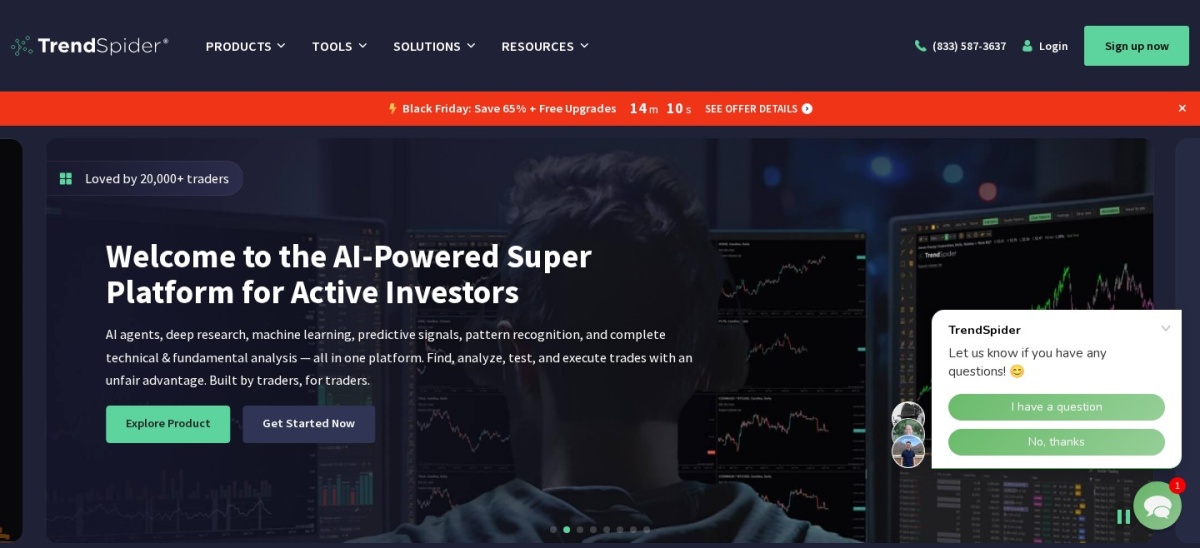
TrendSpider homepage, captured Nov 2026.
TrendSpider is a charting platform that automates the technical analysis traders usually do by hand. It draws trendlines, detects chart patterns and watches several timeframes at once, then alerts you when price reaches a level you set. Its Sidekick AI assistant answers questions about a chart, and every plan includes 25 Sidekick messages a month. The platform is used by more than 20,000 traders.
The trade off is price and the lack of a free plan. Standard starts at $59 a month on annual billing, or $89 month to month, and a 14-day trial costs $19 to $49 rather than being free. Extra Sidekick messages and futures data cost more. It suits active technical traders who spend hours on charts each week.
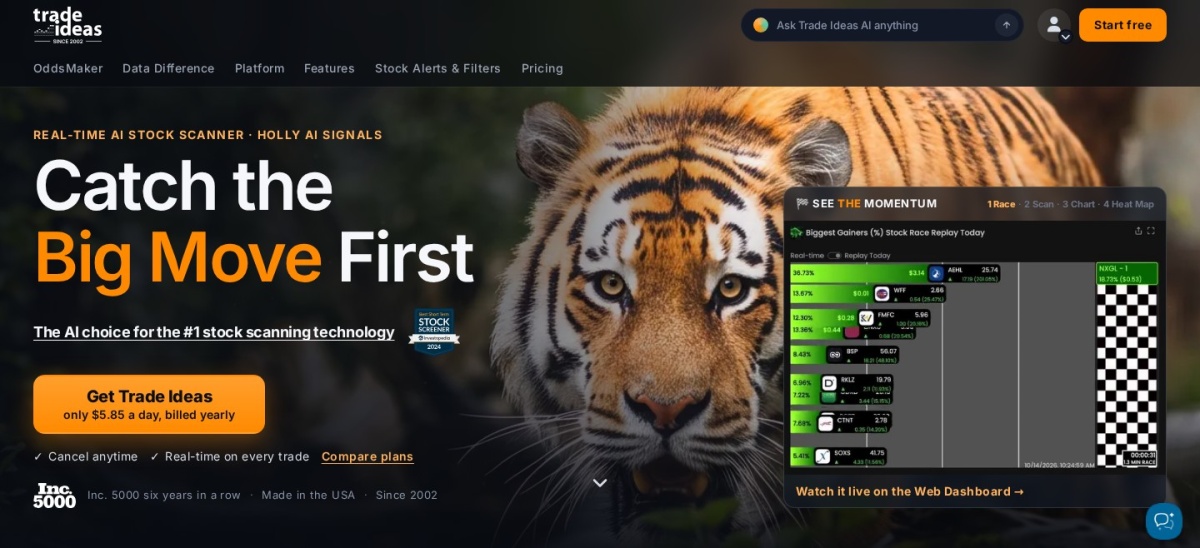
Trade Ideas is a real-time scanner and screener for US-listed stocks, built around Holly, its AI. Holly produces signals with an entry, a stop and a target, and the scanner watches price, volume and news catalysts as they happen. The platform offers 310 alerts and 249 filters, plus SCoRE, a live rating from 30 to 100. An AI assistant is included on every plan.
The trade off is cost. Standard is $127 a month, or $1,068 a year, and Holly signals plus OddsMaker backtesting need Premium at $254 a month, or $2,136 a year. Coverage is US-listed stocks only. It suits day traders and active swing traders who trade often enough to justify the fee.
TradingView is a charting platform with fast charts, clear drawing tools and Pine Script for building custom indicators. Its AI screener takes plain-English requests, and the community shares ideas, scripts and education that help newer traders learn. The free Basic plan covers one chart per tab with two indicators. It is rated 4.5 out of 5 on G2 from 75 reviews.
The trade off is that TradingView is not mainly an AI stock picker. Its AI features are useful, but they do not replace a dedicated scoring or signal tool. Essential, the first paid plan, is $14.95 a month, or $12.95 on annual billing as a special price. It suits almost every trader as a base tool for charts and watchlists.
What we like
Excellent charts and Pine Script for custom indicators
Large community sharing ideas and scripts
Broad global market coverage
Free plan covers basic charting
Watch out for
AI features are limited compared with specialist tools
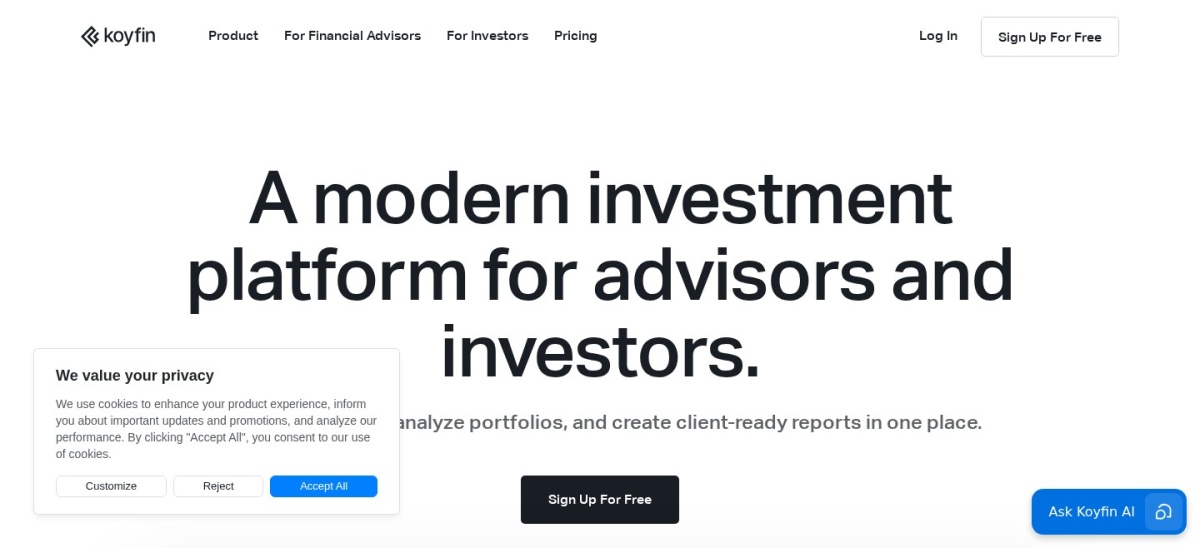
Koyfin is a market data platform for building custom dashboards, screening stocks, setting alerts and charting global markets in one place. It covers many asset types and markets, which suits investors who track US and international names together. The free tier covers basic dashboards and screening. It is rated 4.8 out of 5 on G2 from 134 reviews.
The trade off is that Koyfin is lighter on AI than the specialist tools here. It organises data and research well, but it does not score stocks or send AI trade signals. Paid plans start at $9.99 a month, with advanced data and more dashboards on higher plans. It suits investors who want a daily research dashboard at a fair price.
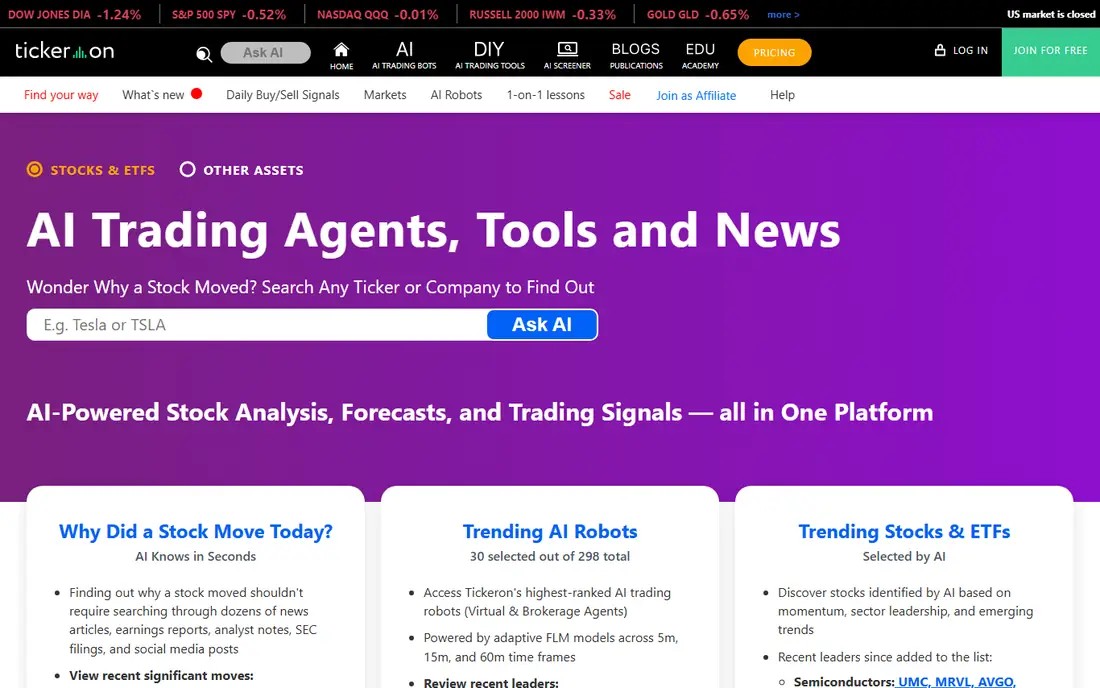
Tickeron is an AI platform for pattern recognition, trend prediction and trading robots across stocks, ETFs, forex and crypto. Its pattern engine scans charts for formations and assigns a confidence level, while its AI robots run rules-based strategies on 5-, 15- and 60-minute time frames. A free Member plan lets you look around before paying.
The trade off is price and trust. Daily Buy/Sell Signals cost $240 a year, and AI robot plans start at $90 a month, or $540 a year, with a sale price of $60 a year for signals. Its Trustpilot rating is 3.6 out of 5 from 32 reviews, with billing complaints in the mix. It suits traders who like systematic, pattern-based ideas and will paper-trade them first.
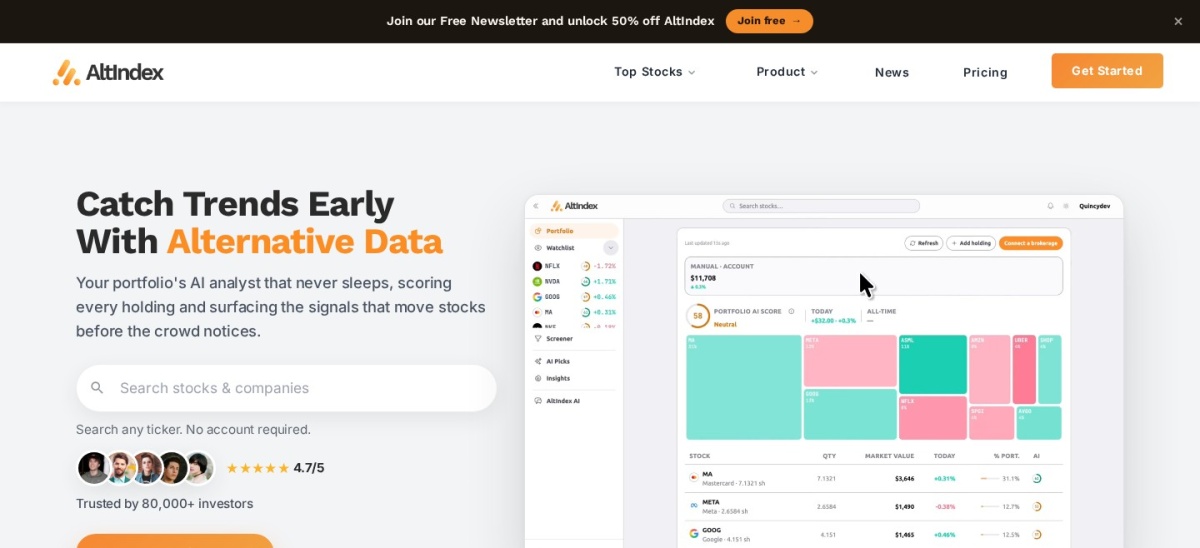
AltIndex is an AI stock-scoring platform that blends alternative data with technical and fundamental signals. It tracks social sentiment, web traffic, app downloads and job postings, then scores roughly 900 to 1,000 US stocks from 0 to 100. The free plan covers limited lookups, and the Starter plan adds daily alerts and a screener.
The trade off is narrow coverage and thin reviews. About 1,000 stocks is far fewer than the big research platforms cover, and its Trustpilot rating is 3.6 out of 5 from only 4 reviews. Starter is $29 a month, or $199 a year, and Pro is $99 a month. It suits investors who want sentiment data as a second opinion, not a standalone system.
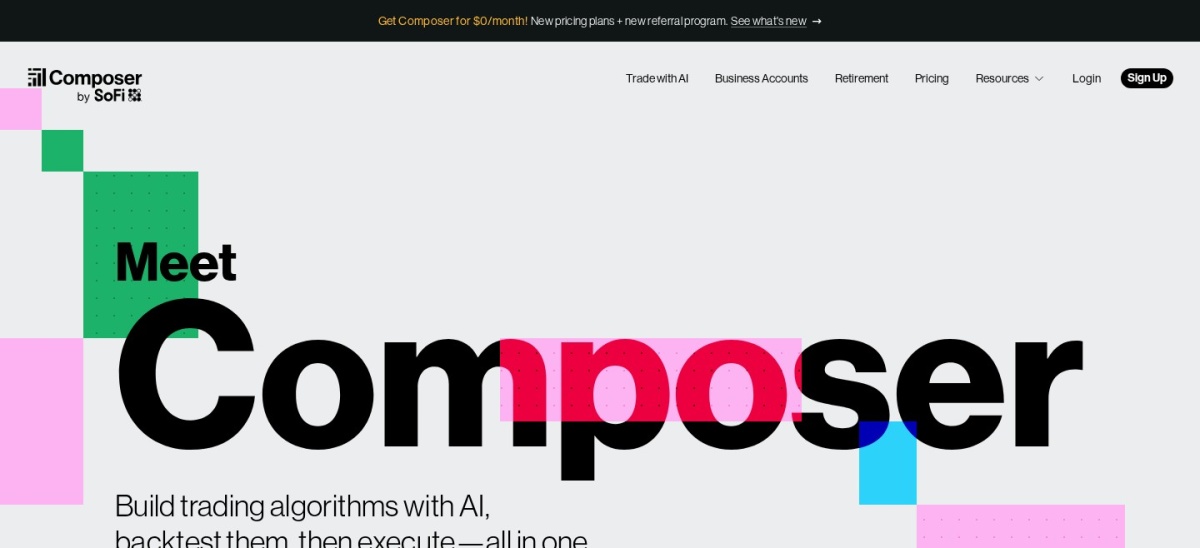
Composer is a no-code platform for building automated stock and ETF strategies, by hand or by describing them to its AI. You can backtest a strategy, then let Composer trade and rebalance it in a Composer brokerage account. The free plan covers basic strategies, and the platform is now part of SoFi.
The trade off is cost and a low review score. The Trading Pass is $40 a month, or $384 a year, and its Trustpilot rating is 2.9 out of 5 from 28 reviews, with complaints about withdrawals and support. It suits investors who want rules-based automation without code and will start with a small account.
Stock Rover is a research platform for screening on fundamentals, with more than 700 metrics and ratios for custom screens. It adds portfolio analysis, dividend tracking and historical performance views, which suits value and income investors. A basic free tier lets you learn the screener before paying. Coverage is mainly US and Canadian stocks.
The trade off is the interface and thin reviews. The layout feels dense, and beginners may need time to learn the screener. Its Trustpilot rating is 3.0 out of 5 from only 3 reviews. Premium starts at $9.95 a month, though some sources list higher new tiers. It suits serious DIY investors who want deep fundamental data at a modest price.
An AI score compresses hundreds of signals into one number, which hides the reasons behind it. Two stocks with the same score can carry very different risks.
Backtests have the same problem. A strategy that looked strong in past markets may fail when the market regime changes, and backtests often ignore slippage, fees and news events.
The disciplined way to use these tools is to paper-trade a signal or score for a few weeks and record the outcome. If a tool does not let you export signals, keep a simple log so you can review your own hit rate honestly.
How we chose
We started from the AI stock tools that appear most often in 2026 comparisons and kept only those that analyse stocks as a core job, not general chatbots or broker apps with a screener added on.
Prices come from each vendor's pricing page or a published pricing check from November 2026, checked on 24 November 2026. Ratings come from G2, Capterra or Trustpilot on the same day. Where a vendor shows a sale, the list shows the regular price.
We left out tools with no published price and tools with no usable public rating. No vendor paid for a place, and we do not claim to have used these tools ourselves.
How to choose an AI tool for stock market analysis
Start with the job you want the AI to do, then match the tool to it.
Decide what you want the AI to do. Scores suit long-term shortlists, live signals suit day trading, and chart automation suits technical traders. Pick the job first, then the tool.
Start with a free plan where one exists. TradingView, Koyfin, Tickeron, AltIndex, Composer and Stock Rover all have a free tier. Learn the workflow before paying.
Paper-trade the signals for a few weeks. Follow the scores or signals without real money and record what happens. Backtests often look better than live results.
Keep a written log of each signal you follow. Note the entry, the reason and the outcome, and log them in a table so you can review your own hit rate honestly. See how to add a table in WordPress for a simple log.
FAQ
What is the best AI tool for stock market analysis?
TrendSpider is the best pick for most traders, thanks to automated trendlines, multi-timeframe scans and no-code backtesting, rated 4.8 out of 5 on Trustpilot from 972 reviews. Trade Ideas is better for day traders who want live Holly AI signals, and Koyfin suits investors who want dashboards.
Can AI tools predict stock prices?
No. AI tools highlight patterns and probabilities from past data, but markets react to news, earnings and interest rates that past data cannot foresee. Treat every score and signal as research to verify, not as a prediction or a recommendation, and paper-trade a signal before risking real money.
Which AI stock tool is best for beginners?
Koyfin and TradingView are the easiest starting points, because both have useful free tiers and clean dashboards rather than real-time trading. Start with a free plan, learn one workflow, and only pay when you use the tool every week.
Are free AI stock tools enough?
For many casual investors, yes. Free tiers from TradingView, Koyfin, Tickeron, AltIndex, Composer and Stock Rover cover charting, screening and basic research. Paid plans matter when you need real-time data, more alerts, backtesting, API access or advanced fundamental data.
Do I need a broker account to use these tools?
No. Most tools in this list are research platforms, not brokers, and they work without a trading account. Composer is the exception: it trades and rebalances inside its own brokerage account, so check its account terms before linking real money.
How much do AI stock analysis tools cost?
Paid plans in this list start at $9.95 a month for Stock Rover and $9.99 for Koyfin, and climb to $89 a month for Trade Ideas Standard and $254 for Premium. TrendSpider starts at $59 a month, and several tools run sales, so check the regular price on the pricing page before buying.