WLWPLegible EditorsLast verified 22 Nov 2026How we rank13 min read
★ Short answer
Firecrawl is the best AI scraping tool for most teams, turning any page into clean markdown or JSON for AI agents with a free plan of 1,000 credits a month and a 4.7 out of 5 rating from 1,506 G2 reviews. Pick Apify for ready-made scrapers and Bright Data when target sites fight back with anti-bot blocks.
How we make this list: we compare pricing pages, product documentation and public user reviews, then re-check every price before each update. No product paid for a place. Disclosure.
Firecrawl is the cheapest way into AI scraping: 1,000 free credits a month, then $19 a month for 5,000 credits.
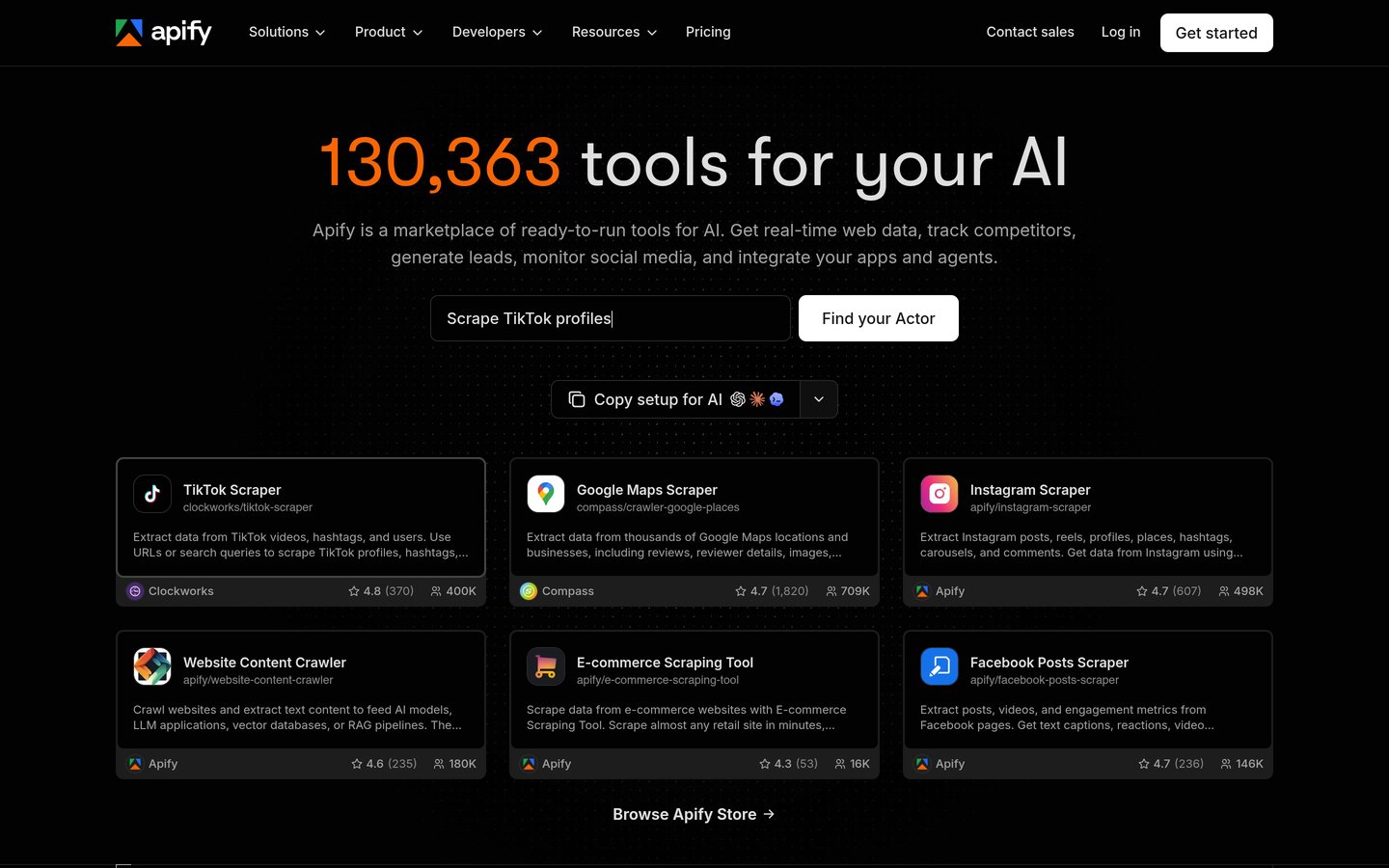
Apify's Store holds more than 130,000 ready-made tools, so most common targets need no code at all.
Bright Data and Zyte charge only for successful results, so blocked requests cost nothing.
Browse AI and Octoparse are the no-code picks; both start at $19 a month and need no programming.
Diffbot is the most automated extractor here, but its first paid plan costs $299 a month.
What makes a scraping tool good for AI work
AI scraping tools do more than fetch a page. They return clean, structured data that a language model or agent can use without extra parsing, usually as markdown or JSON.
The best tools handle JavaScript rendering, proxies and anti-bot checks for you. If a tool only returns raw HTML, you still have to clean it before it is useful to a model.
Pricing is the hardest part to compare. Some tools sell monthly credits, others charge per successful request or per record, so check what one page costs on the plan you would actually buy. Our guide to the best AI plugins for WordPress covers the WordPress side of adding AI to a site.
Respect the sites you scrape. Check robots.txt and terms of use, keep request rates low, and use official APIs where a site offers one.
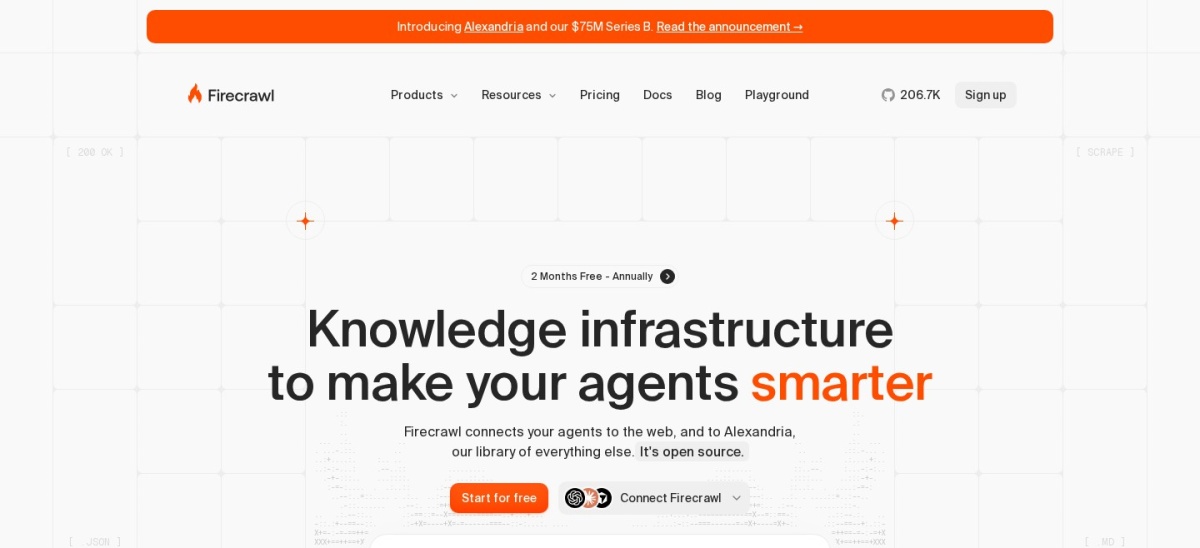
Firecrawl is a web data API built for AI agents. One call returns a page as clean markdown or structured JSON, and it also offers crawl, search, map and browser actions for pages that need clicks or scrolling. The free plan gives 1,000 credits a month with no card, and the open-source core is free to self-host.
The trade off is the credit system. JSON output costs 4 extra credits per page, search costs 2 credits per 10 results, and a page that returns a 403 or 404 still costs 1 credit. It suits developers and AI teams who want pages fed straight into a model or retrieval pipeline.
Apify is a cloud platform with a marketplace of more than 130,000 ready-made tools, called Actors, covering Google Maps, Amazon, Instagram and most common targets. You can run an Actor as-is, schedule it, or build your own with the open-source Crawlee library. The free plan includes $5 of usage a month.
The trade off is cost forecasting. Every plan is prepaid usage credit, unused credit expires at the end of the month, and per-result Actor prices add up at volume. It suits teams who want a ready-made scraper for a specific site without building or maintaining one.
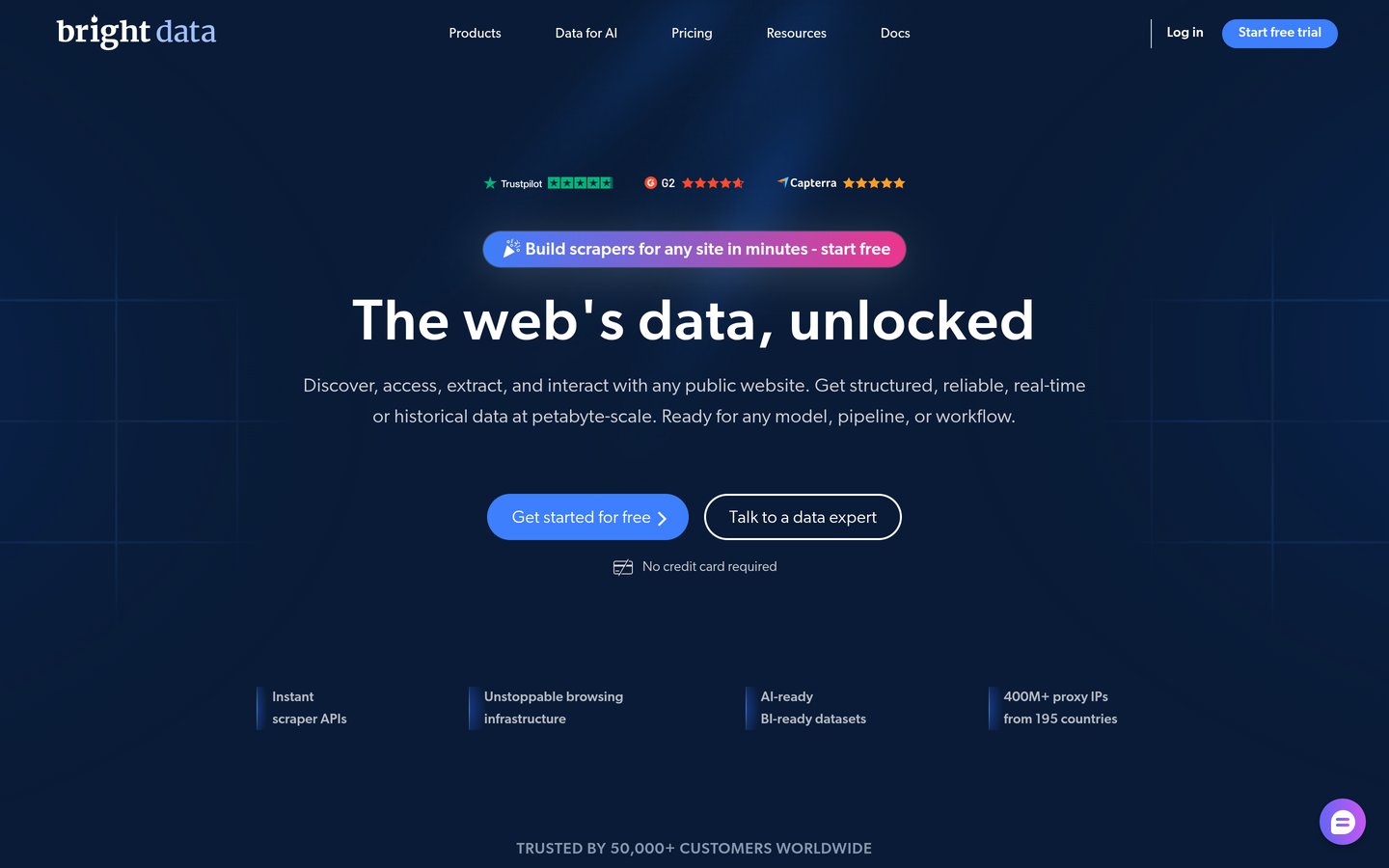
Bright Data is the largest web data platform in this list, with prebuilt scraper APIs for popular sites, a web unlocker, a SERP API and ready-made datasets. Its proxy network covers 400 million proxy IPs across 195 countries, and you pay per delivered record rather than per request. The free tier gives 5,000 records a month with no card.
The trade off is price at volume. Pay-as-you-go costs $1.50 per 1,000 records, and the Scale plan starts at $499 a month, so small jobs are cheap but steady volume gets expensive fast. It suits enterprises and data teams scraping protected sites at scale.
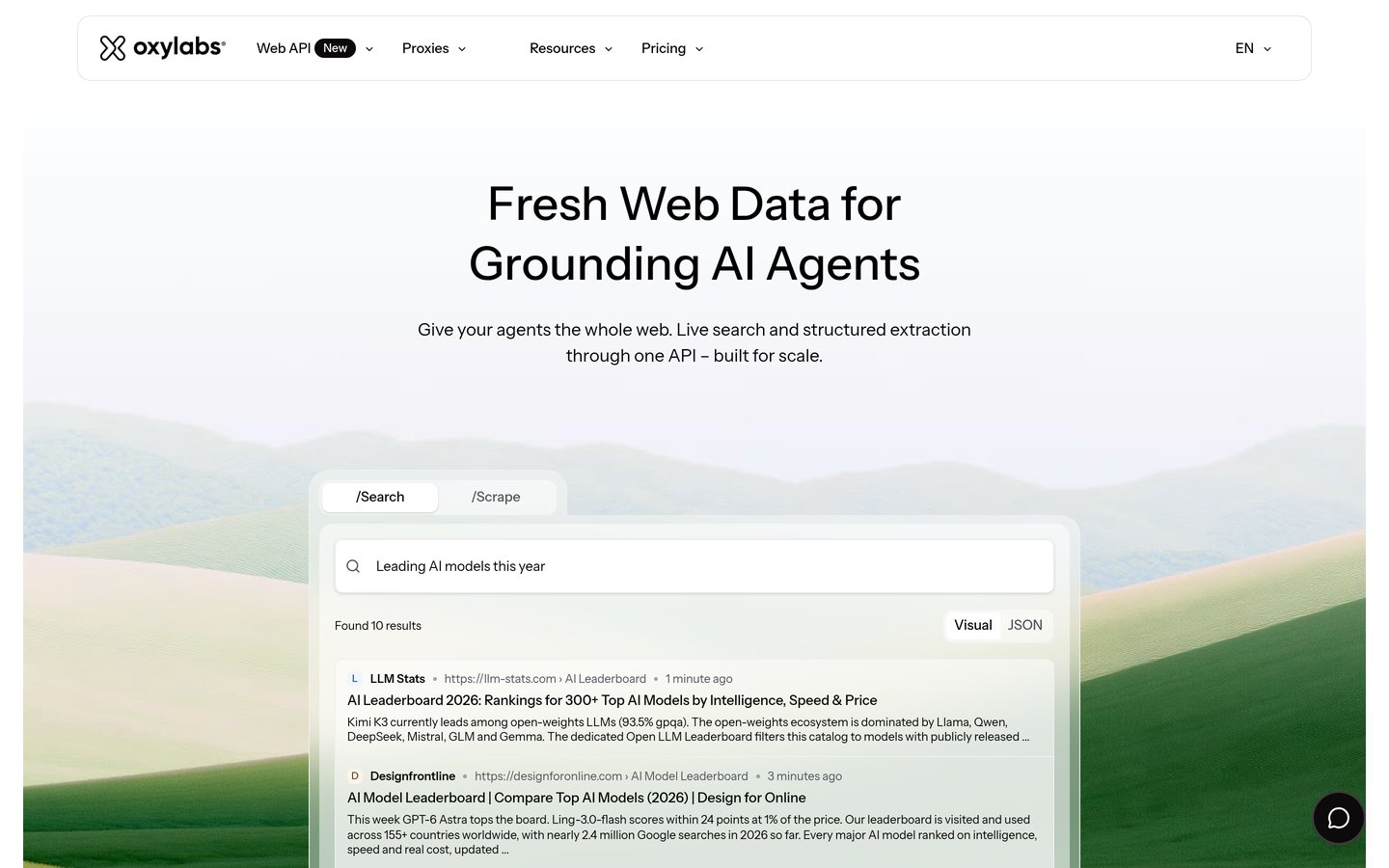
Oxylabs is a web data platform that pairs a Web Scraper API with one of the largest proxy networks, 177 million IPs across 195 countries. One subscription covers scraping, search, proxies and unblocking, and its AI Studio extracts data from plain-language prompts with no code. Starter costs $15 a month and includes welcome credits to try it.
The trade off is that the cheapest plan is small. Starter covers up to 10,000 scrape results, and residential proxies and the unblocker bill by the gigabyte on top. It suits companies that want scraping and proxies on one bill with enterprise support.
What we like
One subscription for scraping and proxies
177M+ IPs across 195 countries
AI Studio extracts without code
Strong compliance and ethics posture
Watch out for
Starter covers only 10,000 results
Proxies and unblocking bill by the gigabyte
Premium pricing for small budgets
Basic adds more results and support for $100 a monthVisit oxylabs.io
05
Zyte
4.4/5on G2 (122 reviews, checked Nov 2026)
PricingFrom $0.13/1K requests
Best pay-per-success API for developers
Free planNo, 30-day trial
Paid from$0.13 per 1,000 requests
BillingPer successful response
Open sourceMaintains Scrapy
zyte.com
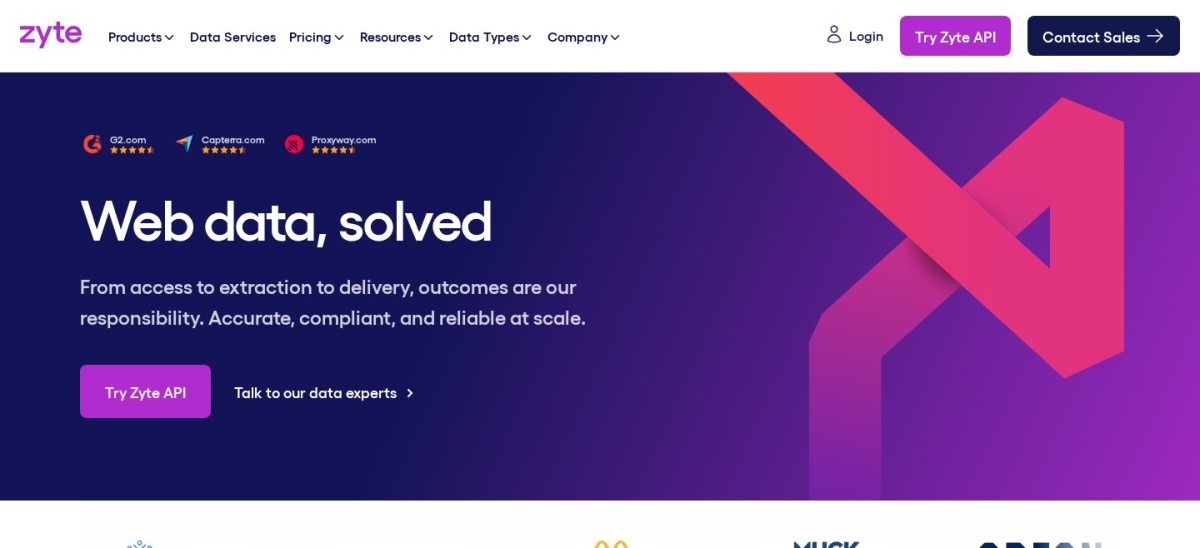
Zyte homepage, captured Nov 2026.
Zyte is a scraping API from the team behind Scrapy, the open-source scraping framework. You send a URL and get structured data back, with automatic unblocking, rendering and AI extraction, and you pay per successful response. Prices start at $0.13 per 1,000 simple requests on pay as you go, and failed responses are free.
The trade off is that the price depends on the site. Zyte sorts every website into one of five difficulty tiers, so the same page can cost $0.13 or $1.27 per 1,000 requests, and browser-rendered pages cost up to $16.08. It suits Python teams who want fair per-success billing without a subscription.
What we like
Pay only for successful responses
No subscription or monthly minimum
Built by the team behind Scrapy
Free trial for 30 days
Watch out for
Price depends on Zyte's site difficulty tier
Rendered pages cost up to 8 times more
No permanent free plan
Monthly commitments from $100 lower every rateVisit zyte.com
06
Browse AI
4.8/5on G2 (62 reviews, checked Nov 2026)
Paid from$19/mo
Best no-code AI scraping for teams
Free plan50 credits/mo
Paid fromPersonal, $19/mo
Prebuilt robots250+
Integrations7,000+ via Zapier
browse.ai
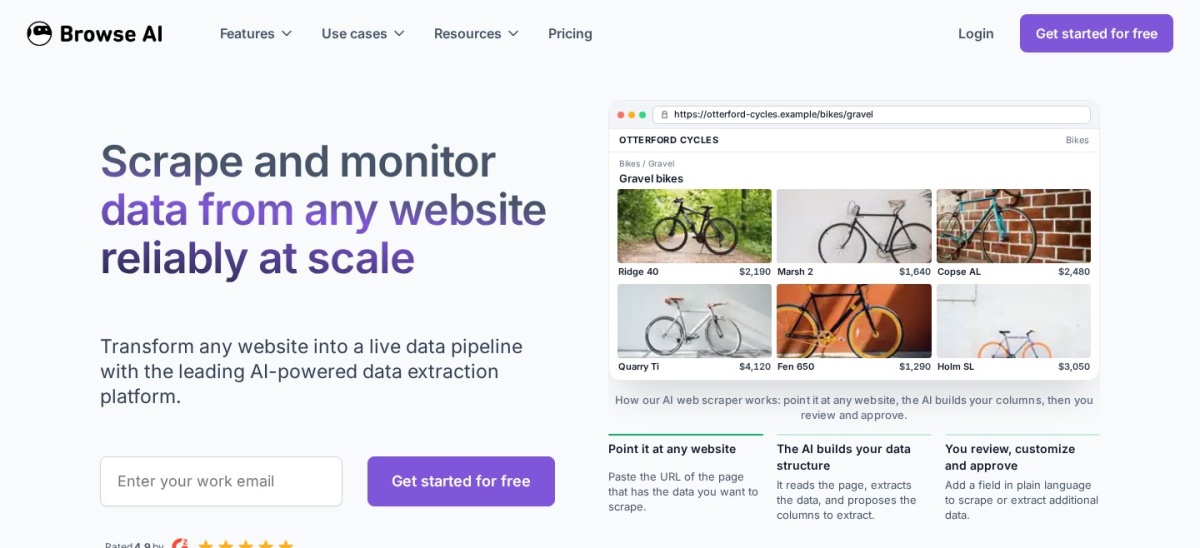
Browse AI homepage, captured Nov 2026.
Browse AI is a no-code platform where you train a robot by pointing at the data on a page, and its AI adapts the robot when the site changes. Robots can monitor pages and alert you to changes, and more than 250 prebuilt robots cover common sites. The free plan gives 50 credits a month across 2 websites.
The trade off is credits. Personal costs $19 a month billed annually but only includes 12,000 credits a year, and the $48 month-to-month price is much higher. It suits business teams who want recurring tables and change alerts without writing code.
What we like
No code: point, train, run
Robots adapt when sites change
Page monitoring with change alerts
7,000+ integrations via Zapier and Make
Watch out for
Credits run out fast on busy robots
Monthly billing costs $48, not $19
Annual plan charges $228 upfront
Professional adds 60,000 credits a year for $69 a monthVisit browse.ai
07
Octoparse
4.8/5on G2 (52 reviews, checked Nov 2026)
Paid from$19/mo
Best no-code desktop scraper
Free plan10 tasks, local
Paid fromBasic, $19/mo
Templates500+ presets
Cloud runs3 on Standard
octoparse.com
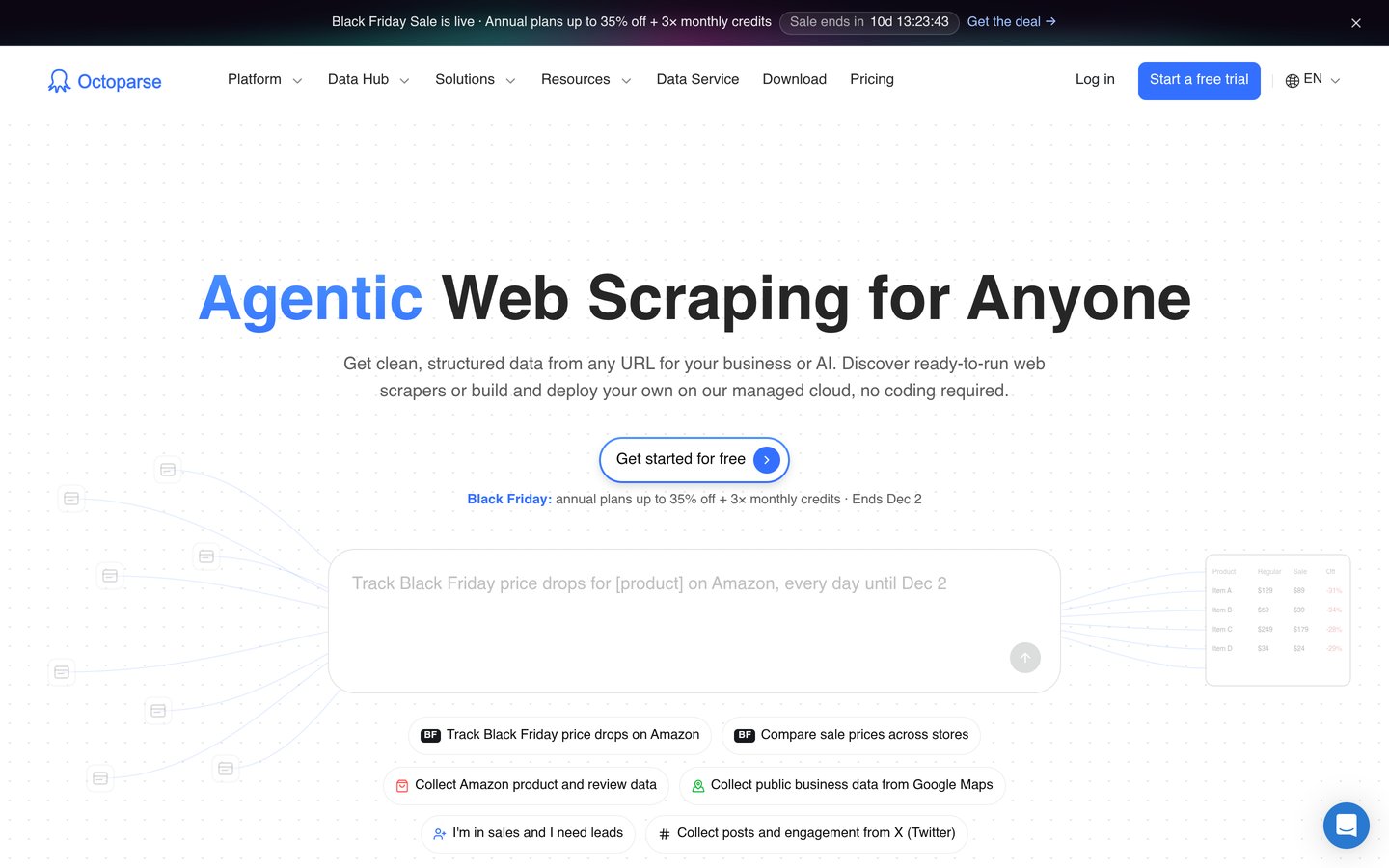
Octoparse homepage, captured Nov 2026.
Octoparse is a visual scraping tool with a desktop app for Windows and Mac plus cloud execution for scheduled jobs. You point and click to build an extraction workflow, and more than 500 preset templates cover common sites such as Amazon and LinkedIn. The free plan runs 10 tasks locally with up to 50,000 exported rows a month.
The trade off is that cloud features cost more. Basic at $19 a month stays local, cloud runs and scheduling start with Standard at $69 a month billed annually, and proxies and CAPTCHA solving bill as add-ons. It suits non-developers who want templates and a visual builder.
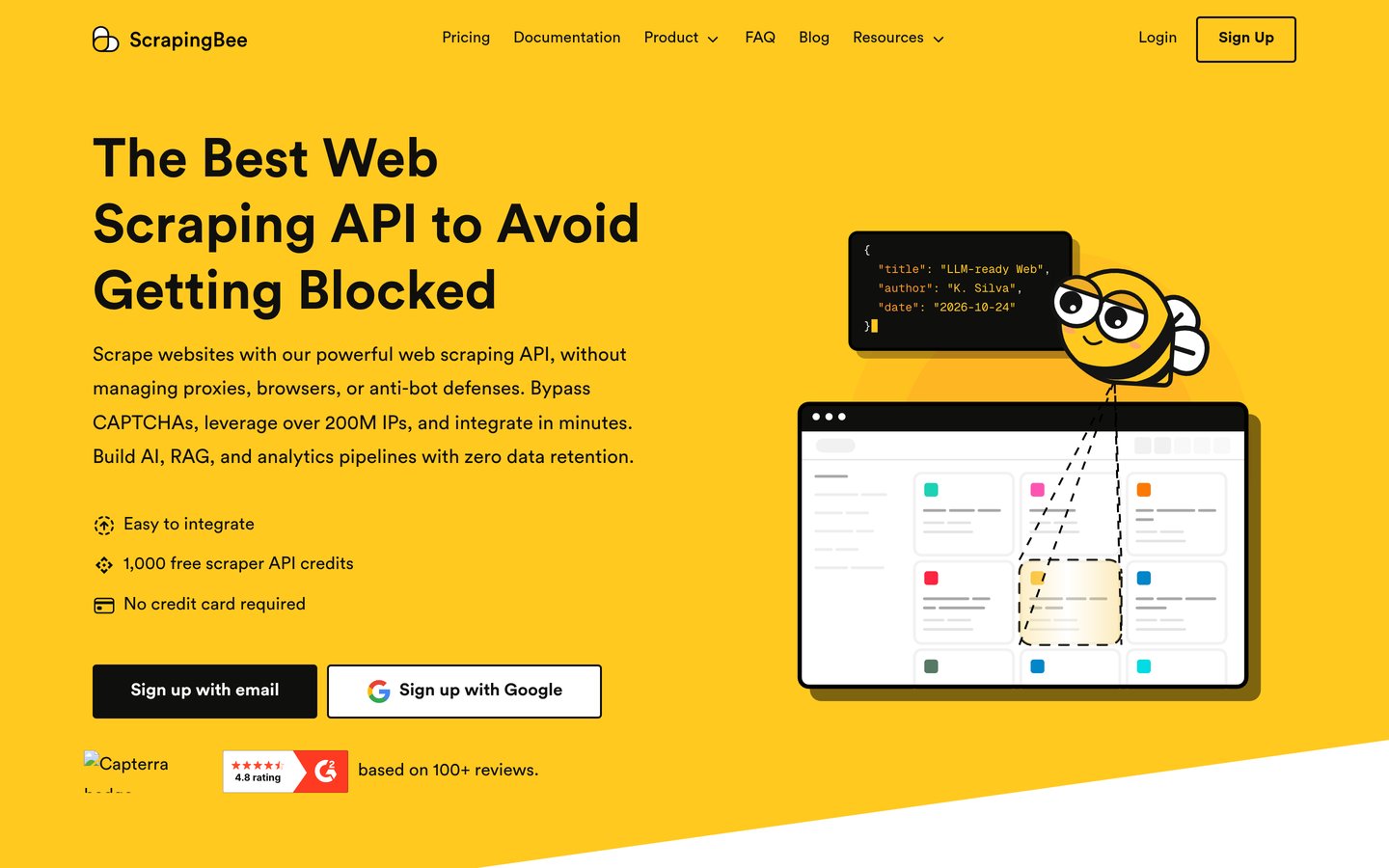
ScrapingBee is a scraping API built for developers who want to send a URL and get HTML or extracted data back without managing proxies, browsers or CAPTCHAs. It renders JavaScript, rotates proxies and offers AI extraction plus dedicated APIs for Google, Amazon and Walmart. The free trial gives 1,000 credits.
The trade off is that there is no permanent free plan, only the 1,000-credit trial, and credits are spent per request with JavaScript and premium options costing more. It suits developers who want a simple API with clear docs and predictable credit billing.
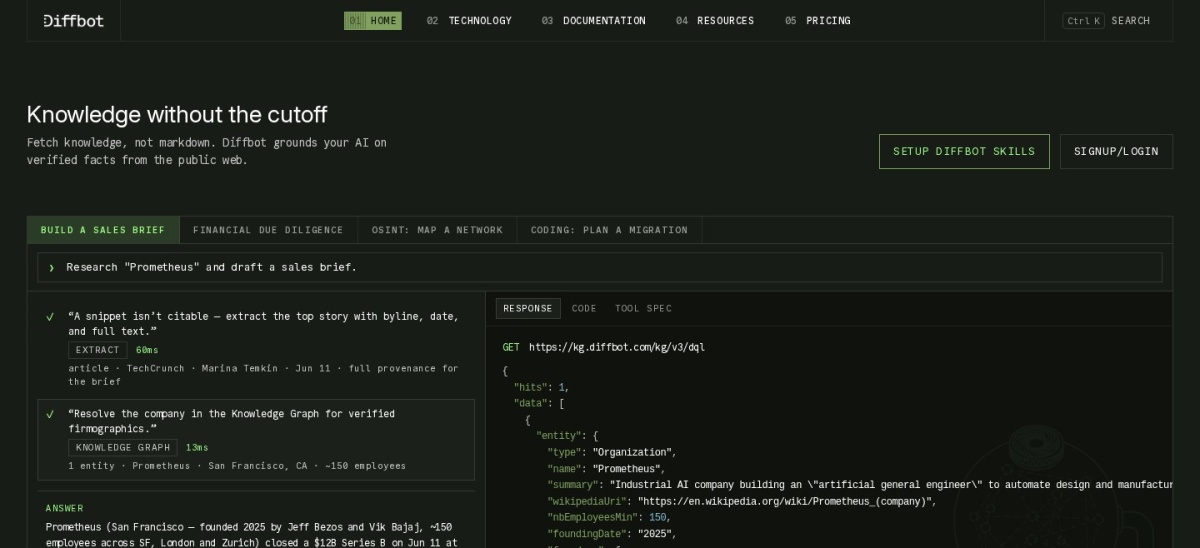
Diffbot is an AI extraction API that reads a page with computer vision and natural language processing, then returns structured article, product or profile data with no selectors to maintain. Its Knowledge Graph holds more than 10 billion entities and 1 trillion facts for enriching companies and people. The free plan gives 10,000 credits a month with no card.
The trade off is price. Startup costs $299 a month for 250,000 credits, and Knowledge Graph exports cost 25 to 100 credits each, so the allowance goes fast. It suits teams that want zero-configuration extraction and entity data at enterprise volume.
Three tools in this list charge by the request or record: Bright Data, Zyte and Oxylabs. They suit uneven workloads, because a quiet month costs little.
Credit subscriptions such as Firecrawl, Apify and ScrapingBee suit steady work, but unused credits usually expire at the end of the month.
Before you commit, price one real job on two or three tools. A $19 plan where JSON output costs 5 credits a page can cost more than a pay-per-request API for the same job.
How we chose
We started from the scraping tools with the most reviews on G2 and Capterra, then kept the nine with a real AI extraction feature, a published price and an established user base.
Prices come from each vendor's pricing page, checked on 22 November 2026, or from November 2026 sources quoting the vendor's page where the page itself could not be opened; ratings and review counts come from G2 and Capterra on the same day. Where a vendor shows a sale, the list shows the regular price.
We left out tools with no verifiable rating and tools whose pricing is quote-only. No vendor paid for a place, and we do not claim hands-on testing for this list.
How to choose an AI scraping tool
Start with the pages you need to scrape, then match the tool to the job.
Decide what the output must look like. If an AI agent needs the data, pick a tool that returns clean markdown or JSON. If a spreadsheet is enough, a no-code robot may do.
Price one real job on two tools. Count the pages, then compare a credit plan against a per-request price. A cheap monthly plan can cost more than pay-as-you-go for spiky work.
Check the free tier first. Most tools here give free credits or a free plan. Run your hardest target page through it before paying, since protected sites are where tools differ most.
Confirm the site allows scraping. Read the site's terms and robots.txt, keep request rates low, and use an official API where one exists.
FAQ
What is the best AI scraping tool?
Firecrawl is the best AI scraping tool for most teams. It turns pages into clean markdown or JSON for AI agents, gives 1,000 free credits a month, and holds a 4.7 out of 5 rating from 1,506 G2 reviews. Apify is the better pick for ready-made scrapers.
Is AI web scraping legal?
Scraping public data is legal in many places, but it depends on the site's terms, local law and what you do with the data. Always check robots.txt and the site's terms of use, respect rate limits, and never scrape personal data or content behind a login without permission.
Do I need to know how to code to scrape with AI?
No. Browse AI and Octoparse let you point at data on a page and build a scraper without code, and Diffbot extracts structured data with no selectors at all. Developers who want an API usually pick Firecrawl, Apify or ScrapingBee instead.
How much does AI scraping cost?
Entry plans in this list start at $15 to $19 a month, and Bright Data and Zyte charge per successful request with no subscription. Heavy or protected targets cost more, so price one real job on two tools before committing to a plan.
What is the difference between Firecrawl and Apify?
Firecrawl is a single API that turns pages into markdown or JSON for AI agents, while Apify is a platform with a marketplace of more than 130,000 ready-made tools. Pick Firecrawl for AI pipelines and Apify when a ready-made scraper already exists for your target.
Can AI scraping tools handle JavaScript-heavy sites?
Yes, most tools in this list render JavaScript, rotate proxies and solve CAPTCHAs for you. Zyte and Bright Data charge more for browser-rendered pages, and Firecrawl offers browser actions for pages that need clicks or scrolling.