Best Ai Prototyping Tools in 2026: 9 Tools Compared
WLWPLegible EditorsLast verified 22 Nov 2026How we rank12 min read
★ Short answer
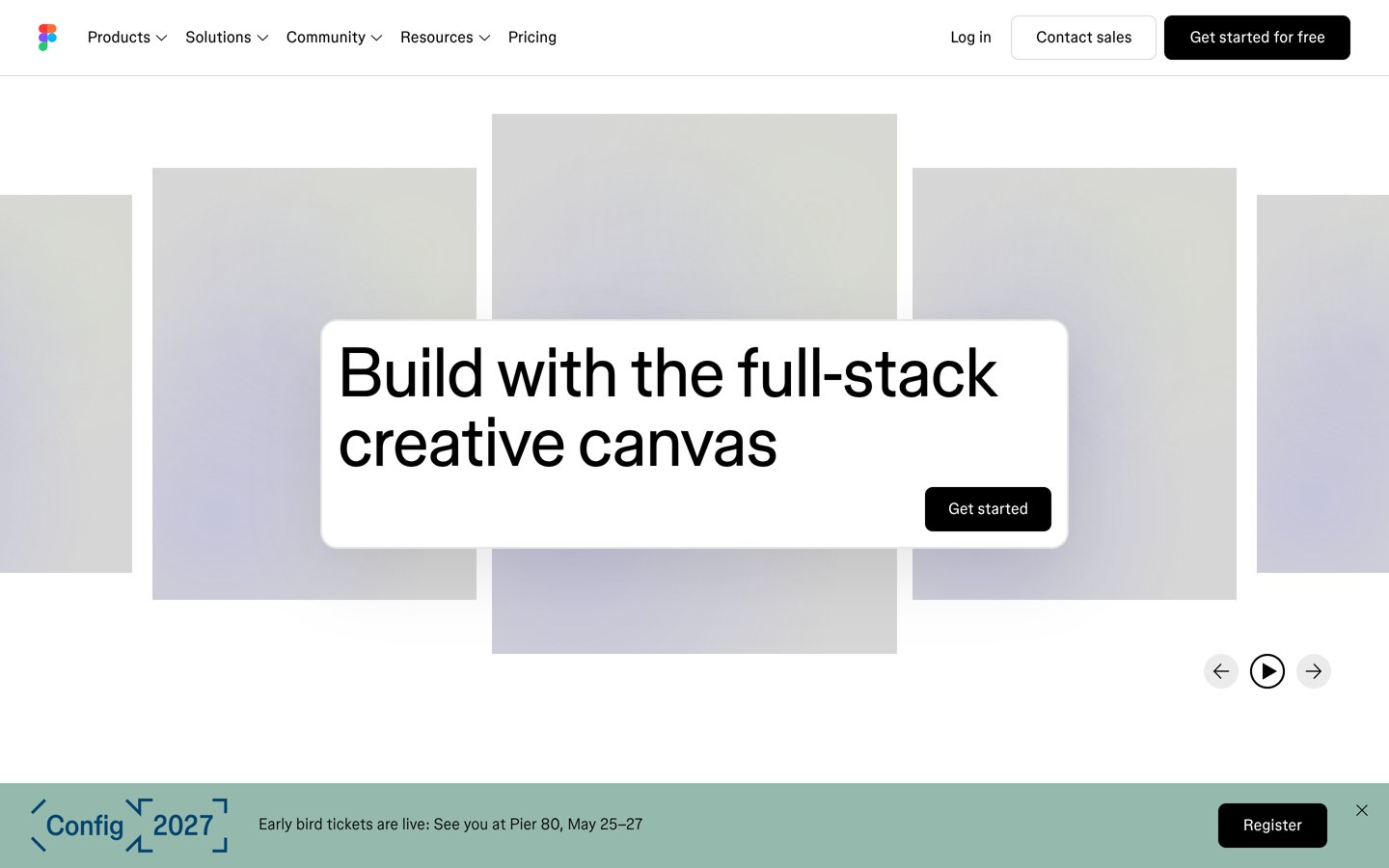
Figma is the best AI prototyping tool for most teams, with a 4.7 out of 5 G2 rating from 1,586 reviews and AI drafting, app building and live prototyping in one file. Pick Lovable for a working web app from a prompt and Framer when the prototype should ship as a live site.
How we make this list: we compare pricing pages, product documentation and public user reviews, then re-check every price before each update. No product paid for a place. Disclosure.
Figma leads with 4.7 out of 5 from 1,586 G2 reviews and more than 13 million monthly users.
Lovable turns a prompt into a working web app, but Pro's 100 monthly credits can run out fast.
Miro has the cheapest paid plan here at $8 a month, and Framer follows at $10.
Every tool in this list has a free plan; paid plans run from $10 to $25 a month.
Bolt.new and Lovable both charge by usage, so budget for fixes, not just the first draft.
What an AI prototyping tool should do
AI prototyping tools turn a written brief, a sketch or a screenshot into screens you can click through, often in minutes. The best ones keep the output editable, so a designer or product manager can fix the layout instead of starting again.
There are two kinds here. Design-first tools such as Figma, Uizard, Miro and UX Pilot make screens, wireframes and flows, while builders such as Lovable and Bolt.new make working web apps with a backend. Pick the kind that matches what you need to show.
Free plans are real but limited. Most cap AI generations or credits per month, and exports, custom domains and Figma export usually sit behind a paid plan. Our list of AI plugins for WordPress shows how the same AI features appear inside WordPress.
Price by usage, not just by month. Lovable counts credits, Bolt.new counts tokens and Figma counts AI credits per seat, so a long build can cost more than the sticker price. Check the credit or token allowance before you pay.
Figma is a browser-based design platform where teams draw screens, build components and link them into clickable prototypes in one shared file. The free Starter plan covers 3 drafts, 150 AI credits a day up to 500 a month, and Figma Make, its prompt-to-app tool, plus real-time editing with comments.
The trade off is the seat bill. A Full seat costs $16 a month billed annually or $20 month to month, and Dev and Collab seats are priced separately, so a large team pays per seat, not per file. It suits product teams that already design in Figma and want AI drafting inside the same file.
What we like
Largest review base in this list, 4.7 from 1,586 G2 reviews
AI drafting, editing and app building in one file
Real-time collaboration and comments built in
Watch out for
Per-seat pricing adds up fast for big teams
Can slow down on very large files
Professional adds unlimited files and 3,000 AI credits a monthVisit figma.com
02
Miro
4.6/5on G2 (13,503 reviews, checked Nov 2026)
Paid from$8/mo
Best AI whiteboard for early prototypes
Free planYes, 3 boards
AI credits25 a month on Starter
PrototypesInteractive, on Business
Paid planStarter, $8/mo
miro.com
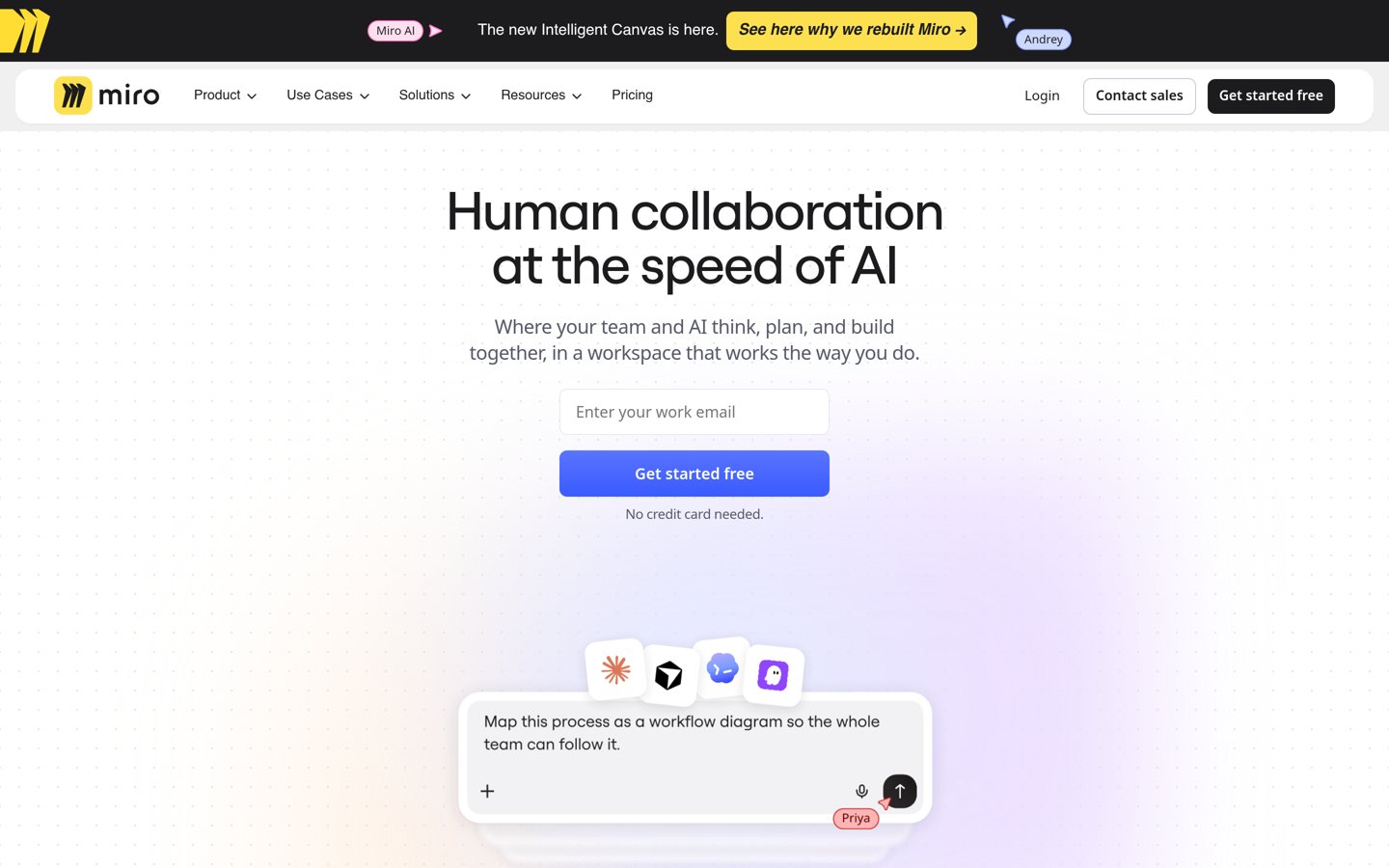
Miro homepage, captured Nov 2026.
Miro is an online whiteboard where teams sketch flows, wireframes and journey maps on a shared canvas, with Miro AI turning sticky notes into diagrams, documents and prototypes. The free plan covers unlimited members, 3 editable boards, 7,000+ templates and 10 AI credits a month.
The trade off is that it is a whiteboard, not a design tool. Starter costs $8 a member a month billed annually, or $10 month to month, and interactive prototypes need the $20 Business plan. It suits teams that prototype ideas together before anyone opens a design tool.
What we like
Largest review base here after Figma, 4.6 from 13,503 G2 reviews
AI Sidekicks and Flows work across the whole canvas
Free plan has unlimited members
Watch out for
Interactive prototypes need the $20 Business plan
AI credits do not roll over
Can slow down on very large boards
Starter adds unlimited boards and 25 AI credits a monthVisit miro.com
03
Lovable
4.6/5on G2 (503 reviews, checked Nov 2026)
Paid from$25/mo
Best for prompt-to-working-app prototypes
Free planYes, 5 credits a day
Paid credits100 a month on Pro
Code exportYes, GitHub sync
Paid planPro, $25/mo
lovable.dev
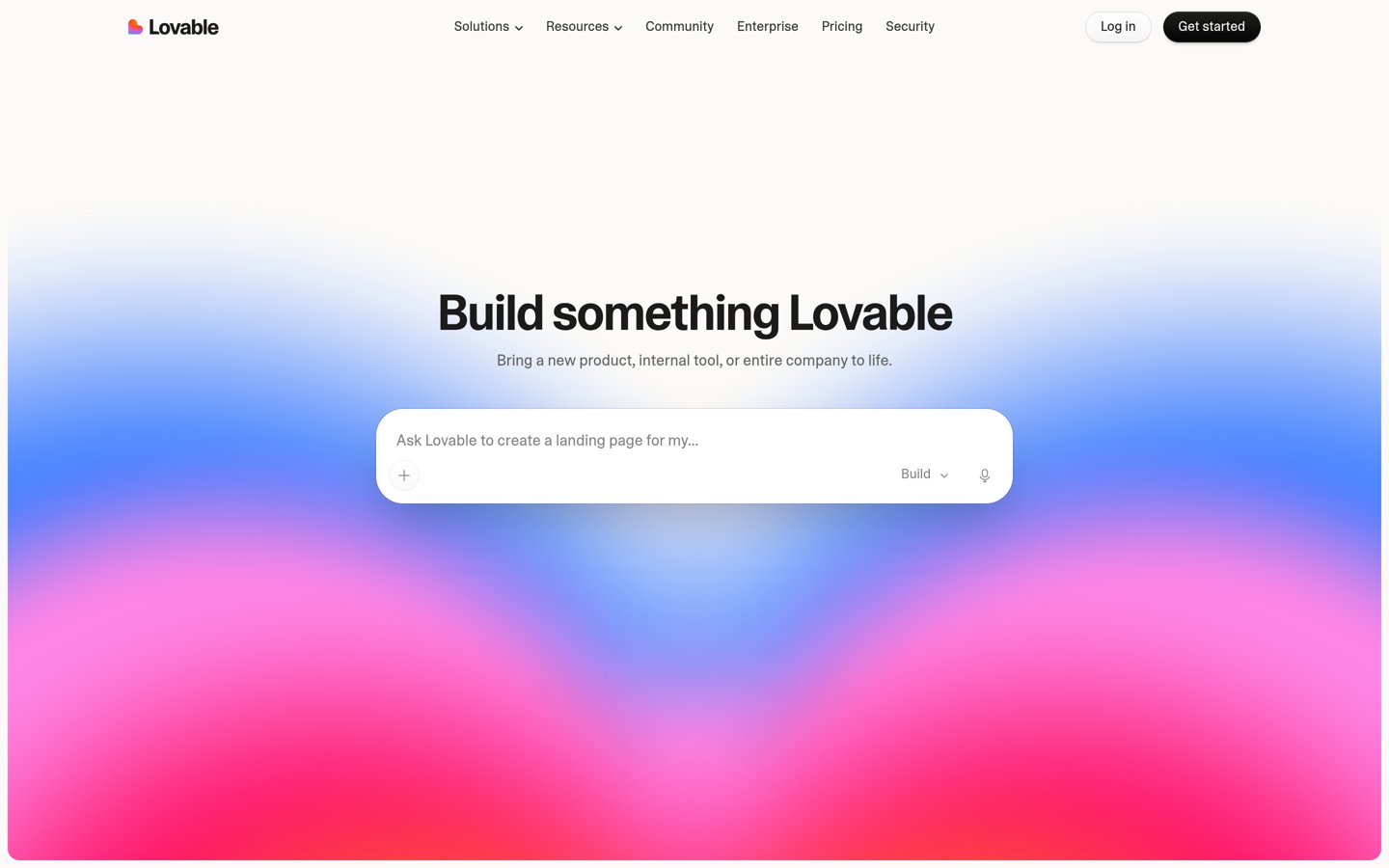
Lovable homepage, captured Nov 2026.
Lovable is an AI app builder that turns a plain-English description into a working web app with a React front end, database, sign-in and payments. The free plan gives 5 build credits a day, capped at 30 a month, plus unlimited public projects and one-click deploy.
The trade off is credit burn. Pro costs $25 a month for 100 monthly credits, and fixing mistakes spends credits too, so a long build can run through its allowance. It suits founders and non-developers who want a live, working prototype to show users or investors.
What we like
Fastest route here from a sentence to a live app
Real code you own, synced to GitHub
Backend, database and payments included
Watch out for
Credit costs are hard to predict on long builds
Web only, with no native mobile app output
Free credits run out quickly on real projects
Pro adds 100 credits a month, custom domains and code editingVisit lovable.dev
04
Framer
4.5/5on G2 (161 reviews, checked Nov 2026)
Paid from$10/mo
Best for prototypes that ship as live sites
Free planYes, 500 AI credits
AI credits1,000 a month on Basic
CMS2 collections on Basic
Paid planBasic, $10/mo
framer.com
Framer homepage, captured Nov 2026.
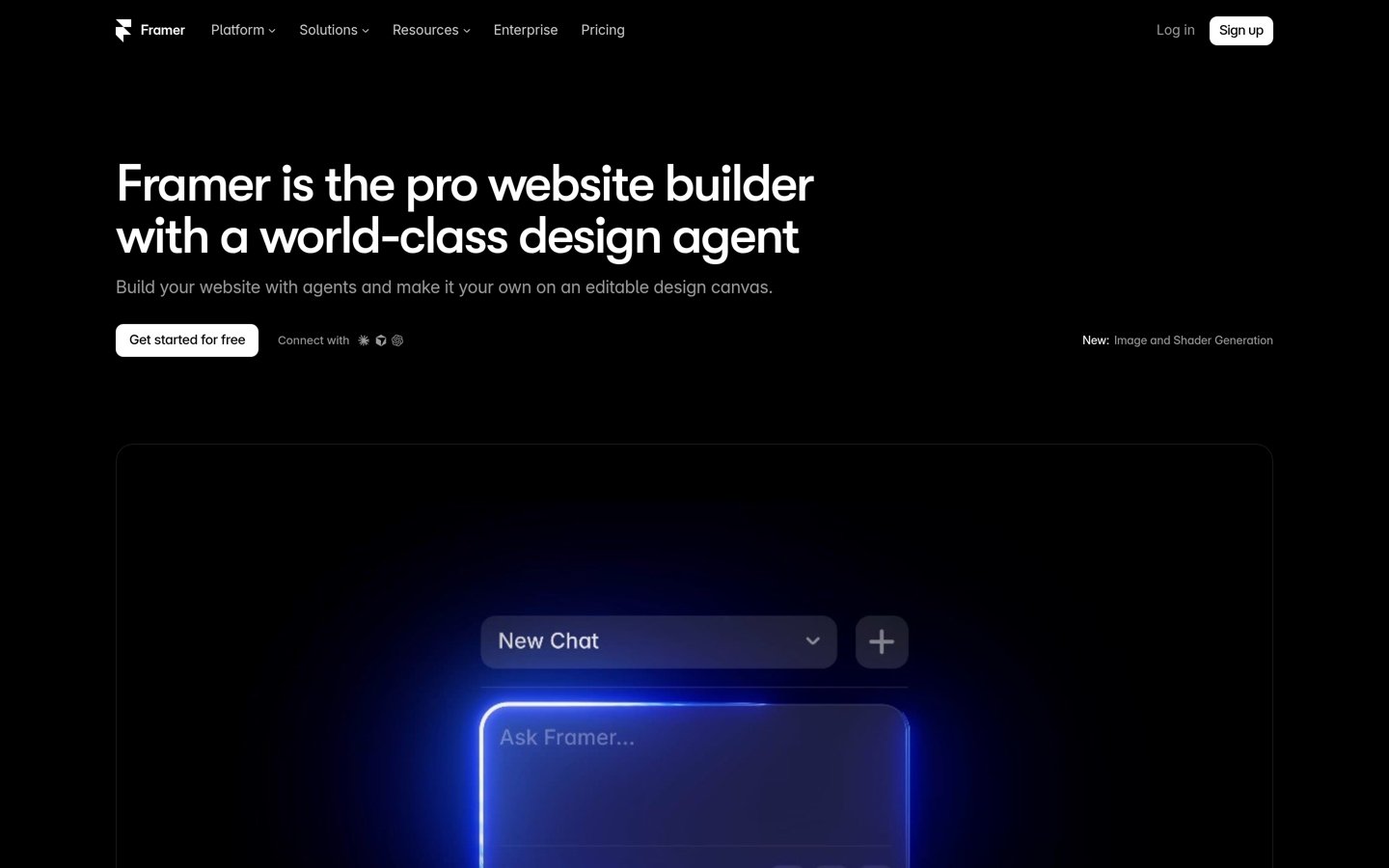
Framer is a design-led website builder that turns a canvas design into a published, hosted site with a CMS, without a separate build step. The free plan includes 500 AI credits to try, and its AI tools generate pages, sections and copy from a prompt.
The trade off is per-site pricing. Basic costs $10 a month per site billed annually, and Pro is $30, so costs stack across client sites, and editors cost extra. It suits designers and freelancers who want a prototype that becomes the finished site.
What we like
Prototype and finished site in one canvas
Strong animations and responsive design controls
Lowest paid plan in this list at $10 a month
Watch out for
Per-site pricing stacks up for agencies
Advanced features need the $30 Pro plan
Basic adds a custom domain, CMS and 1,000 AI credits a monthVisit framer.com
05
Uizard
4.5/5on G2 (45 reviews, checked Nov 2026)
Paid from$12/mo
Best for non-designers' first mockups
Free planYes, 3 generations a month
AI generations500 a month on Pro
Sketch to UIYes, scan a sketch
Paid planPro, $12/mo
uizard.io
Uizard homepage, captured Nov 2026.
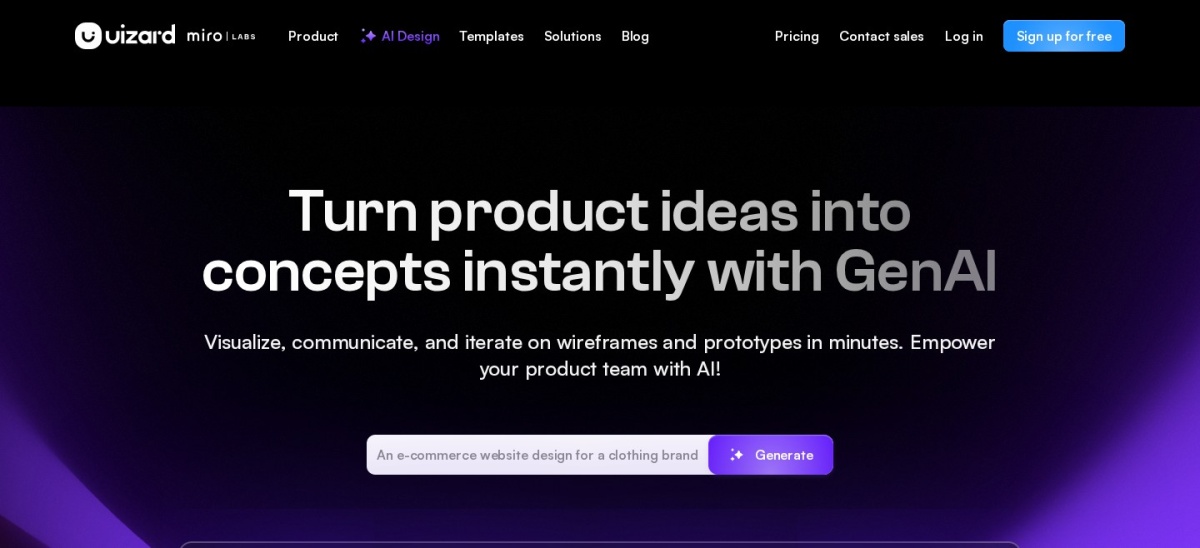
Uizard is an AI design tool for non-designers that turns a text prompt, a hand-drawn sketch or a screenshot into editable app and web screens. The free plan gives 3 AI generations a month, 2 projects with up to 5 screens each, and 10 templates.
The trade off is depth. Pro costs $12 a creator a month billed annually, or $19 month to month, and free exports carry a watermark, while polished output still needs manual refinement. It suits founders and product managers who need a shareable mockup in minutes.
What we like
Easiest start here for people with no design skills
Sketch and screenshot conversion is genuinely useful
Owned by Miro since 2024, so it is not a startup gamble
Watch out for
Free plan allows only 3 generations a month
Output can look generic without manual edits
Pro adds 500 generations a month and removes the watermarkVisit uizard.io
06
Webflow
4.4/5on G2 (997 reviews, checked Nov 2026)
Paid from$15/mo
Best for polished, CMS-backed prototypes
Free planYes, Starter site plan
AI toolsYes, AI site generation
CMSPremium plan, from $25/mo
Paid planBasic, $15/mo
webflow.com
Webflow homepage, captured Nov 2026.
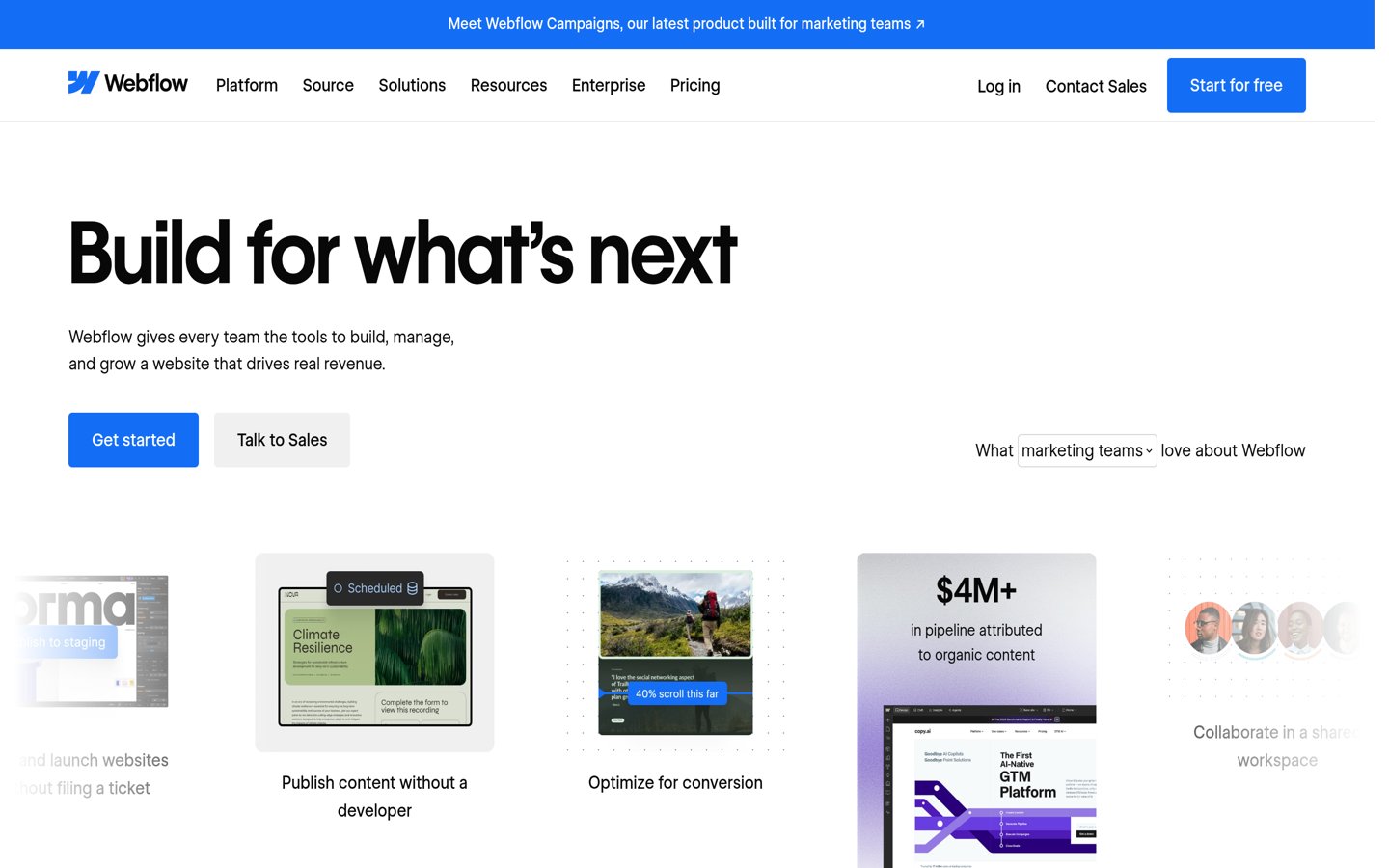
Webflow is a visual web design platform with a CMS, hosting and AI tools that generate pages and sections from a brief. The free Starter plan covers 2 static pages on a webflow.io domain, and a Basic site adds a custom domain, 300 static pages and 10 GB of bandwidth.
The trade off is price and learning curve. Basic costs $15 a month per site billed annually, or $25 month to month, and the CMS needs the $25 Premium plan, while the editor takes time to learn. It suits teams that want a prototype to grow into a production site.
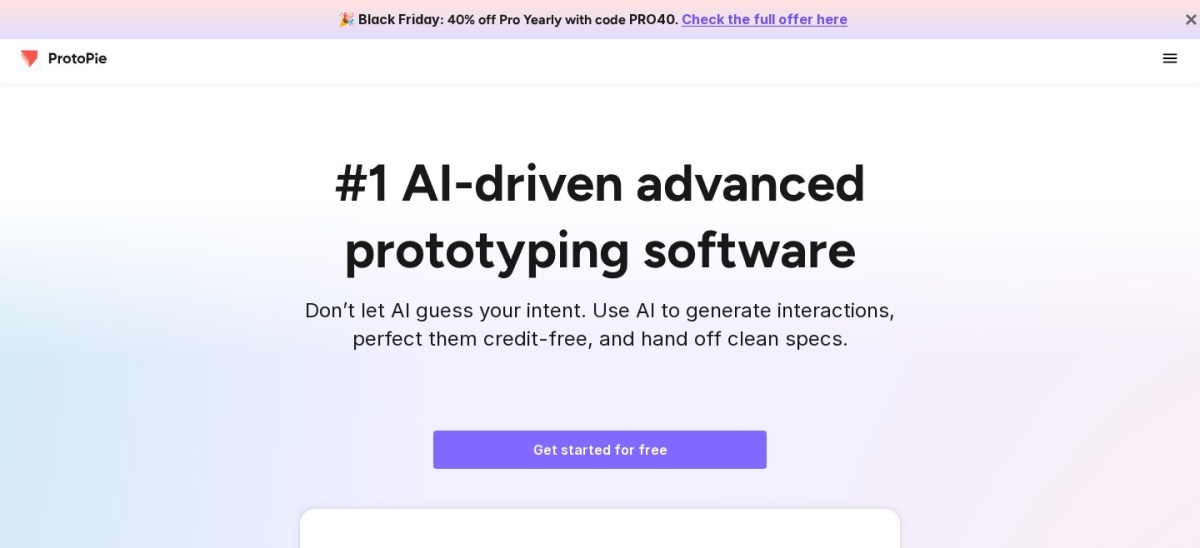
ProtoPie is an advanced prototyping tool for realistic interactions, with conditional logic, variables, sensor inputs and voice triggers, all without code. The free plan covers 2 prototypes saved in the cloud, and designs import from Figma.
The trade off is price and learning curve. Basic costs $25 a month for one seat, and teams need Pro at $47 per editor a month, while the trigger-response model takes time to learn. It suits product teams prototyping complex flows, apps and connected devices.
What we like
Most realistic interactions in this list
Sensor, voice and conditional logic support
Figma import is fast and clean
Watch out for
Basic covers only one seat
Steep learning curve for complex logic
Small G2 review base of 24 reviews
Basic adds 20 prototypes and AI credits; Pro is unlimitedVisit protopie.io
08
UX Pilot
4.3/5on G2 (133 reviews, checked Nov 2026)
Paid from$19/mo
Best for Figma-ready screens from a brief
Free planYes, 80 credits a day
AI credits750 a month on Pro
Figma exportYes, on Pro
Paid planPro, $19/mo
uxpilot.ai
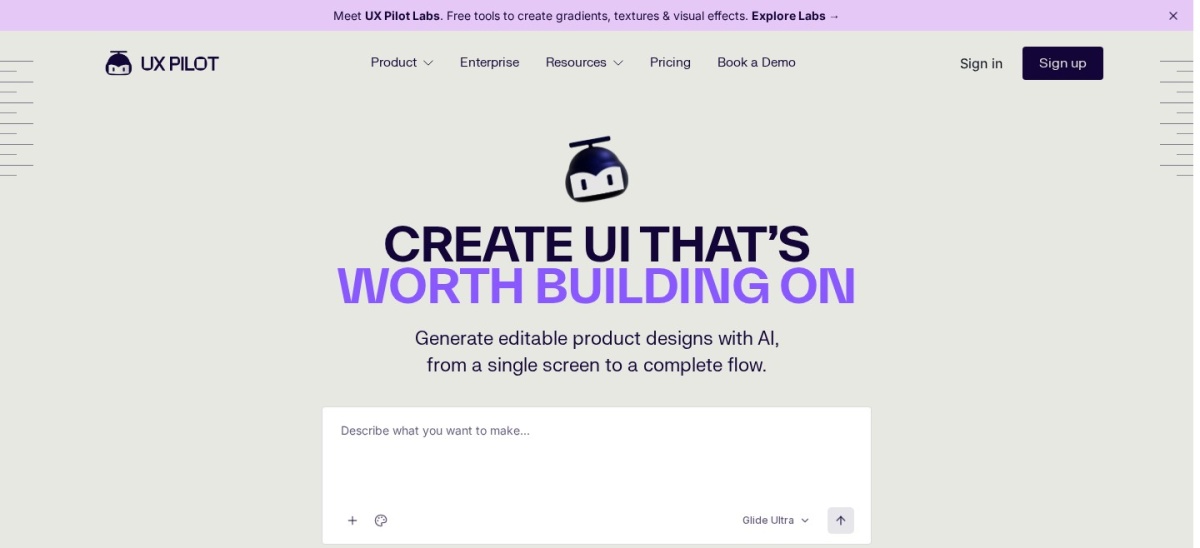
UX Pilot homepage, captured Nov 2026.
UX Pilot is an AI design tool that turns prompts, sketches or a product brief into wireframes, screens, flows and predictive heatmaps. The free plan gives 80 credits a day, up to 13 screens a day and 1 project, with every design feature included.
The trade off is credit limits and export. Pro costs $19 a month billed annually, or $29 month to month, and Figma and code export sit behind it, while free designs are for non-commercial use only. It suits designers and product managers who refine AI screens in Figma.
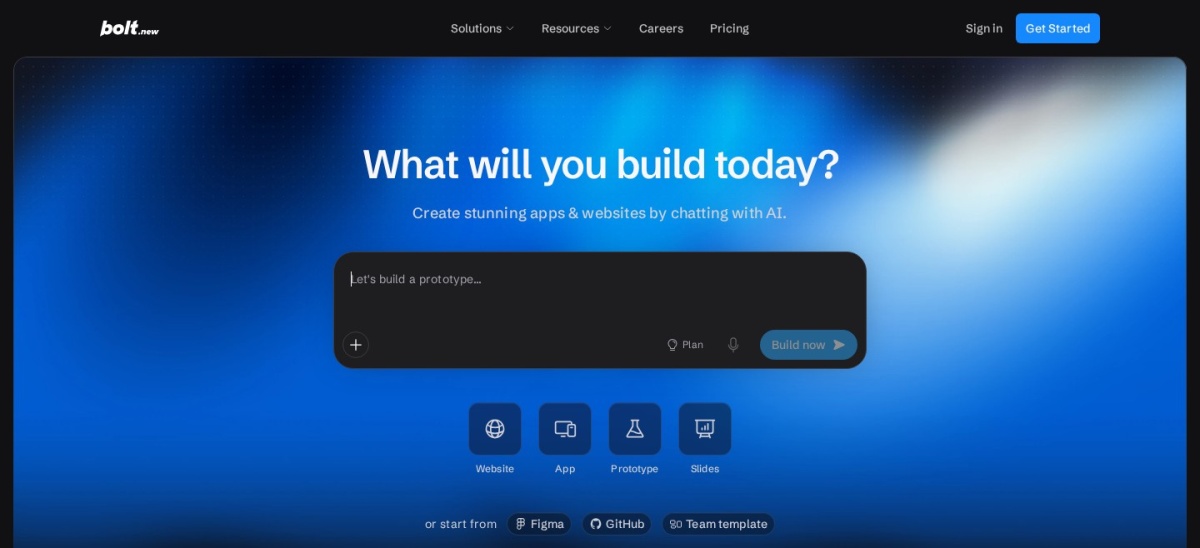
Bolt.new is StackBlitz's in-browser AI builder that turns a chat prompt into a full-stack web app, with hosting, databases and sign-in built in through Bolt Cloud. The free plan gives 1M tokens a month, capped at 300K a day, with Bolt branding on published sites.
The trade off is token spend. Pro costs $25 a month for 10M tokens with rollover, or $18 a month billed annually, and fixing the builder's own errors still spends tokens. It suits builders who want a working, deployable prototype in an afternoon.
What we like
Fastest first version here, running in the browser
Full-stack app with hosting and database included
Tokens roll over for up to two months on Pro
Watch out for
Token costs are hard to predict
Trustpilot rating is far lower than G2, at 2.1
Free sites carry Bolt branding
Pro adds 10M tokens a month and removes Bolt brandingVisit bolt.new
Free vs paid: where the money goes
Free plans cover the first draft well. Every tool here lets you generate screens or an app without paying, and Figma, Framer and Webflow all publish something shareable for free.
Paid plans mostly add credits, exports and limits. You get more AI generations, Figma or code export, private projects and a custom domain.
Usage-based billing is the catch to watch. Lovable and Bolt.new charge by credits or tokens, so fixing a mistake costs the same as making one, and the monthly allowance can run out mid-project.
For a one-off prototype, the free plan is usually enough. Pay when you need exports, more credits or a live site without branding.
How we chose
We started from the most-reviewed AI prototyping and design tools on G2 and Capterra, then kept those with a working free plan and a published price.
Prices come from each vendor's pricing page, checked on 22 November 2026, with annual-billing monthly rates shown where the vendor defaults to annual billing. Ratings and review counts come from G2 on the same day.
We left out tools with no verifiable rating on G2, Capterra or Trustpilot, including v0, which has no G2 listing of its own, and Galileo AI, which is now Google Stitch. We also left out Visily, because its whole site redirects to a login page, so there is no public homepage to show. No vendor paid for a place, and we do not claim hands-on testing for this list.
How to choose an AI prototyping tool
Start with what you need to show, then check the free plan before you pay.
Decide screens or a working app. Design tools make clickable mockups; builders such as Lovable and Bolt.new make a live app with a backend. The two are not interchangeable.
Try the free plan on a real brief. Every tool here has a free plan. Generate the same brief in two tools and compare how much fixing each output needs.
Check the usage allowance, not just the price. Credits and tokens run out mid-project. Lovable gives 100 credits a month on Pro and Bolt.new gives 10M tokens, so count what a fix costs.
Check the export before you commit. Figma export, code export and custom domains are paid features in several tools here. Make sure the plan you pay for exports what your team needs.
FAQ
What is the best AI prototyping tool?
Figma is the best overall pick for most teams. It holds a 4.7 out of 5 G2 rating from 1,586 reviews, and its AI drafting, app building and live prototyping sit in the same file as the design work.
Can AI prototyping tools build a working app?
Yes, but only the builders in this list. Lovable and Bolt.new generate a working web app with a backend, database and hosting. Design-first tools such as Figma, Uizard and Visily make clickable screens, not working software.
Is there a free AI prototyping tool?
Yes, all 9 tools in this list have a free plan. The limits differ: Uizard allows 3 AI generations a month, Visily gives 300 AI credits a month, and Bolt.new gives 1M tokens a month. Paid plans start at $10 a month.
How much does an AI prototyping tool cost?
Paid plans in this list run from $10 to $25 a month: Framer at $10, Uizard at $12, Visily at $14, Webflow at $15, Figma at $16, UX Pilot at $19, and Lovable, ProtoPie and Bolt.new at $25. Annual billing lowers several of these rates.
Do AI prototypes need a designer to finish them?
Usually, yes. AI output is a strong first draft, but layouts, copy and spacing still need a human pass. Tools that keep the output editable, such as Figma and Uizard, make that pass faster than tools that only export code.
Which AI prototyping tool is best for non-designers?
Uizard is the best pick for non-designers. It turns a plain-English prompt, a sketch or a screenshot into editable screens, and its free plan allows 3 AI generations a month. Miro is the best team option, since its free plan has unlimited members and AI that turns sticky notes into diagrams.