Best AI Image Restoration Tools in 2026: 7 Tools Compared
WLWPLegible EditorsLast verified 22 Nov 2026How we rank14 min read
★ Short answer
Topaz Photo is the best AI image restoration tool for photographers, with dedicated Dust & Scratch, Recover Faces, sharpening and upscaling tools for $199 annually at regular price. VanceAI is better for browser-based old-photo restoration, while Cutout.Pro offers inexpensive credits for occasional enhancement and colorization.
How we make this list: we compare pricing pages, product documentation and public user reviews, then re-check every price before each update. No product paid for a place. Disclosure.
Topaz Photo costs $199 annually at regular price and includes unlimited local rendering, scratch repair and face recovery.
VanceAI Starter costs $15 per month on annual billing, with 260 monthly credits; standard photo restoration consumes 4 credits per image.
Cutout.Pro subscriptions start at $5 for 200 monthly credits, while its free account includes 5 credits.
Photomyne membership costs $59.99 annually or $19.99 monthly, offering photo scanning, basic enhancement and cloud backup.
MyHeritage Complete costs $299 annually at regular price, including photo repair, colorization and family-history tools.
Hotpot offers a $12 one-time credit pack, while Adobe Photoshop is available through a $19.99 monthly Photography subscription with an annual commitment.
What to look for in AI image restoration software
AI image restoration software helps improve damaged, blurry, faded or low-resolution photographs. Depending on the application, it can reduce scratches, reconstruct facial details, remove noise, sharpen subjects, restore color or increase image resolution.
The first distinction is damage restoration versus image enhancement. Restoration focuses on correcting visible defects, such as scratches and faded areas. Enhancement improves sharpness, lighting and resolution, even when the original photograph is not physically damaged.
For old family photographs, prioritize scratch repair, facial enhancement and optional colorization. For modern digital photographs, sharpening, denoising and upscaling may matter more than reconstructing damaged sections.
Pay attention to processing methods. Desktop applications may restore images locally, while browser-based services upload photographs for processing. This difference matters for privacy, internet access and handling large collections.
Finally, remember that AI can generate plausible details that were not present in the original image. For family archives, journalism or historical preservation, retain an untouched source copy and review facial features, clothing, text and backgrounds before treating the result as an accurate restoration.
3.6/5on Trustpilot (56,774 reviews, checked Nov 2026)
Starts at$199/yr
Best overall for detailed photo restoration
Entry productTopaz Photo
Regular annual price$199
Local processingUnlimited
Restoration toolsDust & Scratch, Recover Faces
topazlabs.com
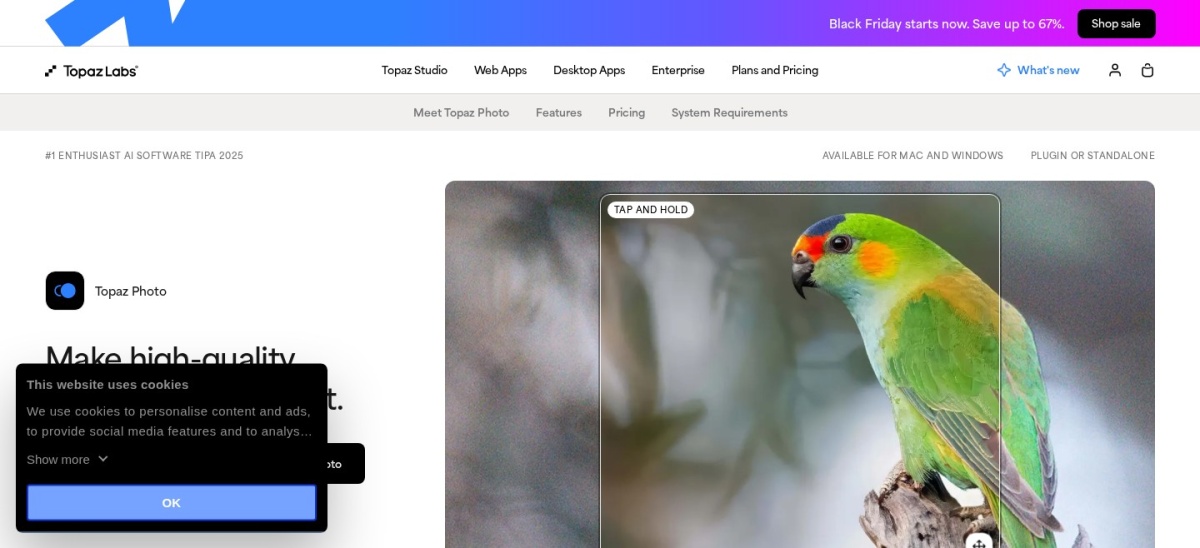
Topaz Photo homepage, captured Nov 2026.
Topaz Photo is an AI image enhancement application offering dedicated restoration, sharpening, denoising and upscaling tools. Its annual subscription includes unlimited local rendering, Dust & Scratch repair, Recover Faces, Super Focus, object removal and multiple enlargement models. The regular annual price is $199.
The trade off is subscription cost and the hardware needed for local AI processing. A temporary promotion reduces the first-year price to $169, but regular renewal is $199. It suits photographers and restoration specialists who want detailed control over image repair rather than relying on a single automatic enhancement.
Topaz Studio adds other image and video applications; Pro licenses expand commercial usage rights.Visit topazlabs.com
02
VanceAI
4.1/5on Trustpilot (1,341 reviews, checked Nov 2026)
Paid from$15/mo
Best for browser-based old-photo restoration
Entry planStarter
Monthly credits260
Standard restoration4 credits/image
Annual billing$180
vanceai.com
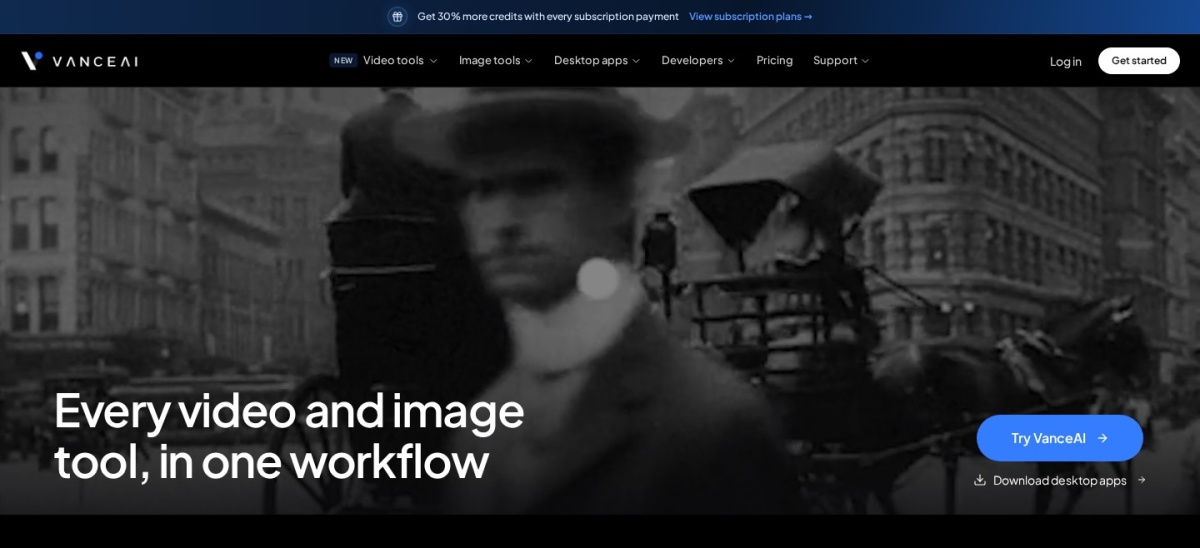
VanceAI homepage, captured Nov 2026.
VanceAI is an online image processing platform with dedicated tools for restoring damaged photographs, removing noise, sharpening images, enlarging resolution and adding color. Starter provides 260 monthly credits for $15 per month, billed annually. Standard-resolution AI Photo Restorer processing costs 4 credits per image.
The trade off is credit consumption: higher-resolution restoration costs 10 credits, and other tools use additional credits. The vendor currently advertises bonus credits with subscriptions. It suits users restoring occasional collections who want separate tools for repairing damage, colorizing photographs and improving image quality.
What we like
Dedicated old-photo restoration tool
Separate AI colorizer, sharpener and upscaler
Transparent credit consumption table
Free credits for initial evaluation
Desktop alternative with local processing
Watch out for
Restoration credits vary by output resolution
Annual billing required for the displayed Starter rate
Multiple enhancements can consume additional credits
Reconstructed faces require careful checking
Popular increases the allowance to 650 monthly credits; desktop plans offer unlimited local processing.Visit vanceai.com
03
Cutout.Pro
1.5/5on Trustpilot (40 reviews, checked Nov 2026)
Paid from$5/mo
Best budget option for occasional photo restoration
Entry subscription200 credits/month
Monthly price$5
Free credits5
Pay-as-you-goFrom $5
cutout.pro
Cutout.Pro homepage, captured Nov 2026.
Cutout.Pro is an online AI image editing platform offering photo enhancement, upscaling, colorization and old-photo restoration workflows. Its free account includes 5 credits, while the lowest paid subscription provides 200 monthly credits for $5. Pay-as-you-go packs also start at $5 for 100 credits.
The trade off is that individual operations consume credits, and its Trustpilot rating is low, with complaints concerning processing and paid usage. Larger subscriptions offer lower per-credit costs. It suits budget-conscious users needing occasional image enhancement who are comfortable checking results before purchasing more credits.
What we like
Low published subscription entry price
Free credits available
Photo enhancement and colorization tools
Pay-as-you-go purchases available
Supports several image editing workflows
Watch out for
Low Trustpilot customer satisfaction rating
Credit consumption varies by operation
Restoration can change facial details
User complaints mention paid processing issues
Larger subscriptions provide more monthly credits and lower per-credit pricing.Visit cutout.pro
04
Photomyne
4.6/5on Trustpilot (470 reviews, checked Nov 2026)
Paid from$59.99/yr
Best for scanning and preserving family photographs
Entry annual planMembership
Annual price$59.99
Core enhancementsIncluded
Generative AISeparate credits
photomyne.com
Photomyne homepage, captured Nov 2026.
Photomyne is a photo preservation platform that helps users scan printed photographs, organize family albums and enhance old images. Its annual membership costs $59.99 and includes photo scanning, core enhancements, cross-device access and cloud backup. Basic scanning and enhancement are also available with advertising.
The trade off is that generative AI restoration tools require separately purchased credits, even with membership. Monthly membership costs $19.99, making annual billing considerably cheaper. It suits families digitizing large photo collections who need scanning, organization and basic improvement alongside optional AI restoration.
What we like
Designed for old family photo collections
Scanning and enhancement in one application
Cloud photo backup included with membership
Cross-device access
Free scanning and core enhancement options
Watch out for
Generative AI features require extra credits
Not focused on advanced manual restoration
Monthly membership costs more over time
Mobile scanning quality depends on the original print
Membership removes advertising restrictions and adds cloud backup; generative AI credits remain separate.Visit photomyne.com
05
MyHeritage
4.4/5on Trustpilot (111,653 reviews, checked Nov 2026)
Paid from$299/yr
Best for restoring historical family portraits
Verified photo-inclusive planComplete
Regular annual price$299
First-year promotion$199
Photo toolsRepair, enhance, colorize
myheritage.com
MyHeritage homepage, captured Nov 2026.
MyHeritage is a family-history platform with AI features for repairing old photographs, sharpening faces, adding color and animating portraits. Its Complete subscription includes photo enhancement alongside genealogy tools and historical records. The regular annual price is $299, with a promotional first-year rate of $199.
The trade off is that Complete includes extensive genealogy services that users seeking only image repair may not need. MyHeritage also offers a separate Photo subscription, but its current price was not publicly confirmed. It suits people restoring ancestral portraits while building and organizing family-history collections.
What we like
Dedicated tools for repairing historical photos
Facial enhancement and colorization
Combines photographs with family-history records
Supports organizing ancestral images
Large public customer review base
Watch out for
Complete is expensive for photo-only use
Separate Photo subscription price was not confirmed
AI colorization can invent historical colors
Restoration may alter facial characteristics
Complete adds photo enhancement and historical records; Omni adds unlimited album scanning.Visit myheritage.com
06
Adobe Photoshop
4.6/5on G2 (13,449 reviews, checked Nov 2026)
Starts at$19.99/mo
Best for AI restoration with manual editing control
Entry qualifying planPhotography
Monthly price$19.99
Included appsPhotoshop and Lightroom
Cloud storage1 TB
adobe.com
Adobe Photoshop homepage, captured Nov 2026.
Adobe Photoshop is a professional image editor combining generative AI with manual retouching tools for repairing photographs. Its Photography plan costs $19.99 per month with an annual commitment and includes Photoshop, Lightroom, Lightroom Classic and 1 TB of cloud storage. Restoration workflows can use Generative Fill, Remove Tool, restoration filters and layered editing.
The trade off is complexity: restoring damaged photographs often requires more manual decisions than dedicated automatic tools. The subscription also requires an annual commitment, and premium generative operations use credits. It suits photographers and restoration professionals who need precise control over scratches, missing areas, color and facial details.
What we like
Combines AI repair with detailed manual retouching
Layer-based nondestructive editing
Generative Fill and object removal
Supports professional image formats
Photography subscription includes Lightroom
Watch out for
Steeper learning curve than automatic restoration tools
Requires a recurring subscription
Complex repairs can take considerable time
Generative edits may introduce inaccurate details
Creative Cloud Pro adds more creative applications and expanded generative AI allowances.Visit adobe.com
07
Hotpot
2.1/5on Trustpilot (9 reviews, checked Nov 2026)
Starts at$12 one-time
Best for occasional restoration without a subscription
Entry purchase1,000 credits
Credit pack price$12
PaymentOne-time
RestorationAI scratch and detail repair
hotpot.ai
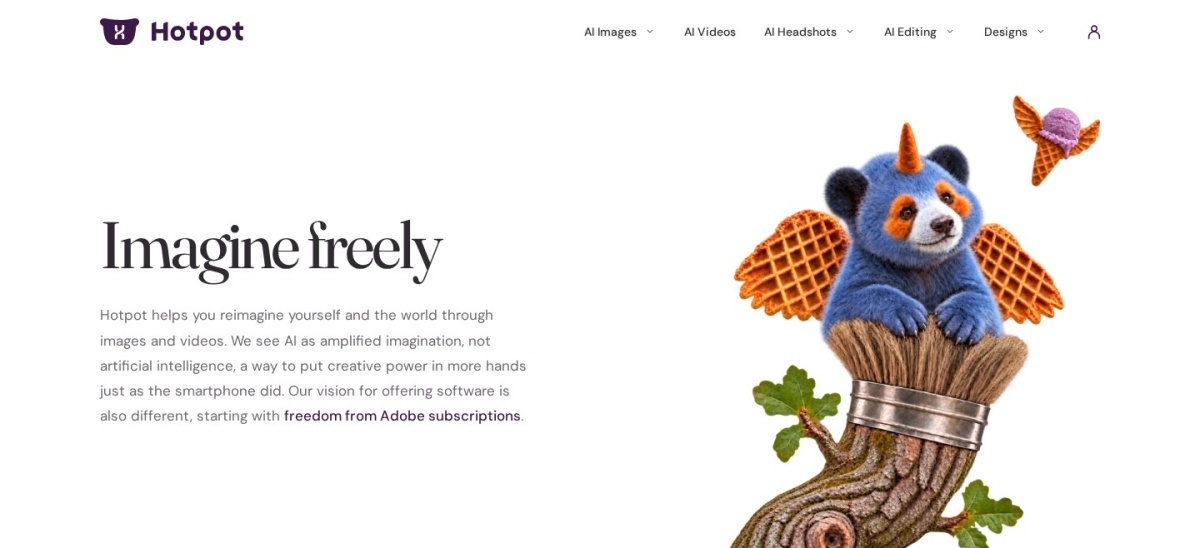
Hotpot homepage, captured Nov 2026.
Hotpot is a browser-based AI creative platform with a dedicated Photo Restorer for faded, scratched and damaged images. Users can upload photographs, choose restoration styles and download repaired results. Its entry credit purchase costs $12 for 1,000 credits, with restoration costs depending on selected settings.
The trade off is that every restoration consumes credits and the vendor warns that generated details may differ from the original photograph. Trustpilot feedback is limited to 9 reviews, making its rating a weak satisfaction indicator. It suits occasional users who prefer buying credits rather than committing to a recurring subscription.
What we like
Dedicated old-photo restoration workflow
One-time credit purchases available
Supports black-and-white and color photographs
Multiple restoration styles
Can process more than one uploaded image
Watch out for
Every restored result consumes credits
Small and negatively rated review sample
AI may invent missing details
Less control than a layered photo editor
Larger credit packs reduce repeated purchases; subscription billing is also available.Visit hotpot.ai
The different types of AI image restoration
Scratch and damage repair attempts to reconstruct visible defects in scanned photographs. Topaz Photo, VanceAI and MyHeritage provide tools intended for old or damaged images. Results depend on how much original information remains.
Face recovery enhances soft or indistinct facial details. This can improve the appearance of old portraits, but AI may invent features that were never visible in the original source.
Photo colorization adds estimated colors to monochrome photographs. MyHeritage, VanceAI and Cutout.Pro provide colorization capabilities. The colors are interpretations rather than verified historical information.
Upscaling and sharpening increase apparent detail or output resolution. These processes are useful for small scans and low-resolution digital photographs, but they do not always repair scratches or missing sections.
Manual and generative reconstruction combines traditional editing with AI-generated content. Adobe Photoshop is particularly relevant when damaged sections require careful masking, layered adjustments and repeated review.
How to restore old photos without losing the originals
Start with the highest-quality available scan or digital original. Photographing a damaged print at low resolution can introduce blur and reflections that make restoration more difficult.
Keep the original file unchanged. Create a separate working copy for scratch removal, colorization, sharpening and upscaling so every AI-generated result can be compared with its source.
Apply restoration in stages when possible. Removing obvious damage before adding color or sharpening can help prevent later tools from emphasizing defects that should have been corrected earlier.
Inspect faces, hands, clothing, printed text and background structures carefully. AI may reconstruct plausible features that are visually appealing but historically inaccurate.
Save both the original and restored versions, ideally with descriptive filenames and appropriate metadata. For archival work, retain information about which software and adjustments produced the restored copy.
How we chose
We selected established photo editing, preservation and AI image processing products with identifiable restoration or enhancement functionality. The shortlist covers dedicated scratch repair, face recovery, colorization, upscaling, photo scanning and manual AI-assisted reconstruction. We compared official product documentation with public user reviews.
Official pricing pages and G2 or Trustpilot review listings were opened on 24 Nov 2026 for this guide, which uses 22 Nov 2026 as its editorial reference date. We used regular published prices rather than temporary promotions. Annual equivalents represent subscription costs, except Hotpot's one-time credit purchase, which is identified separately and should not be interpreted as an annual subscription.
We excluded products whose paid prices could not be confirmed from readable official pages, including services with dynamically hidden plan amounts. Broader editors are included only when they offer relevant restoration capabilities. Product reviews reflect overall platform satisfaction, not independently measured restoration accuracy. No vendor paid for a place, and we do not claim testing for this list.
How to choose the best AI image restoration software
Identify the damage in your photographs, then compare restoration features, processing methods, costs and preservation requirements.
Match the tool to the type of damage. Determine whether your photographs need scratch removal, face recovery, noise reduction, colorization or upscaling. Choose a product with dedicated features for those problems rather than relying on generic image enhancement.
Decide between automatic and manual restoration. Automatic services can handle straightforward improvements with minimal effort. Detailed restoration applications offer more control over which areas are repaired and how the results are blended. Consider whether speed or accuracy matters more for your collection.
Compare regular prices and processing allowances. Check whether the tool uses subscriptions, image credits or one-time purchases. Calculate how much your expected photo volume will cost, including higher-resolution exports and optional enhancements. Avoid relying on introductory promotions when comparing long-term expenses.
Protect your originals and review AI-generated details. Keep untouched source files and inspect every repaired image before sharing or printing. Review upload privacy policies for sensitive photographs. If the images have historical, legal or archival significance, distinguish documented features from details reconstructed by AI.
FAQ
What is the best AI image restoration tool?
Topaz Photo is our top choice for detailed restoration because it combines Dust & Scratch repair, face recovery, sharpening and upscaling with unlimited local processing. Its regular annual subscription costs $199. VanceAI is better for browser-based restoration, while Cutout.Pro offers inexpensive credit-based image processing.
Can AI restore old damaged photographs?
Yes. AI restoration tools can reduce scratches, improve faded areas, sharpen faces and reconstruct some missing details. Results depend on the severity of damage and the available source information. AI-generated details should be treated as interpretations rather than guaranteed representations of the original photograph.
Is there free AI photo restoration software?
Several services provide limited free processing. VanceAI offers introductory credits, Cutout.Pro includes 5 free credits, and Photomyne provides basic scanning and enhancement with advertising. More extensive restoration, high-resolution exports or generative features may require paid credits or subscriptions.
Which AI tool is best for restoring old family photos?
MyHeritage is useful for repairing, colorizing and organizing historical family portraits, particularly when photographs are connected to genealogy records. Photomyne is better suited to scanning albums and preserving large collections. Topaz Photo offers more specialized restoration controls for difficult image damage.
Can AI remove scratches from old photos?
Yes. Dedicated restoration applications can identify visible scratches and attempt to reconstruct the affected image areas. Topaz Photo includes Dust & Scratch repair, while VanceAI provides a specialized Photo Restorer. Extensive scratches crossing faces or important objects may require additional manual editing.
Can AI restore blurry faces?
AI face recovery can improve the apparent sharpness and detail of blurry portraits. Topaz Photo and MyHeritage offer facial enhancement features. However, the software may generate details that were not visible in the original, so restored faces should not automatically be treated as historically accurate.
What is the difference between photo restoration and upscaling?
Restoration attempts to repair defects such as scratches, fading and missing details. Upscaling increases image dimensions and may add apparent sharpness or texture. Some tools perform both, but enlarging a damaged image does not necessarily remove its original defects.
How much does AI photo restoration cost?
Pricing ranges from small credit purchases to annual subscriptions. Cutout.Pro starts at $5 monthly, VanceAI Starter costs $15 monthly with annual billing, and Topaz Photo costs $199 annually at regular price. Hotpot offers a $12 one-time credit pack. Processing limits and higher-resolution charges can affect total spending.
Can AI restoration change the appearance of historical photographs?
Yes. AI may invent facial details, estimate colors incorrectly or alter clothing and background structures. This can produce a convincing image that is not fully faithful to the source. Preserve original files and disclose substantial AI reconstruction when historical accuracy or provenance matters.