Best AI Image Enhancer Tools in 2026: 8 Tools Compared
WLWPLegible EditorsLast verified 24 Nov 2026How we rank10 min read
★ Short answer
Let's Enhance is the best AI image enhancer for most jobs, upscaling to 16x for print from $9 a month, rated 4.6 out of 5 on G2. Pick Remini for faces and old photos, and Topaz Photo for the highest desktop quality.
How we make this list: we compare pricing pages, product documentation and public user reviews, then re-check every price before each update. No product paid for a place. Disclosure.
Let's Enhance is the best all-round pick, with upscaling to 16x from $9 a month.
Remini is the face specialist, with 100 million monthly active users and weekly billing to watch.
Topaz Photo AI is discontinued; its subscription successor, Topaz Photo, starts at $39 a month.
VanceAI and Fotor cover the middle ground, with free tiers and broad toolsets.
Upscale.media is the fastest free route for a single image up to 4x.
What an AI image enhancer should do
AI image enhancers do three different jobs: upscale a small image, clean up noise and blur, and restore faces in old photos. No single tool leads at all three, so the best pick depends on the job.
Most tools work in the browser and charge by credits or by the month, while Topaz Photo runs on your own computer and charges a subscription. Local processing keeps photos private and avoids per-image metering.
Pricing is the hardest part to compare. Weekly subscriptions, credit packs and annual discounts all hide the real cost, so always work out what 100 of your images would cost before you pay.
Free tiers are worth trying first. Our guide on best AI automation tools covers the wider AI workflow picture, and most enhancers below offer free credits or a free plan.
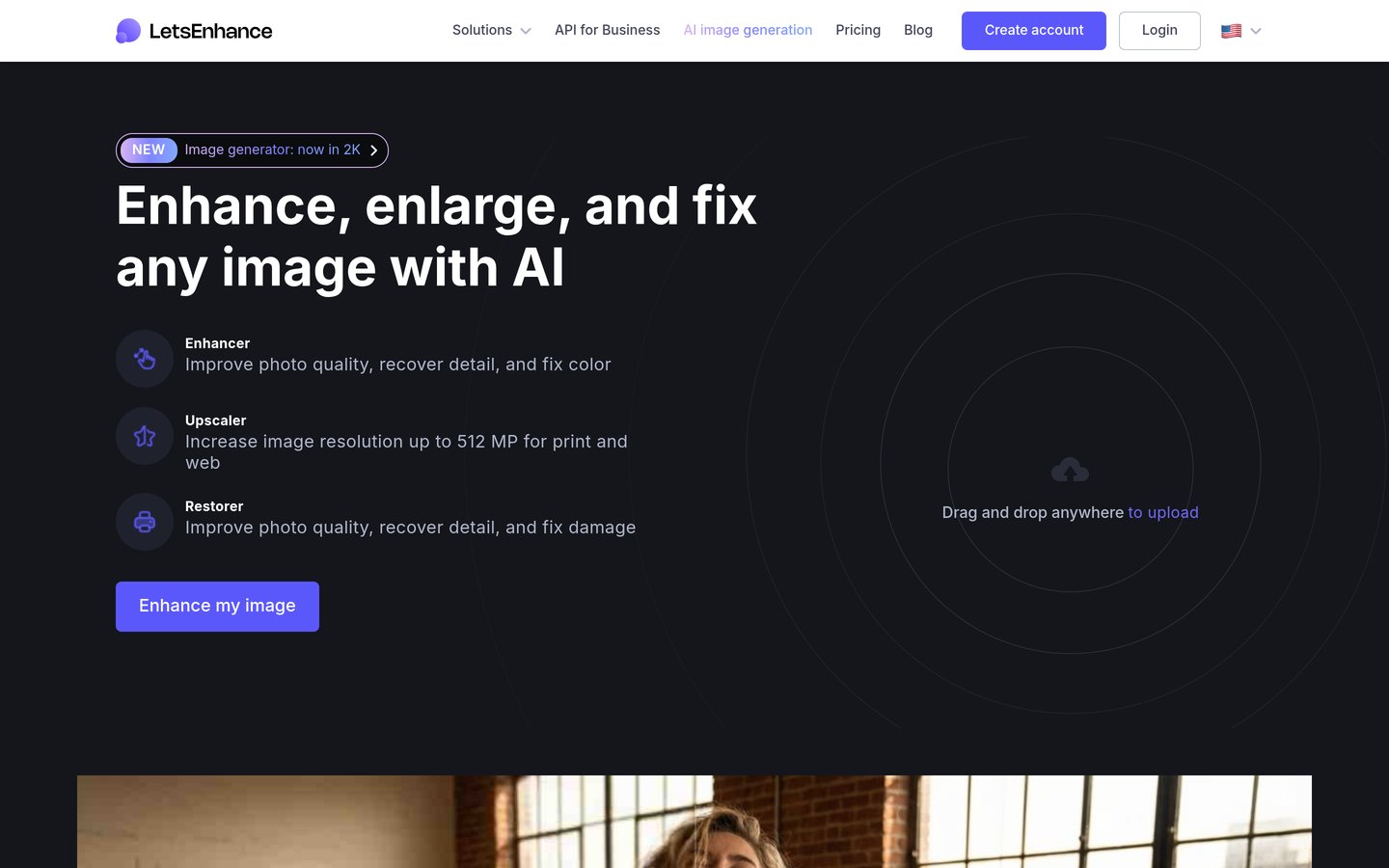
Let's Enhance is a cloud enhancer built for people who print, upscale for ecommerce and restore old photos. It upscales to 16x with output up to 512 megapixels, so a thumbnail can become a poster, and batch mode processes 20 images at once for catalogue work.
The trade off is that it is browser only, with no desktop app. Pricing is credit-based: 10 free credits to start, then $9 a month for 100 credits, with unused credits rolling over while you stay subscribed. It suits print shops, photographers and ecommerce teams.
What we like
Upscaling to 16x, up to 512 megapixels
Batch mode for catalogue work
Free credits to start, with rollover
Watch out for
Browser only, with no desktop app
Credit limits cap monthly volume
Output ceilings are lower than Topaz on fine detail
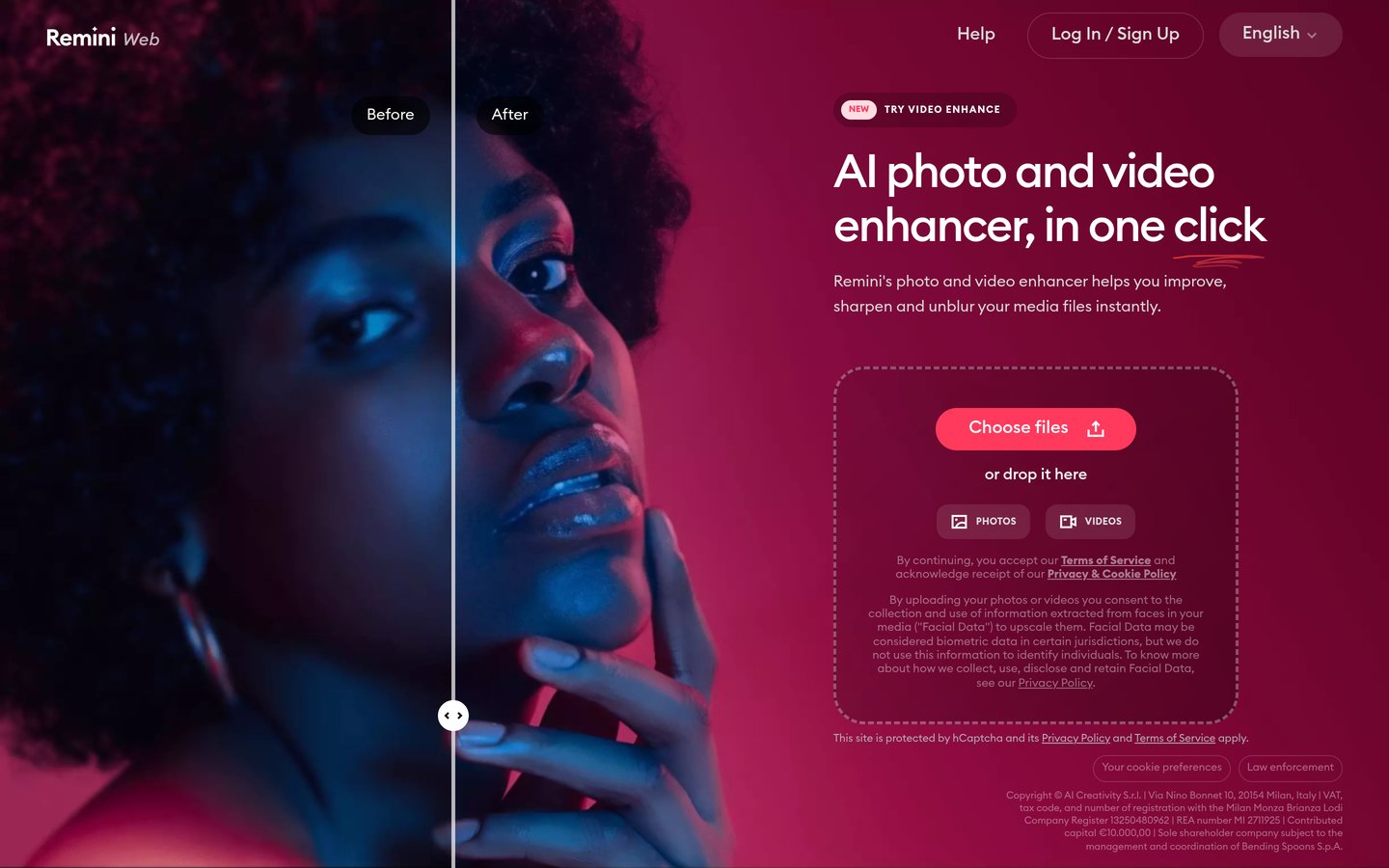
Remini is a mobile-first AI enhancer best known for aggressive face restoration. Its models are trained on facial features, so old, low-resolution portraits recover detail that looks genuinely photographic, and the web app at remini.ai complements the mobile apps.
The trade off is control and billing. Upscaling tops out around 2x, processing is automatic rather than tunable, and weekly subscriptions from about $6.99 a week add up fast. It suits quick phone fixes and family photo restoration.
3.6/5on Trustpilot (56,802 reviews, checked Nov 2026)
Starts at$39/mo
Best desktop quality for photographers
Free tierFree trial
Paid planPersonal, $39/mo
Annual price$199/yr billed annually
ProcessingLocal, on your computer
topazlabs.com
Topaz Photo homepage, captured Nov 2026.
Topaz Photo is the desktop specialist from Topaz Labs, combining denoise, sharpen, upscale and face recovery in one app. Processing happens on your own computer, so photos stay private, and models handle noisy high-ISO shots, soft scans and RAW files.
The trade off is the new subscription model. Topaz Photo AI was discontinued in September 2025, and its successor, Topaz Photo, costs $39 a month, or $199 a year billed annually. It suits professional photographers who want maximum quality and control.
4.2/5on Trustpilot (1,339 reviews, checked Nov 2026)
Paid from$15/mo
Best all-rounder for mixed photo work
Free tierYes
Paid planStarter, $15/mo
Credit packsFrom $4.95/100 credits
PlatformsWeb and desktop
vanceai.com
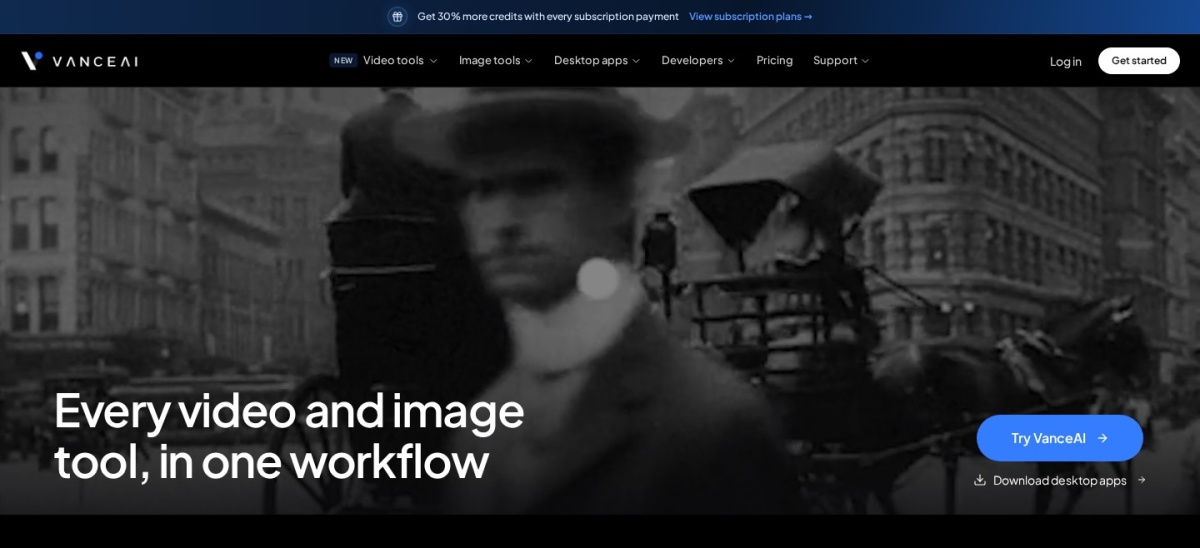
VanceAI homepage, captured Nov 2026.
VanceAI is a web and desktop tool covering upscaling, sharpening, denoising, face refinement, restoration and background removal. It handles general enhancement reliably, with clean results on product photos, and an API lets teams chain operations into one call.
The trade off is quality on fine detail. Reviews describe results as good rather than best in class, and Trustpilot reviews mention difficulty cancelling subscriptions. It suits teams that want many enhancement tools in one place.
Fotor is a browser photo editor with a one-click AI enhancer, background removal, portrait retouching and upscaling. Open the site, drop in a photo, hit the enhancer and download, which suits marketers, bloggers and social managers who need decent images fast.
The trade off is depth. Fotor is a general editor, not a dedicated enhancer, so it cannot match Topaz on quality or Let's Enhance on print size. It suits quick social and marketing work rather than archive restoration.
Pixlr is a free browser editor with AI enhancement, generative fill, background removal and upscaling under one roof. The free plan gives full feature access with limited daily saves, and Plus removes ads and adds AI credits.
The trade off is that AI credits run out fast. Plus gives 80 AI credits a month, which covers roughly 27 to 40 operations, so heavy users need Premium. It suits casual creators who want a real layer-based editor free in a browser tab.
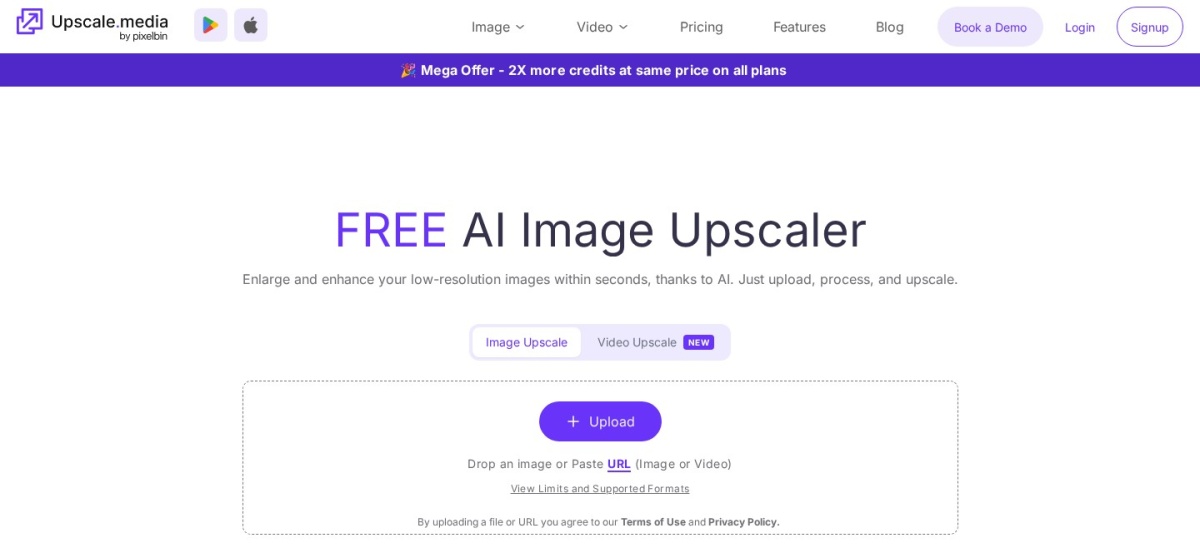
Upscale.media is the tool to open when you need one image enlarged right now. It offers free upscaling up to 4x without requiring an account, which makes it the lowest-friction option in this list.
The trade off is depth. Upscale.media is a single-purpose upscaler with no denoise, sharpen or restoration tools, and no paid plan was found. It suits quick one-off enlargements rather than batch or archive work.
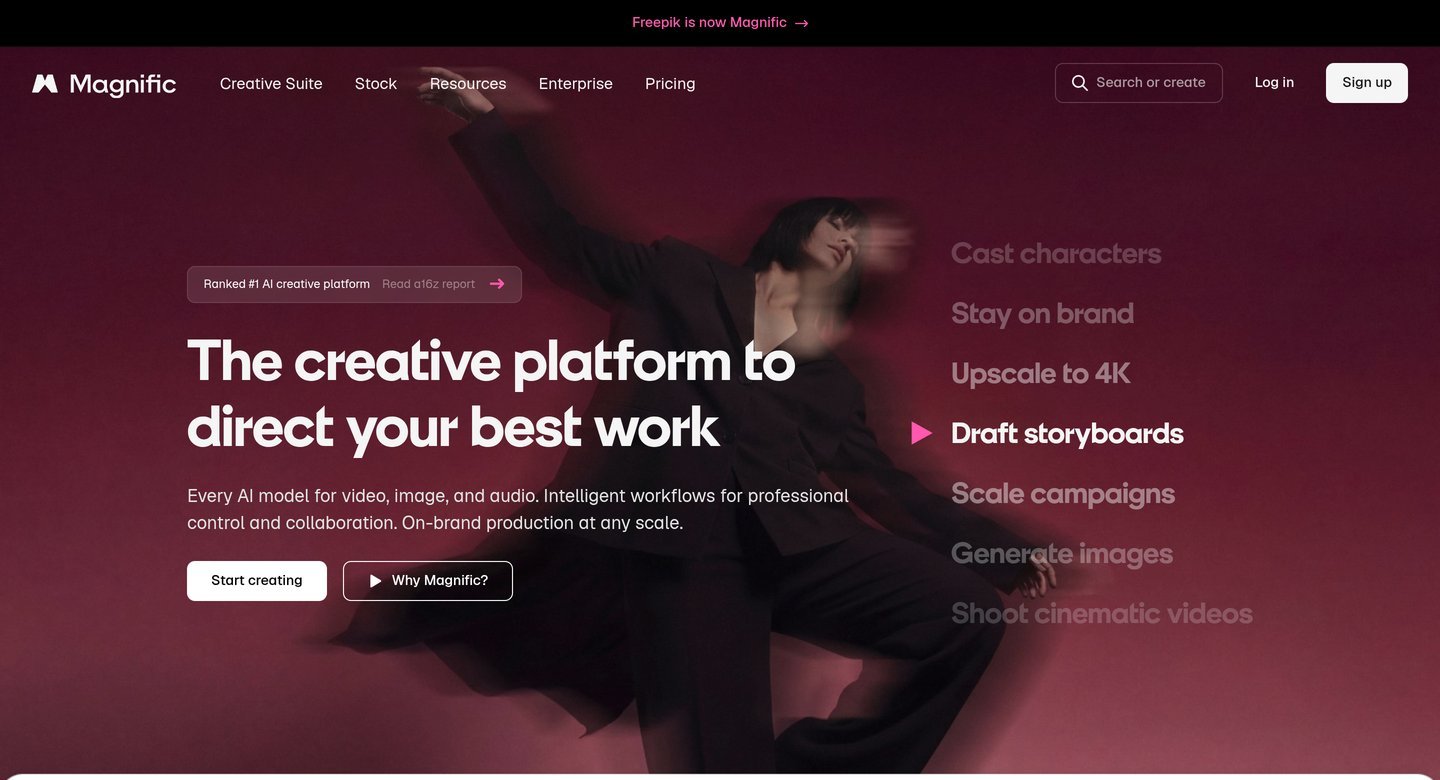
Magnific is a creative upscaler for AI art and low-resolution illustrations, with a creativity slider that invents plausible detail. It is part of a wider creative platform with image, video and audio generation, and Premium includes upscaling alongside those tools.
The trade off is that Magnific invents detail, which suits illustrations but can look wrong on real photos. Premium costs $20 a month billed monthly, or $14.50 a month billed annually, for 240,000 credits a year. It suits creators upscaling AI art and illustrations.
What we like
Highest ceiling for invented detail
Upscaling to 10K for illustrations
Part of a wider creative suite
Watch out for
Invented detail looks wrong on real photos
Credit-based, so upscaling competes with other tools
Free tiers cover one-off jobs well. Upscale.media upscales single images free, and Let's Enhance, VanceAI, Fotor and Pixlr all offer free credits or a free plan.
Paid plans mostly add volume and resolution. You get more credits, higher output sizes and no watermarks.
Weekly billing is the trap to watch. Remini's weekly plans look cheap per week but add up fast, so a monthly plan usually costs less for archive work.
How we chose
We started from the established AI enhancers with a public G2, Capterra or Trustpilot record, then kept those with a real product a buyer can use today.
Prices come from each vendor's pricing page, checked on 24 November 2026. Ratings come from G2 or Trustpilot on the same day. Where a vendor shows a sale price, the list shows the regular price.
We left out tools with no verifiable rating on G2, Capterra or Trustpilot. No vendor paid for a place, and we do not claim hands-on testing for this list.
How to choose an AI image enhancer
Start with the job: faces, print, product photos or damaged archives each point at a different tool.
Name the job first. Faces, print, product photos and damaged archives each need a different model, so pick the job before the tool.
Try the free tier on your own images. Upload your worst file, not the vendor's sample, and check faces, fabric and text at full size.
Work out the cost per 100 images. Credits, weekly billing and monthly plans hide the real price, so do the arithmetic for your volume.
Check privacy before uploading archives. Desktop tools such as Topaz Photo keep photos on your computer, while browser tools upload them to a server.
FAQ
What is the best AI image enhancer?
Let's Enhance is the best pick for most jobs. It upscales to 16x with output up to 512 megapixels, starts at $9 a month, and is rated 4.6 out of 5 on G2.
Can AI enhancers fix old photos?
Yes, for faces and light damage. Remini is the strongest for face restoration, while Topaz Photo handles scratches, dust and noise on desktop.
Is Topaz Photo AI still available?
No. Topaz Photo AI was discontinued in September 2025, and its successor is Topaz Photo, a subscription-only app from $39 a month.
Do AI enhancers work on product photos?
Yes. Let's Enhance and VanceAI both suit ecommerce and catalogue work, with batch modes for processing many images at once.
Is there a free AI image enhancer?
Yes. Upscale.media upscales single images free up to 4x, and Let's Enhance, VanceAI, Fotor and Pixlr all offer free credits or a free plan.
Which enhancer is best for printing?
Let's Enhance, with upscaling to 16x and output up to 512 megapixels, is built for print. Topaz Photo is the desktop alternative for photographers.