Best AI Image Deblurring Tools in 2026: 8 Tools Compared
WLWPLegible EditorsLast verified 24 Nov 2026How we rank12 min read
★ Short answer
Topaz Photo is the best AI image deblurring tool for most people, with dedicated Sharpen and Super Focus models for motion blur and missed focus. VanceAI is the best browser option at 1 credit per image, and Fotor is the cheapest way to unblur photos at $3.99 a month.
How we make this list: we compare pricing pages, product documentation and public user reviews, then re-check every price before each update. No product paid for a place. Disclosure.
Topaz Photo's Sharpen and Super Focus models target motion blur and missed focus, but the $199 a year plan has no free tier.
VanceAI's sharpener costs 1 credit per image, and Starter gives 260 credits a month for $15.
Fotor Pro is the cheapest paid plan here at $3.99 a month billed yearly, with 100 AI credits a month.
Remini rebuilds faces best on a phone, but its Trustpilot score is 1.4 out of 5 over billing complaints.
Only 3 of the 8 tools have a free plan; the rest start with free credits or a short trial.
What to look for in an AI deblurring tool
Blur comes in kinds. Motion blur smears a moving subject, missed focus softens the whole frame, and a cheap lens softens the edges. A named deblur model handles the first two better than a generic enhancer.
Check what the tool does before you pay. Some sharpen with a single slider, while others rebuild detail with a model trained on blur. The product page usually names the model.
Free tiers are a fair test. Run your worst photo through the free credits first, then zoom to full size and look at eyes, hair and text. Our guide on fixing blurry WooCommerce images shows the same check for product photos.
Expect limits. No tool recovers text that was never readable, and face models can invent features that were not there. Keep the original file until you are happy with the result.
3.6/5on Trustpilot (56,738 reviews, checked Nov 2026)
Starts at$199/yr
Best AI deblurring overall
Deblur modelsSharpen, Super Focus
Runs onWindows, macOS
Free planNo
Paid planPhoto, $199/yr
topazlabs.com
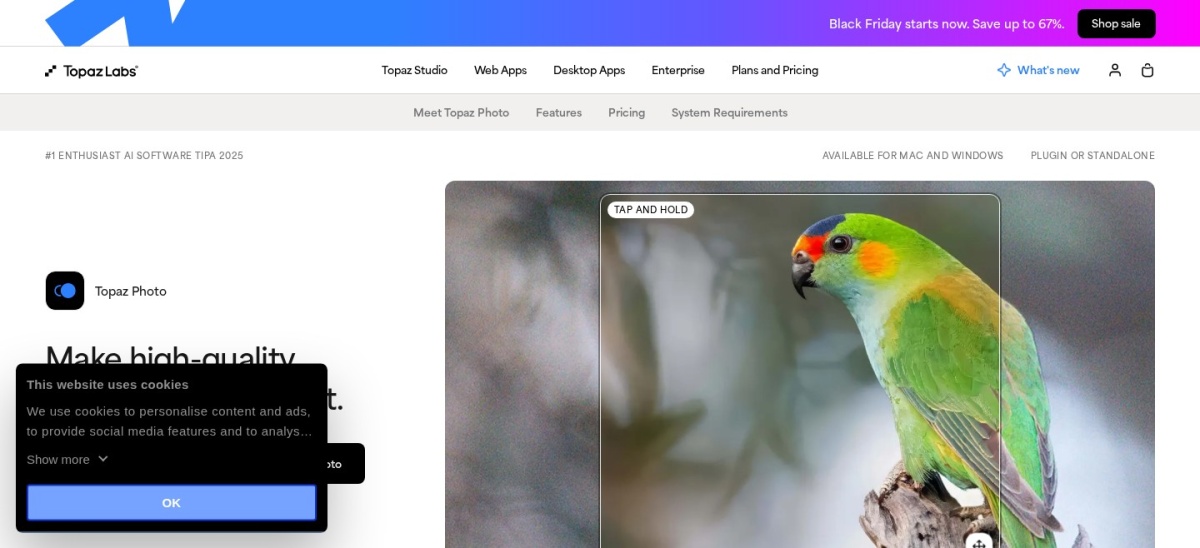
Topaz Photo homepage, captured Nov 2026.
Topaz Photo is a desktop app for Windows and macOS built around fixing flawed photos. Its Sharpen and Super Focus models target motion blur and missed focus, beside denoise, face recovery and upscaling. It works standalone or as a plugin for Lightroom, Photoshop and Capture One, with unlimited local rendering.
The trade off is price. Photo costs $199 a year with no free plan, and Topaz Labs scores 3.6 out of 5 on Trustpilot, where reviewers complain about the move to subscriptions. It suits photographers who rescue blurry shots often enough to pay for a dedicated tool.
4.1/5on Trustpilot (1,342 reviews, checked Nov 2026)
Starts at$15/mo
Best dedicated online sharpener
Sharpener cost1 credit per image
Free credits10 on sign-up
Monthly credits260 on Starter
Paid planStarter, $15/mo
vanceai.com
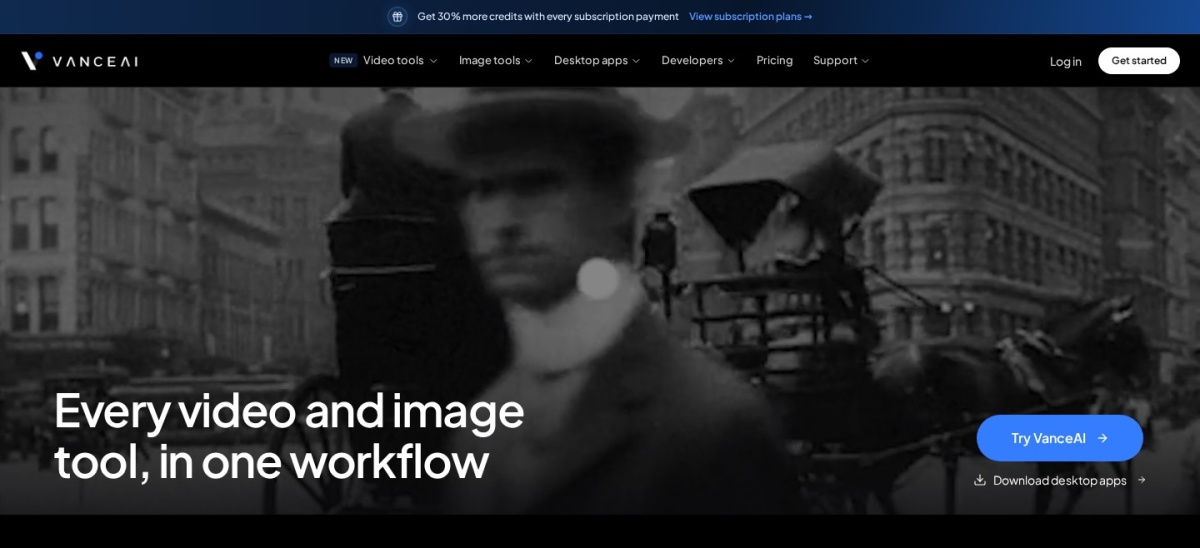
VanceAI homepage, captured Nov 2026.
VanceAI is a browser toolkit of single-purpose AI tools that share one credit balance. Its Image Sharpener costs 1 credit per image, and the same balance pays for upscaling, denoising, background removal and old-photo restoration. New accounts get 10 free credits to try the web app.
The trade off is the credit meter. Starter costs $15 a month billed annually, $180 a year, for 260 credits a month, and the Windows desktop app costs extra. It suits sellers and creators who sharpen a steady stream of images and want no software to install.
What we like
Sharpener costs just 1 credit per image
No install, runs in the browser
Credits roll over while subscribed
Desktop app processes locally
Watch out for
No free plan, only 10 trial credits
Desktop app is Windows-only
Starter adds 260 credits a month and skips the free queueVisit vanceai.com
03
HitPaw FotorPea
3.8/5on Trustpilot (2,750 reviews, checked Nov 2026)
Starts at$89.99/yr
Best desktop enhancer for batches
UnblurYes, AI models
Batch processingYes
Free versionPreview only
Paid plan1-year, $89.99
hitpaw.com
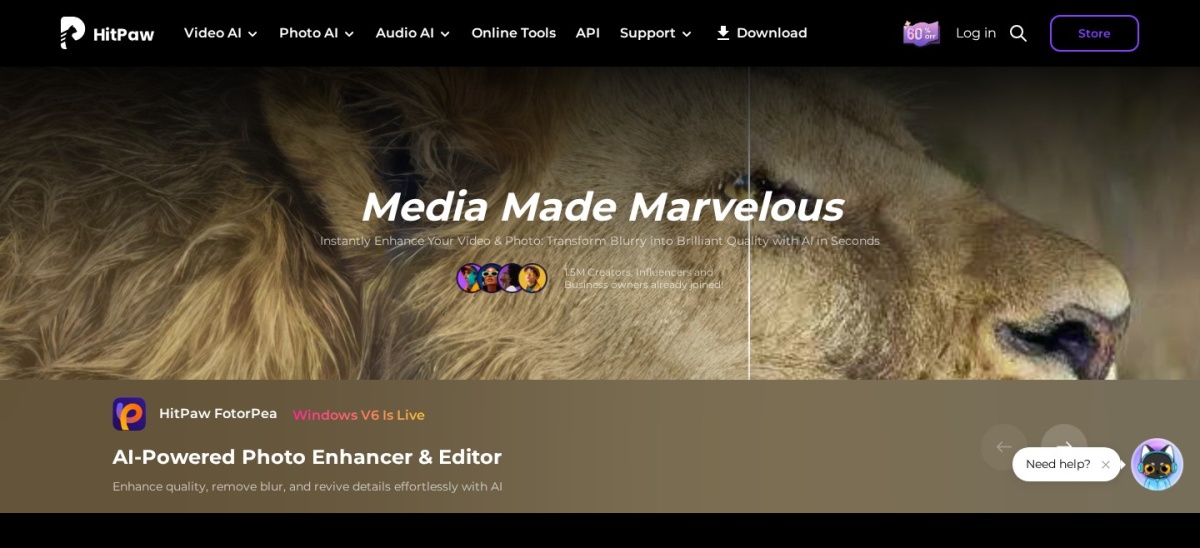
HitPaw FotorPea homepage, captured Nov 2026.
HitPaw FotorPea is a desktop app for Windows and Mac that enhances photos with AI models. It unblurs and upscales images to 4K or 8K, sharpens faces, and processes photos in batches. The free version shows previews but blocks exports until you buy.
The trade off is cost and credits. A 1-year licence costs $89.99, and the monthly credits for cloud rendering and AI features expire at the end of each period. It suits people with large batches of old or blurry photos who want the work done on their own computer.
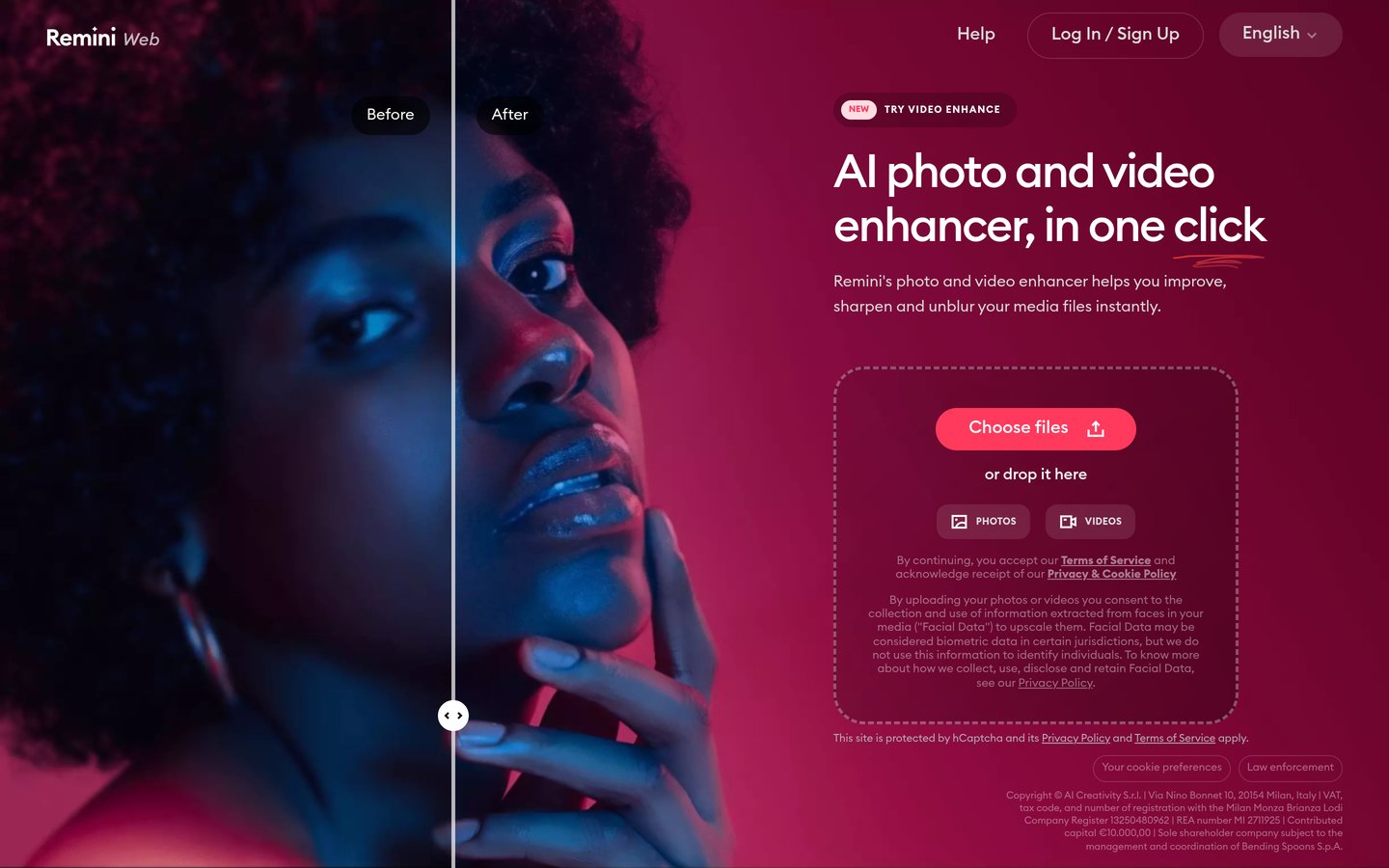
Remini is a mobile-first AI enhancer from Bending Spoons that rebuilds blurry faces in seconds. It also restores old photos, upscales images and enhances short video clips. The free tier gives limited daily credits and watermarks exports.
The trade off is billing. Trustpilot scores Remini 1.4 out of 5, with most complaints about charges continuing after cancellation, and the web Personal plan costs $17.99 a month. It suits people who mainly fix faces on their phone and pay close attention at checkout.
What we like
Best face rebuilding on a phone
Restores old photos and video too
Free tier for occasional use
Watch out for
Trustpilot is 1.4 out of 5 over billing
Web plan costs more than the app plan
Face models can invent features
Pro removes watermarks and unlocks unlimited enhancementsVisit remini.ai
05
Fotor
4.2/5on G2 (287 reviews, checked Nov 2026)
Paid from$3.99/mo
Best budget all-rounder
AI toolsUnblur, sharpener, upscaler
Free planLimited credits
Pro credits100 credits/mo
Paid planPro, $3.99/mo
fotor.com
Fotor homepage, captured Nov 2026.
Fotor is a browser photo editor with a 1-tap AI Photo Enhancer, an Unblur Image tool and a 4x upscaler. The free Basic plan covers light use with limited credits, and Pro adds background removal, batch editing and HD exports. No install is needed.
The trade off is the credit allowance. Pro costs $3.99 a month billed annually, $47.99 a year, for 100 AI credits a month, so heavy users pay for more. It suits bloggers and sellers who want cheap, quick fixes in a browser.
What we like
Cheapest paid plan in this list
Unblur, sharpener and 4x upscaler in one place
Free Basic plan for light use
Unused credits roll over up to 5 months
Watch out for
Only 100 AI credits a month on Pro
Heavy AI use needs a bigger plan
Pro adds HD exports, batch editing and 100 credits a monthVisit fotor.com
06
Let's Enhance
4.1/5on Trustpilot (186 reviews, checked Nov 2026)
Starts at$9/mo
Best for print-size output
Max output512 MP on Max
Cost per image1 credit
Free credits10 on sign-up
Paid planStarter, $9/mo
letsenhance.io
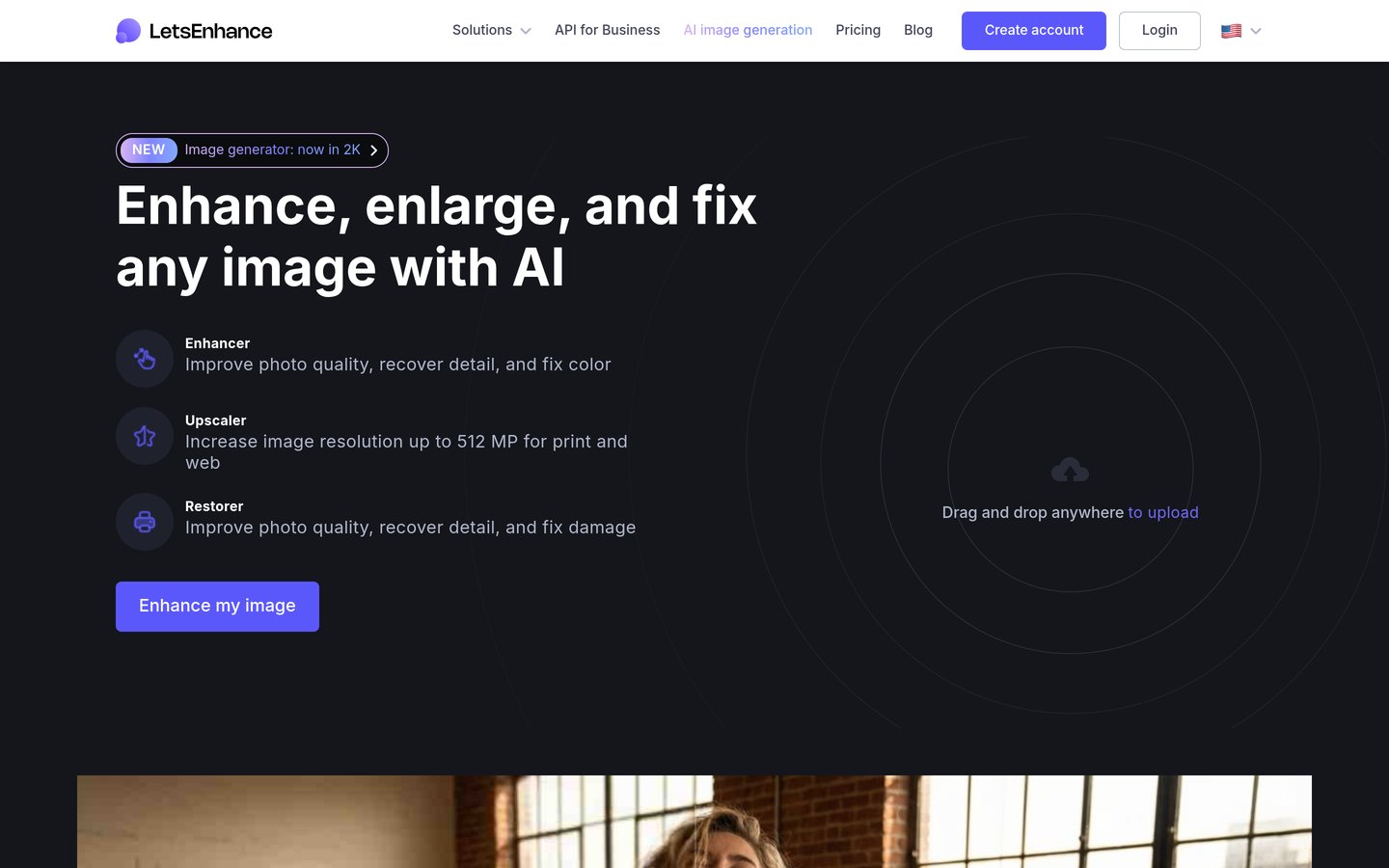
Let's Enhance homepage, captured Nov 2026.
Let's Enhance is a browser tool that upscales images up to 16x and to as much as 512 megapixels on its Max plan. Every processed image costs 1 credit, and new accounts get 10 free credits with a watermark on downloads. It also offers an enhancer and a restorer.
The trade off is the subscription. Starter costs $9 a month billed annually, $108 a year, for 100 credits a month, and unused credits roll over only up to six times the monthly allowance. It suits print and poster work where a huge, clean output matters most.
Picsart is a photo editor and design app for web, iOS and Android with AI Enhance, upscaling and background removal. The free tier covers basic edits, templates and stickers, while Pro unlocks premium tools and AI credits. It is built for fast social content.
The trade off is that deblurring is one feature among many. Pro costs $10.50 a month billed annually, $126 a year, for 500 AI credits a month, and the monthly rate is $15. It suits creators who want one app for edits, posts and short video.
Luminar Neo is a desktop photo editor from Skylum for Windows and macOS. Its SuperSharp AI targets motion blur, beside Noiseless AI for grain and Upscale AI for resolution. It also works as a plugin for Lightroom and Photoshop.
The trade off is packaging and price. SuperSharp AI sits in the Pro Bundle, and the $119 a year Pro subscription is the cited price, while Skylum's page now lists one-time licences from $129. It suits photographers who already finish photos in Lightroom.
Extreme motion blur stays blurry. If a face is a smear with no edges at all, the model has nothing to rebuild from.
Small text is the hardest case. A model may sharpen letters into shapes that look like text but read as nonsense, so check every word at full size.
Old scans with damage need restoration, not just sharpening. A restorer that also fixes scratches and fading will do more than a sharpener alone.
How we chose
We started from the tools that show up most for deblurring searches and kept eight established ones with a named deblur or sharpening feature, from desktop apps to browser tools and phone apps.
Prices come from each vendor's pricing page or a pricing check dated November 2026, and ratings come from G2 or Trustpilot on the same day. Where a vendor shows a sale, the list shows the regular price.
We left out tools whose homepages blocked every capture attempt and tools with no published price. No vendor paid for a place, and we do not claim hands-on testing for this list.
How to choose an AI image deblurring tool
Start with the blur you have, then match the tool to it.
Name the blur first. Motion blur, missed focus and soft lenses need different models. A tool with a named deblur model beats a generic enhancer for hard cases.
Try the free credits before paying. Most browser tools give a few free credits. Run your worst photo first, and check faces and text at full size before buying.
Count the cost per photo, not per month. Credit tools charge per image, so divide the monthly price by the credits you will use. A cheap plan is dear if you burn it in a week.
Check the export limits. Free tiers often cap size or add a watermark. Make sure the paid plan exports at the resolution you need.
FAQ
What is the best AI tool for deblurring images?
Topaz Photo is the best pick for most people. Its Sharpen and Super Focus models are built for motion blur and missed focus, and it works as a plugin for Lightroom and Photoshop. VanceAI is the best browser option, and Fotor is the cheapest.
Can AI fix a very blurry photo?
It can improve a mildly blurry photo a lot, but it cannot recover detail that was never recorded. Faces with no visible features and text too small to read usually stay unusable, even after the strongest models.
Is there a free AI image deblurrer?
Yes. Fotor, Picsart and Remini all have free tiers, and VanceAI and Let's Enhance give 10 free credits on sign-up. Free tiers cap size, add watermarks or limit daily use, so regular work needs a paid plan.
Does AI deblurring work on faces?
Yes, and faces are where it works best. Remini rebuilds blurry faces on a phone, and Topaz Photo recovers faces in desktop edits. Check eyes, teeth and hair at full size, because face models can invent features that were not there.
Do I need to install software to deblur a photo?
No. VanceAI, Fotor, Let's Enhance and Picsart all run in a browser, so you upload a photo and download the result. Desktop apps like Topaz Photo and HitPaw FotorPea suit batches, RAW files and offline work.
How much does AI deblurring cost?
The cheapest paid plan here is Fotor Pro at $3.99 a month billed yearly. Most tools cost $9 to $15 a month, and Topaz Photo costs $199 a year with no free plan. Credit tools also charge per image, so count your monthly volume first.