Best Accounting Software for Small Businesses in 2026: 7 Tools Compared
WLWPLegible EditorsLast verified 22 Nov 2026How we rank6 min read
★ Short answer
QuickBooks Online is the top small-business accounting choice with 8,546 Capterra reviews and broad US payroll and tax tools. Xero fits teams wanting unlimited users without per-seat fees, while Zoho Books offers low-cost tiers and a free plan for micro-businesses.
How we make this list: we compare pricing pages, product documentation and public user reviews, then re-check every price before each update. No product paid for a place. Disclosure.
QuickBooks Online Simple Start lists at $38/month ($456/year) in the US for 1 user plus accountant access.
Xero Early lists at $27/month ($324/year) in the US with no per-user license fees, though capped at 20 invoices and 5 bills monthly.
Zoho Books offers a $0 free plan and a Standard plan at $20/month monthly or $15/month ($180/year) billed annually.
Wave provides a $0 Starter plan and a Pro plan at $19/month or $190/year for automated bank feeds and receipt capture.
FreshBooks Lite lists at $23/month ($276/year monthly or $248.40/year annual) and caps billable clients at 5, including archived clients.
What to look for in small-business accounting software
Start with your accounting basis, user count, and monthly transaction volume rather than headline feature checklists. A solo consultant sending a dozen invoices a month needs different controls than a shop managing inventory, purchase orders, and weekly staff payroll.
Watch out for promotional pricing and usage caps that change your real annual cost. Several platforms advertise steep first-month discounts before renewing at full list rates, while lower tiers often restrict invoice counts, billable clients, bank feeds, or multi-currency features.
Check how payroll, tax filing, and receipt capture are packaged before committing. Some platforms include 1099 tracking or basic bank reconciliation on entry tiers, while payroll and optical receipt scanning frequently sit behind paid add-ons or higher plans.
Make sure your accountant or bookkeeper can work inside the tool smoothly. Accountant access, clean financial statements, and bank reconciliation workflows save hours at tax time and reduce manual spreadsheet cleanup.
For micro-businesses wanting one flat plan without tier math
$30/mo
No free plan
4.5/5
Price ladder: cheapest paid plan per year
List prices, USD, checked Nov 2026
Zoho BooksFREE$180
WaveFREE$190
Sage Accounting$240
FreshBooks$248
Xero$324
Kashoo$360
QuickBooks$456
The 7 best accounting software for small businesses
01
QuickBooks Online
4.3/5on Capterra (8,546 reviews, checked Nov 2026)
Starts at$38/mo
Best for US small businesses needing full accounting and payroll add-ons
US entry planSimple Start ($38/mo)
Entry users1 user + accountant access
BillingMonthly (promo discounts vary)
Core workflowInvoicing, expenses, bank feeds
quickbooks.intuit.com
QuickBooks Online homepage, captured Nov 2026.
QuickBooks Online is a cloud accounting platform built around automated bank feeds, invoicing, expense tracking, and financial reporting. Its US Simple Start plan lists at $38/month ($456/year) for one user plus accountant access, while higher tiers scale up to $340/month.
The trade off is the $38/month regular price on Simple Start and extra costs for add-ons such as payroll or inventory features. It suits US small businesses that want wide accountant familiarity and optional payroll in one ecosystem.
What we like
Widely supported by US accountants and bookkeepers
Includes automated bank feeds, invoicing, and core financial reports on Simple Start
Offers optional payroll and higher tiers up to 25 users on Advanced
High review volume with a 4.3/5 rating across 8,546 Capterra reviews
Watch out for
Regular list pricing rises quickly across Essentials ($85/mo), Plus ($140/mo), and Advanced ($340/mo)
Introductory discounts expire after a few months to full list rates
Higher plans unlock multi-user access, bill management, inventory, and project profitability.Visit quickbooks.intuit.com
02
Xero
4.4/5on Capterra (3,343 reviews, checked Nov 2026)
Starts at$27/mo
Best for teams wanting unlimited users without per-seat fees
US entry planEarly ($27/mo)
Early caps20 invoices, 5 bills/mo
User seatsNo per-user license fees
Included taxW-9 + 1099 management
xero.com
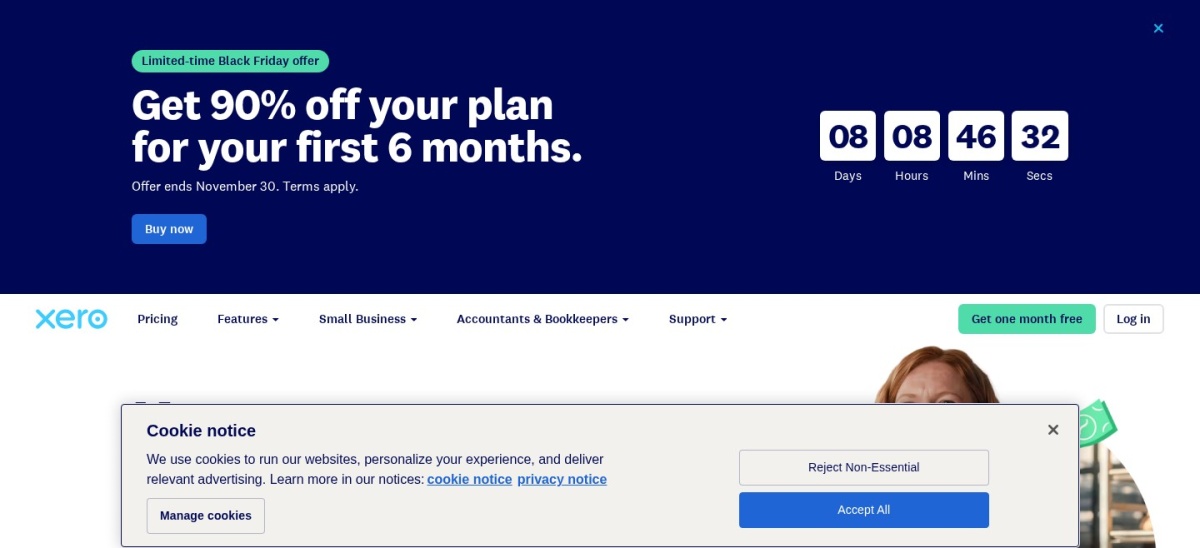
Xero homepage, captured Nov 2026.
Xero is a cloud accounting platform known for clean bank reconciliation, Smart Document Capture, and no per-user license fees across plans. Its US Early plan lists at $27/month ($324/year) with bank reconciliation, sales tax, and W-9 plus 1099 management.
The trade off is that Early limits you to 20 invoices and 5 bills per month, often pushing active businesses to Growing at $59/month. It suits growing teams that want unlimited user seats and structured double-entry bookkeeping.
What we like
No per-user license fees on Early, Growing, or Established plans
Includes W-9 and 1099 management, bank reconciliation, and Smart Document Capture
Holds a 4.4/5 rating across 3,343 Capterra reviews
Watch out for
Early plan caps activity at 20 invoices and 5 bills per month
Multi-currency and project tracking require the $97/month Established plan
Growing ($59/mo) lifts invoice and bill limits; Established ($97/mo) adds multi-currency and projects.Visit xero.com
03
Zoho Books
4.4/5on Capterra (683 reviews, checked Nov 2026)
Paid from$15/mo
Best budget accounting suite with a free starter tier
Free plan$0/mo (1 user + accountant)
Cheapest paidStandard ($15/mo annual)
Monthly Standard$20/mo billed monthly
Tier range$0 to $275/mo list
zoho.com
Zoho Books homepage, captured Nov 2026.
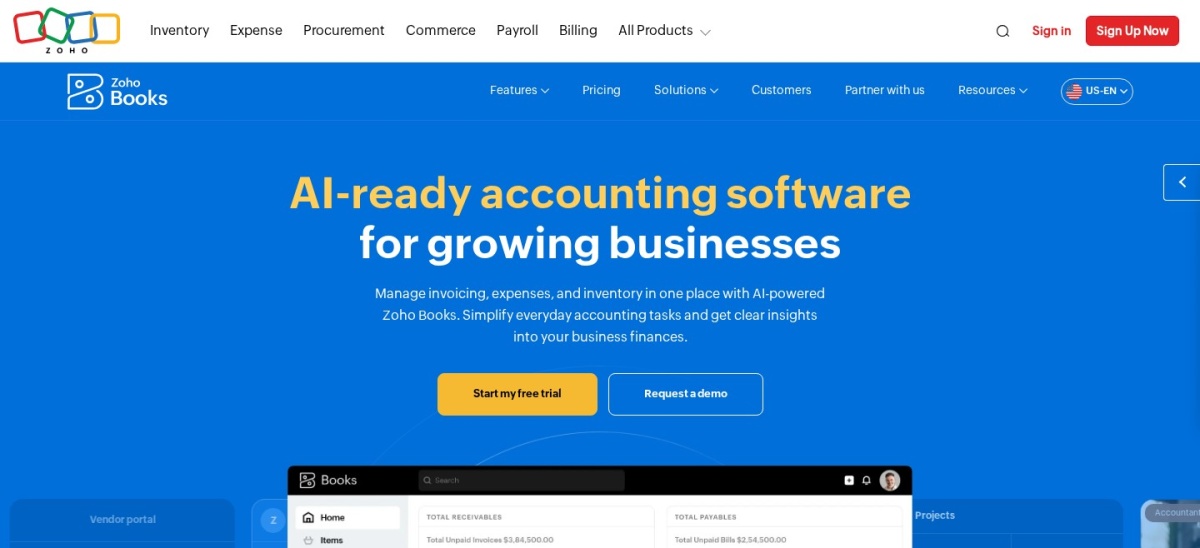
Zoho Books is a double-entry accounting platform offering invoicing, expense tracking, bank reconciliation, and automated workflows at low entry prices. It provides a $0 free plan and a Standard tier at $15/month billed annually ($180/year) or $20/month billed monthly.
The trade off is that lower tiers carry transaction limits and fewer native third-party integrations than larger accounting ecosystems. It suits budget-conscious small businesses and teams already using Zoho apps.
What we like
Offers a $0 free plan for micro-businesses alongside low-cost Standard pricing
Provides six clear tiers from Free up to Ultimate
Rates 4.4/5 across 683 Capterra reviews
Watch out for
Plan caps on invoices, users, or features require upgrading as volume grows
Smaller third-party app marketplace outside the Zoho suite
Professional ($40/mo annual) and higher tiers add inventory, purchase orders, and custom workflows.Visit zoho.com
04
Wave
4.4/5on Capterra (1,726 reviews, checked Nov 2026)
Paid from$19/mo
Best free invoicing and bookkeeping starter with an affordable Pro upgrade
Free planStarter ($0/mo)
Pro list price$19/mo or $190/yr
Pro featuresBank feeds, receipt capture
Payment feesApply on card/bank payments
waveapps.com
Wave homepage, captured Nov 2026.
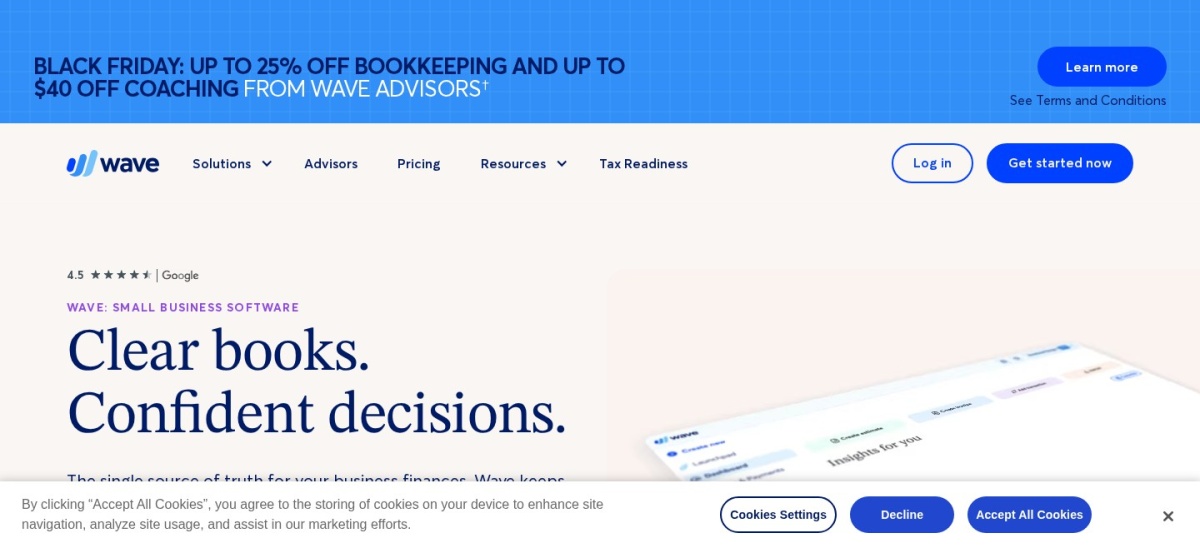
Wave is a cloud accounting and invoicing tool with a $0 Starter plan covering unlimited estimates, invoices, bills, and basic bookkeeping records. Its Pro plan lists at $19/month billed monthly or $190/year billed annually, adding automated bank transaction imports and receipt scanning.
The trade off is that automated bank feeds and receipt capture move to Pro, and payment processing fees apply on online collections. It suits freelancers and small businesses wanting zero base cost to start or low annual Pro pricing.
What we like
Free Starter plan includes unlimited invoices, estimates, and basic bookkeeping
Pro plan is competitively priced at $190/year billed annually or $19/month
Holds a 4.4/5 rating across 1,726 Capterra reviews
Watch out for
Automated bank transaction imports and receipt capture require the Pro plan
Payment processing fees apply when collecting payments online
Pro ($19/mo or $190/yr) adds automated bank transaction imports, auto-categorization, and receipt capture.Visit waveapps.com
05
FreshBooks
4.5/5on Capterra (4,527 reviews, checked Nov 2026)
Starts at$23/mo
Best for service businesses focused on invoicing and time tracking
Entry planLite ($23/mo monthly)
Annual Lite$248.40/yr ($20.70/mo)
Client capUp to 5 billable clients on Lite
Extra users$11/mo per team member
freshbooks.com
FreshBooks homepage, captured Nov 2026.
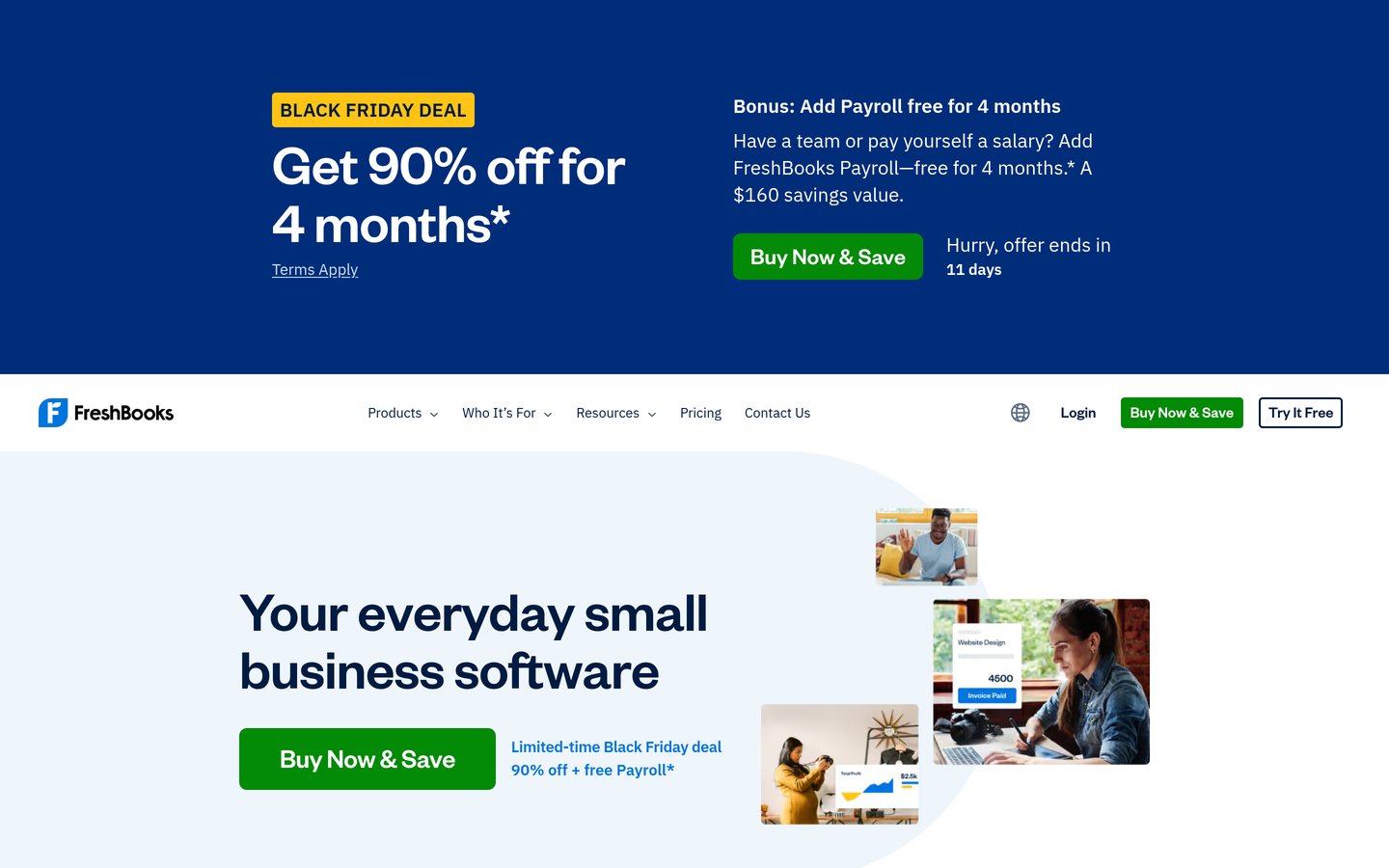
FreshBooks is a cloud billing and accounting platform focused on customizable invoices, time tracking, expense logging, and client payments. Its Lite plan lists at $23/month billed monthly or $248.40/year billed annually for one user and up to five billable clients.
The trade off is that Lite caps billable clients at five (including archived clients) and charges $11/month per extra team member. It suits consultants, agencies, and service providers that prioritize billing and time tracking.
What we like
Strong interface for client invoicing, estimates, and time tracking
Annual billing lowers Lite to $248.40/year ($20.70/month)
Rates 4.5/5 across 4,527 Capterra reviews
Watch out for
Lite limits billable clients to 5, counting archived clients toward the cap
Additional team members cost $11/month each on top of base plans
Plus ($43/mo monthly) raises the billable client limit to 50 and adds recurring invoices and proposals.Visit freshbooks.com
06
Sage Accounting
4.1/5on Capterra (652 reviews, checked Nov 2026)
Starts at$20/mo
Best for straightforward invoicing and bank reconciliation
Entry planAccounting Start ($20/mo)
Annualised cost$240/yr at $20/mo list
Higher tiersStandard ($40/mo), Plus ($50/mo)
Core featuresInvoicing, bank reconciliation
sage.com
Sage Accounting homepage, captured Nov 2026.
Sage Accounting is an online bookkeeping platform covering invoice creation, payment tracking, bank reconciliation, and expense management. Its Accounting Start plan lists at $20/month ($240/year), with Accounting Standard at $40/month and Accounting Plus at $50/month.
The trade off is that quotes, purchase invoices, and cash flow forecasting sit on higher tiers rather than Accounting Start. It suits small businesses looking for a straightforward ledger with clear tier upgrades.
What we like
Entry Accounting Start plan lists at an accessible $20/month
Clear step-up tiers at $40/month and $50/month for expanded workflows
Capterra rating sits lower at 4.1/5 than several rival tools
Standard ($40/mo) adds quotes, purchase invoices, and cash flow forecasting; Plus ($50/mo) adds inventory.Visit sage.com
07
Kashoo
4.5/5on Capterra (132 reviews, checked Nov 2026)
Starts at$30/mo
Best for micro-businesses wanting one flat plan without tier math
Main plan$30/mo regular price
Annualised cost$360/yr at $30/mo list
Trial14-day free trial
Core workflowAuto-categorize, receipt scan
kashoo.com
Kashoo homepage, captured Nov 2026.
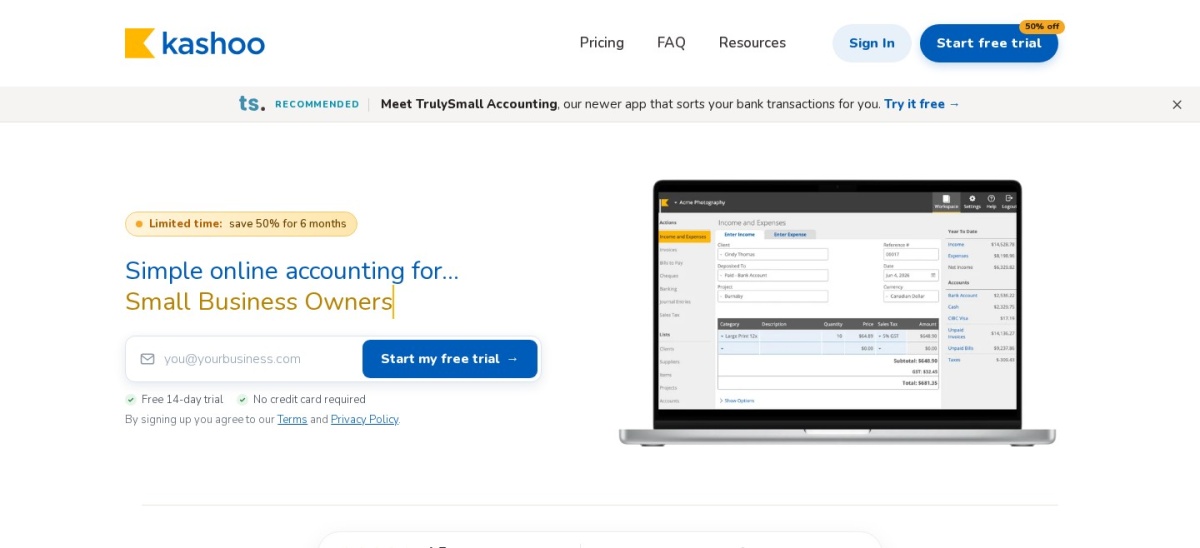
Kashoo is a lightweight cloud bookkeeping app designed for small businesses that want simple income, expense, and transaction tracking without complex menus. Its main plan lists at $30/month ($360/year) in USD with a 14-day free trial and occasional introductory discounts.
The trade off is a $30/month regular price with fewer third-party integrations and smaller review volume than larger competitors. It suits sole proprietors and small teams that prefer a simple interface over deep feature sets.
What we like
Simple, uncluttered interface aimed at non-accountants
Includes receipt scanning and automated transaction categorization
Holds a 4.5/5 rating across 132 Capterra reviews
Watch out for
Regular $30/month price is higher than several entry-level competitors
Fewer integrations and smaller review footprint than major suites
The single flat plan includes core bookkeeping, receipt scanning, and transaction categorization.Visit kashoo.com
Watch introductory discounts before you pick a plan
Accounting vendors frequently run limited-time discounts on the first three to six months of a subscription. Those deals lower your first bill, but your ongoing cost depends on the regular list price once the promotion ends.
Always calculate your second-year budget at full list price and check usage caps like invoice counts or billable client limits. A low starting price becomes more expensive quickly if you outgrow the tier within a few months.
How we chose
We assembled this shortlist from established small-business accounting platforms with active product updates, published US pricing, and verified public user reviews.
All prices, plan limits, ratings, and review counts were checked on 22 Nov 2026 using official vendor pricing pages and public software review directories.
We excluded discontinued tools, products without verifiable public pricing or current maintenance, and plans that only showed unverified or expired promotional rates.
No vendor paid for a place, and we do not claim testing for this list.
How to choose small-business accounting software
Follow four practical checks to match an accounting platform to how your business actually operates.
Map your core accounting needs first. List whether you primarily send invoices and track expenses or also need inventory, purchase orders, multi-currency support, or payroll.
Compare regular list prices and usage caps. Look past first-month discounts and check monthly invoice limits, billable client caps, and per-user charges before choosing a tier.
Check add-on costs for payments and tax tasks. Factor in payment processing fees, receipt-capture add-ons, and 1099 or sales tax tools so essential features do not surprise you later.
Confirm accountant access and data export. Verify that your accountant or bookkeeper can access your records and that you can export clean reports and transactions whenever needed.
FAQ
What is the best accounting software for a small business?
QuickBooks Online is a strong default for US small businesses needing broad accounting features and optional payroll, while Xero fits teams wanting unlimited users and Zoho Books or Wave work well for lower budgets.
Is there free accounting software for small businesses?
Yes. Zoho Books offers a free plan and Wave offers a free Starter plan for basic invoicing and bookkeeping, though advanced automation, bank feeds, or higher limits require paid plans.
Should I choose QuickBooks Online or Xero?
QuickBooks Online Simple Start lists at $38/month for one user with wide US accounting and payroll add-ons, while Xero Early lists at $27/month with no per-user seat fees but caps invoices at 20 per month.
Why do accounting software prices look lower at checkout?
Many providers advertise introductory discounts for the first few months or first billing cycle, then renew at the standard monthly or annual list price.
How many users do small-business accounting plans include?
Entry plans vary widely: QuickBooks Simple Start includes one user plus accountant access, Xero charges no per-user license fees across plans, and FreshBooks charges extra per additional team member.
Do I need double-entry accounting from day one?
Double-entry accounting helps track assets, liabilities, income, and expenses accurately as your business grows or works with an accountant, even if your early invoicing needs are simple.