Best BI Tools for Financial Institutions in 2026: 9 Tools Compared
WLWPLegible EditorsLast verified 23 Nov 2026How we rank12 min read
★ Short answer
Power BI is the best BI tool for financial institutions, with governed datasets and row-level security from $10 a user a month, rated 4.5 out of 5 on G2. Pick Tableau for the deepest visual analysis and Cognos for audited, scheduled reporting.
How we make this list: we compare pricing pages, product documentation and public user reviews, then re-check every price before each update. No product paid for a place. Disclosure.
Power BI Pro costs $10 a user a month and holds the highest G2 rating here at 4.5/5.
Tableau Creator costs $75 a user a month, rising to $115 on Enterprise for advanced management.
IBM Cognos Standard starts at $11.25 a user a month for governed, scheduled reporting.
SAP Analytics Cloud and Oracle Analytics Cloud fit best inside SAP and Oracle shops.
Sisense and Domo publish no list price, so budget for a sales conversation and a written quote.
What BI tools for financial institutions should cover
A bank, lender or insurer needs BI that auditors can trust. Every number should trace back to a governed dataset, with clear ownership and a record of who changed what.
Start with the reports regulators and executives ask for every month. Risk, liquidity, lending, portfolio and branch performance cover most institutions, and the tool must handle them on a fixed schedule.
Check access controls before you check charts. Row-level security, single sign-on and audit logs are not extras in finance, they are the reason a tool passes review.
Price by role and by risk. Builders pay the most, viewers pay the least, and a cheap seat that leaks the wrong data to the wrong team costs far more than a licence.
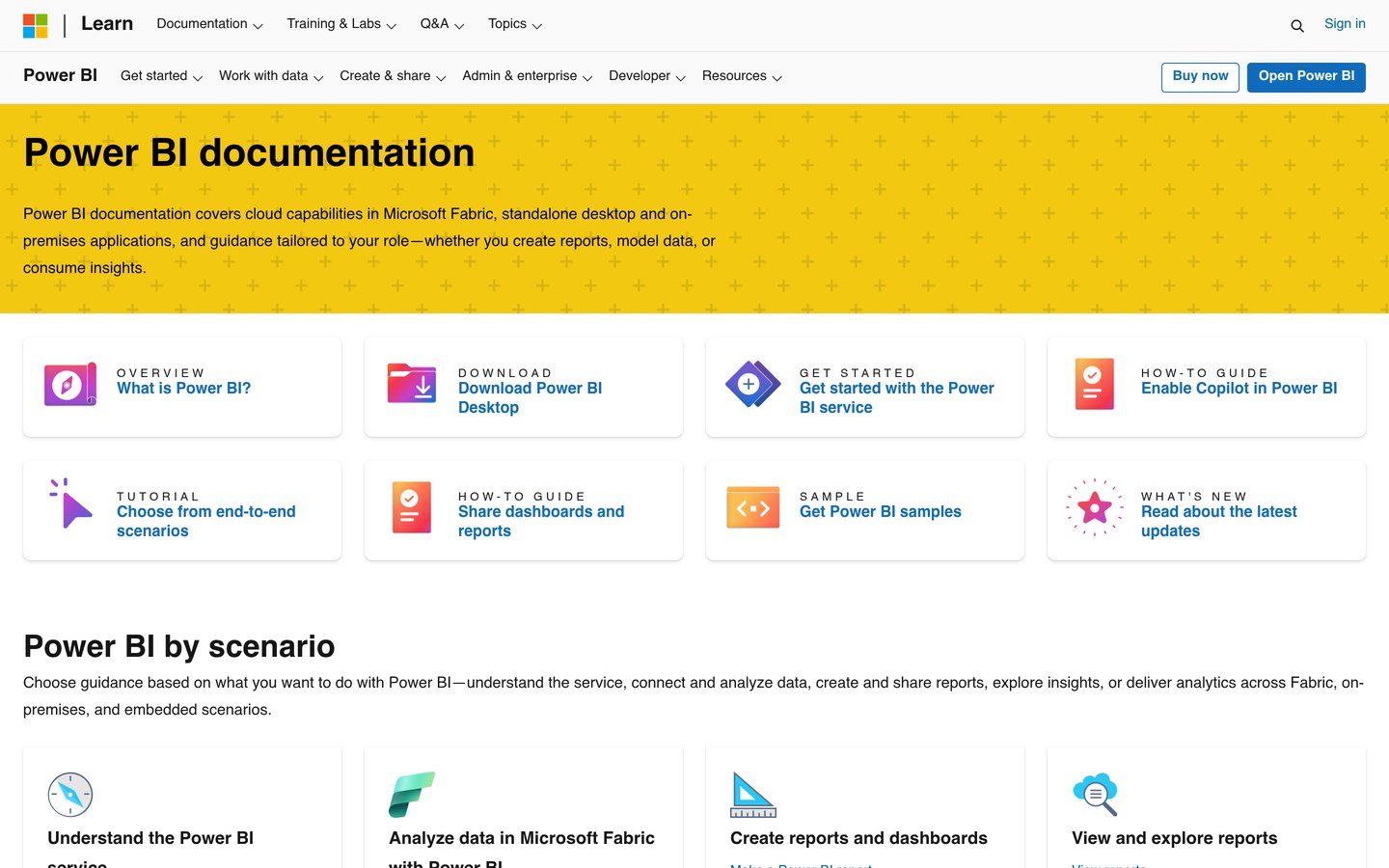
Microsoft Power BI is the strongest all-round pick for banks, lenders and insurers, with governed datasets, row-level security and audit trails through Microsoft Purview. Pro costs $10 a user a month, and it is rated 4.5 out of 5 on G2 from 1,658 reviews.
The trade off is governance work. Row-level security and certified datasets need setup by a data team, and Premium features cost $20 a user a month. It suits institutions already on Microsoft 365 that need governed reporting at scale.
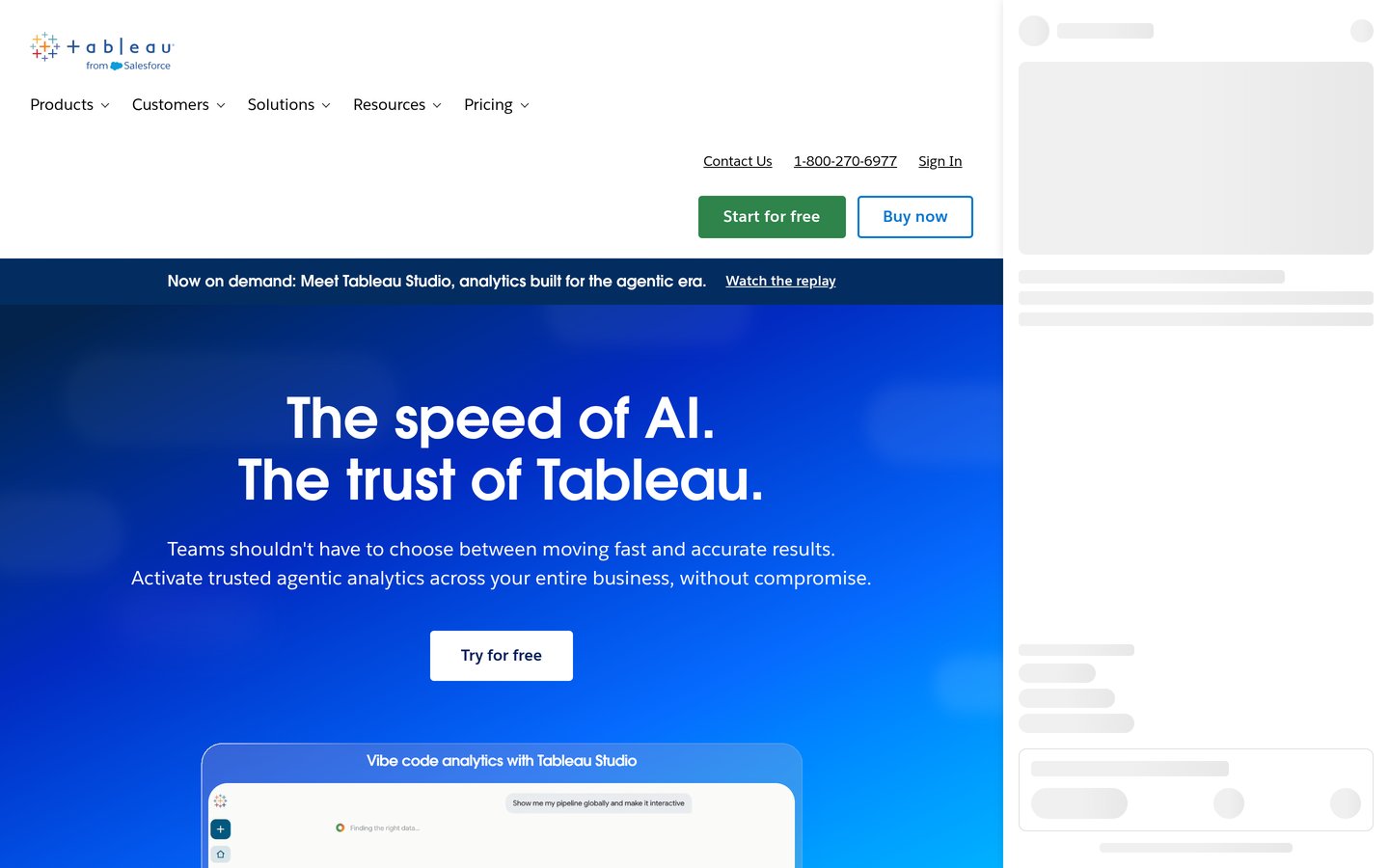
Tableau is a visual analytics platform for exploring loan, risk and portfolio data with drag-and-drop dashboards. Creator seats cost $75 a user a month on Standard, and it is rated 4.4 out of 5 on G2 from 3,787 reviews.
The trade off is the Enterprise tier. Advanced management, data management and eLearning cost $115 per Creator a month. It suits finance teams that present complex data to executives and regulators.
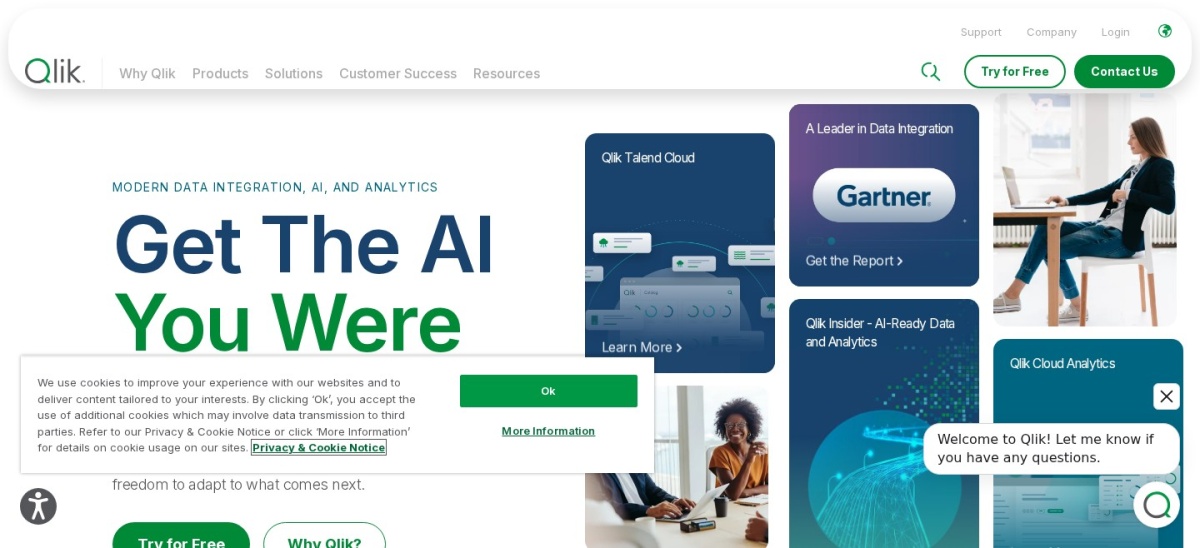
Qlik Sense is a self-service analytics platform whose associative engine links every field, so a filter on one risk factor updates all charts at once. Business costs $30 a user a month, and it is rated 4.4 out of 5 on G2 from 929 reviews.
The trade off is complexity. Scripting and data modelling take time to learn, and Enterprise governance is quote-only. It suits analysts who explore relationships across large, connected datasets.
What we like
Associative engine finds links other tools miss
Strong data integration and prep tools
Business tier needs no IT setup
Watch out for
Scripting can be hard for new users
Enterprise tier is quote-only
Enterprise adds governance and is priced by quoteVisit qlik.com
04
IBM Cognos Analytics
4.1/5on G2 (505 reviews, checked Nov 2026)
Starts at$11.25/mo
Best governed reporting for regulated teams
Free planNo, 30-day trial
Cheapest paid planStandard, from $11.25/user/mo
G2 rating4.1/5, 505 reviews
DeploymentCloud or self-hosted
ibm.com
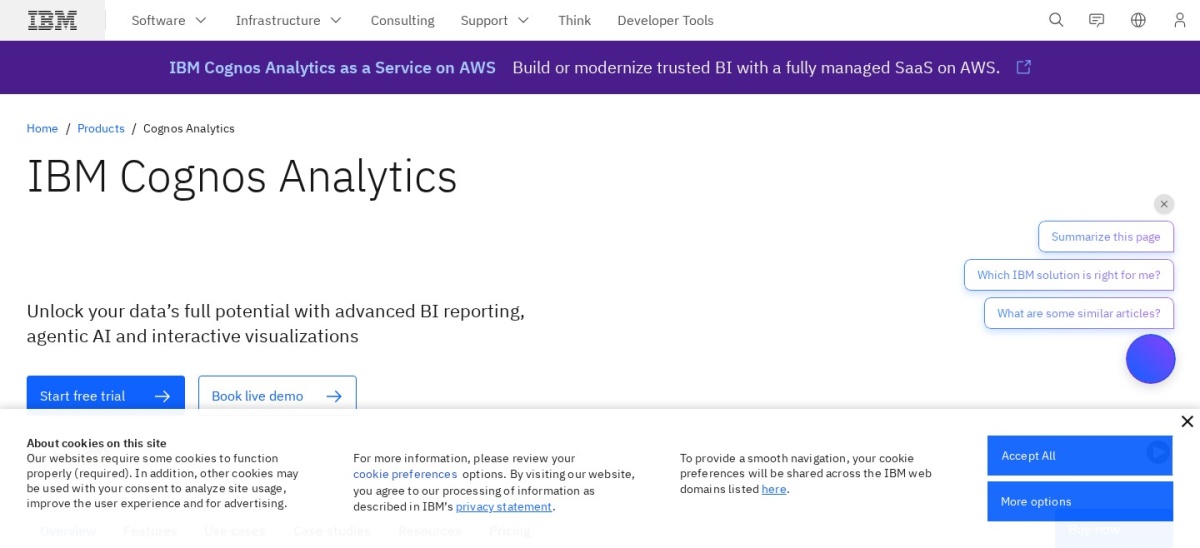
IBM Cognos Analytics homepage, captured Nov 2026.
IBM Cognos Analytics is a governed reporting platform for scheduled reports, dashboards and AI-assisted insights, built for large, regulated organisations. Standard starts at $11.25 a user a month, and it is rated 4.1 out of 5 on G2 from 505 reviews.
The trade off is the learning curve. Cognos is powerful but slow to learn, and licensing grows costly at scale. It suits institutions that need pixel-perfect, audited reports on a fixed schedule.
SAP Analytics Cloud combines BI, planning and predictive analytics in one platform, with deep links to SAP S/4HANA and BW. Business Intelligence costs $36 a user a month, and it is rated 4.2 out of 5 on G2 from 910 reviews.
The trade off is the ecosystem. It delivers its best value inside SAP shops, and planning is a separate add-on. It suits finance teams that plan, forecast and report in one place.
What we like
BI, planning and predictive in one tool
Deep links to SAP S/4HANA and BW
Smart insights explain changes in data
Watch out for
Best value only inside SAP shops
Licensing costs rise fast with users
Planning is a separate add-on, priced by quoteVisit sap.com
06
Oracle Analytics Cloud
4.1/5on G2 (333 reviews, checked Nov 2026)
Starts at$16/mo
Best augmented BI for Oracle-based institutions
Free planNo, free trial
Cheapest paid planProfessional, $16/user/mo
G2 rating4.1/5, 333 reviews
DeploymentCloud
oracle.com
Oracle Analytics Cloud homepage, captured Nov 2026.
Oracle Analytics Cloud is a governed, self-service analytics platform with semantic modelling, AI explanations and strong Oracle database integration. Professional costs $16 a user a month, and it is rated 4.1 out of 5 on G2 from 333 reviews.
The trade off is the Enterprise jump. Full augmented analytics and AI cost $80 a user a month, and setup averages 6 months. It suits institutions already running Oracle systems.
What we like
Strong semantic modelling for governed data
AI explanations built into dashboards
Deep Oracle database integration
Watch out for
Enterprise tier jumps to $80 a user a month
Setup takes months on average
Enterprise adds full AI and ML at $80 a user a monthVisit oracle.com
07
Sisense
4.2/5on G2 (1,063 reviews, checked Nov 2026)
PricingCustom/quote
Best for embedding analytics in banking products
Free planNo, free trial
Cheapest paid planCustom quote
G2 rating4.2/5, 1,063 reviews
DeploymentCloud or self-hosted
sisense.com
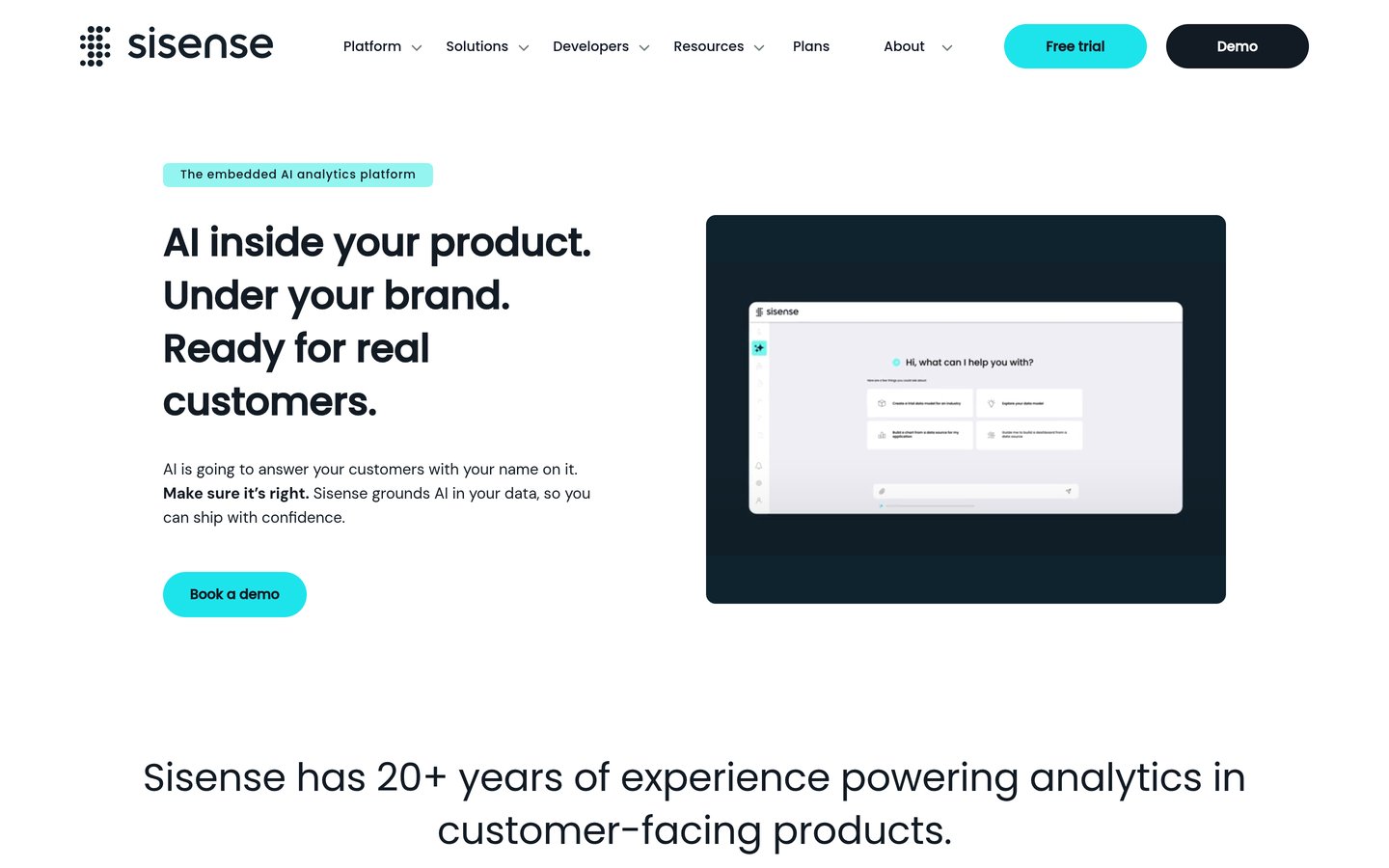
Sisense homepage, captured Nov 2026.
Sisense is an analytics platform for embedding dashboards and AI insights inside customer-facing banking and fintech products, with APIs and white-label options. Pricing is by quote, and it is rated 4.2 out of 5 on G2 from 1,063 reviews.
The trade off is the sales process. There is no published price, and embedded deployments need developer time. It suits institutions that ship analytics to customers inside their own apps.
Best all-in-one platform for executive finance reporting
Free planNo, 30-day trial
Cheapest paid planCustom quote
G2 rating4.3/5, 1,085 reviews
DeploymentCloud
domo.com
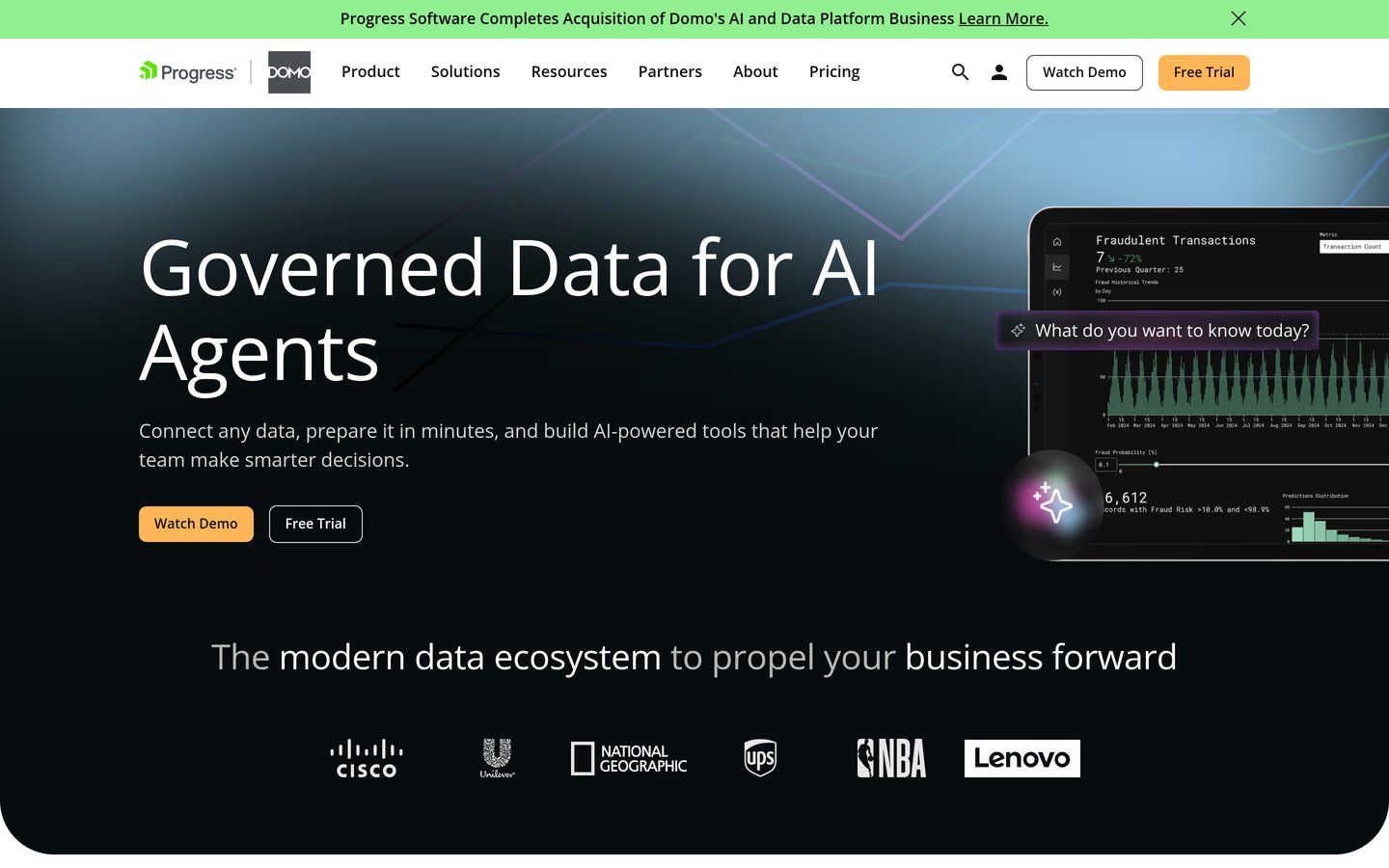
Domo homepage, captured Nov 2026.
Domo is a cloud analytics platform that combines connectors, preparation, dashboards and apps under one login, with over 1,000 connectors. Pricing is by custom quote, and it is rated 4.3 out of 5 on G2 from 1,085 reviews.
The trade off is cost control. Credit-based pricing can be hard to predict, and contracts often run into tens of thousands a year. It suits executives who want one platform from source to board report.
What we like
Over 1,000 connectors in one platform
Magic ETL needs no separate tool
Strong mobile dashboards for executives
Watch out for
No published list price
Credit-based pricing can be hard to predict
Ask for a written yearly estimate before signingVisit domo.com
09
ThoughtSpot
4.4/5on G2 (340 reviews, checked Nov 2026)
Starts at$25/mo
Best for plain-language questions on finance data
Free planNo, free trial
Cheapest paid planEssentials, $25/user/mo
G2 rating4.4/5, 340 reviews
DeploymentCloud
thoughtspot.com
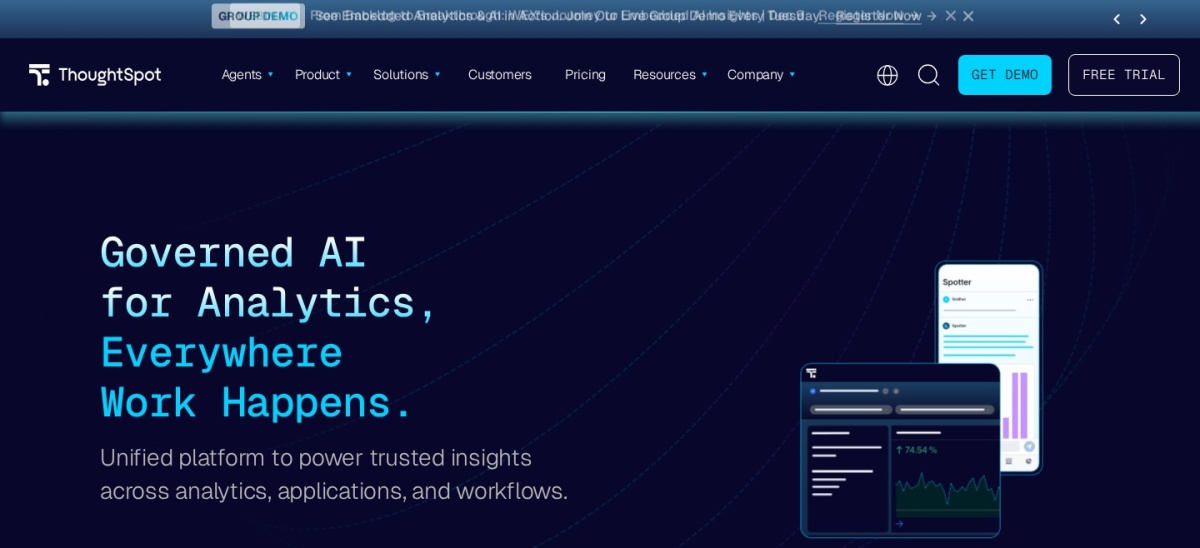
ThoughtSpot homepage, captured Nov 2026.
ThoughtSpot is a search-driven analytics platform where managers type a question about revenue, risk or branches and get a chart back. Essentials costs $25 a user a month for 5 to 50 users, and it is rated 4.4 out of 5 on G2 from 340 reviews.
The trade off is the warehouse bill. ThoughtSpot needs a separate cloud warehouse, and Essentials caps rows at 25 million. It suits business users who want answers without SQL.
Free plans cover the basics well in general BI, but most tools in this list have no free plan at all. Power BI has a free desktop app, and ThoughtSpot, Cognos and SAP offer trials instead.
Paid plans mostly add governance, security and scale. You get row-level security, audit logs, certified datasets and scheduled distribution to the right people.
The line between free and premium is the same trade-off in every category. Our guide to free vs premium plugins explains how to weigh a free plan against a paid upgrade before you commit.
For a regulated institution, a paid plan is usually required, not optional. Governance and audit trails are the features that pass review, and free tiers rarely include them.
How we chose
We started from the BI tools tools most often named in 2026 comparisons, then kept 9 established products with published prices or a clear quote process and a public review footprint on G2.
Prices come from each vendor's pricing page, checked on 23 November 2026, with the top 3 read on their official pages. Ratings are G2 scores from the same week. Where a vendor shows a sale, the list shows the regular price.
We left out tools with no published price and no clear quote route, and niche tools with too few reviews to judge. No vendor paid for a place, and we do not claim hands-on testing for this list.
How to choose BI tools
Start with the data you already have, then check price, skills and scale before you commit.
List your data sources first. If your data lives in Google tools, a Google-native option wins. If it lives in Microsoft 365, a Microsoft tool wins.
Count the people who will build, not just view. Creator and author seats cost far more than viewer seats, so price the builders first.
Try the free tier or trial on real data. A demo with sample data hides slow queries and missing connectors, so load your own data.
Add up the real first-year cost. A $10 monthly seat costs $120 a year, while a quote-only platform can cost thousands before anyone builds a dashboard.
FAQ
What is the best BI tool for financial institutions?
Power BI is the best pick for most financial institutions, with governed datasets, row-level security and a $10 Pro price, rated 4.5 out of 5 on G2 from 1,658 reviews. Tableau is the best for visual depth.
What BI tool do banks use most?
Power BI and Tableau are the most widely used, with the largest review bases in this list at 1,658 and 3,787 G2 reviews. Cognos and SAP Analytics Cloud are common where IBM or SAP systems already run.
Is Power BI secure enough for a bank?
Yes, with the right setup. Power BI supports row-level security, sensitivity labels and audit trails through Microsoft Purview, but those controls need a data team to configure and maintain.
How much does BI software cost a financial institution?
Seat prices run from $10 to $115 a user a month in this list, and quote-only platforms often cost tens of thousands a year. The real cost includes governance setup, training and audit work.
Do I need Tableau or Cognos for regulatory reporting?
Cognos fits scheduled, pixel-perfect regulatory reports better, while Tableau fits exploration and executive dashboards. Many institutions run both, with Cognos for reports and Tableau for analysis.
Can a small credit union use these tools?
Yes. Power BI Pro at $10 a user a month and Cognos Standard from $11.25 a user a month fit small teams. Quote-only tools such as Domo and Sisense usually fit larger institutions better.