Best Accounting Software for Convenience Store in 2026: 7 Tools Compared
WLWPLegible EditorsLast verified 22 Nov 2026How we rank14 min read
★ Short answer
QuickBooks Online is the top pick for convenience stores thanks to its $38/mo US Simple Start plan, optional inventory tracking on Plus, and payroll add-ons. For lower flat-rate bookkeeping or tighter budgets, Xero US Early starts at $27/mo and Patriot Accounting Basic starts at $20/mo.
How we make this list: we compare pricing pages, product documentation and public user reviews, then re-check every price before each update. No product paid for a place. Disclosure.
QuickBooks Online US Simple Start is $38/mo ($456/yr), while Plus ($115/mo or $140/mo depending on tier update) adds inventory tracking.
Xero US Early starts at $27/mo ($324/yr) with caps of 20 invoices and 5 bills before upgrading to Growing.
Patriot Accounting Basic starts at $20/mo ($240/yr) with unlimited users and no per-user fees.
Zoho Books offers a free plan for eligible small businesses and paid plans starting at $20/mo ($240/yr) on G2 and Capterra listings.
Wave provides a $0 Starter plan and a $19/mo ($228/yr) Pro plan for bank feeds and receipt scanning.
What convenience stores need from accounting software
Convenience stores handle high-frequency daily cash, card, fuel, and lottery or tobacco sales alongside frequent vendor deliveries. Most stores pair a dedicated point-of-sale (POS) system for barcode scanning and shift drawers with cloud accounting software that records daily summary journal entries, expenses, and sales tax.
Inventory and cost of goods sold (COGS) matter because shelf turnover and vendor price changes affect margins quickly. Basic entry plans often omit granular stock tracking or cap bills and users, so check whether inventory, purchase orders, or POS integrations require a mid-tier plan.
Shift workers, cashiers, and store managers also create payroll and sales tax obligations. Look closely at whether employee payroll is included or billed as a monthly base fee plus per-worker charges, and verify how easily your bookkeeper can review bank reconciliations and monthly financial statements.
The 7 best accounting software for convenience store
01
QuickBooks Online
4.3/5on Capterra (8,555 reviews, checked Nov 2026)
Starts at$38/mo
Best overall for store bookkeeping and add-ons
Entry US planSimple Start ($38/mo)
Users on entry1 user + accountant
Free tier30-day trial (promos run)
InventoryAvailable on Plus tier
quickbooks.intuit.com
QuickBooks Online homepage, captured Nov 2026.
QuickBooks Online is a widely used cloud accounting platform for small businesses, with US Simple Start priced at $38/mo for one user plus accountant access. It covers bank feeds, expense categorization, receipt capture, sales tax tracking, and basic profit and loss reports, while higher tiers add multi-user access and inventory.
The trade off is that inventory tracking sits on higher plans and add-ons like payroll or payment processing raise the monthly bill above the $38/mo entry rate, even when seasonal promos discount early months. It suits convenience store owners who want wide third-party POS and bookkeeper compatibility.
What we like
Wide integration support with retail POS systems and tax software
Clear progression from Simple Start to multi-user and inventory tiers
Supports sales tax tracking, receipt capture, and 1099 contractor records
Watch out for
Simple Start is limited to one user plus accountant access
Monthly costs climb when adding payroll, extra users, or inventory tiers
User reviews flag occasional auto-categorization cleanup and support friction
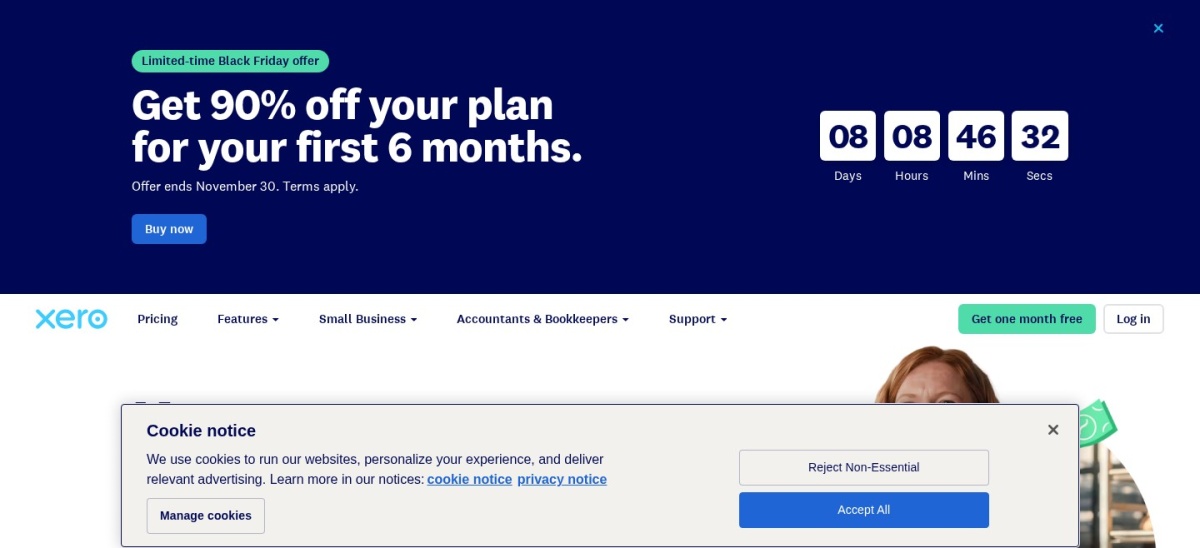
Xero is a cloud accounting platform serving 5.1 million customers worldwide, with its US Early plan starting at $27/mo. Early includes bank reconciliation, quotes, up to 20 invoices, up to 5 bills per month, sales tax tools, and real-time reports.
The trade off is that Early caps monthly invoices at 20 and bills at 5, pushing busy stores toward higher tiers at $59/mo or more depending on plan updates and add-ons. It suits store operators who want straightforward bank reconciliation and clean financial dashboards.
What we like
Straightforward bank reconciliation and financial reporting tools
Includes purchase orders and inventory features across plans
Strong adoption among bookkeepers and cloud app ecosystems
Watch out for
Early plan restricts monthly bill and invoice counts
Payroll and certain features require add-ons or higher tiers
Some reviewers note mixed customer support response times
Growing and Established plans lift bill and invoice limits and add forecasts.Visit xero.com
03
Patriot Software
4.8/5on G2 (630 reviews, checked Nov 2026)
Starts at$20/mo
Best low-cost pairing with payroll for staff
Entry planAccounting Basic ($20/mo)
User limitUnlimited users
Free tier30-day free trial
Payroll add-onFrom $17/mo + $4/worker
patriotsoftware.com
Patriot Software homepage, captured Nov 2026.
Patriot Software offers small business accounting and payroll, with Accounting Basic priced at $20/mo and including unlimited users with no per-user fees. It supports cash or accrual accounting, income and expense tracking, and tight integration with Patriot payroll.
The trade off is that it focuses on core accounting and payroll rather than deep retail stock control or heavy third-party POS integrations, priced at $20/mo for basic accounting. It suits convenience stores with hourly cashiers that want low-cost payroll alongside simple books.
What we like
Flat $20/mo entry accounting price with unlimited users
Smooth integration with Patriot payroll for hourly and salaried staff
High user satisfaction for straightforward setup and support
Watch out for
Lacks built-in retail inventory management for shelf stock
Fewer native integrations than larger accounting suites
Accounting Premium ($30/mo) is needed for extra invoicing and add-ons
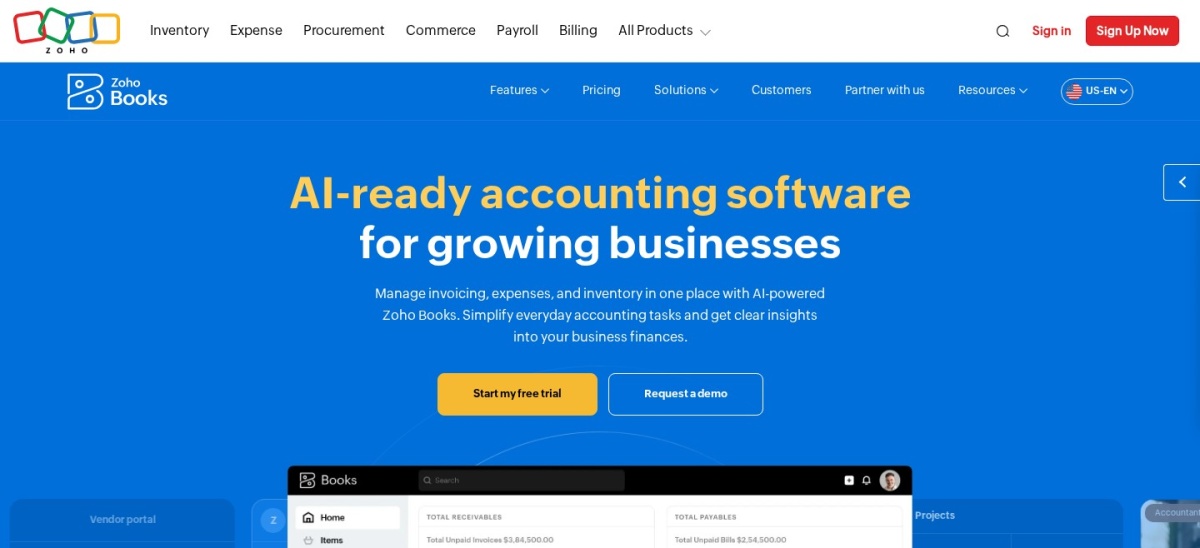
Zoho Books is a double-entry cloud accounting platform with a $0 free plan for eligible small businesses and paid tiers starting at $20/mo. It handles expense tracking, bank feeds, recurring transactions, and item tracking with reorder alerts on higher tiers.
The trade off is that user seats and advanced inventory or marketplace integrations are restricted on lower tiers, with paid plans starting at $20/mo. It suits smaller convenience stores or startups watching monthly overhead while keeping double-entry records.
What we like
Free plan available for single-user setup plus an accountant
Competitive entry pricing starting at $20/mo
Includes automated workflows, bank reconciliation, and item tracking
Watch out for
Free plan limits users and caps annual invoice volume
External POS connections outside Zoho can require extra setup
Some reviewers report slower support responses during busy periods
Paid tiers add extra user seats, workflows, and broader inventory tools.Visit zoho.com
05
Wave
4.3/5on G2 (328 reviews, checked Nov 2026)
Paid from$19/mo
Best zero-cost start for basic bookkeeping
Free plan$0 Starter (invoices & bills)
Pro plan$19/mo or $190/yr
Bank feedsIncluded on Pro plan
InventoryNo built-in inventory
waveapps.com
Wave homepage, captured Nov 2026.
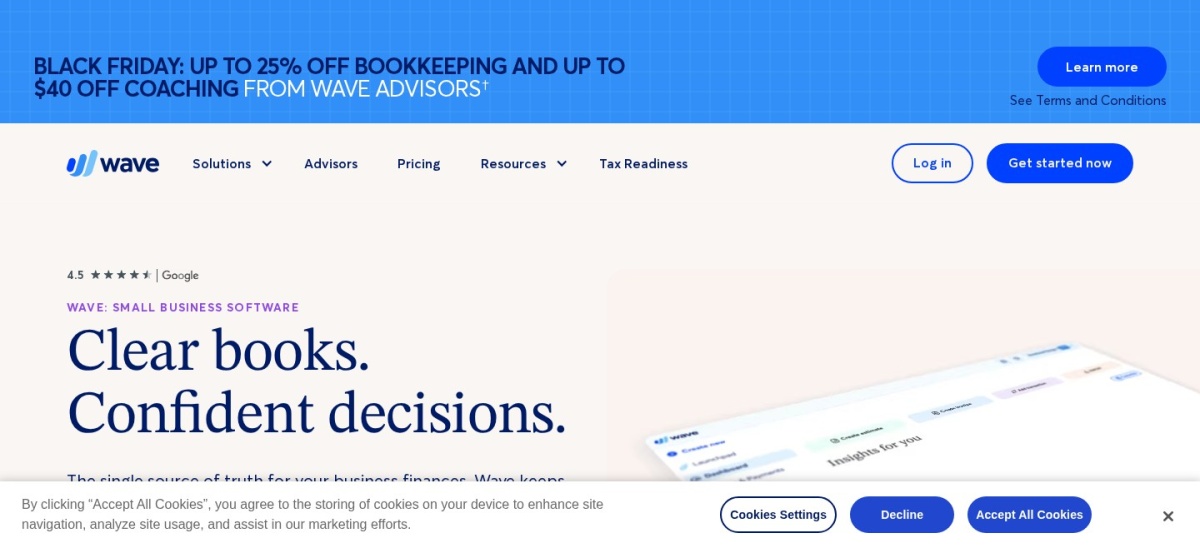
Wave is a cloud accounting and invoicing tool offering a $0 Starter plan for basic invoices, bills, and financial reports, plus a Pro plan at $19/mo ($190/yr). Pro adds automated bank transaction imports, receipt scanning, and accountant access per business.
The trade off is that automated bank feeds and accountant access require the $19/mo Pro plan and the software lacks inventory tracking. It suits micro-stores or single-owner shops logging daily POS totals manually without complex stock tracking.
What we like
Free Starter plan covers basic bookkeeping and financial statements
Low $19/mo (or $190/yr) Pro plan for automated bank imports
Simple interface with minimal accounting jargon
Watch out for
No inventory management or retail stock tracking built in
Bank feeds and accountant access sit on the paid Pro tier
Payment processing or payroll add-ons carry extra fees and rules
Pro unlocks automatic bank transaction imports, auto-categorization, and receipts.Visit waveapps.com
06
FreshBooks
4.5/5on G2 (983 reviews, checked Nov 2026)
Starts at$23/mo
Best simple interface for expense and bill capture
Entry US planLite ($23/mo regular)
Client cap on LiteUp to 5 billable clients
Free tier30-day trial (promos vary)
InventoryBuilt for service billing
freshbooks.com
FreshBooks homepage, captured Nov 2026.
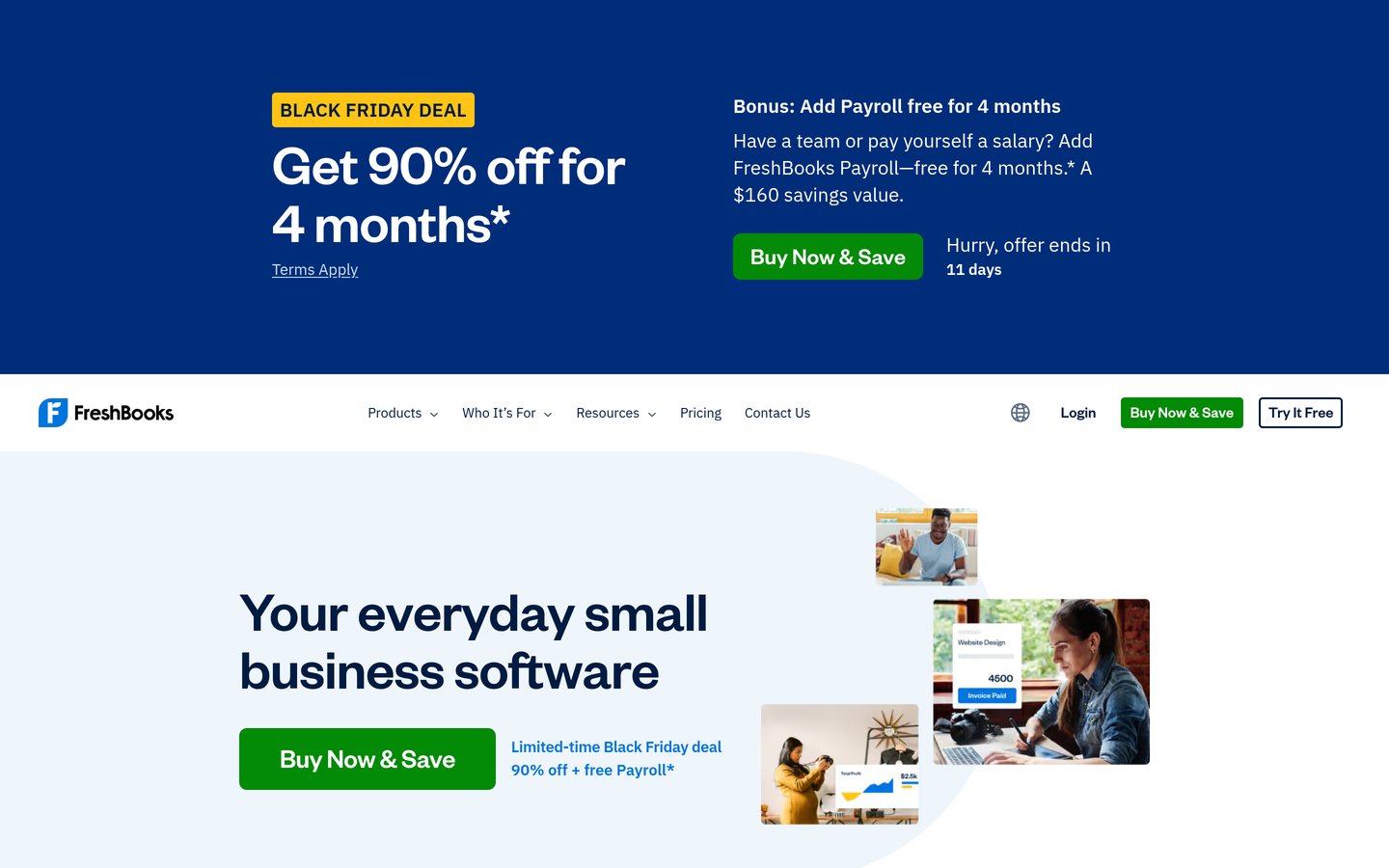
FreshBooks is a user-friendly cloud accounting platform with its US Lite plan at a $23/mo regular price (promotional discounts sometimes apply to initial months). It handles expense tracking, receipt capture, invoicing, and basic financial reports with a clean interface.
The trade off is that FreshBooks is built primarily around service billing rather than retail stock or high-volume store inventory, at $23/mo on Lite. It suits convenience store owners who want easy expense logging and clean reports alongside a separate POS.
What we like
Clean, approachable interface and mobile app for expense tracking
Straightforward invoicing, estimates, and payment acceptance tools
High overall usability rating among small business reviewers
Watch out for
Designed for service businesses rather than retail inventory
Additional users cost extra on top of the base subscription
Accountant access and deeper accounting features sit on higher plans
Plus and Premium tiers raise client limits and add deeper accounting tools.Visit freshbooks.com
07
Sage 50
3.7/5on Capterra (547 reviews, checked Nov 2026)
Starts at$124.42/mo
Best hybrid desktop-cloud option for stock control
Listed starting pricePro from $124.42/mo
DeploymentDesktop with cloud sync
Free tierTrial availability varies
InventoryInventory & job costing
sage.com
Sage 50 homepage, captured Nov 2026.
Sage 50 is a desktop-rooted accounting platform with cloud connected features, listed from $124.42/mo for Pro Accounting on Capterra. It provides inventory tracking, vendor bill management, audit trails, and detailed financial reporting.
The trade off is a higher starting cost at $124.42/mo and a more traditional desktop workflow than browser-first tools. It suits established convenience stores or multi-register operators that want desktop-grade inventory and audit controls.
What we like
Built-in inventory tracking and structured vendor bill management
Detailed reporting and audit trails favored by traditional accountants
Handles multi-step financial records reliably for established shops
Watch out for
Higher monthly starting price than entry cloud subscriptions
Steeper learning curve and less modern web UI than newer tools
Multi-user or higher tiers increase total cost
Premium and Quantum tiers add more users and expanded controls.Visit sage.com
How convenience stores sync POS sales into accounting
Most convenience store POS systems track item-level barcodes, fuel pumps, lottery tickets, and shift cash counts at the register. Recording every single candy bar or drink sale individually inside accounting software creates unnecessary clutter and slows reconciliation.
Instead, store owners typically summarize daily POS Z-reports or batch settlements into gross sales, sales tax collected, payment processing fees, and cash or card deposits. Confirming how your POS exports daily summaries saves hours every week.
How we chose
We selected well-known accounting platforms used by small retail businesses and reviewed their public feature sets, POS/inventory fit, and suitability for convenience store bookkeeping.
All US regular prices, ratings, and review counts were checked on 22 Nov 2026 across official vendor pricing pages and major review directories (G2 and Capterra), noting list rates rather than short-term promotional discounts.
We excluded unmaintained tools, enterprise-only ERPs without transparent small-business pricing, and software whose pricing could not be verified directly on the date of review. No vendor paid for a place, and we do not claim testing for this list.
How to pick accounting software for your store
Follow four practical steps to match a platform to your store's register setup and bookkeeping workflow.
Check how your POS exports daily totals. Confirm whether your convenience store POS exports clean daily sales, tax, and tender summaries that match your bank deposits.
Decide how much inventory depth you need. If your POS already tracks stock counts, your accounting tool may only need COGS and expense accounts; if not, check inventory tiers.
Factor in payroll and extra user seats. Count store managers, bookkeepers, and cashiers who need access or payroll runs so add-on fees do not surprise you.
Verify accountant compatibility before committing. Ask your bookkeeper or CPA which ledger exports and tax reports they prefer before migrating historical balances.
FAQ
Do convenience stores need inventory inside accounting software?
Not always. Many stores track item stock inside their point-of-sale system and record cost of goods sold and vendor bills in the accounting ledger, though inventory features inside accounting help when stock is managed there.
Can free accounting software work for a convenience store?
A free plan such as Zoho Books or Wave Starter can track basic income and expenses for a small shop. However, growing stores often need bank feeds, extra users, or inventory features on paid plans.
Why do accounting tools list low starting prices that rise later?
Entry plans often cap users, bills, or features, and vendors frequently run introductory discounts for the first few months. Always check the regular monthly or annual rate plus add-ons like payroll.
How should I record lottery and fuel sales in accounting?
Many bookkeepers separate fuel, merchandise, and agency or lottery items into distinct income and liability or clearing accounts so sales tax and payouts stay clear. Ask your accountant to set up the chart of accounts.
Is QuickBooks Online or Xero better for a small retail shop?
QuickBooks Online is widely supported by US bookkeepers and offers clear add-on options, while Xero is praised for clean bank reconciliation and reporting. The better fit depends on your POS integrations and team workflow.
Should I pick monthly or annual billing?
Annual billing can lower effective cost on plans that offer it, while monthly billing gives flexibility if you test a setup first. Compare regular list rates rather than short-term promo pricing.