Canva is the best tool for beauty content creators, rated 4.7 out of 5 from 7,661 G2 reviews, with Pro at $144 a year for premium templates, background removal and brand kits. Pair it with Later for visual scheduling and Linktree to turn a bio link into sales.
How we make this list: we compare pricing pages, product documentation and public user reviews, then re-check every price before each update. No product paid for a place. Disclosure.
Canva is the highest-rated tool here at 4.7 out of 5 from 7,661 G2 reviews, and Pro costs $144 a year.
Later is the strongest visual scheduler for Instagram and TikTok, with Starter at $18.75 a month billed yearly.
Buffer is the cheapest paid step at $5 a channel a month billed yearly, but the bill grows with every channel.
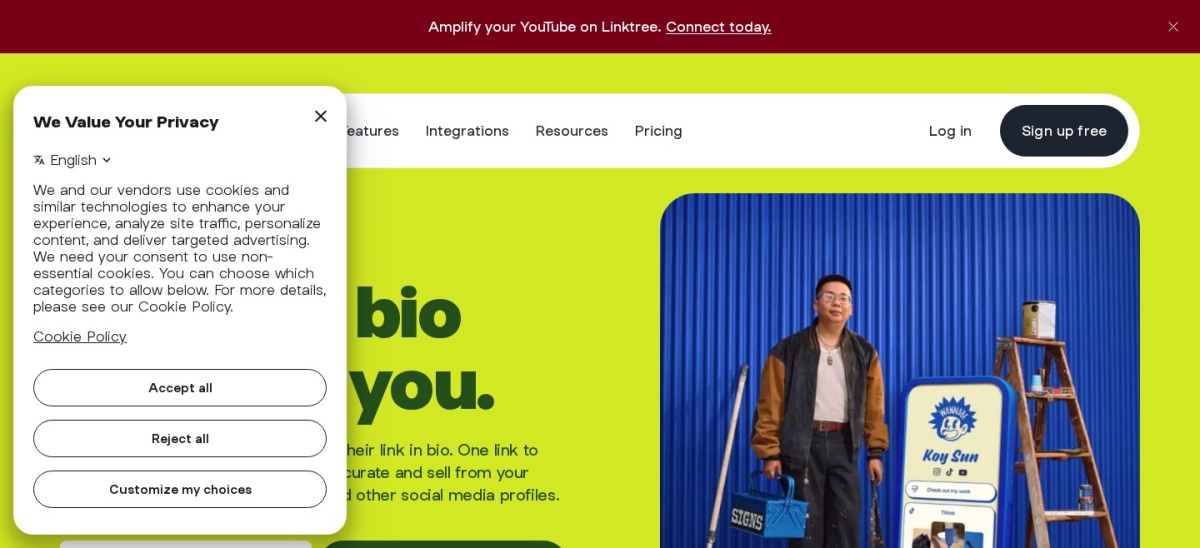
Linktree is the simplest way to sell from a bio, rated 4.6 out of 5, with Starter at $8 a month.
Hootsuite is the priciest pick at $99 a month and only earns its keep once a team manages many accounts.
What tools do beauty content creators actually need?
Beauty content is visual first, so the toolkit splits into four jobs: design, video and photo editing, scheduling, and selling.
Design comes first because every post starts as a template. Canva and Adobe Express cover thumbnails, reels covers and stories, while a scheduler such as Later or Planoly keeps the feed planned ahead.
Scheduling matters more for beauty than for most niches, because looks are planned around launches, trends and seasons. A visual calendar that shows the grid before posting beats a plain queue.
Selling is where the money sits. A link-in-bio page from Linktree turns followers into shop clicks, and Kajabi suits creators who sell courses or memberships beside their content.
Music and sound are easy to overlook until a video gets muted or claimed. Epidemic Sound gives licensed tracks for tutorials and reels, which matters once a channel is monetised. Our guide on how to add a content calendar for a WordPress blog shows the same plan-ahead habit applied to a blog.
Canva is a browser and mobile design app built around templates for social posts, stories, reels covers and thumbnails. The free plan covers core templates and design tools, while Pro adds 141 million premium assets, the AI background remover, Magic Resize and five Brand Kits.
The trade off is that the best assets sit behind Pro, and the monthly price is $18 against $144 a year billed yearly. It suits creators who design daily and want one app for every format.
What we like
Highest G2 rating in this list at 4.7 out of 5
Huge template library for beauty posts and stories
Background remover and Magic Resize on Pro
Free plan covers the basics well
Watch out for
Premium templates and stock need Pro
Monthly billing costs $72 a year more than annual
Limited fine control compared with desktop editors
Pro adds premium assets, background removal and brand kitsVisit canva.com
02
Later
4.5/5on G2 (389 reviews, checked Nov 2026)
Starts at$18.75/mo
Best visual scheduler for Instagram and TikTok
Free planNo, 14-day trial
Starter posts30 per profile a month
Social set1 set, 8 profiles
Paid planStarter, $18.75/mo yearly
later.com
Later homepage, captured Nov 2026.
Later is a visual-first scheduler built around Instagram, TikTok and Pinterest, with a drag-and-drop calendar, best-time-to-post suggestions and a link-in-bio page. Starter costs $18.75 a month billed yearly for one social set of eight profiles, one user and 30 posts per profile a month.
The trade off is the post cap and thin analytics on Starter, with only three months of history and five AI credits a month. It suits solo creators who plan a visual feed weeks ahead.
What we like
Visual calendar shows the feed before posting
Covers Instagram, TikTok, Pinterest and more
Best-time-to-post suggestions included
Link in bio included on Starter
Watch out for
No permanent free plan
Starter caps posts at 30 per profile a month
Analytics are thin until Growth at $37.50 a month
Growth adds the inbox, approvals and 180 posts per profileVisit later.com
03
Adobe Express
4.4/5on G2 (1,100 reviews, checked Nov 2026)
Paid from$9.99/mo
Best value design app for quick social posts
Free planYes, limited templates
Templates730,000+ on Premium
Generative credits250 a month on Premium
Paid planPremium, $9.99/mo
adobe.com
Adobe Express homepage, captured Nov 2026.
Adobe Express is Adobe's lighter design app for quick template-led social posts, flyers and reels covers, with Firefly AI text effects and image generation built in. The free plan covers basic editing and templates, while Premium costs $9.99 a month and adds 730,000+ templates, Adobe Stock photos and 250 generative credits a month.
The trade off is credits. Heavy AI use can run through the 250 monthly credits, and Premium is billed monthly with no annual option. It suits creators already in the Adobe world who want fast, polished posts.
What we like
Cheapest paid design app in this list
Firefly AI effects built into templates
200M+ Adobe Stock assets on Premium
Free plan covers basic social design
Watch out for
Generative credits cap at 250 a month on Premium
No annual billing discount for Premium
Less template depth than Canva for beauty niches
Premium adds Stock photos, 100GB storage and brand kitsVisit adobe.com
04
Linktree
4.6/5on G2 (98 reviews, checked Nov 2026)
Paid from$8/mo
Best link-in-bio page for selling from Instagram
Free planYes, unlimited links
Commerce fees0% on Pro
AnalyticsFull analytics on Pro
Paid planStarter, $8/mo
linktr.ee
Linktree homepage, captured Nov 2026.
Linktree is a link-in-bio platform that turns one Instagram or TikTok bio link into a page of links to shops, videos, affiliate offers and booking pages. The free plan covers unlimited links and social icons, while Starter costs $8 a month and adds custom themes and more analytics.
The trade off is price after the November 2025 rise, when Starter moved from $5 to $8 a month and Pro from $9 to $15. It suits creators whose bio link is their main shopfront.
What we like
Highest-rated link-in-bio tool here at 4.6 out of 5
Set up in minutes with a page followers trust
0% commerce fees on Pro
Free plan covers unlimited links
Watch out for
Prices rose sharply in November 2025
Custom domain needs Pro at $15 a month
Design options are limited beside a full site
Pro adds full analytics, no Linktree branding and 0% feesVisit linktr.ee
05
Buffer
4.3/5on G2 (1,042 reviews, checked Nov 2026)
Paid from$5/mo
Best cheap scheduler for a few channels
Free planYes, 3 channels
Free post cap10 scheduled posts per channel
Essentials$5 per channel a month
Paid planEssentials, $5/channel/mo yearly
buffer.com
Buffer homepage, captured Nov 2026.
Buffer is a simple social scheduler built around a publishing queue, with ideas, analytics and a link-in-bio Start Page. The free plan covers three channels with 10 scheduled posts each, and Essentials costs $5 per channel a month billed yearly for unlimited scheduled posts and advanced analytics.
The trade off is per-channel billing. One channel is cheap, but five channels on Essentials cost $25 a month, and analytics stay basic beside pricier rivals. It suits creators with one or two main channels.
What we like
Cheapest paid plan in this list at $5 a channel
Genuinely useful free plan for three channels
Clean, easy queue that is quick to learn
Largest G2 review base among the schedulers here
Watch out for
Bill grows with every channel added
Analytics are basic for larger accounts
No visual grid planner like Later or Planoly
Essentials removes the post cap and extends analyticsVisit buffer.com
06
Planoly
4.3/5on G2 (67 reviews, checked Nov 2026)
Paid from$14/mo
Best Instagram grid planner with a shop link
Free planYes, mobile app only
Free uploads10 a month
Starter1 social set, 1 user
Paid planStarter, $14/mo yearly
planoly.com
Planoly homepage, captured Nov 2026.
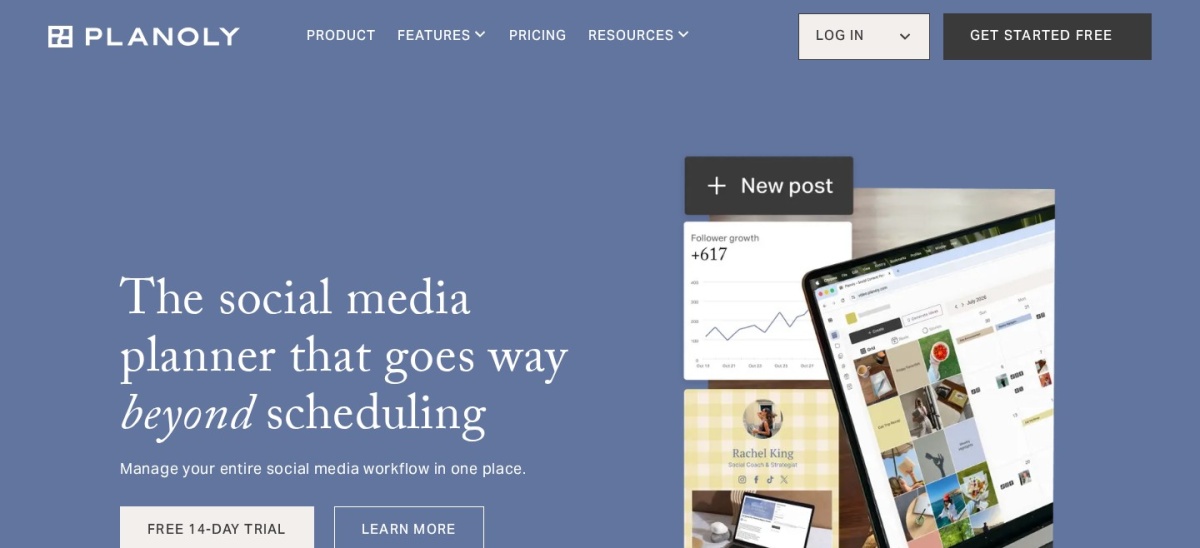
Planoly is an Instagram-first visual planner with a drag-and-drop grid preview, hashtag tools, comment-to-DM automation and a link-in-bio storefront called Sellit. The free Personal plan lives in the mobile app with 10 uploads a month, and Starter costs $14 a month billed yearly for one social set and one user.
The trade off is the thin free plan and Starter's 60-upload monthly cap, plus analytics reviewers call thinner than Later's. It suits solo creators who plan their grid on the phone and sell from their bio.
What we like
Grid preview shows exactly how the feed will look
Sellit storefront built into the bio link
Comment-to-DM automation included
Flat pricing with no per-channel charges
Watch out for
Free plan is mobile-only and capped at 10 uploads
Starter caps uploads at 60 a month
Analytics are thinner than Later or Buffer
Growth adds a second set and user with unlimited uploadsVisit planoly.com
07
Epidemic Sound
4.3/5on G2 (32 reviews, checked Nov 2026)
Starts at$9.99/mo
Best licensed music for monetised beauty videos
Free planNo, 30-day trial
Tracks55,000+ music tracks
Sound effects250,000+ effects
Paid planCreator, $9.99/mo yearly
epidemicsound.com
Epidemic Sound homepage, captured Nov 2026.
Epidemic Sound is a subscription library of music and sound effects licensed for social video, podcasts and websites. Creator costs $9.99 a month billed yearly for unlimited downloads from about 55,000 tracks and 250,000 sound effects, with a licence for one monetised channel per platform.
The trade off is the licence scope. Creator covers one channel per platform with no ads or client work, and published videos stay licensed only as the page states. It suits creators who post tutorials and reels every week.
What we like
Large curated library with stems and plugins
Licence covers monetised social channels
Plugins for Premiere Pro and DaVinci Resolve
30-day free trial on every plan
Watch out for
No permanent free plan
Creator covers only one channel per platform
Smallest G2 review base in this list at 32 reviews
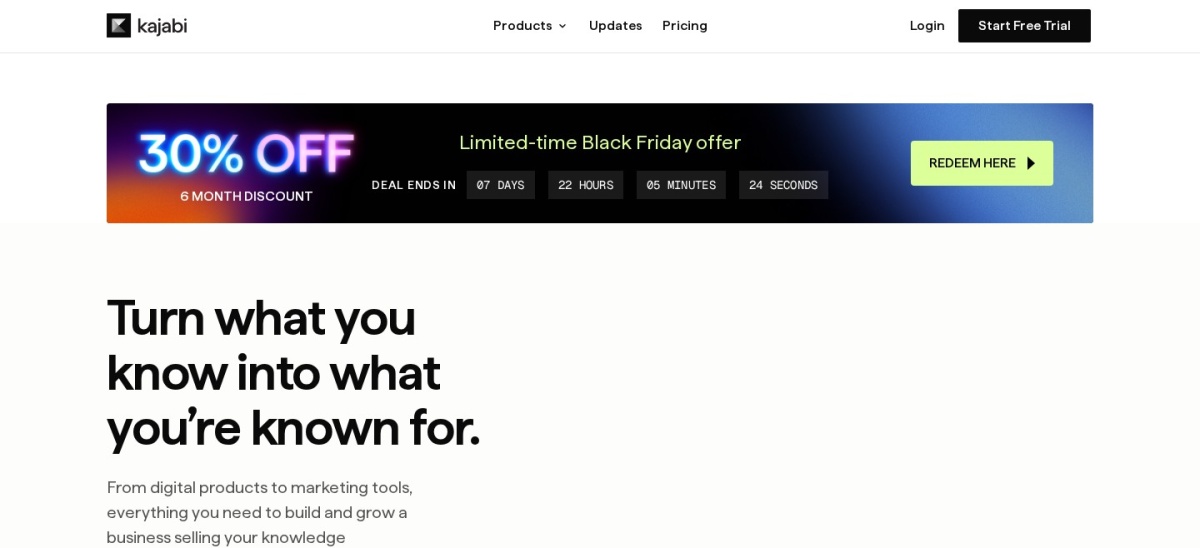
Kajabi is an all-in-one platform for selling courses, memberships and digital products, with a website, email marketing, funnels and checkout in one place. Kickstarter costs $55 a month billed yearly for one product, 250 contacts and 50 active customers, with 0% platform fees.
The trade off is the tight Kickstarter cap and the jump to Basic at $119 a month billed yearly for three products. It suits established creators who sell a course or membership beside their content.
Best full platform for teams managing many accounts
Free planNo, 30-day trial
Profiles10 on Professional
Users1 on Professional
Paid planProfessional, $99/mo yearly
hootsuite.com
Hootsuite homepage, captured Nov 2026.
Hootsuite is a full social media platform covering publishing, a unified inbox, analytics, ads and social listening in one place. Professional costs $99 a month billed yearly for one user and 10 social profiles, with unlimited scheduling, OwlyWriter AI captions and best-time-to-post tips.
The trade off is price. At $99 a month it costs more than every other tool in this list combined at the cheapest tier, and approvals need Advanced at $399 a user a month. It suits teams and agencies, not solo creators.
What we like
One tool for publishing, inbox, ads and listening
Largest G2 review base in this list at 7,510 reviews
Canva integration and AI captions included
Strong reporting for teams and clients
Watch out for
Most expensive entry price in this list
No free plan since 2023
Approvals and assignment need the $399 Advanced plan
Free plans cover the basics well. Canva, Adobe Express, Linktree, Buffer and Planoly all give a usable free tier for design or scheduling.
Paid plans mostly add limits and selling. You get more posts, more profiles, full analytics and the right to remove branding or take 0% commerce fees.
The priciest tools only earn their keep at scale. Hootsuite at $99 a month and Kajabi from $55 a month suit teams and sellers, while a solo creator can run on Canva Pro and Buffer for about $200 a year.
How we chose
We started from the tools beauty creators name most often for design, scheduling, music and selling, then kept only those with a public G2 rating and a published pricing page.
Prices come from each vendor's pricing page or vendor-supplied G2 pricing, checked on 29 November 2026. Ratings and review counts come from G2 on the same day. Where a vendor shows a sale, the list shows the regular price.
We left out video editors with no G2 listing, including CapCut, and link-in-bio tools with no public rating. No vendor paid for a place, and we do not claim hands-on testing for this list.
How to choose tools as a beauty content creator
Start with the job that eats most of your week, then add one tool at a time.
Pick one design app first. Canva or Adobe Express covers thumbnails, stories and reels covers. Choose Canva for templates and brand kits, Adobe Express for the lowest paid price.
Add a scheduler once you post daily. Later fits visual planners, Buffer fits creators with one or two channels, and Planoly fits Instagram-first creators who sell from their bio.
Fix the bio link before buying anything else. Linktree turns followers into shop clicks for $8 a month, and it pays for itself faster than a second design app.
Pay for music and selling only when income starts. Epidemic Sound protects monetised videos, and Kajabi suits creators selling a course. See how to add affiliate disclosures in WordPress before promoting paid links.
FAQ
What are the best tools for beauty content creators in 2026?
Canva is the best overall, rated 4.7 out of 5 from 7,661 G2 reviews, with Pro at $144 a year. Later is the best scheduler and Linktree is the best link-in-bio page for selling.
What is the cheapest tool for beauty content creators?
Buffer is the cheapest paid step at $5 a channel a month billed yearly, and its free plan covers three channels. Canva and Adobe Express also have free plans that cover basic design.
Do beauty content creators need a paid design app?
Not at first. Canva and Adobe Express both have free plans that cover templates and basic editing. Pay once you need premium assets, background removal or brand kits.
Which scheduler is best for beauty creators on Instagram?
Later is the best fit, with a visual calendar, best-time-to-post tips and a link-in-bio page on Starter at $18.75 a month billed yearly. Planoly is the closest rival for grid planning.
Canva or Adobe Express: which is better for beauty content?
Canva wins on templates, brand kits and its 4.7 out of 5 G2 rating from 7,661 reviews. Adobe Express wins on price at $9.99 a month and suits creators already using Adobe apps.
How do beauty content creators make money from their tools?
Linktree turns a bio link into shop and affiliate clicks, Epidemic Sound keeps monetised videos licensed, and Kajabi sells courses and memberships with 0% platform fees.
Is Hootsuite worth it for a solo beauty creator?
No. At $99 a month with no free plan, Hootsuite costs more than the rest of this list combined at the cheapest tier. Later or Buffer cover a solo creator for far less.
SaaS SEO and WordPress specialist with about 8 years of experience. Rakib compares WordPress plugins, themes, hosting and software using public pricing, documentation and user reviews. See how we rank.